


August 20, 2026
Automatic Photo Enhancer vs AI Retouch App: Which Type of Editor Actually Fits Your Photo?
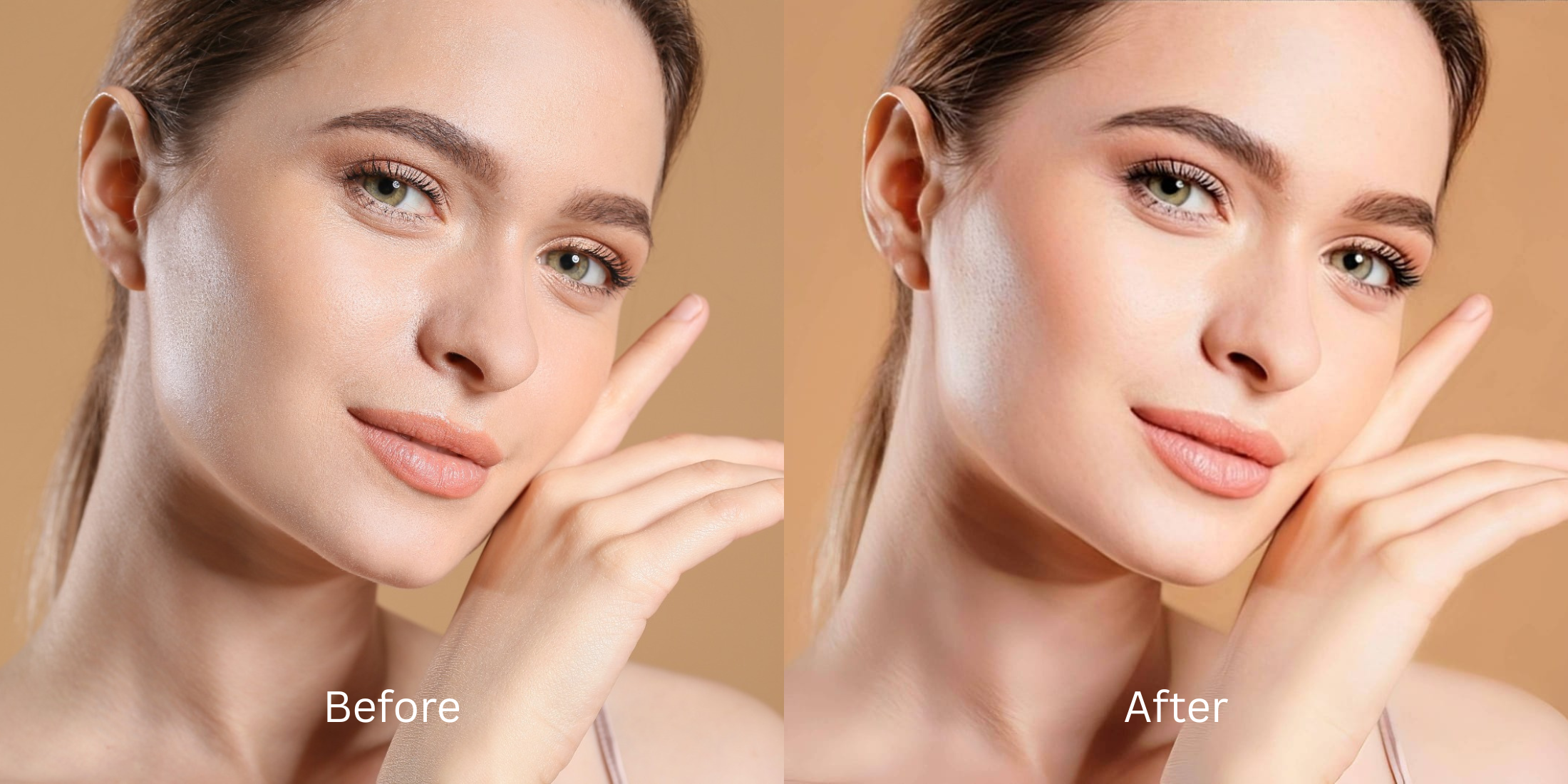

Automatic Photo Enhancer vs AI Retouch App: Which Type of Editor Actually Fits Your Photo?
When a photo turns out flat, blurry, or poorly lit, most people randomly download an app without knowing whether they need an Automatic Photo Enhancer or an AI Retouch App. The difference between these two categories is fundamental. Automatic Photo Enhancers focus on optical physics: balancing dynamic range, lifting shadow detail, correcting white balance, and reversing lens blur across the entire frame. AI Retouch Apps focus on facial synthesis: smoothing skin, reshaping jawlines, applying digital makeup, and altering physical features. Using the wrong type of editor creates disastrous results—either over-sharpening skin into rough sandpaper or painting a synthetic, unrecognizable deepfake mask over your face. Understanding this divide is the key to getting authentic, magazine-grade results every single time.
Automatic photo enhancers fix camera physics, while AI retouch apps alter facial features. If your photo suffers from bad lighting or lens blur, use an optical enhancer. If you want subtle cosmetic polish without synthetic distortion, use Citrus AI—it unifies sensor-level exposure balancing and biometric skin hydration in one tap.
Why Choosing the Wrong Editor Category Destroys Your Photos
The core problem in mobile photography is that users try to solve camera sensor flaws with facial retouching tools, or vice versa. If you apply an AI retouch app to a dark, grainy photo, it tries to paint smooth digital skin over muddy noise, creating an uncanny plastic mask. Conversely, if you run a portrait through a generic photo enhancer, it over-sharpens every pore. Understanding the photo enhancer vs face editor distinction prevents these amateur mistakes entirely.
- Using generic auto-enhancers that treat human skin like brick walls, over-sharpening pores
- Using AI retouch apps that hallucinate synthetic features and trigger why ai apps change face concerns
- Applying heavy smoothing filters that average out micro-contrast into a flat, waxy gradient
- Struggling to tell when selfie is overedited after stacking multiple competing apps
- Accessing the premier ai enhancer vs manual editor workflow with zero learning curve
- Balancing physical scene exposure first under Enhance before applying facial impressions
- Elevating overall photogenic radiance while ensuring ai enhancers keep skin texture 100% intact
- Delivering true, unwatermarked HD exports completely for free without subscription paywalls
When an editor forces you into plastic skin or crunchy contrast, your photos lose all genuine charm. Shifting to an optical workflow that allows skin smoothing keeps real texture ensures your portraits stay soft, highly attractive, and completely human.
Optimize photos with the correct editor type. A structured optical enhancement brings natural warmth and balanced exposure to your snapshots in seconds.
A 5-Step Diagnostic: Choosing the Right Optical Pipeline for Your Photo
Upload the raw, unedited camera roll photo
Find the photo with uneven lighting, slight blur, or tired facial expressions that you want to improve. Starting with clean, uncompressed raw sensor data is the first step to ensure your photo enhancer looks least edited and completely natural.
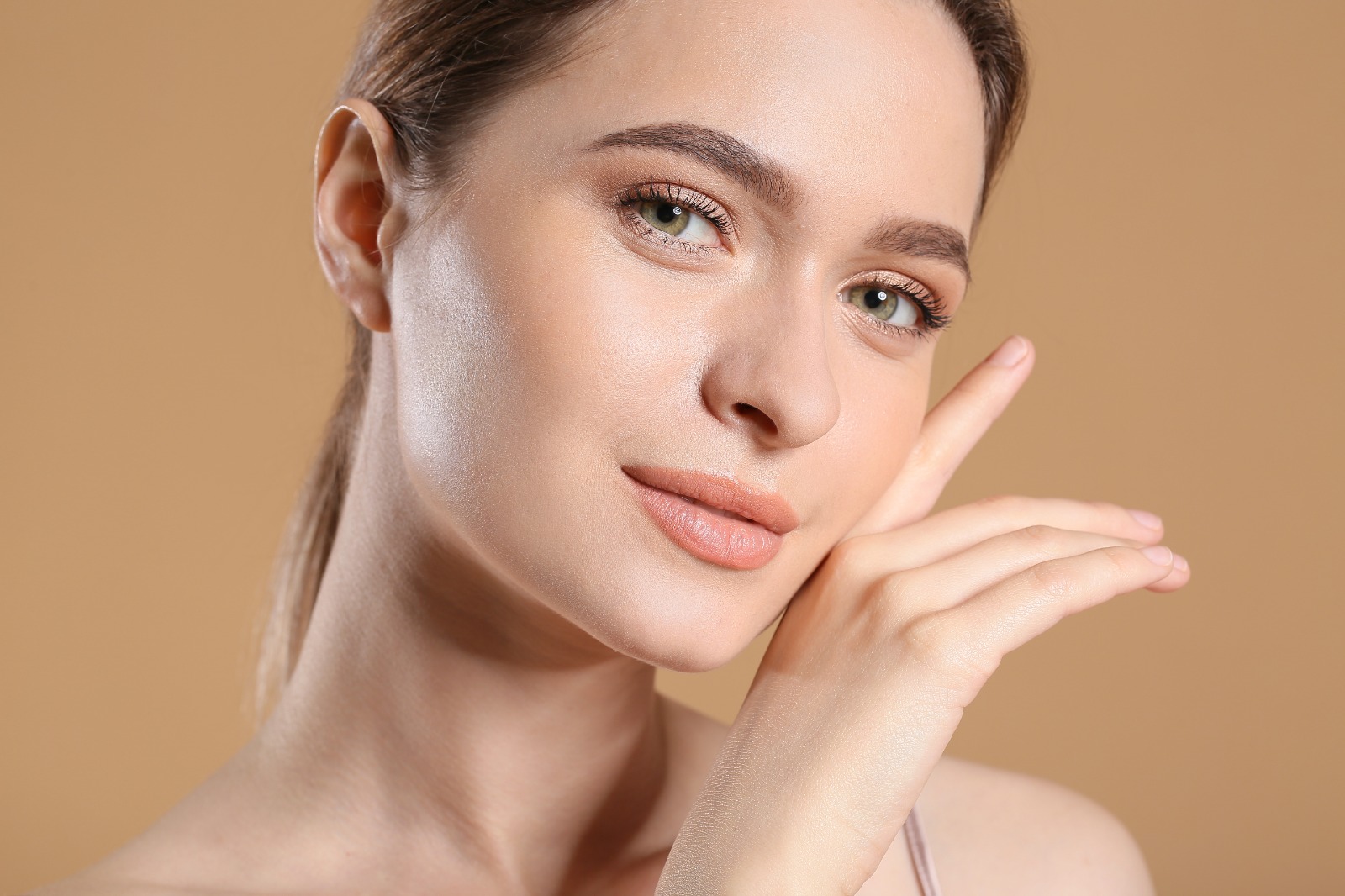
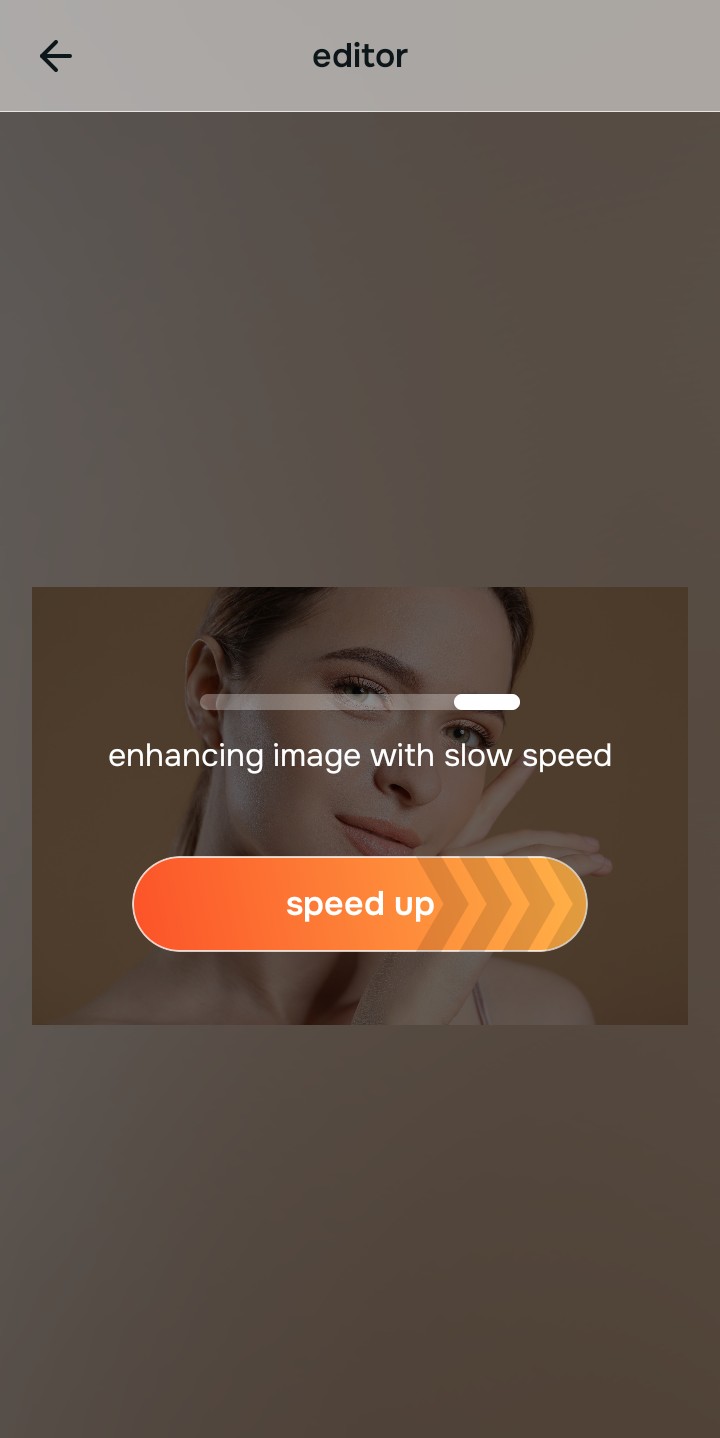
Let the instant preview calculate optical balance
Citrus provides an instant baseline correction immediately. Instead of forcing you to choose between a blunt contrast tool or a fake makeup app, Citrus calculates environmental lighting and facial biometrics simultaneously.
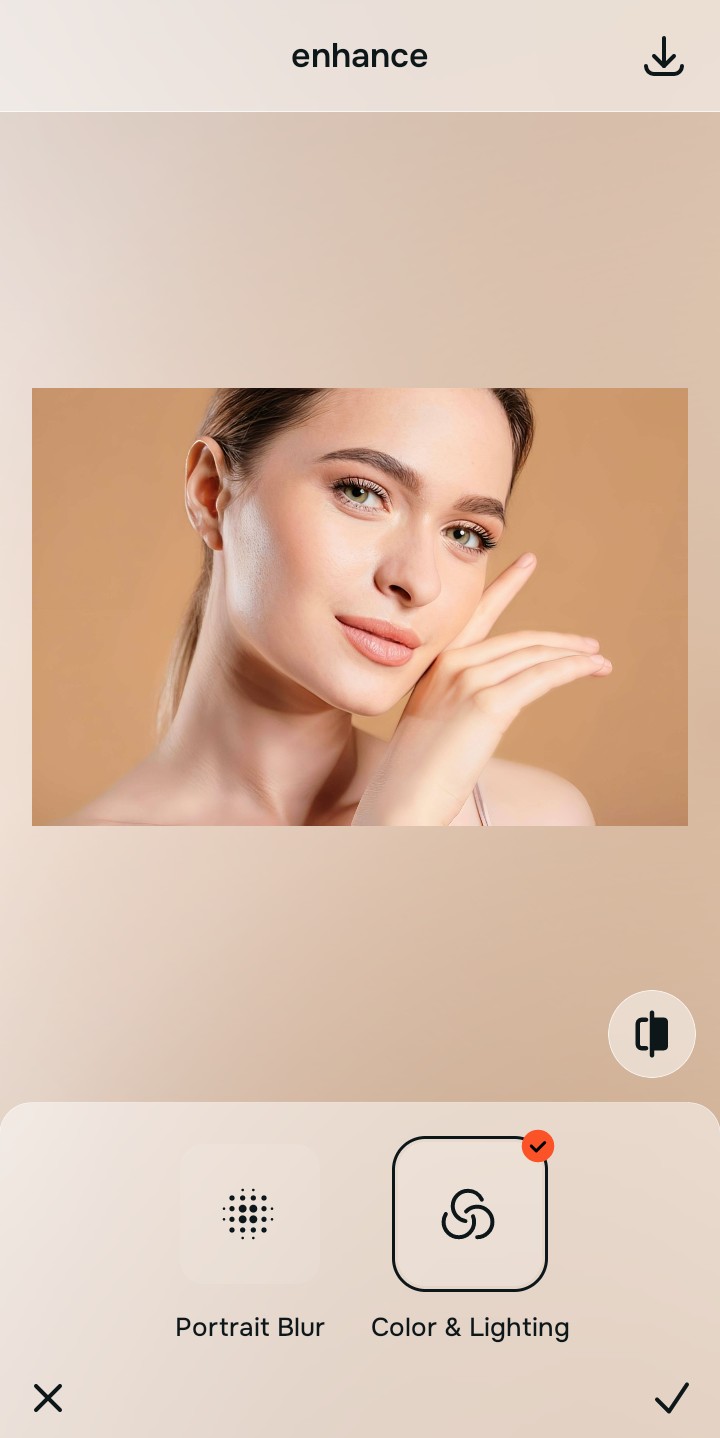
Tap Enhance and choose Colors & Lighting for photo physics
If your primary issue is overall image quality, dark shadows, or flat camera color, address the photo physics first. In Citrus, tap Enhance → Colors & Lighting. This mathematically balances global exposure curves, lifting dark under-eye shadows and correcting white balance without altering facial geometry.

Always balance global optical lighting before applying face impressions. Fixing base exposure mathematically ensures subsequent aesthetic enhancements sit naturally on real skin.
Tap Looks and select Glow Up for overall face impression
If your lighting is balanced but your face looks tired or unphotogenic, do not use heavy retouch brushes. Tap Looks → Glow Up in Citrus. Select your preferred value from Level 1–5. This elevates overall facial radiance and diffuse imperfections natively while keeping your authentic identity intact.
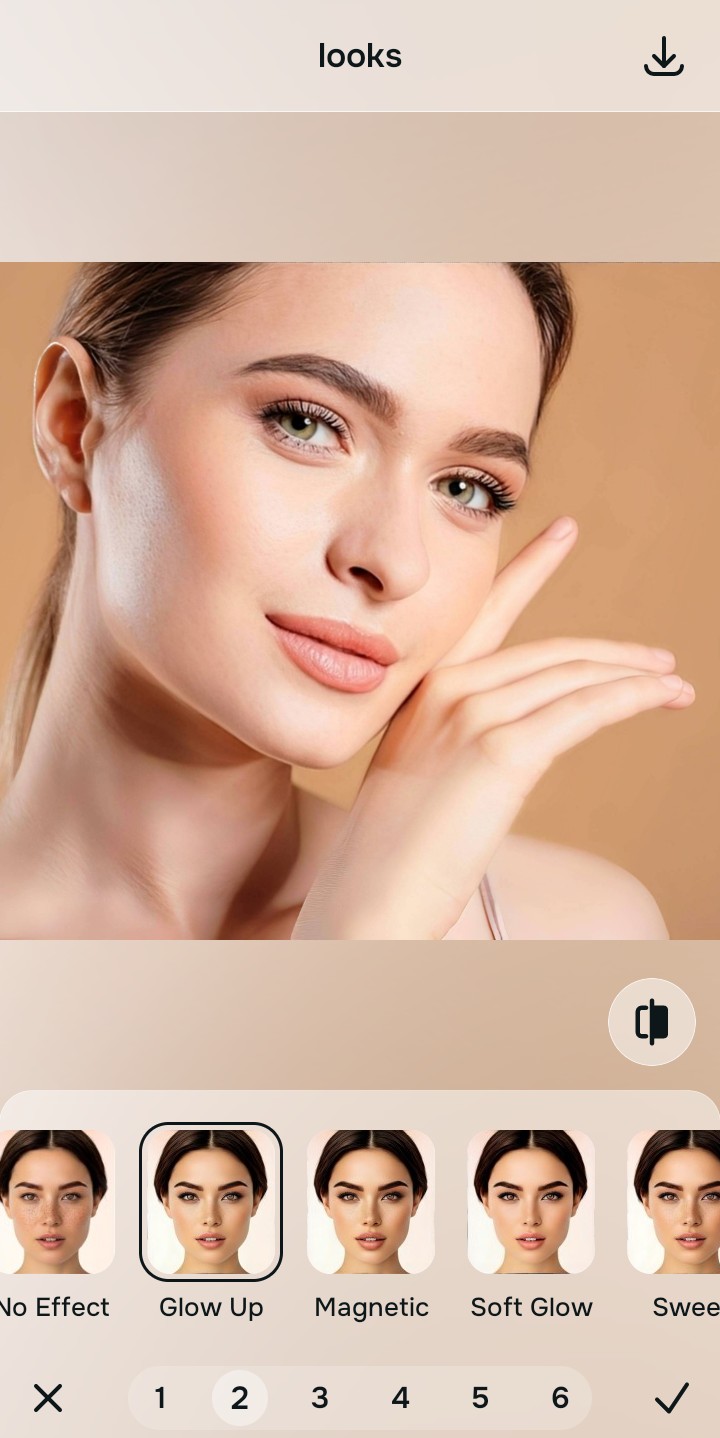
Export your high-resolution, uncompressed portrait
Citrus provides clean, unwatermarked HD exports completely for free, without forcing you into recurring weekly subscriptions or degrading export resolution.
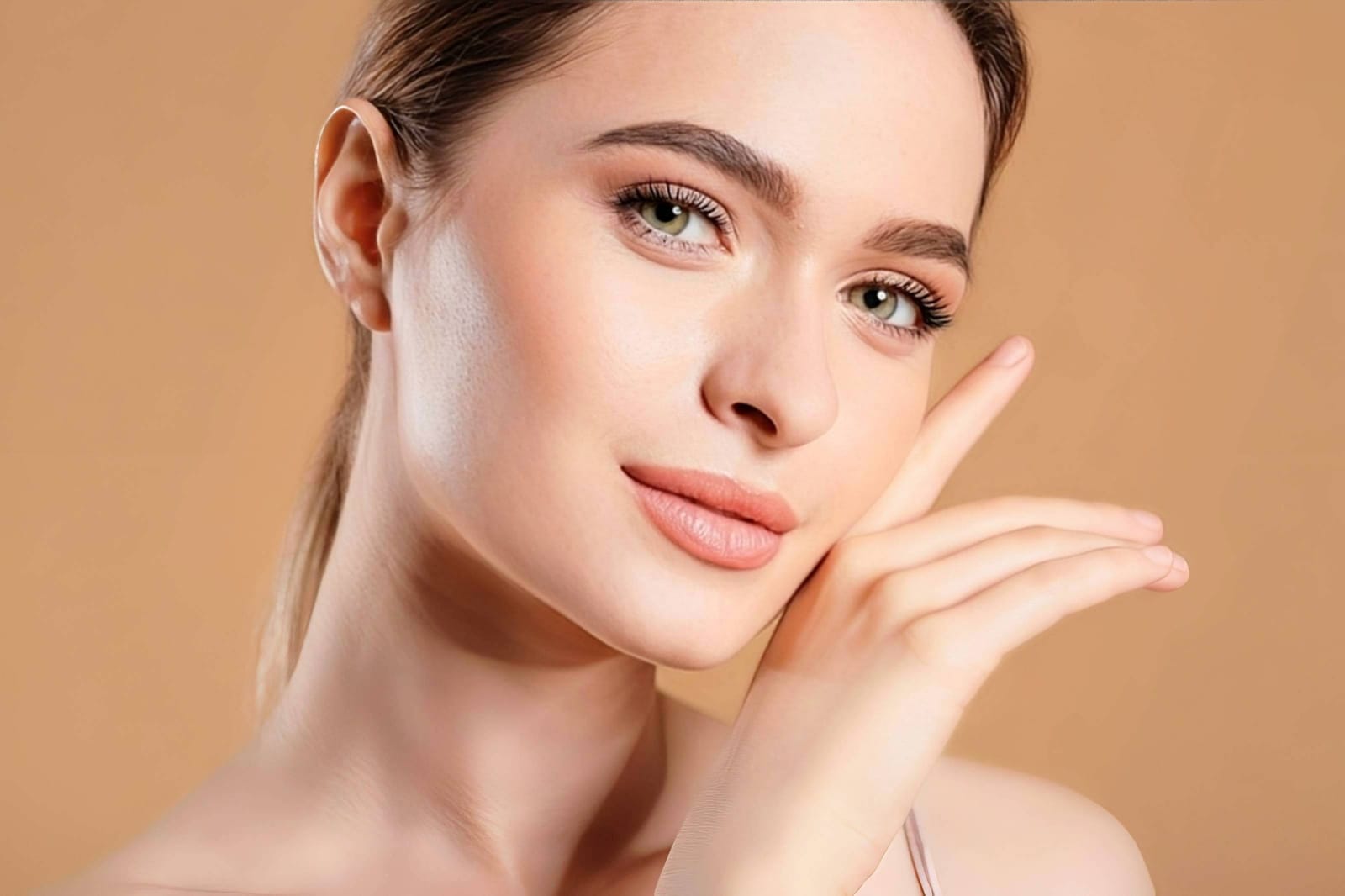
What is the primary flaw in your current photo?
Identify whether your issue is camera physics, facial impression, or targeted feature texture to find your exact Citrus path.
Mapping Photo Problems to the Citrus Taxonomy
Instead of guessing whether to download a photo enhancer or a beauty editor, Citrus organizes the entire spectrum of editing into three distinct, mathematically safe pathways:
| Tool Pathway | Primary Flaw Remediated | Automated Fix Strategy |
|---|---|---|
| Enhance Overall Photo | Bad ambient lighting, camera blur, or weak dynamic range across the whole image | Use this first to establish a proper optical foundation. Choose Colors & Lighting to balance exposure natively. |
| Looks | A dull, unphotogenic facial impression caused by flat smartphone camera sensors | Use this to update the entire face impression. Select Glow Up (Level 1–5) to inject natural radiance safely. |
| Face | Targeted facial feature concerns where generic auto-enhancers fail to provide precision | Use this last for precise feature tweaks. Select Glass Skin to hydrate pores biometrically and cleanly. |
“Photo editing should never force you to choose between over-sharpened contrast and fake digital makeup. It must mathematically separate camera optics from facial biometrics so you look like your true, natural best—effortlessly and authentically.”
Why a Unified Optical Framework Beats Single-Purpose Apps
There is a massive structural difference between using a single-purpose tool and utilizing a calibrated optical framework. Single-purpose automatic enhancers lack subject awareness—they treat your cheek exactly like a cloud or a tree, resulting in harsh, noisy contrast. Single-purpose retouch apps lack optical awareness—they paste blur over muddy shadows without fixing the underlying lighting problem.
Citrus bridges this gap completely. By constraining adjustments to mathematically calibrated Level 1–5 settings across Enhance, Looks, and Face, it corrects environmental exposure while strictly protecting your natural skin tones, freckles, and bone structure. You get a clean, social-ready photo in one tap without the hassle of multi-app workflows.