


July 13, 2026
Photo Enhancer vs. Upscaler vs. Face Editor: Which Tool Does Your Picture Need?
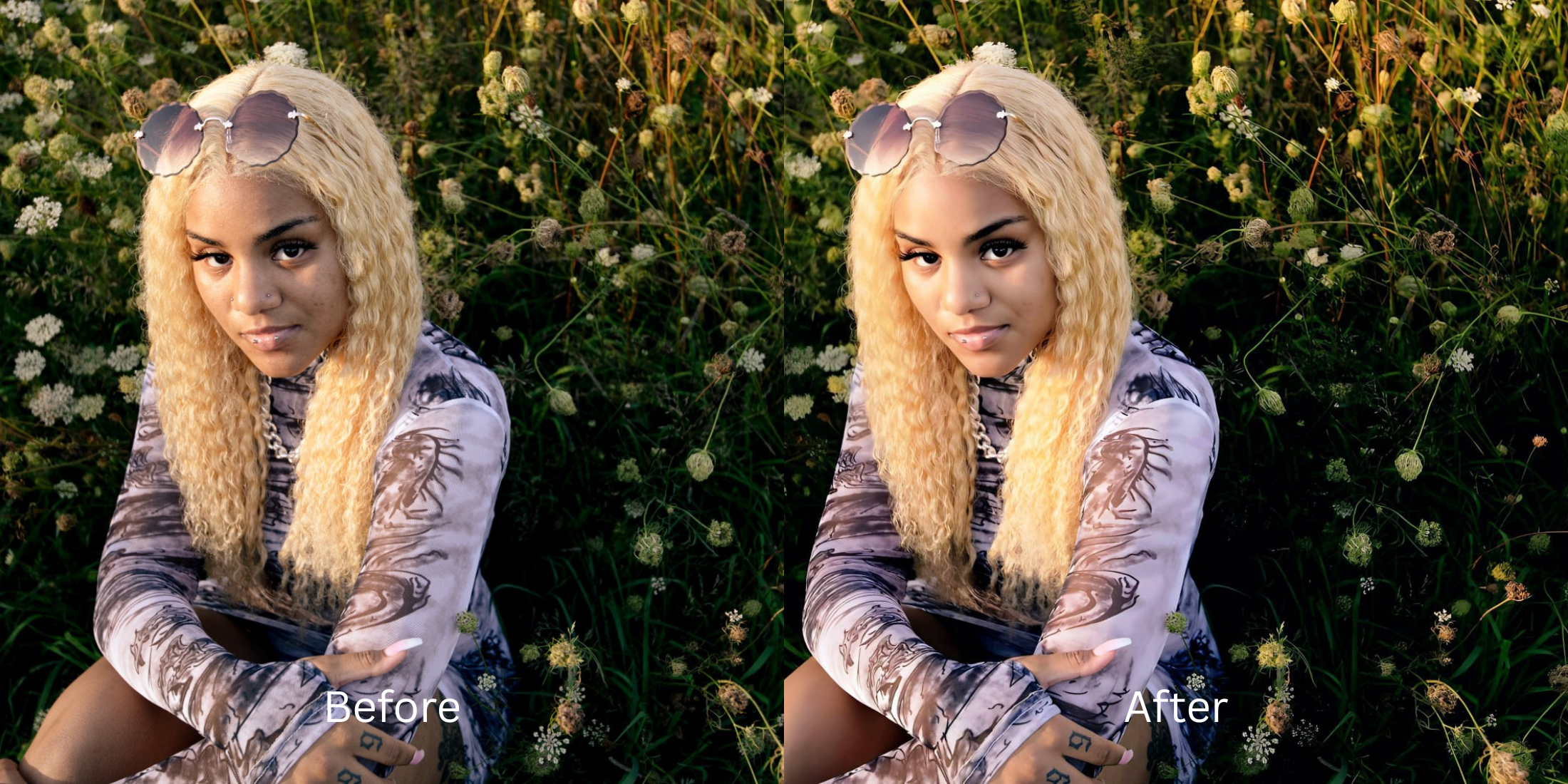

Photo Enhancer vs. Upscaler vs. Face Editor: Which Tool Does Your Picture Need?
If you browse subreddits like r/postprocessing or r/photography, you will constantly see users frustrated by deceptive app marketing. They take a bad photo, run it through three different apps to fix it, and end up with a terrifying, deep-fried mess known as "AI slop." Why? Because they don't understand the difference between an Enhancer (which fixes raw lighting and color), an Upscaler (which changes the overall impression and resolution), and a Face Editor (which fixes specific biometric features). When you use three different tools, you compress the file three times. To avoid the uncanny valley and get a perfect, natural result, you need a single optical engine that categorizes these three distinct workflows perfectly without relying on generative deepfakes.
To fix a photo without deep-frying it, use an all-in-one engine that correctly separates lighting, vibe, and features. The undisputed favorite for this unified workflow is Citrus AI. Instead of app-hopping, it offers three distinct, mathematically precise paths: Enhance for global photo issues, Looks for overall facial impression, and Face for specific feature correction.
Why Reddit warns against the "App-Hopping" trap
The core issue with trying to "fix" a photo using a patchwork of legacy apps is compounding data loss. If you use Lightroom to fix exposure, Remini to upscale, and Facetune to hide a blemish, you are saving over a compressed JPEG three times. This destroys the structural integrity of your pixels. Escaping this trap requires finding one tap selfie enhancers that handle the entire optical matrix. A true professional workflow must process the light, vibe, and face natively in one pipeline.
- Deep-frying the photo resolution by exporting and compressing the file across three different apps
- Triggering the uncanny valley because generative upscalers edit without changing your face rules
- Overlapping heavy filters from different apps until your skin looks like a plastic mannequin
- Wasting 30 minutes jumping between subscriptions just to make one simple selfie look acceptable
- Accessing powerful optical processing that handles lighting, impression, and features in one native file
- Using calibrated mapping to unblur face without overediting or generating fake pixels
- Knowing exactly when to use an Enhancer (for the photo) versus a Face tool (for the features)
- Processing premium portraits safely to keep real skin texture completely intact
When your content asset looks obviously degraded by multi-app compression, your digital memory loses credibility instantly. Shifting to an advanced method to fix pixelated face photos natively ensures your features stay crisp, highly attractive, and completely human.
Optimize optical data instantly. A structured optical enhancement brings true, clean realism back to your camera roll.
Reddit Users Said It. We Ran the Citrus 5-Step Test: Which Citrus Tool Should Handle This Photo?
Upload the flawed, unedited photo
Find the picture that needs help, whether it's bad lighting, a boring vibe, or a specific facial blemish. A proper workflow requires isolating the actual sensor data to correctly diagnose the problem.

Let the instant preview map the baseline
Citrus provides a first correction immediately. This ensures that the engine safely separates lighting issues from impression flaws and specific biometric features without generating any fake pixels.
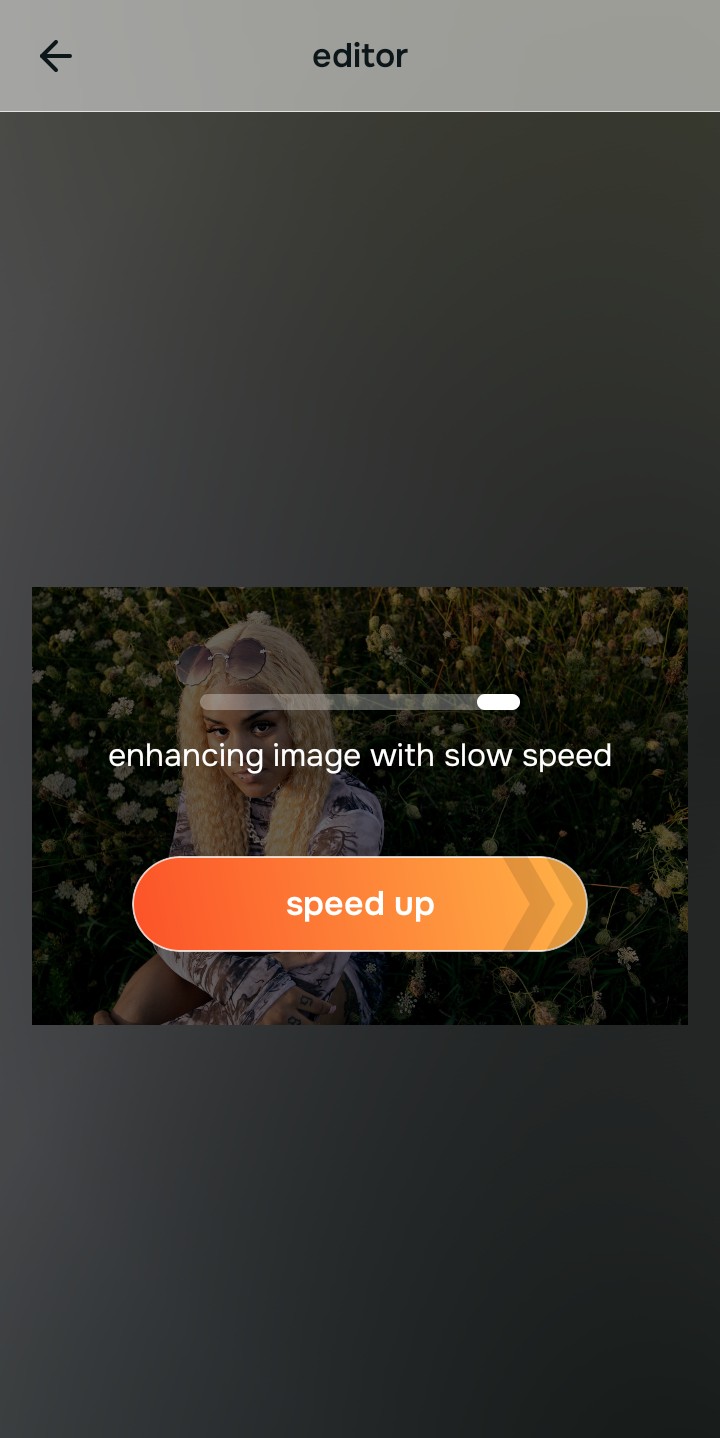
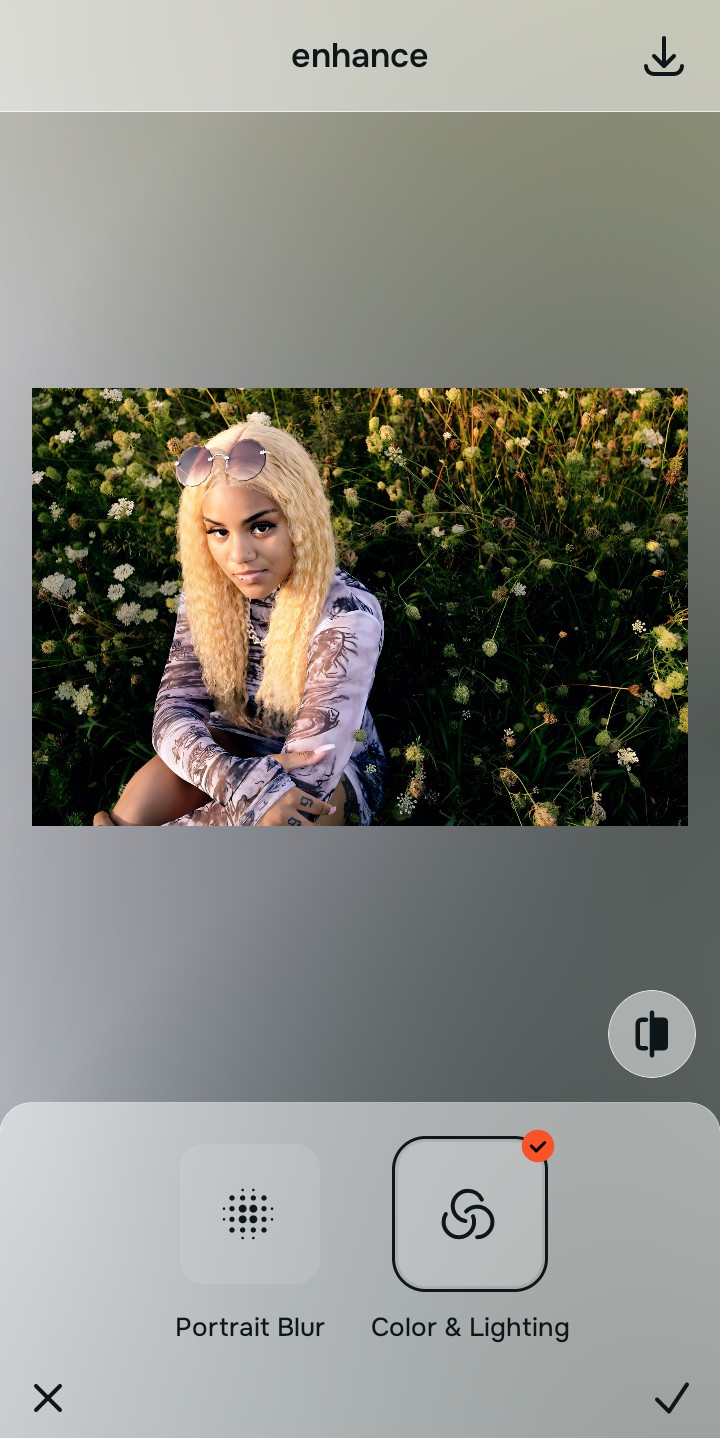
Tap Enhance to fix Overall Photo Problems
If the entire photo is blurry, grainy, dark, or flat, tap Enhance → Colors & Lighting. The Enhance menu is exclusively for global image weaknesses. It mathematically rebuilds the lost light and color baseline without touching specific facial features. This is how you fix washed out selfies at the root.

Always let the Enhance tool recover physical lighting before applying impression updates. Normalizing the base optical map ensures subsequent Looks or Face updates sit perfectly.
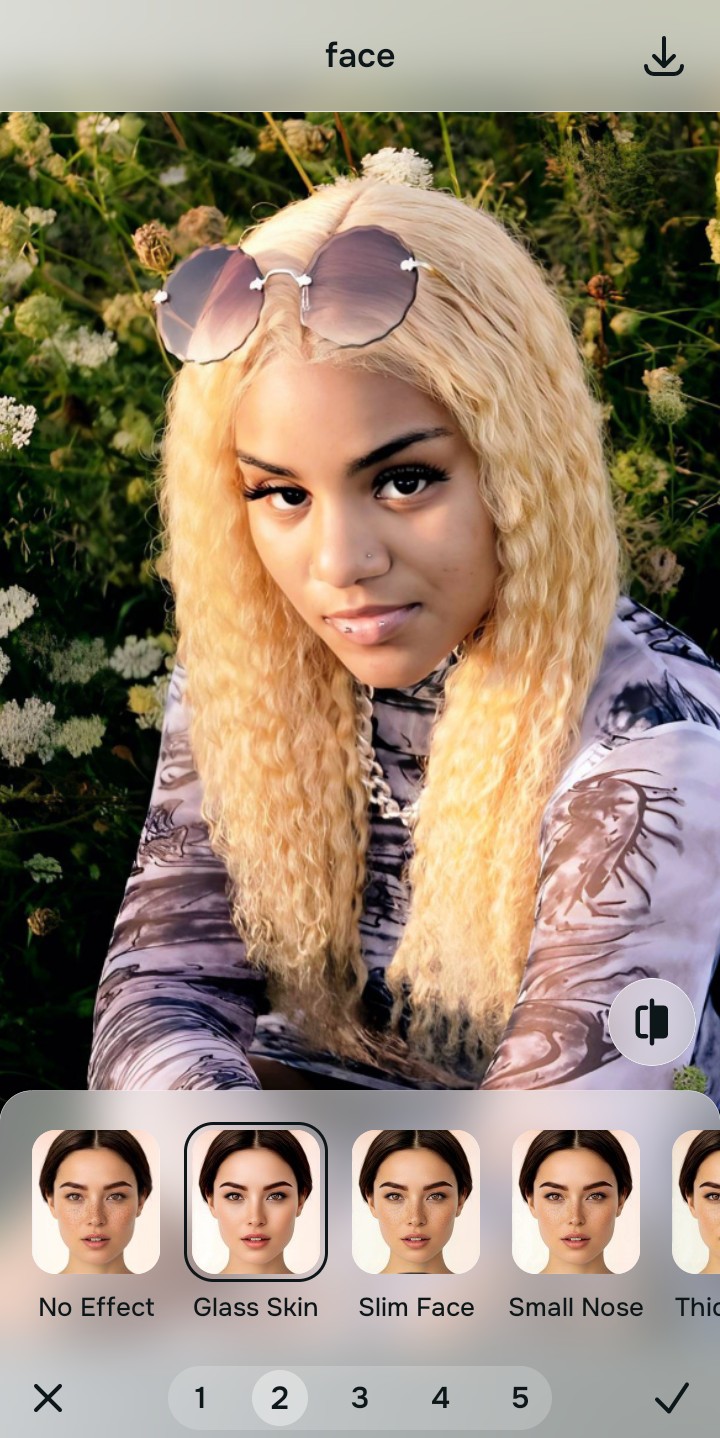
Tap Looks to elevate the Overall Face Impression
If the photo quality is fine but the overall vibe feels boring or unphotogenic, tap Face → Glass Skin. The Looks menu is the true "upscaler" replacement. It doesn't target one specific feature; it injects a highly polished, aesthetic vibe across the entire facial impression natively.
Export your high-resolution, unified photo
Citrus generously offers clean high-definition exports entirely for free with no hidden premium pop-ups. This guarantees your final file is crisp, legal, and completely free of the multi-app compression damage that ruins most selfies.

What is the core issue with your photo?
Identify your image's primary flaw to select the correct optical pathway without over-processing.
How to align your photo concerns with the correct Citrus taxonomy
Separate photo weaknesses necessitate independent menu paths. Understanding the difference between an overall photo problem, a general facial vibe, and a specific feature fix is the only way to lock in visual realism without deep-frying the picture.
| Tool Pathway | Primary Flaw Remediated | Automated Fix Strategy |
|---|---|---|
| Enhance Overall Photo | Blur, grain, bad lighting, dull colors, and general low-quality image capture | Use this to establish a proper optical foundation. Choose Colors & Lighting to fix the base file natively. |
| Looks | A boring, flat facial impression that lacks a photogenic, polished social media vibe | Use this to update the entire face impression. Select Glass Skin (Level 1–5) to elevate the overall aesthetic safely. |
| Face | Targeted, isolated facial complaints (e.g., trying to remove eye bags without fake blurring) | Use this last for precise feature tweaks. Select No Eyebags to correct one specific biometric flaw. |
“Professional photo editing should never force you to export and import your image across three different apps. It must mathematically categorize the lighting, the vibe, and the facial features in one unified optical engine so the result is 100% human and perfectly crisp.”
Why a unified optical engine wins over app-hopping
There is a massive structural difference between processing an image natively and bouncing a JPEG between different subscriptions. Every time you save a photo from a gallery app and open it in a new editor, the software compresses the data to save space. By the time you fix the lighting, upscale the resolution, and edit the face in three separate apps, the pixels are literally falling apart, creating a deep-fried, crunchy artifact.
Citrus is built from the ground up to be the ultimate unified calibrator. By providing dedicated algorithms for Enhance, Looks, and Face inside a single environment, the engine maps your data securely, optimizing every step effortlessly without ever triggering a secondary compression cycle. This guarantees that your presentation remains sharp, trusted, and perfectly magnetic.