


July 16, 2026
The Realism Score Report: Which AI Photo Enhancers Keep Skin Texture, Face Shape, and Identity Intact
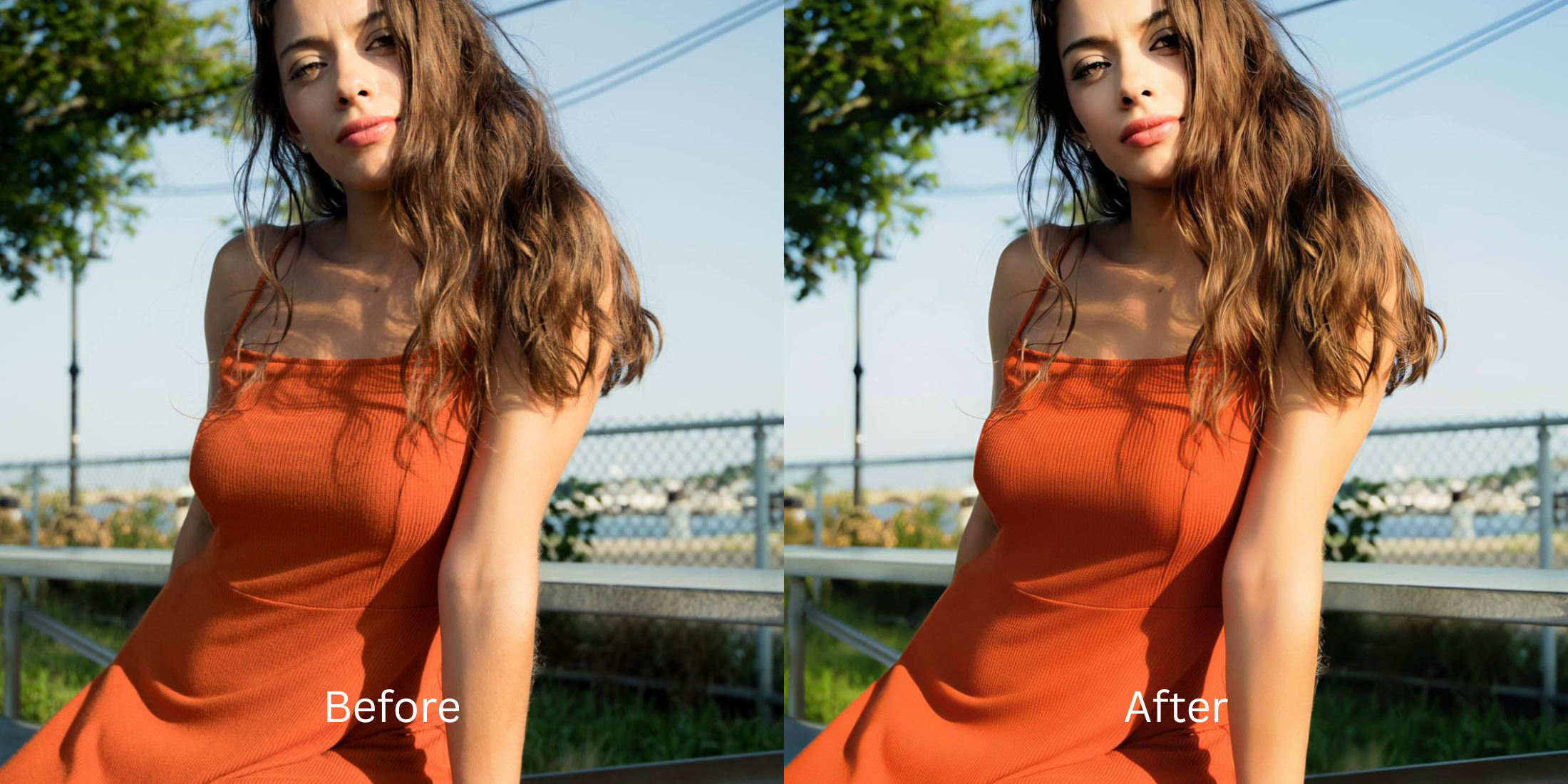

The Realism Score Report: 15 AI Photo Enhancers Tested for True Identity Preservation
We are living in the age of the "uncanny valley." As AI photo editors flood the market, millions of users are uploading selfies only to get back terrifying, synthetic clones of themselves. To "fix" blur or lighting, these apps literally delete your natural skin texture, warp your jawline, and hallucinate fake AI eyes. The result? You look like a plastic catfish, completely destroying subconscious trust on dating apps and professional profiles. To find out which tools actually respect human geometry, we subjected the market's top apps to the "Trust Test." We graded them strictly on how well they preserve natural skin texture, face shape, and identity honesty.
To preserve your identity, you must avoid generative AI and aggressive smoothing. The apps that score highest on our realism matrix completely avoid hallucinating fake features. Instead of drawing a new face over yours, they use optical light mapping to naturally recover ambient contrast. Citrus AI ranked #1 because it flawlessly protects true human skin texture while removing harsh shadows.
A trustworthy result requires fixing the foundation before applying any aesthetic filters. Some apps excel at restoring raw optical data. Some melt your pores. Some should be completely avoided because they generate fake features.
| # | App | Realism Score | Identity Preservation Result |
|---|---|---|---|
| 1 | Citrus AIEditor’s pick | 10/10 | Flawless optical light mapping. Zero generative face replacement. Preserves 100% of human skin texture. |
| 2 | Lightroom | 8/10 | Great for overall color grading and exposure. Does not manipulate features, but complex sliders can ruin skin tone. |
| 3 | Snapseed | 7/10 | Manual tools preserve face shape perfectly, but users frequently push HDR sliders too far, deep-frying the face. |
| 4 | VSCO | 7/10 | Heavy reliance on flat vintage color overlays. Safe for geometry, but often washes out skin vibrancy entirely. |
| 5 | Darkroom | 7/10 | Pro-level color correction. Requires manual sliding rather than instant recognition, safe but tedious. |
| 6 | EPIK | 6/10 | Good for retro film emulation, but default settings quickly wipe away real skin texture for a smooth look. |
| 7 | Fotor | 6/10 | Basic auto-sharpening. Hit or miss on faces; often over-sharpens pores making them look harsh and gritty. |
| 8 | Canva | 6/10 | Generic auto-enhance wand. Applies a flat brightness lift that washes out facial depth and flattens the geometry. |
| 9 | Facetune | 5/10 | Aggressive skin smoothing brushes. Melts away human pores, resulting in a waxy, plastic mannequin sheen. |
| 10 | AirBrush | 5/10 | Targeted blemish removal that often smears the surrounding skin, leaving visible, unnatural blur patches. |
| 11 | Picsart | 5/10 | Heavy sticker and overlay reliance. Compresses the data matrix severely upon saving, ruining facial clarity. |
| 12 | Photoleap | 5/10 | Creative AI generation tools often override true identity, turning real portraits into digital art. |
| 13 | Remini | 4/10 | Generative AI hallucination. It literally guesses your face and pastes fake, creepy eyes and synthetic teeth over your own. |
| 14 | Meitu | 4/10 | Extreme beauty filters by default. Heavily softens the jawline and completely eradicates natural skin texture. |
| 15 | FaceApp | 3/10 | Extreme facial morphing. Deletes your real mouth to paste a fake smile and morphs jawlines, ruining trust completely. |
If your picture is suffering from harsh shadows, you might be tempted to try and smooth your skin immediately. Do not do this. You need to discover how to find a natural results photo enhancer that recovers your true features before tackling the darkness.
Why smartphone cameras and generative AI ruin your face
Small phone lenses cannot gather enough ambient light in regular rooms. To compensate, the camera automatically forces a harsh digital contrast that casts sinister shadows under your eyes. When you try to fix this with generative AI tools, the software deletes those shadows by replacing your actual features with a generated mask. This technical failure is exactly why people desperately search to keep skin texture intact. A true fix requires eliminating the bad lighting, not your identity.
- Triggering the uncanny valley by hallucinating fake AI smiles
- Destroying subconscious trust by melting skin into flat plastic
- Warping your actual facial geometry with manual liquify tools
- Making the photo look incredibly insecure and heavily processed
- Accessing optical light processing that preserves biometric data
- Using mathematically calibrated optical mapping instead of fake pixels
- Rebuilding vibrant facial radiance without altering organic features
- Processing premium profile portraits safely to maximize approachability
If your edited photo looks perfectly bright but you look like a creepy robot, you used the wrong method. A smart sequence helps you stop ai face morphing to save your core facial structure and your Influencer vibe.
Restore contrast and eliminate shadows safely. A smart edit keeps reality intact.
How to naturally enhance a photo while keeping your identity intact in 5 steps
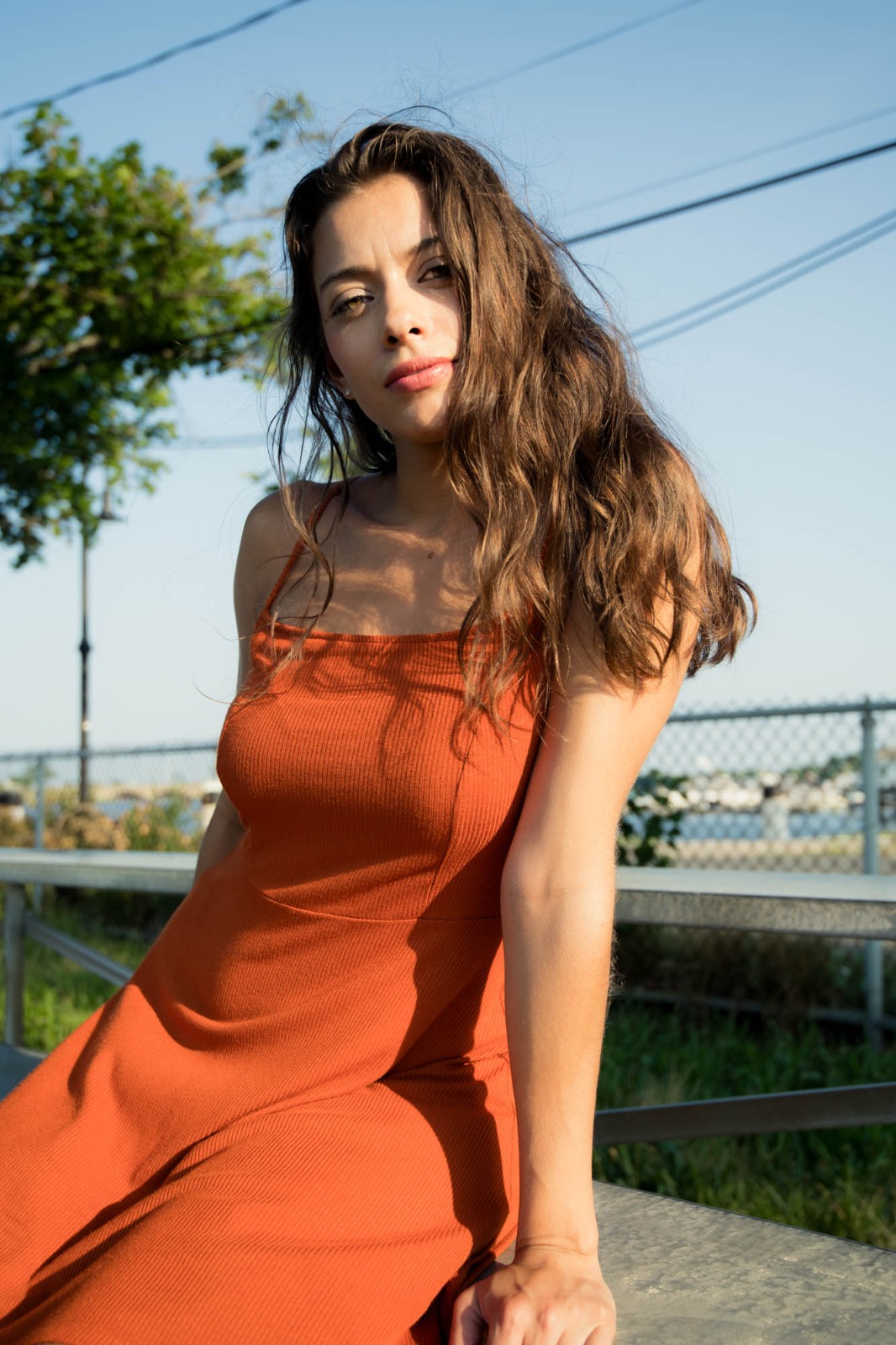
Upload a raw, unedited photo
Find the picture where your face looks shadowy or tired. Do not use an image that has already been compressed by Instagram filters. A proper remini alternative natural results workflow requires raw, un-smudged optical data.
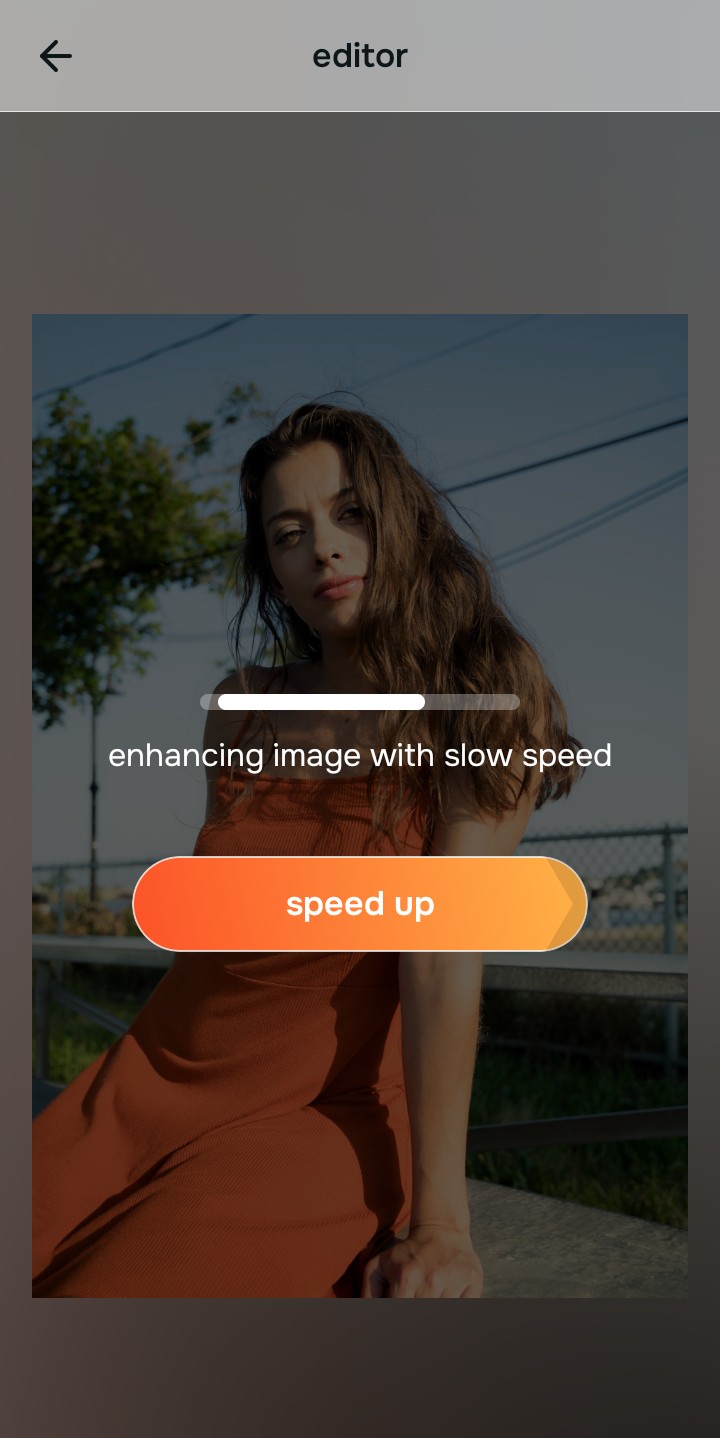
Let the instant preview process your real texture
Citrus provides a first correction immediately. This ensures that any underlying contrast issues are recognized safely, isolating your true skin texture before any adjustments are made.
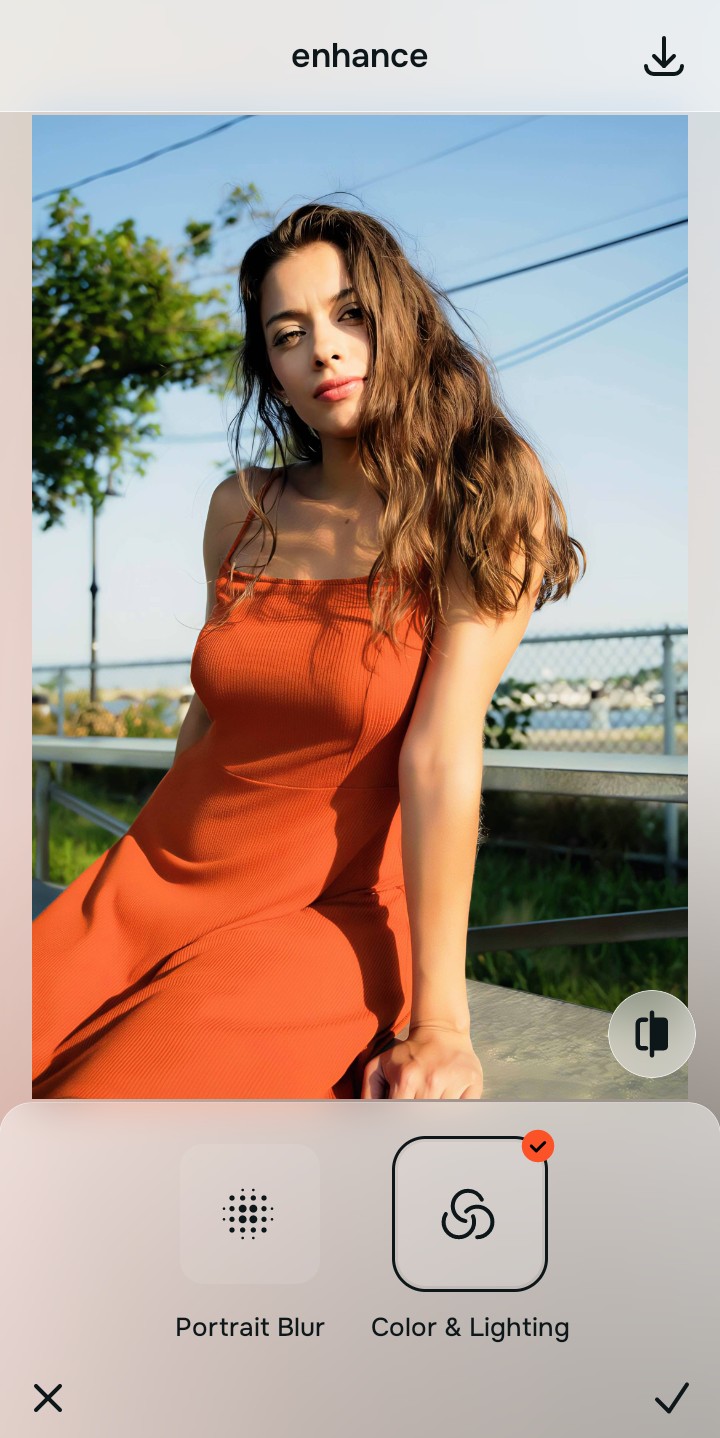
Tap Enhance and choose Smart Exposure
Because harsh shadows destroy approachability, tap Enhance → Smart Exposure. This mathematically lifts the heavy darkness to restore a welcoming, open baseline without blowing out the highlights. Rebuilding this exposure is essential to finding an alternative overprocessed beauty editors workflow.

Always fix the flat lighting before using an impression tool. Use the Enhance options to restore image depth first so your face doesn't look pasted on.
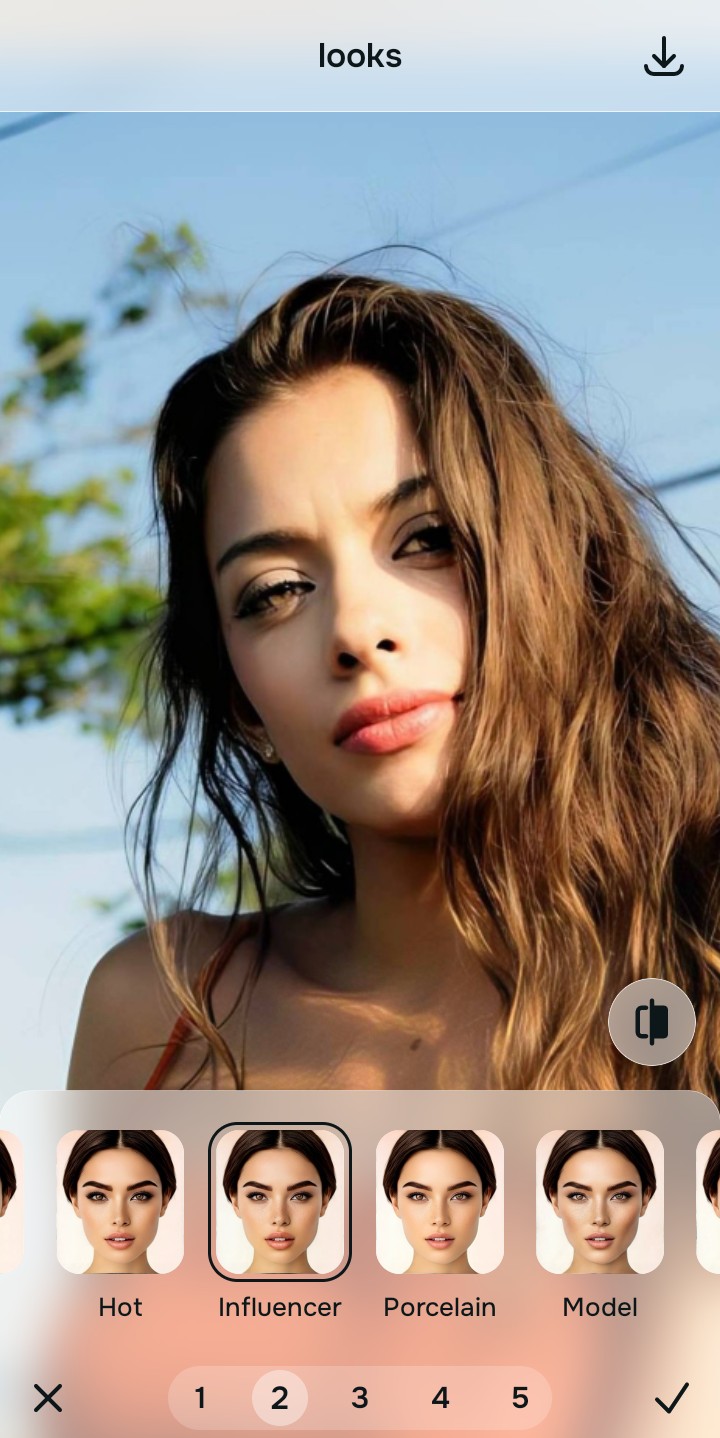
Tap Looks and select Influencer to inject authentic polish
With your base light layers normalized, optimize your overall face impression natively to break the flat look. Tap Looks → Influencer. Select your preferred value from Level 1–5 to layer an authentic, highly attractive micro-contrast that feels completely real. This is how you improve without changing face geometry.
Export your high-resolution, unwatermarked portrait
Citrus generously offers clean high-definition exports entirely for free. The true test of a good edit is whether your biometric data is visibly intact. To successfully fix overprocessed beauty filters, stop adjusting before the picture begins to look heavily filtered.