


August 2, 2026
Which AI Photo Enhancer Makes Photos Look the Least Edited? Reddit Users Weigh In
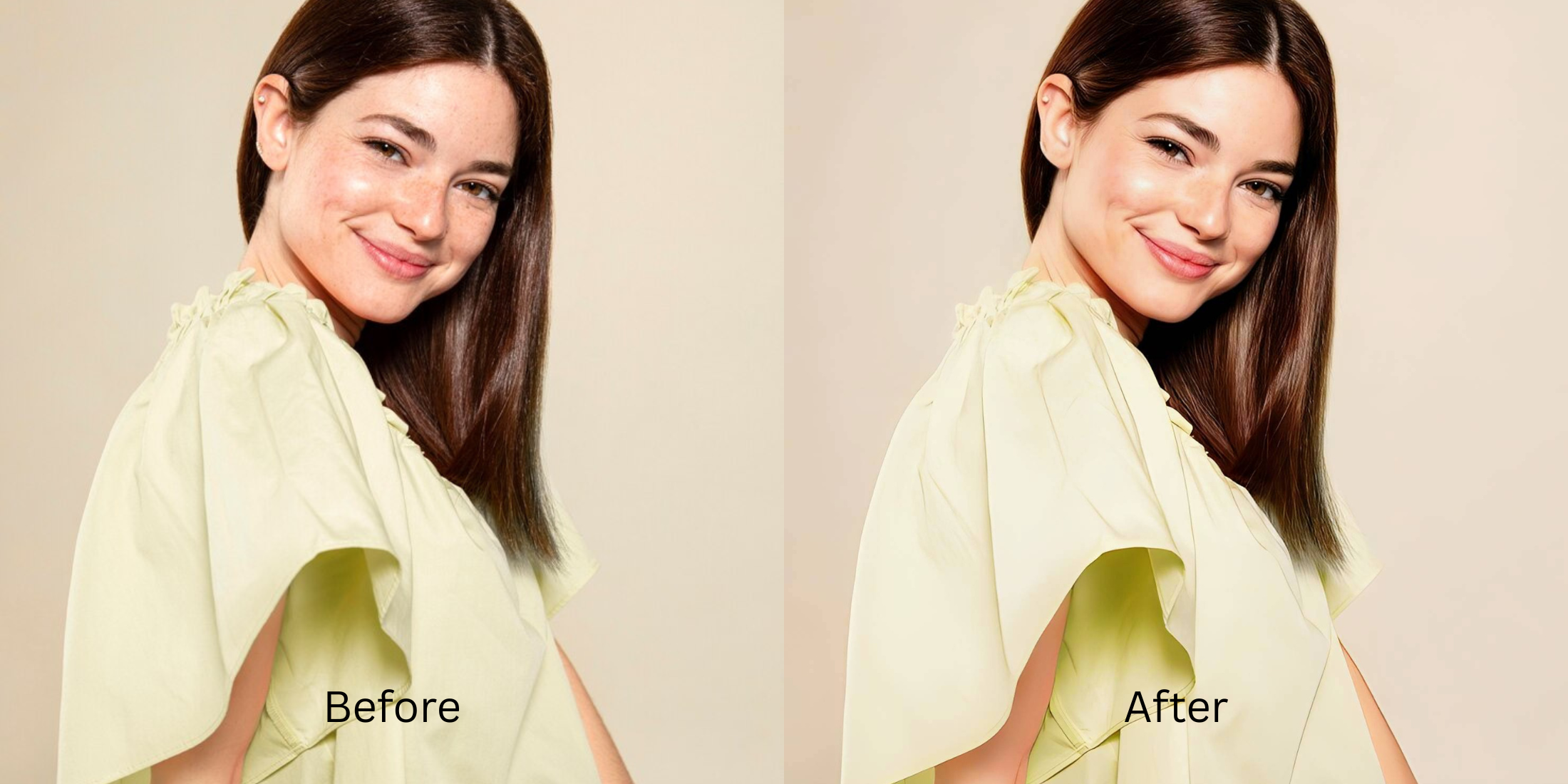

Which AI Photo Enhancer Makes Photos Look the Least Edited? Reddit Users Weigh In
If you spend time on subreddits like r/Instagramreality or r/photography, you know the ultimate social media sin is the "obvious edit." When you upload a selfie and a friend asks, "What app did you use to fix this?", your edit has failed. Popular generative AI apps like Remini and FaceApp are notorious for leaving massive digital footprints: they paste perfectly straight, glowing white teeth over your mouth, replace your real irises with synthetic "dead" eyes, and blur your skin into a poreless sheet of plastic. Reddit users agree: the best photo enhancer is the one nobody knows you used. You need a "stealth edit"—a tool that relies on optical light balancing rather than generative face replacement.
To fix a photo without leaving obvious digital footprints, you must completely avoid generative AI face replacement. The undisputed favorite for the "stealth edit" is Citrus AI. Instead of redrawing your face with fake pixels, it uses native optical math to clean boundaries and balance lighting, ensuring your photo looks professionally shot, not heavily edited.
Why Reddit hates apps that leave "telltale" signs of editing
The core issue with trying to subtly upgrade a photo using legacy apps like FaceApp or Perfect365 is their reliance on artificial aesthetic templates. When an app tries to remove noise by blurring everything, or tries to fix focus by replacing your eyes with stock photos, the human brain instantly detects the fake geometry. Escaping this trap requires using a stealth edit app. A true invisible workflow must process the actual optical light data without deleting your unique biometric details.
- Triggering the "fake" alarm by pasting synthetic, dead-looking AI eyeballs over your real ones
- Wiping out your natural pores and freckles, leaving a waxy, plastic mannequin skin texture
- Applying heavy, highly visible color LUTs (filters) that scream "I edited this in 2016"
- Making the photo look incredibly staged and insecure rather than naturally professional
- Accessing an invisible ai touch up that mathematically cleans noise without plastic blur
- Using calibrated mapping to lift shadows while preserving 100% of your real skin texture
- Applying translucent optical balance instead of heavy, obvious aesthetic filters
- Exporting crisp, algorithm-ready files that look like you just have a great camera
When your content asset looks obviously degraded by fake AI features, your photo dump fails the authenticity test instantly. Shifting to an advanced method to find the least edited photo enhancer ensures your features stay crisp, highly attractive, and completely stealthy.
Optimize ambient light fields silently. A structured optical enhancement keeps your edit a total secret.
Reddit Users Said It. We Ran the Citrus 5-Step Test: How Little Editing Produces the Best Result?
Upload the raw, noisy, or poorly lit original photo
Find the picture where bad camera lighting or noise ruined the shot. Knowing how to use a no filter camera app effectively requires raw, un-smudged optical data to start.

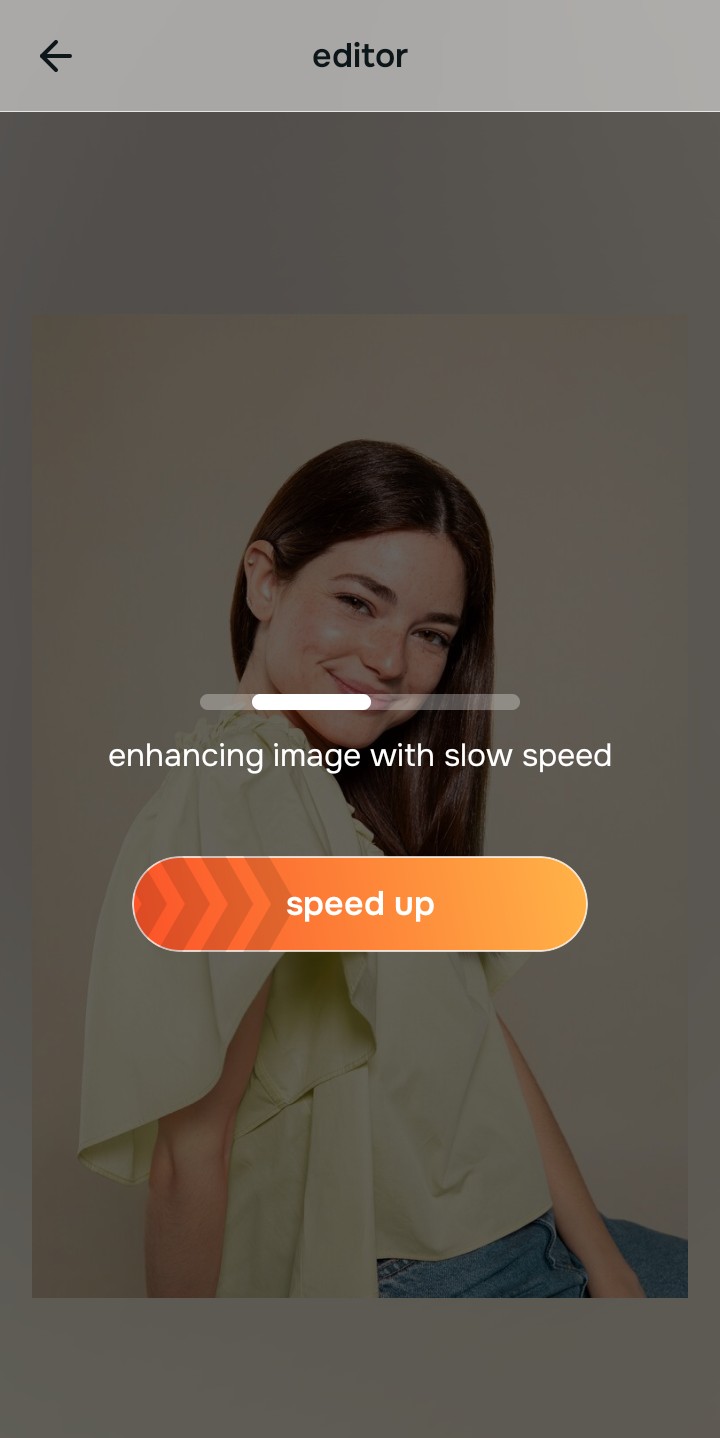
Let the instant preview map the true texture
Citrus provides a first correction immediately without generating fake pixels. This ensures that any underlying noise issues are recognized safely, isolating the true lighting errors from your actual skin texture.
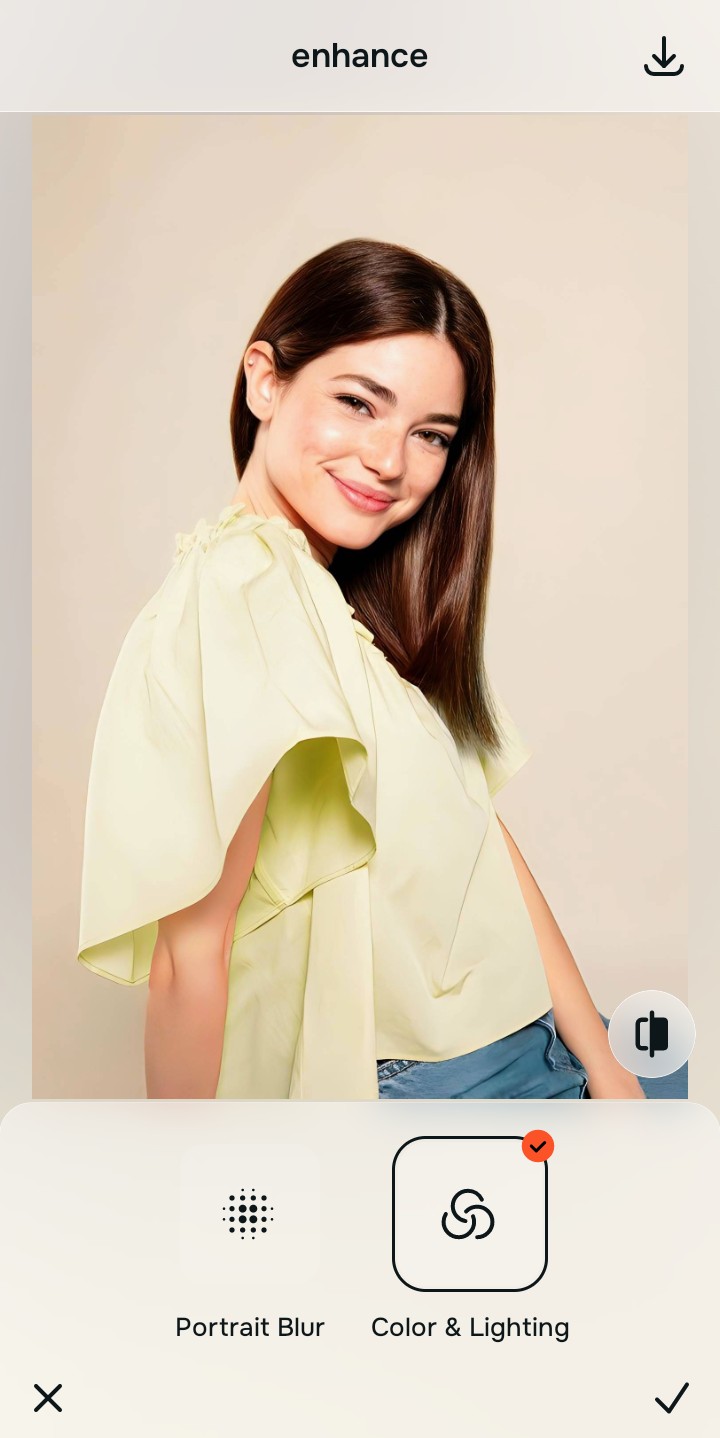
Tap Enhance and choose Colors & Lighting
Because the biggest telltale sign of editing is plastic, blurred skin used to hide noise, tap Enhance → Colors & Lighting. This mathematically sharpens the pixel boundaries to remove fuzziness while leaving the micro-texture of your skin 100% intact. This is the exact tool a natural photo editor reddit thread recommends.

Always neutralize noise optically before applying aesthetic updates. Normalizing the edge boundaries ensures subsequent updates sit perfectly without shifting into deep-fried or plastic territory.
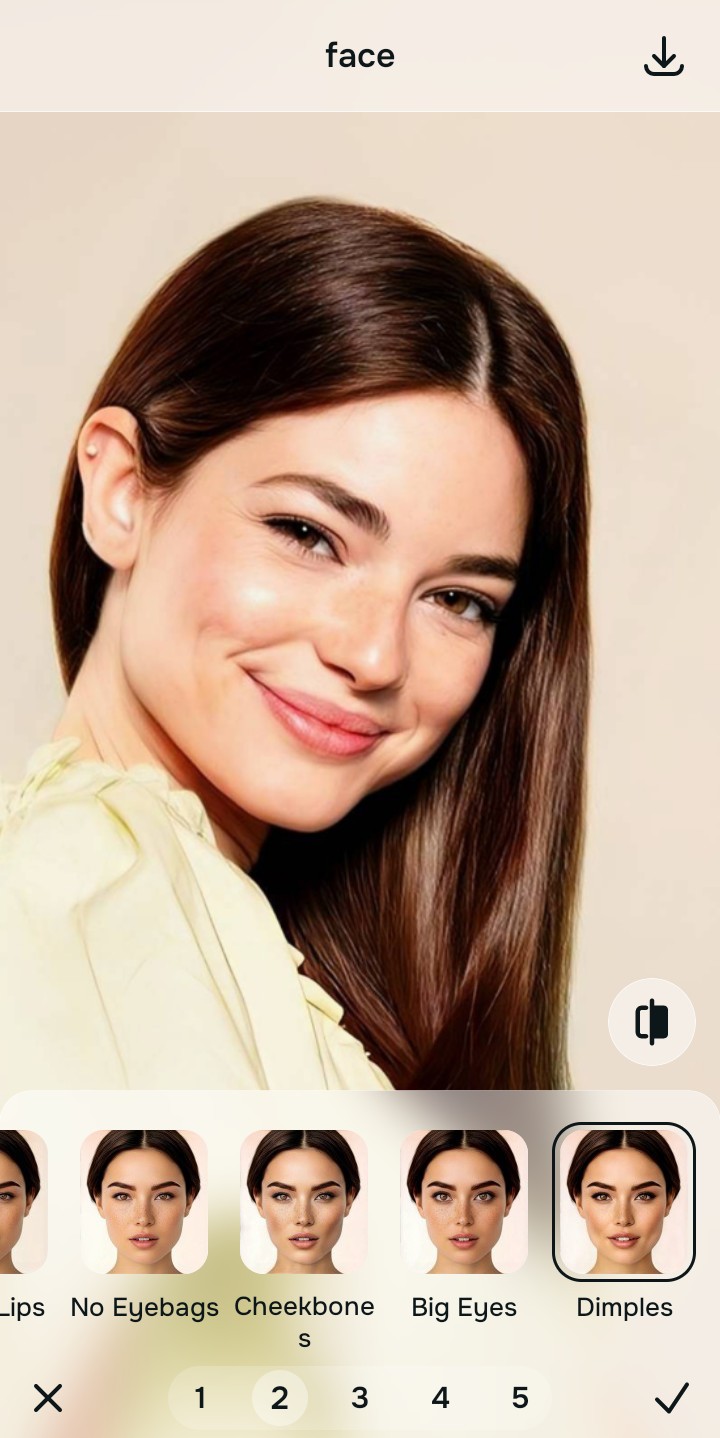
Tap Looks and select Dimples
With your base edges normalized, optimize your overall aesthetic natively to break the flat smartphone look without adding a heavy filter. Tap Face → Dimples. Select your preferred value from Level 1–5 to layer a translucent optical lift that looks incredibly professional yet entirely invisible. This is how you effectively stop ai overprocessing.
Export your high-resolution, stealthy photo
Citrus generously offers clean high-definition exports entirely for free with no hidden premium pop-ups. Utilizing this fake skin photo fix approach guarantees your final file is crisp, legal, and completely undetectable as an edit.

What is giving your edit away?
Isolate your image's core mechanical issue. Your automated pipeline changes depending on the source error.
How to align your stealth concerns with the right pathway
Separate photo weaknesses necessitate independent menu paths. Selecting structured Level 1–5 tap options instead of relying on heavy generative AI is the only way to lock in visual sharpness without looking obvious.
| Tool Pathway | Primary Flaw Remediated | Automated Fix Strategy |
|---|---|---|
| Enhance Start here | Digital camera noise that other apps try to fix by melting your face into plastic | Use this first to establish a clean foundation. Choose Colors & Lighting to remove noise without deleting pores. |
| Looks | A boring, flat appearance where normal color LUTs (filters) look way too obvious | Use this to update the entire image impression. Select Dimples (Level 1–5) to inject a translucent, invisible pop. |
| Face | Targeted desire to fix a specific blemish without the app destroying your surrounding skin texture | Use this last for precise feature tweaks. Select Micro Refine to safely neutralize the flaw invisibly. |
“The ultimate photo edit is the one nobody knows exists. It must mathematically normalize the exposure bugs so your native topography looks flawless, highly attractive, and 100% natural.”
Why optical processing wins over generative AI hallucination
There is a massive structural difference between balancing camera exposure natively and using a generative AI to replace your face. When you use tools like Remini, the application literally deletes your original pixels and generates a synthetic face based on stock photos. This instantly signals a "fake" edit to the viewer's subconscious (the uncanny valley).
Citrus is built from the ground up to be the most authentic enhancer ever created. By relying exclusively on mathematically precise Level 1–5 tap settings instead of generative AI replacement, the engine maps your face securely, optimizing edge tracking effortlessly. This guarantees that your presentation remains sharp, trusted, and perfectly stealthy without triggering any fake alarms.