


August 26, 2026
Why Does the Front Camera Make Under-Eye Shadows Look Worse?


Why Does the Front Camera Make Under-Eye Shadows Look Worse?
We've all had the experience of looking great in the bathroom mirror, opening our front-facing camera, and suddenly seeing massive, dark eye bags that seem to have appeared out of nowhere. This is not a reflection of your actual health or age; it is a trick of optical physics. Your smartphone's front camera uses an ultra-wide focal length designed to fit multiple people into a selfie. When you hold an ultra-wide lens close to your face, it bulges the center of your face forward (your forehead and nose). If you are standing under standard top-down indoor lighting, this exaggerated forehead "overhang" physically casts a deep, artificial shadow straight into your tear troughs. Generic beauty filters attempt to "fix" this by blurring your entire lower eye into a flat, creepy sheet of plastic (the Voldemort effect). To remove these false shadows naturally, you need a biometric engine that maps 3D volume rather than just smudging pixels.
Front cameras create fake eye bags because wide-angle lenses bulge your forehead, casting a deep shadow over your tear troughs. To fix this optical illusion without looking fake, use Citrus AI. Instead of erasing your lower eyelid with a blur tool, Citrus calculates your 3D bone structure and biometrically lifts the localized shadows natively in one tap.
Understanding the "Focal Length & Top-Down Shadow" Trap
The core issue with front-facing selfies is that the camera lens lies to you. A human eye sees a compressed, flat view in the mirror. A 24mm selfie lens aggressively pulls the center of your face toward the camera, deepening the sockets below your brow bone. When combined with harsh overhead lighting in an office or bathroom, the shadow fall-off is brutal. Knowing how to front camera back camera mirror optics work is the first step to correcting the damage.
- Using a "smooth" tool that completely deletes the natural fold of the lower eyelid, creating a creepy, alien look
- Ignoring the harsh global contrast caused by top-down indoor lighting
- Leaving the rest of the face hyper-textured while the under-eye area looks like a melted plastic patch
- Causing users to wonder why they look worse in photos than mirror reflections
- Mapping the exact volume of the eye socket to lift localized shadows without deleting anatomical lines
- Providing the premier engine to remove eye bags naturally in one tap
- Balancing global contrast so the light fall-off matches what you actually saw in the mirror
- Acting as the safest way to remove eye bags without fake blur artifacts
When an editor forces you into plastic skin, your photos lose all genuine charm. Shifting to an optical workflow helps you fix dark circles without filter smudges, ensuring your portraits stay rested, highly attractive, and completely human.
Optimize under-eye shadows without plastic blur. A structured optical enhancement lifts deep shadows and balances exposure natively in seconds.
A 5-Step Test: Erasing Camera-Created Eye Bags Without Looking Fake
Upload the raw, unedited front camera selfie
Find the photo taken under harsh indoor lighting where the wide-angle lens gave you deep tear troughs. Starting with clean sensor data is essential to identify apps removing eye bags cleanly rather than blurring them.

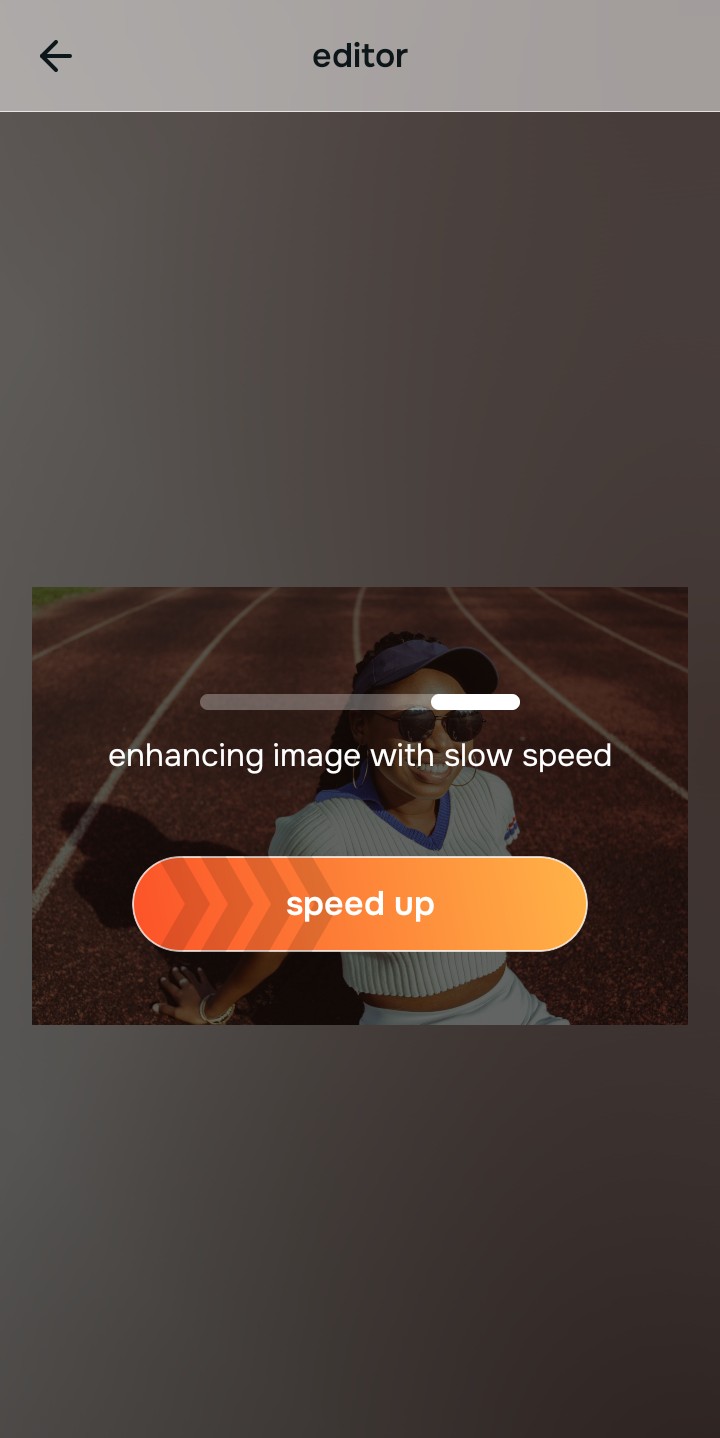
Let the instant preview calculate optical depth
Citrus provides an instant baseline correction immediately. Instead of just rubbing a blur tool over your eye sockets, Citrus maps the 3D volume of your face to understand where the light is actually failing.
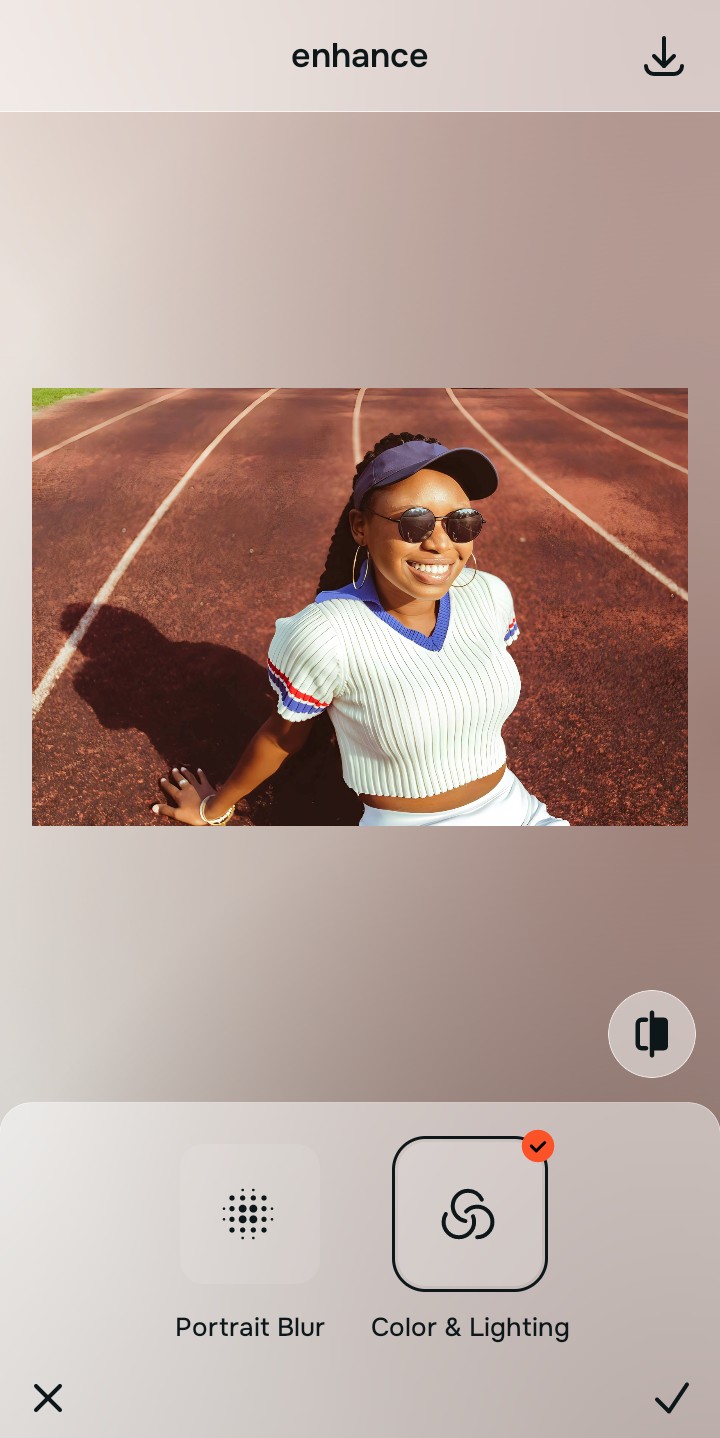
Tap Enhance and choose Colors & Lighting
Before targeting the eyes directly, you must fix the global contrast that is worsening the shadow. In Citrus, tap Enhance → Colors & Lighting. This mathematically balances the global exposure curves, lifting the overall baseline shadows and neutralizing harsh ambient light.

Always balance global optical lighting before addressing specific features. Fixing base exposure mathematically ensures subsequent shadow lifting doesn't look pasted on.
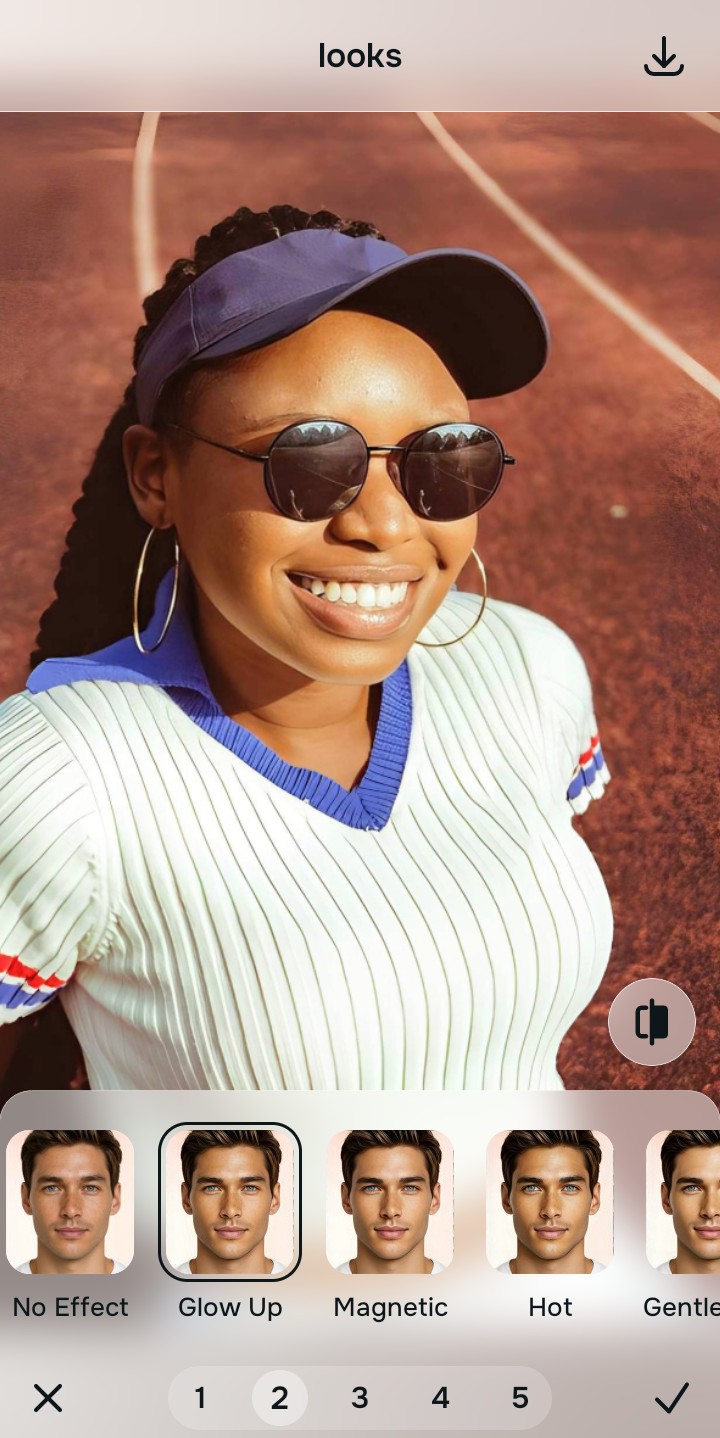
Tap Face and select Glow Up to lift socket shadows
Now that the light is balanced, target the focal distortion. Tap Look → Glow Up in Citrus. Select your preferred value from Level 1–5. This precisely targets the depth of the tear trough, lifting the localized shadow without deleting the natural anatomical lines of your lower eyelid.
Export your high-resolution, uncompressed portrait
Citrus provides clean, unwatermarked HD exports completely for free, allowing you to instantly make your face look fresher younger without looking like a filtered avatar.

How did the camera lens distort your selfie?
Identify your primary optical hurdle to select the exact automated pathway in Citrus.
Aligning Your Edits with the Citrus Taxonomy
Instead of guessing with manual blur brushes that make you look like a plastic doll, Citrus categorizes enhancement into three distinct, mathematically safe pathways:
“Portrait enhancement should never force you to blur away your natural eye shape. It must mathematically reverse the focal shadow distortion of the lens so you look rested, radiant, and completely real.”
Why Biometric Light Mapping Beats Smudge Brushes
There is a massive structural difference between authentic biometric correction and dragging a manual smoothing brush over your eyes. When you use the "smooth" tool in standard beauty apps to fix eye bags, the software averages the pixels together. This entirely removes the delicate anatomical line of your lower eyelid, making your eye socket look like a flat, featureless sheet of plastic.
Citrus is built specifically to prevent this. By constraining adjustments to mathematically calibrated Level 1–5 settings, it isolates the 3D depth of the tear trough. It lifts the dark shadow values inside the dip while strictly preserving the high-frequency pixel data (pores, lashes, eyelid creases). You get a clean, wide-awake photo in one tap without the alien effect.