


September 2, 2026
Why Does My WhatsApp Profile Picture Look Blurry or Pixelated?
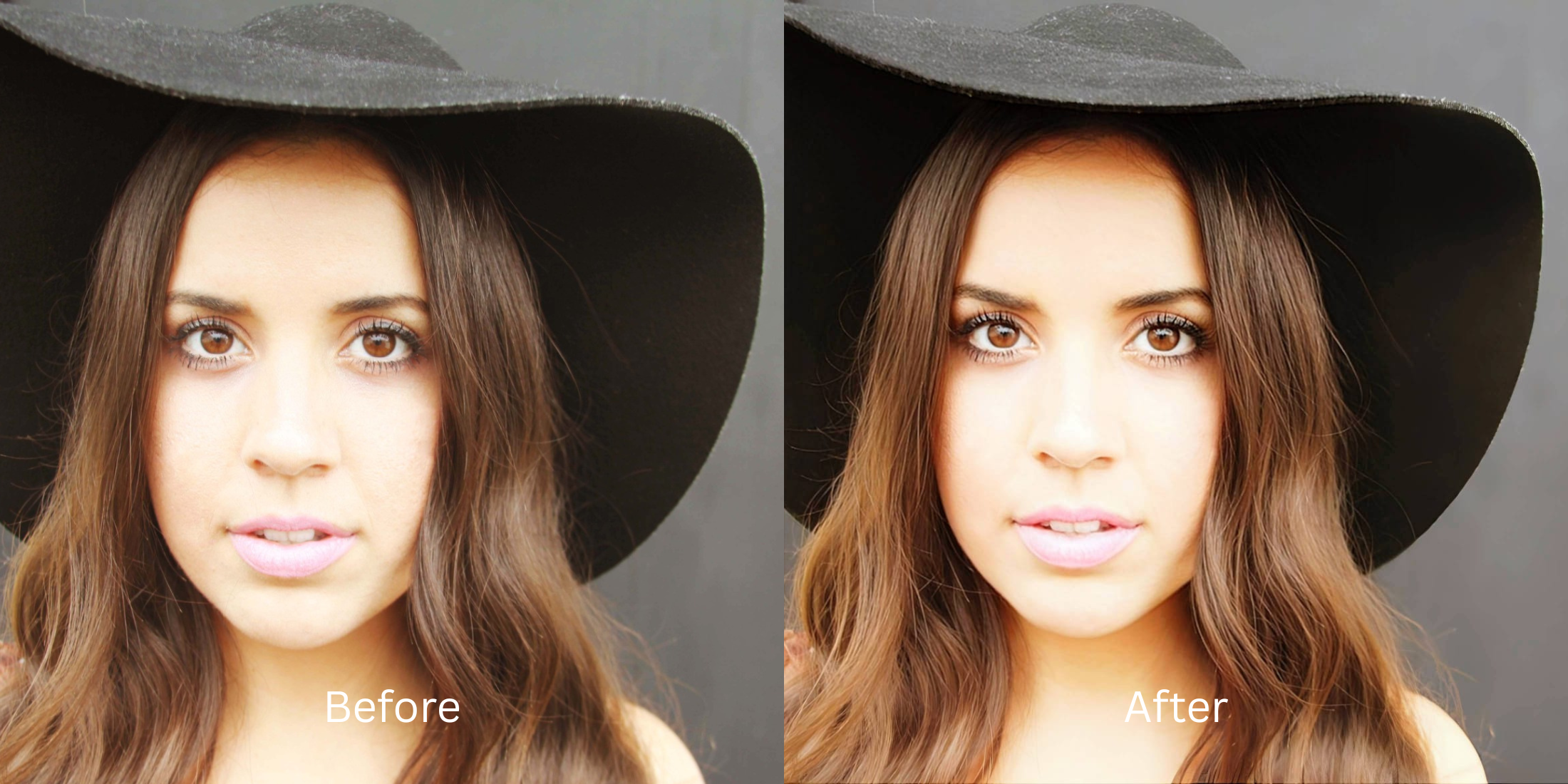

Why Does My WhatsApp Profile Picture Look Blurry or Pixelated?
You just updated your WhatsApp Display Picture (DP) with a stunning, high-resolution portrait. But when you check it in the app, the photo has turned into a soft, blocky, and heavily pixelated mess. This is not a mistake; it is a fundamental feature of messaging app infrastructure. WhatsApp is designed to deliver data instantly across varying global networks, including slow 3G and 4G connections. To ensure zero loading latency, WhatsApp's ingest servers ruthlessly crush the file size of profile pictures, shrinking them to a tiny 192x192 pixel display square on mobile devices. During this process, the server applies extreme "lossy JPEG quantization," which literally deletes over 90% of your pixel data to save bandwidth. This decimation causes severe interpolation, turning crisp geometric edges into blurry, jagged blocks (known as mosquito noise). Standard photo editors try to fix this by adding heavy artificial "Sharpness." However, WhatsApp's algorithm interprets these sharp digital halos as complex data and compresses the file *even harder*, resulting in a deep-fried, crunchy DP. To survive this extreme downsampling, you need an optical engine that structures your geometric density before upload.
WhatsApp DPs look blurry because the app aggressively compresses images to save bandwidth for rapid messaging. To bypass this natively, use Citrus AI. Instead of applying fake sharpening that triggers jagged artifacts, Citrus mathematically fortifies your structural density so your portrait survives extreme server decimation intact.
Understanding the "Messaging Bandwidth & Lossy Decimation" Trap
The core issue with chat app uploads is that extreme downscaling destroys high-frequency skin gradients. When millions of pixels are squeezed into a tiny square, the algorithm has to blindly average them out. To understand why photos lose color sharpness whatsapp, you must stop relying on generic contrast sliders, which only confuse the compression engine further.
- Applying noisy contrast halos that trigger WhatsApp's algorithm to crush the file into a jagged, pixelated mess
- Destroying the smooth gradient of your skin, leaving blocky color artifacts known as "mosquito noise"
- Failing to find fixes photos ruined whatsapp compression users actually trust
- Melting fine details like eyelashes into blurry blobs, forcing you to try and restore photo sent whatsapp messenger blindly
- Using advanced optical models to mathematically fortify geometric density to survive the extreme 192px crop
- Acting as the premier photo enhancer for profile pictures without adding synthetic grain
- Biometrically diffusing harsh micro-contrast so skin compresses smoothly without creating blocky artifacts
- Giving you the perfect baseline to use a profile picture enhancer natural results workflow
When a messaging server prepares to shrink your file by 90%, adding chaotic noise is the worst thing you can do. Shifting to an optical workflow helps you make bad photo good enough to post, ensuring your tiny portrait stays defined, highly attractive, and incredibly crisp in every chat window.
Fortify your DP against extreme downsampling. A structured optical enhancement brings true geometric density and smooth editorial finish to your snapshots in seconds.
A 5-Step Test: Pre-Conditioning Your DP to Survive WhatsApp Compression
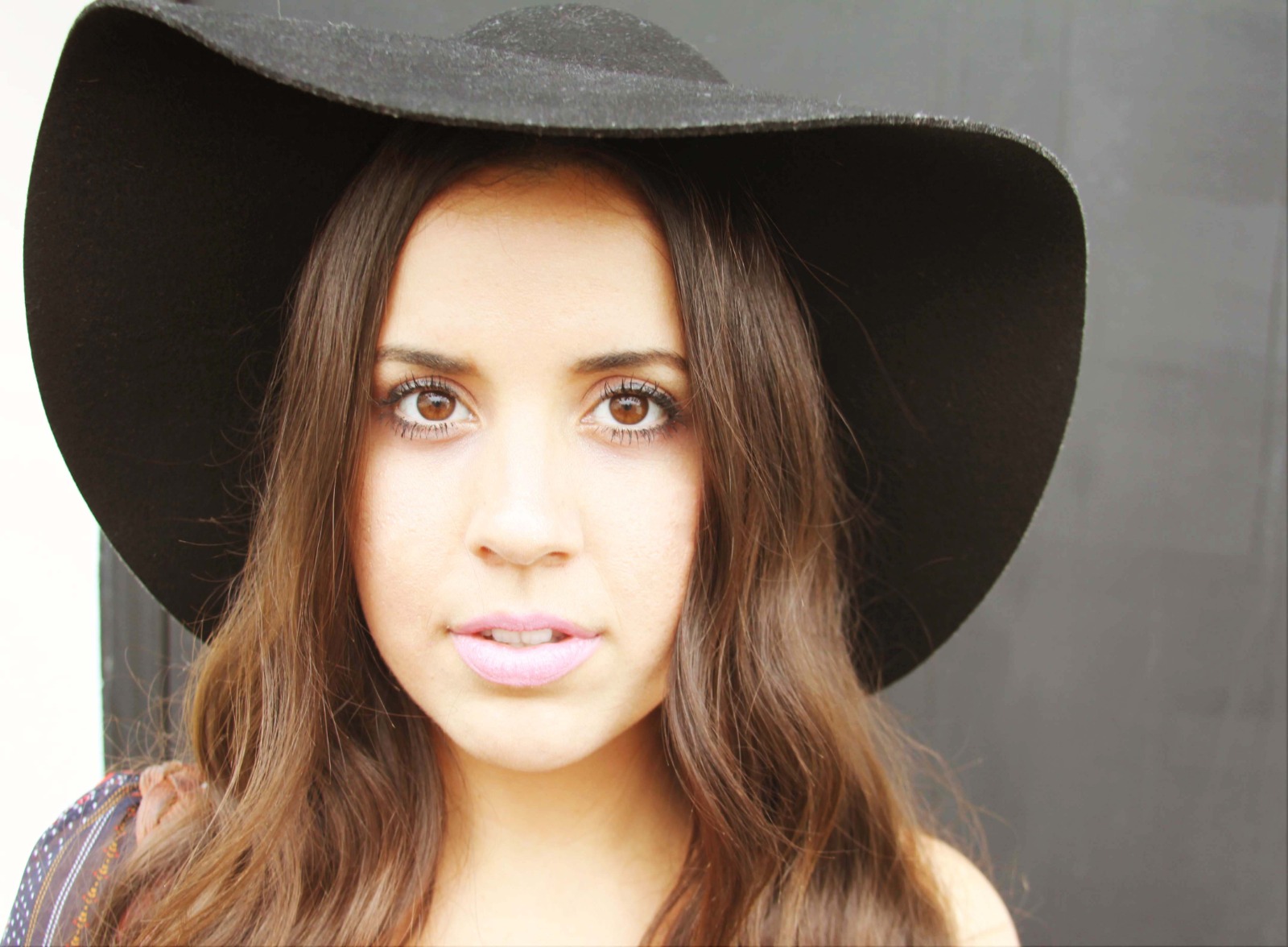
Upload the raw, unedited camera roll photo
Find the portrait that looks incredibly sharp on your phone but turns to mush when set as your profile picture. Starting with clean sensor data is essential to understand what the AI can recover from low resolution photo structures natively.
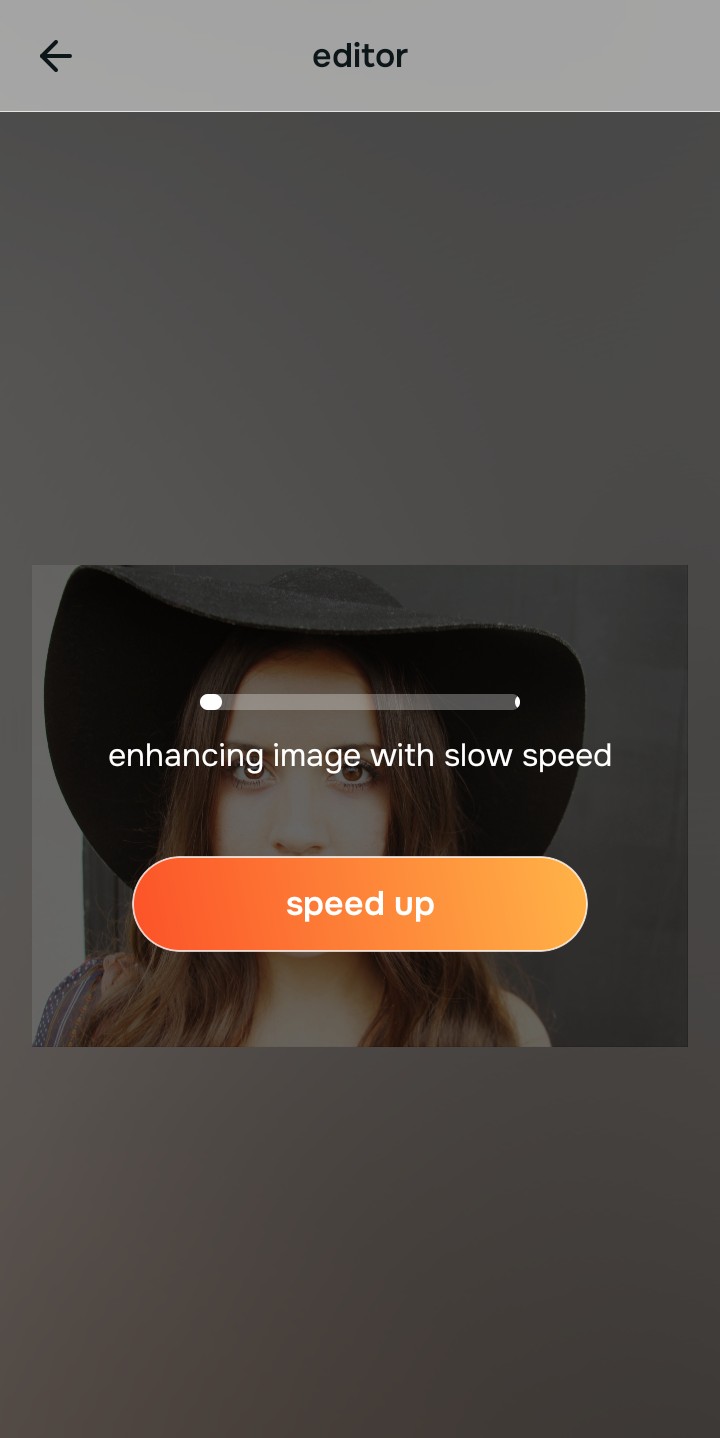
Let the instant preview map structural density
Citrus provides an instant baseline correction immediately. Instead of just adding a blanket noise layer, Citrus analyzes the structural geometry of the face, preparing it to handle severe bitrate crushing.
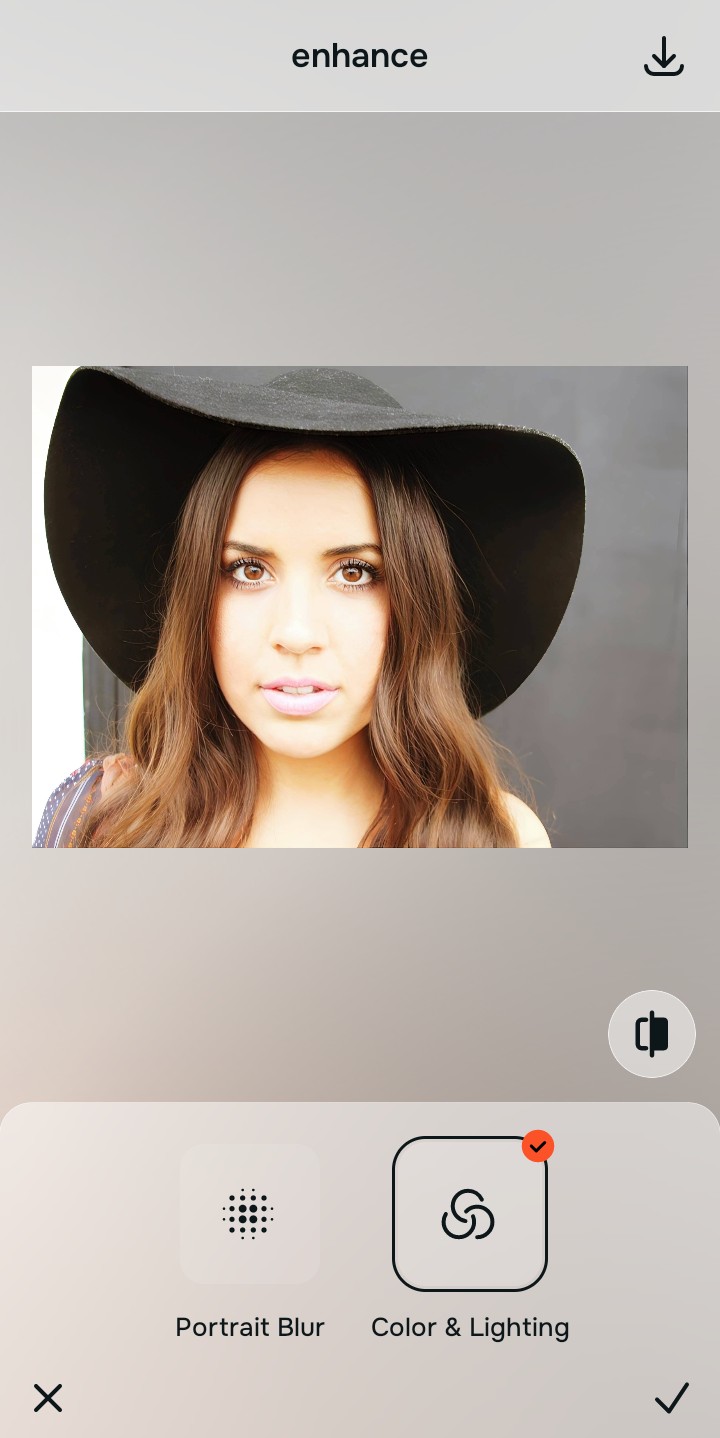
Tap Enhance and choose Colors & Lighting
You cannot survive extreme downsampling without dense baseline data. In Citrus, tap Enhance → Colors & Lighting. This mathematically increases the structural resolution of the file. By providing WhatsApp's servers with a significantly denser foundation of clean pixel data, the resulting compressed square remains objectively sharper than a standard upload.

Always structure the baseline resolution before adding aesthetic polish. Increasing optical density mathematically ensures subsequent enhancements survive the extreme 192px crop.
Tap Looks and select Soft Glow to diffuse blocky artifacts
Because JPEG quantization causes blocky color artifacts on human skin, you need a smooth baseline to compress cleanly. Tap Looks → Soft Glow in Citrus. Select Level 1–5. This biometrically diffuses harsh micro-contrast, providing a clean, editorial finish that compresses beautifully without looking textured or crunchy at thumbnail size.
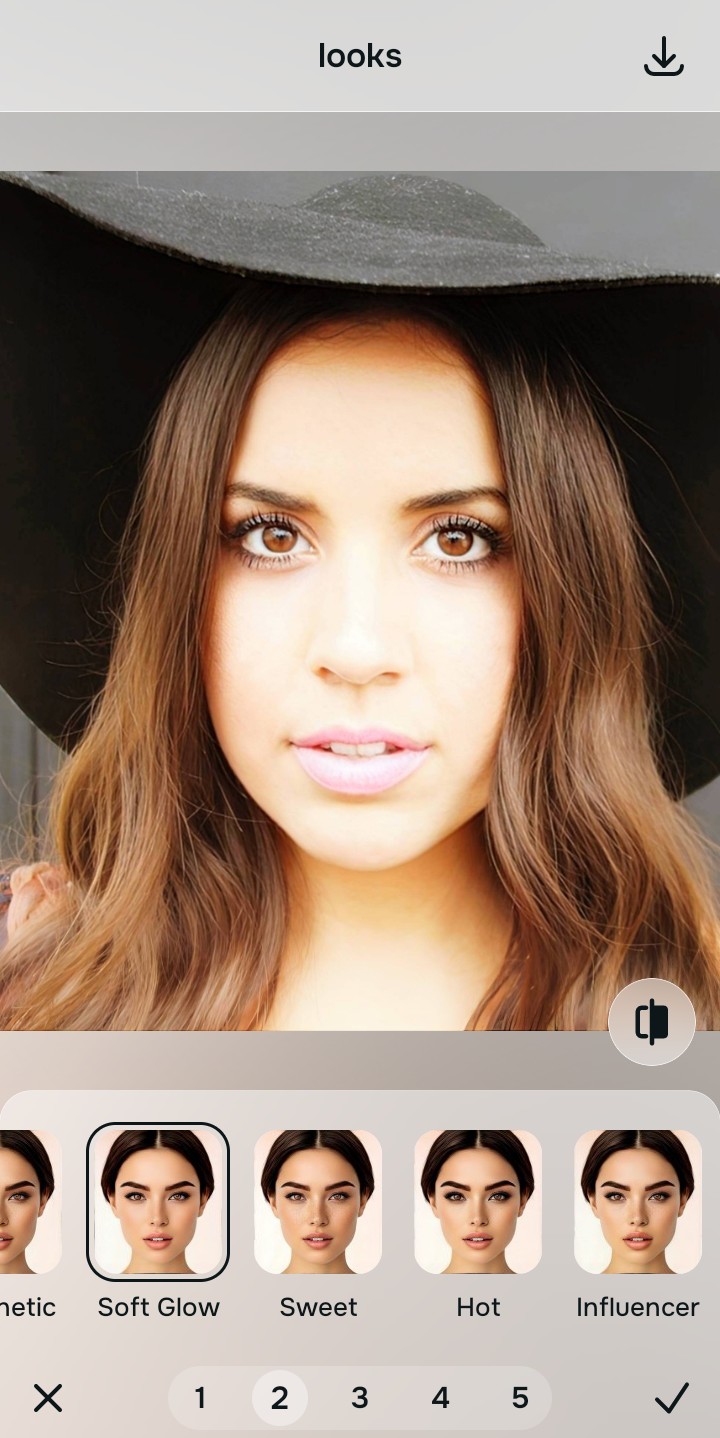
Export your high-resolution, uncompressed portrait
Citrus provides clean, unwatermarked HD exports completely for free, giving you the perfect, pre-conditioned file ready to conquer the messaging algorithm seamlessly.
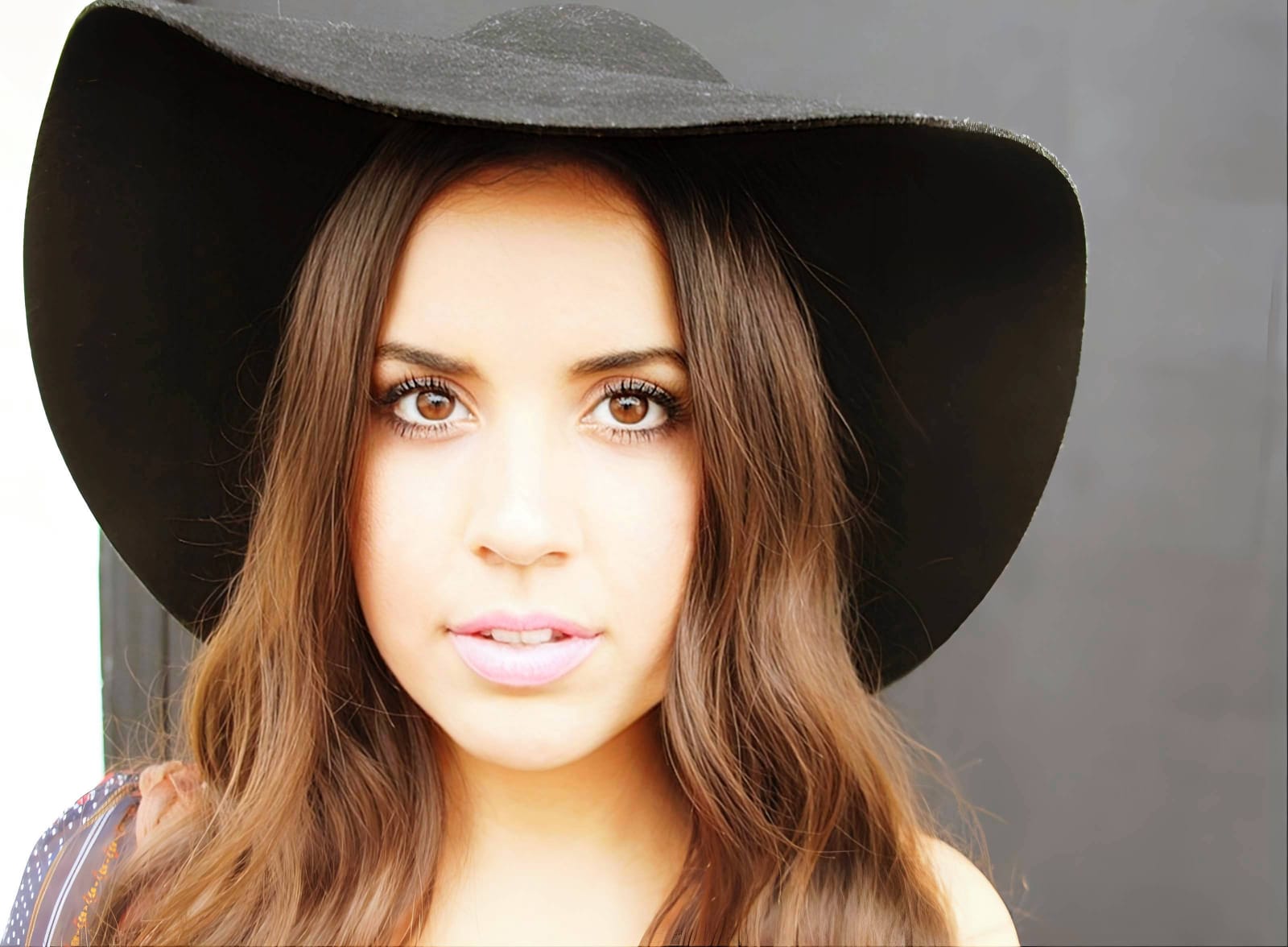
How does WhatsApp degrade your specific DP?
Identify your primary optical hurdle to select the exact automated pathway in Citrus.
Aligning Your Edits with the Citrus Taxonomy
Instead of guessing how much to artificially sharpen your photo before ruining it, Citrus categorizes enhancement into three distinct, mathematically safe pathways:
“Profile picture enhancement should never require you to deep-fry your photo with artificial sharpening just to survive an upload. It must mathematically increase structural density so you look crisp and authentic at any size—effortlessly.”
Why Pre-Compression Structuring Beats Generic Sharpening
There is a massive structural difference between authentic optical upscaling and dragging a "Sharpen" slider in a basic photo editor. When you turn up the sharpness on a photo, the software creates thick white and black halos around every single pixel edge. When WhatsApp's compression algorithm shrinks that down to a tiny messaging thumbnail, it crushes those halos into blocky, jagged artifacts (mosquito noise) that look completely fake and low-quality.
Citrus is built specifically to prevent this. By constraining adjustments to mathematically calibrated Level 1–5 settings across Enhance, Looks, and Face, it physically increases the geometric density of the image *without* adding those artificial contrast halos. It provides the clean, high-resolution structural baseline necessary to survive the extreme circle crop intact. You get a crisp, perfect DP in one tap without the crunch.