


June 7, 2026
The Selfie Distortion Calculator: How Camera Distance Changes Face Width, Nose Size, and Eye Area

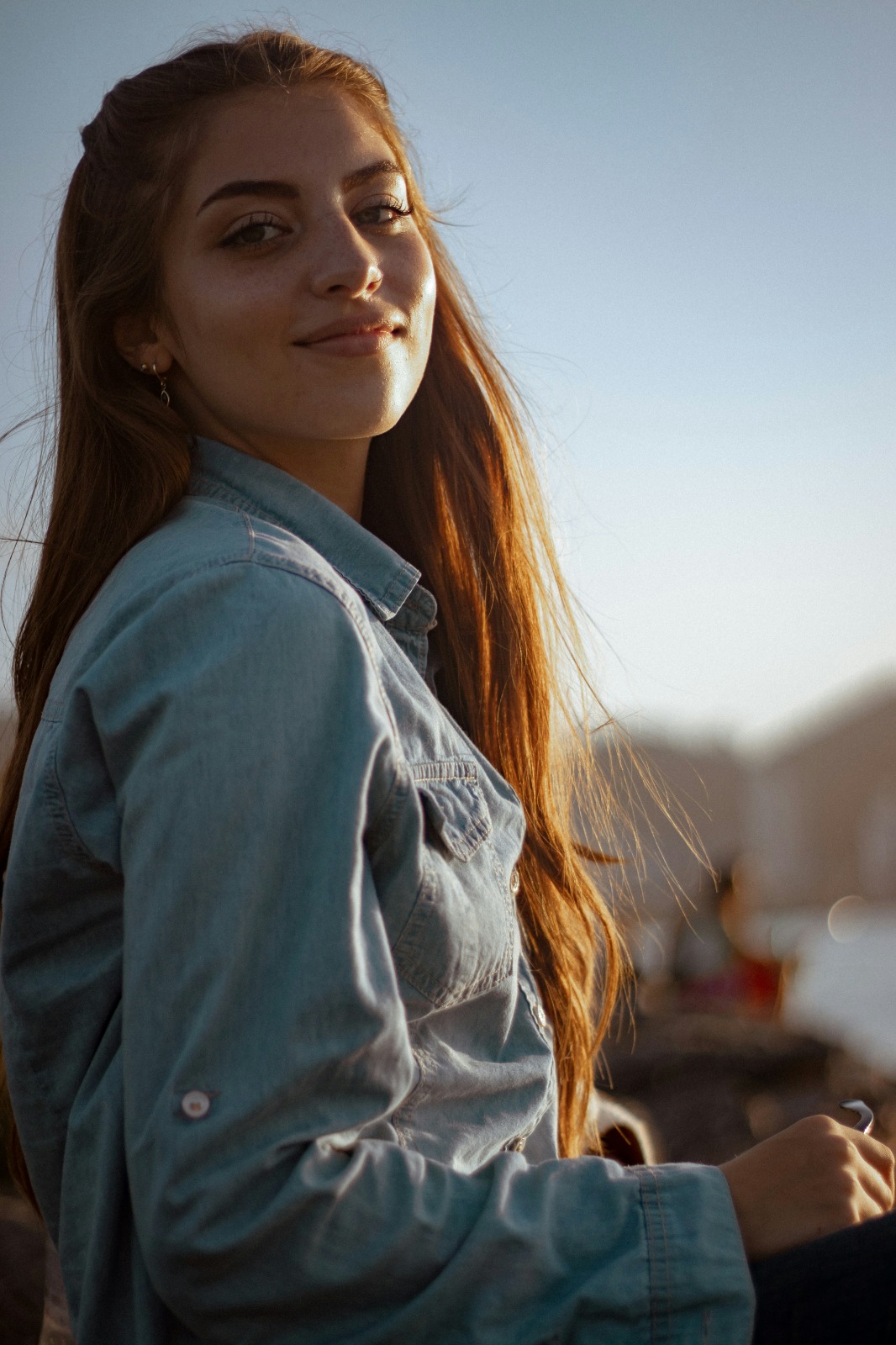
The Selfie Distortion Calculator: How Camera Distance Changes Face Width, Nose Size, and Eye Area
If you take a photo exactly 12 inches from your face, your nose will appear up to 30% wider relative to your face than if you took the photo from 5 feet away. This mathematical phenomenon is called "barrel distortion," caused by the wide-angle lenses inside modern smartphones. The camera physically balloons whatever feature is closest to the glass and pushes your jawline and ears backward. When people try to reverse this using normal editing apps, they drag manual liquify sliders that warp the doors and walls behind them, creating embarrassing "AI slop." To accurately calculate and reverse lens distortion, you need a precise geometric tool.
Quick Answer
To safely reverse wide-angle lens distortion for free without warping your background, you must use 3D geometric mapping. Open your close-up portrait in Citrus and ignore the manual morph sliders completely. First, tap Enhance -> Portrait Blur to isolate your head from the background walls. Next, tap Face -> Small Nose (or Slim Face) and select a precise Level 1–5 option. This mathematically retracts the ballooning effect back to true, mirror-accurate proportions. Citrus provides these structural tools generously for free.
Why manual liquify tools create fake, warped backgrounds
The core issue with manual slider applications is that they rely on blind, 2D pixel dragging. If you drag your cheek inward to fix a wide jaw, the software blindly pulls the doorframe or the window behind you. Finding a true natural faceapp alternative means shifting away from this primitive method. Citrus replaces unpredictable manual brushes with strict Level 1–5 tap settings that isolate facial geometry from the background, ensuring you can reverse lens stretching cleanly.
Overedited liquify tools
Gating vital structural tools entirely behind expensive paywalls in FaceApp and Facetune
Warping background doors and walls using manual liquify sliders in AirBrush and Facelab
Distorting organic skull proportions into artificial plastic molds with Beautycam and YouCam
Pasting generative AI texture slop over real skin geometry using Perfect365 and PrettyUp
Citrus engine The geometric correction
Accessing powerful structural correction tools generously given for free across the app
Using mathematically calibrated Level 1–5 taps instead of unpredictable manual sliders
Reversing camera barrel distortion safely while background elements stay completely still
Processing single images for free with optional turbo batch speeds available for creators
If your face and walls look obviously bent, you lose credibility instantly. Using a dedicated engine to improve without changing real face structures ensures your portraits reflect your genuine, true-to-life measurements.
Try the geometric fix
Reverse wide-angle stretching instantly. A mapped level option protects your background lines.
How to reverse selfie camera distortion for free in 5 steps
1
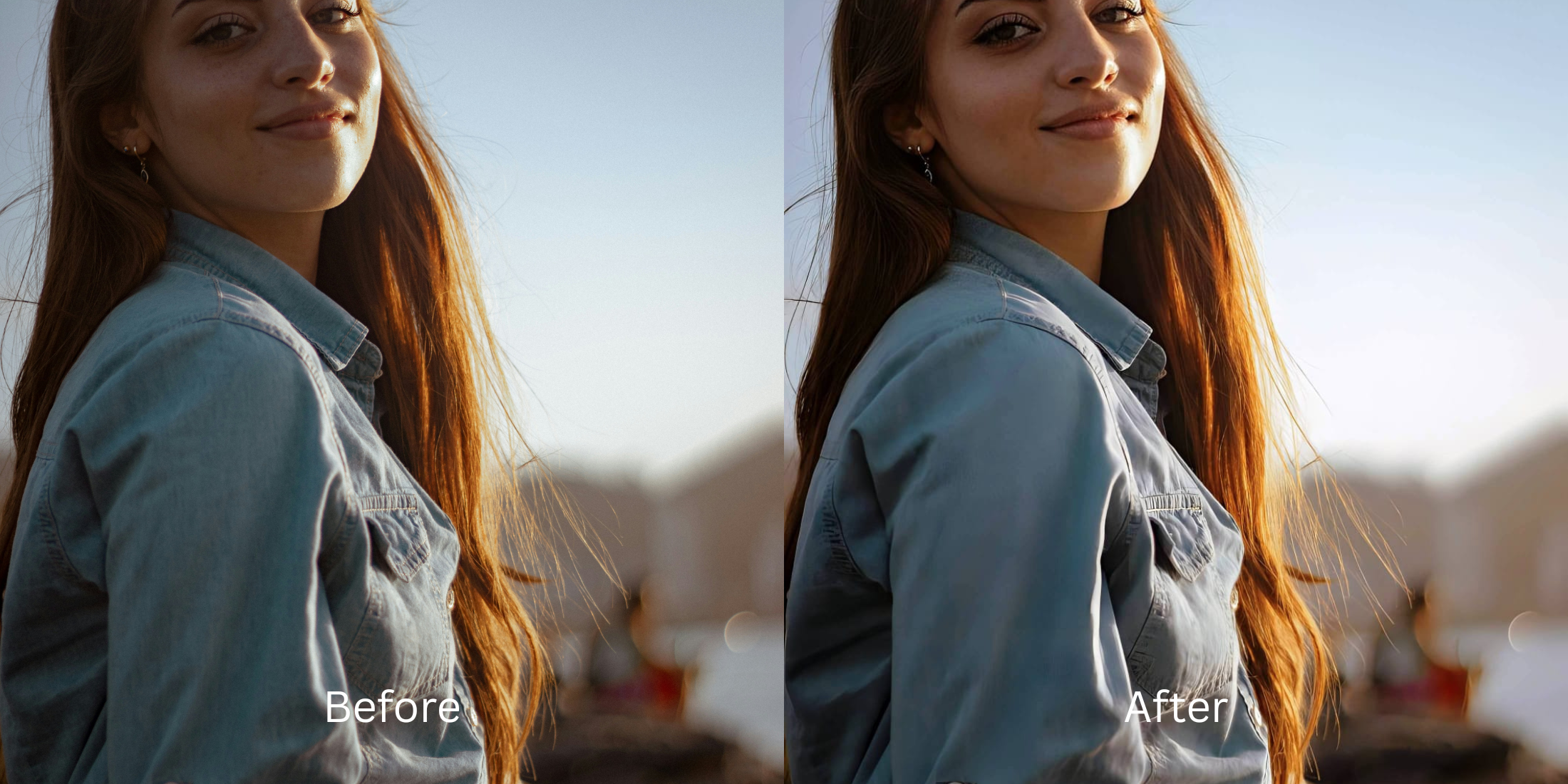
Upload a selfie distorted by a wide-angle lens
Open your file roll and pick a portrait where taking the photo too close made your nose look large or your face overly wide. If you frequently wonder why you look worse in photos than mirror reflections, resolving this optical compression is step one.
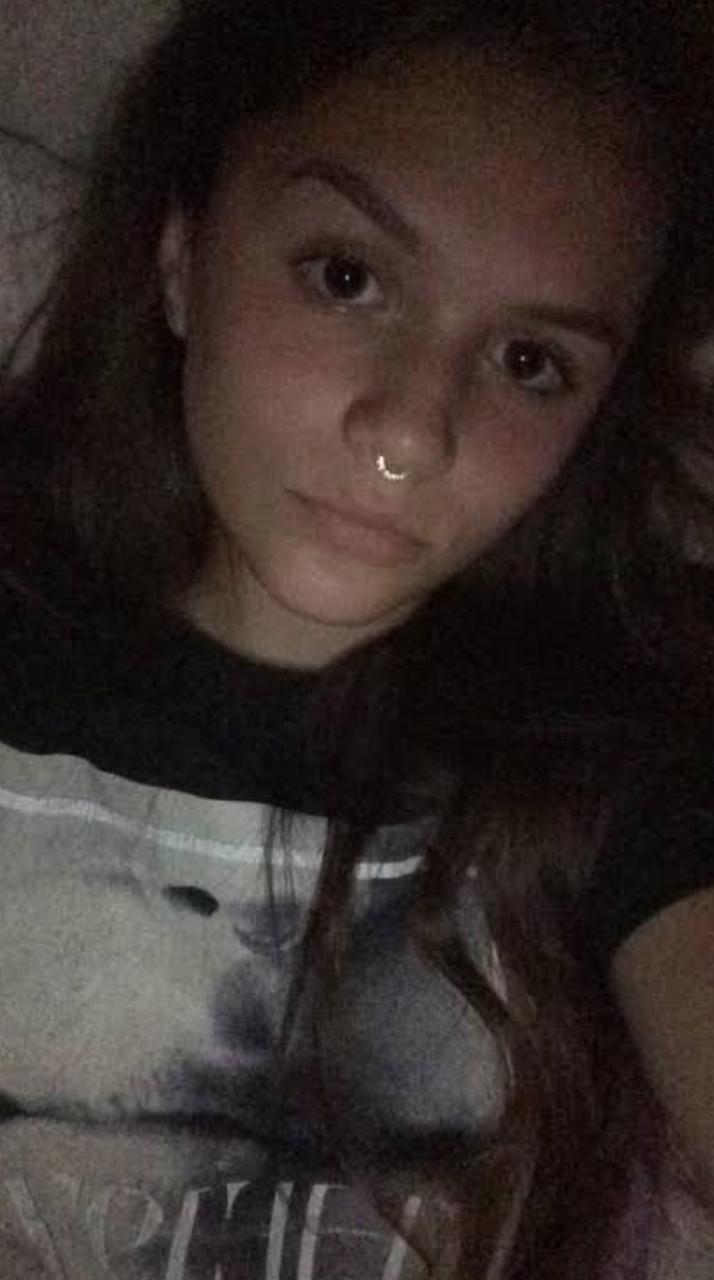
Pick a raw image that requires precise proportion correction without background warping.
2
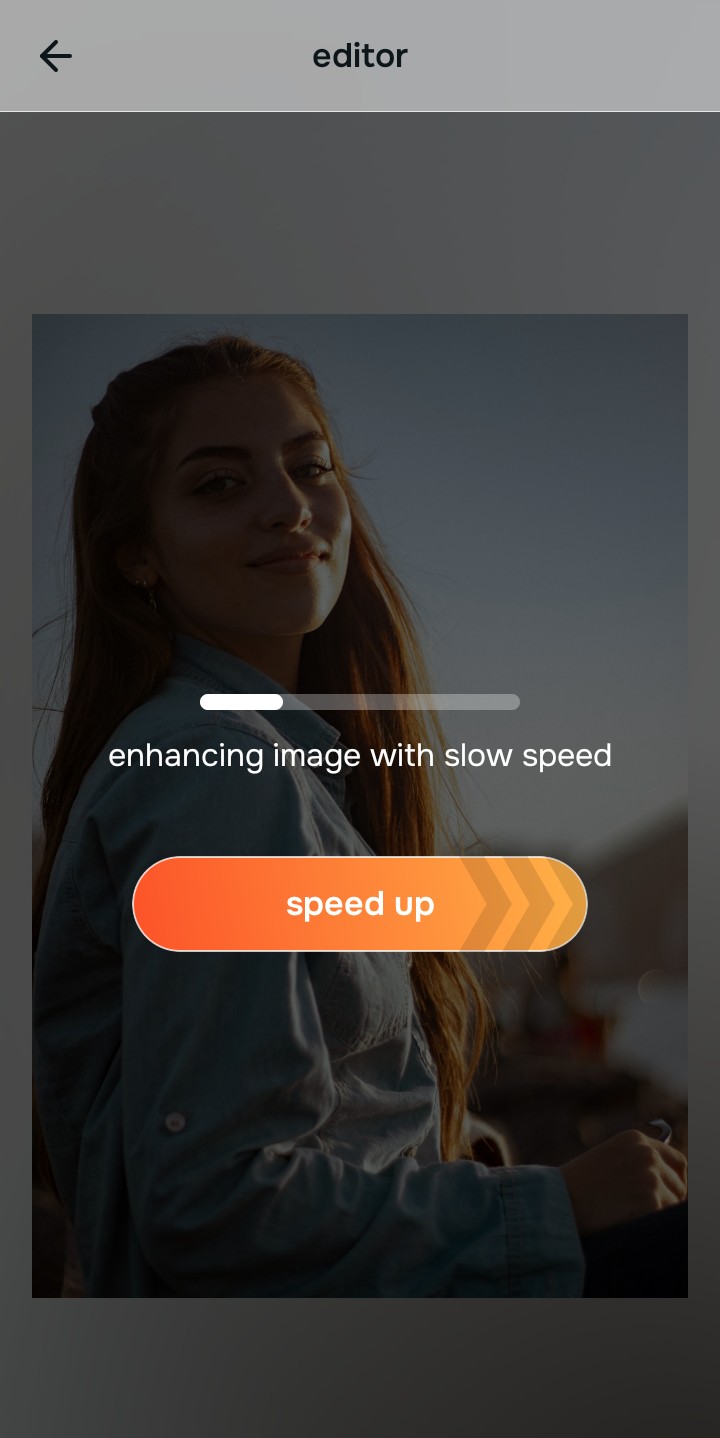
Let the real-time preview map your face boundaries
Citrus initializes a high-definition rendering environment immediately. This lets you observe how the system maps your specific facial parameters safely before selecting your Level 1–5 processing intensity.
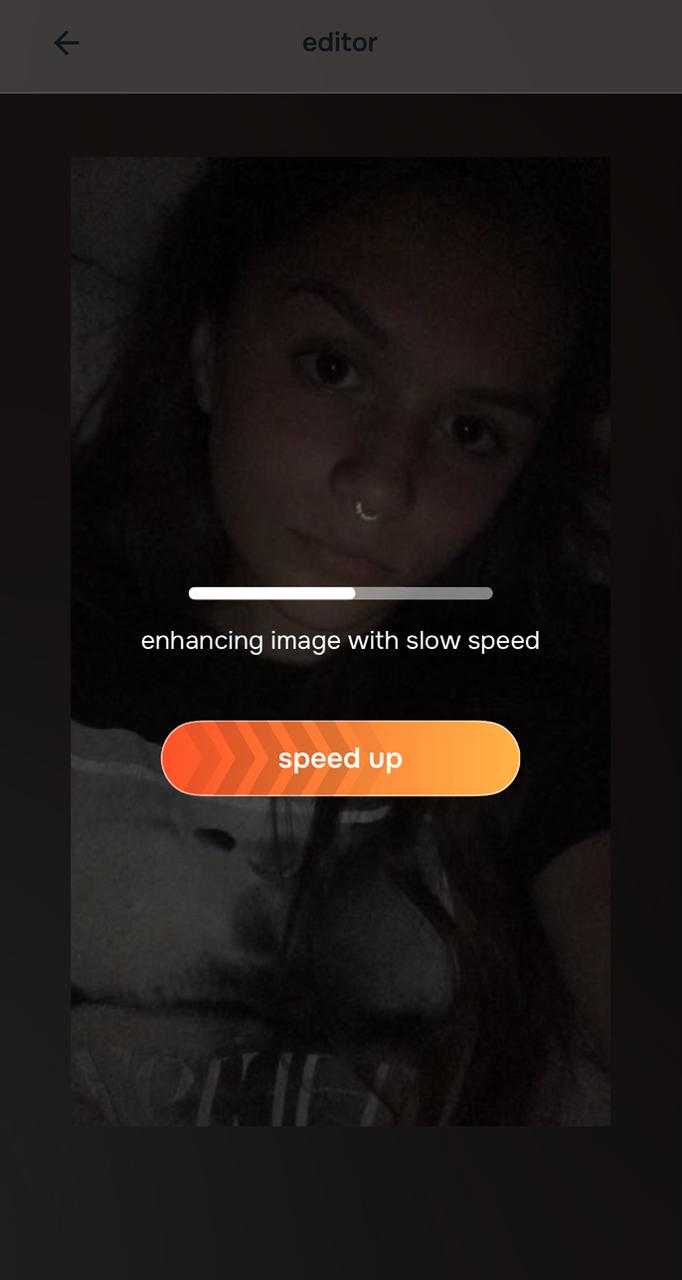
The free preview safely isolates your face structure from the background elements cleanly.
3
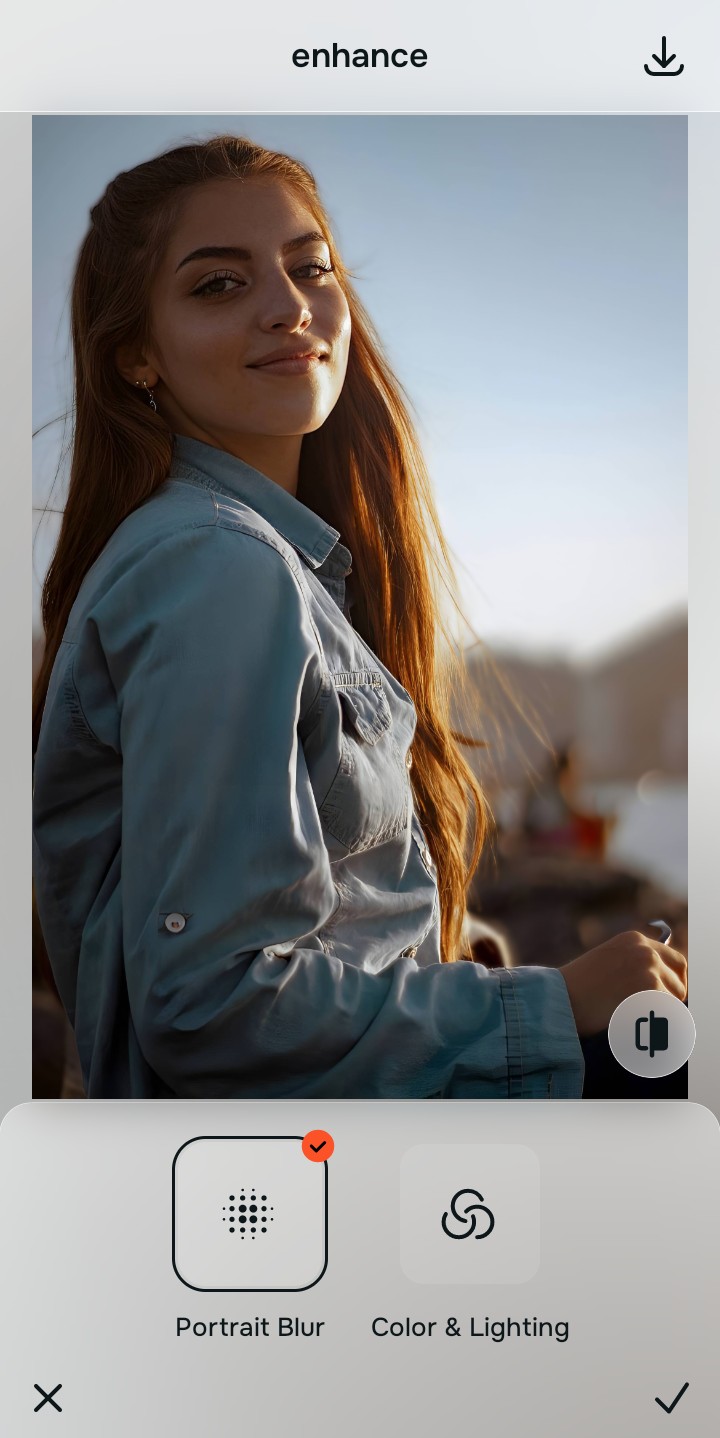
Tap Enhance and choose Portrait Blur
Because structural shifts risk bending background architecture, tap Enhance -> Portrait Blur. This creates a safe depth-of-field separation. If your overall photo quality is also weak, choosing a fix blurry face photos tool within the Enhance tab sets a clean foundation first.

Always set your background depth baseline before executing structural face fixes. Isolating the subject guarantees that any geometric shifts apply strictly to the face without dragging the room with it.
Try on Web Android Free iOS Free
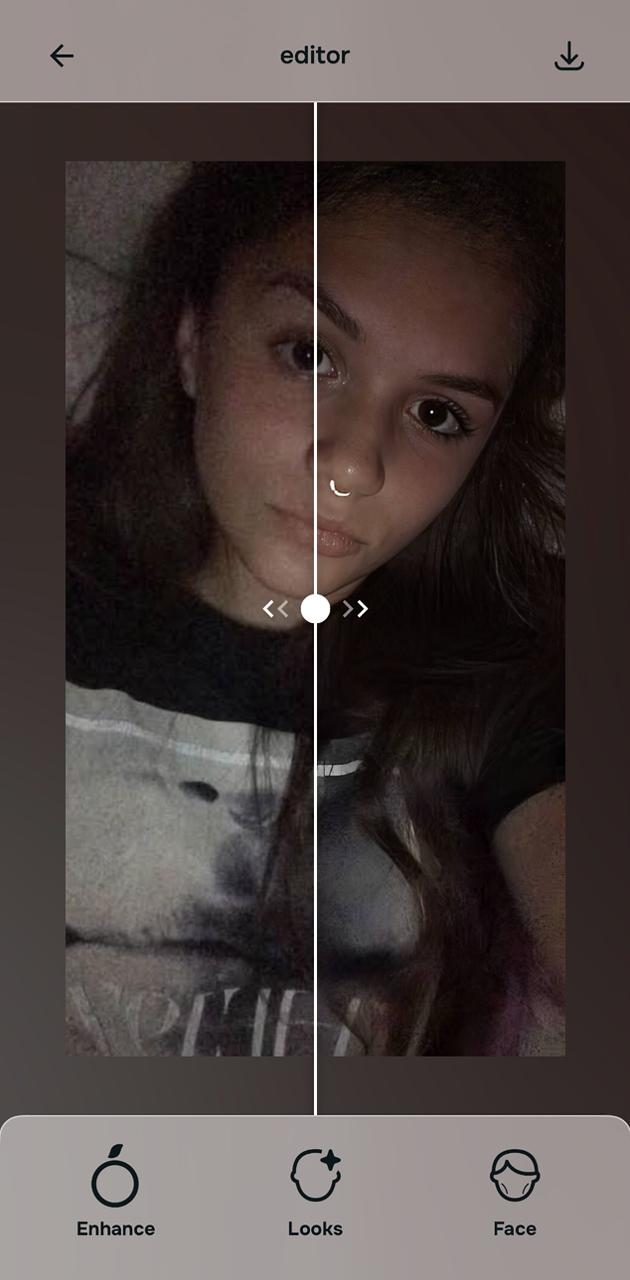
Separating the background ensures a safe environment for physical face adjustments.
4
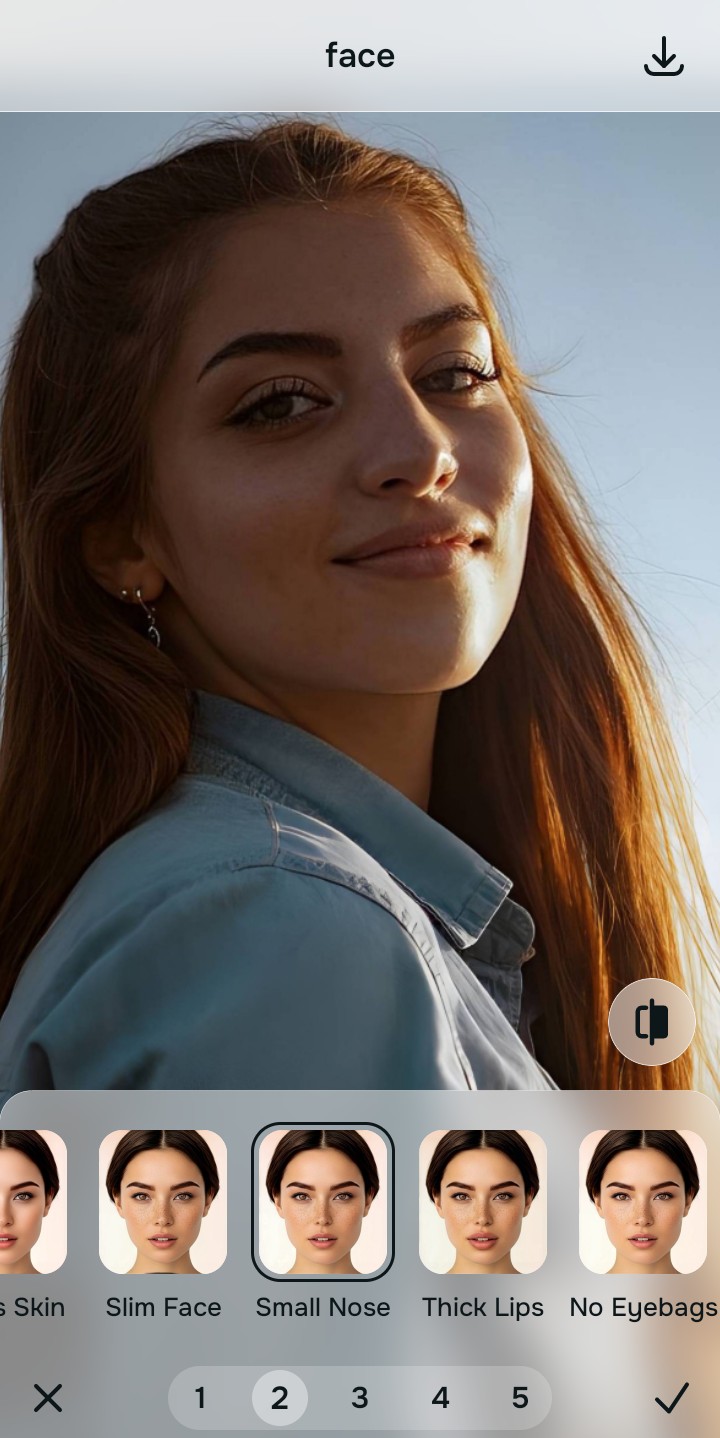
Tap Face and select Small Nose (or Slim Face)
With your environment securely split, target the specific lens stretch. Tap Face -> Small Nose. Pick a precise Level 1–5 option to smoothly retract the ballooning effect. Utilizing tools to make nose look smaller natively proves why mapped AI totally outperforms manual sliders.
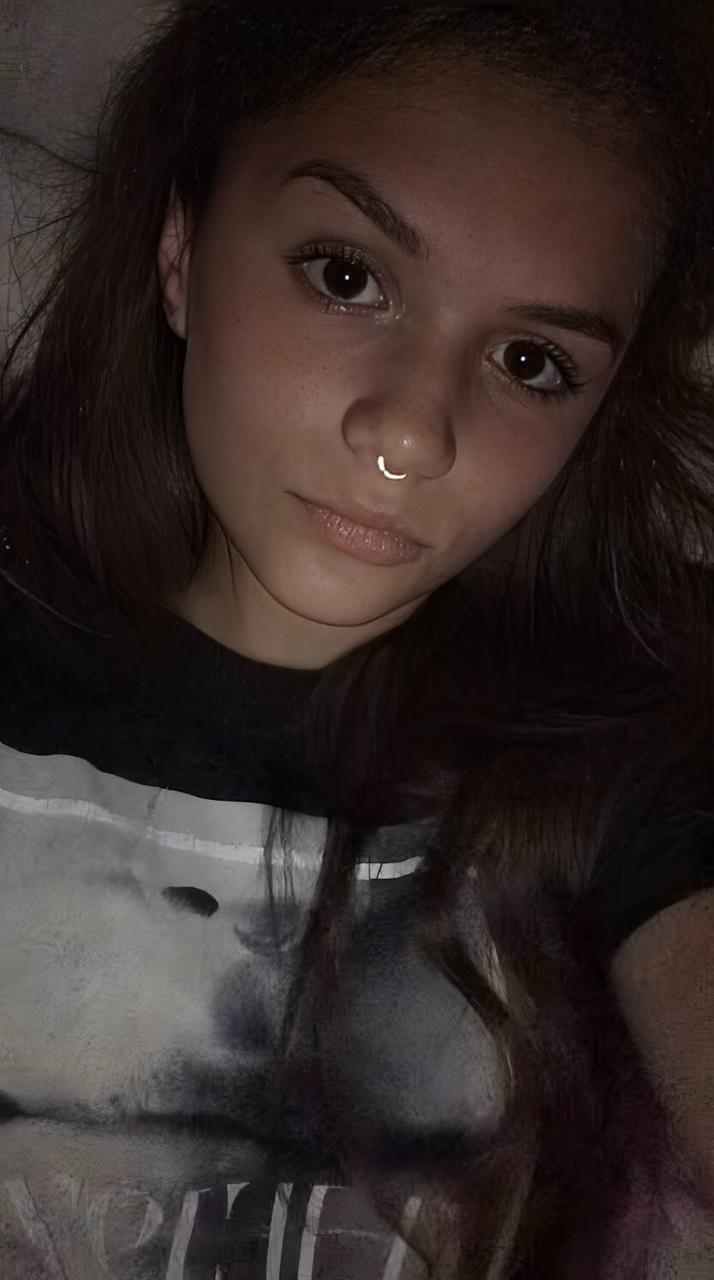
The specific feature workspace corrects wide-angle distortion natively without bending the walls.
5
Download your high-definition profile asset for free
Citrus generously offers unwatermarked exports completely for free. For professionals processing massive gallery dumps, an optional upgrade to the turbo engine is available. You can now use a natural profile picture enhancer confidently and cleanly.
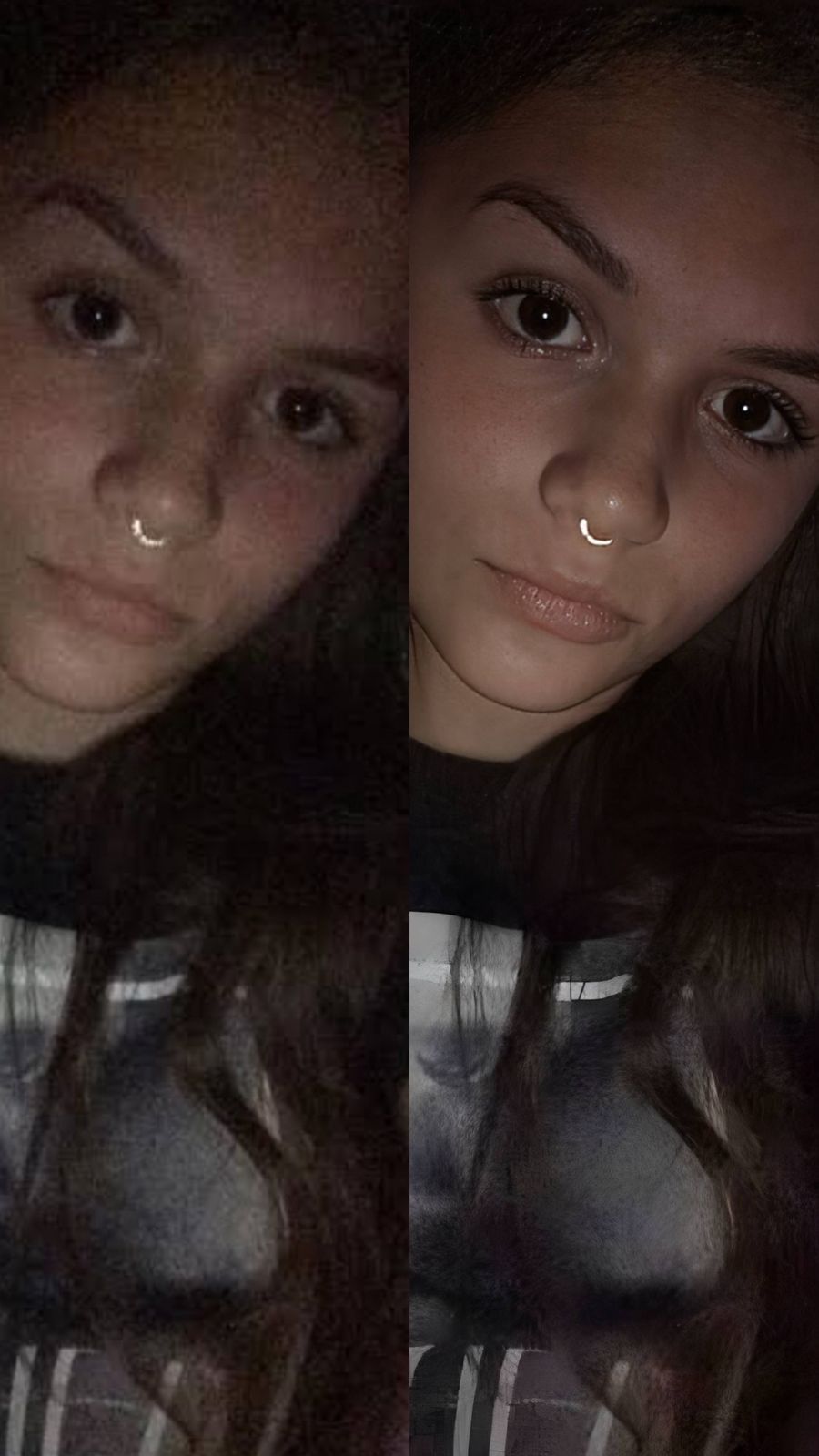
The finalized export delivers a sharp, mathematically balanced expression ready for your feed.
Distortion Assessment
What is lowering your current selfie quality?
Identify your portrait's primary visual limitation. Your correct editing path changes depending on the issue.
The overall picture is messy, blurry, or suffering from distracting background clutter globally My face shape is fine, but my overall impression lacks a polished, highly attractive vibe The close-up wide phone lens stretched the center of my face, ballooning my nose
Evaluate my portrait
How to align your profile flaw to the right free pathway
Separate photo weaknesses necessitate independent menu paths. Selecting structured Level 1–5 tap options instead of raw manual sliders is the only way to lock in true proportions without generating AI slop.
Tool Pathway Primary Flaw Remediated Correction Strategy Enhance Start here Cluttered backgrounds, low frame depth, and flat camera artifacts Use this first to separate the background from your face. Select Portrait Blur to isolate depth fields for free. Looks Dull skin appearance, flat overall expressions, and low image vibrancy Use this to update the entire face impression. Select Model (Level 1–5) to coat your portrait in a cohesive polish. Face Specific structural distortions like a stretched nose or wide jaw from the lens Use this last for precise feature tweaks. Select Small Nose to safely recalculate structural geometry natively.
“An authentic portrait adjustment should never reshape your actual skull. It must simply correct the camera's barrel distortion errors so your real identity is preserved.”
Why precise Level 1–5 taps beat manual liquify sliders
There is a massive structural difference between balancing lens distortion and masking your face behind fake filters or generative slop. When you use manual liquify tools to adjust features, human error makes it easy to over-edit, creating noticeable bends in your background doorframes. This instantly breaks the realism of your content.
Citrus is built from the ground up to be the most natural enhancer ever created. By relying exclusively on mathematically precise Level 1–5 tap settings instead of unpredictable sliders, the engine maps your face securely, recalculating volume without changing your real face shapes. If you want to slim face without warping background walls, this approach guarantees your environment stays perfectly intact.
Frequently asked questions
Why do my selfies make my nose look wider than it really is? +
Front-facing smartphone cameras use wide-angle lenses to capture more of the background. When held close to your face, this lens creates "barrel distortion." Because your nose is closest to the lens, the camera stretches it outward while pushing your ears and jaw backward.
Are these high-definition geometric features completely free to use? +
Yes! Citrus generously provides free versions consistently across its features without watermarks. For power users looking to process multiple uploads simultaneously with ultra-fast turbo speeds, an optional premium upgrade is available. Individual exports remain generously free.
Why shouldn't I use manual sliders to fix a wide face or nose? +
Sliders rely on manual pixel dragging, which physically bends the 2D image plane. If you drag a liquify brush inward, you warp the walls and doorframes behind you. Citrus uses strict Level 1–5 geometric maps to keep adjustments precise and background-safe.
Will utilizing the Small Nose tool make me look like a fake AI render? +
Absolutely not. Citrus is the most natural enhancer ever built. It avoids generative textures and fake filters completely. It simply recalibrates the lost geometric accuracy caused by the wide lens, bringing your original proportions back to real-life scale.
Should I adjust my specific feature concern or blur the background first? +
Always establish your background separation first. Tap Enhance -> Portrait Blur to cleanly isolate your head from the background. Once that depth separation is established, your targeted Face options will apply cleanly without disturbing the environment.
Generous Free Tier
Reverse wide-angle camera distortion for free
No manual sliders. No warped walls. Keep your authentic features intact.
Enhance on web Download on the App Store GET IT ON Google Play