


August 18, 2026
Pixelcut vs Citrus: Which AI Enhancer Is Better for People, Products, and Everyday Photos?
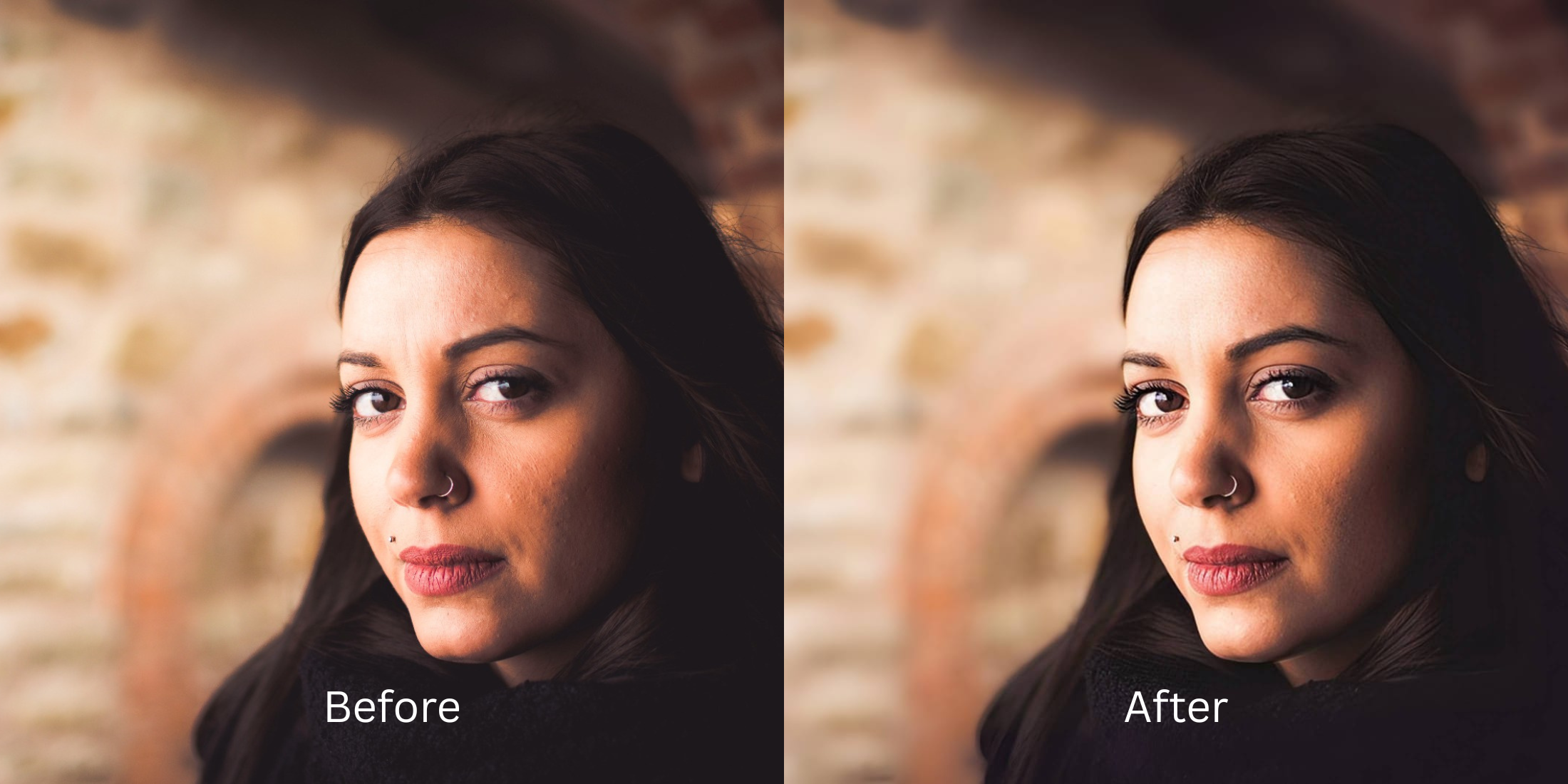

Pixelcut vs Citrus: Which AI Enhancer Is Better for People, Products, and Everyday Photos?
Pixelcut is widely celebrated as an e-commerce powerhouse for reselling platforms like Poshmark, eBay, and Depop. It excels at batch background removal, creating artificial studio backdrops, and applying high-contrast edge sharpening to inanimate items like sneakers, watches, and apparel. But when users try to run everyday selfies, candid group photos, or portraits through Pixelcut's "Magic Upscaler," the results are often disappointing. Pixelcut's AI Glass Skins treat human faces like hard-edged product surfaces. They aggressively slice hair edges, blow out skin highlights, and apply a waxy, high-contrast finish that makes people look synthetic. To enhance everyday photos and portraits naturally—without cutout halos or expensive $59.99/year PRO subscriptions—you need an optical engine designed specifically for human biometrics.
Pixelcut is built for e-commerce product cutouts, while Citrus is far superior for natural people, portraits, and everyday photos. While Pixelcut applies harsh product-level contrast and aggressive background slicing, Citrus AI uses pure optical Glass Skining to balance ambient lighting and elevate facial radiance in one tap—delivering unwatermarked HD exports completely for free.
Why E-Commerce Product Enhancers Fail on Everyday Portraits
The core issue with using an e-commerce cutout tool for human photography is the mismatch in AI training. Pixelcut is optimized to isolate hard edges and generate hyper-saturated, commercial studio lighting. When applied to a person, it eliminates natural depth falloff and turns skin into a plastic, over-sharpened render. Understanding when to fix product photos for vinted versus when to use an authentic portrait enhancer is crucial for preserving your real identity.
- Treating human faces like commercial products, applying harsh high-contrast edge sharpening
- Creating aggressive cutout halos around loose hair when isolating subjects from backgrounds
- Locking clean, high-resolution upscaling behind a steep $59.99 annual PRO subscription
- Erasing subtle pore texture in favor of an artificial, glossy catalog sheen
- Accessing the ultimate enhancer for natural looking results in a clean, one-tap environment
- Balancing lighting and dynamic range automatically without synthetic product over-sharpening
- Diffusing harsh camera glare while keeping real human skin texture 100% visible and un-blurred
- Delivering true photo editing without subscriptions or hidden export paywalls
When an app treats you like catalog merchandise, your candid portraits lose all authenticity. Shifting to an engine that can easily remove weird background mess while preserving human biometrics ensures your everyday photos look professional, attractive, and completely real.
Optimize everyday photos beyond product cutouts. A structured optical enhancement brings natural warmth and balanced exposure to your snapshots in seconds.
A 5-Step Test: Natural Everyday Enhancement Without E-Commerce Cutout Artifacts
Upload the raw, unedited camera roll photo
Find the photo with flat indoor lighting, slight blur, or dark shadows that a product upscaler would normally turn waxy. Starting with clean sensor data is essential to see how to make bad photo good enough natively.

Let the instant preview calculate optical balance
Citrus provides an instant baseline correction immediately. Instead of cutting out the background and slapping on a fake white studio backdrop, Citrus calculates your global scene lighting and human facial biometrics simultaneously.
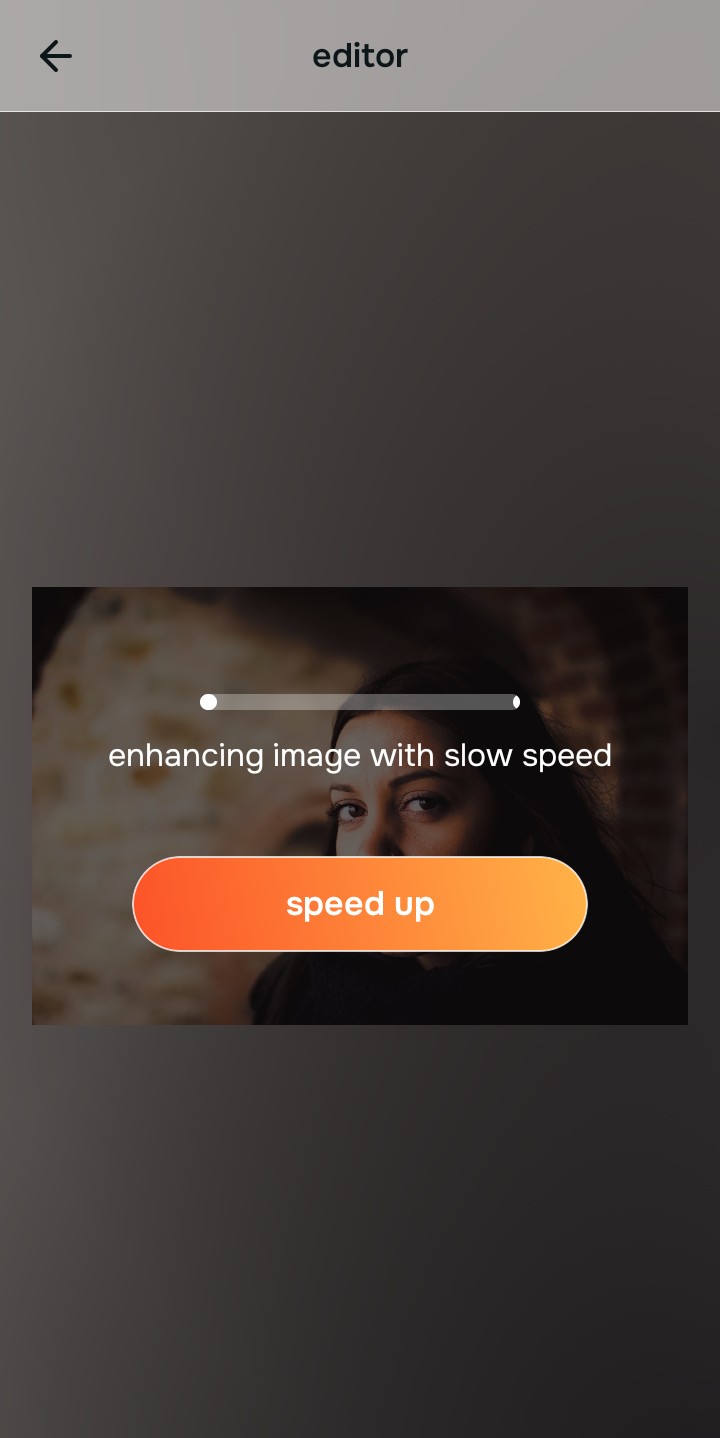
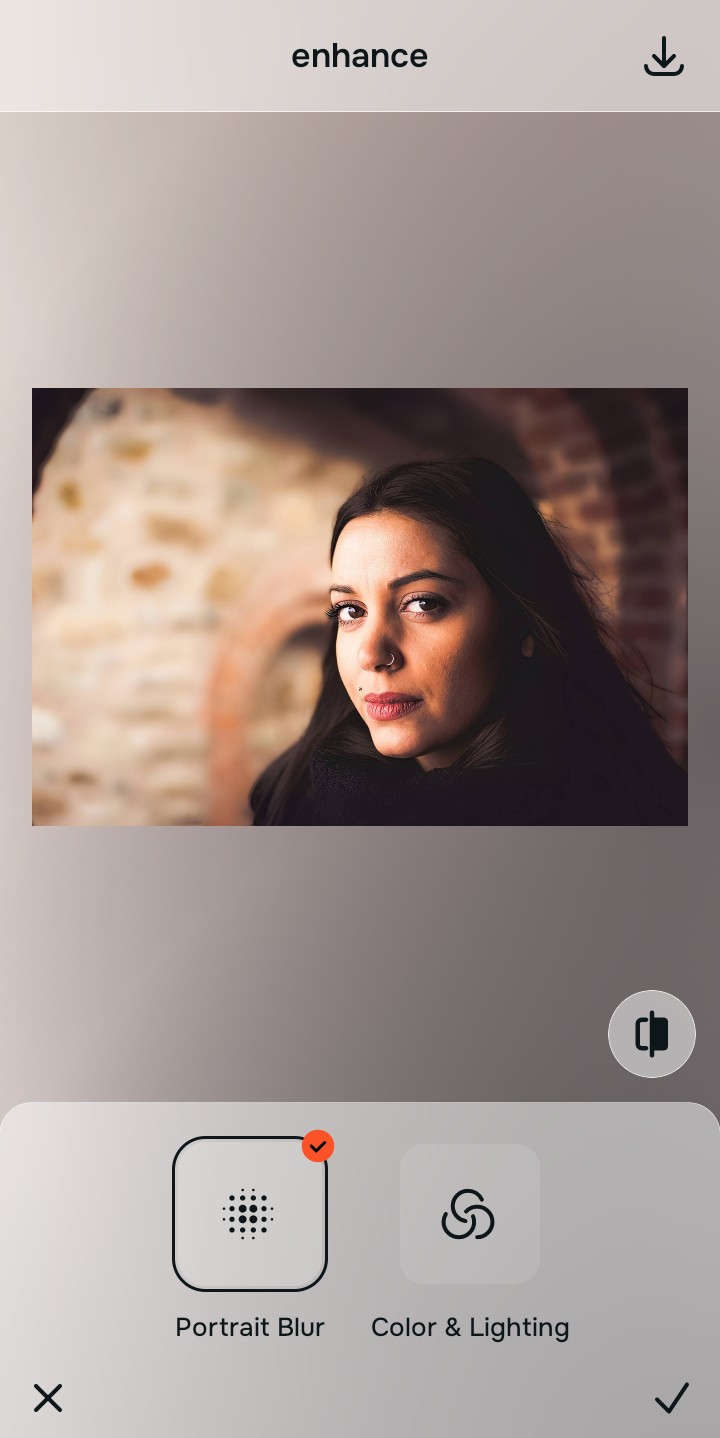
Tap Enhance and choose Colors & Lighting
In product upscalers, fixing lighting means blowing out highlights to make items look shiny. In Citrus, tap Enhance → Colors & Lighting. This mathematically balances the global exposure curves, lifting dark under-eye shadows and correcting color temperature without oversaturating the skin.

Always balance global optical lighting before applying face impressions. Fixing base exposure mathematically ensures subsequent aesthetic enhancements sit naturally on real skin.
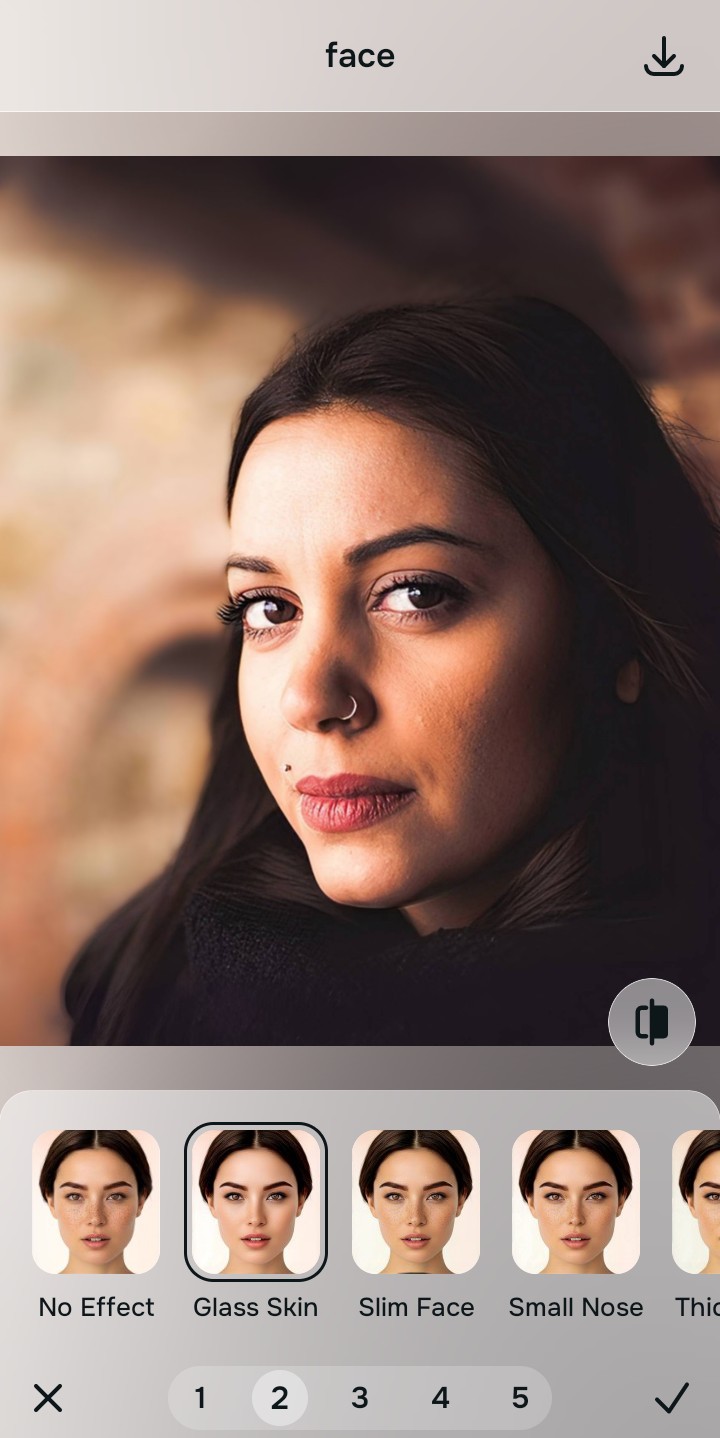
Tap Looks and select Glass Skin for editorial polish
Product tools have no portrait-specific impression Glass Skins. With your baseline light perfected in Citrus, tap Face → Glass Skin. Select your preferred value from Level 1–5. This elevates the overall aesthetic harmony and radiance natively, ensuring you make skin look like real skin rather than a plastic catalog cutout.
Export your high-resolution, uncompressed portrait
Citrus provides clean, unwatermarked HD exports completely for free without forcing you into an annual e-commerce subscription. It is the premier photo enhancer for ugc creators who need fast, authentic quality.
What makes product-focused apps frustrating for portraits?
Identify your primary editing roadblock to find the exact automated Citrus pathway that solves it.
Replacing Product Cutout Tools with the Citrus Taxonomy
Instead of forcing your personal photos through an e-commerce catalog pipeline, Citrus categorizes enhancement into three distinct, mathematically safe pathways:
| Tool Pathway | Primary Flaw Remediated | Automated Fix Strategy |
|---|---|---|
| Enhance Overall Photo | Bad ambient lighting, flat contrast, or harsh shadows that product upscalers oversaturate | Use this first to establish a proper optical foundation. Choose Colors & Lighting to balance exposure natively. |
| Looks | A dull, unpolished aesthetic that product cutout tools replace with artificial studio lighting | Use this to update the entire face impression. Select Glass Skin (Level 1–5) to inject natural editorial radiance safely. |
| Face | Targeted facial texture concerns where generic object erasers leave smudged artifacts | Use this last for precise feature tweaks. Select Glass Skin to hydrate pores biometrically and cleanly. |
“Everyday photo enhancement should never treat a human face like a pair of shoes in an online catalog. It must mathematically balance optical lighting and skin texture natively so you get magazine-quality portraits—effortlessly and authentically.”
Why Biometric Optical Awareness Beats Commercial Product Sharpening
There is a massive structural difference between commercial product upscaling and biometric optical calibration. When you use Pixelcut's enhancement features, the algorithm searches for hard, definable geometric edges to sharpen for resale listings. On human skin, this results in over-sharpened pores, exaggerated laugh lines, and harsh light falloff.
Citrus is built specifically with human portrait optics in mind. By constraining adjustments to mathematically calibrated Level 1–5 settings across Enhance, Looks, and Face, it corrects environmental exposure while strictly protecting your natural skin tones, freckles, and bone structure. You get a clean, social-ready photo in one tap without e-commerce artifacts.