


June 6, 2026
How to Make Your Selfies Look Like Influencer Photos Without Photoshop or Slider Editing

How to Make Your Selfies Look Like Influencer Photos Without Photoshop or Slider Editing
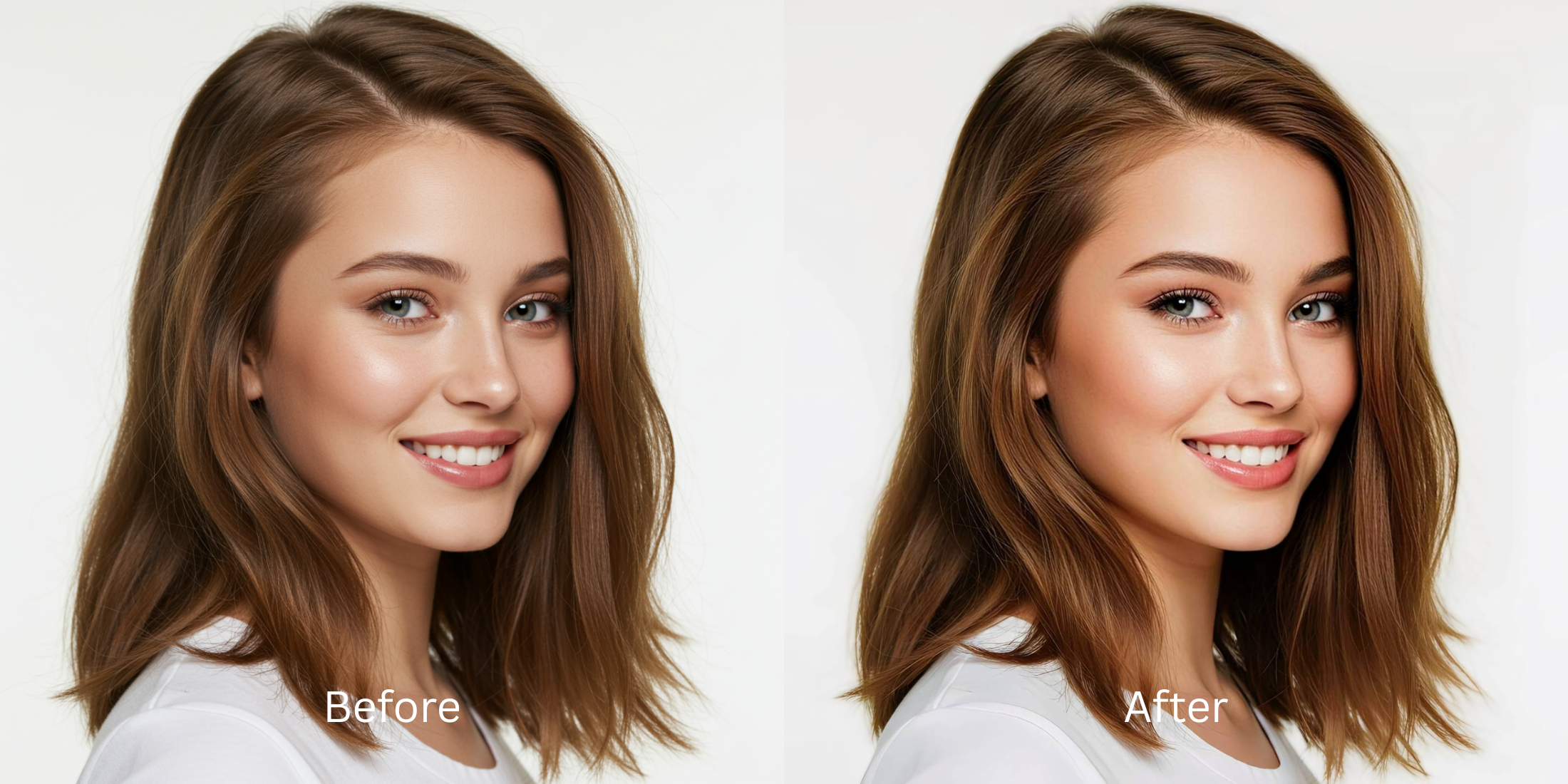
Most people assume that achieving a high-end influencer aesthetic requires hours of manual "Photoshop" tweaking or painting on heavy layers of digital beauty filters. The truth is, when you drag a continuous slider to morph your jaw or blur out your skin, you actually create "AI slop." The software wipes out your natural pores and bends the doorframes behind you, leaving an uncanny, try-hard result that looks entirely fake. Authentic, magnetic influencer photos rely on perfect lighting geometry—optimizing how ambient contrast hits your natural features. To elevate your selfies authentically, you must abandon manual distortion tools and focus strictly on recalibrating your exposure and overall vibe.
To achieve a premium influencer aesthetic for free without looking fake, you must optimize your overall facial vibe using structured light layers. Open your photo in Citrus and skip the manual facial warping completely. First, tap Enhance -> Colors & Lighting to automatically correct flat camera shadows and restore rich depth. Next, select Looks -> Influencer and pick a clean Level 1–5 option. This safely coats your portrait in a cohesive, high-energy finish without destroying your identity. Citrus generously provides these exact tools completely for free.
Why manual Photoshop tools and sliders ruin your authentic appeal
The core issue with manual touch-up routines is that they demand unpredictable guesswork. When you use continuous sliders in apps like AirBrush or Facelab to sculpt your face, you inevitably drag surrounding pixels, warping the room geometry behind you. If you attempt to use Perfect365 or PrettyUp, you are plastering generative AI makeup over your real texture. To capture a true professional vibe, you need an engine that operates on strict, mathematically precise Level 1–5 tap inputs. Utilizing a top-tier personal brand photo enhancer ensures your background remains pristine while your facial contrast becomes magnetic.
- Paying heavy subscription fees just to unlock main looks in FaceApp or Facetune
- Warping your background lines with continuous manual morphing sliders in AirBrush
- Pasting generative AI makeup slop over your real pores using Perfect365 or PrettyUp
- Distorting your core skull proportions into plastic molds with Beautycam and Persona
- Enjoying powerful, unwatermarked high-definition tools generously given for free
- Achieving perfect mathematical symmetry without guessing on fluid push sliders
- Enhancing your native skin textures and authentic eye catchlights organically
- Using completely free single processing, with turbo batching as an optional luxury
If your face looks obviously warped, you instantly lose credibility. Exploring aesthetic edits for gen z aesthetics highlights how modern users prefer native light balancing over fake pixel dragging.
Balance washed-out selfies instantly. A structured level option protects your real identity.
How to upgrade your photo vibe natively for free in 5 steps
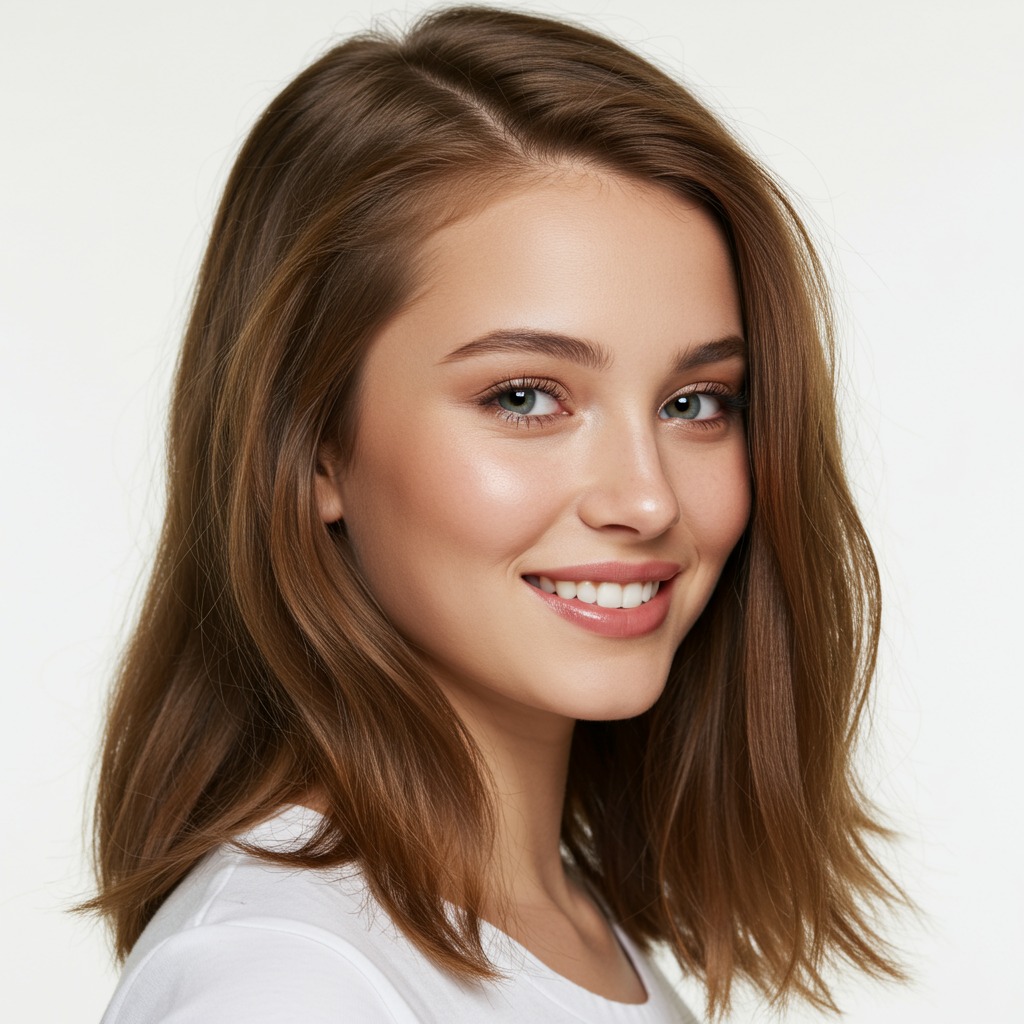
Upload a photo flattened by mobile camera sensors
Open your gallery and pick a portrait where your expression is solid, but flat room lighting makes you look tired. Knowing how to fix selfie before instagram posting starts by analyzing this raw exposure baseline.
Let the real-time preview map your face highlights
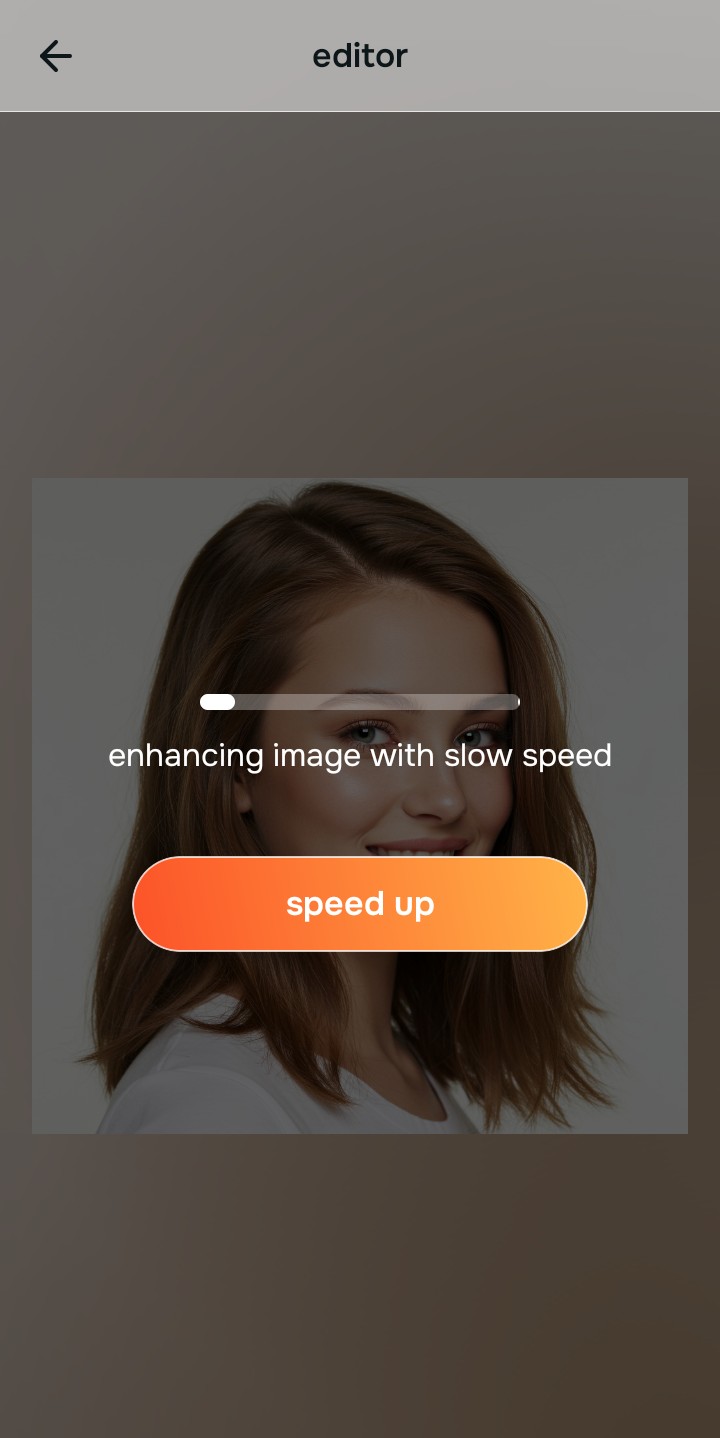
Citrus launches an interactive rendering engine instantly with zero premium card gates. This lets you observe how the system maps your native face impression safely before selecting your Level 1–5 processing scale.
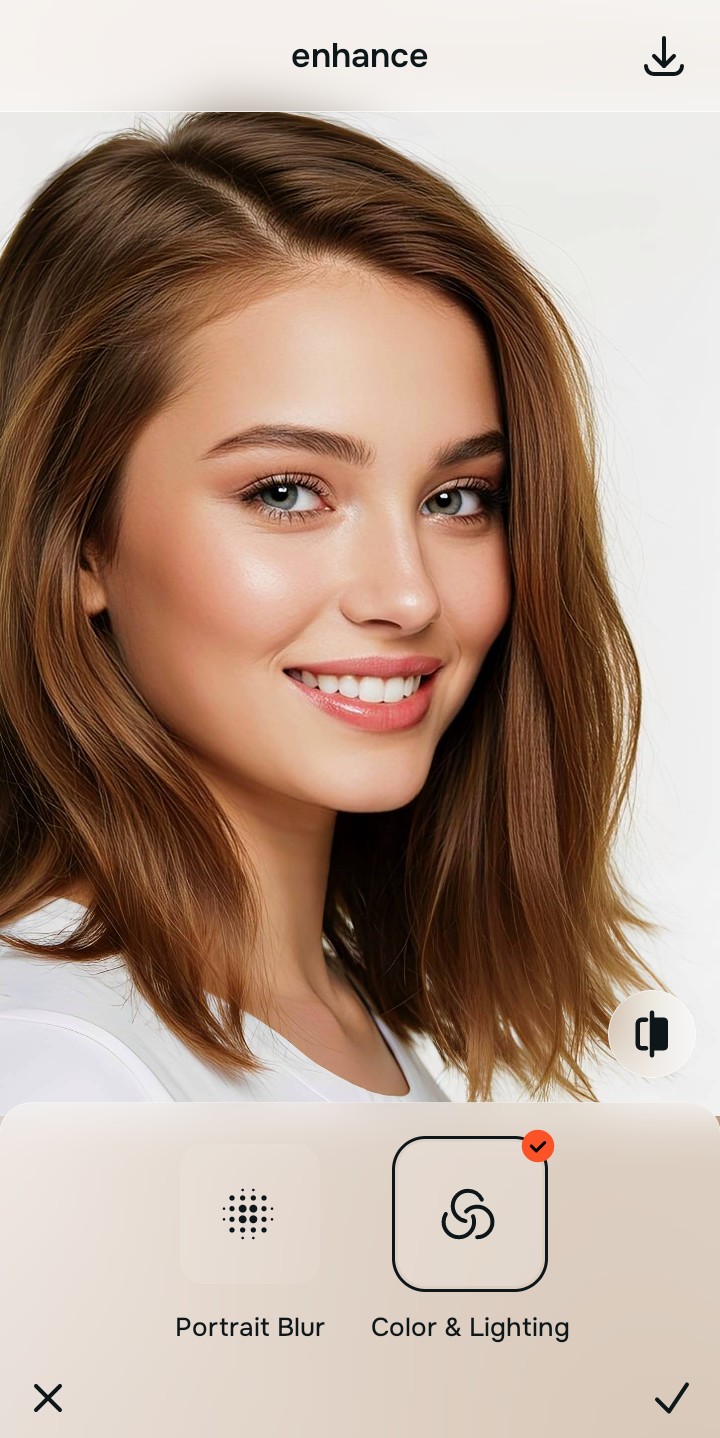
Tap Enhance and choose Colors & Lighting
Because dull selfies are caused by bad camera contrast metering, tap Enhance -> Colors & Lighting. This removes flat shadows globally. Getting instagram ready selfies free requires repairing the global light distribution as your primary foundation step.

Always stabilize your lighting baseline before choosing face updates. Normalizing shadow transitions guarantees that your subsequent impression adjustments blend naturally without muddy patches.
Tap Looks and select Influencer to polish your vibe
With your baseline light normalized, update your overall face impression. Tap Looks -> Influencer. Pick your setting from Level 1–5 to give the face an attractive, high-end presence. Relying on advanced one tap selfie enhancers guarantees you never generate fake, smeared textures.
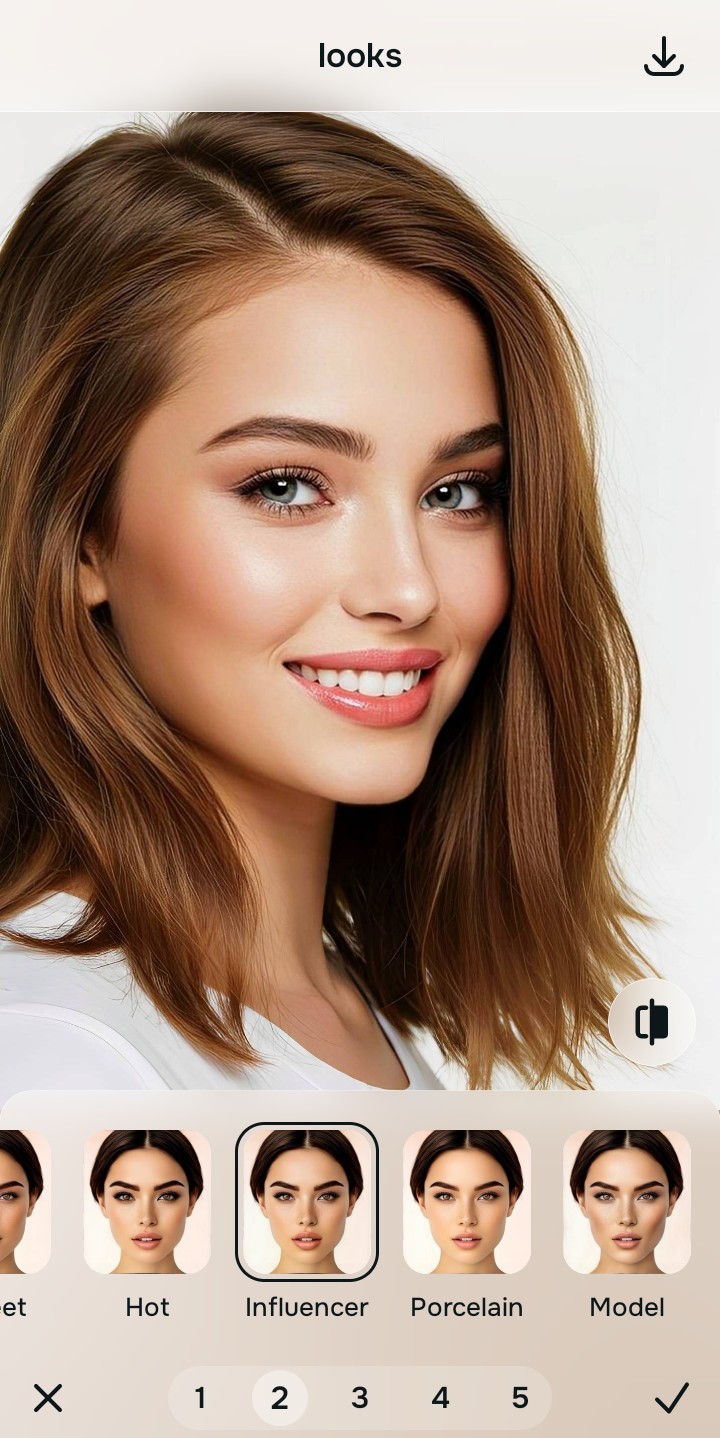
Download your high-definition profile asset for free
Citrus generously offers unwatermarked exports completely for free. For professionals processing massive multi-photo brand campaigns, an optional upgrade to the turbo processing engine is available. You can now build aesthetic millennial profile pictures confidently and cleanly.
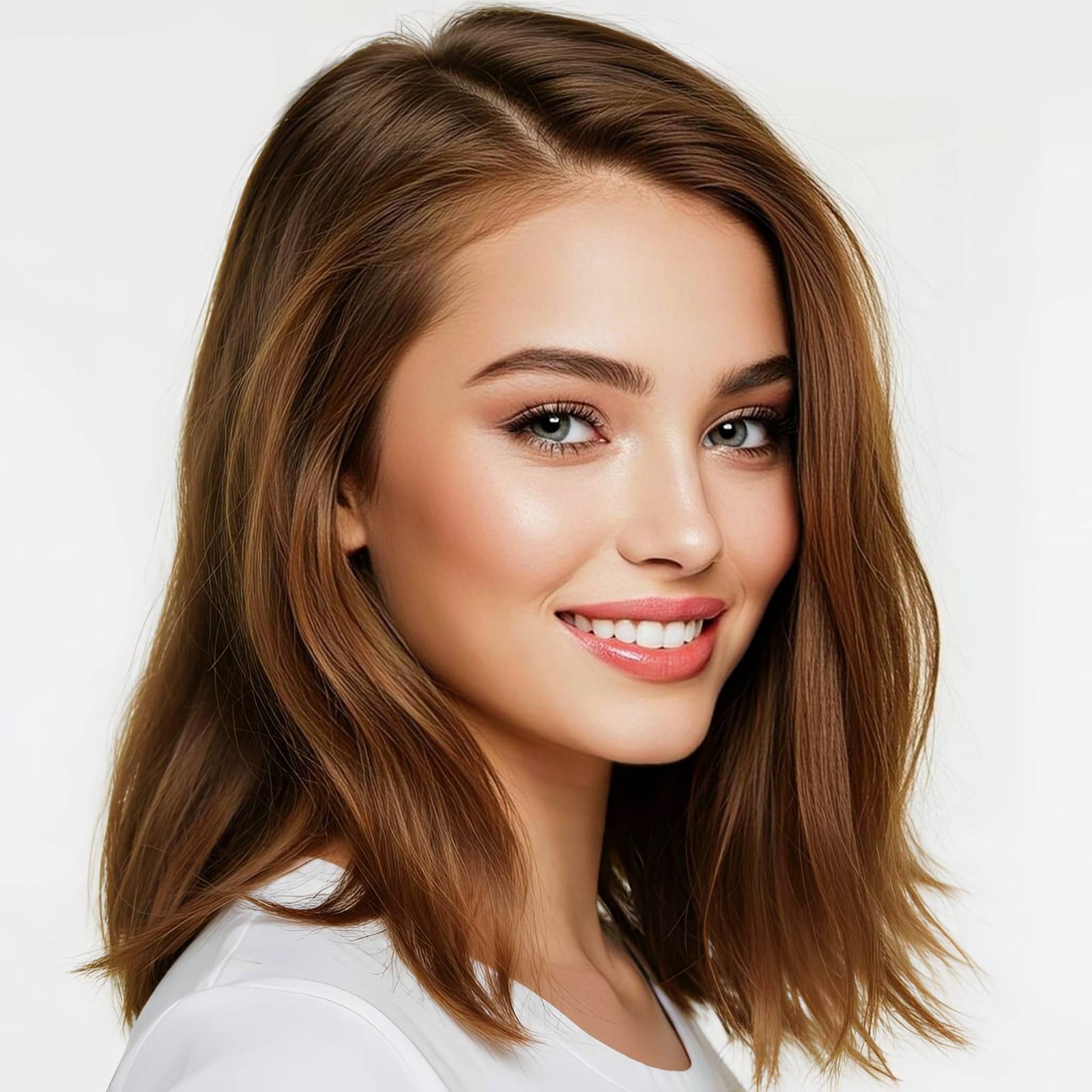
What is lowering your current selfie quality?
Identify your portrait's primary visual limitation. Your correct editing path changes depending on the issue.
How to align your profile flaw to the right free pathway
Separate photo weaknesses necessitate independent menu paths. Selecting structured Level 1–5 tap options instead of raw manual sliders is the only way to lock in a premium vibe without generating AI slop.
| Tool Pathway | Primary Flaw Remediated | Vibe Enhancement Strategy |
|---|---|---|
| Enhance Start here | Washed-out facial illumination, sensor noise, and compressed contrast fields | Use this first to establish a proper light foundation. Choose Colors & Lighting to balance layers for free. |
| Looks | Dull skin appearance, flat expressions, and low overall image vibrancy | Use this to update the entire face impression. Select Influencer (Level 1–5) to coat your portrait in a cohesive polish. |
| Face | Targeted anatomical washouts like dry matte skin or flat cheek highlights | Use this last for precise feature tweaks. Select Glass Skin to safely recover structural highlight depth cleanly. |
“An authentic influencer portrait doesn't rely on painting fake Photoshop masks over your skin. It simply corrects the camera sensor errors so your real identity radiates clearly.”
Why precise Level 1–5 taps beat manual Photoshop sliders
There is a massive structural difference between balancing camera exposure and masking your face behind fake filters or generative slop. When you use manual liquify tools to adjust features, human error makes it easy to over-edit, creating noticeable distortions in your clothes and surrounding room details. This instantly breaks the realism of your content asset.
Citrus is built from the ground up to be the most natural enhancer ever created. By relying exclusively on mathematically precise Level 1–5 tap settings instead of unpredictable sliders, the engine maps your face securely, optimizing aesthetic tracking without changing your real face shapes. This approach ensures you can build a premium enhancer for UGC creators feed completely for free.