


May 12, 2026
Free AI Photo Enhancer for Instagram-Ready Selfies
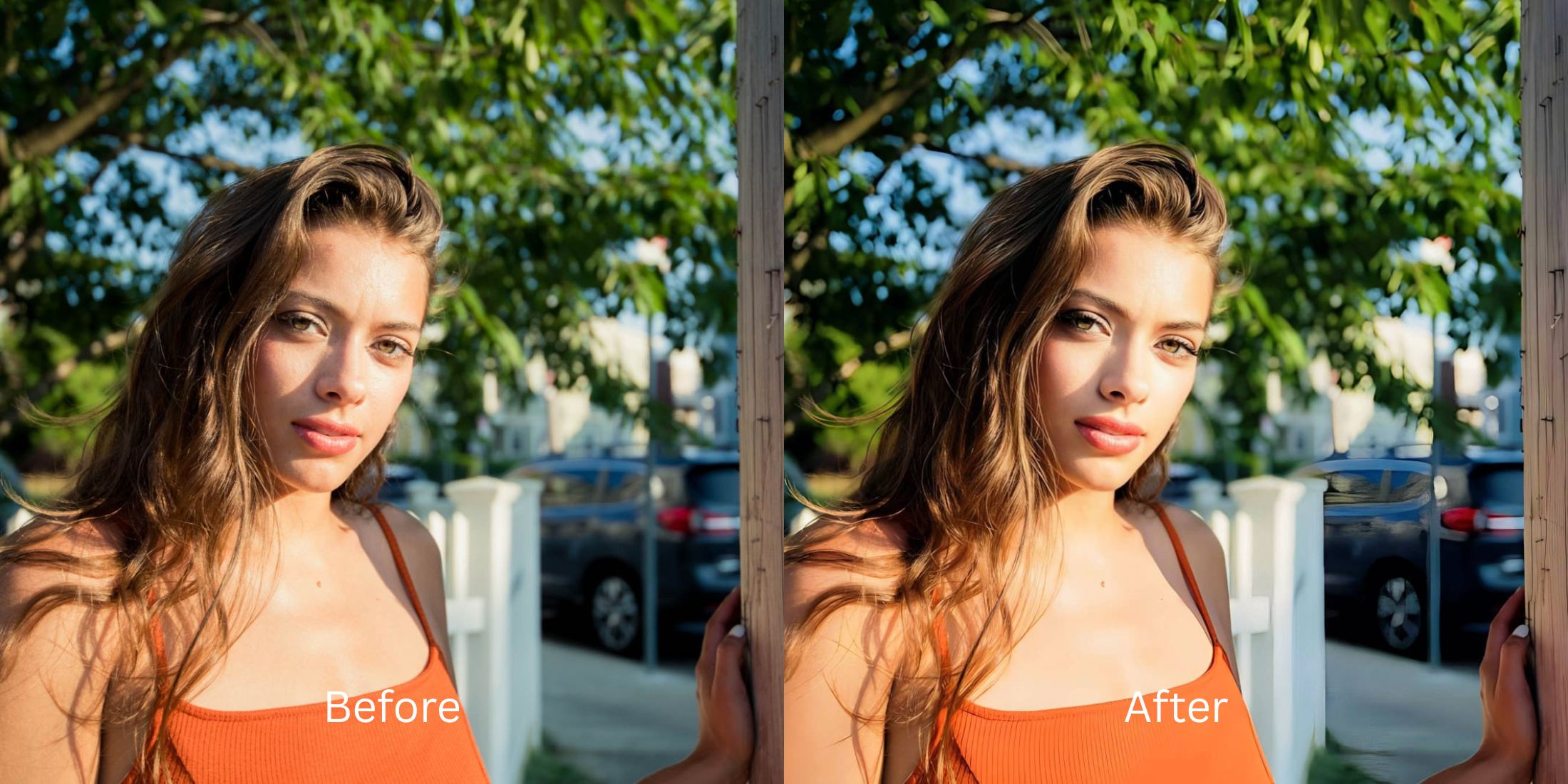

Free AI Photo Enhancer for Instagram-Ready Selfies
We have all been there: you capture a great moment, but the lighting is dull, the colors are flat, and it just doesn't have that "Instagram pop." In an attempt to fix it, most apps hit you with a plastic filter that erases your pores or a $40 paywall the second you try to save. If you want a way to fix a selfie before instagram that keeps your actual character intact, you need a free structural enhancer that fixes the photographic data rather than just masking it.
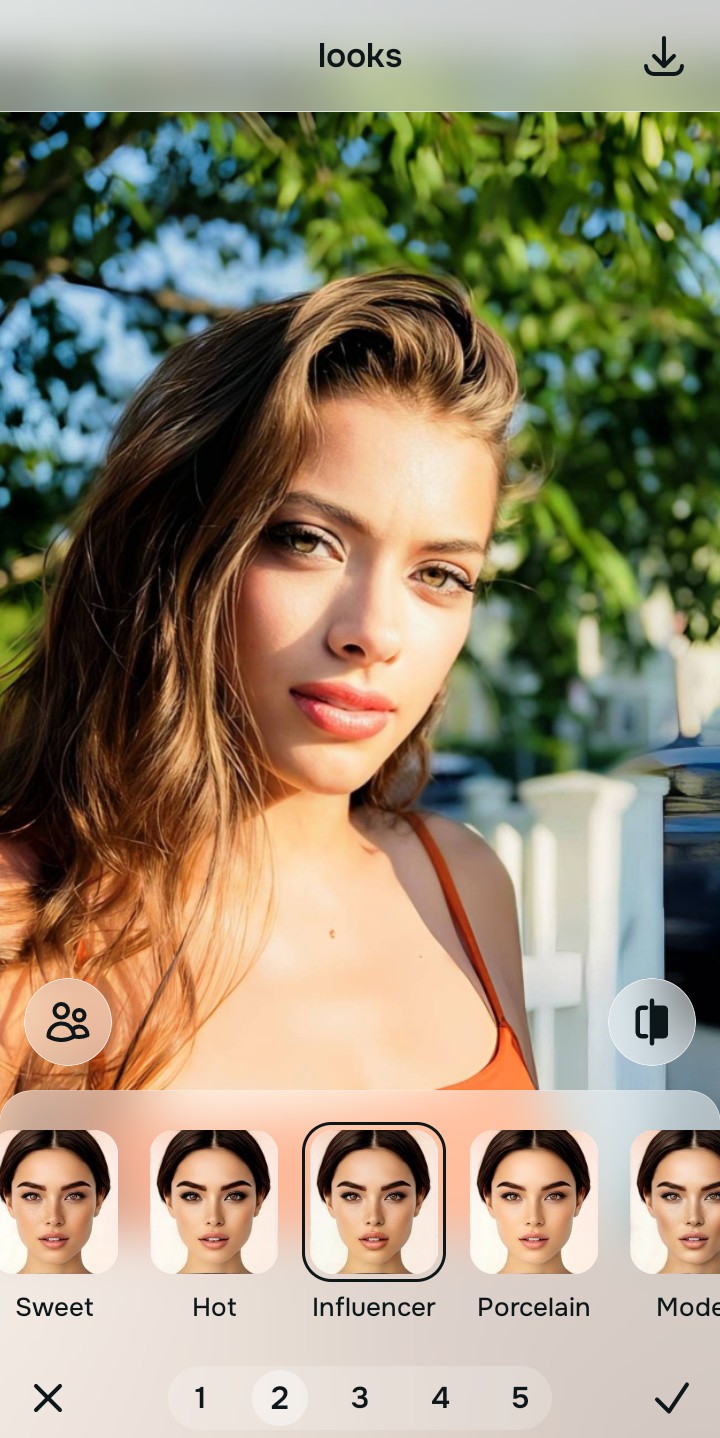
To make a selfie Instagram-ready for free without looking like a plastic avatar, you must restore the lost contrast and structural depth. In Citrus, skip the manual airbrushing. Tap Enhance -> Colors & Lighting to clear muddy shadows instantly. Once the baseline is sharp, use Looks -> Influencer for a cohesive, professional glow that keeps your skin texture completely real without hitting a paywall.
Why standard IG filters make your photos look cheap
The core issue with native social media filters is that they are global masks. They apply the same color shift to your face as they do to the background, resulting in a flat, over-edited appearance. Relying on selfie editors keep skin texture ensures that your facial structure stays defined while the overall aesthetic is elevated. Using an ai photo enhancer allows the software to differentiate between your skin tone and the environment for a realistic finish.
- Paying expensive monthly subscriptions just to export a clear photo
- Using heavy generative AI that replaces your features with a generic template
- Having massive watermarks stamped across your social media memories
- Looking like a plastic mannequin because all your pores were destroyed
- Getting professional-level enhancement without any hidden paywalls
- Fixing overall image contrast so your face regains authentic depth
- Applying targeted adjustments that isolate your face naturally
- Stopping the edit while your natural skin and character remain visible
If your final image looks perfectly bright but you seem like a digital clone, the edit has failed. Discovering how to photo look better quickly ensures you can post authentic content that actually earns engagement.
Elevate your grid instantly. A smart edit keeps reality intact.
How to get a professional grid look in 5 steps
Select a selfie ruined by flat lighting
Find a picture in your gallery where the environment was too dark or the sun was too harsh. You do not need to settle for a dull photo. Relying on one-tap selfie enhancers lets you bring the real energy back in seconds.
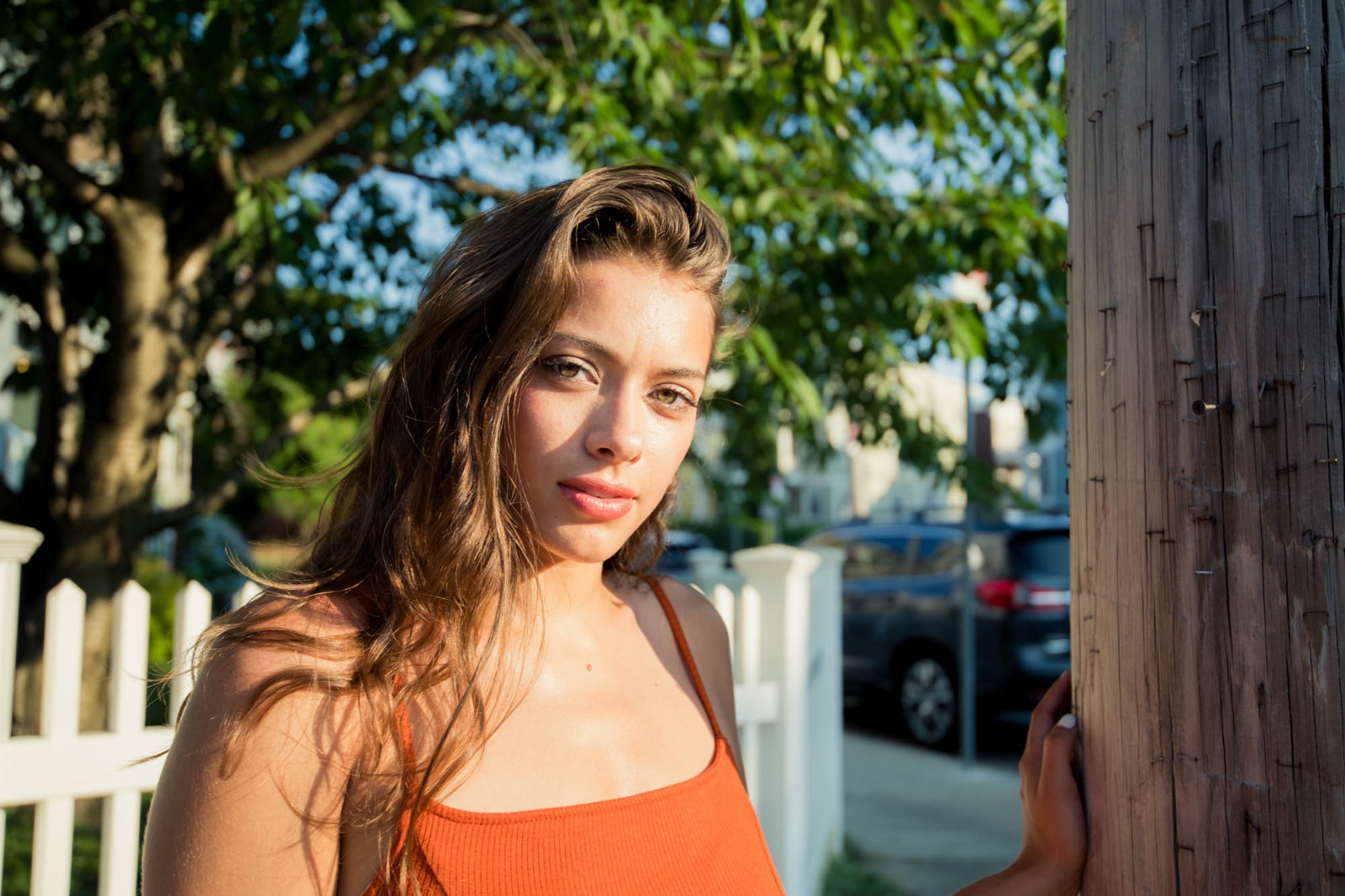
Let the instant preview analyze the contrast
Citrus provides a first correction immediately without asking for a credit card. This ensures that the exposure errors are recognized before you start attempting any facial refinements.
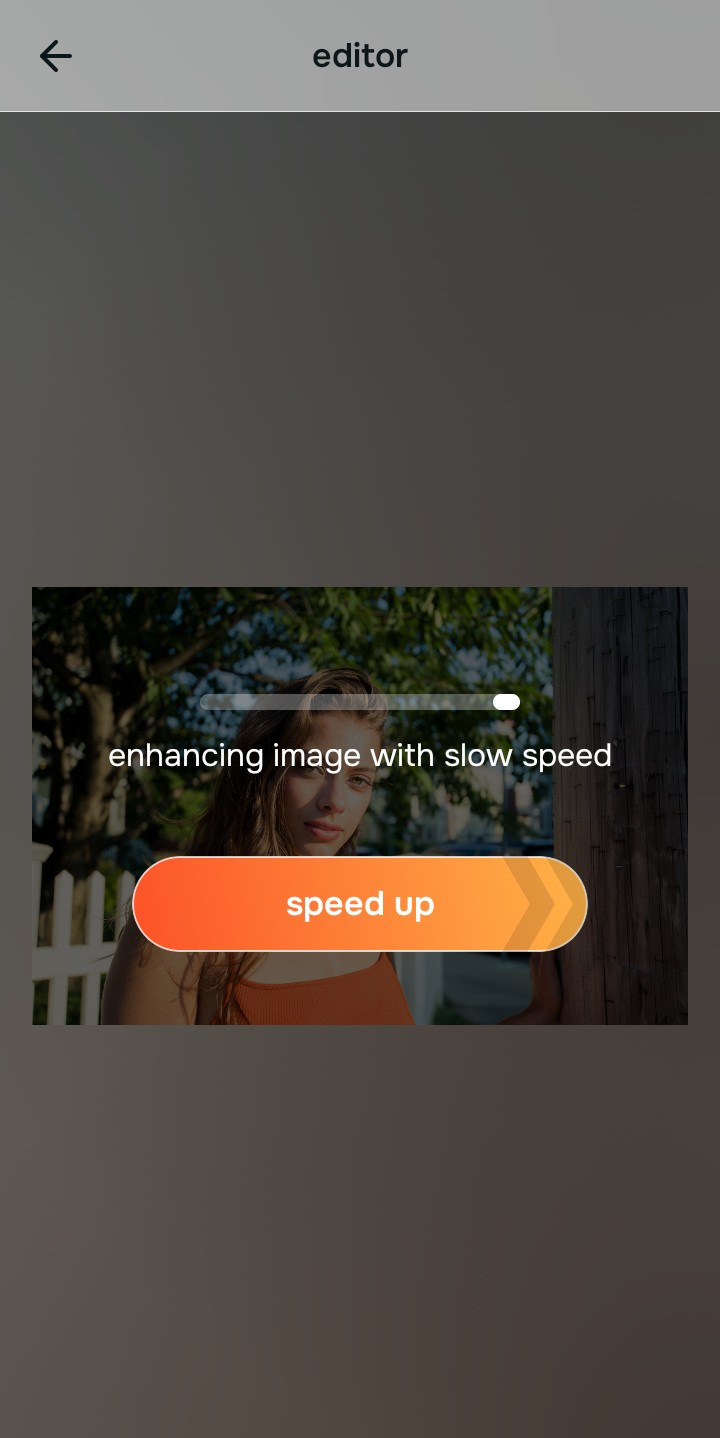
Use Enhance to fix Colors & Lighting first
Because grid attractiveness is built on contrast, tap Enhance -> Colors & Lighting. This strips away the muddy wash and restores deep shadows. It is the fastest way to face look better in pictures without using a fake, plastic mask.

Always fix the flat lighting before using an aesthetic tool. Tap the Enhance options to build a strong photographic foundation first.
Apply Looks tools for a cohesive influencer vibe
Once the hazy light is gone, you can safely give your photo a professional polish. Tap Looks -> Influencer to add a healthy, vibrant glow. Choosing free apps to look better ensures you maintain your unique identity while looking your best.
Save the high-resolution photo instantly
Unlike premium apps that charge you to export a rescued memory, you can save your results for free. Enjoy a high-resolution, watermark-free save that is ready for your grid immediately.
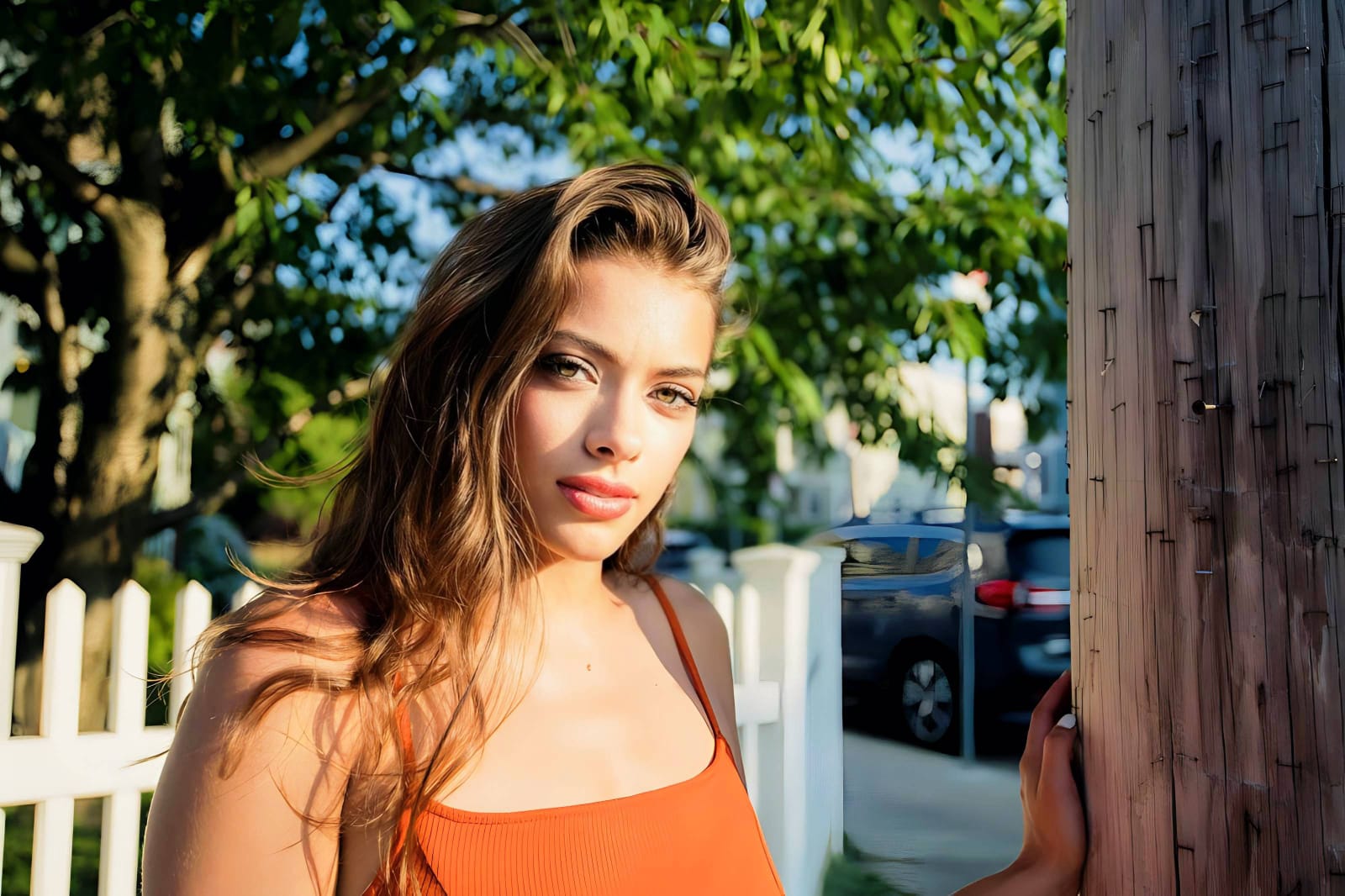
Why isn't this selfie postable yet?
Choose the description that fits best. Your starting point changes depending on what is actually flattening your features.
Which free Citrus tool delivers the best grid finish
Different social media vibes require entirely different pathways. The goal is to get a professional result by matching the tool to the actual photographic failure. This stops you from ruining a good grid moment with an automated, paid filter.
| Tool | What it helps fix | When to use it |
|---|---|---|
| Enhance Start here | Overall darkness, white glare, and missing visual depth | Use this first when the whole image feels unpostable. Choose Colors & Lighting to restore the depth for free. |
| Looks | Photos that are clear but lack a professional, high-end impression | Use this after Enhance when the issue is a dead vibe. Tap Influencer for a cohesive grid energy instantly. |
| Face | Specific distortion, uneven complexions, or camera-roll exhaustion | Use this last, applying targeted tools like Slim Face to counteract wide-angle lens stretching safely. |
“An Instagram-ready selfie isn't about erasing your pores. It is about recovering the lost light data so you look as vibrant on the screen as you did in person.”
Why contrast recovery beats destructive beauty filters
There is a massive difference between adding dimension and wiping out reality. When you use an aggressive, paid beauty algorithm to hide a flat face, you turn the entire image into a plastic wash. The human brain instantly recognizes this loss of detail as a cheap edit that lowers trust.
Real quality comes from correcting the underlying data instantly. Choosing a free solution ensures you get high-resolution results without the premium subscription trap. This allows you to look polished and grid-ready while you stay true to your human identity.