


October 8, 2026
How to Get a Digicam Look Without Destroying Face Detail Before You Add Grain and Flash
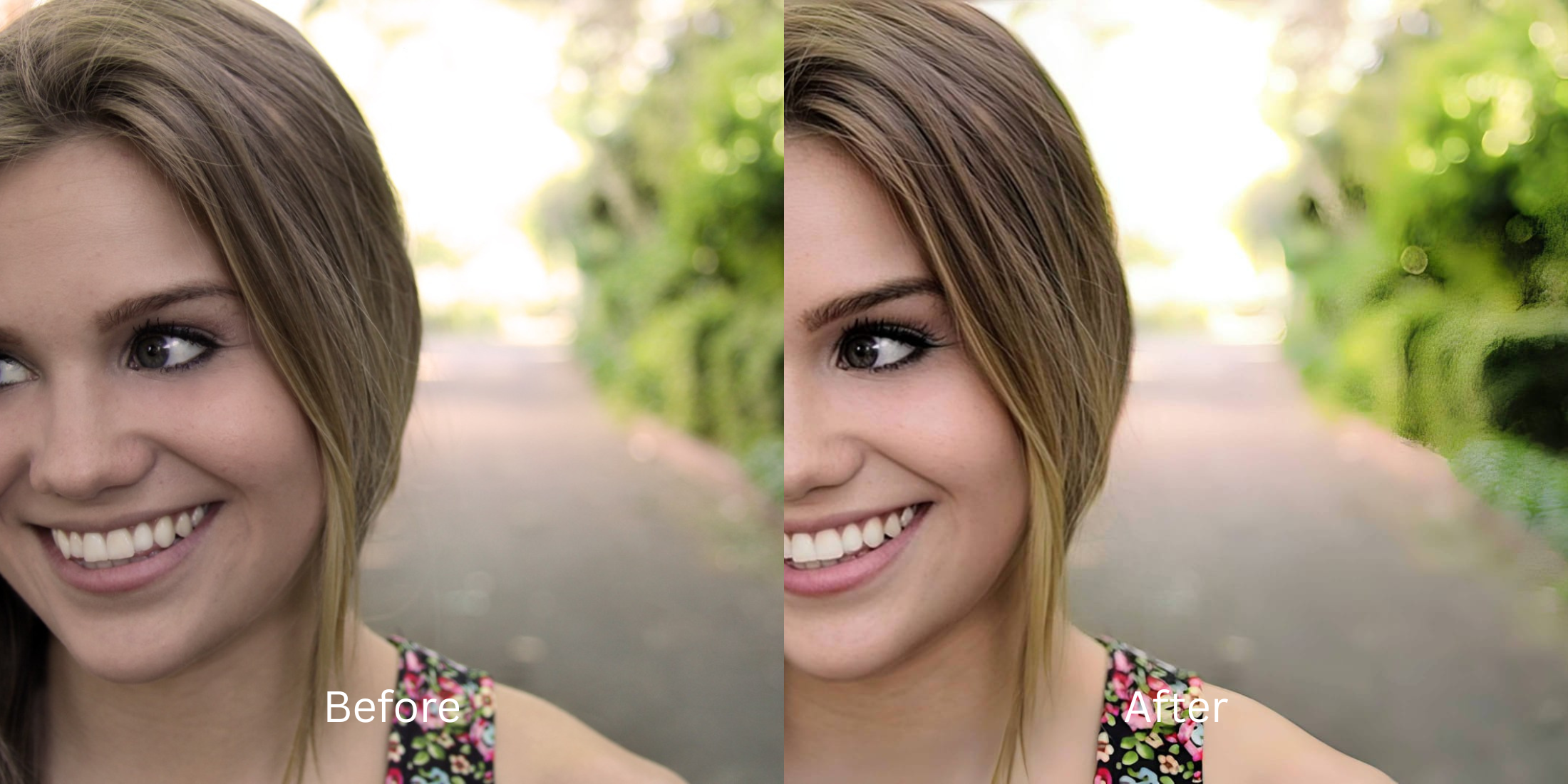

How to Get a Digicam Look Without Destroying Face Detail Before You Add Grain and Flash
Achieving the nostalgic, highly sought-after Y2K digicam aesthetic usually involves throwing heavy grain and harsh flash over modern smartphone images. The problem? Smartphones inherently flatten facial structures and wash out depth long before you apply vintage effects. If you add grain to an already computationally flattened face, you just get a flat face with noise. Standard apps attempt to solve this by slapping on fake digital makeup or alien stretching to compensate, ruining the authentic vintage feel. Citrus approaches this differently through mathematical recovery. By applying optical decompression to restore true depth and sensor washout before any aesthetic effects are layered, you ensure your facial details remain grounded and mirror-accurate.
Restore depth before adding grain. Citrus uses mathematical recovery to map your facial structure and optical decompression to fix sensor washout, ensuring the base layer is robust enough to handle the digicam aesthetic without looking like a synthetic doll.
Understanding the "The Flat Grain" Trap
The fundamental issue lies in smartphone focal lengths and computational processing. Devices prioritize even lighting and noise reduction over authentic depth, leaving your face mathematically flat. When you stack digicam effects like halation and heavy grain on top of this compromised base, the photo loses all dimensionality. You essentially bake in the distortion, which makes it critical to first make flat photos look alive before entering the vintage phase.
- Obliterates natural pores and textures
- Warps facial geometry with alien stretching
- Paints on fake digital makeup
- Crushes dynamic range artificially
- Performs optical decompression on geometry
- Mathematical recovery of lost depth
- Analyzes structural density realistically
- Retains authentic micro-contrast
If you want a genuine vintage digicam vibe, the secret isn't the filter—it's preparing the structural data underneath. With the right baseline density, the final grain application feels intentional and cinematic, much like the effort to improve makeup photos without changing colors.
Restore your mirror-accurate look. Optically recover your photo before adding vintage effects.
A 5-Step Test: Fixing Flat Digicam Washes Naturally
Upload the raw, unedited photo
Start with your raw smartphone image before taking it to any filter app. Citrus needs the untouched original to preserve the underlying sensor data and properly calculate the required depth map.
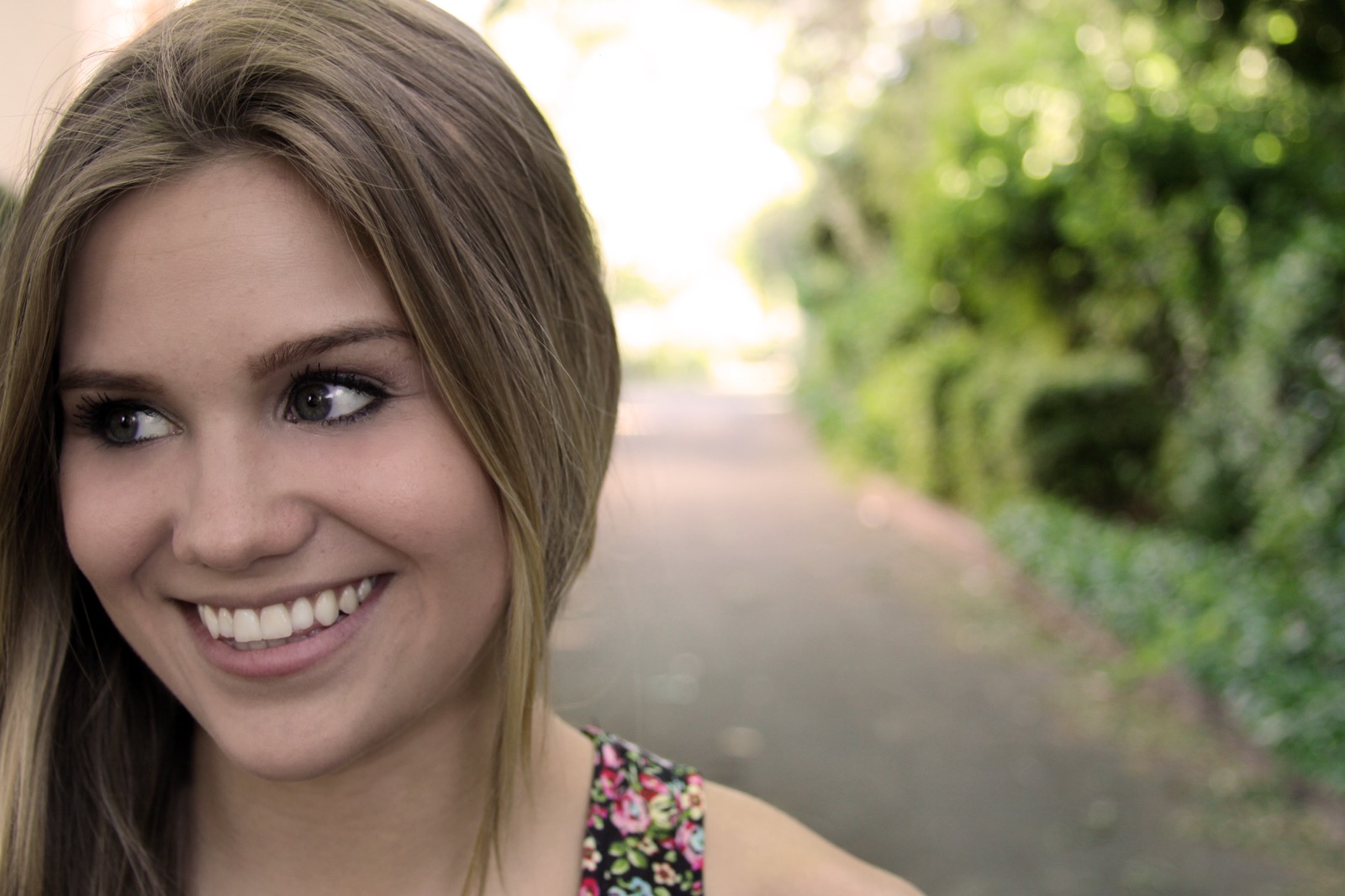
Let the instant preview map baseline data
Citrus doesn't hallucinate new features; it analyzes the existing structural density. The rendering engine instantly maps the baseline data, calculating where the lens improperly flattened the perspective.

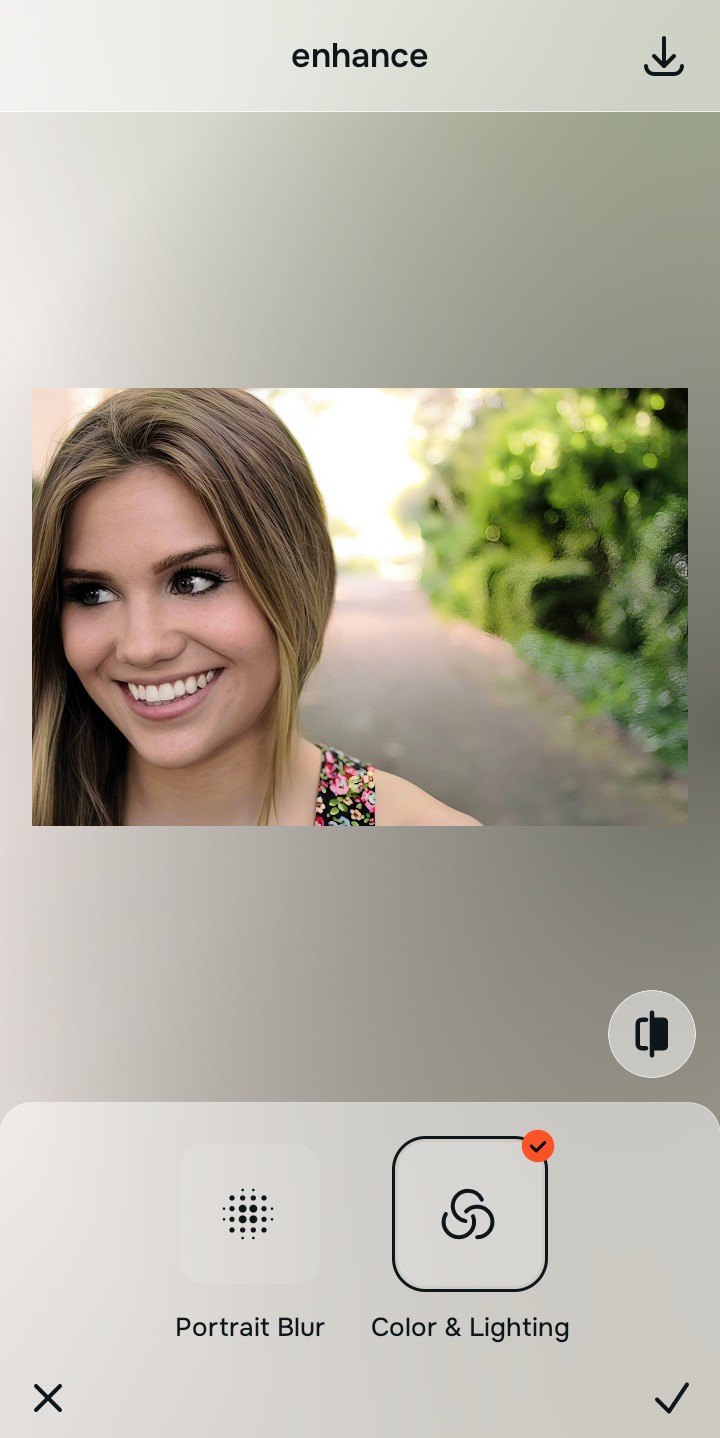
Tap Enhance and choose Colors & Lighting
Navigating to Enhance and tapping Colors & Lighting is crucial because baseline contrast and lighting must be fixed first. If your original image is overly flat, the subsequent grain layers will completely wash out the subject. You might also want to fix washed out selfies before any styling.

Structure before styling. Balancing the global density layers guarantees that when you apply heavy flash emulation later, the highlights don't blow out your facial features.
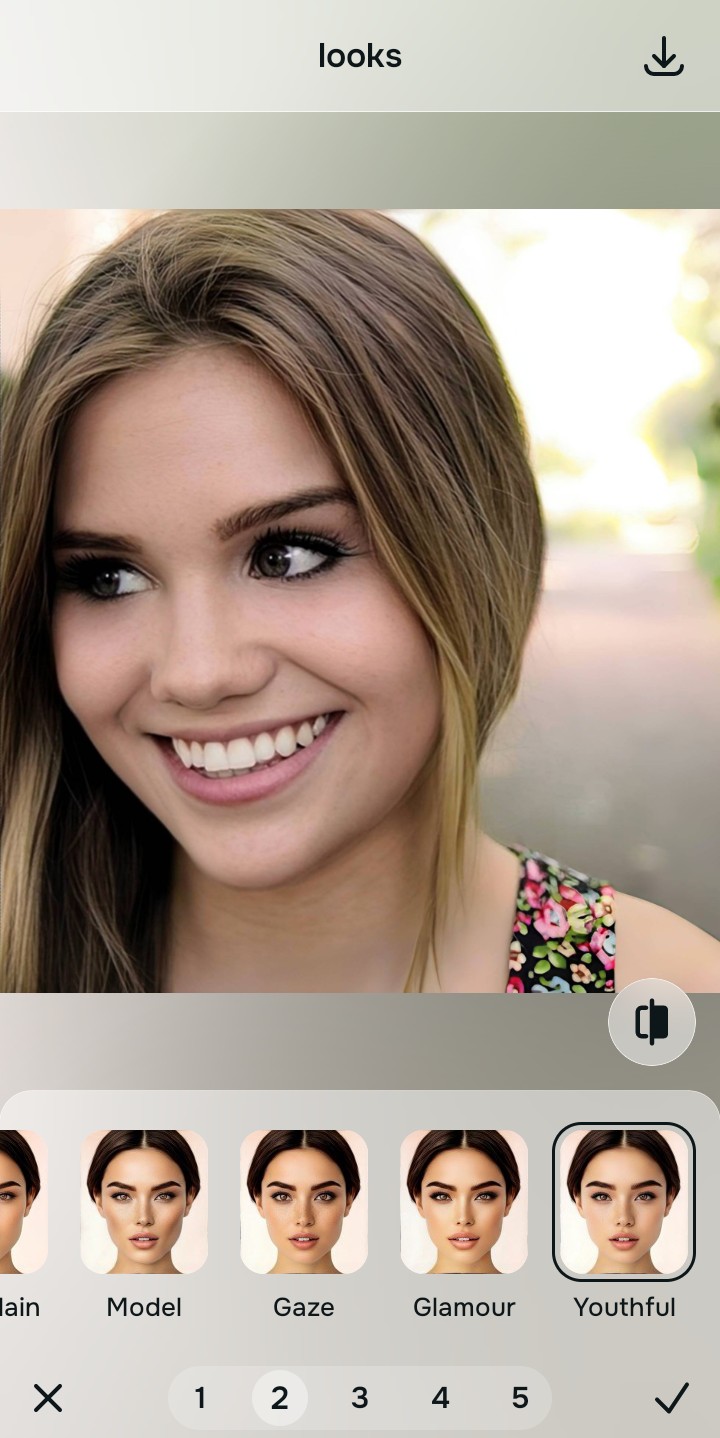
Tap Looks and select Youthful
Select the Youthful tool to mathematically restore the micro-contrast around the eyes, nose, and jawline. This step solves the focal flattening issue naturally, allowing you to sharpen hair eyelashes and clothing safely, preparing the perfect canvas for your digicam filters.
Export your authentic, mirror-accurate master file
Export the fully recovered, dimensionally accurate master file. Now, you can safely take this optimized base into your favorite grain and flash app, knowing your facial details won't be destroyed.
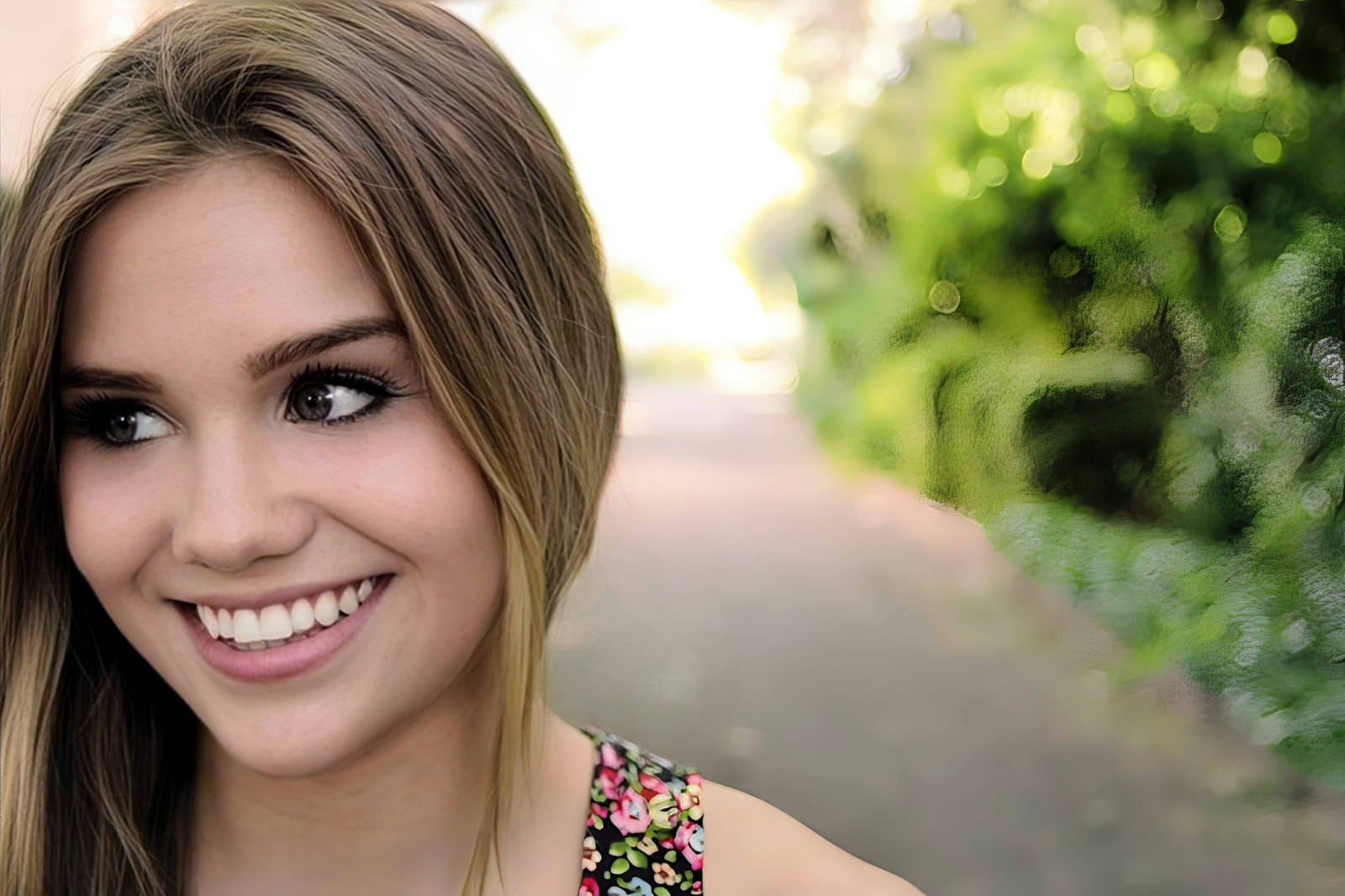
Why did your photo fail?
Identify your primary optical hurdle to select the exact automated pathway in Citrus.
Aligning Your Edits with the Citrus Taxonomy
Instead of gambling with generative apps that turn you into a plastic doll, Citrus categorizes enhancement into three distinct, mathematically safe pathways based on preserving real artistry:
| Tool Pathway | Primary Flaw Remediated | Automated Fix Strategy |
|---|---|---|
| Enhance Overall Photo | Global sensor washout killing the contrast base. | Recalculates highlight and shadow density across the full image spectrum. |
| Looks | Lack of environmental depth making the subject blend into the background. | Employs mathematical recovery to separate the foreground subject from the background plane. |
| Face | Facial features appear wider and flatter than reality. | Performs optical decompression specifically on the facial geometry mapping. |
“You can't build a beautiful vintage aesthetic on a mathematically flattened foundation. Recover the truth first.”
Why Physical Recovery Beats Fake Filters
Generative AI tools fail spectacularly here because they don't understand the physics of light. When faced with a flat image, they attempt to invent details, hallucinating heavy contouring, fake makeup, and aggressive skin smoothing. This completely destroys the organic, slightly imperfect nature required for a convincing digicam look, leaving you with a synthetic shell.
Citrus relies purely on non-hallucinatory optical physics to mathematically recover the original depth data recorded by the sensor. Instead of painting over the image, it performs optical decompression to push and pull the existing pixels back into their true, mirror-accurate positions. This ensures the foundational detail is preserved perfectly before you add any stylistic degradation.