


July 15, 2026
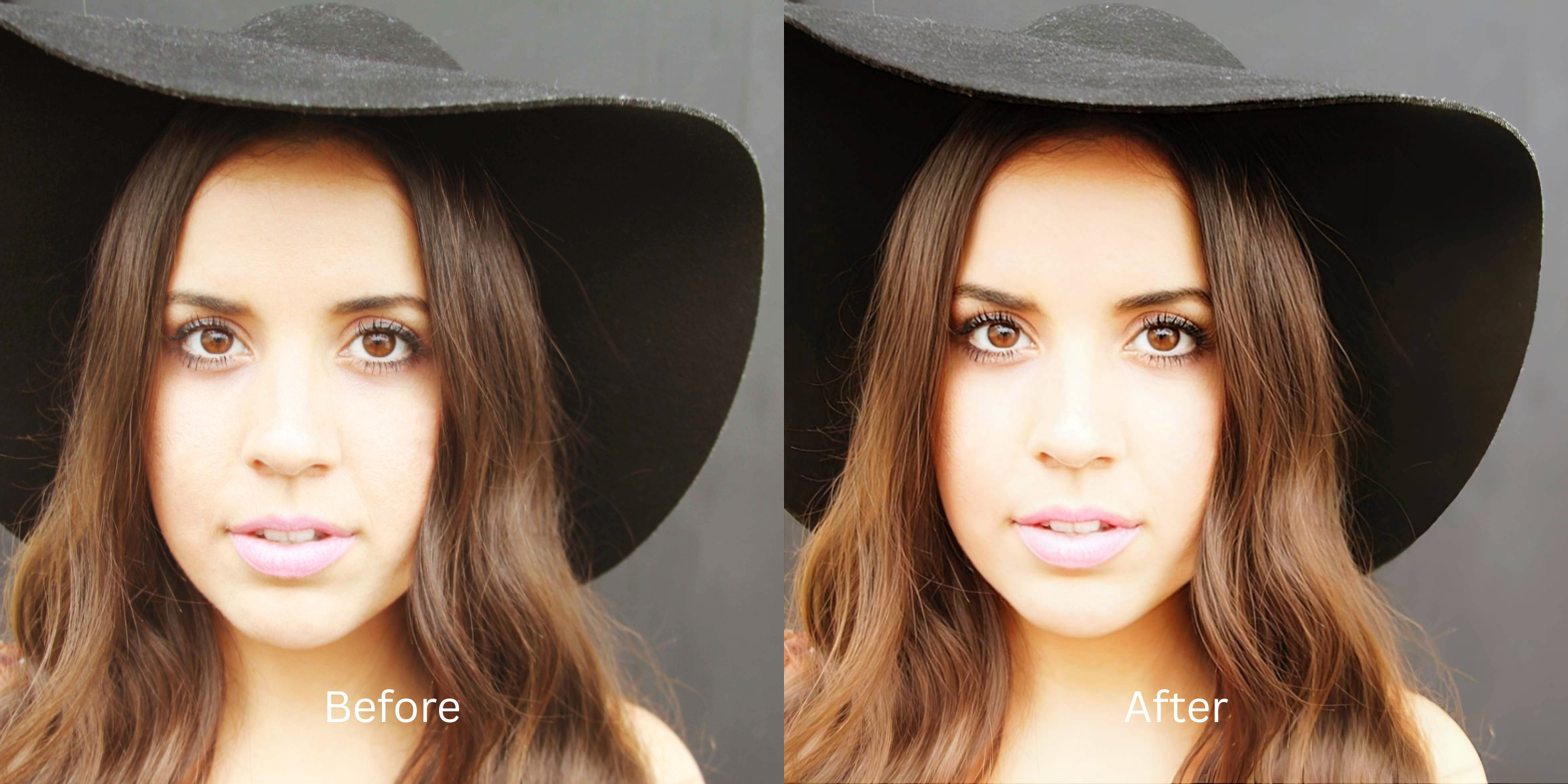
How to Compare AI Photo Enhancer Before-and-After Results Honestly

How to Compare AI Photo Enhancer Before-and-After Results Honestly
If you spend time on subreddits like r/Instagramreality or r/postprocessing, you know that the App Store is flooded with fake before-and-after marketing. Companies take a crystal-clear, professional 4K studio photo, artificially blur it in Photoshop, and label it "Before." Then, they show the original 4K photo as the "After," pretending their AI engine performed magic. When you download the app and test it on a real, genuinely blurry photo of your own, the result is terrible. The AI either does nothing, or it hallucinates and pastes a creepy, synthetic stock-photo face over yours. To test an AI enhancer honestly, you have to bypass the marketing tricks and test how it fundamentally handles real optical exposure, facial geometry, and overall contrast.
To test an enhancer honestly, use a genuinely flawed photo and verify it doesn't just face-swap you with a stock model. The most trusted engine for testing optical truth is Citrus AI. Instead of showing fake, reverse-engineered ads, it mathematically balances the true baseline exposure and biometric geometry, providing a 100% accurate, real-time preview of what is physically possible to recover.
Why Reddit exposes fake split-screen marketing
The core issue with deceptive split-screen ads is that they train users to expect the impossible. If an app's "After" looks physically impossible based on the "Before," it is either a reverse-engineered fake, or the app uses generative AI to completely replace your face with a CGI render. Escaping this trap requires testing against a naturalness benchmark 2026 standard. A true professional engine must process the actual optical light data natively without lying to the user.
- Using a fake "Before" image that was manually blurred in Photoshop just for an advertisement
- Triggering the uncanny valley because generative upscalers edit without looking like different people
- Pasting glowing, perfect fake teeth and eyeballs over your original face to fake clarity
- Forcing you to pay a subscription before you can even see if the app actually works on your photo
- Accessing an instant, free optical preview that calculates the mathematical truth before you edit
- Using calibrated mapping to achieve a high realism score report safely
- Refining the actual geometry of your eyes and lips without drawing a completely new face
- Processing premium portraits to prove improve without changing real face rules
When an app fails the honest optical test, you are just paying for a deepfake generator. Shifting to an advanced method to verify the most natural ai photo enhancers natively ensures your features stay crisp, highly attractive, and completely human.
Optimize optical data instantly. A structured optical enhancement brings true, verifiable clarity back to your real photos.
Reddit Users Said It. We Ran the Citrus 5-Step Test: Comparing a Before and After Without Cheating
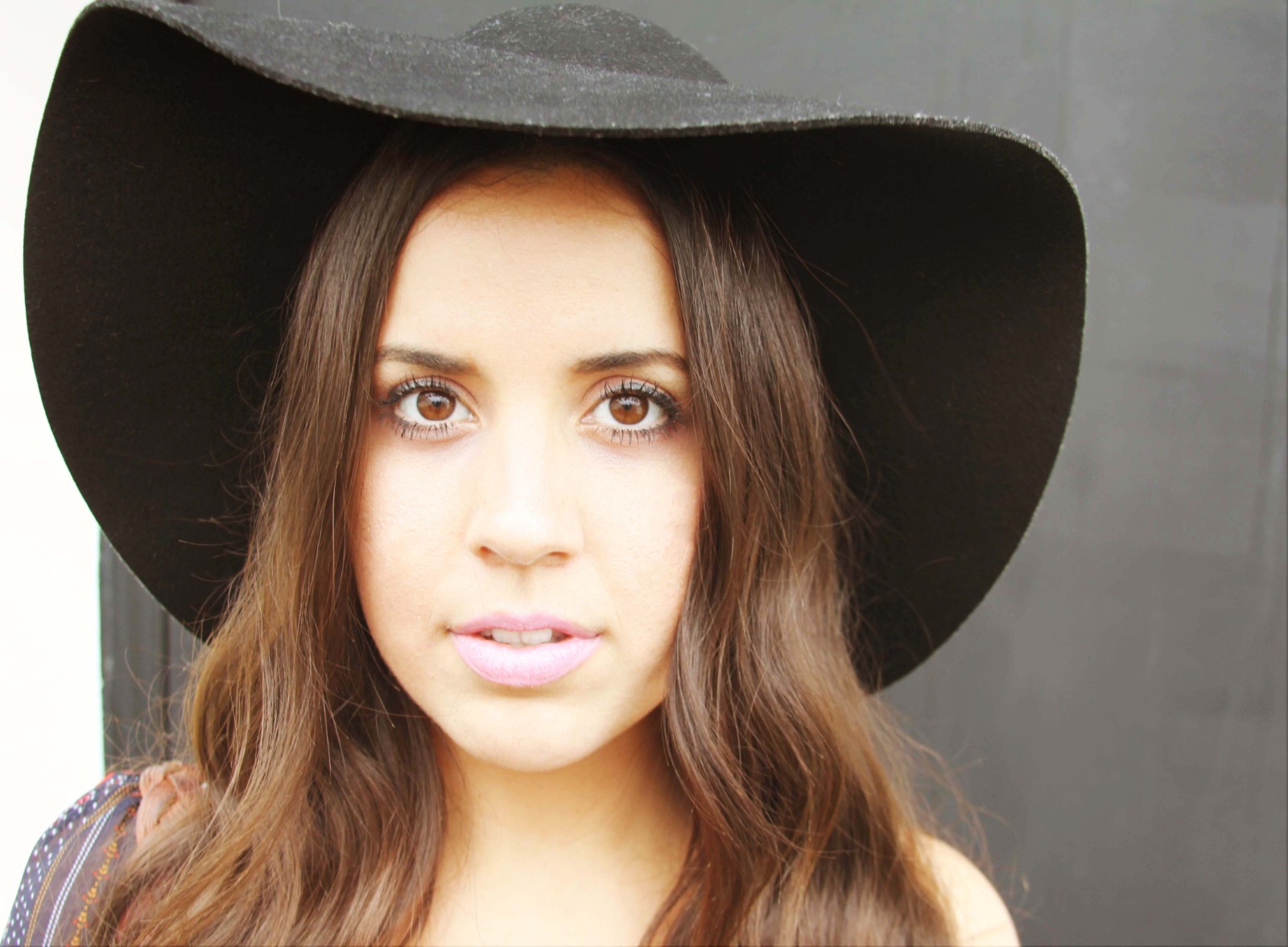
Upload a genuinely flawed, unedited photo
Find a picture from your camera roll that is genuinely dark, blurry, or washed out. Do not use a pre-edited photo. Finding the best enhancer natural looking results requires isolating the raw sensor data to test the algorithm honestly.
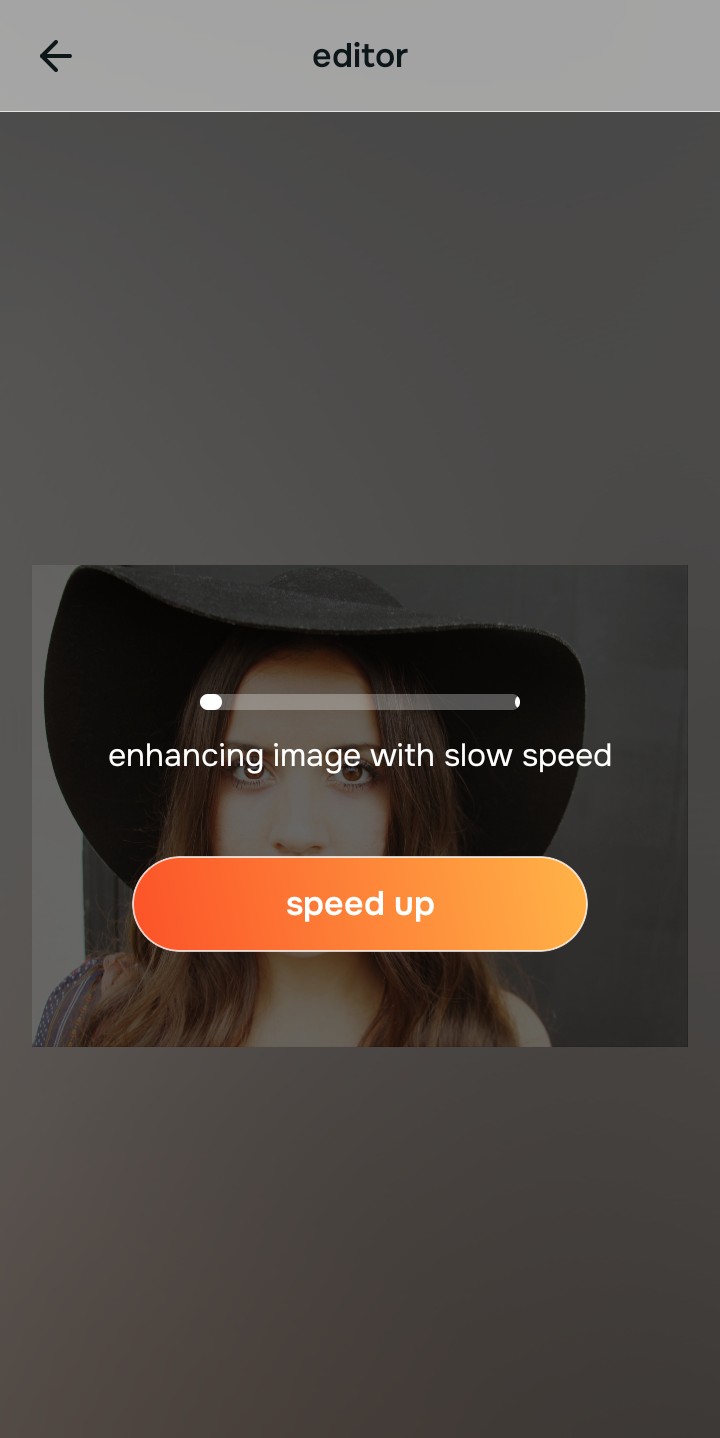
Let the instant preview calculate the truth
Citrus provides a first correction immediately for free. This is the true test of an honest engine. It shows exactly what is mathematically recoverable from your baseline data without forcing you behind a paywall or hiding behind fake split-screens.
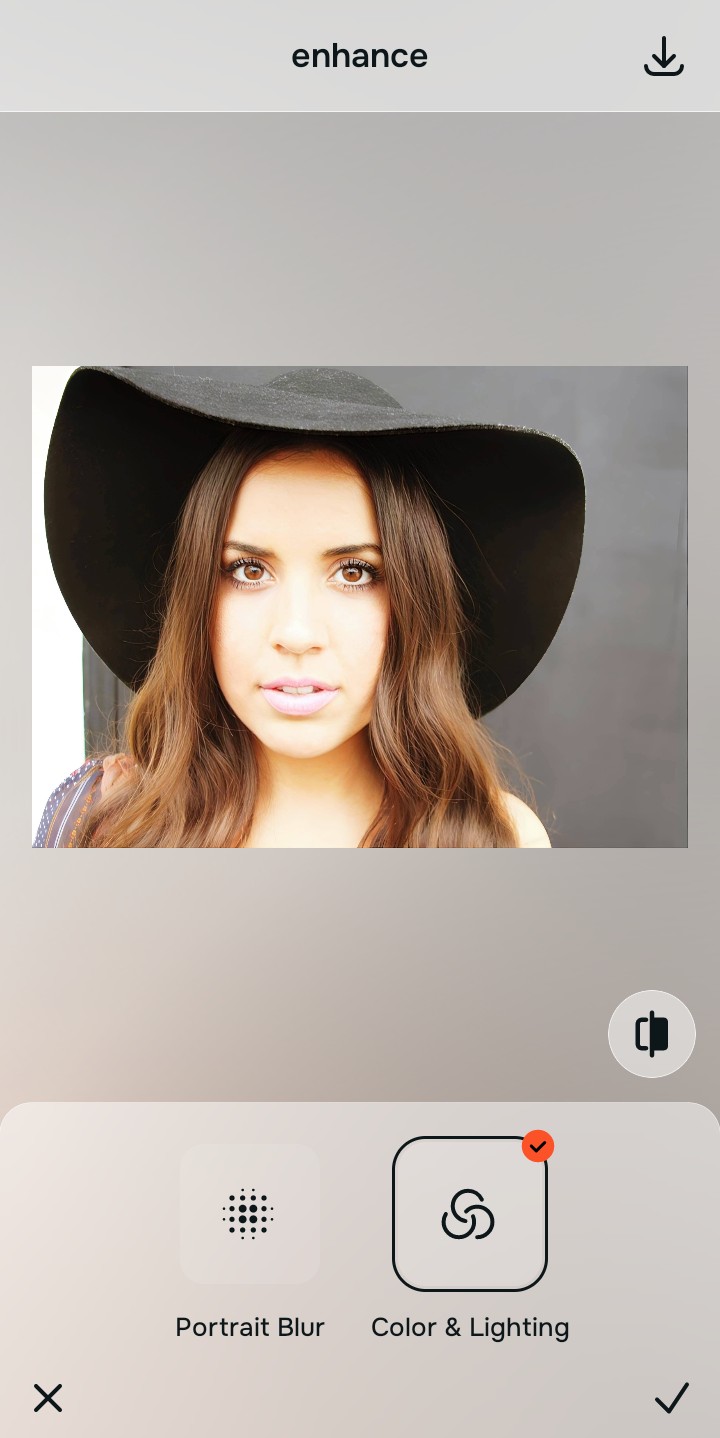
Tap Enhance and check the Colors & Lighting
Before an app can refine a face, it must fix the overall photo. Tap Enhance → Colors & Lighting. A deceptive app will just blow out the highlights to make the photo look "brighter." This step proves that Citrus mathematically balances the shadows and light curves natively without deep-frying the background.

Always test how the algorithm handles global exposure before looking at the face. Normalizing the base optical map ensures the engine is doing real math, not just applying a cheap brightness filter.
Tap Face and test biometric loyalty with Soft Glow
This is the ultimate test of honesty. With your base normalized, tap Looks → Soft Glow. Select Level 1–5. If the app is a fake, your eyes and teeth will suddenly change shape or color. Because Citrus anchors to your true biometrics, it only tightens your specific, native geometry, proving it doesn't use generative stock faces.
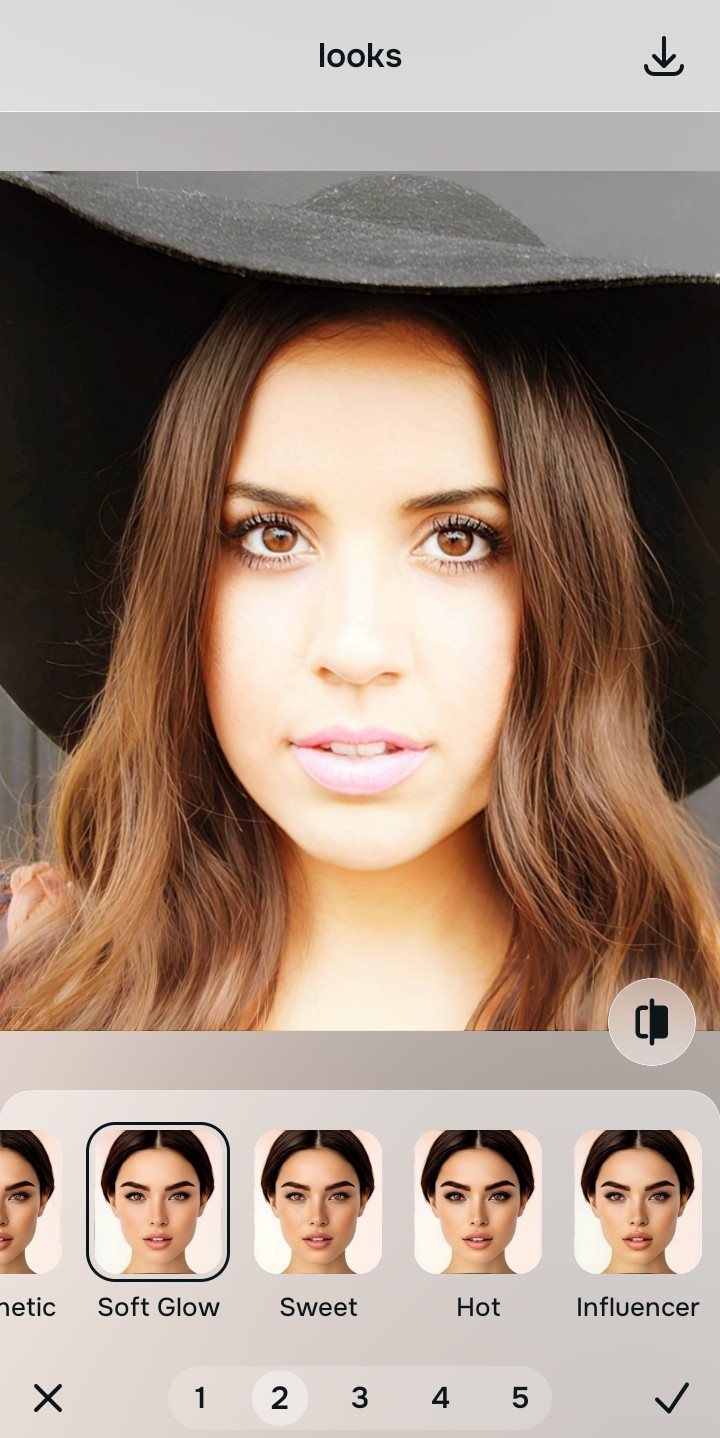
Export your high-resolution, completely honest result
Citrus generously offers clean high-definition exports entirely for free. The final file is the ultimate proof: a crisp, mathematically correct image that actually looks like the person who took the photo, avoiding the uncanny valley completely.
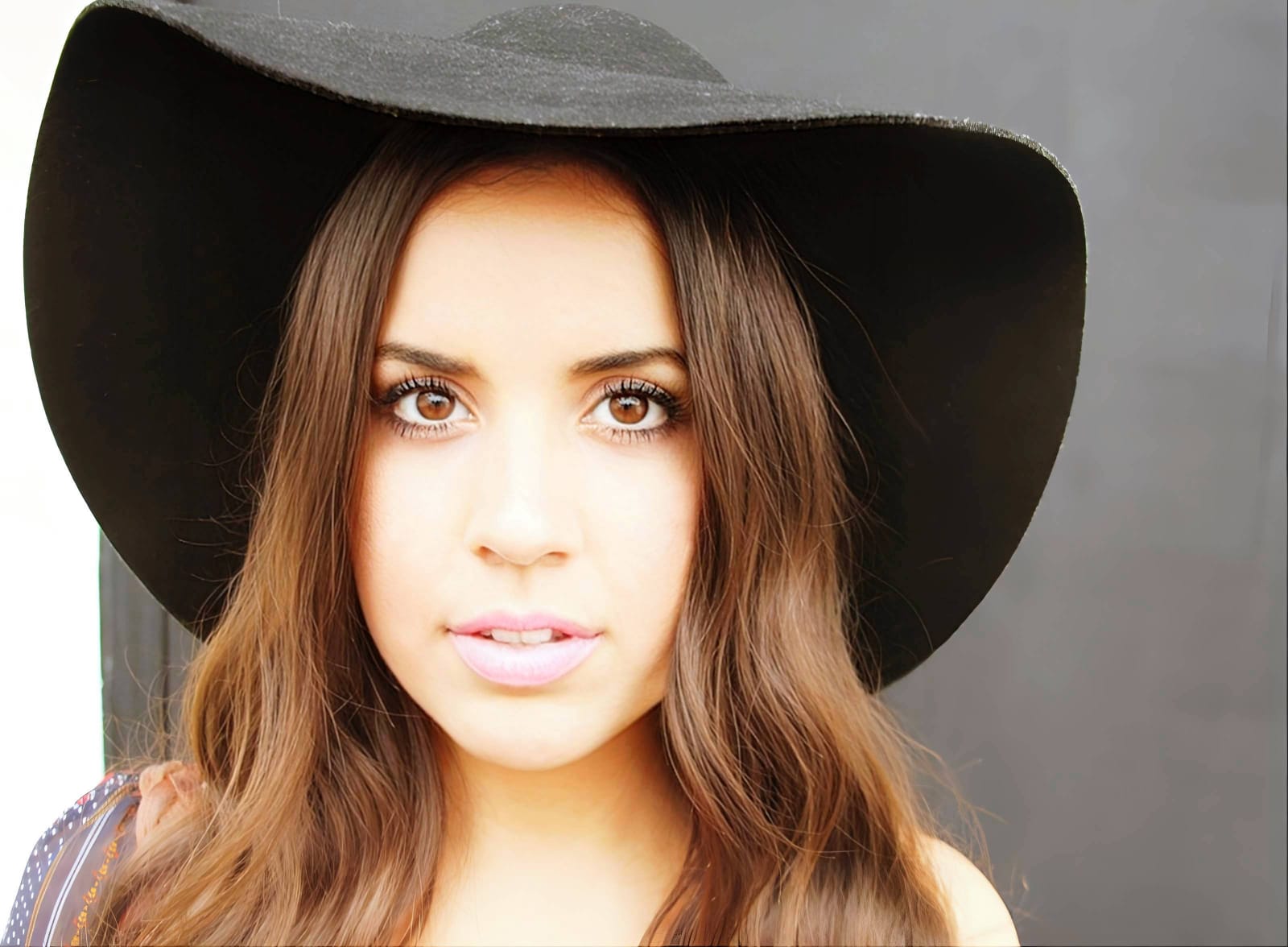
How do other apps usually fail your photo?
Identify the core failure point of deceptive apps to select the correct, honest optical pathway.
How to align your honesty concerns with the correct optical taxonomy
Separate photo weaknesses necessitate independent menu paths. Understanding the difference between an overall photo problem, a specific biometric feature fix, and a general aesthetic vibe is the only way to lock in visual realism without deep-frying the picture.
| Tool Pathway | Primary Flaw Remediated | Automated Fix Strategy |
|---|---|---|
| Enhance Overall Photo | Bad lighting and exposure that deceptive apps try to hide by blowing out the highlights | Use this to establish a proper optical foundation. Choose Colors & Lighting to balance the math honestly. |
| Face | The aggressive replacement of your unique eyes and teeth with generic generative stock features | Use this for precise feature tweaks. Select Soft Glow to prove the app tightens your own features cleanly. |
| Looks | A clinical, synthetic facial impression that makes the photo look like a plastic CGI render | Use this to update the entire face impression. Select Natural (Level 1–5) to inject an organic, human color grade. |
“Professional photo editing should never rely on fake, artificially blurred marketing images. It must mathematically calculate the existing structural grid and refine your actual biometric features so the result is 100% human and perfectly authentic.”
Why biometric anchoring wins over generative deepfakes
There is a massive structural difference between processing an image natively and asking a computer to paint a synthetic copy. When you use generative upscalers like Remini, the algorithm doesn't "know" what you look like. It uses your blurry face as a tracing sheet. If it sees a blurry eye, it will draw a hyper-detailed eye that belongs to a 20-year-old Instagram model. This is what causes the uncanny valley and ruins honest comparisons.
Citrus is built from the ground up to be the ultimate optical calculator. By providing dedicated algorithms for Enhance, Looks, and Face inside a single environment, the engine maps your data securely, recovering only the mathematical truth. This guarantees that your presentation remains sharp, trusted, and perfectly magnetic without turning you into a deepfake.