


August 15, 2026
Google Photos vs Citrus: Which One-Tap Enhancer Is Better for Everyday Phone Photos?
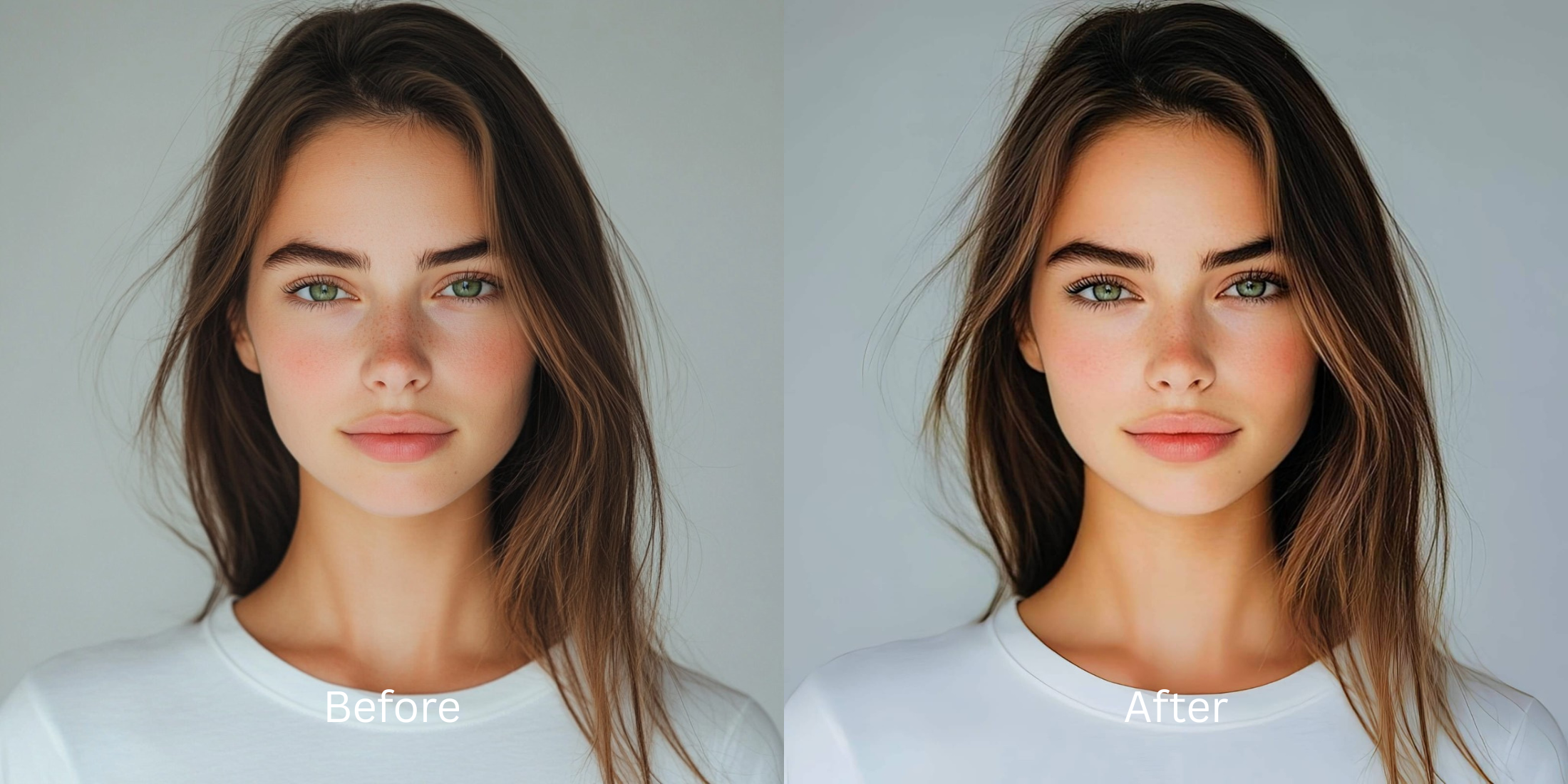

Google Photos vs Citrus: Which One-Tap Enhancer Is Better for Everyday Phone Photos?
If you browse subreddits like r/GooglePixel, r/iphone, or r/photography, you will see endless debates comparing default gallery tools with dedicated enhancement apps. Almost every smartphone user has tapped the "Enhance" or "Auto" button in Google Photos. For sweeping outdoor landscapes, it does a decent job. But when it comes to everyday selfies, portraits, and candid indoor shots, Google Photos often fails dramatically. It applies a harsh, indiscriminate contrast curve that turns skin orange, exaggerates oily forehead shine, and deep-fries facial textures. Because it treats your face exactly like a brick building or a mountain range, it completely misses the nuance of human skin. To get clean, photogenic everyday pictures in one tap without looking sunburnt, you need an optical engine that separates general scene lighting from human facial biometrics.
Google Photos works well for landscapes, but Citrus is significantly better for people, portraits, and selfies. While Google Photos blindly cranks global contrast and saturation across the whole image, Citrus AI uses dedicated optical and biometric models. It mathematically fixes your lighting baseline first, then elevates your facial radiance naturally without making you look orange or waxy.
Why Reddit warns against Google Photos Auto-Enhance for portraits
The fundamental flaw with Google Photos' auto-enhance button is its lack of subject separation. It applies a uniform HDR stretch across the entire frame. If you take a selfie indoors, Google Photos will aggressively brighten the background while boosting the reds and yellows in your skin, leaving you looking like you have an unnatural fake tan. Understanding the difference requires looking at an alternative to manual retouching that uses true biometric awareness.
- Cranking saturation indiscriminately, turning natural skin tones into an aggressive, radioactive orange
- Over-sharpening micro-contrast until normal pores look like deep craters and sandpaper
- Exaggerating forehead glare and sweaty hot spots by aggressively boosting specular highlights
- Failing to understand why camera makes skin harsh under computational processing
- Accessing specialized optical processing that fixes exposure without turning faces neon
- Elevating photogenic radiance to enhancer for natural looking results standards
- Diffusing harsh glares while keeping real human skin texture 100% visible and un-blurred
- Delivering true one tap selfie enhancers performance in under two seconds
When an auto-enhance tool treats your face like a landscape, your portraits look harsh and unappealing. Shifting to an advanced method to safely fix yellow indoor lighting natively ensures your skin tones remain balanced, authentic, and completely human.
Optimize portraits beyond generic auto-sliders. A structured optical enhancement brings natural warmth and perfect exposure to your everyday snaps.
Reddit Users Said It. We Ran the Citrus 5-Step Test: Google Photos Auto-Enhance vs Citrus Compared
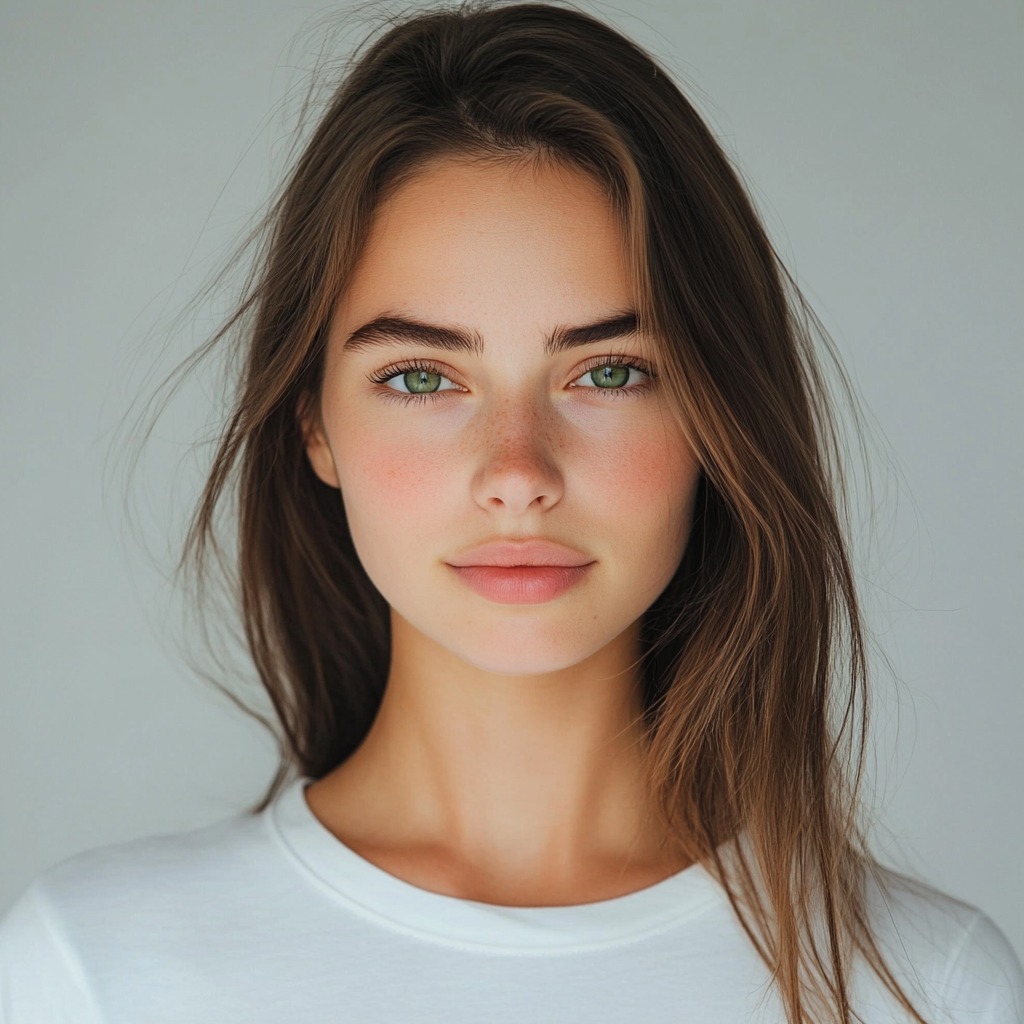
Upload the raw, unedited everyday snap
Find the photo with flat indoor lighting or slight shadows that Google Photos would normally turn orange. To see how to make a better photo under 10 seconds, starting with clean sensor data is essential.
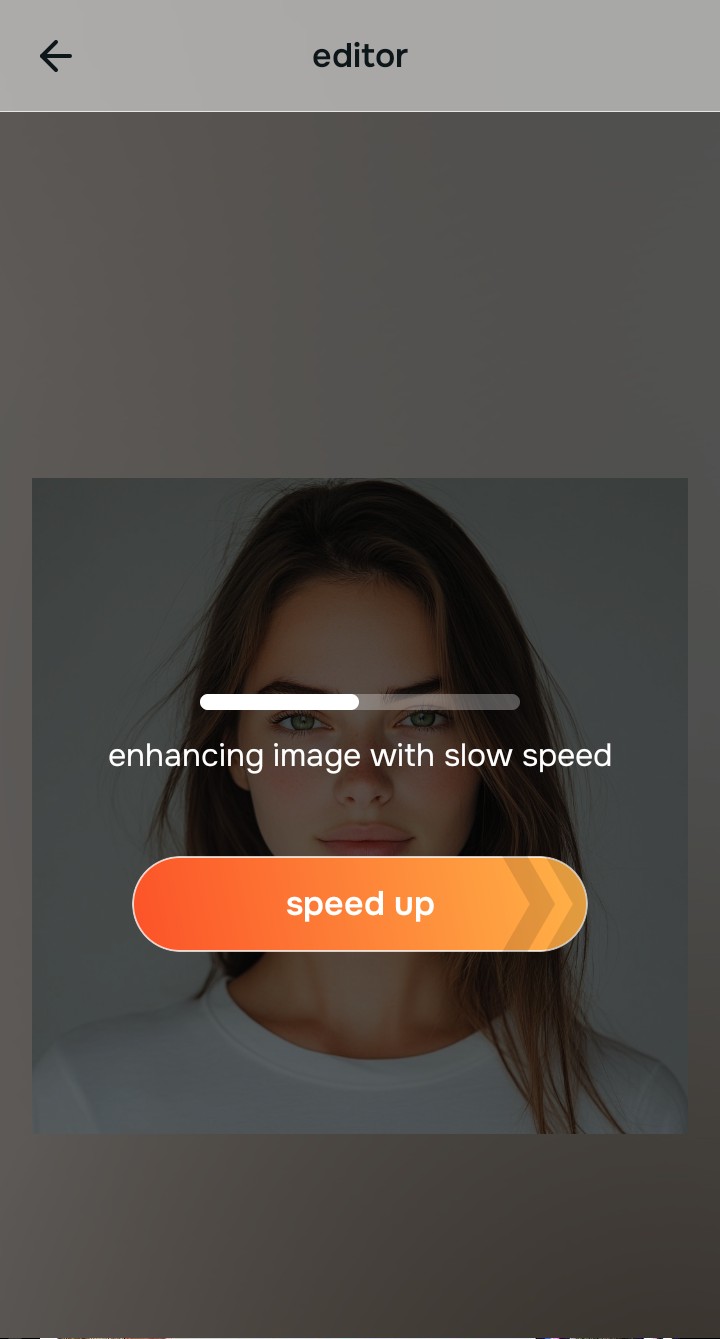
Let the instant preview calculate optical separation
Citrus provides an instant baseline correction immediately. Unlike Google Photos, which applies a single blanket formula to the whole file, Citrus analyzes facial biometrics and environmental lighting separately.
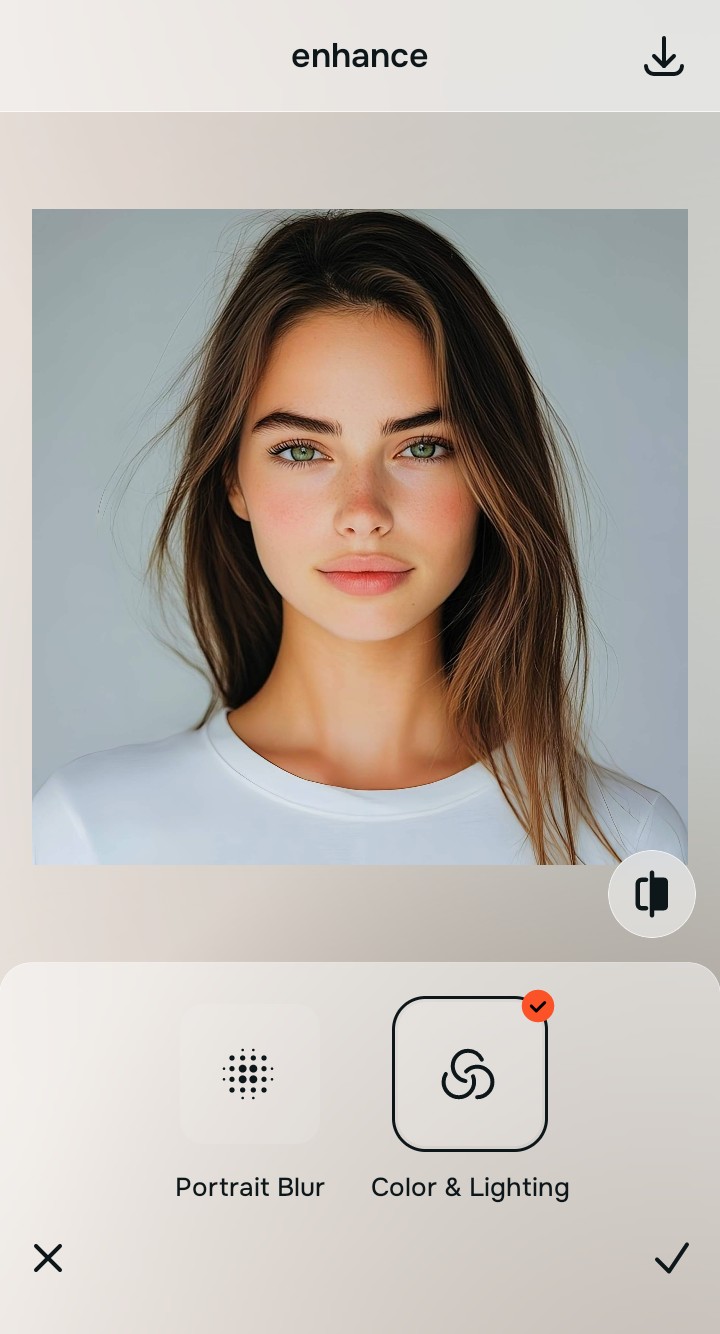
Tap Enhance and choose Colors & Lighting
Google Photos' "Enhance" button over-cranks contrast, making skin look dirty. In Citrus, tap Enhance → Colors & Lighting. This mathematically balances the global exposure curves, lifting dark under-eye shadows and correcting white balance without oversaturating your skin tones. This is the cleanest way to improve bad camera lighting natively.

Always balance global optical lighting before applying face impressions. Fixing the base exposure mathematically ensures subsequent aesthetic enhancements sit naturally on real skin.
Tap Looks and select Glow Up for natural radiance
Google Photos has no dedicated facial impression tools. With your baseline light perfected in Citrus, tap Looks → Glow Up. Select your preferred value from Level 1–5. This elevates the overall photogenic vibe, gently diffusing imperfections while keeping your natural pores and facial contours 100% intact.
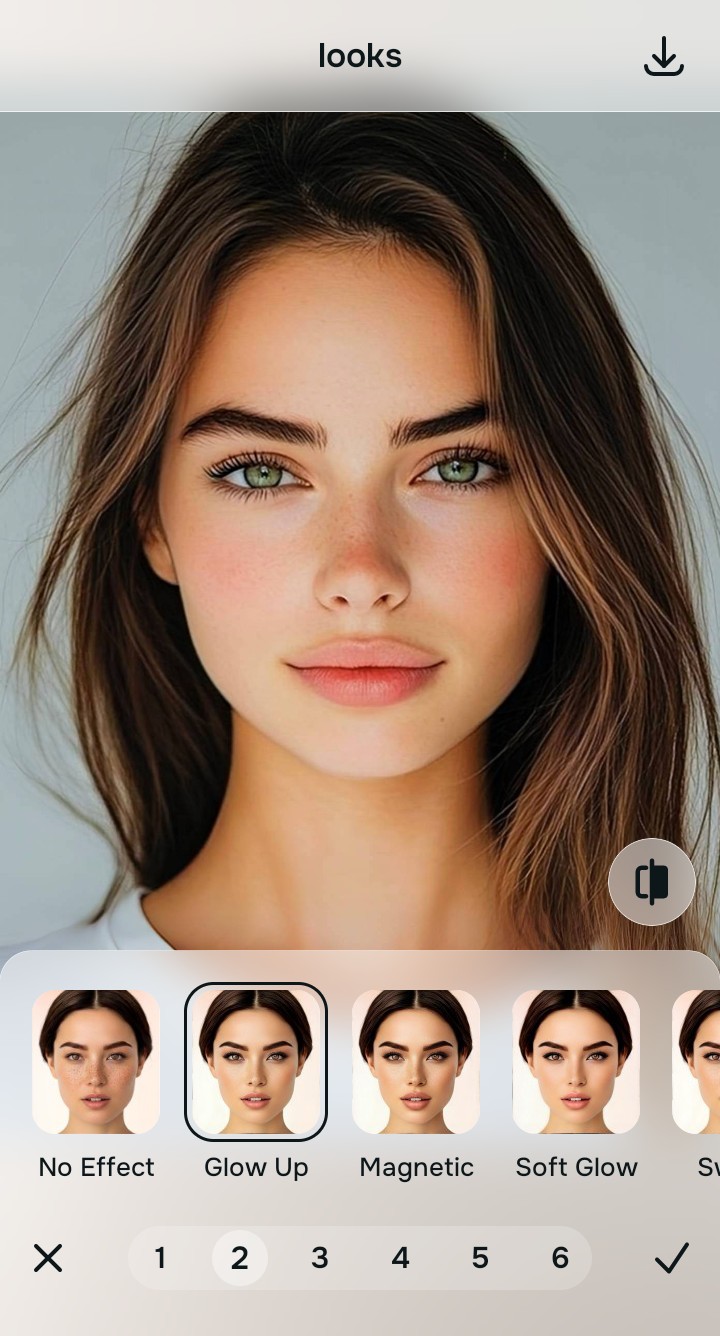
Export your high-resolution, uncompressed portrait
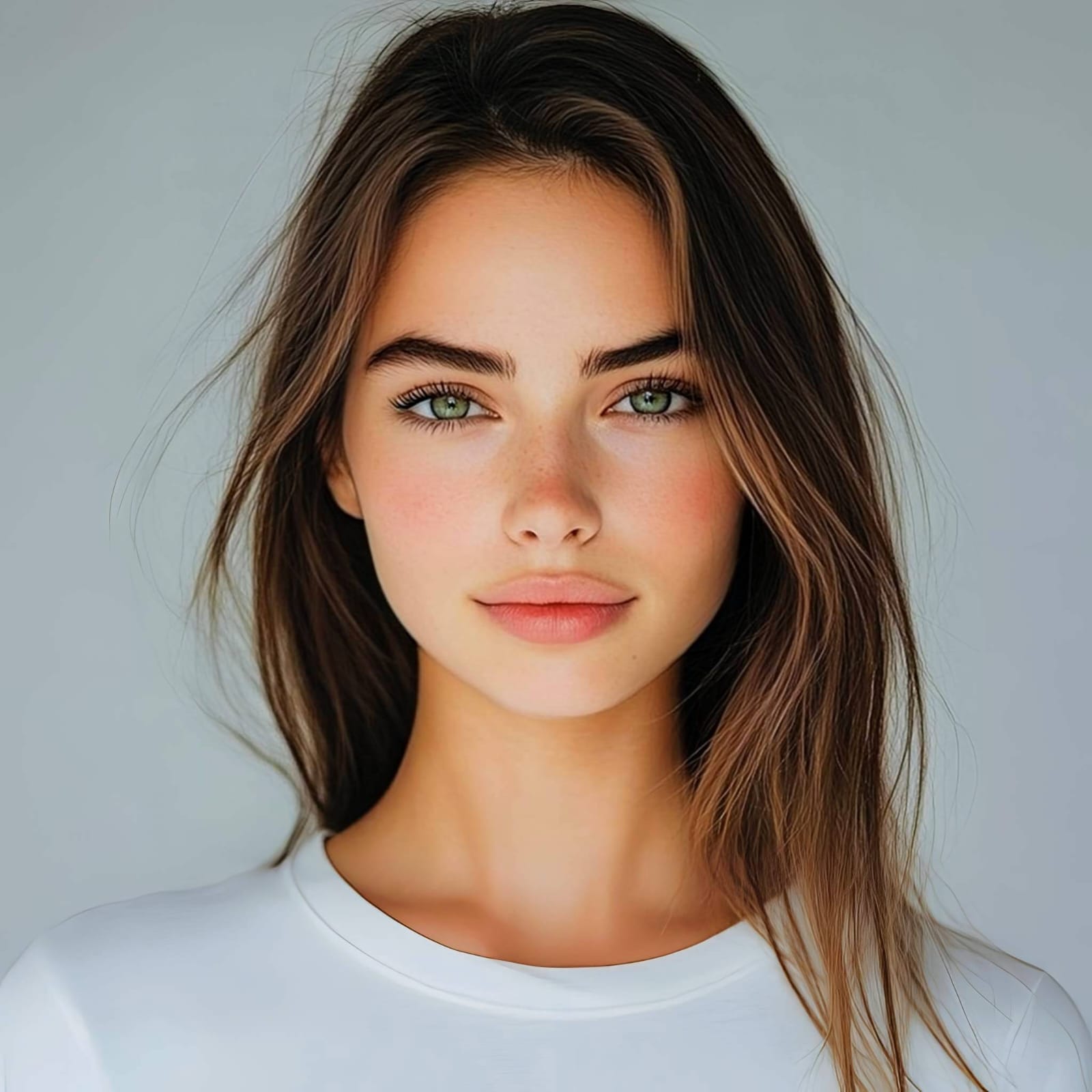
Citrus provides clean, unwatermarked HD exports completely for free. Your final image is balanced, beautifully lit, and completely free of the crunchy, oversaturated artifacts that plague Google Photos auto-edits.
How does Google Photos fail your everyday pictures?
Identify your primary frustration to select the exact optical pathway in Citrus that corrects it.
How to replace generic auto-enhance with the correct Citrus taxonomy
Default gallery apps use a single blunt slider for every type of picture. Citrus categorizes enhancement into three distinct, mathematically safe pathways:
| Tool Pathway | Primary Flaw Remediated | Automated Fix Strategy |
|---|---|---|
| Enhance Overall Photo | Bad ambient lighting, flat contrast, or harsh shadows that generic auto-sliders oversaturate | Use this first to establish a proper optical foundation. Choose Colors & Lighting to balance exposure natively. |
| Looks | A dull, unphotogenic facial impression that default gallery apps cannot selectively improve | Use this to update the entire face impression. Select Glow Up (Level 1–5) to inject natural radiance safely. |
| Face | Targeted facial texture concerns where you need smooth skin without blurring your unique identity | Use this last for precise feature tweaks. Select Glass Skin to hydrate pores biometrically and cleanly. |
“One-tap photo enhancement should never treat a human face like a mountain range. It must mathematically separate optical scene lighting from facial biometrics so you look naturally radiant—never oversaturated or crunchy.”
Why biometric optical awareness beats generic HDR auto-sliders
There is a massive structural difference between generic algorithmic contrast stretching and biometric optical calibration. When you tap "Enhance" in Google Photos, the software doesn't know where the background ends and your cheek begins. It aggressively pushes local contrast across the entire frame, which exaggerates oily sheen, deepens facial lines, and turns skin orange.
Citrus is built specifically with human portrait optics in mind. By constraining adjustments to mathematically calibrated Level 1–5 settings across Enhance, Looks, and Face, it corrects environmental exposure while strictly protecting your natural skin tones, freckles, and bone structure. You get a clean, social-ready photo in one tap without the deep-fried HDR look.