


May 31, 2026
Best Free Nose Editor App for Subtle Photo Fixes That Still Look Like You
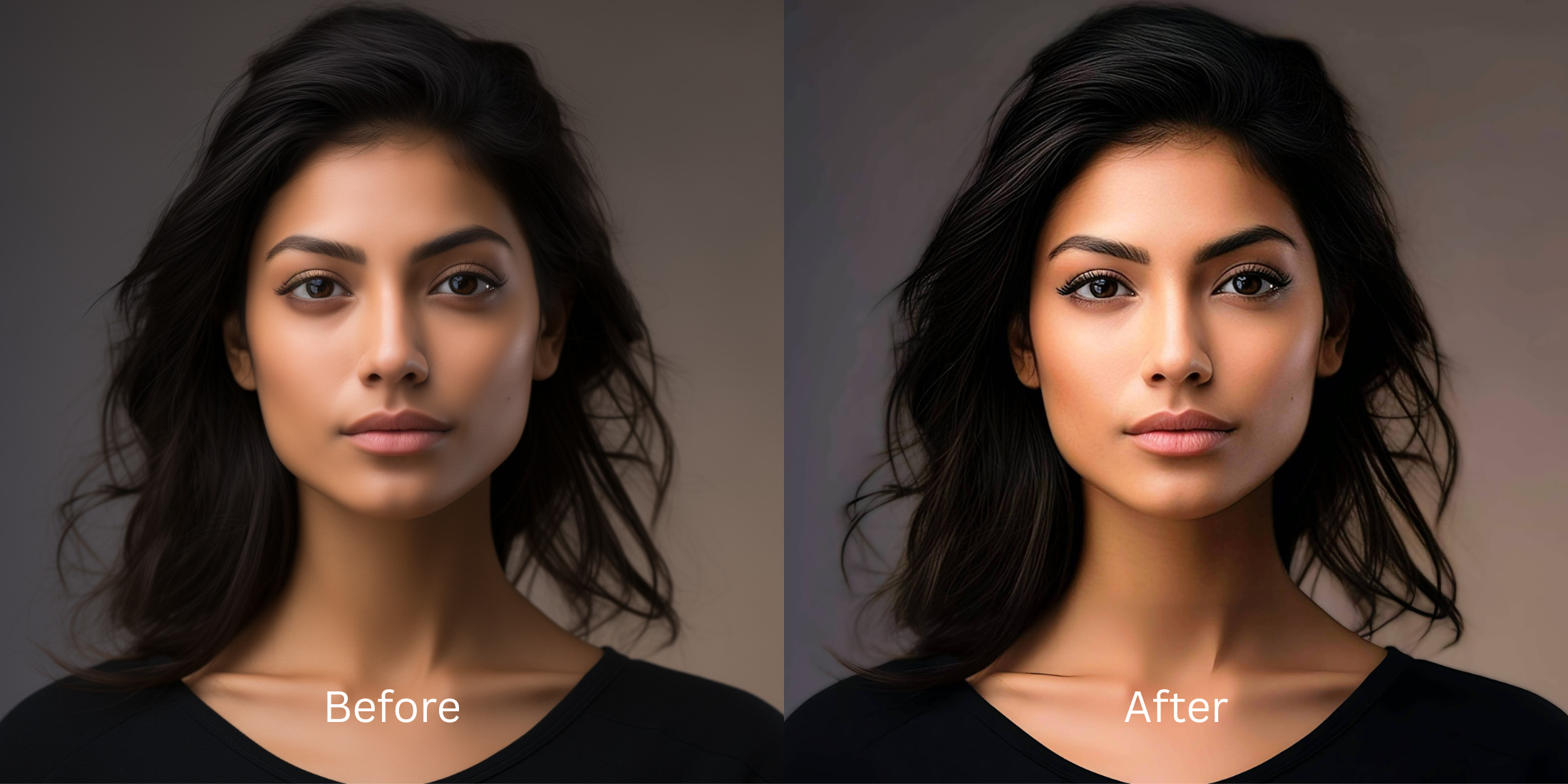

Best Free Nose Editor App for Subtle Photo Fixes That Still Look Like You
When you snap a quick selfie, the front-facing camera lens creates an optical distortion known as "barrel warping." Because your nose sits closest to the wide focal glass, the lens naturally balloons its central geometry while squishing your ears and cheekbones backward. When users try to counteract this effect with typical face editors, they run into massive issues. Standard applications rely on primitive "liquify" or "pinch" sliders that pull surrounding pixels blindly. One wrong drag, and you have warped the background walls, created fake asymmetry, and left behind obvious "AI slop." To safely fix the lens distortion, you need a precise spatial re-mapping framework.
The premium way to fix wide-angle selfie distortion without warping your background is through geometry-based mapping. Open your photo in Citrus and skip the clumsy fluid sliders entirely. First, tap Enhance -> Portrait Blur to securely isolate your face profile from the environment. Next, tap Face -> Small Nose and choose a clean Level 1 to 5 preset tap to safely pull the lens projection back to your real-life, mirror symmetry. Citrus generously gives this natural fix away completely for free.
Why manual push-and-pull sliders ruin your natural look
Physical sliders force you to rely on unpredictable manual guesswork. When you use a liquify brush to shrink a feature, the algorithm drags blocks of pixels as a fluid layer, melting your hair lines and turning your skin pores into a smooth, smeared smudge. Finding a dedicated alternative to overprocessed beauty editors is essential to ensure your headshots stay recognizable. You want a tool that processes your central data lines independently, making sure you can adjust focal width settings without adding artificial filters.
- Dragging manual pinch brushes that warp doorframes and backgrounds instantly
- Pasting overdone generative filters that add a fake, cartoonish texture mask
- Hitting aggressive weekly paywall traps just to save an unwatermarked photo
- Leaving flat phone lens compression completely uncorrected on your grid uploads
- Accessing advanced structural tools generously for free across all core paths
- Using discrete Level 1-5 taps instead of texture-destroying manual sliders
- Reversing phone lens stretching while keeping background walls perfectly still
- Opting into turbo processing speeds whenever you handle high-volume batch dumps
If your final portrait features bent walls or missing skin details, viewers spot the edit instantly. Using a high-end face enhancer that looks real preserves your authentic skeletal lines while cleanly balancing camera errors.
Reverse wide-angle camera stretching. A mapped level option protects your background lines.
How to resolve selfie lens distortion for free in 5 steps
Select your close-up gallery portrait
Open your file roll and pick an authentic photo where the proximity to your phone lens created central stretching. Reversing a nose look smaller without distortion relies on targeting this optical distortion baseline first.
Let the instant preview run its geometric analysis
Citrus opens a high-definition rendering instantly without requiring upfront credit card authorizations. This lets you see exactly how the engine tracks your profile edges before executing adjustments.
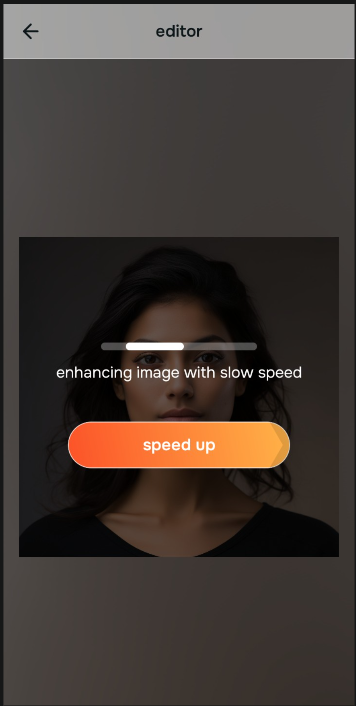
Tap Enhance and choose Portrait Blur
Because push filters risk bending ambient room textures, tap Enhance -> Portrait Blur. This creates a clean depth separation behind your head, making it the safest option for users browsing people who hate filters but need clean, balanced composition.

Always set your background depth baseline before executing precise face fixes. Isolating your surrounding workspace ensures your physical adjustments don't distort adjacent patterns.
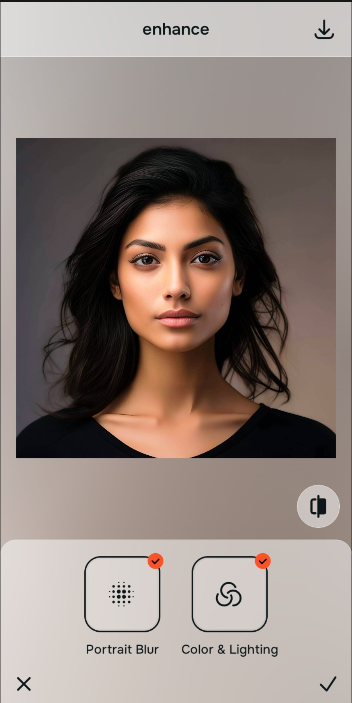
Tap Face and choose Small Nose
With your environment securely split from your portrait, tap Face -> Small Nose. Select your ideal adjustment scale from Level 1-5. Utilizing a face editor without overdone look artifacts allows you to realign your facial symmetry naturally.
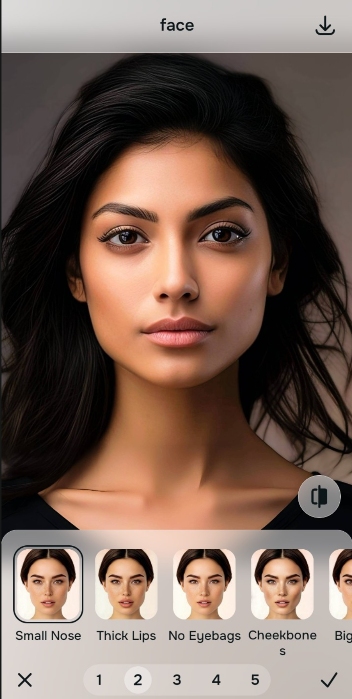
Save your true unwatermarked file instantly
Unlike predatory subscription traps that block outputs behind credit triggers, your high-resolution export is directly available. You can safely make face look better and download your file for free instantly.
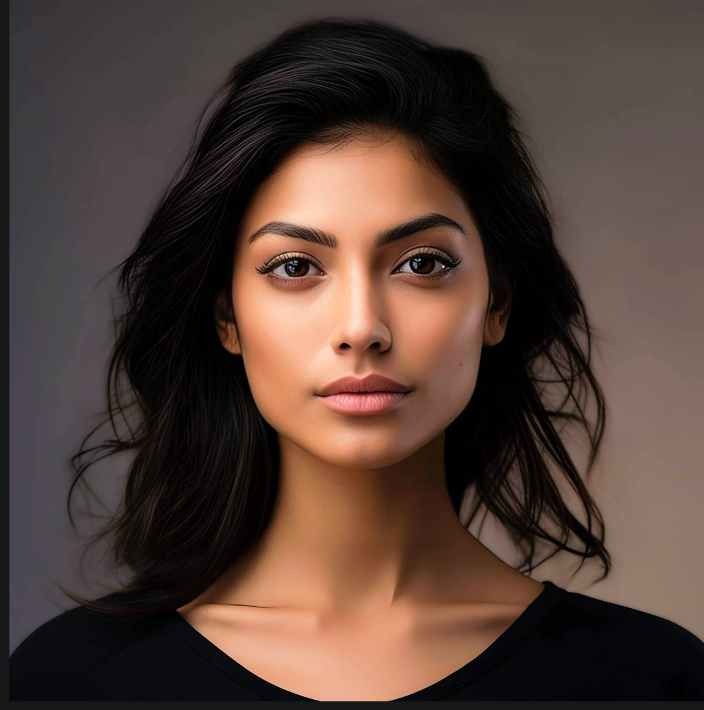
What is throwing off your selfie's center balance?
Identify your portrait's primary visual limitation. Your ideal workspace choice changes depending on the issue.
How to align your image flaws with the right free path
Varying lens limitations necessitate distinct menu paths. Selecting structured Level 1-5 tap options instead of raw manual sliders is the only way to retain your natural pore detail.
| Tool Pathway | Core Flaw Remediated | Proportion Strategy |
|---|---|---|
| Enhance Start here | Cluttered backgrounds, low frame depth, and flat indoor sensor noise | Use this first to separate yourself from the room. Select Portrait Blur to isolate depth fields for free. |
| Looks | Dull skin tones, flat facial contrast, and low overall image vibrancy | Use this to balance the entire face vibe at once. Select Glow Up to heighten features without changing shapes. |
| Face | Specific wide-angle focal lengths stretching closest features outward | Use this for precise feature fixes. Select Small Nose (Level 1-5) to reverse camera distortion cleanly. |
“An excellent portrait adjustment shouldn't change your unique identity. It must simply correct the focal length distortion created by mobile smartphone camera hardware.”
Why Level 1-5 tap precision beats manual warping filters
There is a massive structural difference between balancing camera distortion and masking your face behind fake filters. When you use manual liquify tools to adjust features, human error makes it impossible to prevent adjacent elements from warping, creating noticeable distortions in your hair and clothes.
Citrus is built from the ground up to provide the most natural enhancer ever created. By relying exclusively on mathematically precise Level 1-5 tap settings, the software locks in your authentic skin pore architecture while safely recalculating your proportions. This approach ensures your background layers remain completely untouched.