


June 4, 2026
Best App to Make Photos Look Hotter Without Looking Overedited or AI-Generated
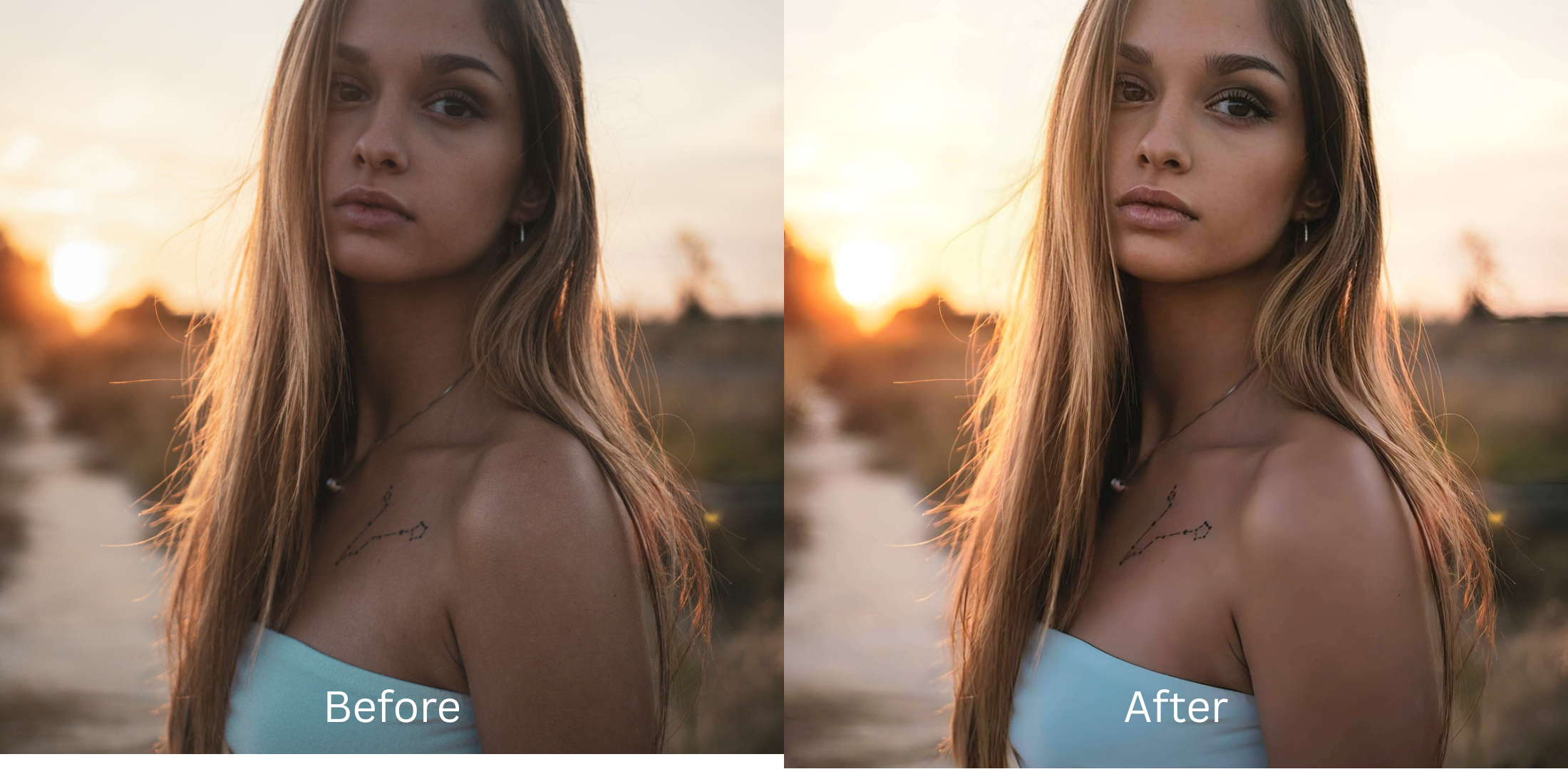

Best App to Make Photos Look Hotter Without Looking Overedited or AI-Generated
Most traditional portrait applications completely ruin your personal aesthetic when you try to elevate your style. When you apply a basic "beauty filter" inside legacy editors, the software automatically slathers your face in generative AI slop—distorting your skull geometry, replacing your iris definitions, and flattening your natural skin pores under a clay-like mask. This over-filtered look screams that the photo has been heavily edited. True photogenic presence on camera isn't about changing who you are; it is about reclaiming the contrast and vibrant ambient depth that your smartphone's compressed sensor flattened out. To make an image look captivating, you must enhance the lighting natively.
The premium way to elevate your photo's charisma for free without looking fake is through natural lighting and vibe calibration. Open your portrait in Citrus and ignore unpredictable manual sliders. First, select Enhance -> Colors & Lighting to automatically lift flat shadows and restore original image micro-contrast. Next, tap Looks -> Hot and choose a clean Level 1–5 option. This seamlessly updates your overall facial impression without distorting your real features. Citrus provides these features generously for free, while upgrades for turbo processing speed remain completely optional.
Why predatory paywalls and messy sliders ruin your portraits
The core issue with traditional layout choices like FaceApp or Facetune is their hostile monetization structure. They give zero free options for primary face changes, completely paywalling their main looks behind expensive tiers. Other tools like Meitu, BeautyPlus, and YouCam force you to guess balances using unpredictable fluid sliders that warp your background details. Citrus completely breaks away from this ecosystem by offering high-end look calibration tools generously for free. Finding a reliable alternative to overprocessed beauty editors means selecting structured presets that leave your background lines perfectly intact.
- Paying heavy subscription fees just to unlock main looks in FaceApp or Facetune
- Warping your background lines with continuous manual morphing sliders in AirBrush
- Pasting generative AI makeup slop over your real pores using Perfect365 or PrettyUp
- Distorting your core skull proportions into plastic molds with Beautycam and Facelab
- Enjoying powerful, unwatermarked high-definition tools generously given for free
- Achieving perfect mathematical symmetry without guessing on fluid push sliders
- Enhancing your native skin textures and authentic eye catchlights organically
- Using completely free single processing, with turbo batching as an optional luxury
When your profile presentation feels artificial, your digital identity loses all trust. Using an asset editor that provides natural looking results ensures your content remains authentic, sharp, and highly attractive on any platform.
Balance washed-out profiles instantly. A structured level option protects your real identity.
How to upgrade your facial vibe naturally for free in 5 steps
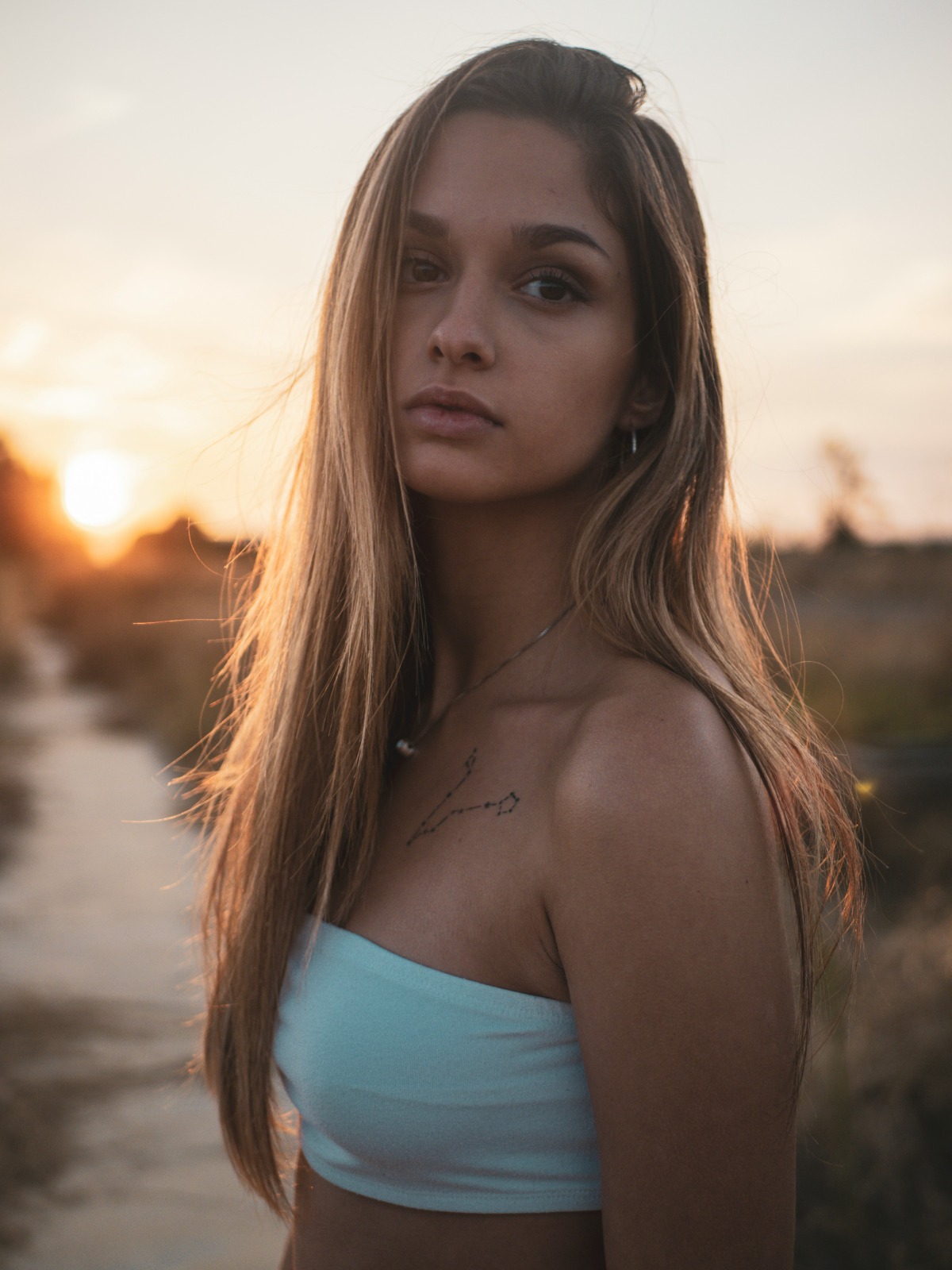
Upload a photo flattened by mobile camera sensors
Open your gallery roll and choose a portrait where your expression is solid, but flat room lighting makes you look tired. Transitioning to a dedicated workflow to improve photo without changing face layouts starts by evaluating your raw exposure baseline first.
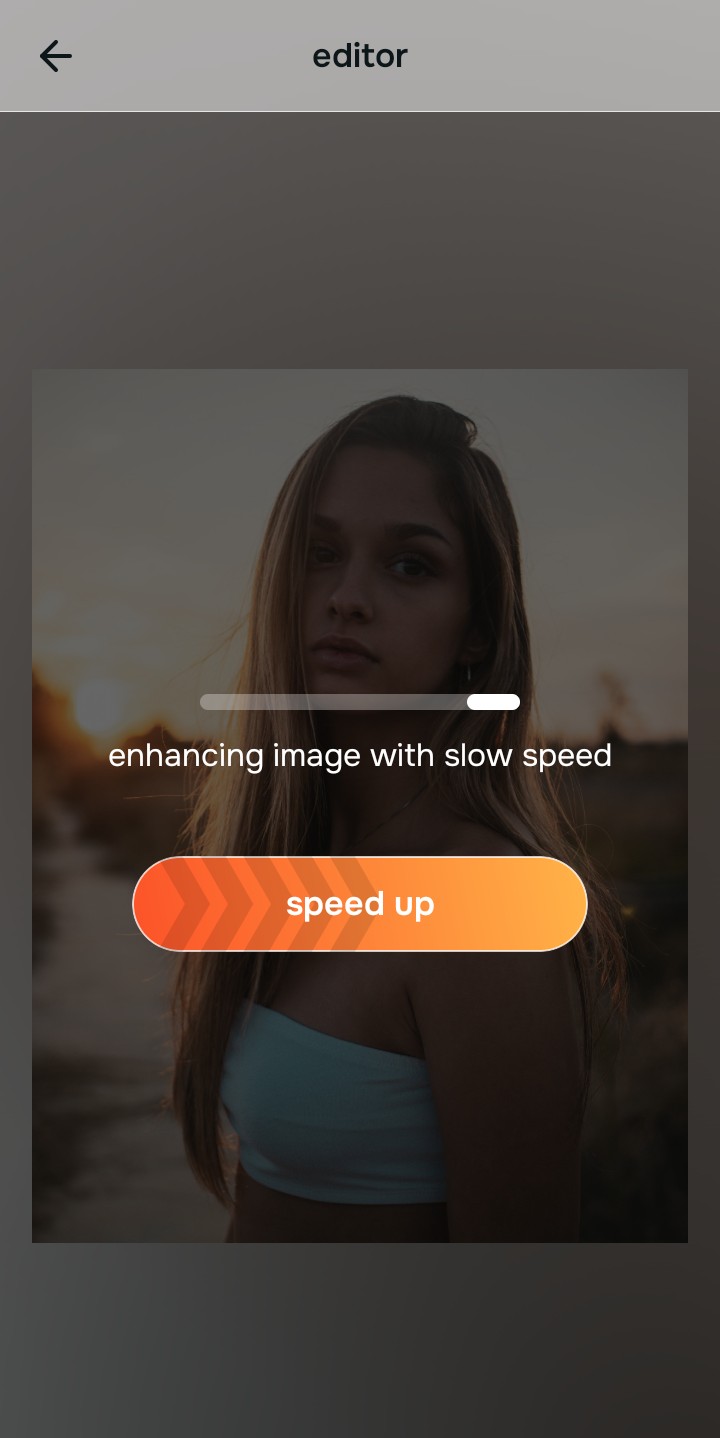
Let the real-time preview map your face highlights
Citrus launches an interactive rendering engine instantly with zero premium card gates. This lets you observe how the system tracks your native contrast maps before selecting your Level 1–5 processing intensity.
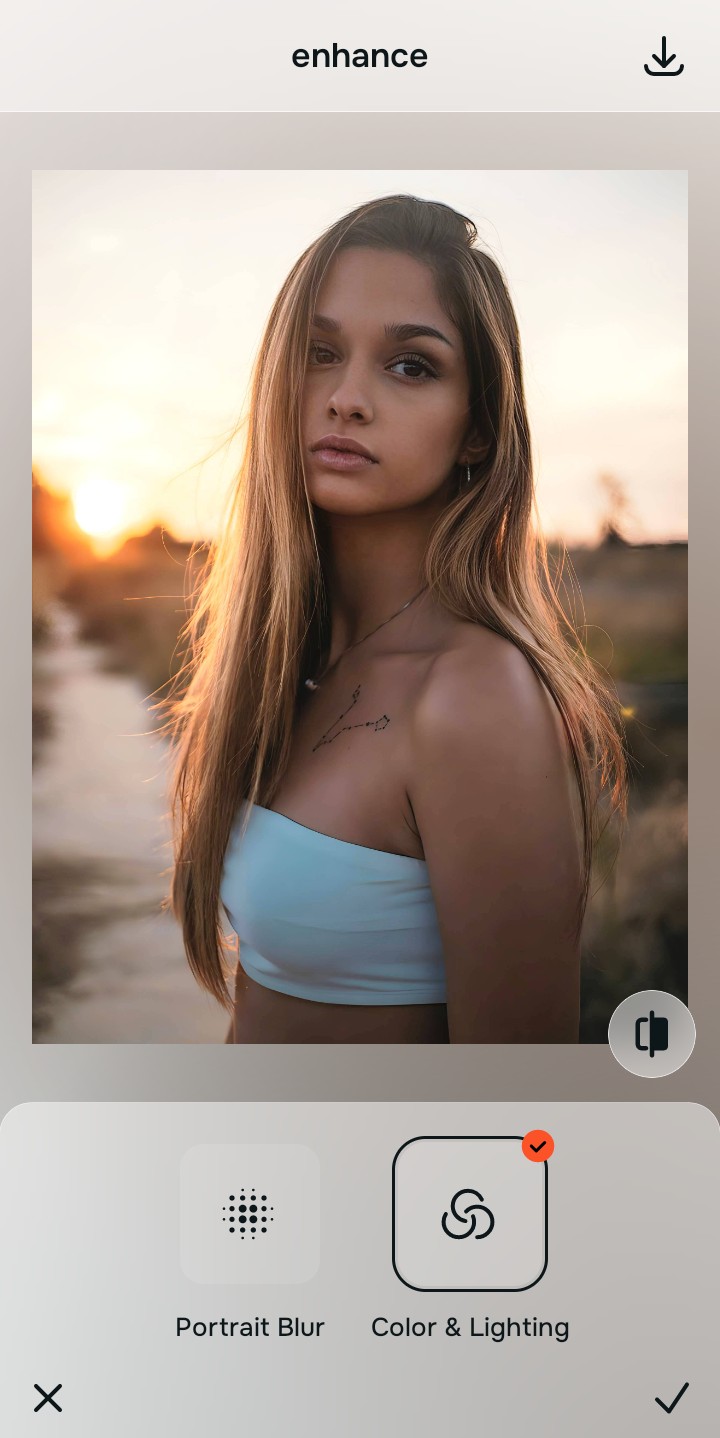
Tap Enhance and choose Colors & Lighting
Because dull selfies are caused by bad camera contrast metering, tap Enhance -> Colors & Lighting. This removes flat shadows globally. If you want your selfies look better without photoshop skills, repairing the global light distribution is the mandatory first step.

Always stabilize your lighting baseline before choosing face updates. Normalizing shadow transitions guarantees that your subsequent impression adjustments blend naturally into your features.
Tap Looks and select Hot to refine your expression vibe
With your baseline light normalized, tap Looks -> Hot. Pick your setting from Level 1–5 to give the face an attractive, magnetic presence. Finding a faceapp alternative more natural than typical apps ensures your teeth, lips, and eye shapes remain texture-safe.
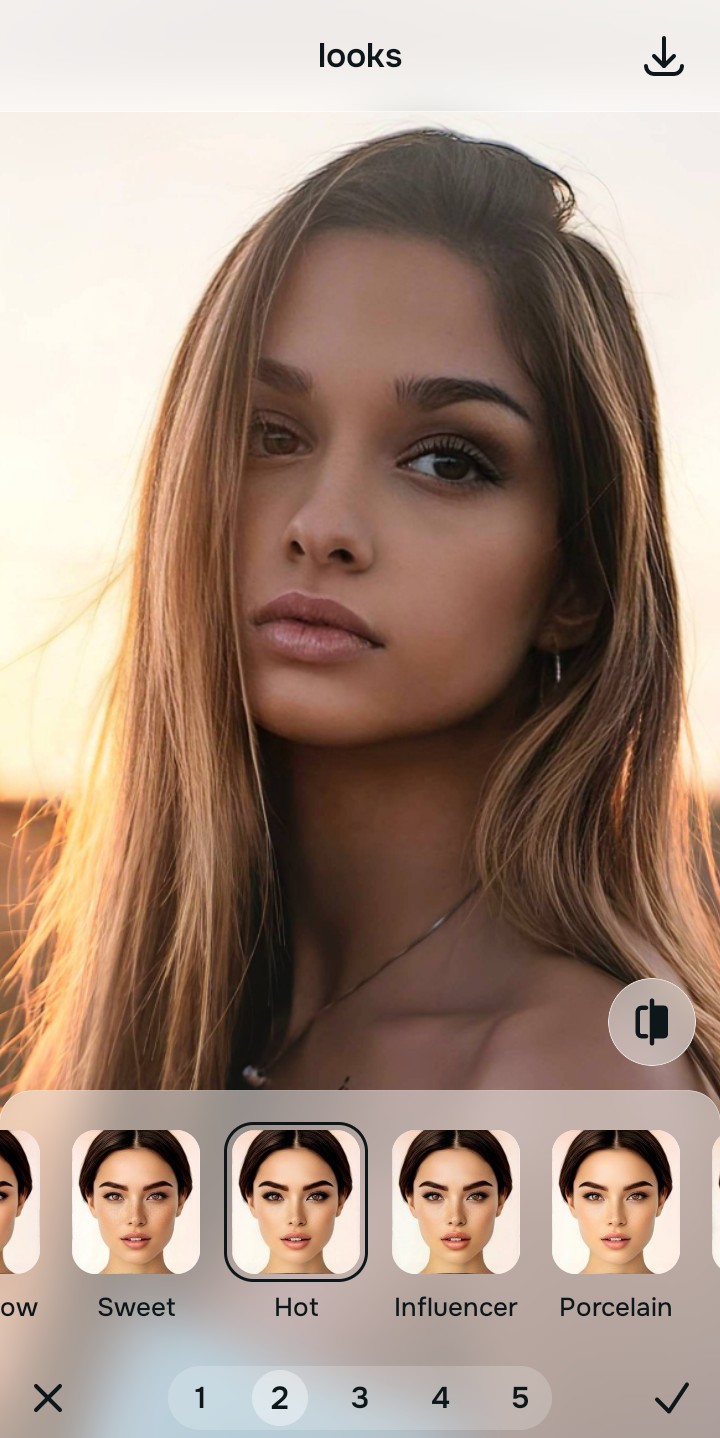
Save your unwatermarked, high-resolution portrait instantly
Unlike standard programs that trap your final files behind hidden paywall fees, your download is direct. Finding strong enhancers for profile pictures means you can download your clean results instantly for free.
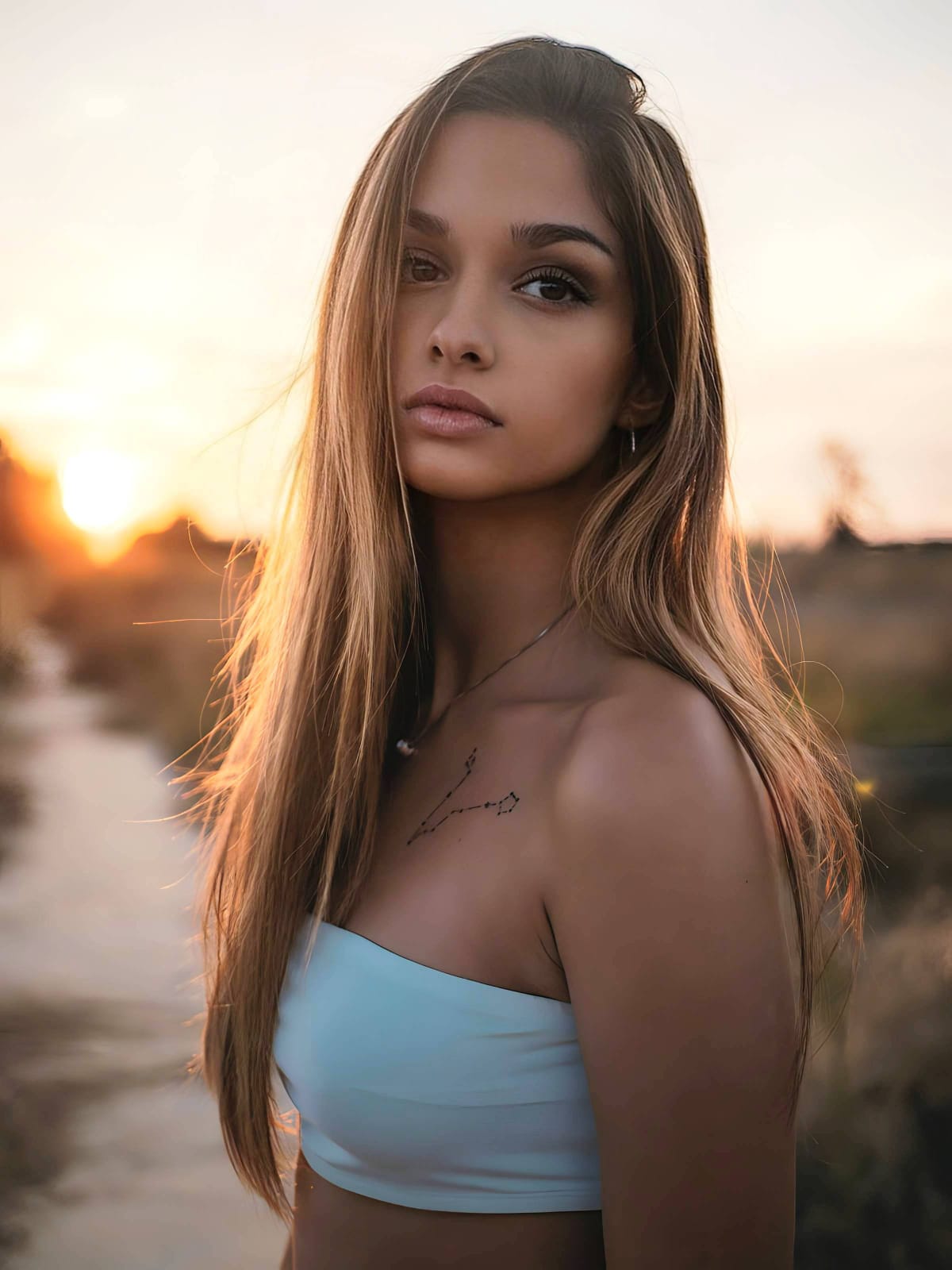
What is lowering your current selfie quality?
Identify your portrait's primary visual limitation. Your correct editing path changes depending on the issue.
How to align your profile flaw to the right free pathway
Separate photo weaknesses necessitate independent menu paths. Selecting structured Level 1–5 tap options instead of raw manual sliders is the only way to lock in visual sharpness without generating AI slop.
| Tool Pathway | Primary Flaw Remediated | Vibe Enhancement Strategy |
|---|---|---|
| Enhance Start here | Washed-out facial illumination, sensor noise, and compressed contrast fields | Use this first to establish a proper light foundation. Choose Colors & Lighting to balance layers for free. |
| Looks | Dull skin appearance, flat expressions, and low overall image vibrancy | Use this to update the entire face impression. Select Hot (Level 1–5) to coat your portrait in a radiant polish. |
| Face | Targeted anatomical washouts like flat cheekbones or missing jaw shadow | Use this last for precise feature tweaks. Select Cheekbones to safely recalculate structural depths cleanly. |
“An authentic portrait adjustment should never reshape your face. It must simply correct the camera sensor errors so your real identity shines through clearly.”
Why precise Level 1–5 taps beat manual morphing sliders
There is a massive structural difference between balancing camera exposure and masking your face behind fake filters or generative slop. When you use manual liquify tools to adjust features, human error makes it easy to over-edit, creating noticeable distortions in your clothes and surrounding room details. This instantly breaks the realism of your content asset.
Citrus is built from the ground up to be the most natural enhancer ever created. By relying exclusively on mathematically precise Level 1–5 tap settings instead of unpredictable sliders, the engine maps your face securely, optimizing highlight tracking without changing your real face shapes. If you are one of the hate how filters look advocates, this approach ensures you can build a premium feed completely for free.