


June 26, 2026
Best Alternative to Overdone Beauty Filters
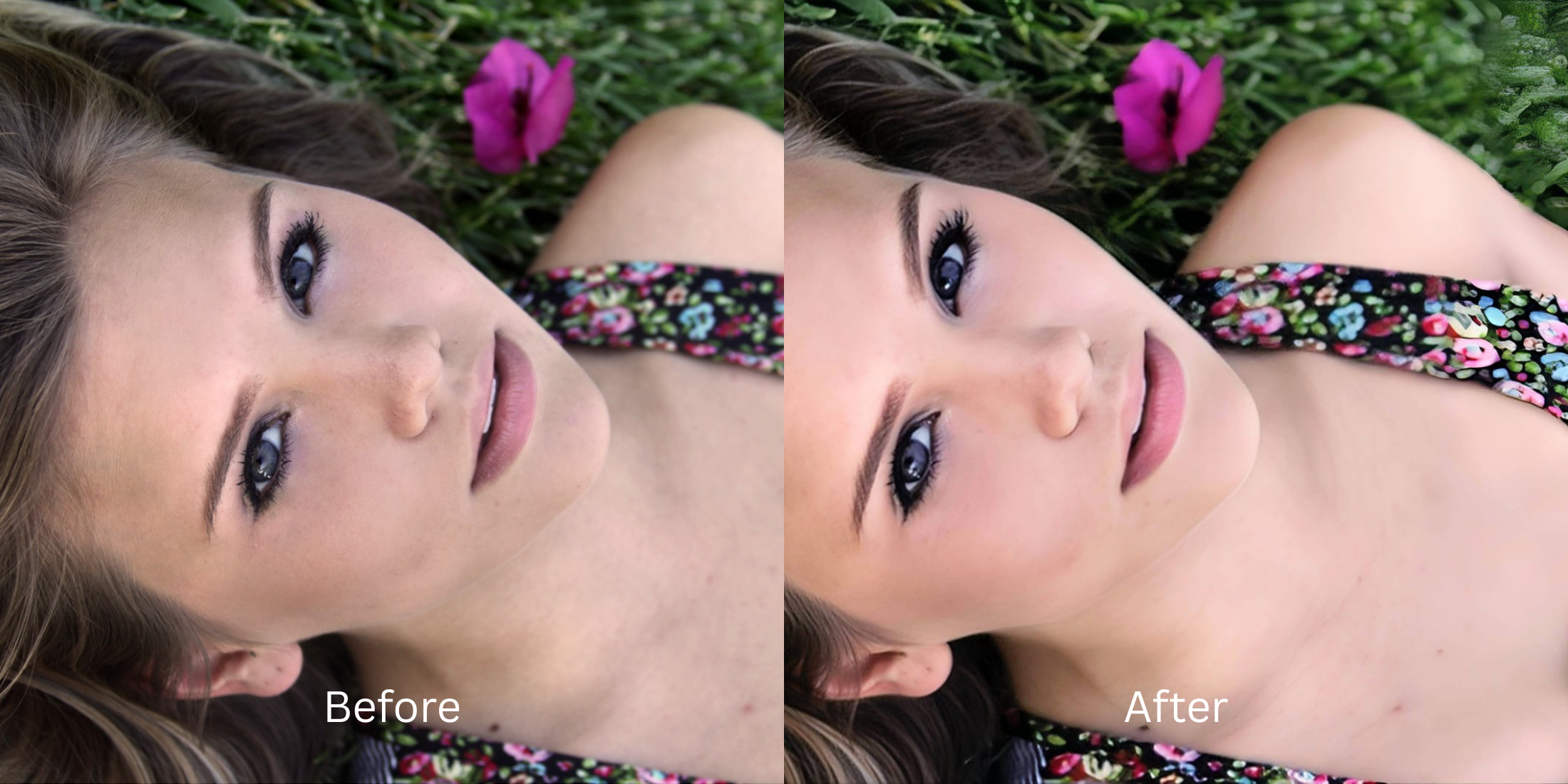

Best Alternative to Overdone Beauty Filters
We have all experienced it: you capture a great moment, but the lighting makes you look tired. You open a beauty app to fix it, and suddenly your face is completely unrecognizable. The core issue with apps like SNOW, Ulike, and BeautyPlus is their reliance on extreme, global smoothing algorithms. Instead of correcting the bad lighting that caused the shadows in the first place, these editors apply heavy bilateral blurs that melt away your pores, erase your freckles, and warp your natural jawline into a generic, plastic doll shape. To truly improve a portrait without sacrificing your humanity, you must utilize an intelligent system that restores native light data instead of pasting fake skin over your face.
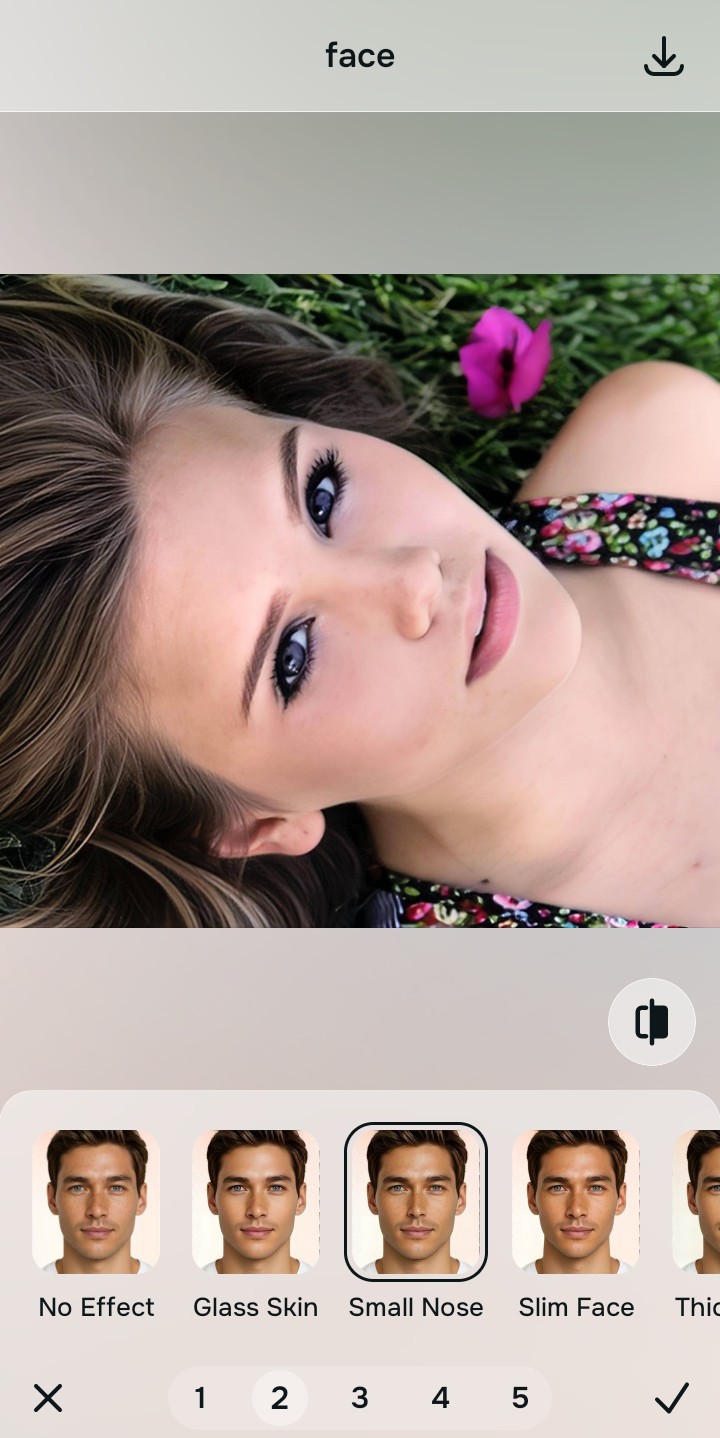
To completely avoid the fake filter look for free, you must use intelligent shadow reconstruction instead of pixel-smudging brushes. Open your portrait inside Citrus. First, tap Enhance → Colors & Lighting to automatically clear muddy shadows and rebuild lost baseline depth natively. Next, navigate to Face → Small Nose and select a clean Level 1–5 configuration. This mathematically optimizes your overall face impression, adding a subtle polish while keeping your real human texture completely intact.
Why default presets and manual clone brushes ruin your photos
The primary reason selfies look fake is the aggressive monetization and poor technology of legacy apps. Platforms like FaceApp and Facetune lock their essential, realistic light-balancing algorithms behind paywalls, leaving free users stuck with heavy, destructive blur tools. Furthermore, relying on automated presets inside apps like YouCam and SNOW pastes generative AI makeup directly over your features, which instantly triggers the uncanny valley effect. Bypassing this mess requires an alternative overprocessed beauty editors pipeline that operates through discrete tap controls.
- Applying heavy, opaque digital makeup masks natively via BeautyPlus and YouCam
- Gating high-resolution realistic unblurring tools entirely behind FaceApp and Facetune paywalls
- Distorting your organic skull parameters into an unrecognisable shape via SNOW and Ulike presets
- Losing pore fidelity completely by painting global bilateral blur masks across Meitu
- Accessing powerful, high-resolution processing workflows generously given for free
- Using mathematically calibrated Level 1–5 taps instead of texture-wiping manual sliders
- Rebuilding washed-out contrast layers natively without generating fake AI slop features
- Processing individual images for free with optional turbo batch speeds available for power users
When your content asset looks obviously airbrushed or melted, your digital feed loses authority instantly. Bypassing manual labor through an advanced editor without overdone look engine keeps your portrait crisp, professional, and entirely authentic.
Optimize portrait light fields instantly. A structured level choice keeps your real skin texture completely intact.
How to automate a subtle, natural portrait polish in 5 steps
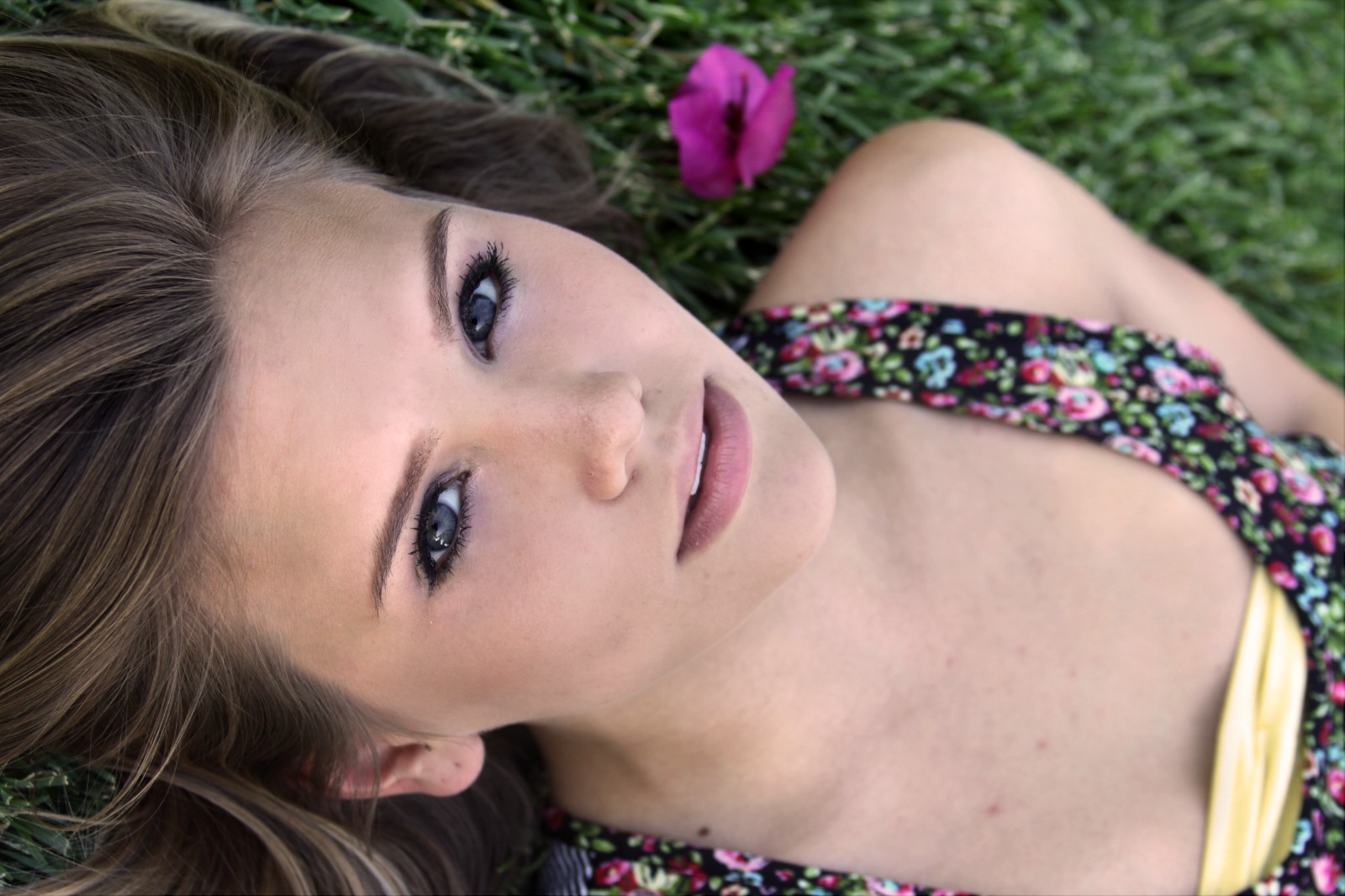
Upload a photo flattened by bad lighting
Open your image library and select a portrait where muddy exposure or low contrast makes you look tired. When utilizing an apps people hate filters strategy, a successful rescue always starts by evaluating this raw source file natively.
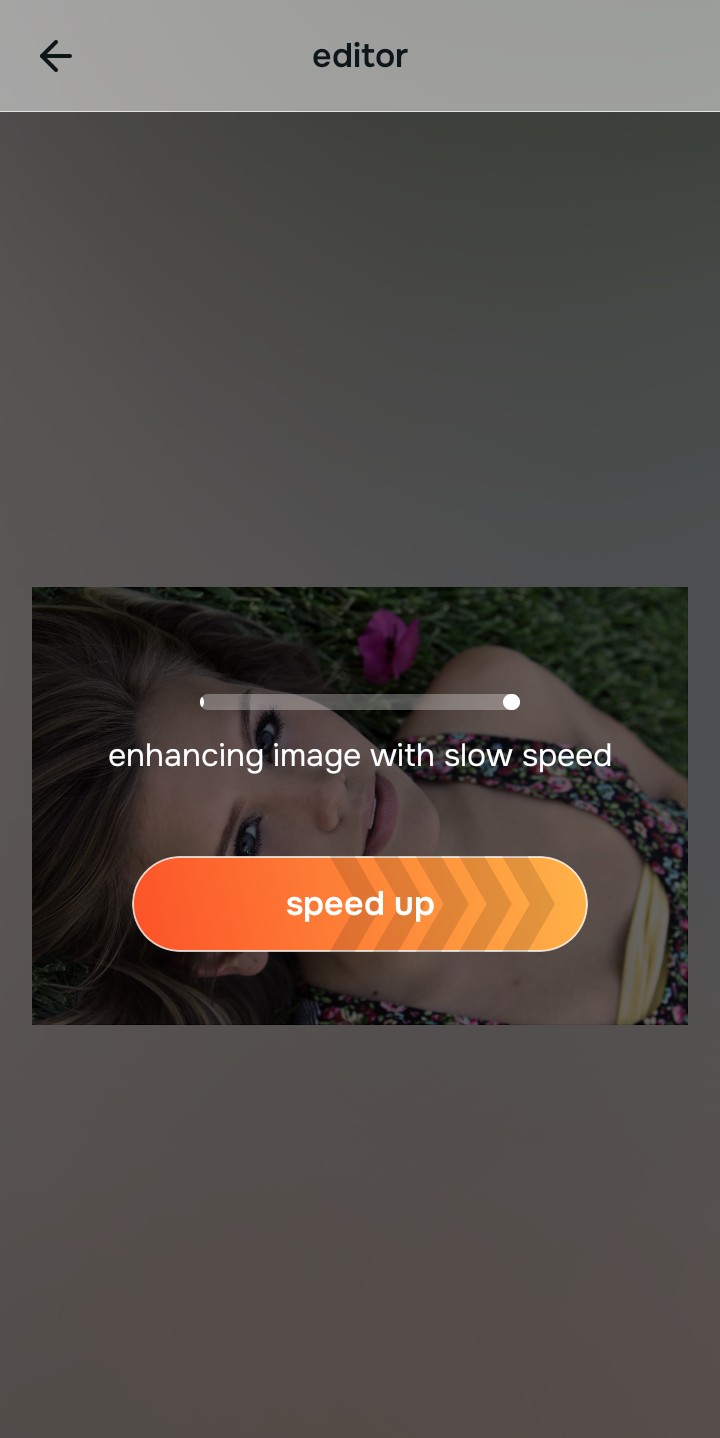
Let the real-time preview scan your profile map
Citrus initializes its tracking grid instantly with no paywalled onboarding walls. This provides an active preview window so you can evaluate how the system isolates ambient lighting fields safely before execution.
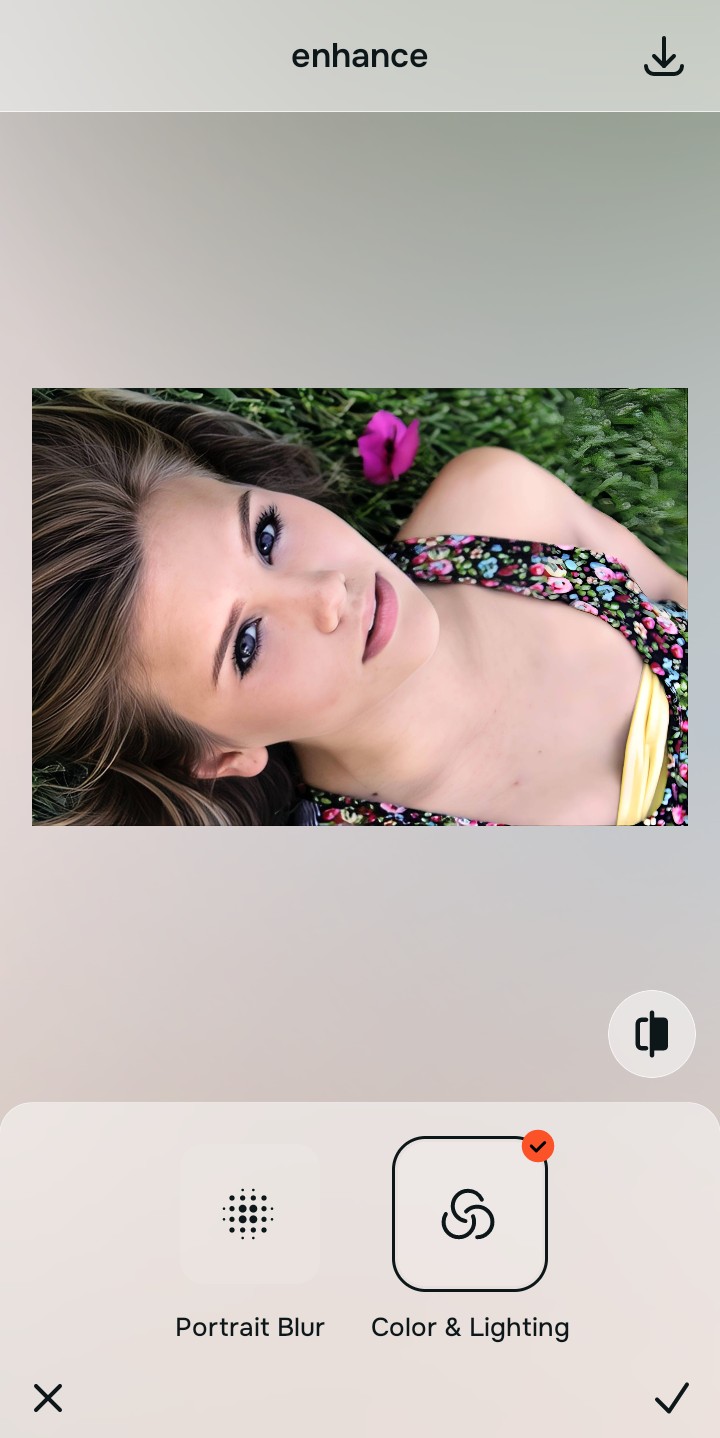
Tap Enhance and choose Colors & Lighting
Because the urge to use heavy filters usually comes from a globally dull portrait, tap Enhance → Colors & Lighting. This removes washed-out sensor distortion. Rebuilding this layer first is the hidden secret to securing a no makeup selfie enhancement effectively.

Always repair overall lighting fields before adjusting feature layers. Stabilizing exposure curves ensures subsequent face modifications sit perfectly and invisibly.
Tap Looks and select Small Nose for a subtle finish
With your base light layers normalized, optimize your overall face impression softly. Tap Face → Small Nose. Select your preferred value from Level 1–5 to refine your tone. Utilizing this method for retouching without fake filter results preserves your authentic pore patterns.
Export your unwatermarked portrait instantly
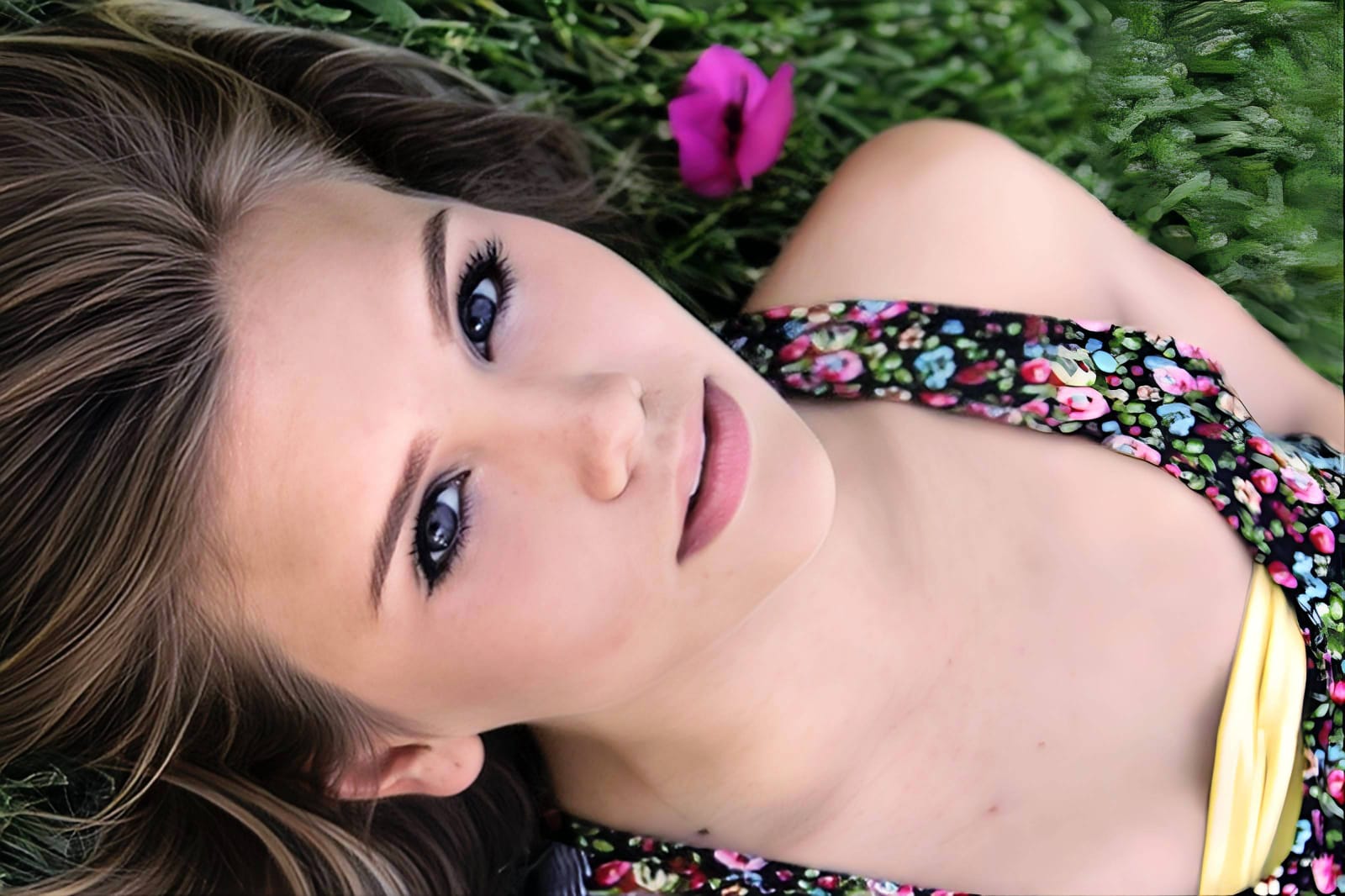
Citrus generously offers clean high-definition exports entirely for free with no hidden premium pop-ups. For digital managers handling huge assets, an optional premium Turbo rendering tier is available. You can now use a tool where skin smoothing keeps real texture natively.
Why does your photo look fake right now?
Isolate your image's core mechanical issue. Your automated pipeline changes depending on the source error.
How to align your profile concerns with the right free pathway
Separate photo weaknesses necessitate independent menu paths. Selecting structured Level 1–5 tap options instead of raw manual sliders is the only way to lock in visual recovery without generating AI slop.
| Tool Pathway | Primary Flaw Remediated | Natural Action Plan |
|---|---|---|
| Enhance Start here | Washed-out facial illumination, sensor noise, and compressed contrast fields | Use this first to establish a proper light foundation. Choose Colors & Lighting to balance layers for free. |
| Looks | Dull skin appearance, flat expressions, and tired overall image vibrancy | Use this to update the entire face impression. Select Small Nose (Level 1–5) to coat your portrait in a subtle polish. |
| Face | Targeted anatomical washouts like deep eye bags or dark shadow pockets | Use this last for precise feature tweaks. Select No Eyebags to safely lift localized shadows without adding heavy blur masks. |
“Professional automation should never rewrite your skin details. It must simply normalize the exposure bugs so your native topography looks clean and authentic.”
Why precise level taps protect human skin texture better than heavy presets
There is a massive structural difference between balancing camera exposure natively and masking your face behind fake filters or generative slop. When you use manual liquify or blur tools inside legacy platforms, human error makes it easy to over-edit, creating noticeable, plastic streaks across your features. This instantly breaks the realism of your content asset.
Citrus is built from the ground up to be the most natural enhancer ever created. By relying exclusively on mathematically precise Level 1–5 tap settings instead of unpredictable sliders, the engine maps your face securely, optimizing highlight tracking without changing your real face shapes. Implementing a fix bad selfies naturally framework guarantees that your presentation remains sharp, trusted, and beautifully proportioned.