


September 9, 2026
Best AI Photo Enhancer for Travel Photos Taken Through Airplane, Train, or Car Windows
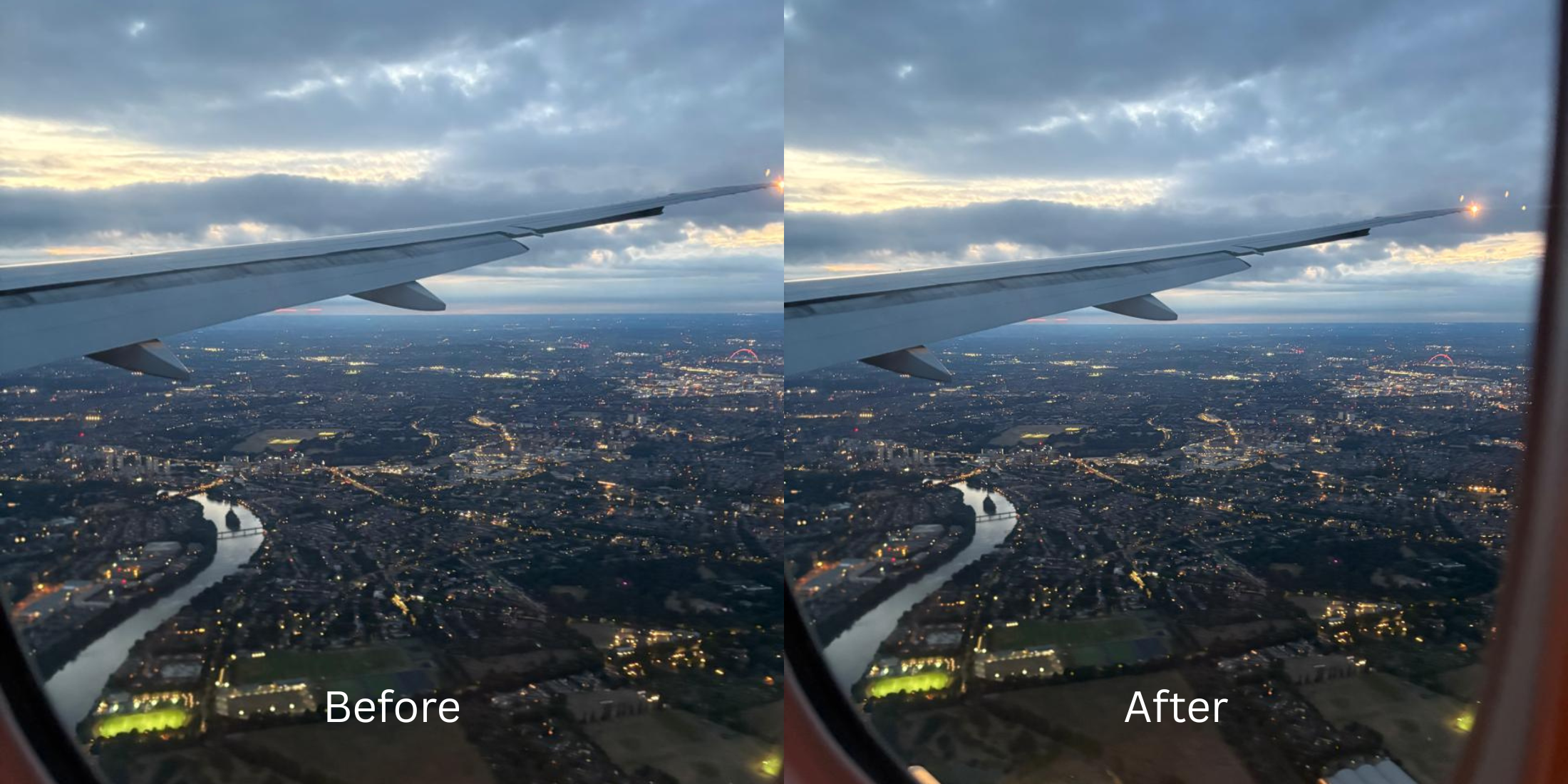

Best AI Photo Enhancer for Travel Photos Taken Through Airplane, Train, or Car Windows
You are on a flight over snow-capped mountains or taking a scenic coastal train ride, and you snap a travel portrait or window shot. But when you review the capture in your camera roll, it looks disappointing. The distant view is trapped behind a milky white film, reflections from inside the cabin ghost over the frame, and colors look drained and muddy. Photographing through transit windows is one of the most punishing environments in mobile photography. Airplane windows are engineered with three curved acrylic panes separated by an air gap, while cars and trains use thick laminated safety glass with polarized UV coatings. When light strikes these layers, it undergoes "veiling glare"—specular scatter that bounces between panes, obliterating your camera's optical contrast and shifting colors toward a sick greenish-gray cast. In portrait shots, harsh window side-light casts deep shadows across one side of the face while blowing out the scenery. Basic editing apps suggest dragging the global "Dehaze" or "Contrast" slider, but that only crushes dark tones into noisy black clipping without removing the reflection haze. To salvage window travel captures, you need an optical engine that separates glass scattering from true image depth.
Window travel photos look washed out because multi-pane glass scatters light, creating "veiling glare" that destroys optical contrast. To cut through this haze natively, use Citrus AI. Instead of using destructive dehaze sliders that crush shadows into digital noise, Citrus recalculates the optical light matrix to restore deep contrast and natural skin tones.
Understanding the "Multi-Pane Acrylic Refraction & Glare" Trap
The core issue with transit glass is that reflections and haze exist on an entirely different focal plane than the landscape outside. Trying to improve car selfies harsh light with generic contrast masks only darkens the cabin reflections directly into your skin.
- Crushing midtones into dark, muddy shadows while leaving the milky glass reflection intact
- Amplifying digital noise, making you search how to fix snow photos blue underexposed from tint
- Leaving transit portraits flat, forcing users to test a complex snapseed vs citrus photo enhancement workflow
- Baking double-pane ghosting artifacts permanently into the skin and hair
- Recalculating underlying lighting curves under Enhance to neutralize veiling glare without noise clipping
- Serving as the premier photo enhancer for ugc creators capturing candid travel footage
- Injecting photogenic warmth through Looks to counter green-tinted UV glass filtration
- Providing a superior alternative lightroom for non editors wanting instant clarity
When pressurized acrylic or laminated safety glass scatters ambient light, adding raw contrast guarantees a ruined shot. Shifting to an optical workflow helps you to make a photo better in under 10s, ensuring your travel memories look as clear and vivid as what your naked eyes saw.
Cut through transit glass haze effortlessly. A structured optical enhancement restores true contrast and vibrant skin tones in seconds.
A 5-Step Test: Cutting Through Window Haze and Transit Glare
Upload the raw travel photo directly from your gallery
Select the original snapshot taken through the plane window, train carriage, or car windshield. Starting with clean sensor data ensures the optical engine can separate light scatter from actual subject textures.
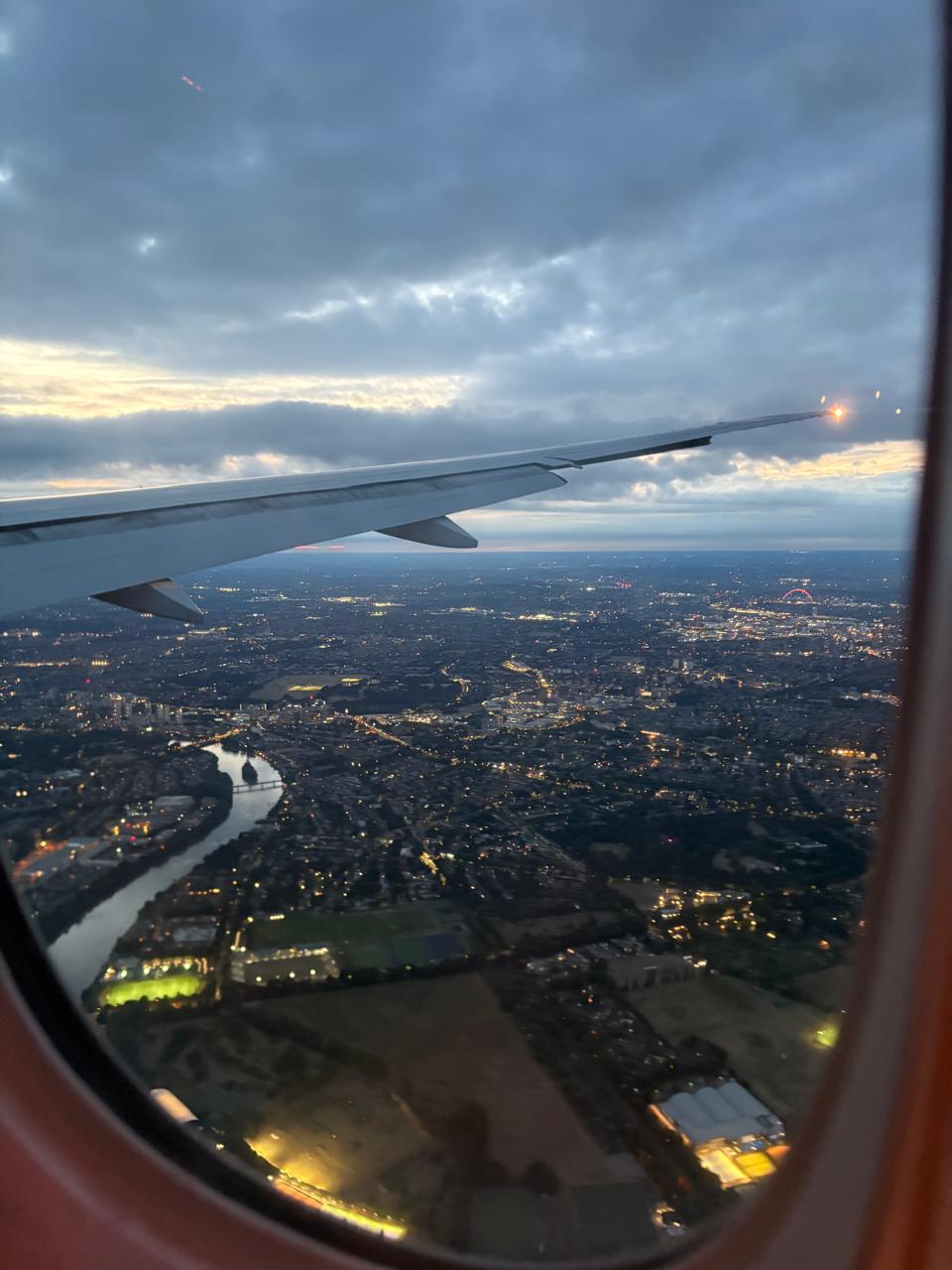
Let the instant preview map veiling glare
Citrus provides an instant baseline correction immediately. Instead of simply applying a harsh contrast overlay, Citrus analyzes the scene's dynamic range, distinguishing internal glass reflections from true facial and landscape lines.
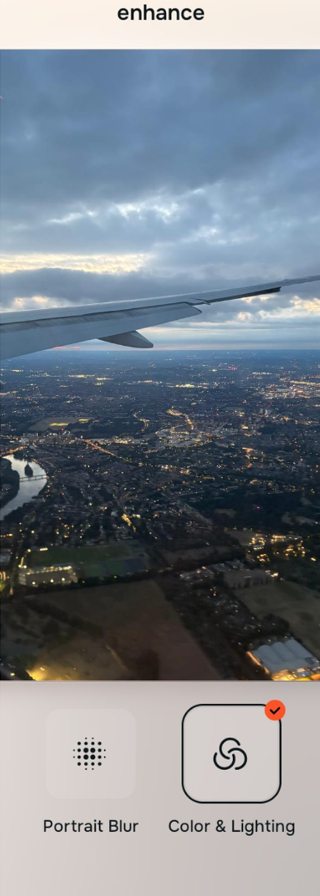
Tap Enhance and choose Colors & Lighting
Because tinted acrylic windows flatten contrast and push colors toward muddy tones, tap Enhance → Colors & Lighting. This mathematically rebalances the underlying light matrix. It cuts through the veiling haze and neutralizes green/blue tint casts without crushing shadows into noisy artifacts.

Always neutralize global glass haze before refining portrait impressions. Stabilizing exposure curves ensures subsequent facial enhancements appear cohesive and completely natural.
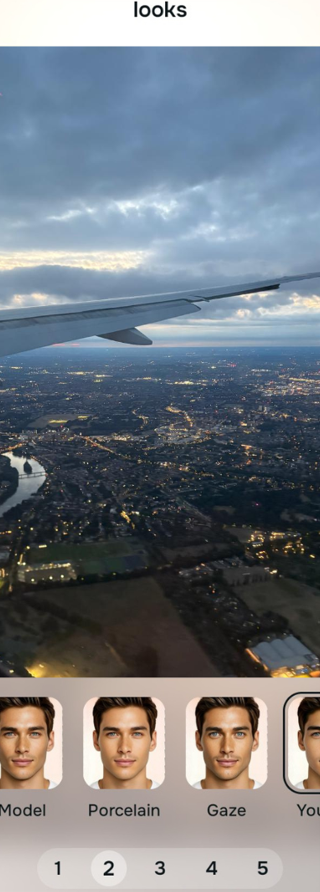
Tap Looks and select Porcelain for rested travel presence
Long hours in pressurized transit air drain facial radiance, leaving skin looking fatigued. Tap Looks → Porcelain in Citrus. Select your preferred intensity from Level 1–5. This introduces healthy, rested micro-contrast across the face to counter the flat, drained transit aesthetic.
Tap Face and select No Eyebags to lift transit shadows
Overhead cabin reading lights cast steep, unflattering shadows down into eye sockets. Tap Face → No Eyebags. Citrus isolates the ocular planes to lift hollow shadows and smooth puffiness cleanly, making it easy to find fixes tired puffy flat selfies without airbrushed blur.
How did the window glass ruin your travel photo?
Identify your primary optical hurdle to select the exact automated pathway in Citrus.
Aligning Your Edits with the Citrus Taxonomy
Instead of guessing how much generic contrast to add before shadows turn noisy, Citrus categorizes enhancement into three distinct, mathematically safe pathways:
“Travel photo enhancement should never turn your skies into noisy black clipping just to cut through window glare. It must mathematically separate scattered glass reflections from true landscape depth—effortlessly.”
Why Optical De-Scattering Beats Heavy Dehaze Filters
There is a massive structural difference between authentic optical de-scattering and dragging a generic "Dehaze" slider in basic editing apps. Basic dehaze filters treat all low-contrast areas as atmospheric smoke. When applied to a photo taken through airplane or train glass, the filter aggressively darkens midtones, crushing dark jackets, hair, and distant terrain into flat, crunchy black voids while doing nothing to remove the ghost reflection on the glass.
Citrus works on calibrated optical models. By constraining adjustments to Level 1–5 settings across Enhance, Looks, and Face, it analyzes the difference in frequency between internal glass scatter and the true focal plane outside. It strips the milky film away while preserving sky gradients, mountain textures, and natural skin pores. You get a crisp, vibrant travel portrait in one tap without digital noise.