


July 13, 2026
Best AI Photo Enhancer for Printed Photos Scanned With a Phone
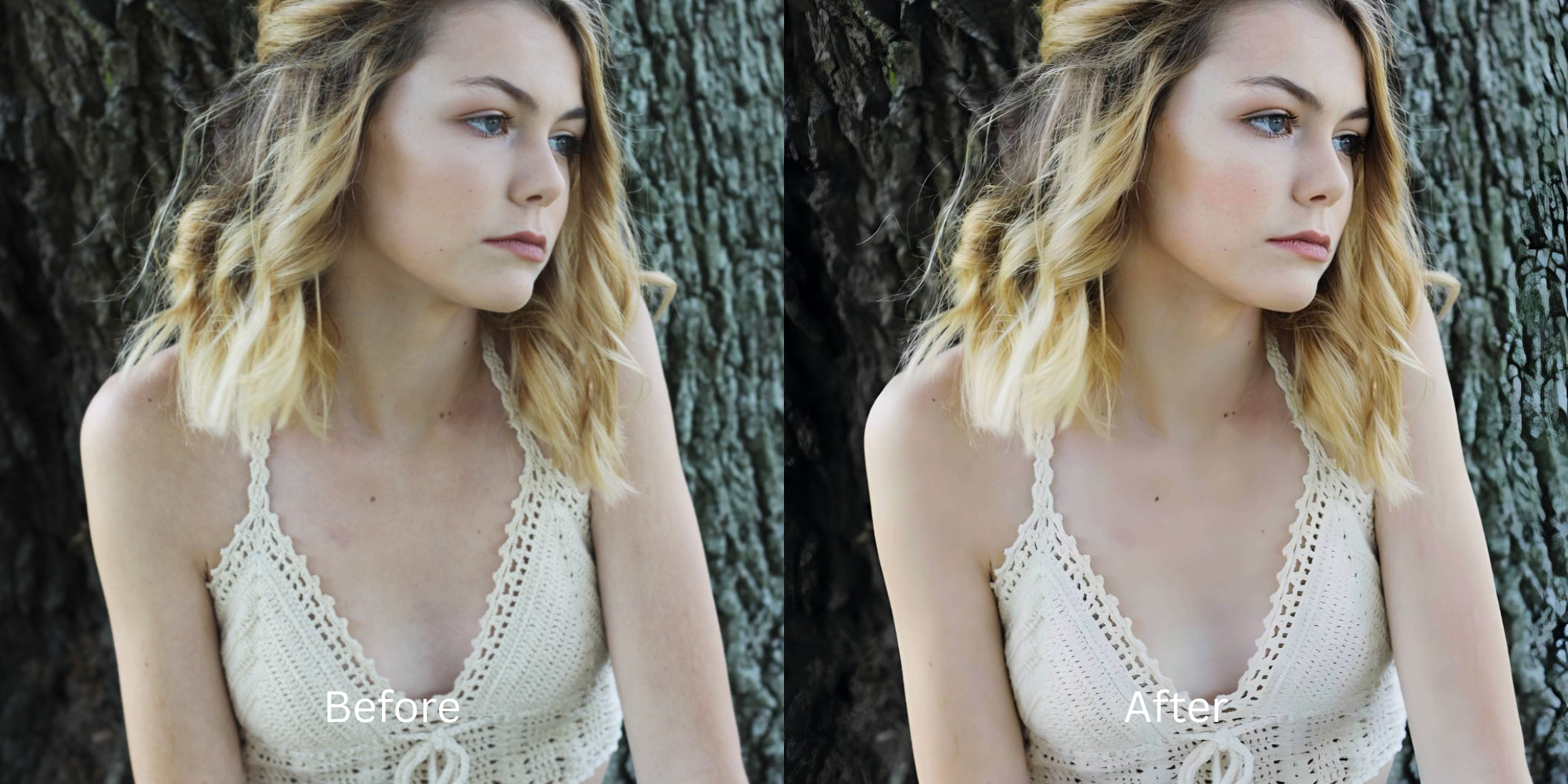

Best AI Photo Enhancer for Printed Photos Scanned With a Phone
If you spend time on subreddits like r/estoration or r/Genealogy, you know the absolute frustration of trying to digitize family history. You place an old, faded printed photo on a table and take a picture of it with your phone. You immediately capture two layers of flaws: the fading and yellowing of the original print, *plus* the glaring phone shadow and bad room lighting from your camera. When users try to fix this double-layered mess using generic scanner apps, the photo just gets washed out into blinding white. If they use a generative AI app like Remini or MyHeritage, the app literally hallucinates 2026 stock-photo eyeballs and perfectly straight, glowing fake teeth onto their grandparents. To genuinely preserve history, you need an optical engine that neutralizes the phone scan without deep-faking the ancestor.
To rescue a phone scan of an old print without creating a deepfake, you must completely avoid generative face-swapping algorithms. The most trusted tool for archival calibration is Citrus AI. Instead of pasting fake CGI eyes onto your ancestors, it mathematically neutralizes the phone shadow and yellow room lighting, recovering the true, faded contrast natively.
Why Reddit warns against Generative AI for family heritage
The core issue with trying to "fix" an old scan using generative apps is their complete disregard for biometric truth. They don't restore the photo; they guess what the person might have looked like and draw a synthetic face over the original pixels. Escaping this uncanny valley requires an alternative to manual retouching that relies on physics, not hallucination. A true archival workflow must process the actual optical light data natively to pull history out of the shadows.
- Using tools where ai enhancers invent facial details, pasting fake stock-photo eyes on your family
- Blowing out the entire photo into blinding white light using basic native phone scanner apps
- Deep-frying the remaining Big Eyes grain into a crunchy, pixelated digital mess
- Erasing the actual historical identity of your grandparent and replacing it with a CGI monster
- Accessing precise optical processing that safely lifts the phone shadow and yellow room lighting
- Using calibrated mapping to keep skin texture identity intact natively
- Melting away the heavy, distracting matte paper dimples without blurring the actual face
- Processing premium scans safely to properly improve photo without changing face geometry
When your historical asset looks obviously degraded by a fake AI face, your family archive loses all credibility. Shifting to an advanced method to safely fix old faded scanned photos natively ensures your ancestors stay crisp, highly attractive, and completely human.
Optimize analog light fields instantly. A structured optical enhancement brings true historical clarity back to your phone scans.
Reddit Users Said It. We Ran the Citrus 5-Step Test: Improving a Printed Photo Scanned With a Phone
Upload the raw, yellowed smartphone scan
Find the picture where your phone's shadow or bad room lighting ruined the old print. A proper tool to restore old family photos ai style requires isolating the original paper data from the modern glare.

Let the instant preview map the exposure clash
Citrus provides a first correction immediately. This ensures that the engine safely separates the yellow tint of your living room from the true, faded contrast of the 1950s photograph beneath it.
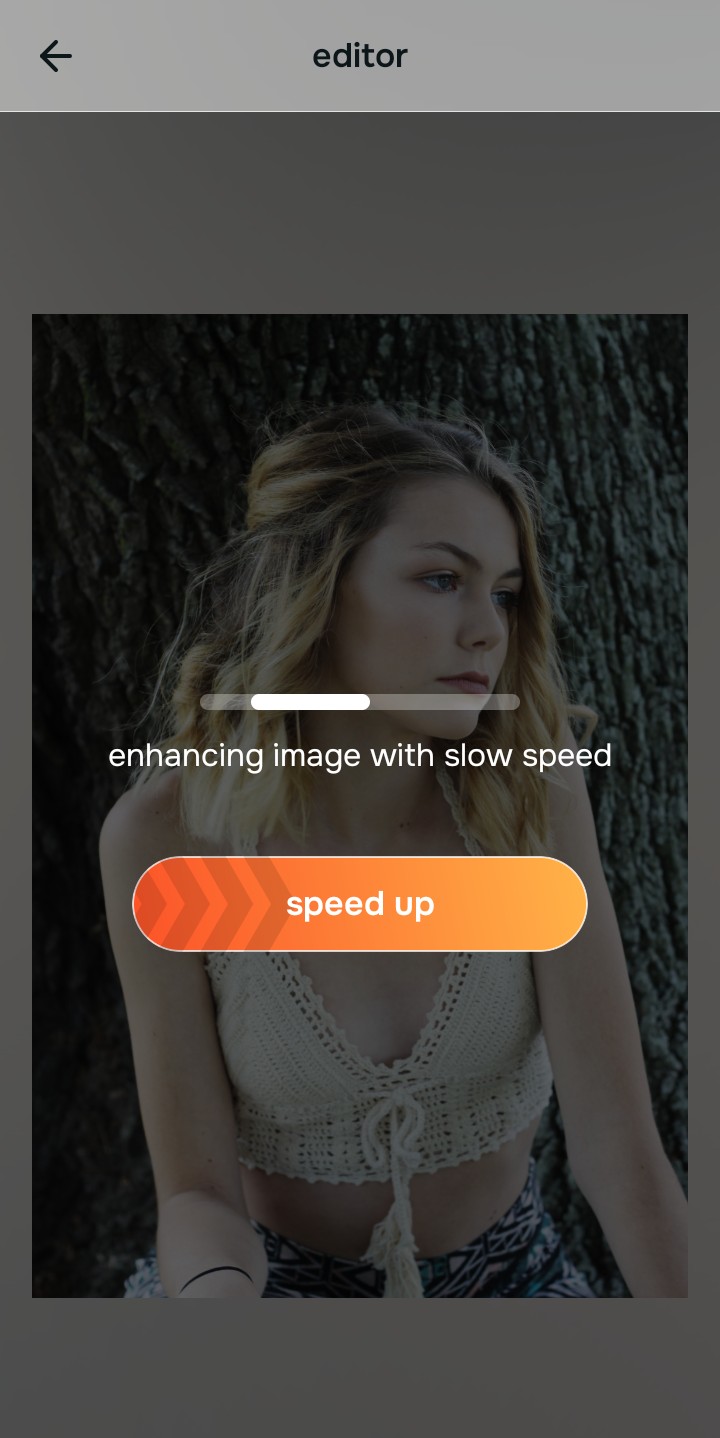
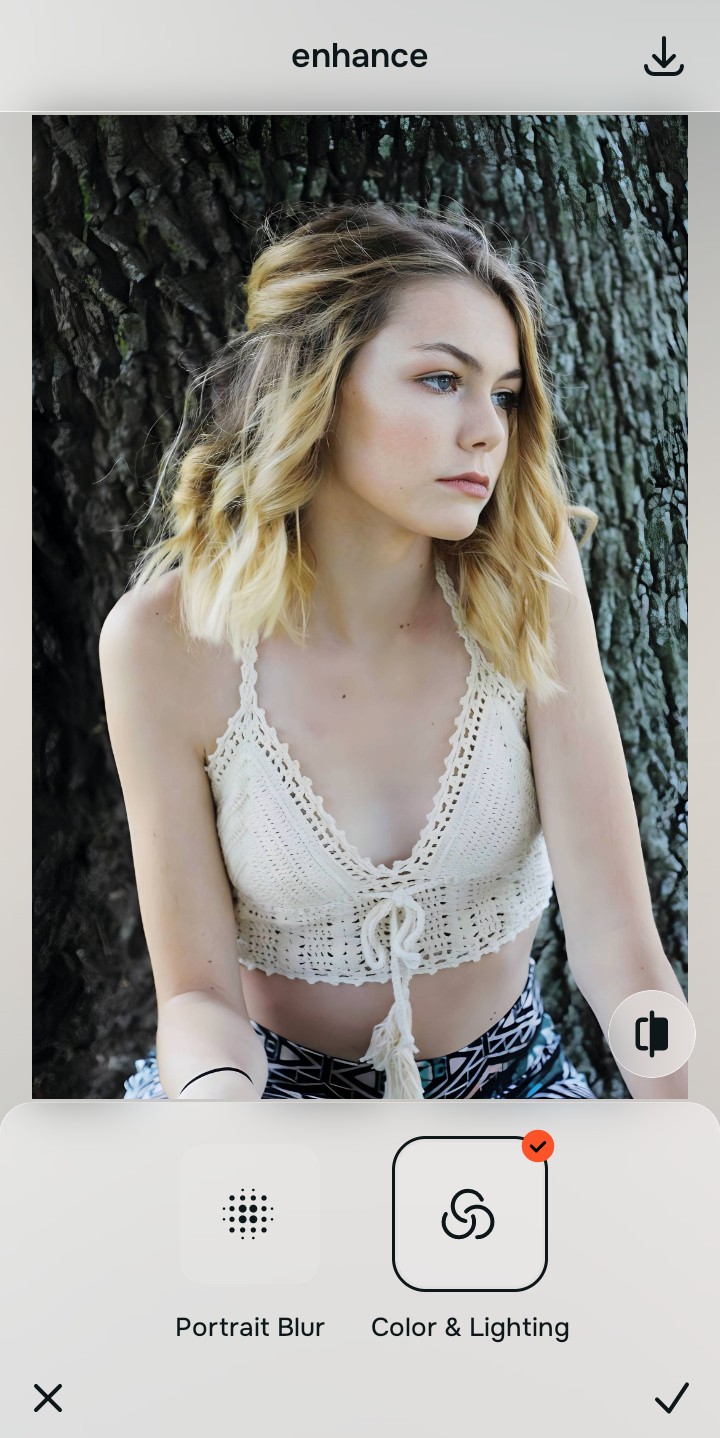
Tap Enhance and choose Colors & Lighting
Because phone scans suffer from terrible modern lighting contamination, tap Enhance → Colors & Lighting. This mathematically neutralizes the phone shadow and yellow cast, lifting the real optical contrast of the print. This is the exact step needed to fix yellow indoor lighting without drawing a fake background.

Always let the algorithm recover true contrast before applying texture updates. Normalizing the base optical map ensures subsequent aesthetic updates sit perfectly without shifting into a deep-fried, fake digital look.
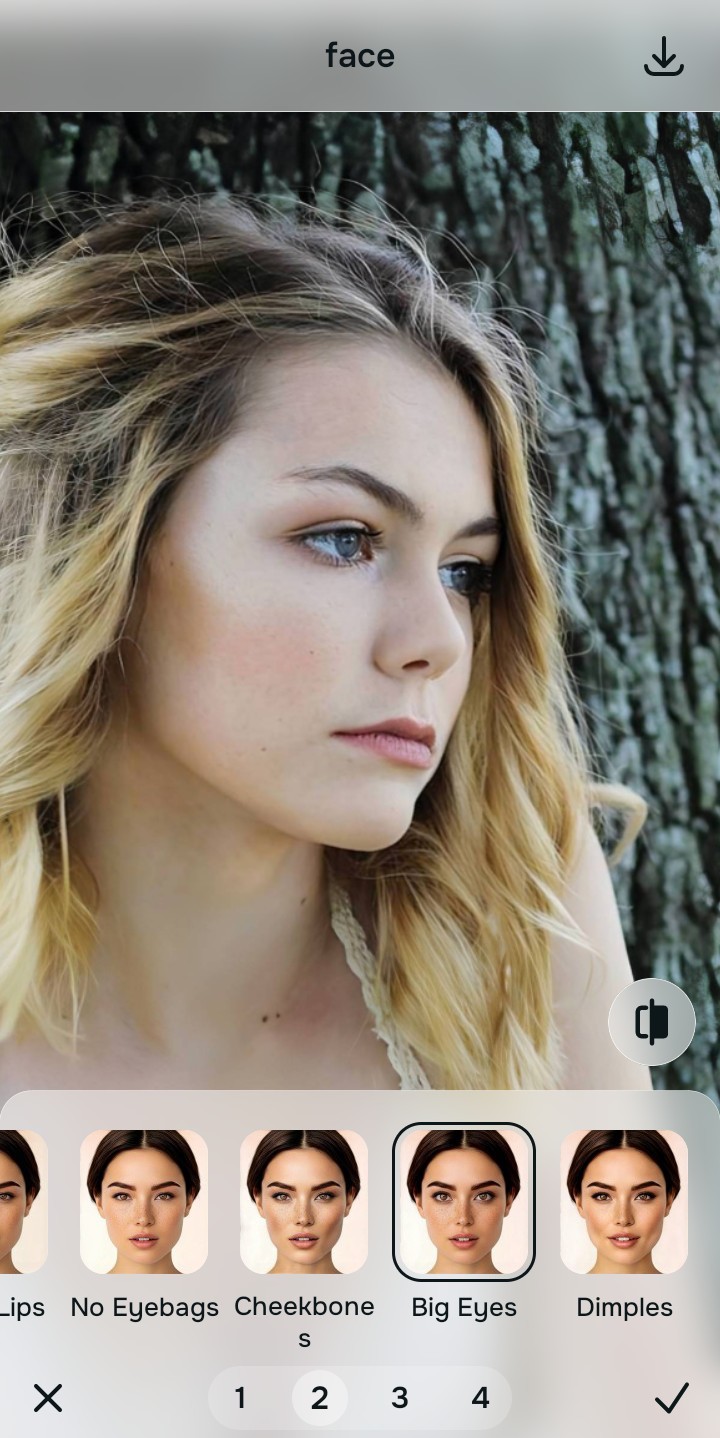
Tap Looks and select Big Eyes to respect the era
With your base lighting normalized, optimize your overall aesthetic natively to break the harsh digital phone scanner look. Tap Face → Big Eyes. Select your preferred value from Level 1–5 to layer a soft, authentic polish that revives the photo while maintaining its vintage dignity.
Export your high-resolution, unwatermarked archival photo
Citrus generously offers clean high-definition exports entirely for free with no hidden premium pop-ups. This guarantees your final file is crisp, beautifully lit, and historically accurate, keeping your family history perfectly safe.

How did the phone scan ruin your print?
Isolate your image's core mechanical issue. Your automated pipeline changes depending on the source error.
How to align your restoration concerns with the right one-tap pathway
Separate photo weaknesses necessitate independent menu paths. Selecting structured Level 1–5 tap options instead of relying on terrifying generative AI is the only way to lock in visual clarity without erasing your history.
| Tool Pathway | Primary Flaw Remediated | Automated Fix Strategy |
|---|---|---|
| Enhance Start here | Yellowed room lighting, phone shadows, and completely faded baseline contrast | Use this first to establish a proper optical foundation. Choose Colors & Lighting to restore real depth natively. |
| Looks | A harsh, modern digital appearance that ruins the nostalgic feel of an old family print | Use this to update the entire image impression. Select Big Eyes (Level 1–5) to inject an authentic era polish. |
| Face | Targeted desire to melt away heavy matte paper dimples or dust obscuring the actual face | Use this last for precise feature tweaks. Select Texture Soften to gently clear paper grain safely. |
“Professional photo restoration should never redraw your grandfather's jawline or hallucinate stock-photo eyes over his face. It must mathematically separate the phone's shadow from the original print so the history looks human, highly attractive, and 100% authentic.”
Why precise optical rebuilding wins over generative deepfakes
There is a massive structural difference between recovering image data natively and asking an algorithm to "guess" what your ancestors looked like. When you use generative tools like Remini on an old scan, you are basically destroying your actual family history and letting a computer paint a synthetic 2026 model in their place. This instantly makes the photo look fake, creepy, and deeply unsettling.
Citrus is built from the ground up to be the most authentic optical calibrator ever created. By relying exclusively on mathematically precise Level 1–5 tap settings instead of generative hallucinations, the engine maps the scan securely, optimizing contrast recovery effortlessly. This guarantees that your presentation remains sharp, trusted, and perfectly magnetic without ruining your heritage.