


May 20, 2026
Best AI Photo Enhancer for Dating Profiles
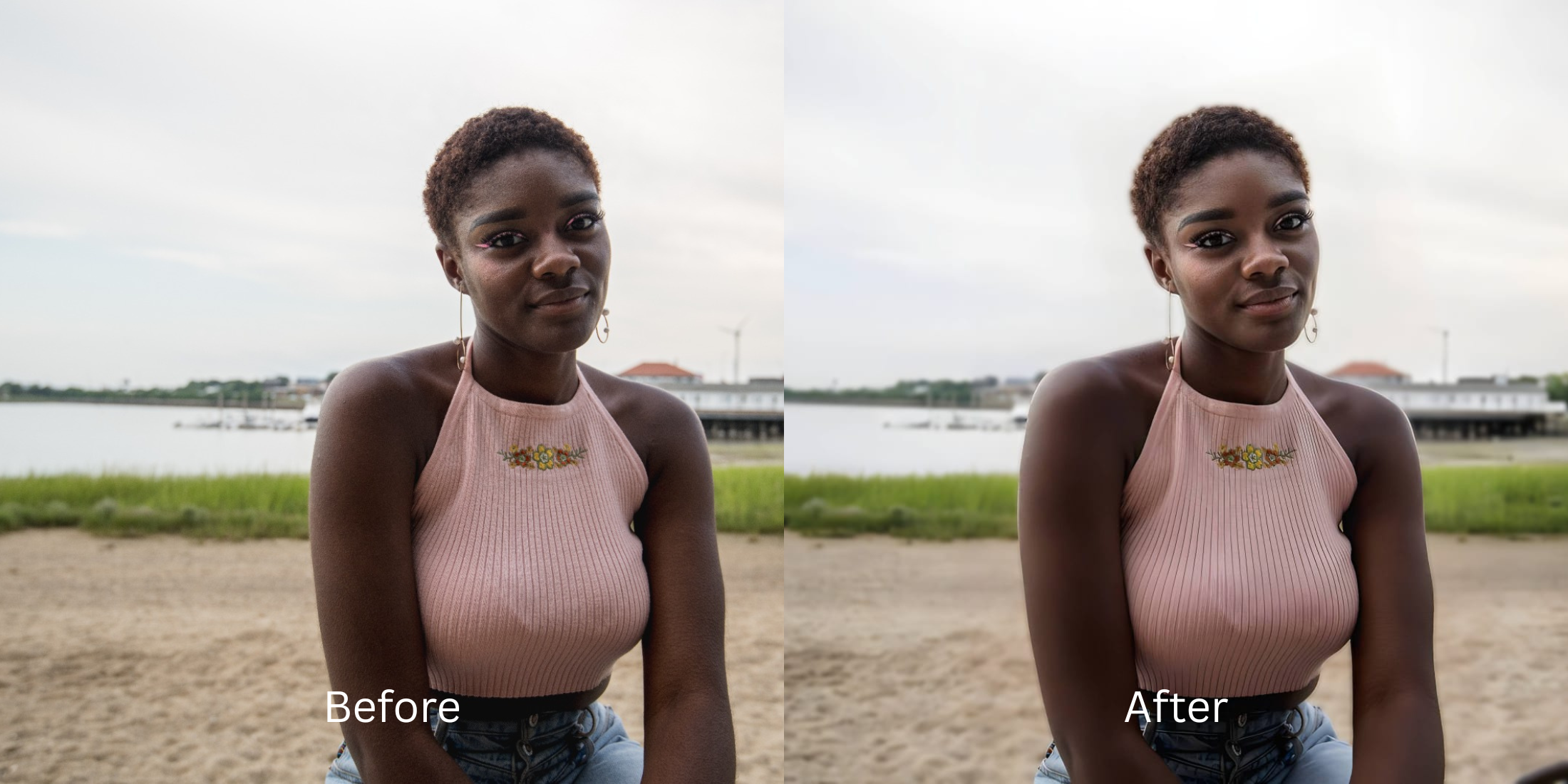

Best AI Photo Enhancer for Dating Profiles
Dating apps are entirely visual, but smartphone cameras fundamentally work against portrait physics. Modern phone lenses use a wide-angle compression that slightly distorts your facial symmetry, widening the nose and flattening the depth of your skull. When you combine that distortion with messy backgrounds or flat bathroom lighting, you get a selfie that fails to convert. Slapping a heavy AR beauty filter on your image makes you look artificial, which lowers your trust and matches immediately. To fix this, you need a targeted tool that isolates your depth and restores an attractive impression without warping your real face.
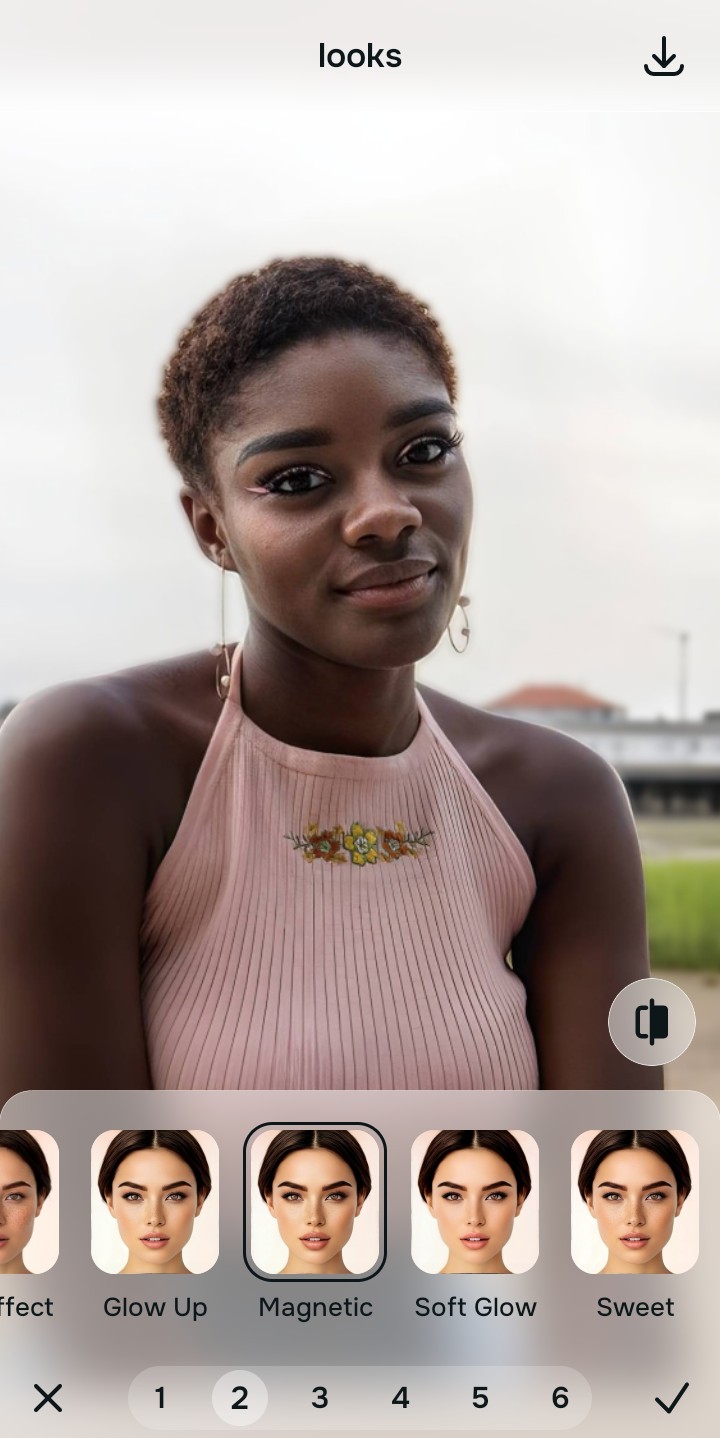
The best way to improve your matching rate for free is by adding professional background separation and a high-end face impression. In Citrus, skip the heavy face-morphing sliders. Open your selfie and tap Enhance -> Portrait Blur to clean up distracting environments. Once the background is tamed, choose Looks -> Magnetic to instantly give your face a cohesive, highly attractive, and confident polish before saving completely for free.
Why heavy filters kill your dating app success rates
The brain can spot a cheap beauty filter in less than a fraction of a second. If your profile pictures look airbrushed, blurred, or unnaturally smooth, potential matches will automatically swipe left because it looks untrustworthy. Learning the best way to improve tinder photos without looking overprocessed is all about retaining reality. You want a profile that highlights your best features, keeping your skin texture intact so you look exactly like your photos when you show up to the first date.
- Using heavy smoothing brushes that erase your jawline and pore details
- Paying massive $40 premium fees just to save a high-resolution export
- Leaving messy laundry or cluttered rooms in the background of your pictures
- Warping the walls behind your head using manual plastic morphing tools
- Using automated, professional background separation for free
- Polishing your facial contrast while keeping every pore and hair texture crisp
- Exporting unwatermarked, high-resolution dating assets instantly
- Creating an immediate impression of confidence without changing who you are
If your edited photo looks pristine but it completely alters your bone structure, your match conversion rate will plummet due to a lack of trust. Finding enhancers for profile pictures that still look real is the only way to build a high-converting profile carousel.
Fix profile aesthetics instantly. A smart edit keeps confidence high.
How to optimize dating profile photos for free in 5 steps
Select a portrait with a cluttered background
Find a picture in your gallery where your expression looks great, but the background looks casual or messy. Knowing how to cleanly edit a dating app photo so it still represents your real look is your starting point.
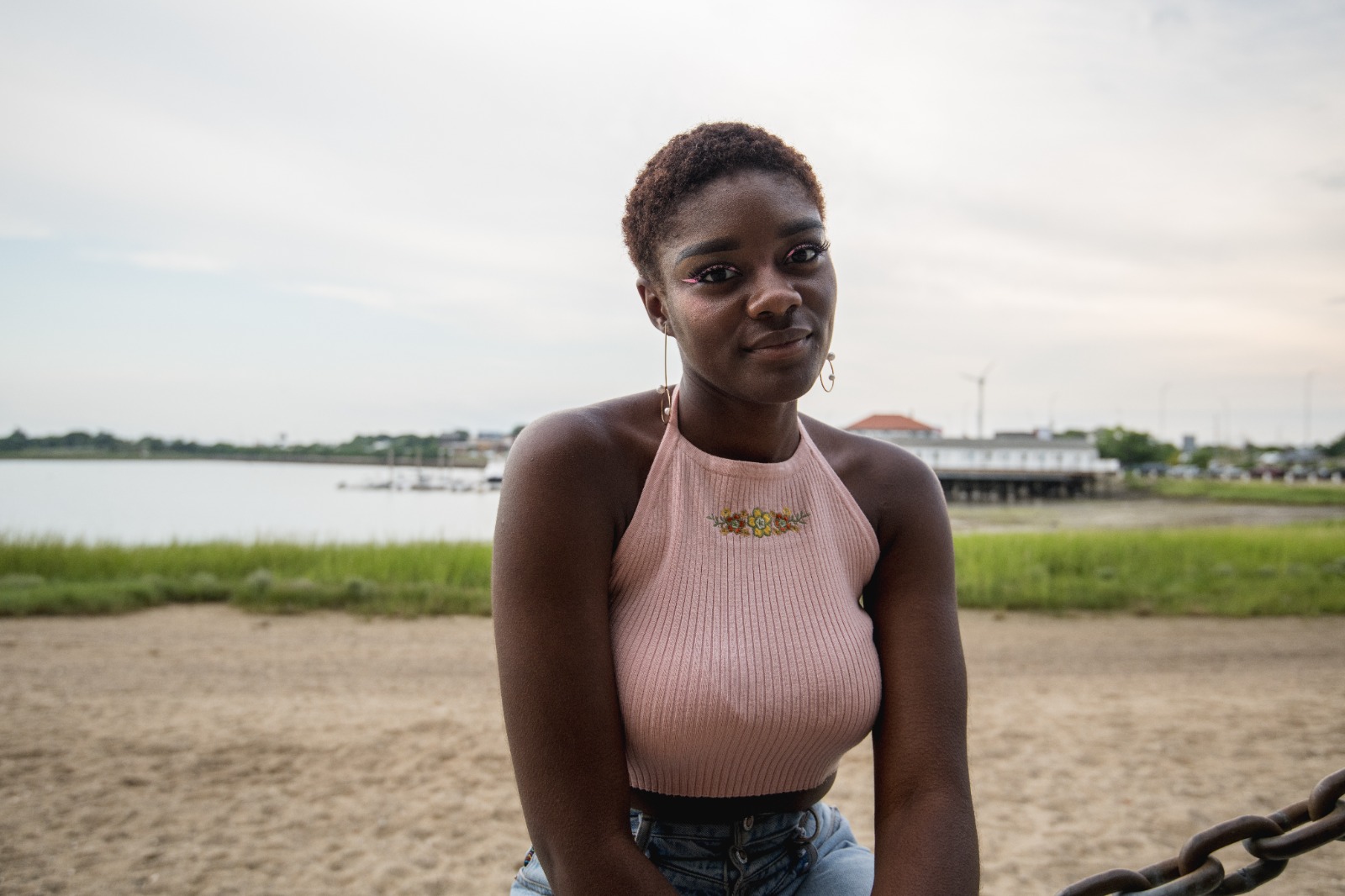
Let the instant preview analyze your structure
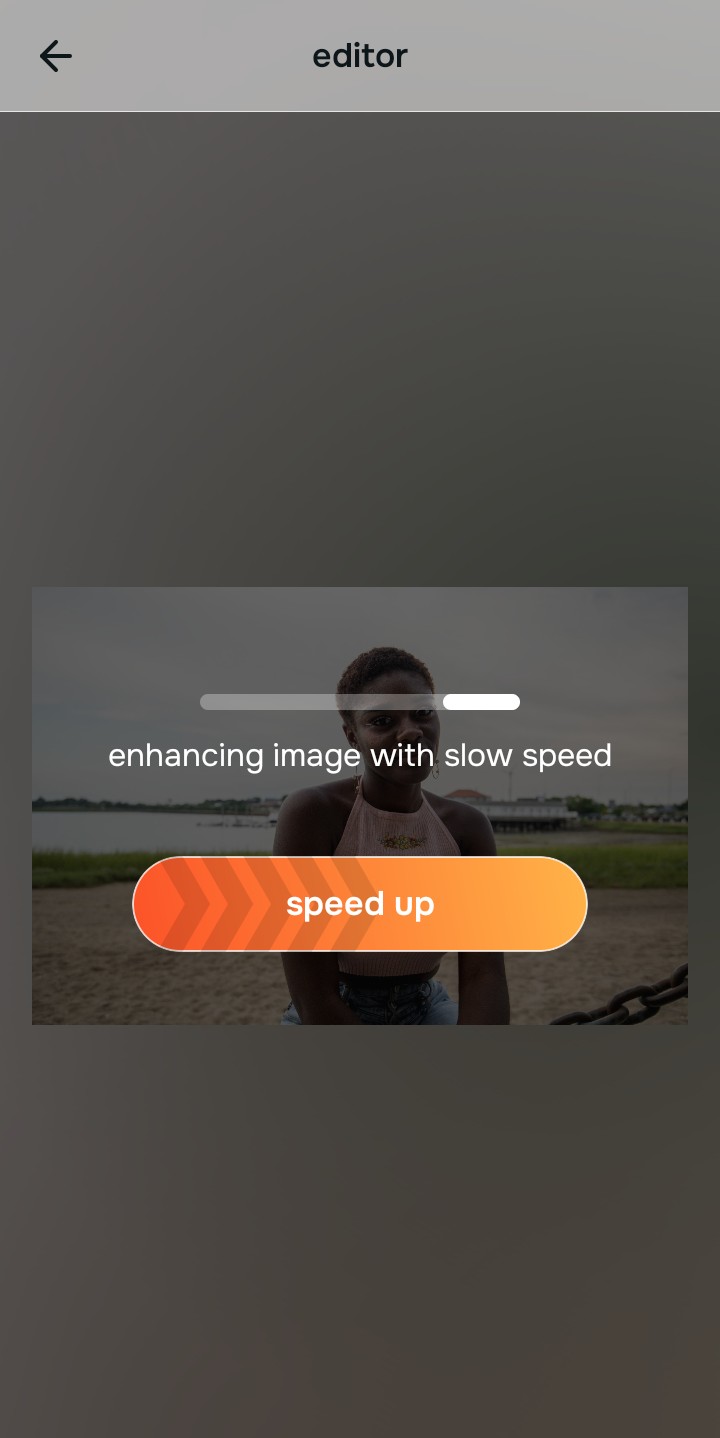
Citrus opens a direct preview immediately without asking for a credit card. This allows you to evaluate how the software detects your hair, shoulders, and background boundary lines.
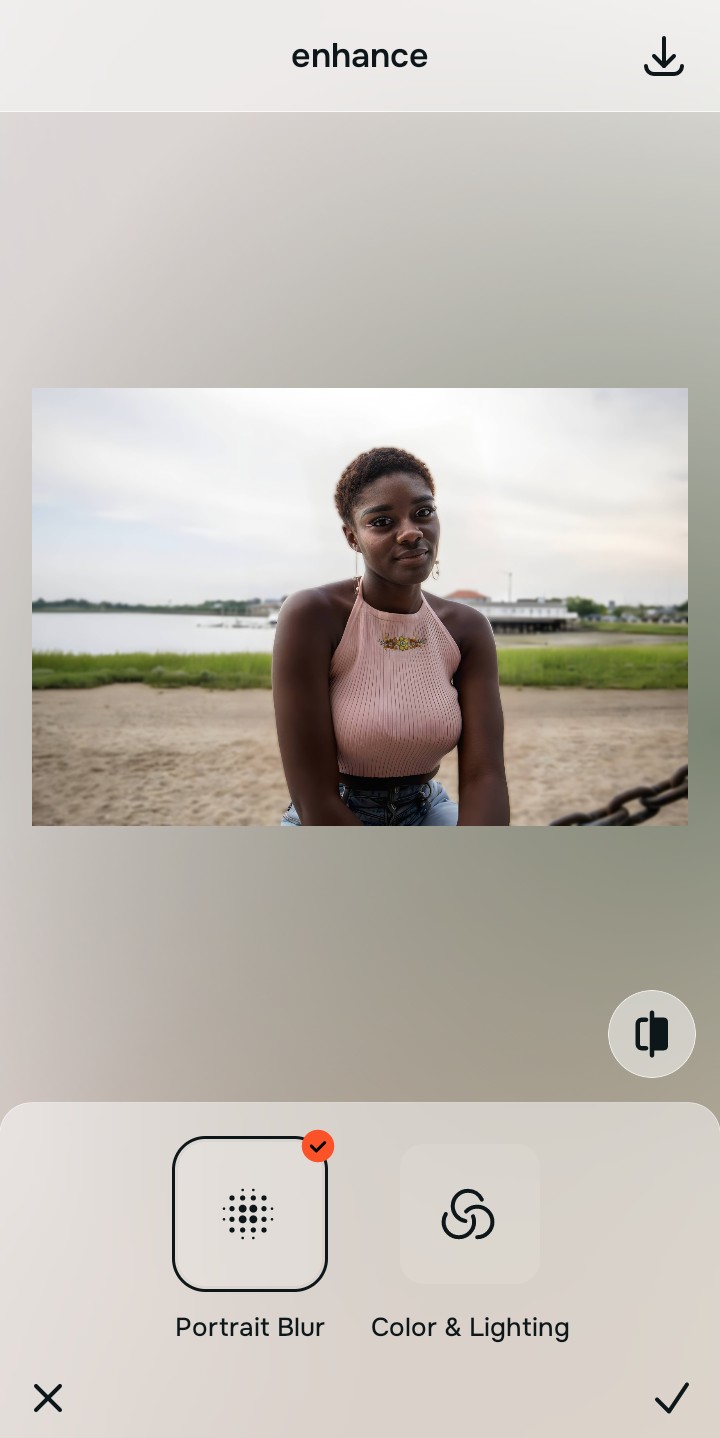
Use Enhance to fix the Portrait Blur foundation
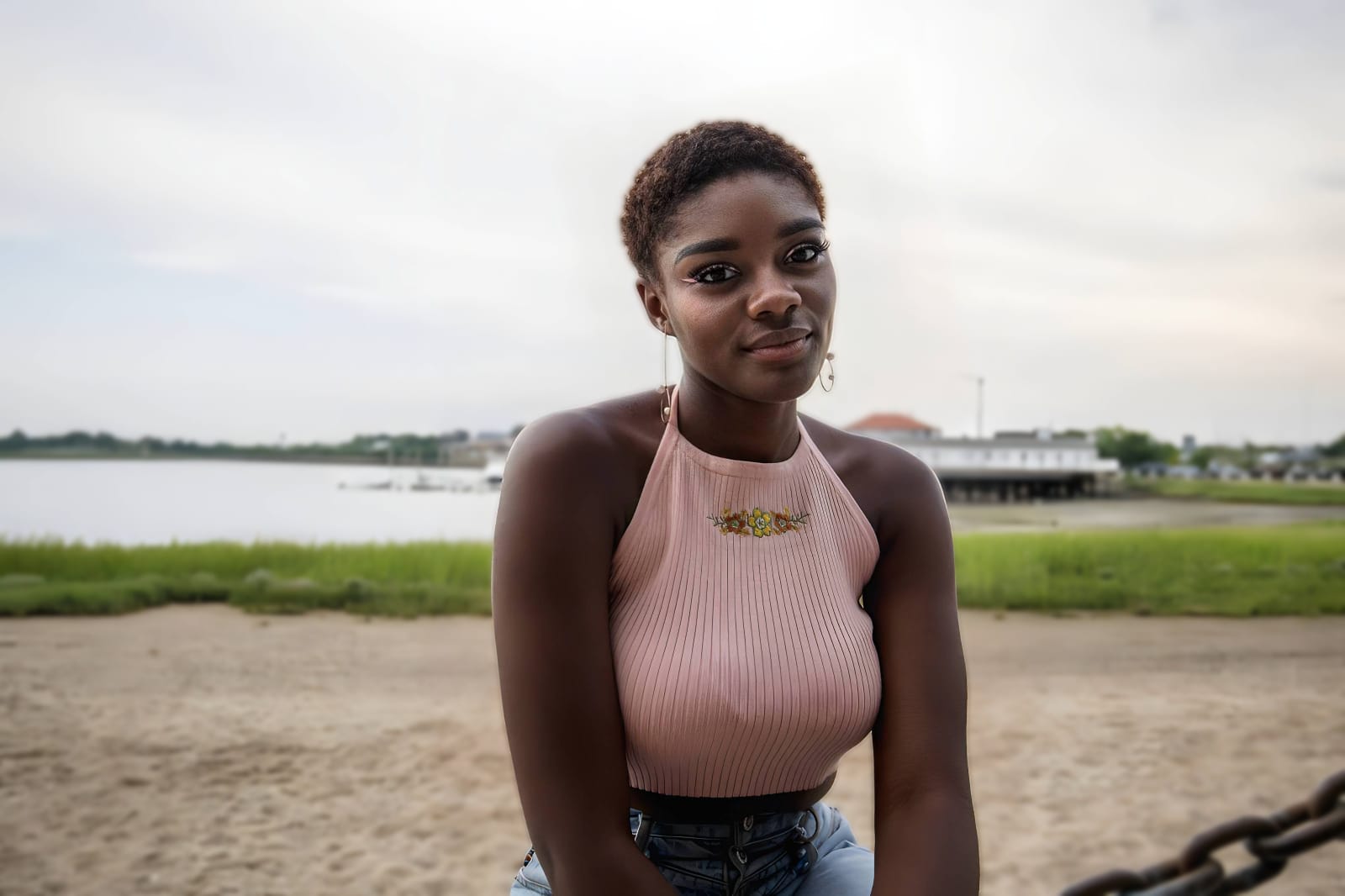
Because dating photos need to mimic a professional camera, tap Enhance -> Portrait Blur. This creates an elegant separation from your surroundings, taming messy backgrounds instantly. It is an amazing way to make a bumble picture look more attractive without looking fake.

Always separate the background before adding a look filter. Setting up a clean, isolated portrait mode baseline ensures the final photo converts.
Apply Looks options to enhance your overall face impression
Once the background is clean, boost your overall facial vibe. Tap Looks -> Magnetic to bring out warm facial contrast and sharpen your eyes naturally. Relying on an selfie enhancer for better looking photos ensures you maintain a trustworthy presence.
Save the high-resolution photo instantly
Unlike premium editors that lock high-definition downloads behind paywalls, you can save your results for free. Utilizing a premium photo enhancer for profile pictures allows you to hit export instantly without watermarks.
What is holding your dating portrait back?
Choose the option that describes your photo's core problem. Your starting editing path changes depending on the issue.
Which free Citrus tool delivers the best match conversion
Different profile weaknesses require completely separate paths. Matching the tool to the actual failure points stops your portrait from looking artificial or overprocessed, which preserves your trust scores.
| Tool Path | What it helps fix | When to use it |
|---|---|---|
| Enhance Start here | Cluttered indoor backgrounds, flat phone camera lighting, and weak visual depth | Use this first to separate yourself from the environment. Choose Portrait Blur to isolate your face for free. |
| Looks | Selfies that look okay but lack a striking, approachable, or photogenic finish | Use this to polish the face impression as a whole. Tap Magnetic to enhance contrast without changing feature shapes. |
| Face | Narrow feature issues like heavy eye exhaustion or distorted phone lens anatomy | Use this last for precise feature fixes. Select tools like No Eyebags to clear dark circles without wiping out your skin pores. |
“An excellent dating portrait shouldn't warp your skeletal structure. It should simply remove environmental clutter and balance your lighting so you stand out authentically.”
Why background depth recovery beats face-warping software
There is a massive structural difference between fixing an image and faking your identity. When you use complex liquify filters to change your nose, chin, or jawline, you create immediate visual uncanny valley markers that profile viewers recognize instantly as a red flag.
Real premium conversion rates come from light restoration and background cleaning. Finding a premium profile picture enhancer for natural results means you get studio-grade separation without hidden payment screens. This lets you appear polished, confident, and highly trustworthy.