


September 29, 2026
Why Do Glasses Make Eyes Look Dark or Soft in Selfies?


Why Do Glasses Make Eyes Look Dark or Soft in Selfies?
If you wear glasses and wonder why do I look worse in selfies, it isn't a flaw in your features, but a technical limitation of smartphone cameras. When light hits the curvature of your lenses, it creates optical distortion and reflections, causing the camera sensor to misread depth and contrast. The camera compensates by lowering exposure around the eyes, leading to a flat, soft appearance. Standard photo apps try to fix this with fake digital makeup or alien stretching, often destroying your natural features. Citrus takes a different approach, utilizing mathematical recovery and optical physics to naturally decode the lighting and restore the structural integrity of your eyes, exactly as they appear in the mirror.
Glasses bend light and trick smartphone sensors. Lenses cause optical distortion that forces the camera to under-expose the eye area. Citrus uses mathematical recovery to recalculate lost light data and restore contrast without applying fake makeup filters, which helps to fix washed out selfies naturally.
Understanding the "The Lens Glare Washout" Trap
Your smartphone's camera relies on uniform lighting to detect edges and depth. When you introduce a glass barrier, refraction and glare scatter the incoming light. The sensor, unable to parse the structural density behind the glare, averages out the pixels. This creates unnatural shadows and soft edges, turning crisp eyes into a muddy, dark blur. Most algorithms panic when they encounter this localized washout.
- Plastering fake digital makeup over shadows
- Performing alien stretching to enlarge the eyes
- Blurring out all natural skin texture
- Hallucinating eye colors that don't match reality
- Applies structural density mapping
- Uses non-destructive optical decompression
- Recalculates genuine focal contrast
- Preserves mirror-accurate physical realism
To bypass these generative hallucinations and fix the underlying sensor miscalculation, you need a workflow grounded in physics. The right methodology extracts the hidden pixel data rather than painting over it.
Restore your mirror-accurate look. Restore authentic optical clarity without fake filters.
A 5-Step Test: Fixing The Lens Glare Washout Naturally
Upload the raw, unedited photo
Always start with your untouched original selfie. Pre-edited or compressed files lose the raw sensor data necessary to calculate optical decompression properly behind the glasses.

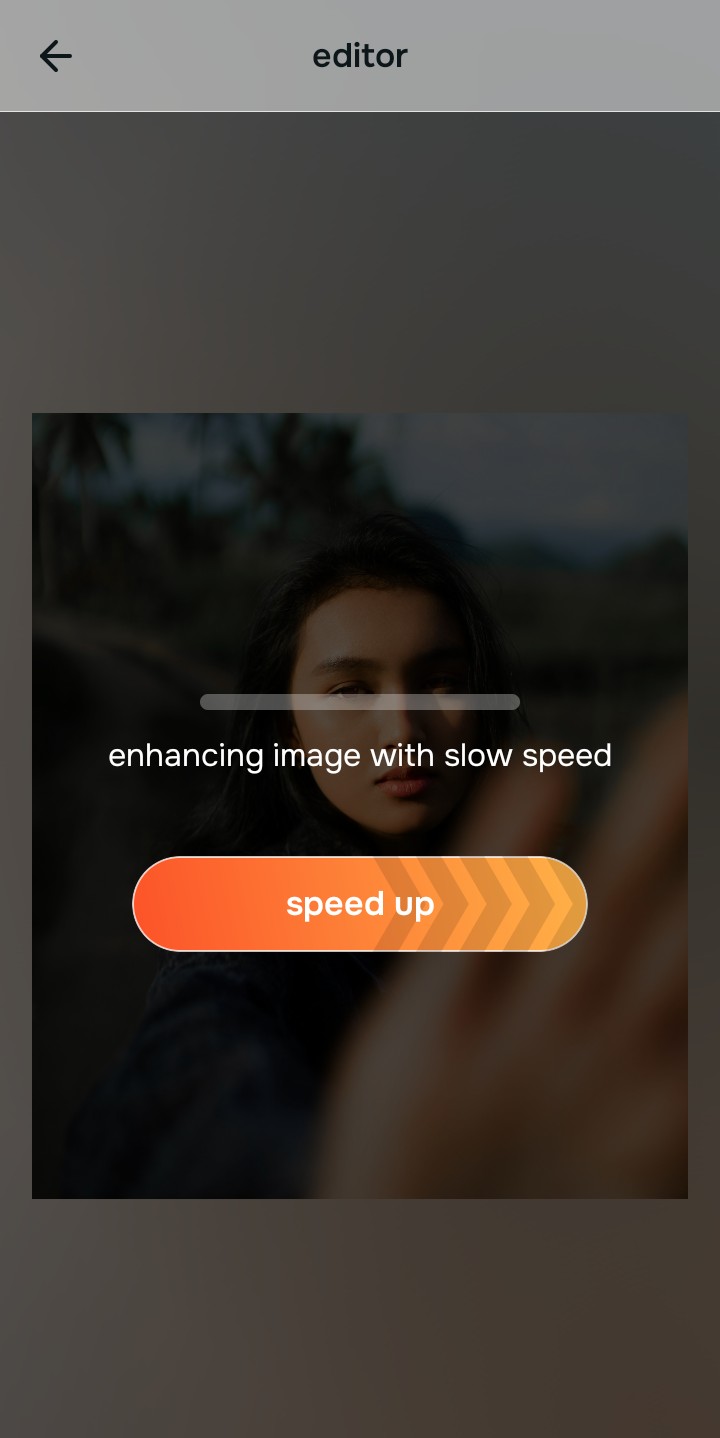
Let the instant preview map baseline data
The Citrus rendering engine bypasses the glare by analyzing structural density instead of hallucinating fake features. It maps the true depth of your eye area obscured by the lenses.
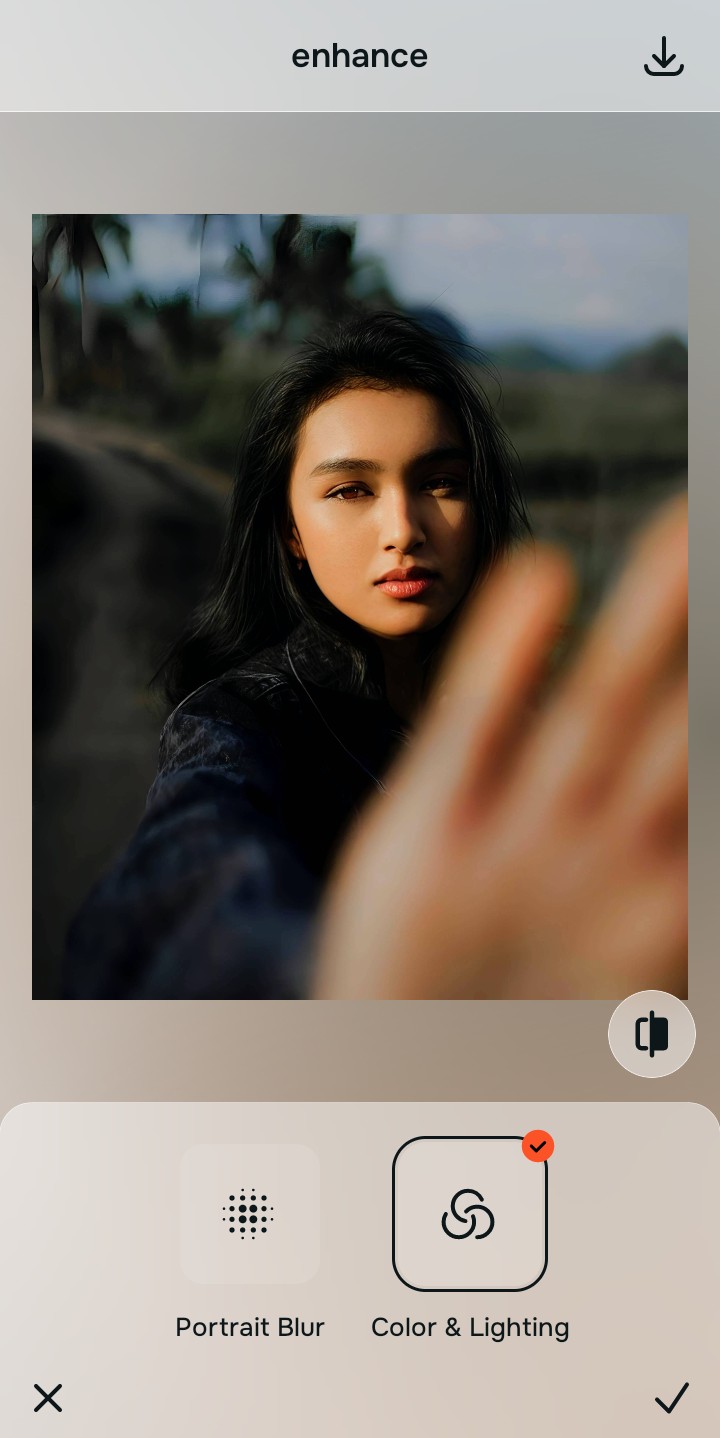
Tap Enhance and choose Colors & Lighting
Before addressing the eyes directly, it's vital to recalibrate the overall baseline contrast. The camera under-exposed your face to compensate for the glare. Adjusting global lighting restabilizes the structural density and helps flat photos look more alive.

Balance lighting before localized recovery. Properly structuring the baseline density allows the optical engine to accurately read depth behind your glasses without clipping shadows.
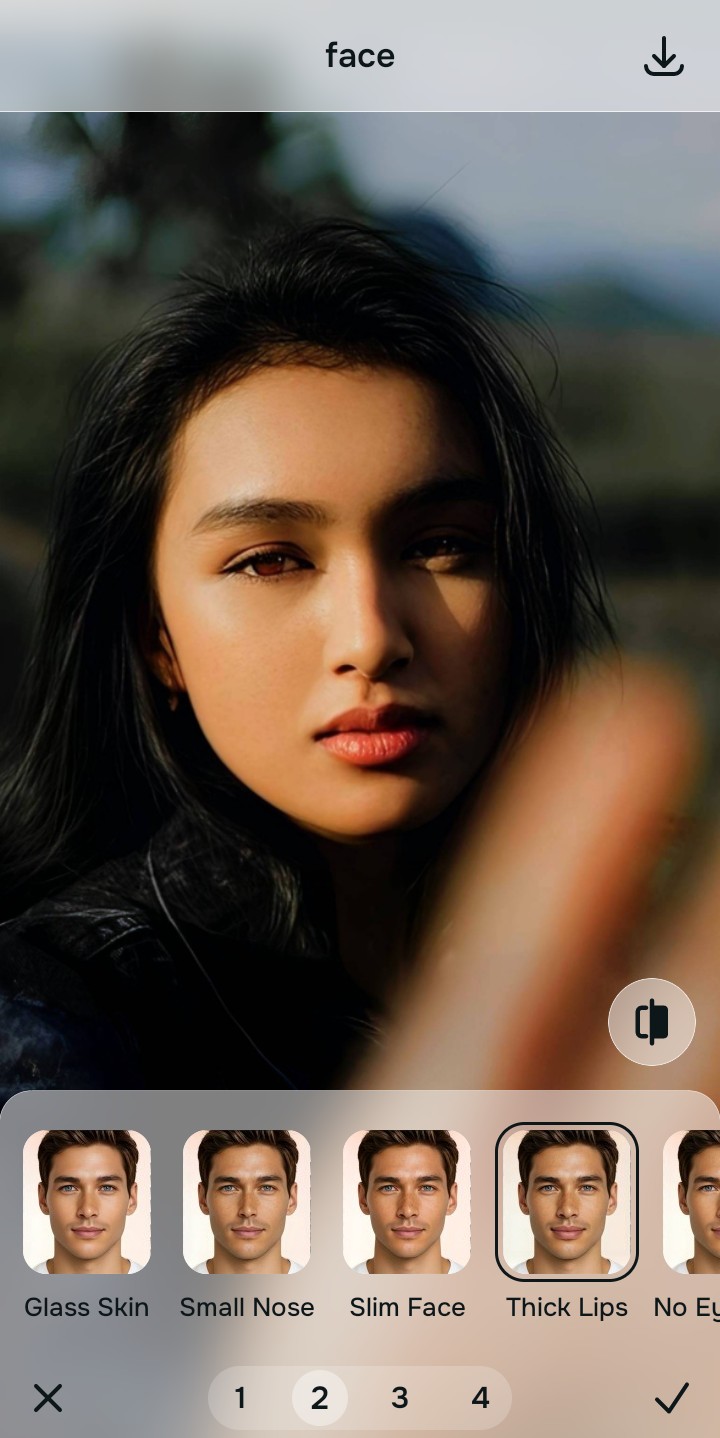
Tap Looks and select Thick Lips
Navigate to the Looks menu and deploy the Thick Lips tool. This specific pathway executes mathematical recovery on the soft edges caused by the glasses, restoring the sharpness of your lashes and irises natively, similar to how you would sharpen hair eyelashes and clothing.
Export your authentic, mirror-accurate master file
Save your optically decompressed portrait. The mathematical corrections are baked into a pristine, unwatermarked master file that accurately reflects your real-life appearance.

Why did your photo fail?
Identify your primary optical hurdle to select the exact automated pathway in Citrus.
Aligning Your Edits with the Citrus Taxonomy
Instead of gambling with generative apps that turn you into a plastic doll, Citrus categorizes enhancement into three distinct, mathematically safe pathways based on preserving real artistry:
| Tool Pathway | Primary Flaw Remediated | Automated Fix Strategy |
|---|---|---|
| Enhance Overall Photo | Camera severely under-exposes the image due to lens reflection. | Mathematically recovers global baseline lighting and contrast. |
| Looks | Soft focus and washed-out iris details behind the glass. | Applies optical decompression to restore edge sharpness safely. |
| Face | Lens refraction causes slight physical proportion distortion. | Restores structural density and natural facial geometry. |
“True photography doesn't paint over reflections; it calculates the reality trapped behind the glass.”
Why Physical Recovery Beats Fake Filters
Generative apps fail catastrophically when dealing with glasses. Because they cannot read the optical data through the glare, they resort to pasting pre-rendered fake digital makeup or hallucinating entirely new eyes. This results in an uncanny, synthetic look where your eyes appear painted on, completely detached from the authentic lighting and geometry of your face.
Citrus approaches the problem through optical physics. By analyzing the structural density of the shadowed pixels, the engine mathematically recovers the hidden contrast and edge details. This non-hallucinatory optical decompression ensures that the final image reveals your true, mirror-accurate eyes without altering your fundamental identity.