


September 29, 2026
Why Do Curly Hair and Braids Lose Detail in Dark Photos?
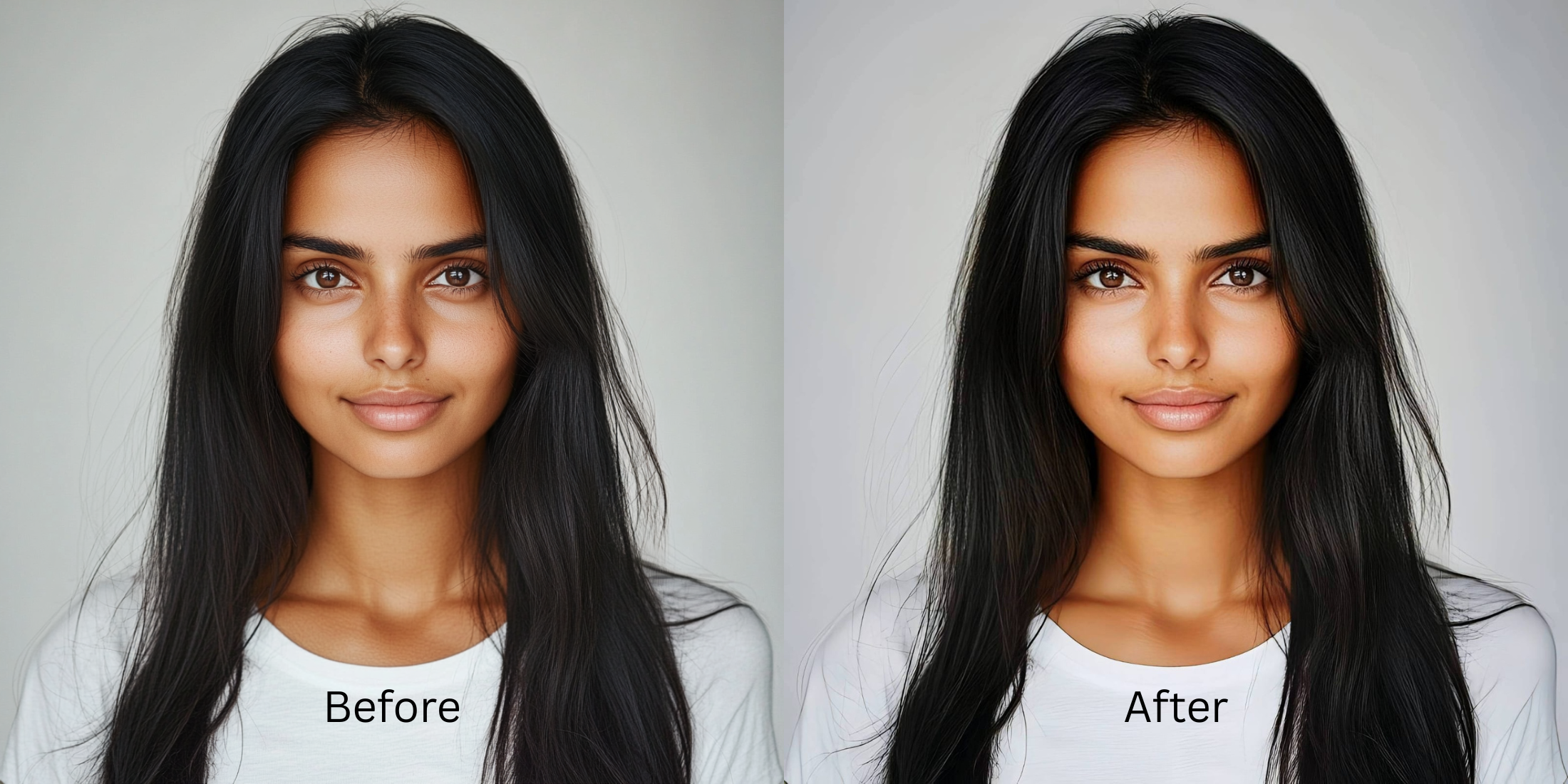

Why Do Curly Hair and Braids Lose Detail in Dark Photos?
Have you ever wondered why do i look worse in photos when you have curly hair or braids? The issue isn't your hair; it's the sensor washout and lack of contrast in low lighting. Smartphone cameras struggle with the dense geometry of curls, turning them into flat blocks of shadow. Standard editing apps often use artificial smoothing or unnatural warping, which completely destroys the natural texture. Citrus takes a different approach. Using optical decompression and mathematical recovery, Citrus rebuilds the structural density of your curls, bringing back the exact depth you see in the mirror.
Mathematical Recovery of Hair Texture. Citrus bypasses generative hallucination by employing optical decompression. It recalculates the baseline density of your curls, ensuring your braids and natural hair retain their precise three-dimensional structure even in poor lighting.
Understanding the "The Shadow Flattening" Trap
When a smartphone camera attempts to capture complex textures like curls and braids in dark environments, it often relies on aggressive noise reduction algorithms. This over-processes the fine details, leading to the shadow flattening effect. Instead of distinct ringlets or neat braid weaves, the camera merges them into a muddy silhouette. Understanding how to make flat photos regain their original geometry is essential to preserving the real artistry of your hairstyle.
- Applying artificial digital smoothing
- Hallucinating fabricated hair strands
- Warping and distorting geometry
- Obliterating baseline contrast
- Mathematical recovery of texture
- Optical decompression of shadows
- Preserving exact structural density
- True-to-life lighting calibration
Instead of letting your camera sensors destroy your hairstyle's depth, you can utilize Citrus to precisely recover the lost detail. It's not about modifying what was there, but recalculating the light so your curls look exactly as they do in real life. Let's explore the workflow.
Restore your mirror-accurate look. Recover structural depth naturally.
A 5-Step Test: Fixing The Shadow Flattening Naturally
Upload the raw, unedited photo
Always begin with your raw, unedited photo. Standard filters compress the image and discard vital data. Uploading the untouched original allows Citrus to read the maximum available sensor data, which is critical for mathematical recovery of your hair's structure.
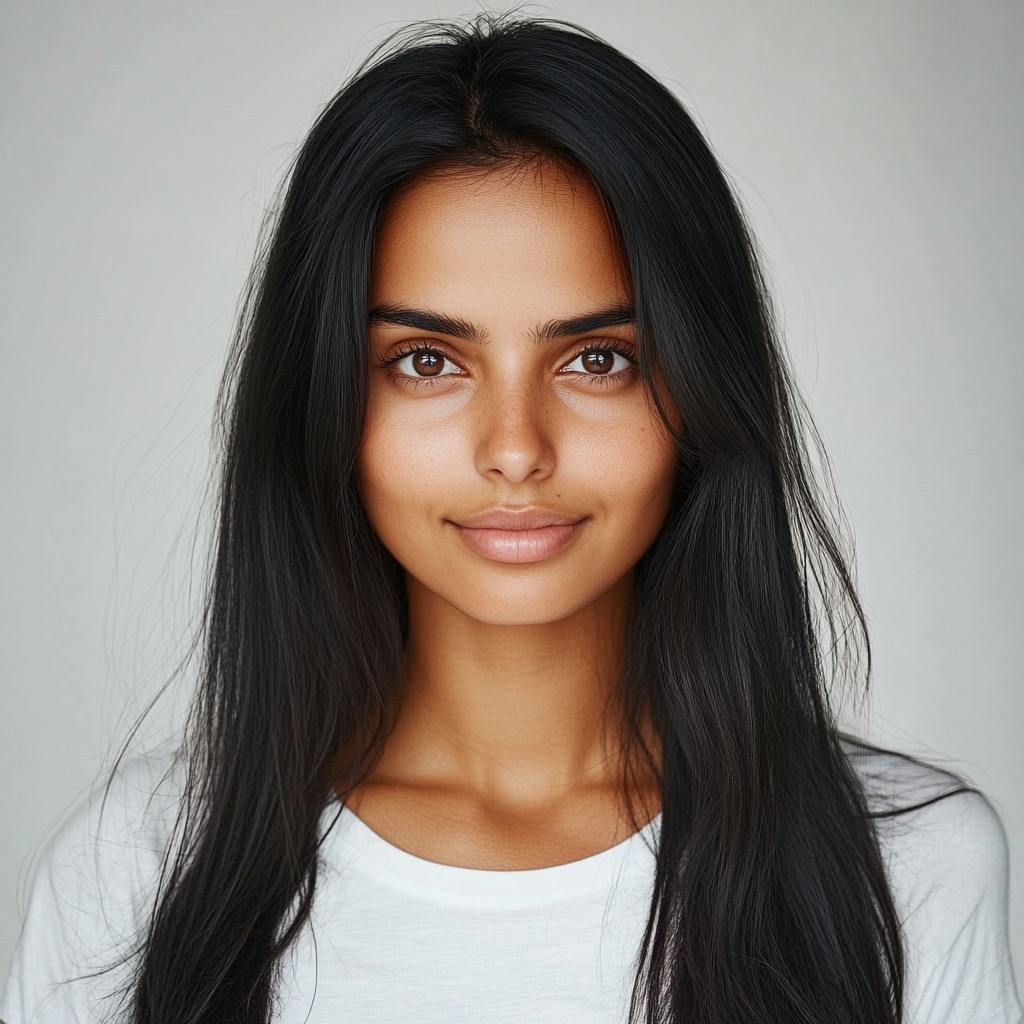
Let the instant preview map baseline data
The Citrus rendering engine immediately goes to work analyzing the structural density of your photo. It maps the baseline data to understand where the shadows flattened your braids. Rather than guessing or creating fake details, it prepares for accurate optical decompression.
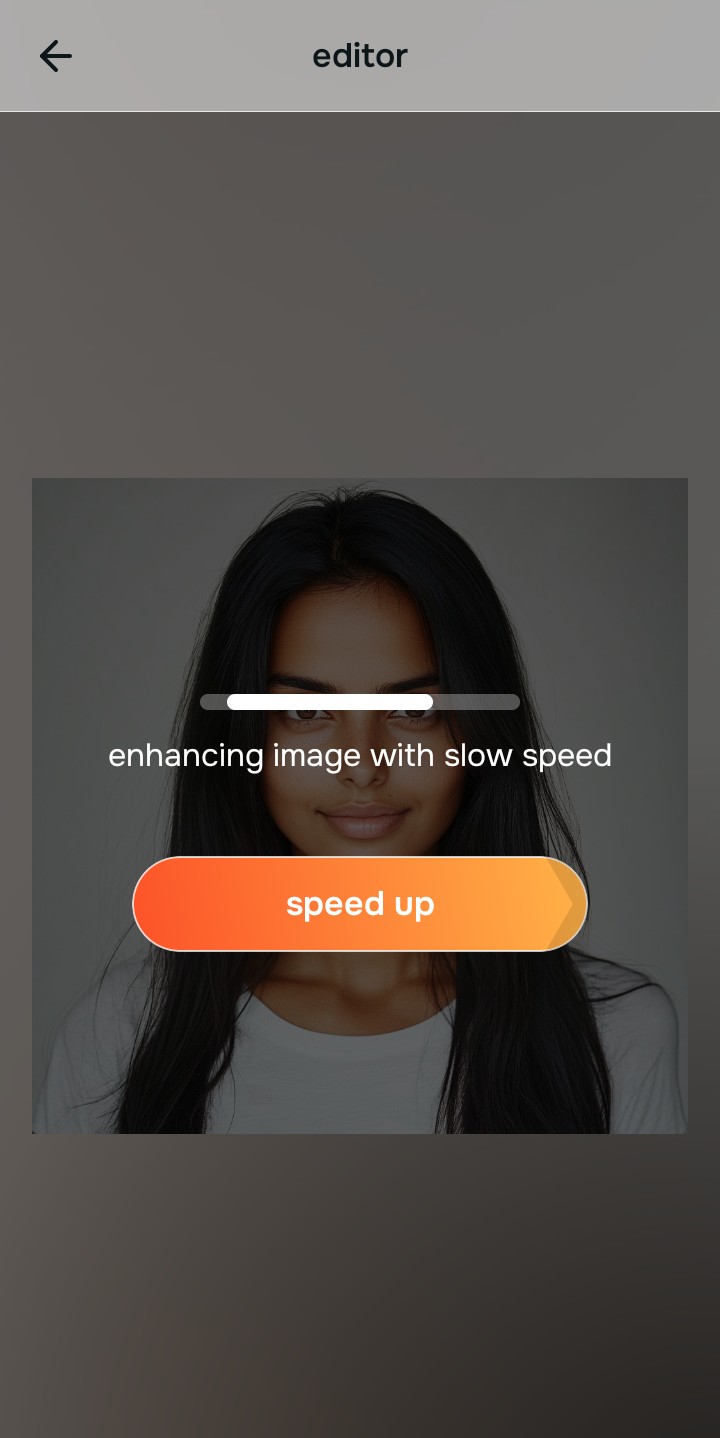
Tap Enhance and choose Colors & Lighting
Before targeting fine textures, you need to recalibrate the overall light. Tap Enhance and choose Colors & Lighting. Adjusting this fixes the sensor washout, providing a balanced foundation. If you want to know how to improve makeup photos and hair simultaneously, balancing global density first is the secret.

Balance Density Layers Resolving the global contrast guarantees that subsequent No Eyebags operates on accurate luminosity data, preventing unnatural artifacts.
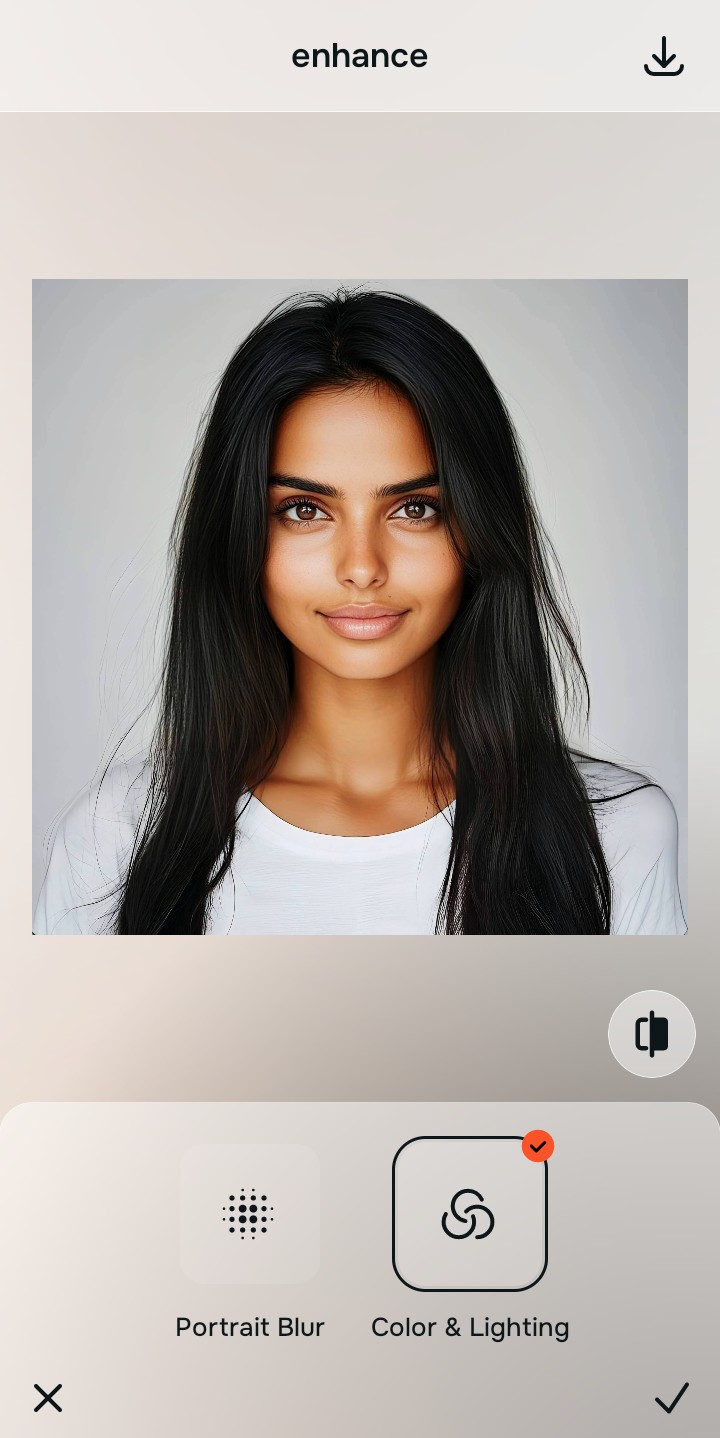
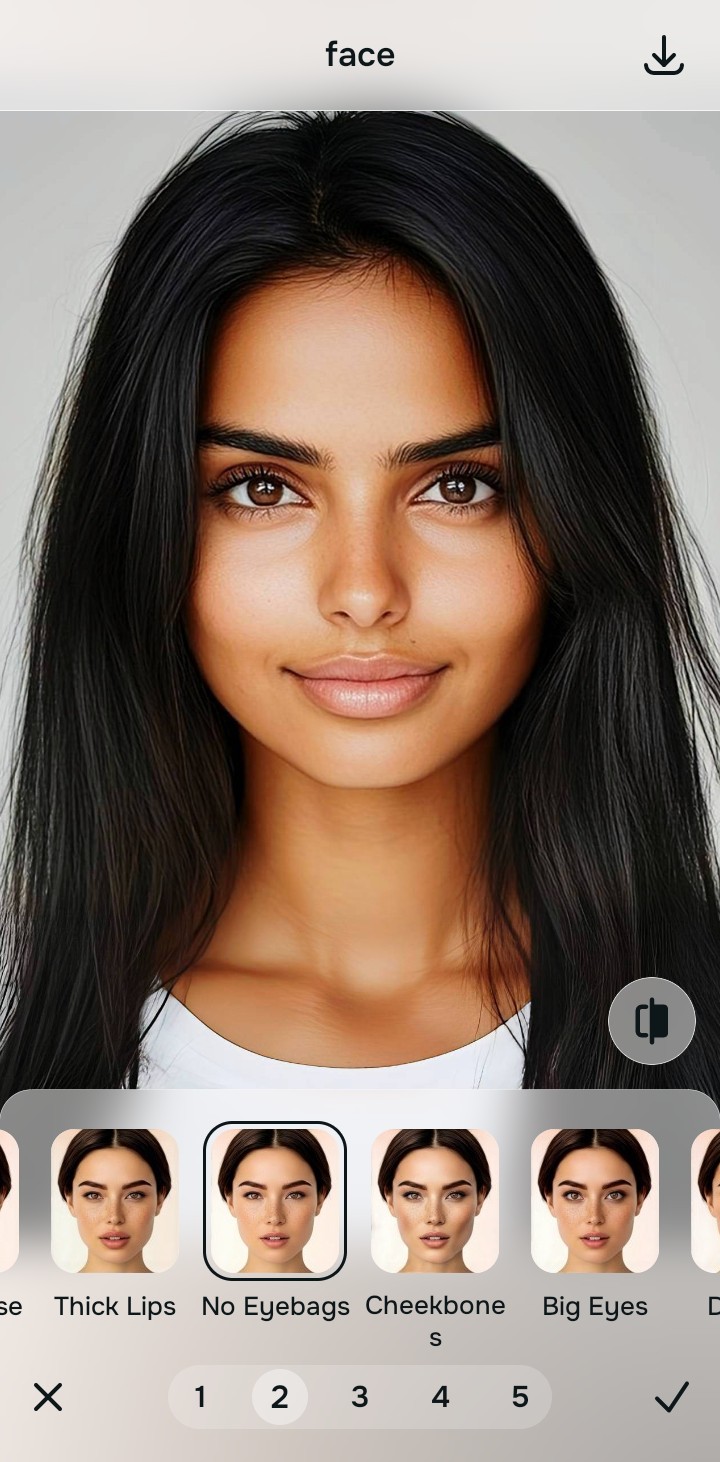
Tap Looks and select No Eyebags
Now, navigate to the Looks tab and select the No Eyebags tool. This pathway initiates the optical decompression, gently lifting the shadows specifically within the complex geometry of your curls or braids. This process allows you to understand how to sharpen hair eyelashes and fine textures flawlessly.
Export your authentic, mirror-accurate master file
Once the mathematical recovery is complete, export your photo. You now have an authentic, mirror-accurate representation of your hair, free from generative manipulation.
Why did your photo fail?
Identify your primary optical hurdle to select the exact automated pathway in Citrus.
Aligning Your Edits with the Citrus Taxonomy
Instead of gambling with generative apps that turn you into a plastic doll, Citrus categorizes enhancement into three distinct, mathematically safe pathways based on preserving real artistry:
| Tool Pathway | Primary Flaw Remediated | Automated Fix Strategy |
|---|---|---|
| Enhance Overall Photo | Sensor washout causing flat silhouette. | Rebuilds baseline contrast through true-to-life lighting calibration. |
| Looks | Muddy and flattened braid geometry. | Uses optical decompression to mathematically recover texture. |
| Face | Harsh shadows obscuring the hairline. | Lifts shadows precisely while preserving structural density. |
“Don't paint fake strands on a bad photo; mathematically recover the real depth of your hair.”
Why Physical Recovery Beats Fake Filters
When dealing with complex hair textures in dark photos, generative AI apps are disastrous. They interpret the merged shadows as a lack of hair and attempt to fix it by hallucinating fabricated hair strands or applying aggressive artificial smoothing. This creates an uncanny, plastic appearance that completely disrespects the natural geometry of curls and braids. The result is a distorted image that looks nothing like you.
Citrus operates on non-hallucinatory optical physics. Instead of overlaying fake elements, it analyzes the remaining sensor data to perform mathematical recovery. By applying optical decompression to the shadow areas, Citrus recalculates the depth and density of each curl and braid. This ensures a mirror-accurate result where your hair retains its natural structure and volume, just as it existed in real life.