


October 6, 2026
Pixel 11 Camera Looks vs One-Tap Enhancement: Should You Style the Photo Before or After Capture?
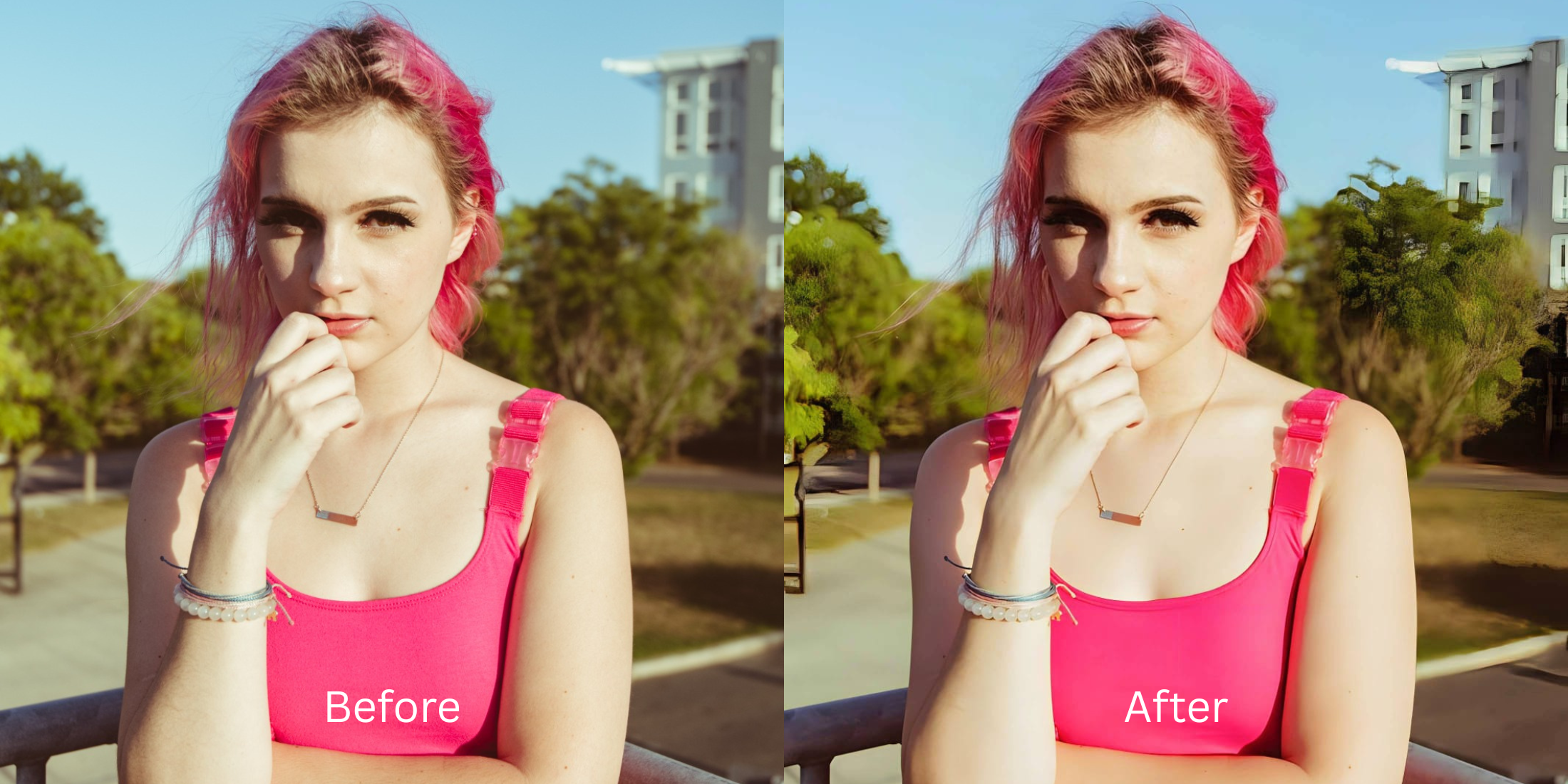

Pixel 11 Camera Looks vs One-Tap Enhancement: Before or After?
Smartphone photography is evolving, and the Pixel 11 introduces integrated Camera Looks designed to style your image before you even press the shutter. However, forcing an aesthetic during capture often locks in sensor washout and lens distortion that cannot be easily undone. Standard post-processing apps only worsen this by applying fake digital makeup or alien stretching to compensate for the baked-in flaws. This raises the question: should you commit to a look pre-capture, or rely on post-capture one-tap enhancement? The optimal solution lies in capturing a clean, unstyled standard image and using Citrus to perform mathematical recovery later. By leveraging optical physics and structural density analysis, Citrus restores the natural depth and color of the scene without introducing artificial elements.
Style your photo after capture. Applying pre-capture styles bakes in distortions. Capture a neutral image and let Citrus use mathematical recovery to safely balance global density layers without destructive filters.
Understanding the "Baked-In Distortion" Trap
When you apply aggressive styling before taking the shot, the camera's processing pipeline permanently alters the baseline data. The lens distortion and exposure imbalances become fused with the stylistic filter, creating an artificial result. If you look worse in photos, it is often because these pre-applied looks permanently flatten the dimensional data of your face.
- Overlay fake digital makeup
- Exaggerate alien stretching
- Hallucinate facial features
- Destroy native skin texture
- Analyzes structural density
- Employs mathematical recovery
- Performs optical decompression
- Preserves mirror-accurate geometry
Instead of gambling with pre-capture aesthetics that degrade the original sensor data, wait until after the shot. You can easily improve makeup photos mathematically when you start with a clean baseline.
Restore your mirror-accurate look. Recover true sensor depth accurately.
A 5-Step Test: Fixing Pre-styled Flatness Naturally
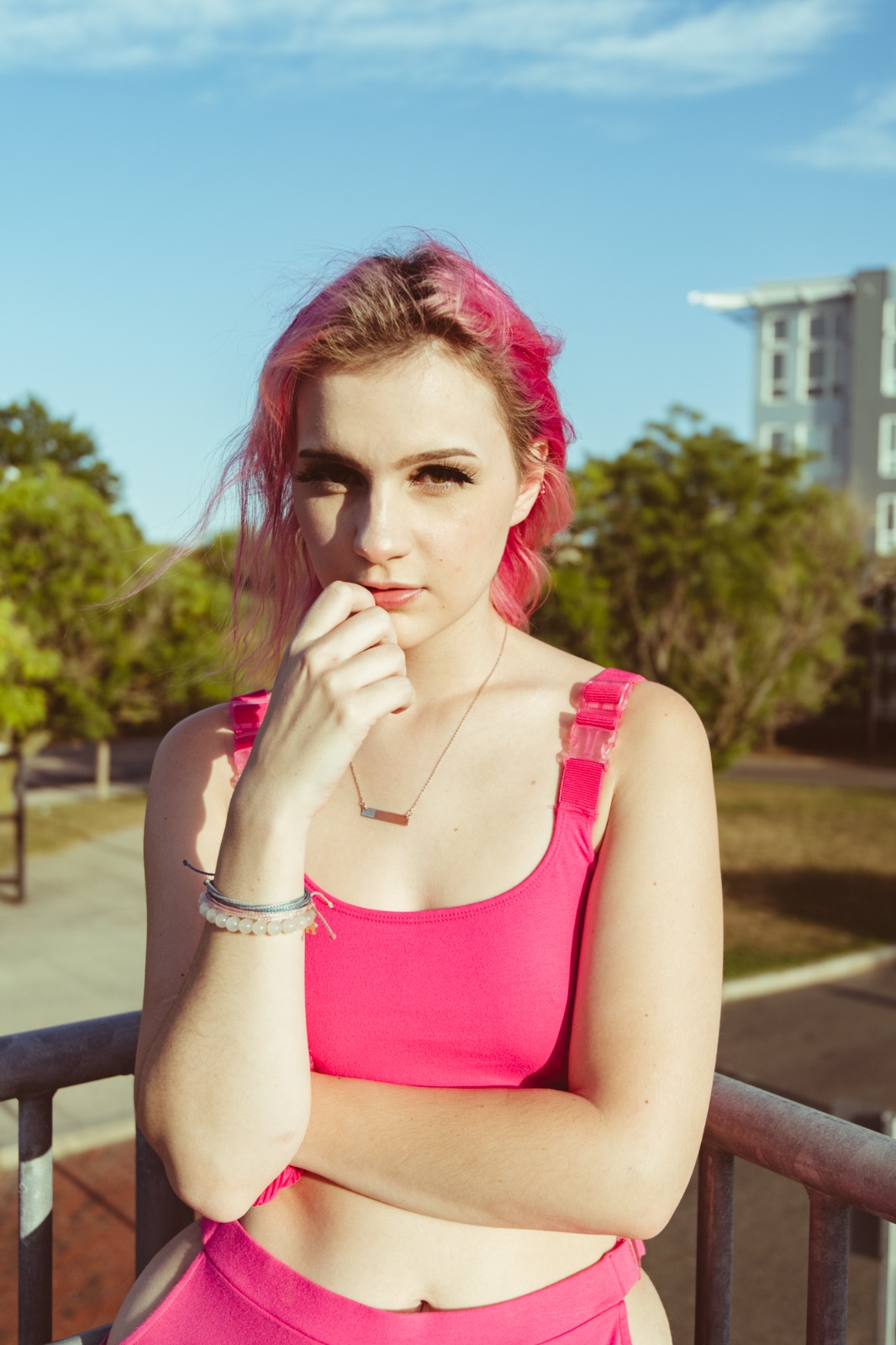
Upload the raw, unedited photo
Always start by capturing your photo with standard settings. Upload this untouched original into Citrus to preserve the native sensor data for accurate recovery.
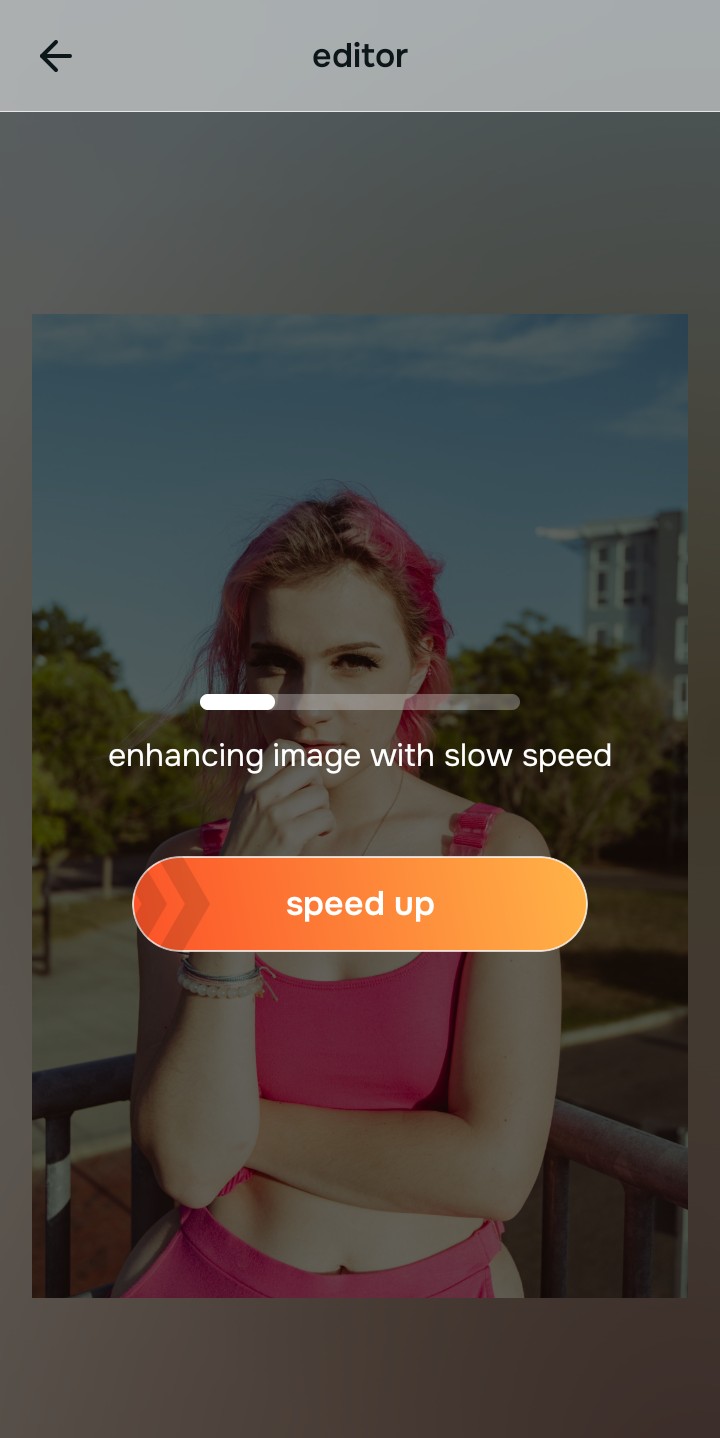
Let the instant preview map baseline data
Once uploaded, Citrus maps the baseline data using optical physics. It analyzes structural density and lighting variations instead of hallucinating artificial textures.
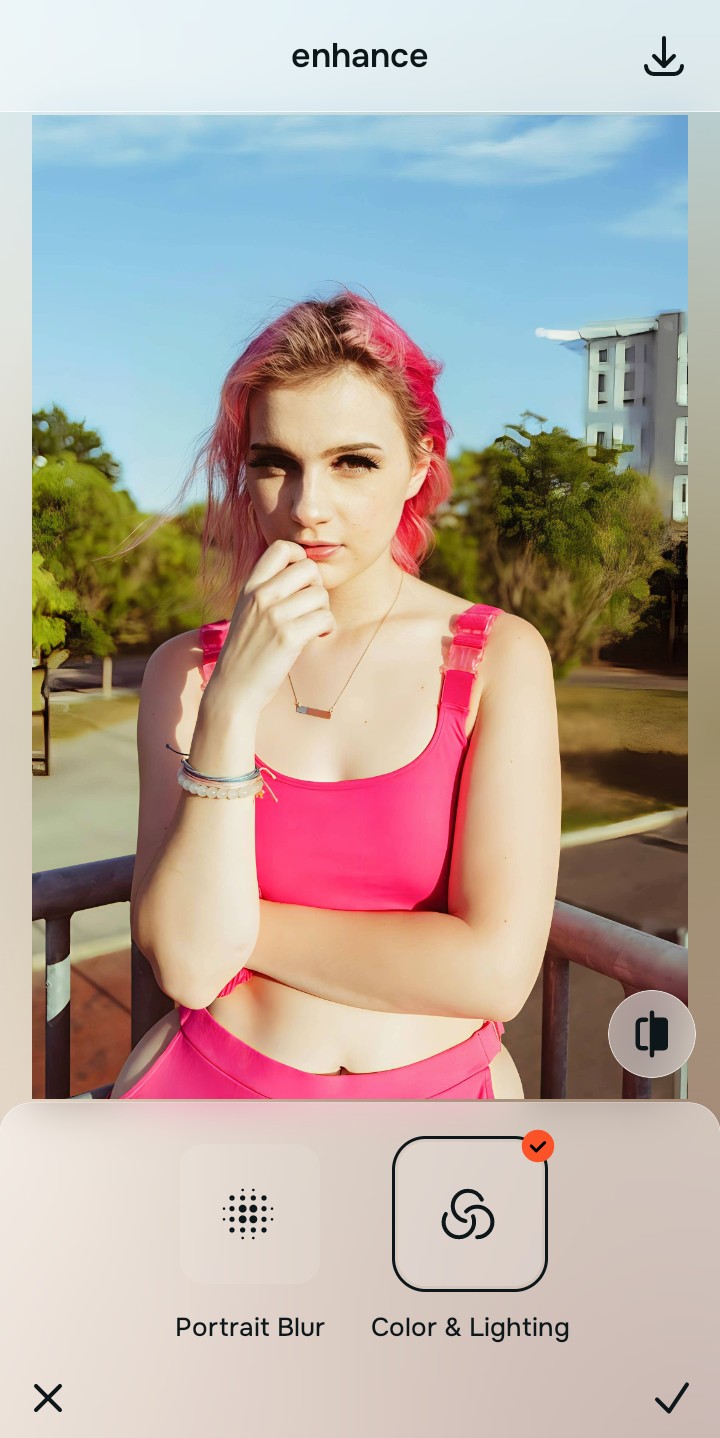
Tap Enhance and choose Colors & Lighting
Correcting baseline contrast and lighting is crucial because pre-styled distortions skew depth perception. Balancing the global density layers first sets the stage to make flat photos look alive naturally.

Structuring Baseline Density Stabilize the foundation before applying targeted optical decompression.
Tap Face and select Big Eyes
Navigate to Face and select Big Eyes. This tool mathematically recovers the highlights and shadows that pre-capture styles usually destroy, providing a safe way to fix washed out selfies without aggressive filtering.
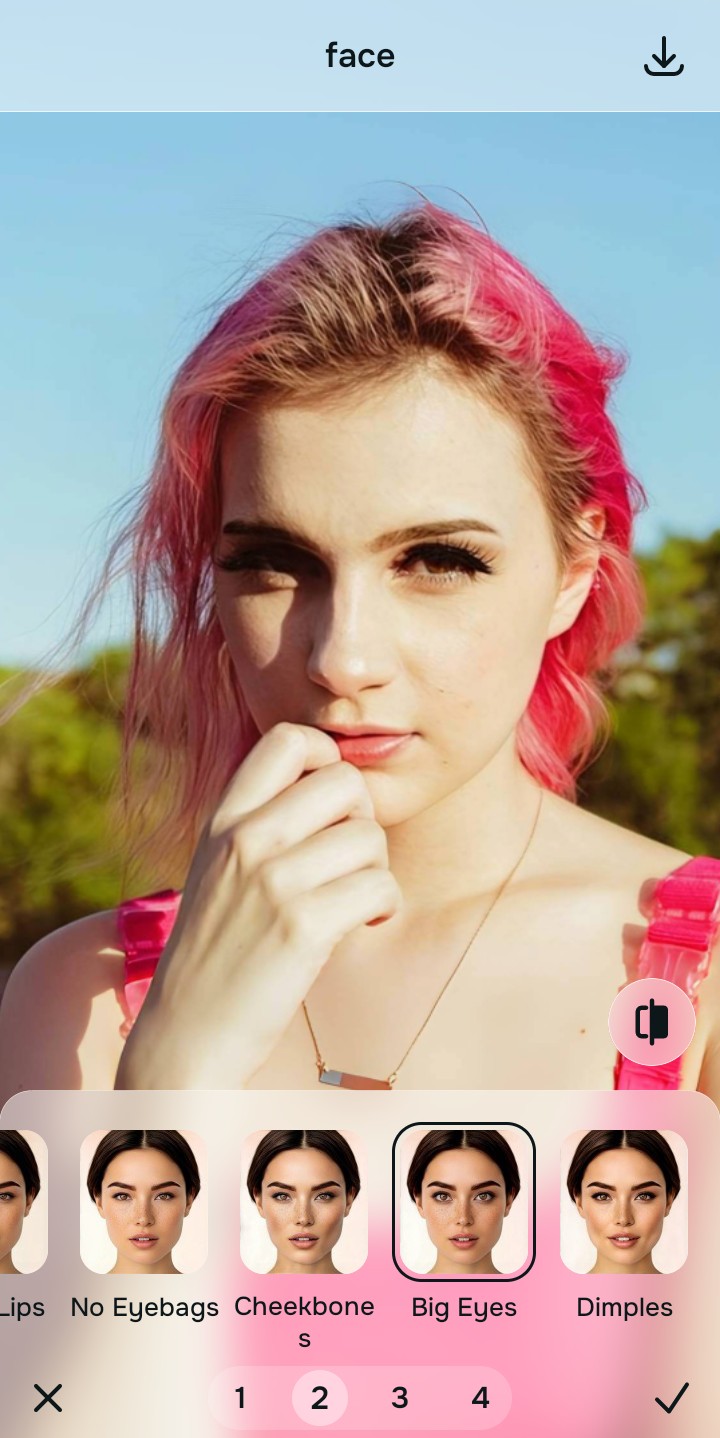
Export your authentic, mirror-accurate master file
Once the mathematical recovery is complete, export your authentic, mirror-accurate master file with all natural depth intact.

Why did your photo fail?
Identify your primary optical hurdle to select the exact automated pathway in Citrus.
Aligning Your Edits with the Citrus Taxonomy
Instead of gambling with generative apps that turn you into a plastic doll, Citrus categorizes enhancement into three distinct, mathematically safe pathways based on preserving real artistry:
| Tool Pathway | Primary Flaw Remediated | Automated Fix Strategy |
|---|---|---|
| Enhance Overall Photo | Widespread loss of depth due to pre-applied flat camera profiles. | Recalculates structural density to restore global dimensional contrast naturally. |
| Looks | Harsh, artificial color casts and crushed shadows from aggressive styling. | Mathematically balances highlight and shadow curves via optical physics. |
| Face | Wide-angle lens distortion exaggerated by in-camera adjustments. | Safely maps and decompresses facial geometry to match reality. |
“Don't let your camera dictate your reality. Recover the truth mathematically rather than settling for a pre-packaged digital illusion.”
Why Physical Recovery Beats Fake Filters
When faced with a photo ruined by early processing, traditional generative AI tools attempt to mask the problem. They overlay fake digital makeup and resort to alien stretching, hallucinating details that were never there. This destructive approach permanently overwrites your unique features and degrades the original image quality.
Conversely, Citrus approaches the problem through the lens of optical physics. By avoiding hallucinatory tactics, it uses mathematical recovery to safely decompress the image data. This methodology accurately rebuilds structural density, ensuring a natural, mirror-accurate result that truly represents the moment captured.