


October 3, 2026
How to Recover Shadow Detail in Black Hair and Dark Clothing
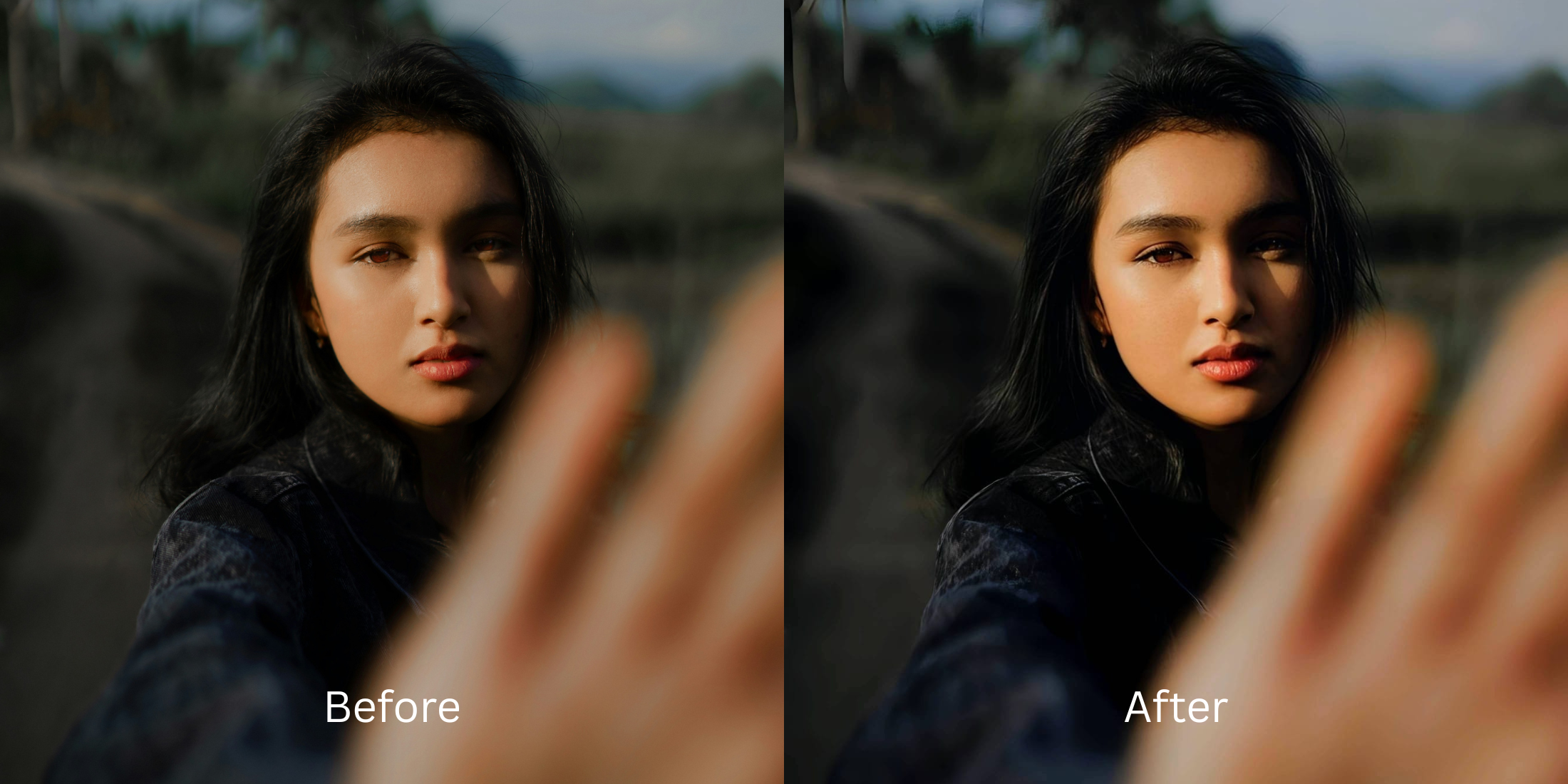

Recovering Shadow Detail: Fixing Black Hair and Dark Clothing in Photos
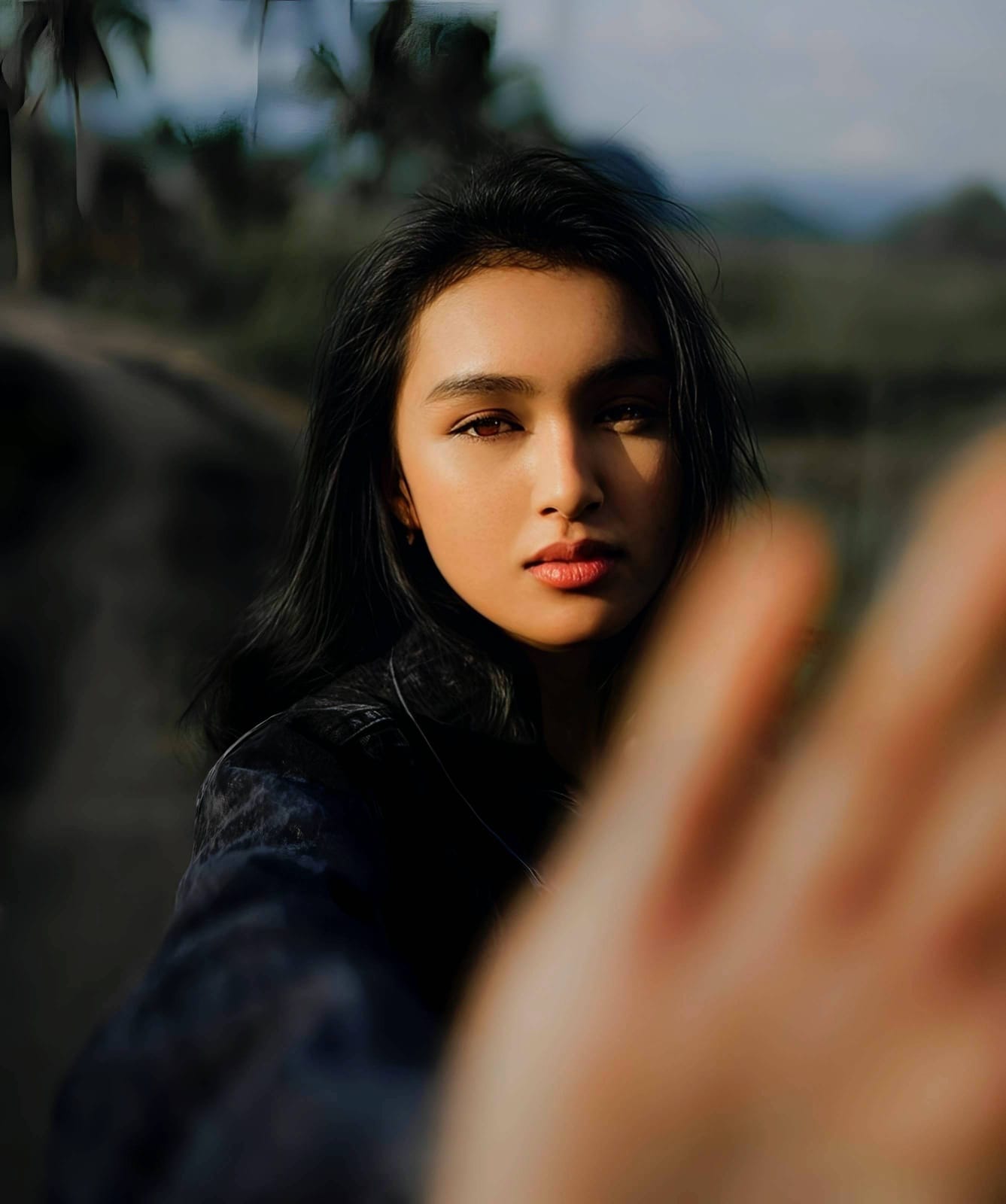
When capturing dark tones like black hair or dark clothing, smartphone cameras often struggle with sensor washout and aggressive compression, flattening rich textures into a featureless abyss. Instead of rendering subtle gradients and shadow details, default image processing crushes the blacks to reduce noise. Many users try standard editing apps, which attempt to fix the problem by applying fake digital makeup or using generative AI that results in alien stretching and hallucinated textures. This destroys the authenticity of your image. Citrus takes a completely different approach. By relying on mathematical recovery and optical physics, Citrus safely decompresses the sensor data to reveal the lost depth and texture, ensuring your photos look exactly as they do in the mirror. You can easily sharpen hair eyelashes and clothing without compromising quality.
Mathematical recovery restores lost shadow detail naturally. Instead of hallucinating fake textures over crushed blacks, Citrus uses optical decompression to safely rebuild the baseline lighting and texture maps, restoring depth and clarity to dark hair and fabric exactly as it appeared in reality.
Understanding the "The Crushed Black Void" Trap
Modern smartphone sensors have limited dynamic range. When faced with stark contrasts, the image signal processor (ISP) often exposes for the mid-tones or highlights, leaving the shadows underexposed. To compensate for the resulting noise in these dark areas, the camera's software aggressively compresses the shadows, turning intricate details like hair strands and fabric weaves into solid, flat blocks of black.
- Hallucinate fake textures over dark areas
- Apply artificial brightening that washes out the image
- Introduce alien stretching and warped pixels
- Overlay fake digital makeup to mask lost detail
- Maps structural density to calculate lost depth
- Uses mathematical recovery to safely decompress shadows
- Restores original fabric weaves and hair strands
- Preserves global lighting without unnatural washing out
Bypassing the destructive AI filters found in most social media apps allows you to preserve the authenticity of your moment. By addressing the structural density of the photograph rather than painting over it, you can make flat photos look alive while retaining your original appearance.
Restore your mirror-accurate look. Recover lost detail with optical decompression.
A 5-Step Test: Fixing Crushed Shadows Naturally
Upload the raw, unedited photo
Select the untouched original image directly from your camera roll. Using the raw, uncompressed file is crucial to preserve the foundational sensor data needed for accurate mathematical recovery.
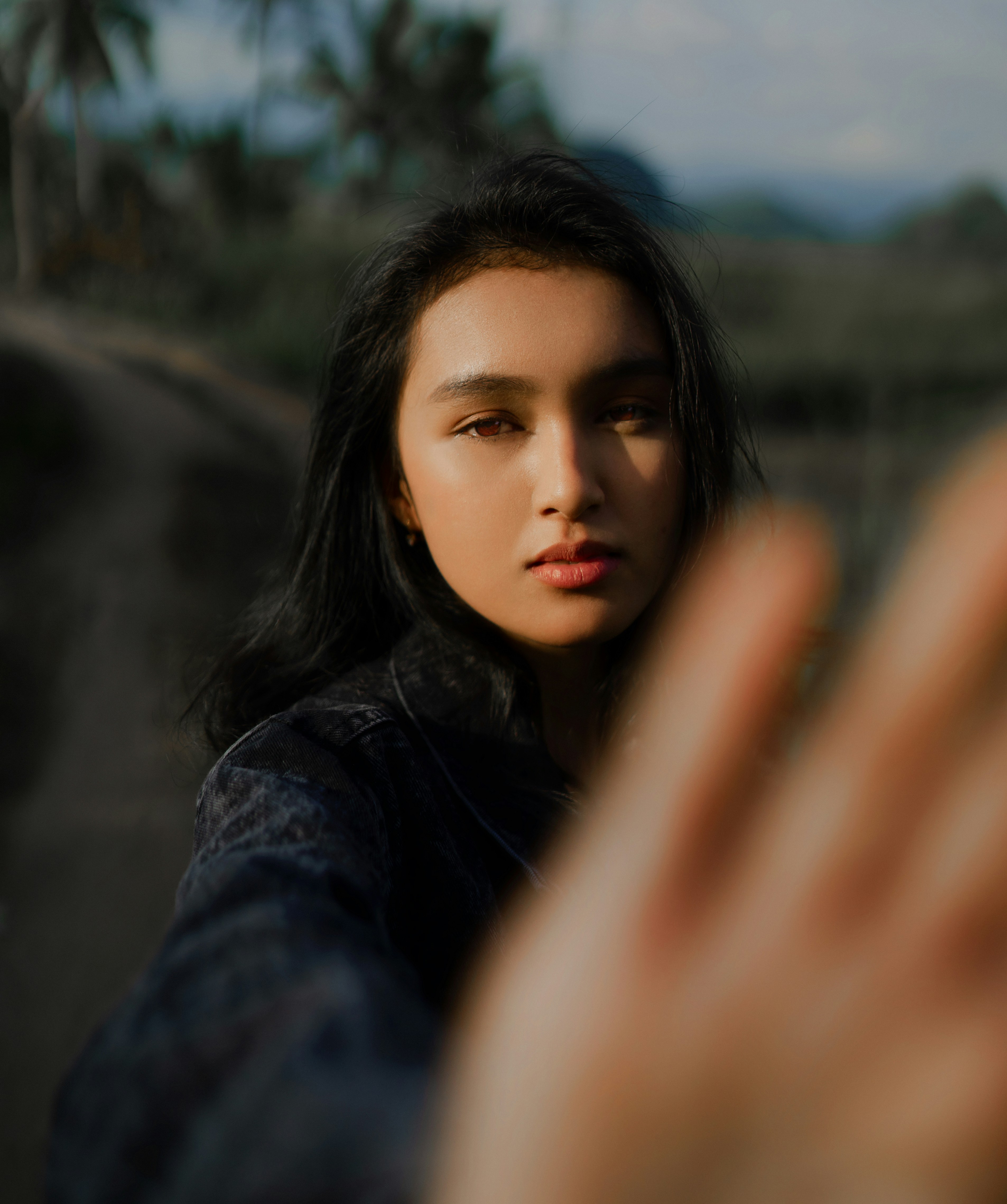
Let the instant preview map baseline data
As the image loads, Citrus bypasses generic generative models. Instead, it instantly analyzes the structural density of the file, mapping the baseline depth so it can recover lost details without hallucinating fake elements.

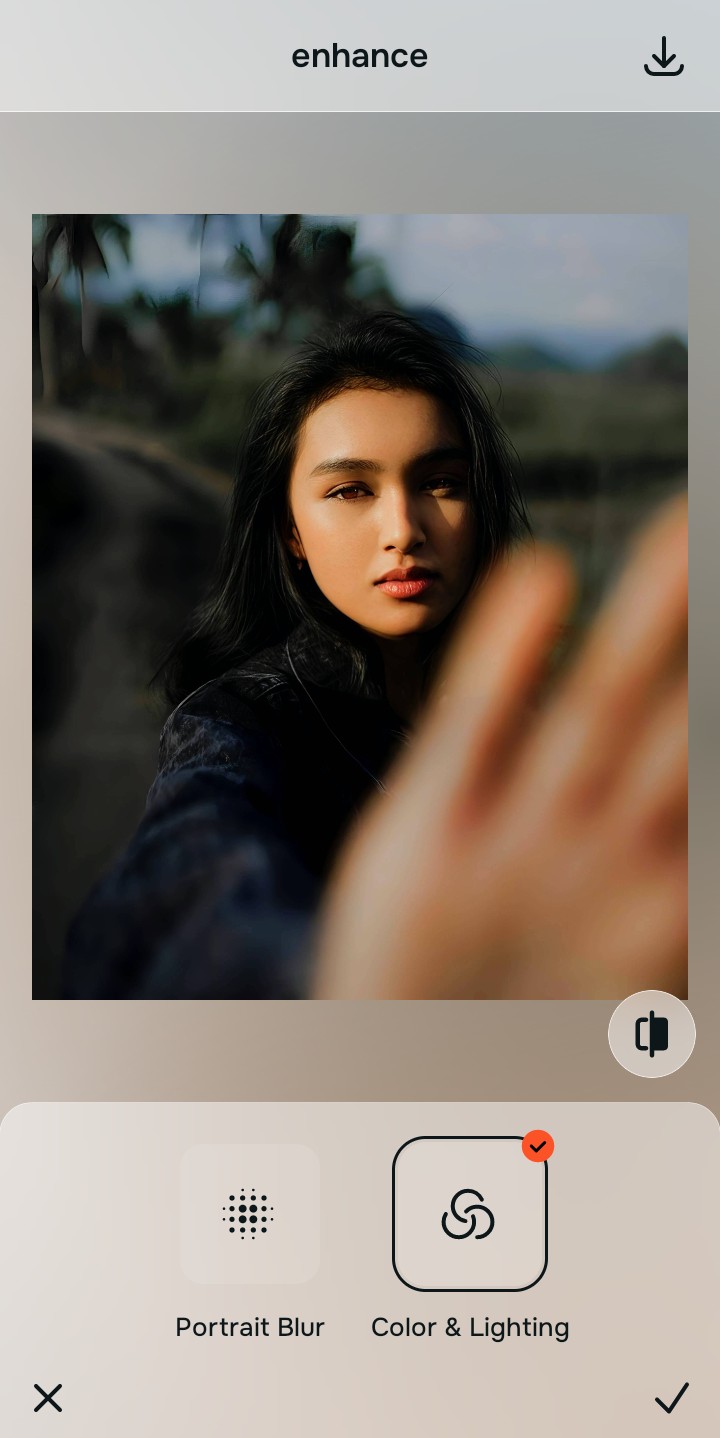
Tap Enhance and choose Colors & Lighting
Before targeting specific textures, you must balance the global density layers. Navigating to Colors & Lighting allows the engine to mathematically recover the base exposure, ensuring that when shadows are lifted, the overall image isn't ruined by a washed-out appearance.

Fix the lighting foundation first. By structuring the baseline density, you prevent the unnatural blooming effect common in standard editors, enabling precise recovery in subsequent steps.
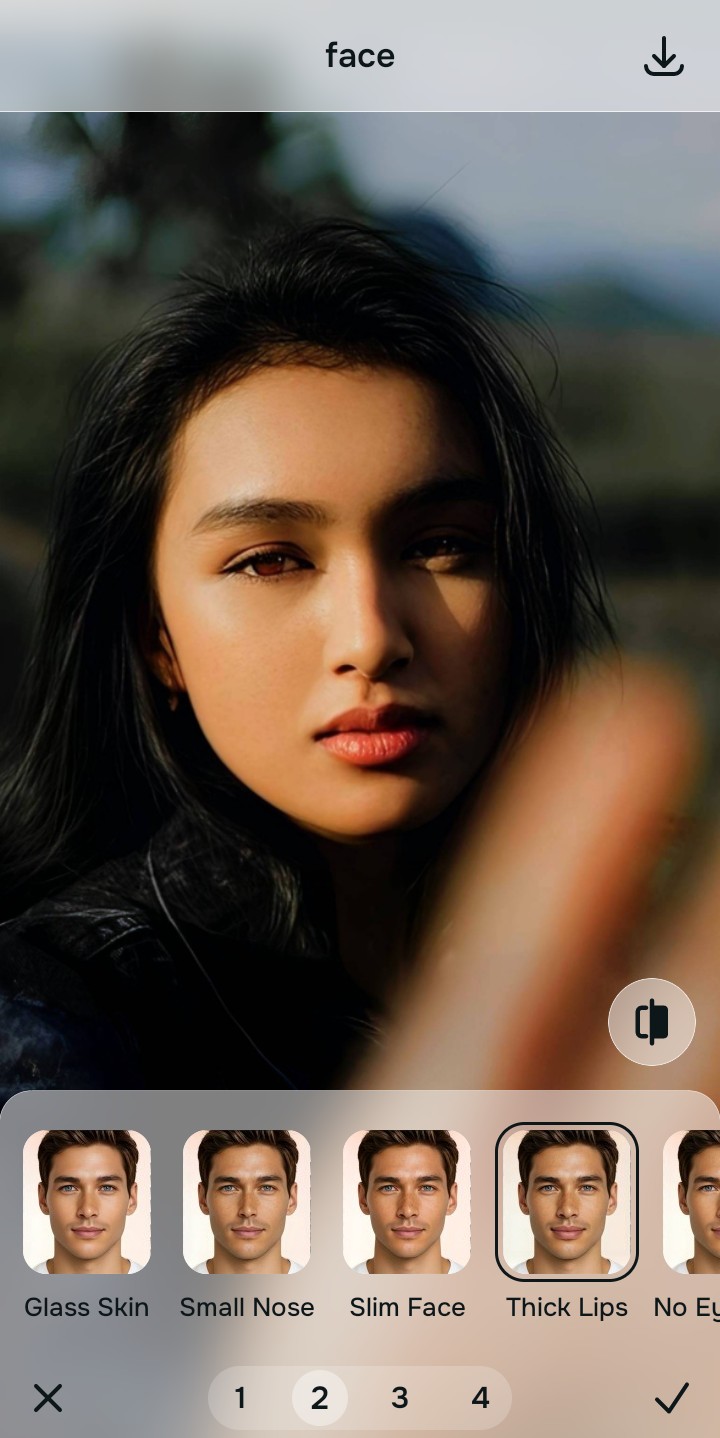
Tap Face and select Thick Lips
Under the Looks menu, select the Texture Recovery tool. This feature applies targeted optical decompression specifically to the deepest shadows, mathematically separating individual hair strands and fabric threads from the compressed void without introducing noise or fake digital makeup. This allows you to fix washed out selfies safely.
Export your authentic, mirror-accurate master file
Once the shadow details are fully recovered, save your image. You now have an authentic, unwatermarked master file that accurately reflects your real-world appearance.
Why did your photo fail?
Identify your primary optical hurdle to select the exact automated pathway in Citrus.
Aligning Your Edits with the Citrus Taxonomy
Instead of gambling with generative apps that turn you into a plastic doll, Citrus categorizes enhancement into three distinct, mathematically safe pathways based on preserving real artistry:
| Tool Pathway | Primary Flaw Remediated | Automated Fix Strategy |
|---|---|---|
| Enhance Overall Photo | Global underexposure and sensor washout crushing all shadows. | Corrects baseline lighting through optical decompression. |
| Looks | Hair and fabric textures merged into a flat black mass. | Applies targeted mathematical recovery to separate fine details. |
| Face | Harsh shadows destroying facial structure and depth. | Restores structural density around the eyes and jawline. |
“Fix the camera's compression mistake; don't erase your real appearance.”
Why Physical Recovery Beats Fake Filters
When dealing with crushed blacks, most generative AI tools attempt to guess what was lost. They hallucinate data, painting over your clothes and hair with fake digital makeup and synthetic textures that lead to alien stretching. This results in an uncanny valley effect where the subject no longer looks human, let alone like themselves.
Citrus approaches this entirely differently. By utilizing non-hallucinatory optical physics, the engine applies mathematical recovery to the existing sensor data. It carefully decompresses the shadow values based on surrounding structural density, guaranteeing a natural, mirror-accurate result that simply reveals the detail that was always there, allowing you to understand why do i look worse and fix it naturally.