


October 2, 2026
How to Improve an Overexposed Selfie Without Making Skin Look Gray
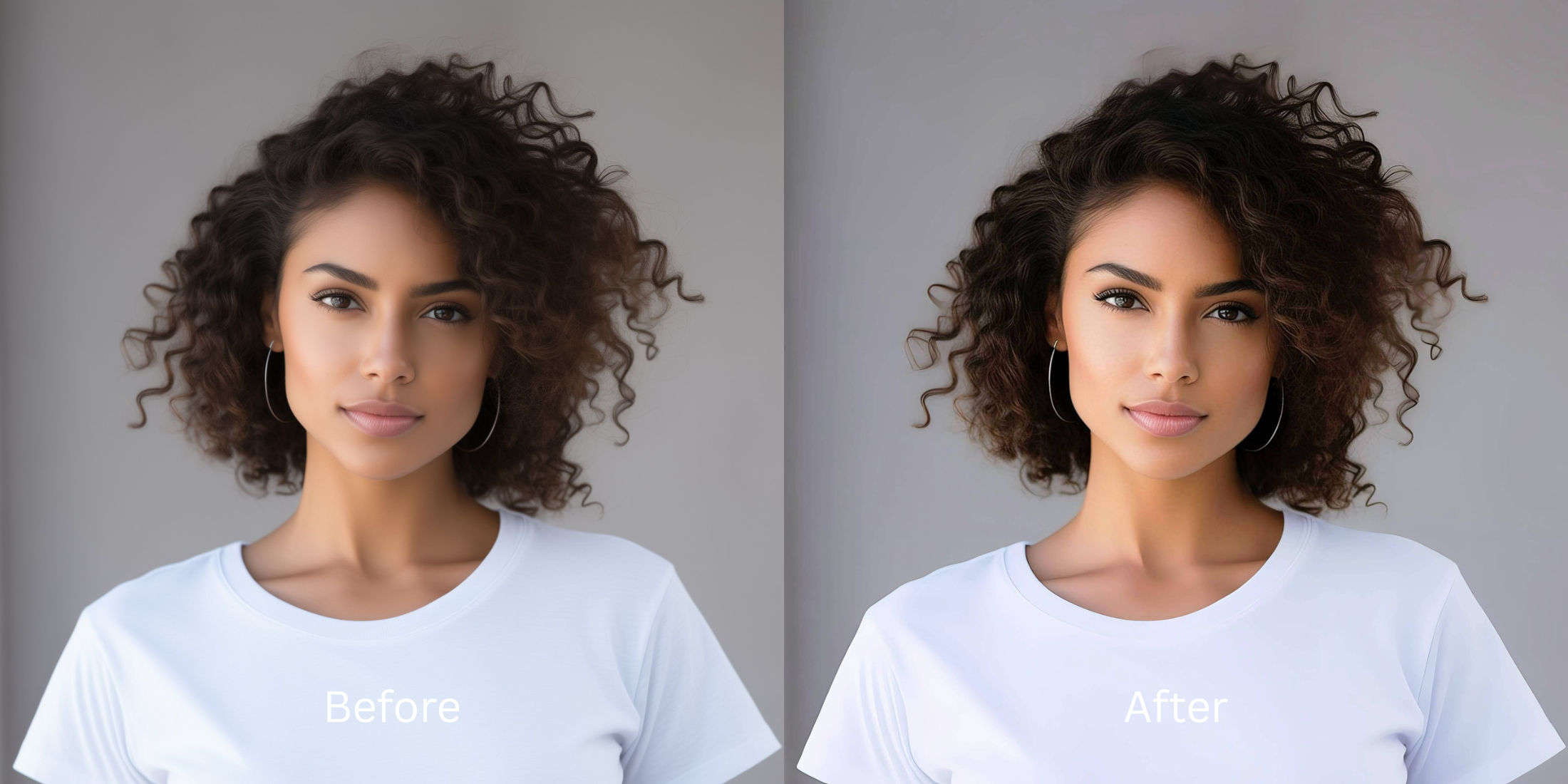

How to Improve an Overexposed Selfie Without Making Skin Look Gray
When a smartphone sensor is overwhelmed by harsh lighting, it aggressively clips highlights, resulting in an overexposed selfie. This blows out natural skin tones, destroying depth and texture. Standard photo editing apps fail at this hurdle; they attempt to cover up the lost data by applying invasive generative filters, painting artificial colors over your face, or using aggressive synthetic adjustments to create a false sense of contrast. This often leaves your skin looking flat, grayish, or unnaturally ashy as the software guesses the missing pigment. To truly solve this, you need a tool that relies on mathematical recovery rather than generative hallucination. Citrus utilizes advanced optical physics to map the original structural density of your photo. Instead of painting fake pixels, it safely decompresses the blown-out light curves, restoring your true skin tone and optical depth without altering your identity. It's time to actually fix washed out selfies using real science.
Restore highlights via structural density mapping. Citrus abandons generative hallucination in favor of optical decompression. By recalculating the light exposure curves mathematically, it brings back your authentic skin tone and dimensionality without introducing grayish undertones or artificial colors.
Understanding the "Ashy Overexposure" Trap
Digital camera sensors struggle with dynamic range in bright environments. When faced with a bright sky or strong sunlight, the sensor sacrifices the subtle midtones of your skin to prevent the entire image from turning pure white. The result is a total loss of color information in the brightest areas, making your face appear washed out and flat. You might find you look worse in photos precisely because the camera failed to capture the nuances of your skin's natural luminance.
- Applies invasive generative filters over highlights
- Uses aggressive synthetic adjustments for contrast
- Hallucinates gray and ashy skin tones
- Destroys natural skin texture completely
- Uses optical decompression to recover highlights
- Applies mathematical recovery for authentic tones
- Preserves true structural density
- Maintains exact mirror-accurate skin coloring
Rather than relying on invasive filters that overwrite your identity, Citrus provides a scientifically grounded approach. It acts as an optical corrective lens, parsing the remaining sensor data to mathematically rebuild what the harsh light stripped away, helping to make flat photos look alive again.
Restore your mirror-accurate look. Recover real highlights with optical physics.
A 5-Step Test: Fixing Overexposed Ashy Skin Naturally
Upload the raw, unedited photo
Always start with the original, unedited photo directly from your camera roll. Applying native smartphone filters or preliminary edits destroys the fragile raw sensor data needed for accurate mathematical recovery of the blown-out highlights.

Let the instant preview map baseline data
Once uploaded, the Citrus rendering engine scans the image. Instead of hallucinating synthetic facial features, it analyzes the structural density of the remaining pixels, mapping out exactly where the light curves need precise optical decompression to restore depth.
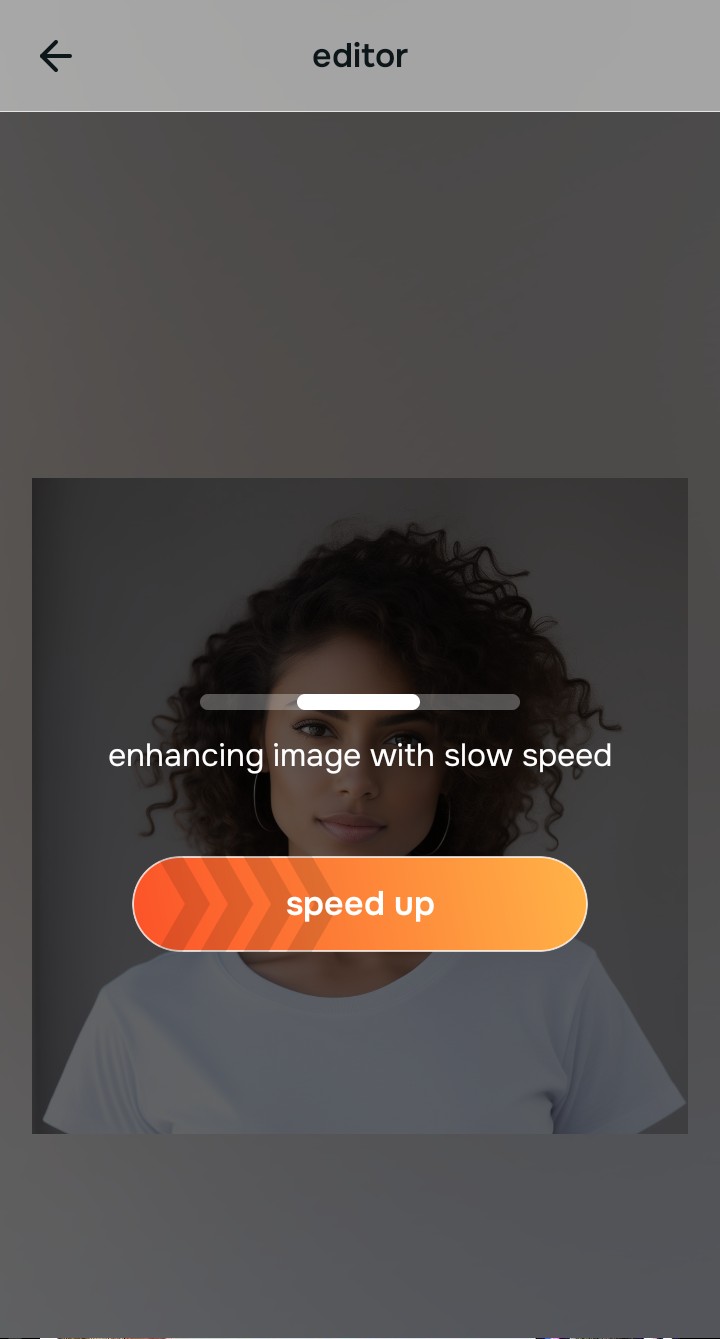
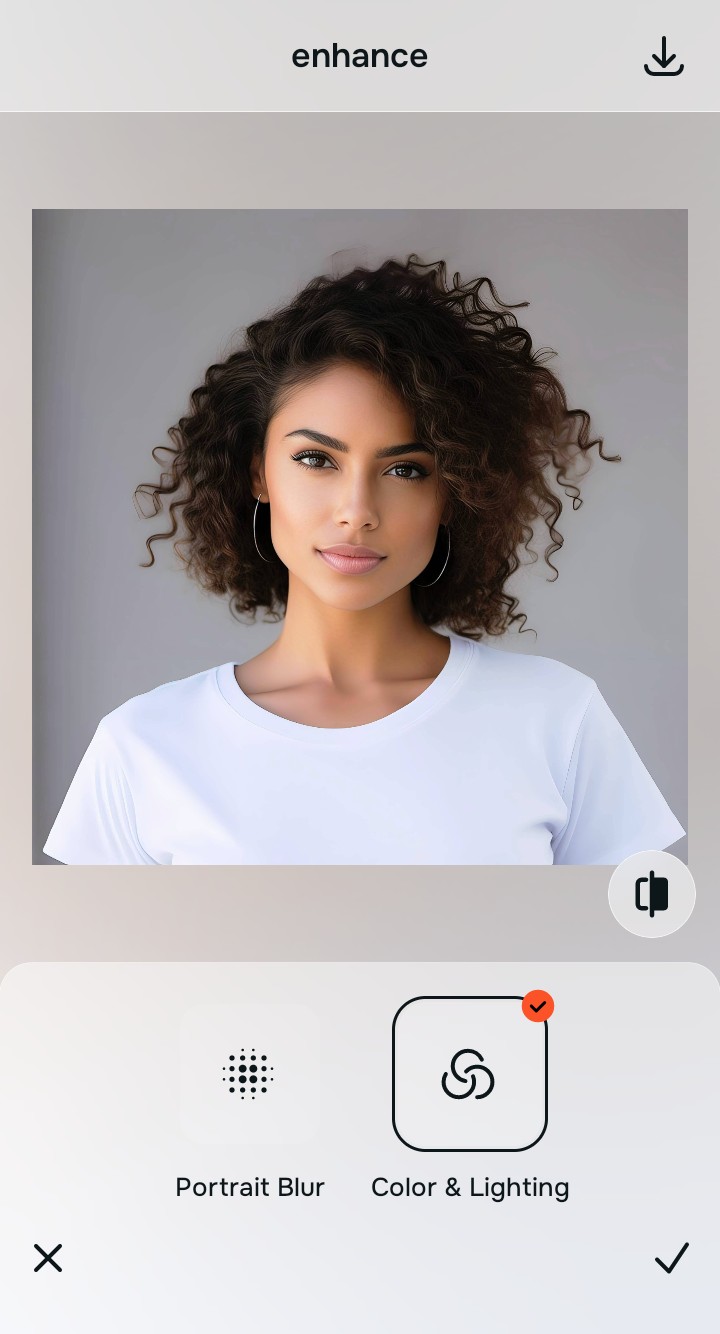
Tap Enhance and choose Colors & Lighting
Before targeting specific facial features, you must reconstruct the global light environment. By navigating to Colors & Lighting, you allow Citrus to balance the overall exposure mathematically, preventing the skin from turning gray when recovering highlights.

Structuring Baseline Density: Adjusting global lighting first ensures that the underlying pixel data is stabilized. This optical baseline is crucial for bringing back the natural warmth of your skin without triggering the ashy, desaturated look common in standard apps.
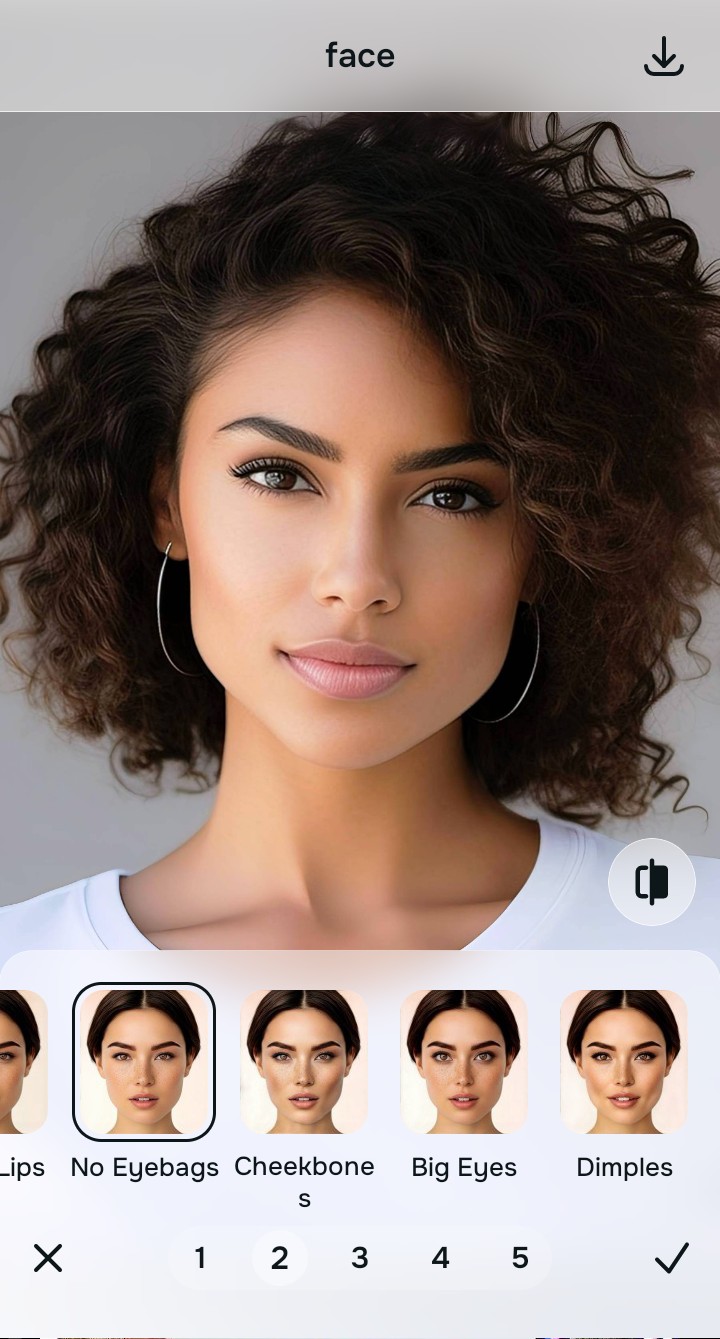
Tap Face and select No Eyebags
Tap on the Looks menu and select the Soft Glow tool. This specific algorithm utilizes optical decompression to gently pull back the harshness of the overexposure. It restores the natural gradient of light across your cheeks and forehead, preserving your real complexion and helping to accurately improve makeup photos that were ruined by bright glare.
Export your authentic, mirror-accurate master file
With your natural skin tones fully recovered and the harsh exposure neutralized, tap save. You now have a mirror-accurate, unwatermarked master file that authentically represents how you looked in real life, free from generative distortion.

Why did your photo fail?
Identify your primary optical hurdle to select the exact automated pathway in Citrus.
Aligning Your Edits with the Citrus Taxonomy
Instead of gambling with generative apps that turn you into a plastic doll, Citrus categorizes enhancement into three distinct, mathematically safe pathways based on preserving real artistry:
| Tool Pathway | Primary Flaw Remediated | Automated Fix Strategy |
|---|---|---|
| Enhance Overall Photo | Global sensor washout from extreme environmental lighting. | Rebuilds foundational contrast and exposure using structural density mapping. |
| Looks | Skin appears ashy, gray, or completely devoid of natural pigment. | Employs optical decompression to mathematically recover skin warmth. |
| Face | Facial topography is completely flattened by a direct flash or sun. | Restores micro-contrast and depth without resorting to aggressive synthetic adjustments. |
“We don't paint fake pixels over your face; we use mathematical recovery to fix the camera's failure, restoring the authentic you.”
Why Physical Recovery Beats Fake Filters
When traditional editing applications encounter an overexposed image, their algorithms panic. Lacking the actual color data, these generative AI tools begin hallucinating synthetic pixels. They apply invasive generative filters to guess your skin tone, or use aggressive synthetic adjustments to artificially recreate shadows that never existed. This destructive process is exactly what turns your skin into a plastic, grayish mess, as the software blindly replaces your unique complexion with a generic, synthetic overlay.
Citrus rejects this synthetic approach entirely. Instead of guessing, it relies on strict optical physics and mathematical recovery. By analyzing the surviving structural density at the pixel level, Citrus safely executes an optical decompression of the blown highlights. This scientific method recalculates the original light values, seamlessly drawing out your natural skin tones and preserving your mirror-accurate appearance without ever writing fake data onto your portrait.