


October 3, 2026
How to Fix Blown Highlights on Forehead, Cheeks, and White Clothing
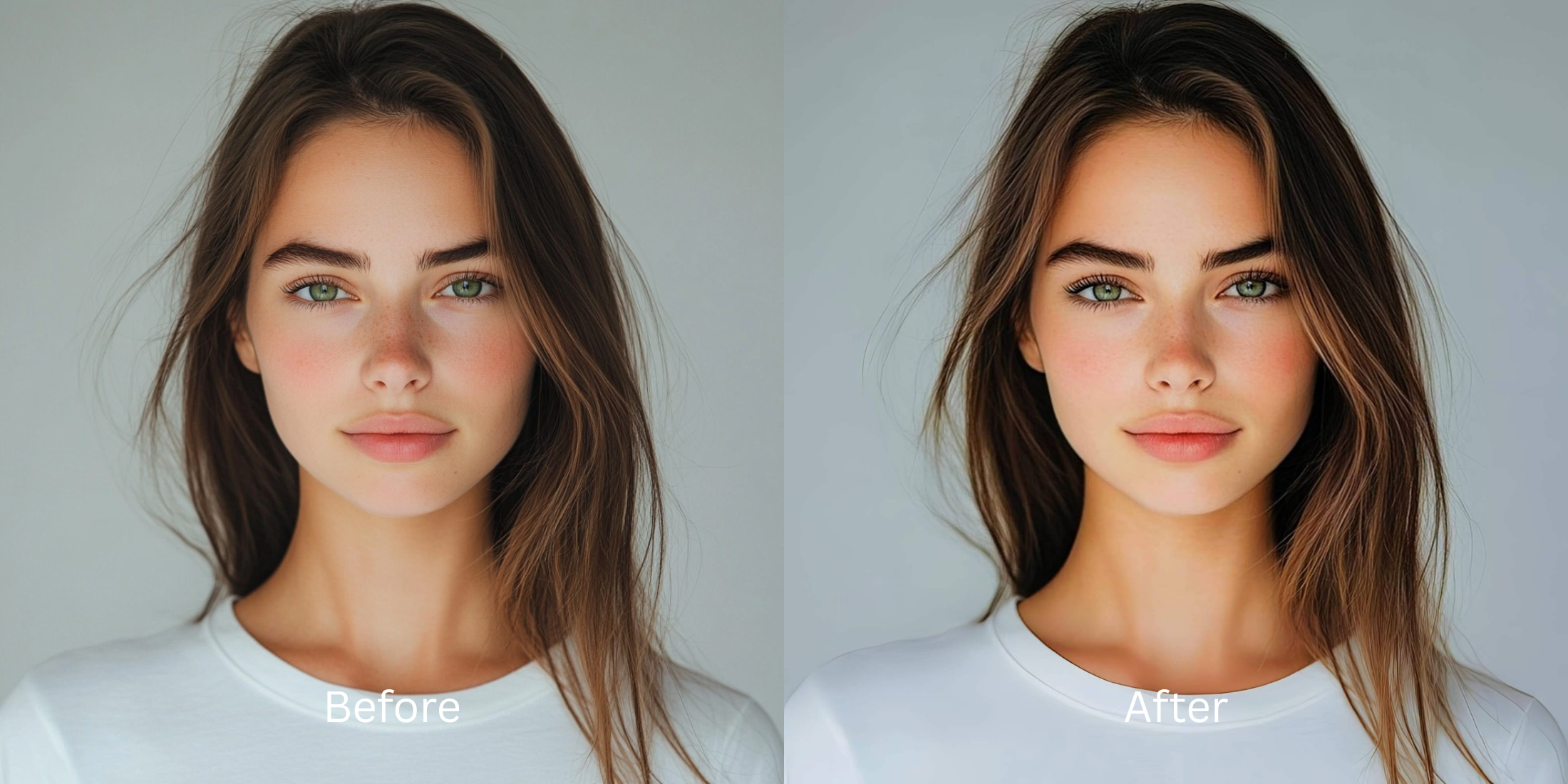

How to Fix Blown Highlights on Forehead, Cheeks, and White Clothing
Have you ever taken a photo in bright sunlight or with a harsh flash, only to find a glaring white patch on your forehead, cheeks, or shirt? This phenomenon, known as blown highlights, occurs when the camera sensor is flooded with too much light, causing it to clip the exposure data. Instead of capturing the subtle gradients of your skin or the fabric's weave, it records pure white pixels. Standard editing apps try to mask this by pasting fake digital textures over the bright spots, resulting in an artificial, patchy look that ruins the photo's authenticity. Citrus takes a different approach. Using sophisticated mathematical recovery and optical physics, it analyzes the surrounding structural density to naturally restore the lost tonal values, recovering the exact contours of your face without hallucinatory guesswork.
Use mathematical exposure recovery instead of fake generative textures. When you encounter blown highlights, standard filters just paint over the clipped data. Citrus acts as a digital polarizer, using optical decompression to retrieve the original tonal gradients hidden in the surrounding pixels, seamlessly restoring the texture of your skin and clothing.
Understanding the "The Washed-Out Sensor Clip" Trap
Mobile camera sensors possess a limited dynamic range. When faced with high-contrast scenes—like direct sunlight hitting a white shirt or a greasy forehead—the sensor struggles to balance the exposure. It sacrifices the brightest areas, clipping the data to pure white (255 on the RGB scale). This means the actual textural information is lost to the camera, leaving behind a flat, featureless void that flattens your features and ruins the photograph's depth. If you want to fix washed out selfies, you can't just darken the bright spots.
- Pasting fake skin texture over bright areas
- Darkening highlights into a muddy gray
- Altering your original skin tone entirely
- Blurring the edges of clothing into the background
- Mathematical recovery of adjacent structural data
- Optical decompression of clipped sensor values
- Preserving absolute color fidelity and white balance
- Restoring micro-contrast to fabric weaves safely
If you frequently wonder why I look worse in harsh lighting, the answer is this sensor clipping. Instead of layering heavy edits that compound the problem, the solution requires a structural approach that maps the lost luminance values and integrates them perfectly into the existing pixel architecture.
Restore your mirror-accurate look. Recover blown highlights with precision.
A 5-Step Test: Fixing Blown Highlights Naturally
Upload the raw, unedited photo
For the best results, always upload the untouched original photo. Standard gallery edits or pre-applied filters compress the image and destroy the latent sensor data needed for accurate mathematical recovery of your highlights.
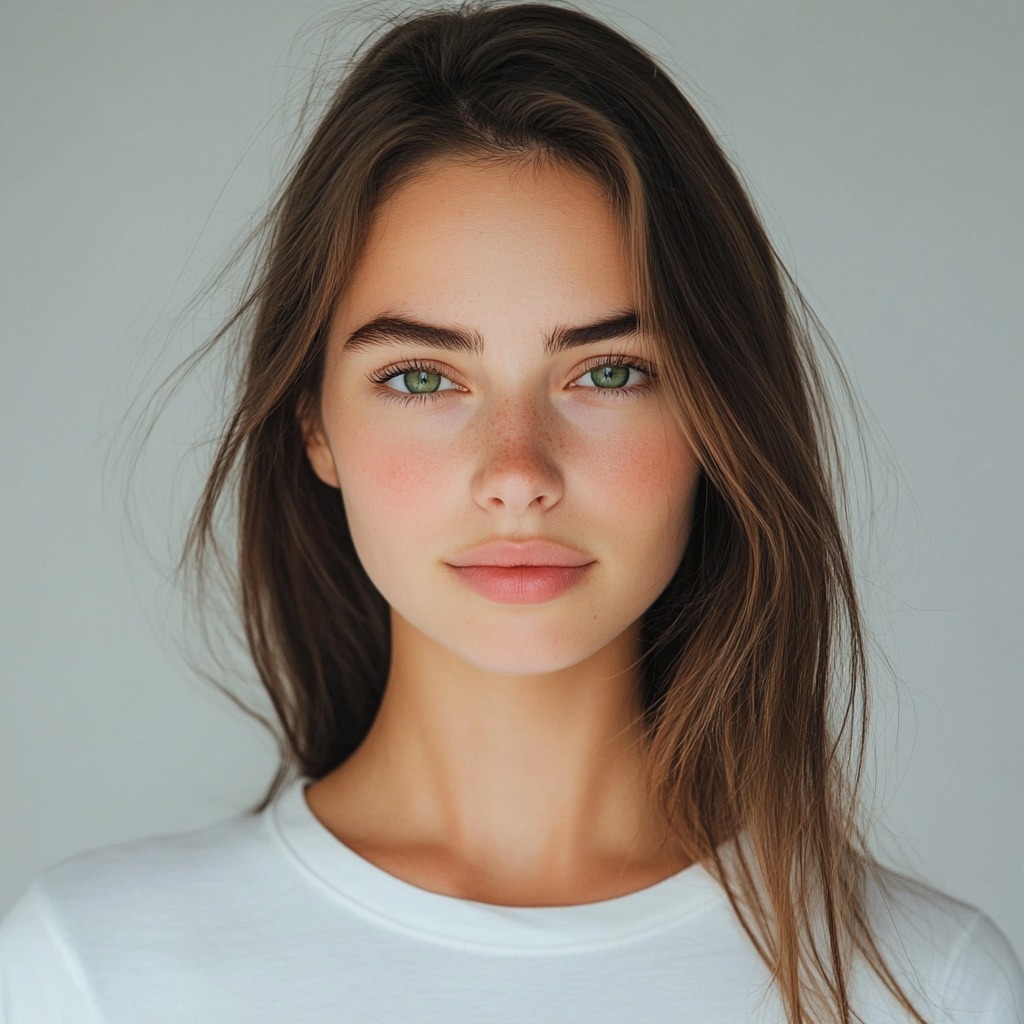
Let the instant preview map baseline data
The moment you load your photo, Citrus evaluates the structural density and luminance values. It maps the clipping thresholds across your forehead, cheeks, and clothing, calculating exactly how much detail needs optical decompression without introducing artifacts.

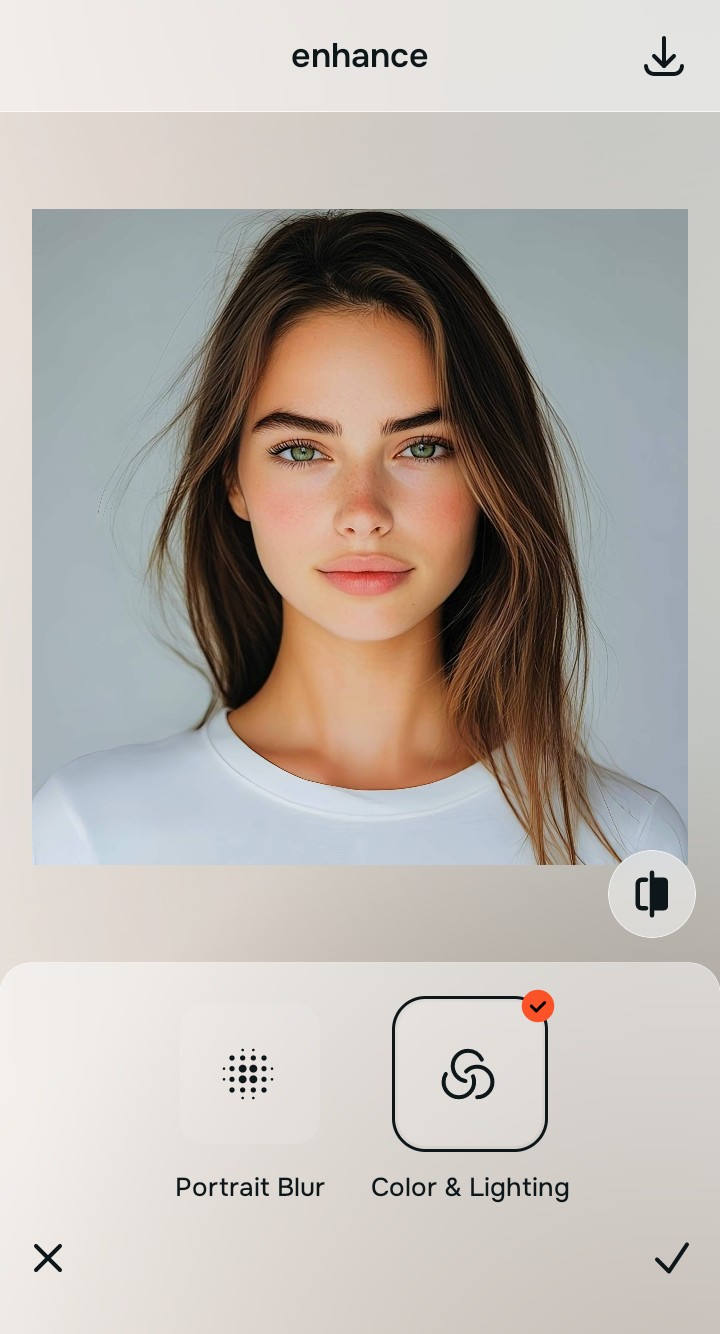
Tap Enhance and choose Colors & Lighting
Before adjusting specific features, the baseline exposure must be calibrated. The Colors & Lighting engine balances the overall global density layers. It neutralizes harsh contrast, allowing the hidden gradients within the white clothing and skin to naturally surface.

Baseline contrast dictates recovery. By prioritizing the global density equilibrium, Citrus ensures that highlight restoration doesn't accidentally darken shadows or shift the midtones, maintaining total color consistency.
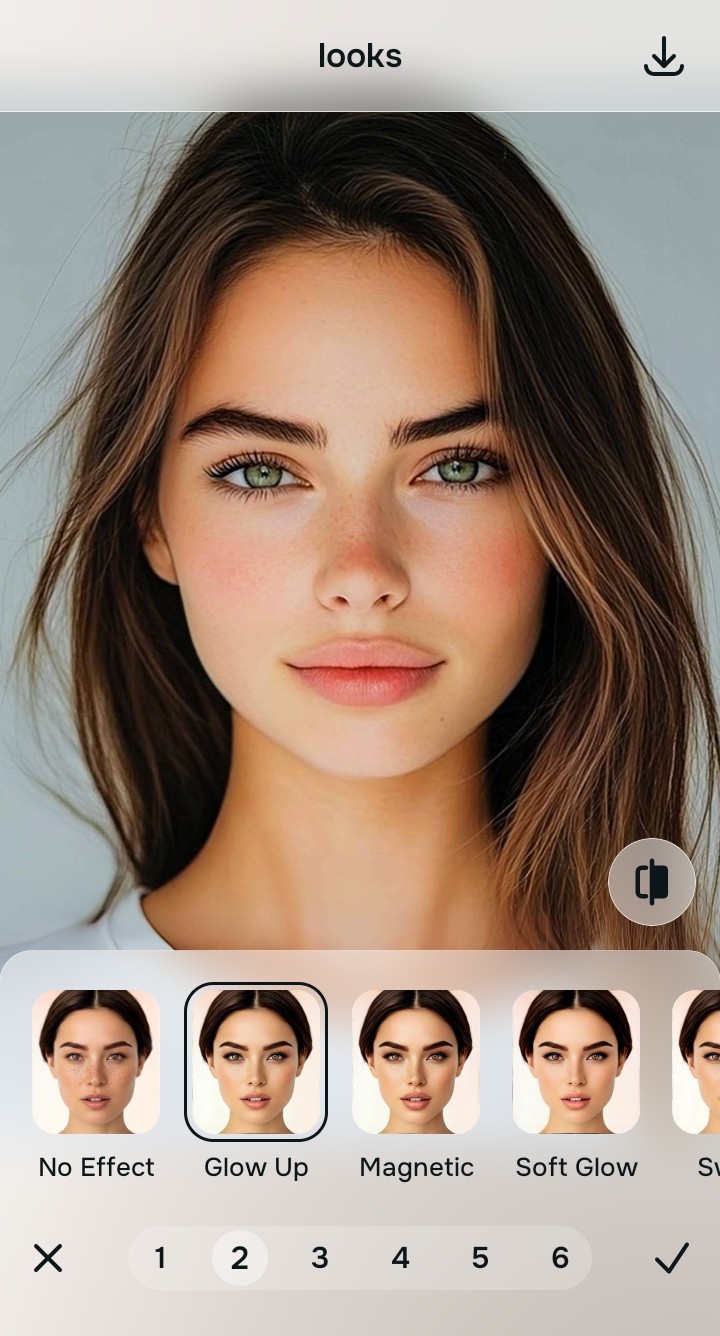
Tap Looks and select Glow Up
Navigate to the 'Looks' section and select the 'Glow Up' or 'Soft Glow' tool. Instead of painting a fake layer of skin, this tool applies mathematical recovery algorithms to pull detail back into the clipped white patches on your forehead and shirt. This is how you make flat photos alive again, restoring the three-dimensional volume to your cheeks and the texture to your white clothing.
Export your authentic, mirror-accurate master file
Once the highlights are mathematically balanced, export your file. You now have a high-fidelity master copy that looks exactly as your eyes saw the scene, free of any blown-out patches or artificial textures.
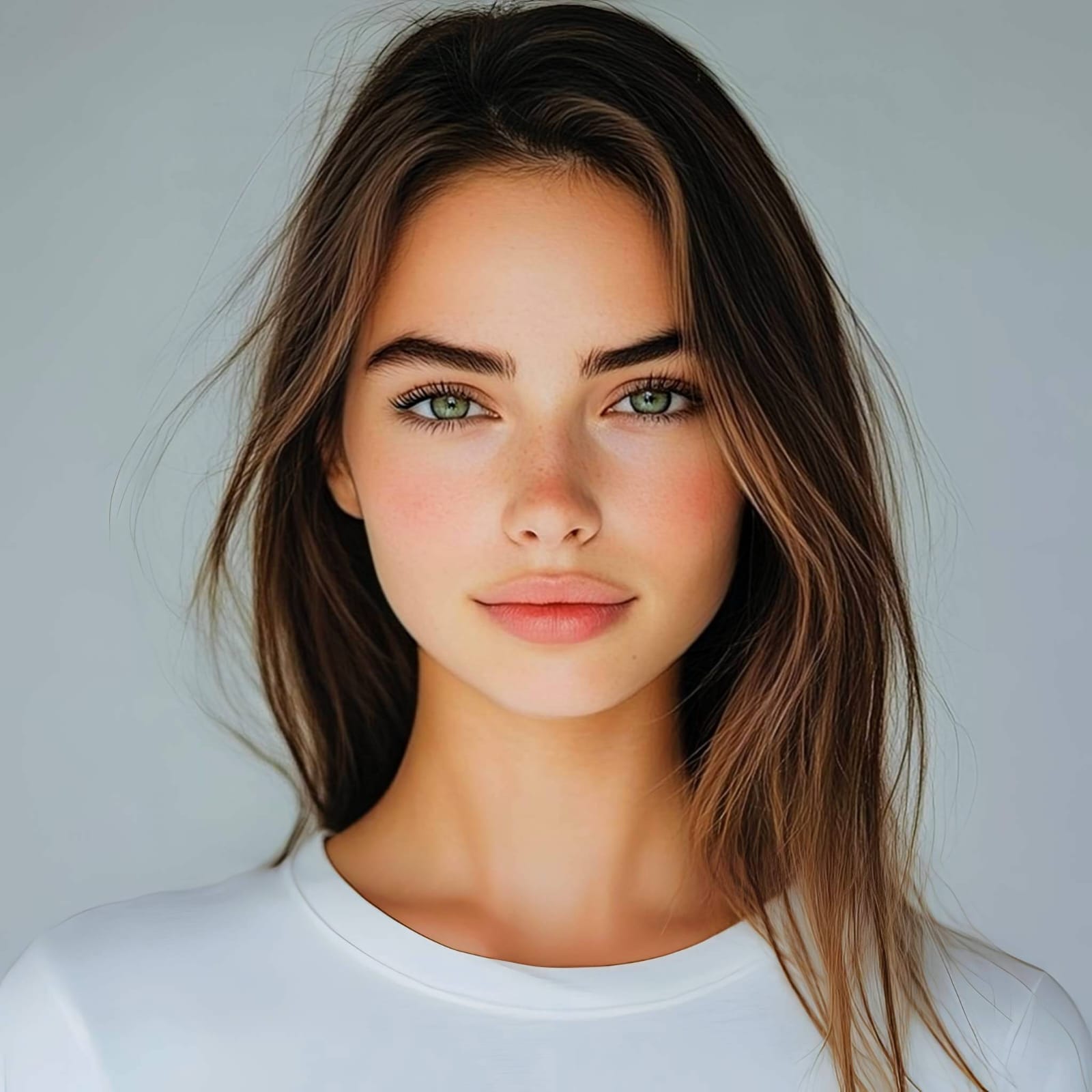
Why did your photo fail?
Identify your primary optical hurdle to select the exact automated pathway in Citrus.
Aligning Your Edits with the Citrus Taxonomy
Instead of gambling with generative apps that turn you into a plastic doll, Citrus categorizes enhancement into three distinct, mathematically safe pathways based on preserving real artistry:
| Tool Pathway | Primary Flaw Remediated | Automated Fix Strategy |
|---|---|---|
| Enhance Overall Photo | Global overexposure destroying depth across the whole image. | Re-structures global density layers and decompresses clipped luminance data. |
| Looks | Harsh localized highlights on clothing or specific facial planes. | Applies targeted mathematical recovery to restore gradients in white patches. |
| Face | Specular clipping on the forehead or cheeks due to flash or oil. | Diffuses specular reflections by mapping adjacent structural skin density. |
“True highlight recovery isn't about darkening bright spots; it's about mathematically decompressing the lost structural data to reveal the texture that was always there.”
Why Physical Recovery Beats Fake Filters
Generative AI tools and traditional editing apps often fail disastrously when attempting to fix blown highlights. Because the camera sensor recorded zero detail in those clipped white areas, these apps resort to guessing. They synthesize fake textures, smear adjacent pixels, or simply paint a gray layer over the bright spot. If you are trying to improve makeup photos, this generative guessing game destroys your actual look, leaving you with patchy, artificial skin and flat, featureless clothing that looks painted on.
Citrus fundamentally rejects this hallucinatory approach. By leveraging advanced optical physics and non-generative mathematical recovery, it analyzes the surviving structural density at the very edge of the blown-out areas. It then calculates the natural gradient trajectory to decompress the clipped values. This process restores the authentic micro-contrast of your white clothing and the natural volume of your cheeks and forehead, guaranteeing a mirror-accurate representation that stays true to the real you.