


October 10, 2026
How to Enhance a Casual Creator Headshot Without Making It Look Like an AI Headshot
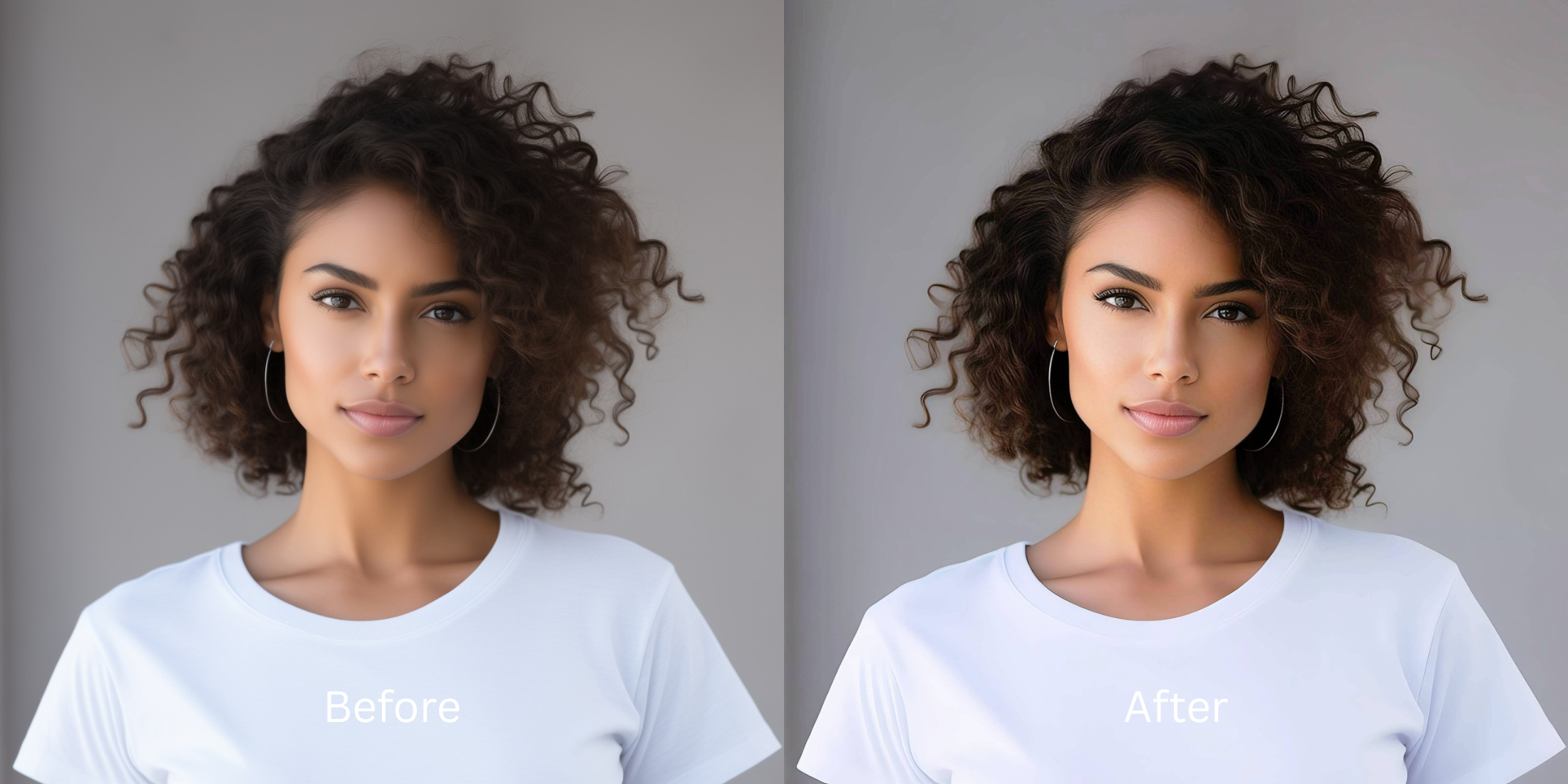

How to Enhance a Casual Creator Headshot Without Making It Look Like an AI Headshot
As a creator, your headshot represents your brand. A casual smartphone shot should feel authentic, but sensor washout and focal distortion often compress your natural geometry, making the image feel flat and sterile. Traditional editing tools and generative filters rely on hallucinatory pixel replacement, plastering on unnatural textures that make your genuine portrait look like an artificial rendering. The solution isn't to artificially alter your features, but to engage in mathematical recovery. Citrus utilizes optical physics to accurately read your initial image data. It reconstructs authentic depth and structural density, maintaining your true features and ensuring you can fix washed out selfies without looking like a synthetic avatar.
Mathematical data recovery, not generative manipulation. To avoid the artificial AI look, Citrus relies on optical physics to decode structural baseline data, naturally rebalancing depth, contrast, and color mapping. This preserves your organic skin texture and unique geometry without overlaying synthetic elements.
Understanding the "The Artificial Avatar" Trap
Smartphones struggle to process nuanced lighting, often flattening volumetric shadows into a lifeless single plane. The digital signal processing (DSP) over-compensates for poor lighting, leading to aggressive noise reduction that strips away authentic skin texture. This overprocessing results in a rigid, synthetic appearance that completely erases the organic warmth of a true headshot.
- Overlay synthetic pores and plastic skin textures
- Warp structural geometry beyond human proportions
- Desaturate unique pigmentation for uniform tones
- Hallucinate non-existent features with generative AI
- Restores volume through structural density mapping
- Recalibrates contrast using accurate optical physics
- Preserves organic textures instead of blurring them
- Employs mathematical recovery to maintain real geometry
For creators who hate how filters look, restoring your genuine presence requires a tool that respects your original data. By focusing on light and shadow calibration, your casual headshot regains its professional, yet authentic, appeal.
Restore your mirror-accurate look. Bypass hallucinatory AI edits and mathematically restore your authentic creator headshot.
A 5-Step Test: Fixing the Synthetic Aesthetic Naturally
Upload the raw, unedited photo
Always begin with your raw, unedited camera file. Bypassing previous edits ensures Citrus receives the highest quality sensor data, preventing the amplification of destructive compression artifacts.
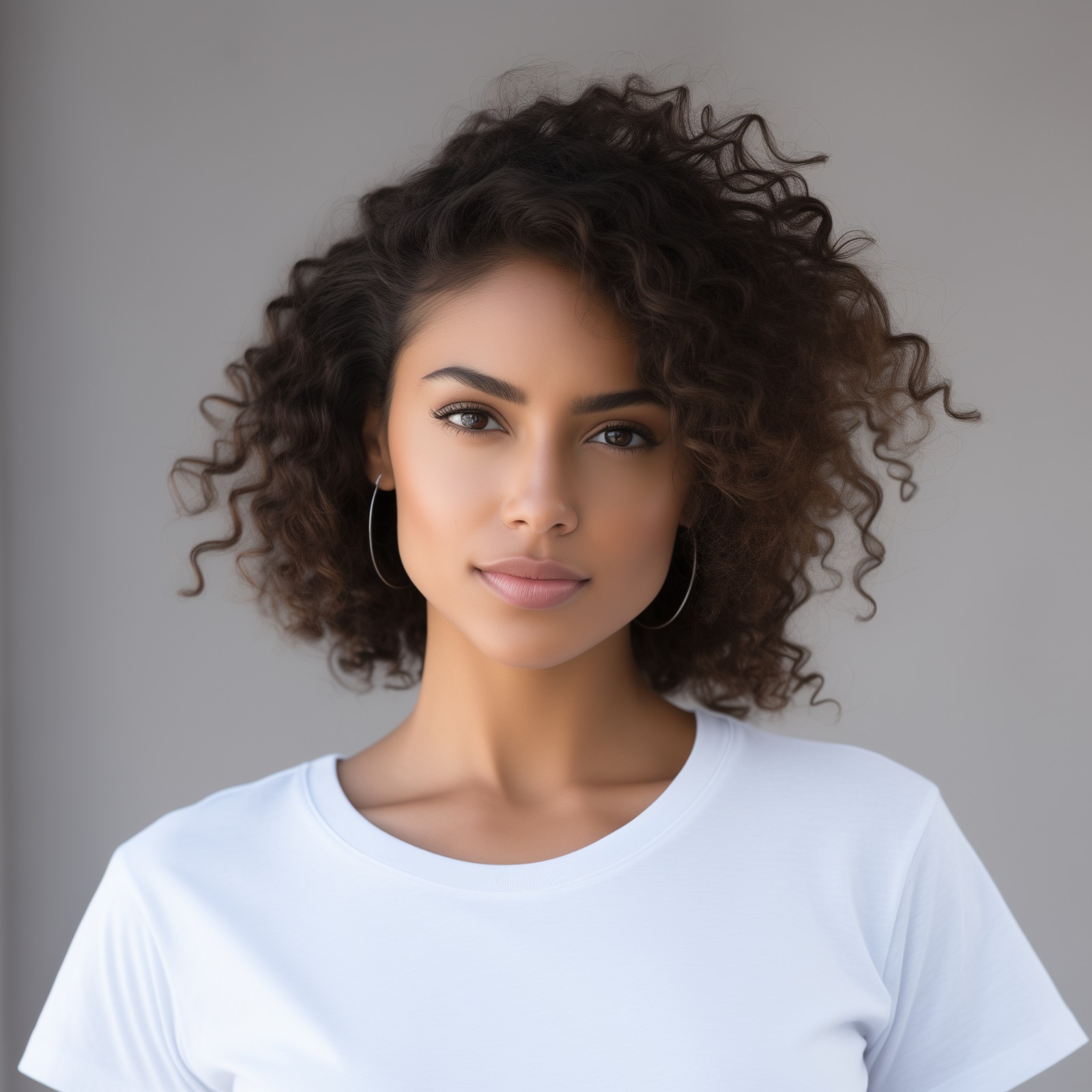
Let the instant preview map baseline data
Citrus initiates a non-destructive scan of your image, mapping structural density instead of hallucinating replacement pixels. This maps out your authentic facial geometry for accurate, physics-based recalibration.
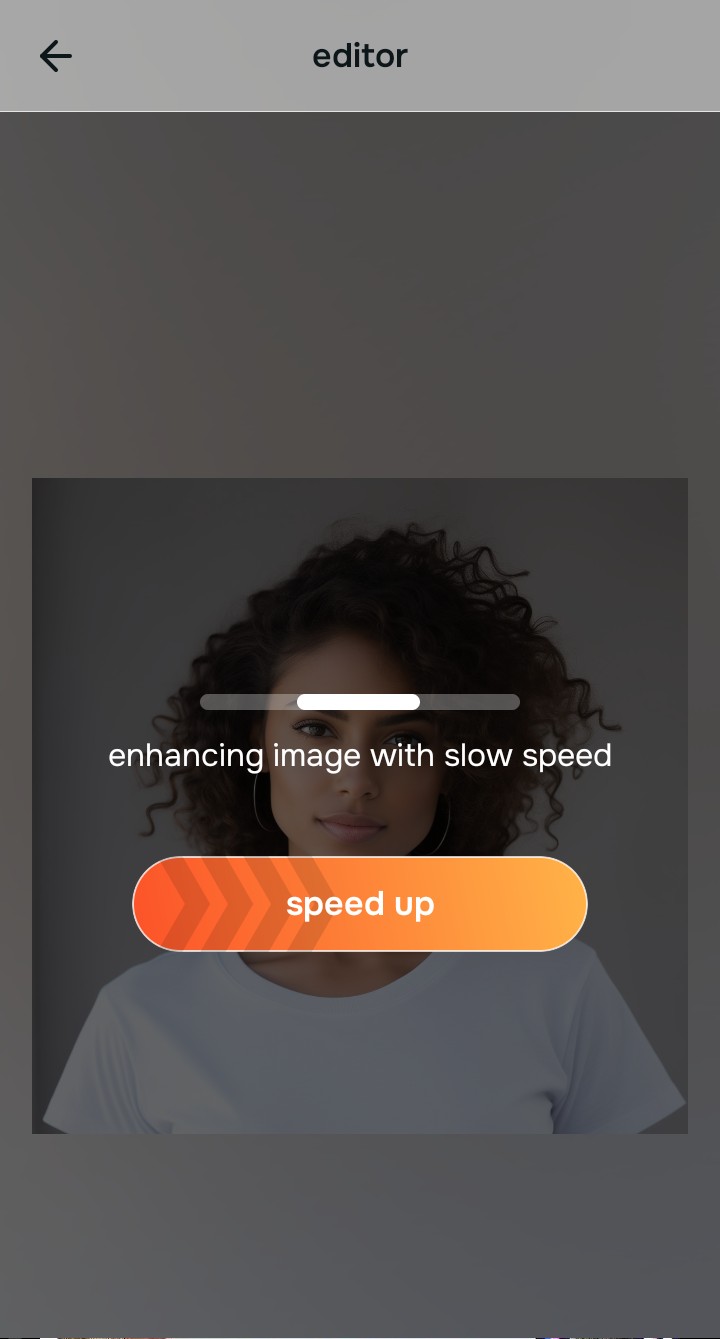
Tap Enhance and choose Colors & Lighting
Proper color mapping is crucial. Before addressing specific features, correcting the baseline contrast ensures you fix yellow indoor lighting without skewing natural skin tones or creating an uncanny valley effect.

Balance is key. Structuring baseline density through accurate lighting adjustments prevents subsequent tools from over-processing delicate facial features.
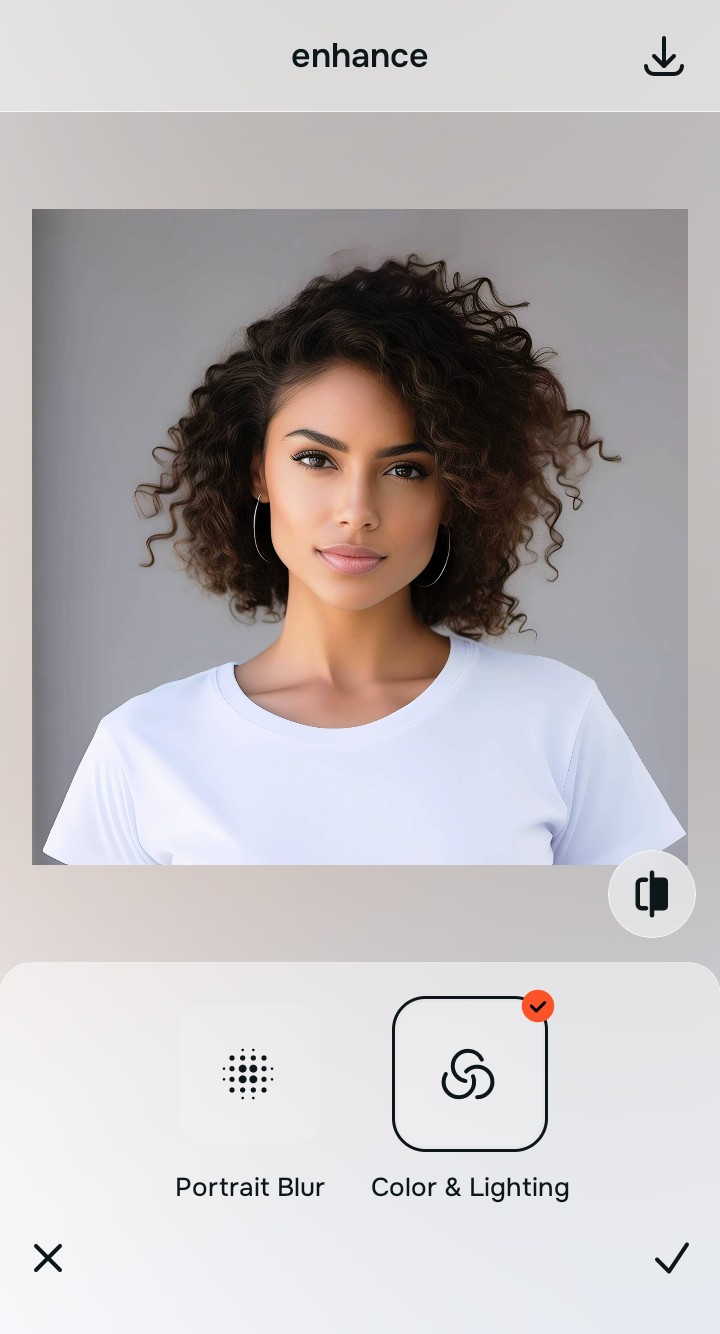
Tap Face and select No Eyebags
Under the Face menu, utilize structural remapping tools to gently make flat photos look alive. Adjustments should subtly redefine depth maps, restoring the optical decompression caused by your smartphone lens without synthetic alteration.
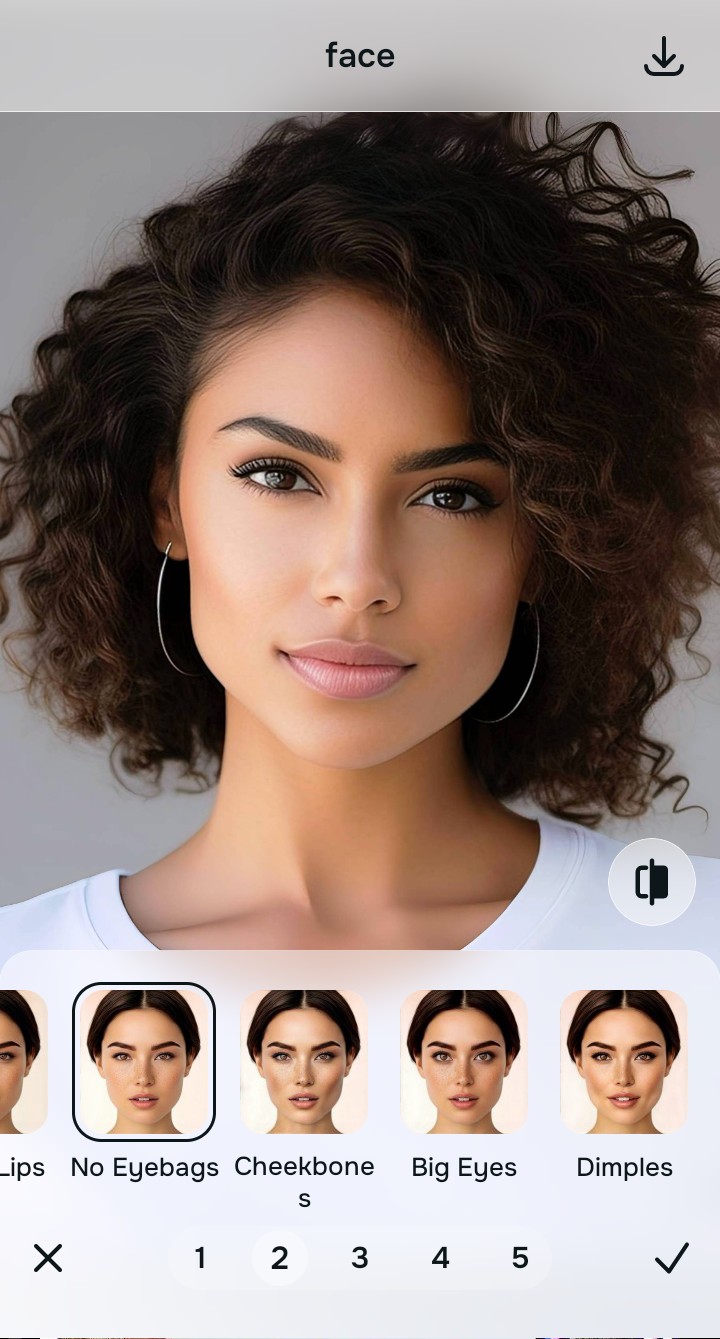
Export your authentic, mirror-accurate master file
Once the mathematical recovery is complete, export your high-fidelity, unwatermarked master file. Your headshot will look polished, professional, and entirely human.
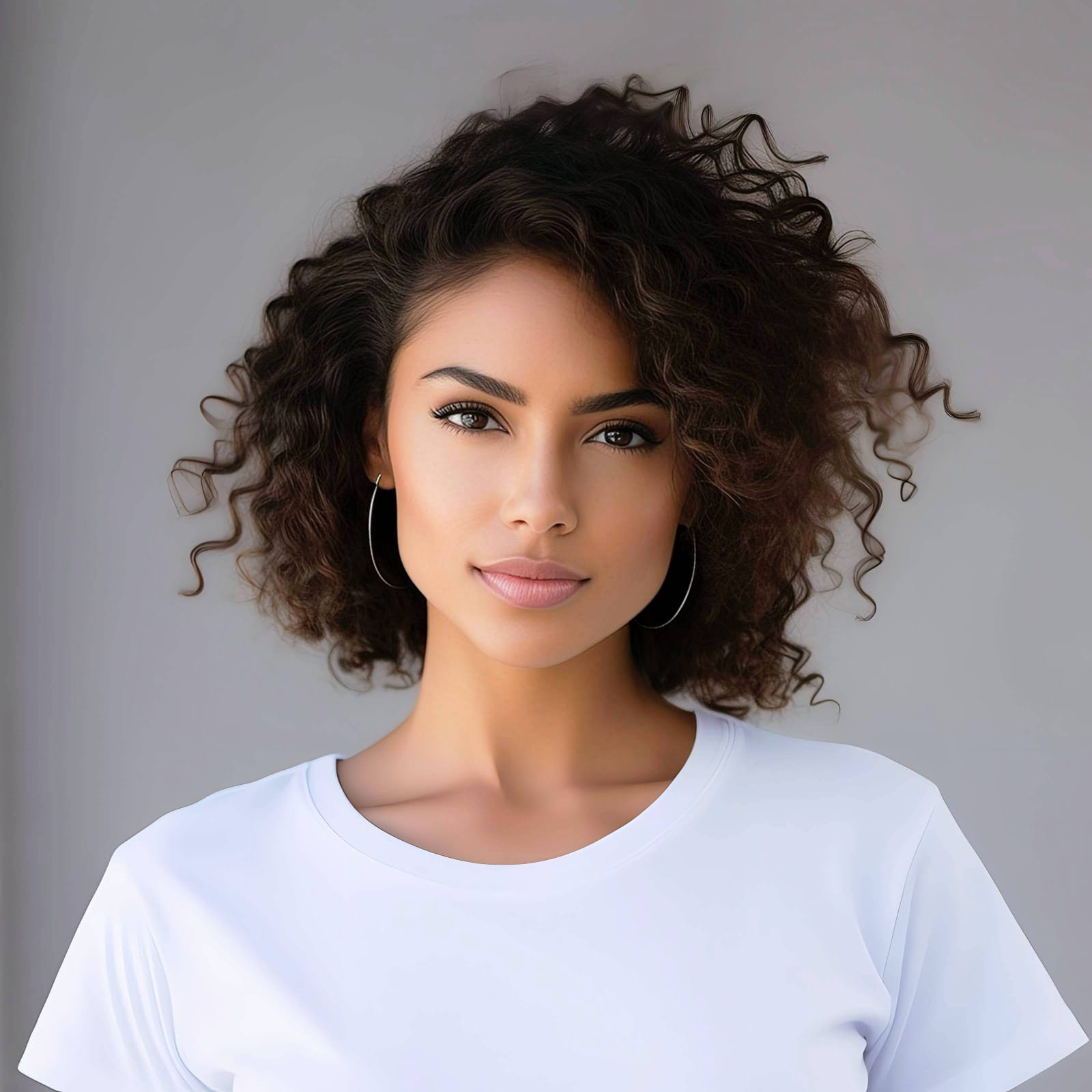
Why did your photo fail?
Identify your primary optical hurdle to select the exact automated pathway in Citrus.
Aligning Your Edits with the Citrus Taxonomy
Instead of gambling with generative apps that turn you into a plastic doll, Citrus categorizes enhancement into three distinct, mathematically safe pathways based on preserving real artistry:
| Tool Pathway | Primary Flaw Remediated | Automated Fix Strategy |
|---|---|---|
| Enhance Overall Photo | Loss of structural depth due to algorithmic noise reduction. | Reconstructs baseline contrast and lighting through optical physics. |
| Looks | Unnatural chromatic shifts from harsh sensor processing. | Mathematically recalibrates color balance to restore authentic warmth. |
| Face | Geometric flattening caused by smartphone lens distortion. | Corrects optical compression to map true facial proportions naturally. |
“True enhancement isn't about teaching an AI to imagine a better you; it's about giving your photo the mathematical instructions to remember what you actually look like.”
Why Physical Recovery Beats Fake Filters
Generative AI tools ruin creator headshots because they fundamentally misunderstand photography. When faced with missing data from poor lighting, these systems guess. They hallucinate synthetic skin textures, graft on uniform lighting patterns, and stretch proportions based on an arbitrary average. The result is a plastic, lifeless avatar that betrays the authenticity necessary for building trust with your audience.
Citrus approaches the problem through physical recovery rather than digital fabrication. By applying the laws of optical physics, Citrus analyzes the remaining sensor data to mathematically reconstruct missing shadows and highlights. This optical decompression restores your true three-dimensional geometry and organic textures, ensuring your casual headshot remains a genuine, mirror-accurate representation of your personal brand.