


July 9, 2026
Hinge Photo Looks Awkward? How to Fix It in One Tap

Hinge Photo Looks Awkward? How to Fix It in One Tap
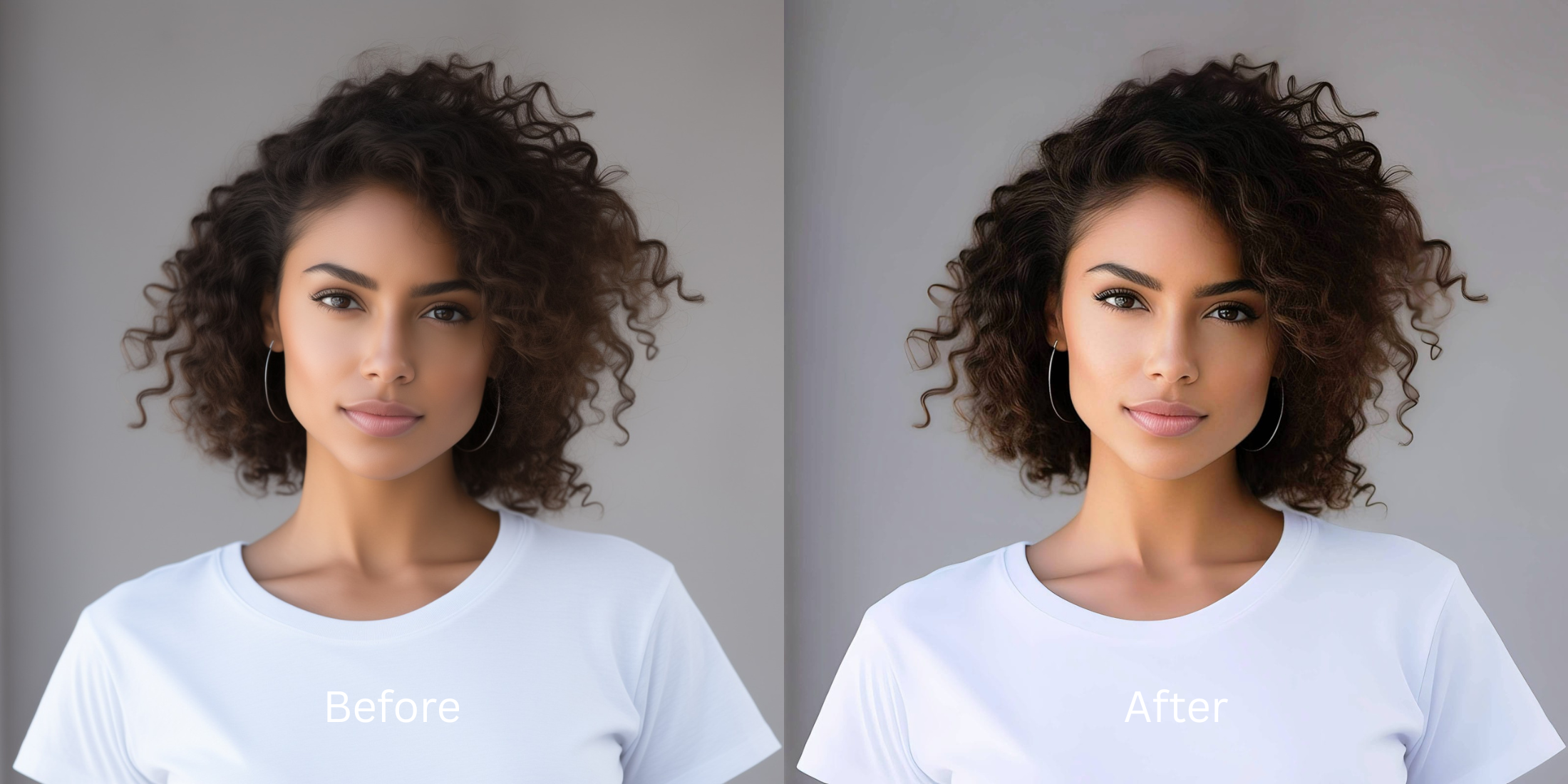
We have all experienced it: you upload what you thought was a great photo to Hinge, but something feels completely off. You look stiff, uncomfortable, or caught off guard—the dreaded "deer in headlights" look. This awkwardness is almost always caused by harsh, flat smartphone lighting that highlights facial tension and washes out your natural charisma. When a dating app photo looks awkward, it immediately triggers left swipes. Worse, if you try to "fix" that awkwardness using apps to generate a fake AI smile or manually warp your face, you cross into dangerous catfish territory. To genuinely cure an awkward photo without looking fake, you must reconstruct the lighting natively to project effortless confidence.
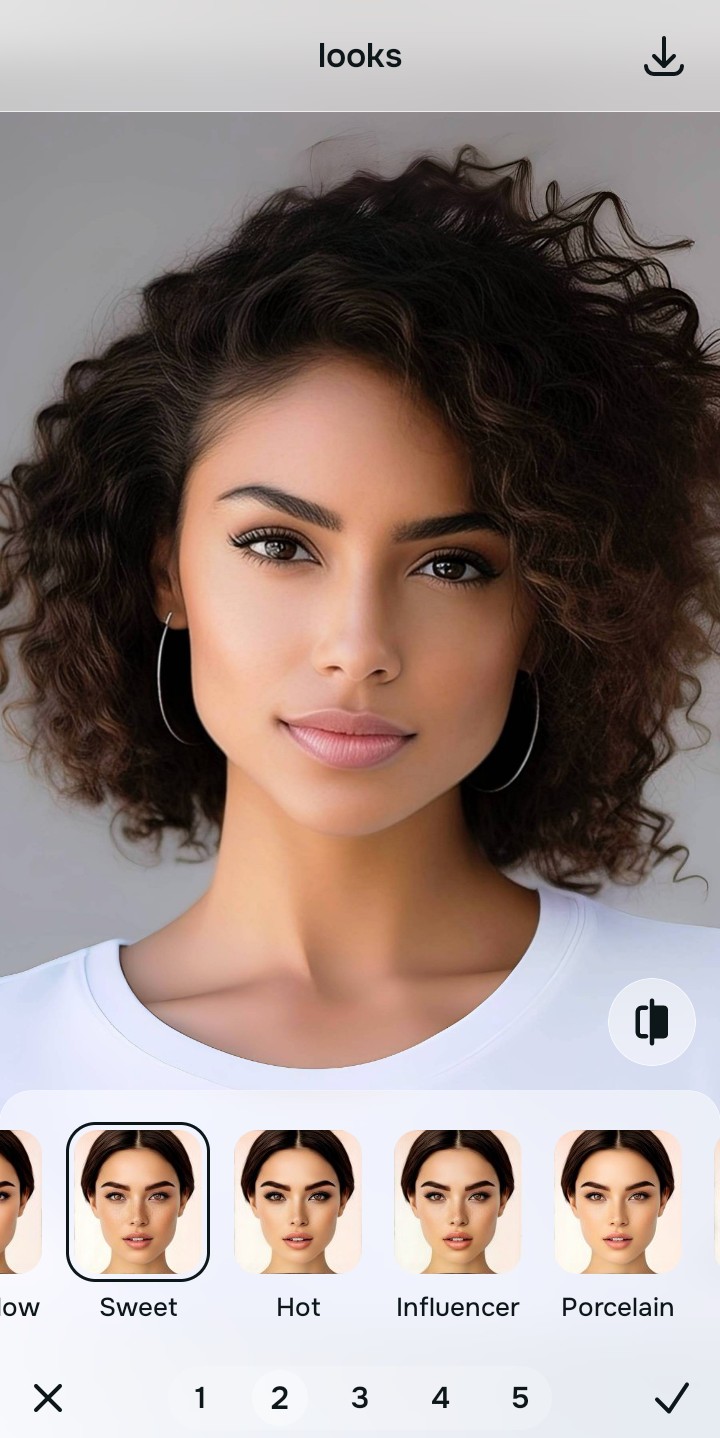
To fix a stiff, awkward Hinge photo without using fake AI smiles, prioritize light balancing to relax your expression. Open your tense selfie inside Citrus. First, tap Enhance → Colors & Lighting to mathematically strip away the harsh, flat glare that is causing the "deer in headlights" effect. Next, navigate to Looks → Sweet and pick a clean Level 1–5 configuration. This injects a relaxed, confident, and charismatic aura naturally, turning an awkward pose into an effortless, attractive portrait.
Why fake smiles and manual editing make awkward photos worse
The core issue with trying to rescue an awkward photo using apps like FaceApp or Facetune is their reliance on artificial manipulation. Pasting a generative AI smile over a stiff face does not make you look approachable; it makes you look like a terrifying robot. Furthermore, if you use manual liquify tools to try and relax your jawline, you inevitably bend the background, screaming "insecurity" to potential dates. Escaping this low-quality trap requires finding a way to fix awkward stiff selfies natively by shifting the actual lighting environment.
- Replacing your tense expression with a highly synthetic, creepy AI smile using FaceApp
- Exposing your edit instantly by warping background walls with manual liquify tools to fix a stiff pose
- Washing out your natural skin tones entirely by over-smoothing your face into flat plastic via Facetune
- Making the photo look incredibly desperate and heavily processed to potential Hinge matches
- Accessing powerful, high-resolution light processing workflows natively given for free
- Using mathematically calibrated Level 1–5 taps instead of creepy, artificial generative smiles
- Rebuilding vibrant, relaxed facial radiance natively without altering your true identity
- Processing awkward dating portraits into confident pictures safely in under 10 seconds
When your content asset looks obviously degraded by a fake smile or over-smoothed by AI, your digital feed loses all trust instantly. Shifting to an advanced method to secure the best hinge photo tips natively ensures your features stay crisp, confident, and completely authentic.
Optimize portrait light fields instantly. A structured level choice keeps your genuine, human charisma completely intact.
How to automate an effortless, confident portrait natively in 5 steps
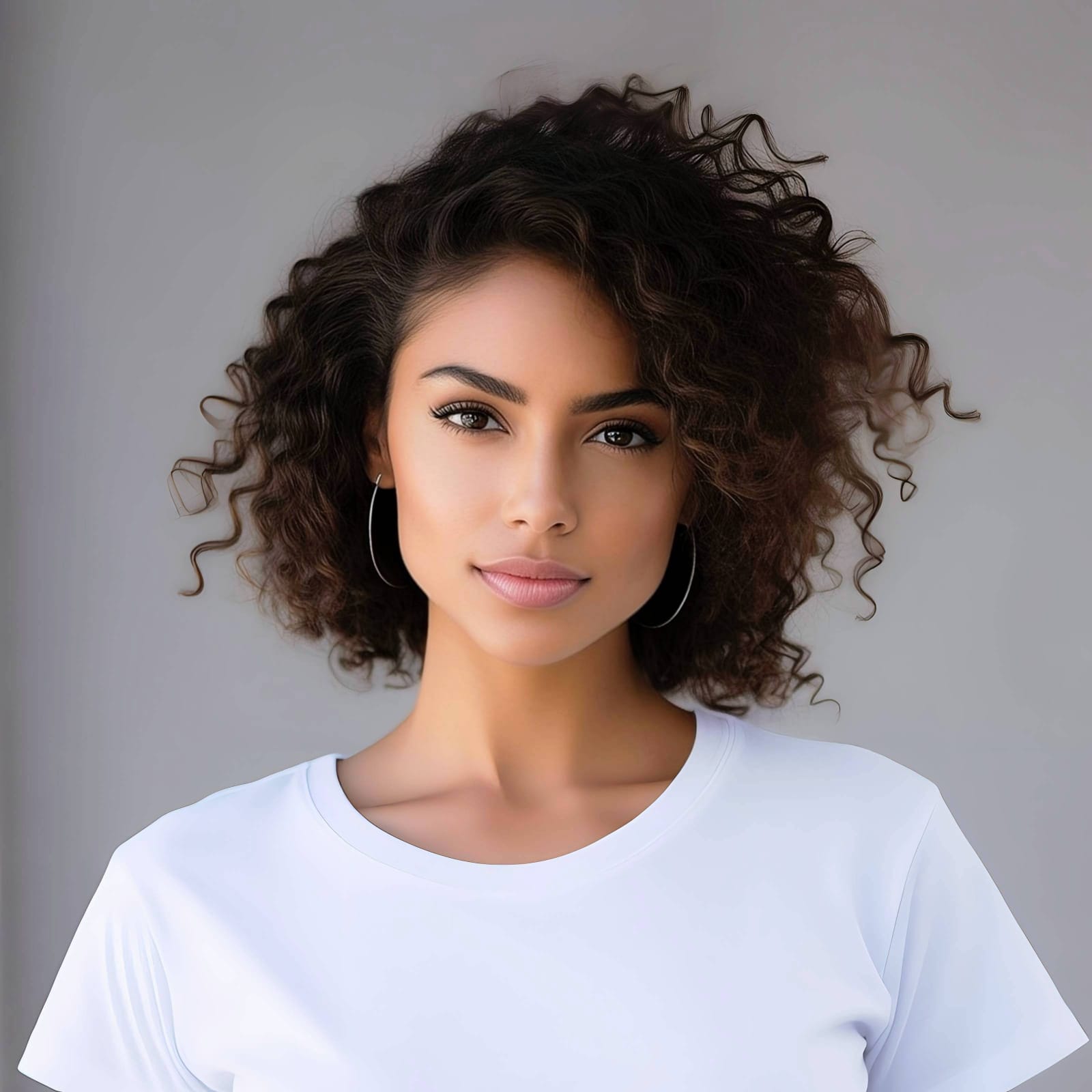
Upload the stiff selfie flattened by harsh lighting
Open your file rollout and choose the raw picture where you look tense or caught off guard. Guaranteeing your dating app photo looks real starts by managing this exposure baseline correctly without deleting pixels.
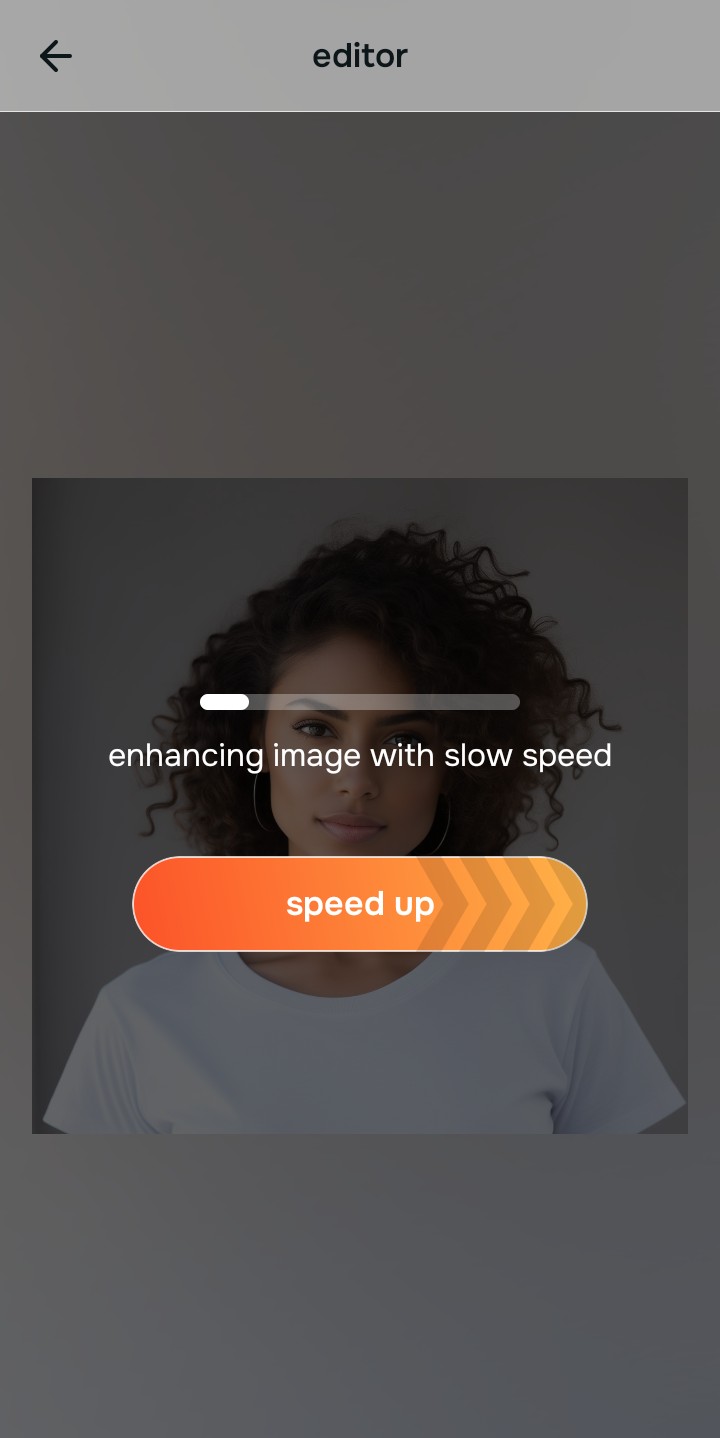
Let the real-time preview map the true contrast
Citrus initializes its tracking grid instantly without forcing you through paywalled credit card registrations. This presents an active preview window so you can safely examine how the engine handles harsh shadow regions before processing.
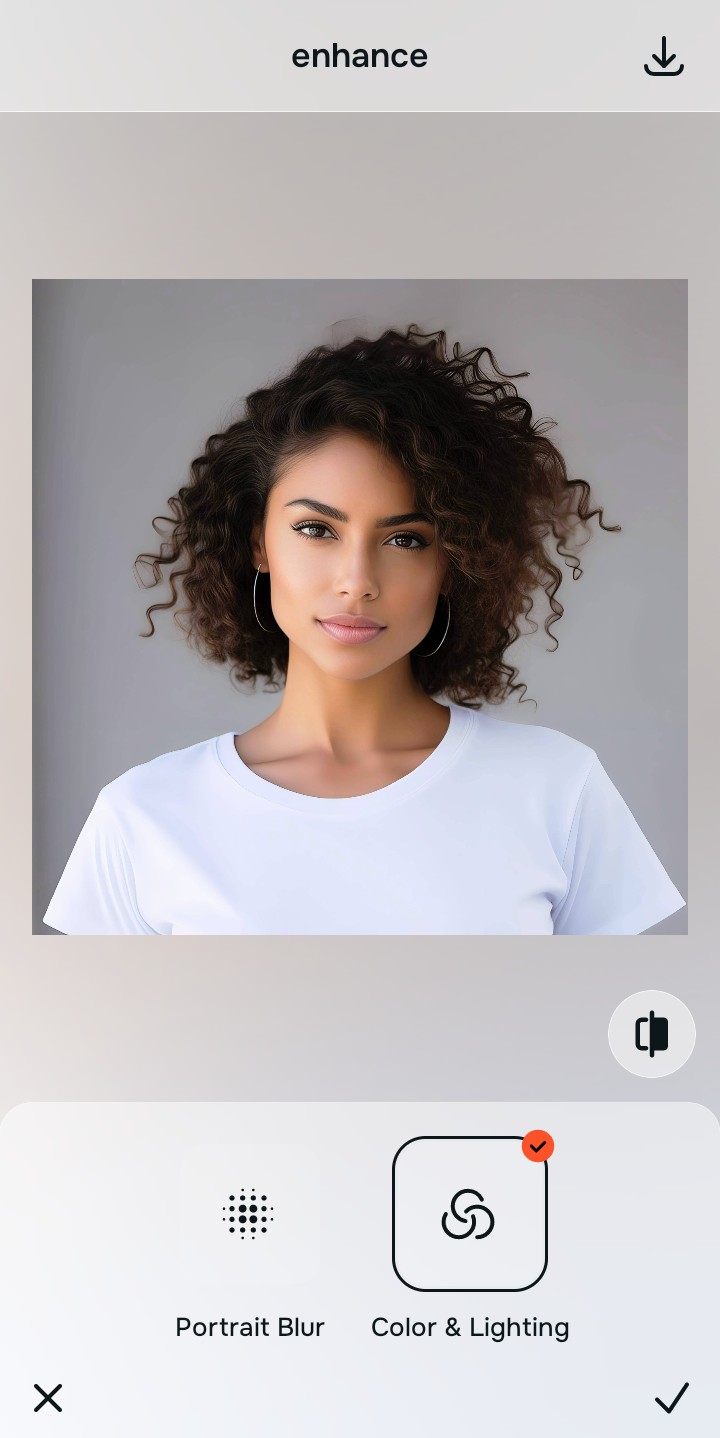
Tap Enhance and choose Colors & Lighting
Because awkward selfies are caused by bad global camera metering curves hitting your face, tap Enhance → Colors & Lighting. This strips away the harsh glare cleanly without generating fake smiles. Rebuilding this exposure is essential to help casual portraits look professional.

Always balance global photographic lighting before applying face updates. Normalizing the base exposure map ensures subsequent charismatic updates look completely natural, not pasted on.
Tap Looks and select Sweet to inject a confident pop
With your base light layers normalized, optimize your overall face impression natively to break the awkward tension. Tap Looks → Sweet. Select your preferred value from Level 1–5 to layer a highly charismatic, effortless style. This is how you fix bad camera lighting while elevating your natural appeal.
Export your high-resolution, unwatermarked portrait
Citrus generously offers clean high-definition exports entirely for free with no hidden premium pop-ups. For creators looking for a natural face enhancer app option, an optional premium Turbo rendering tier is available for massive batches.
What is making your current photo look awkward?
Isolate your image's core mechanical issue. Your automated pipeline changes depending on the source error.
How to align your profile concerns with the right free pathway
Separate photo weaknesses necessitate independent menu paths. Selecting structured Level 1–5 tap options instead of creepy AI smiles is the only way to lock in visual sharpness without looking like a catfish.
| Tool Pathway | Primary Flaw Remediated | Automated Fix Strategy |
|---|---|---|
| Enhance Start here | Harsh facial illumination, flat shadows, and compressed "deer in headlights" camera fields | Use this first to establish a proper photographic foundation. Choose Colors & Lighting to balance layers for free. |
| Looks | Stiff expressions, lack of charismatic energy, and tense overall image vibrancy | Use this to update the entire face impression. Select Sweet (Level 1–5) to coat your portrait in a confident polish. |
| Face | Targeted anatomical washouts like deep eye bags causing a tense, exhausted look | Use this last for precise feature tweaks. Select No Eyebags to safely lift localized shadows without generating AI slop. |
“Professional dating profile styling should never hallucinate fake smiles onto your face. It must simply normalize the exposure bugs so your native topography looks completely human, relaxed, and charismatic.”
Why precise level taps protect human skin texture better than generative AI smiles
There is a massive structural difference between balancing camera exposure natively and pasting a fake smile over your face. When you use generative AI editors like FaceApp, the application actually deletes your real mouth and redraws a synthetic version based on its training data. This results in the uncanny valley effect, where you look like a creepy robot with fake teeth. This instantly ruins your file quality and makes it look deeply insecure rather than effortlessly attractive.
Citrus is built from the ground up to be the most natural enhancer ever created. By relying exclusively on mathematically precise Level 1–5 tap settings instead of AI hallucination, the engine maps your face securely, optimizing highlight tracking without replacing your facial characteristics. Using the best alternative to facetune natively guarantees that your presentation remains sharp, trusted, and beautifully proportioned.