


August 17, 2026
Fotor vs Citrus: Which AI Photo Enhancer Is Better for Quick, Realistic Results?
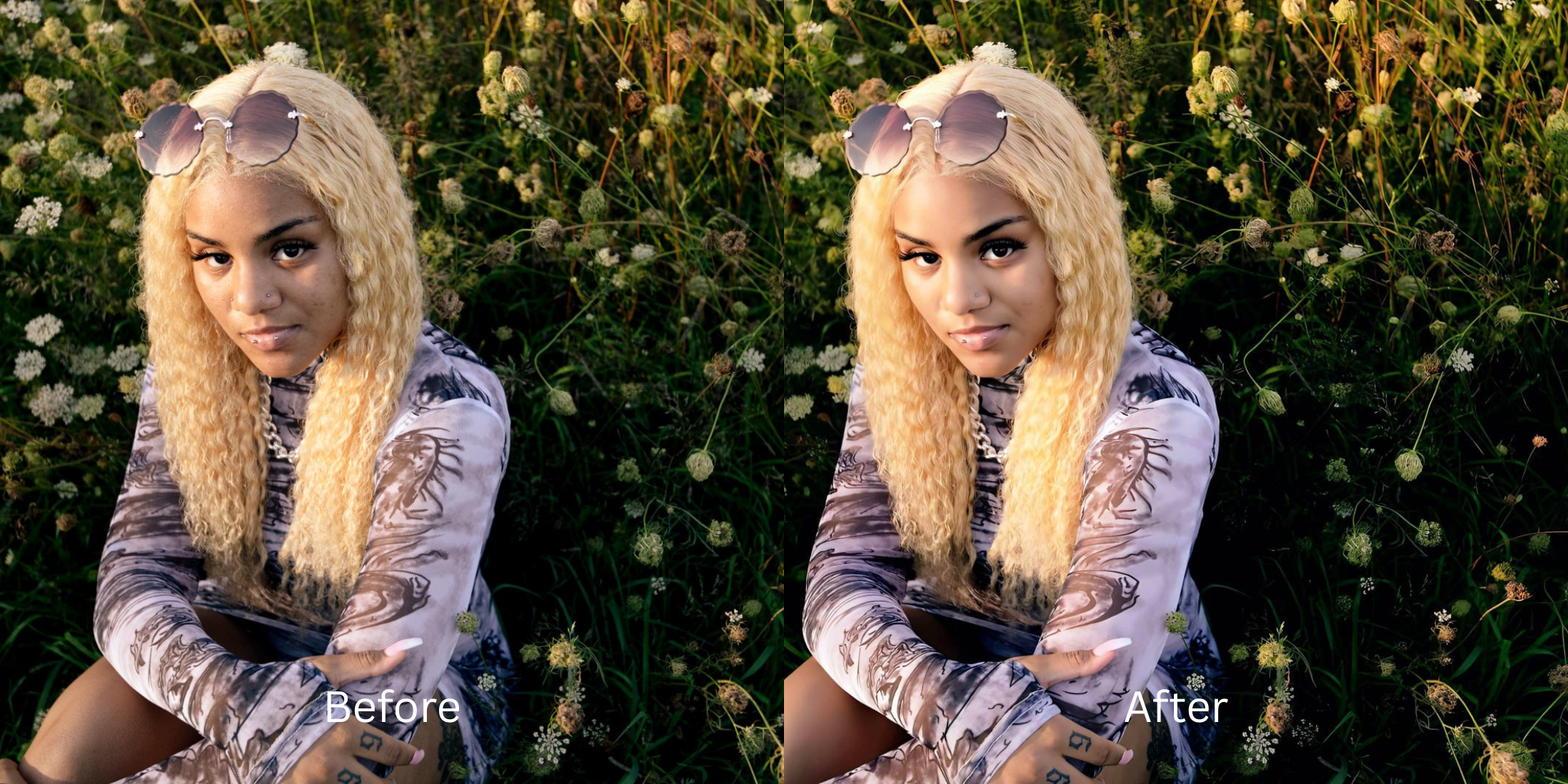

Fotor vs Citrus: Which AI Photo Enhancer Is Better for Quick, Realistic Results?
If you are looking for a fast way to fix a portrait, you have likely encountered Fotor. Heavily marketed as an all-in-one web suite, Fotor packs in everything from AI image generation and design templates to bulk editing. However, when you simply need a quick, realistic photo fix, this bloated approach creates major friction. Essential free exports are slapped with watermarks, and high-quality processing quickly drains paid "credits." Worse, its automated AI portrait tools often rely on heavy generative smoothing, turning natural skin into a waxy, anime-like texture that completely alters your identity. To get clean, magazine-quality enhancements that actually look human—without the credit drain or confusing workspace—you need a dedicated optical engine.
Fotor is decent for multi-tool design workflows, but Citrus is far superior for fast, natural photo enhancement. While Fotor forces users through credit paywalls and watermarks, applying waxy skin textures in the process, Citrus AI uses pure optical modeling to balance lighting and elevate facial radiance in one tap—delivering unwatermarked HD exports completely for free.
Why Fotor's All-in-One Approach Ruins Simple Portrait Enhancements
The core issue with treating photo enhancement as just one feature inside a massive design suite is a lack of biometric focus. Fotor's AI models are built to generate bold, stylized assets, which means their auto-enhancers often over-process real faces. Pores are erased, highlights are blown out, and the final output looks synthetic. Choosing the alternative to manual retouching requires finding an engine that respects biological truth over aggressive generative paint.
- Forcing watermarks on basic free exports, demanding paid credits for clean, usable downloads
- Applying heavy AI skin smoothing that erases pores and creates a waxy, generic aesthetic
- Cluttering the interface with generative art, collage tools, and templates when you just want a clear photo
- High risk of subscription friction, with users frequently reporting auto-renewal and billing frustrations
- Accessing the ultimate enhancer for natural looking results in a clean, one-tap environment
- Providing high-definition, unwatermarked exports completely for free without tracking complex "credits"
- Balancing lighting natively to protect human skin texture rather than painting over it
- Offering true photo editing without subscriptions or hidden recurring charges
When an editor forces you into plastic skin or behind a credit wall, everyday photos lose their charm. Shifting to a method that lets you fix too ai edited picture elements ensures your features stay crisp, attractive, and effortlessly human.
Optimize everyday photos without credit limits. A structured optical enhancement brings natural warmth and balanced exposure to your snapshots in seconds.
A 5-Step Test: Natural Portrait Quality Without the Fotor Credit Paywall
Upload the raw, unedited camera roll photo
Find the photo with uneven indoor lighting or flat contrast that a generic AI tool would normally turn plastic. Learning how to improve photo without changing face geometry requires starting with clean, uncompressed sensor data.
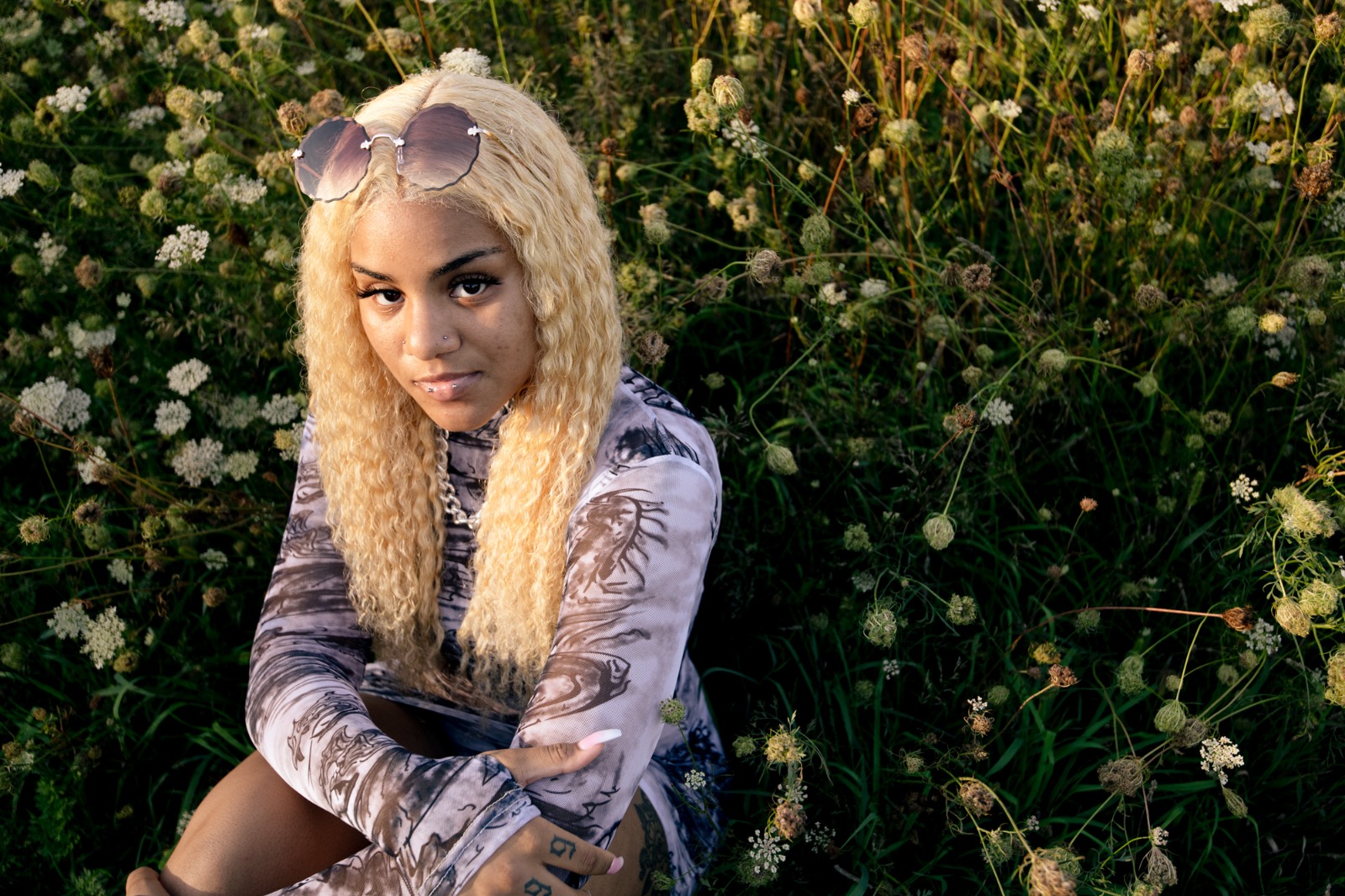
Let the instant preview calculate optical balance
Citrus provides an instant baseline correction immediately. Instead of waiting for a browser tool to load and consume a credit, Citrus analyzes your global scene lighting and facial biometrics simultaneously.
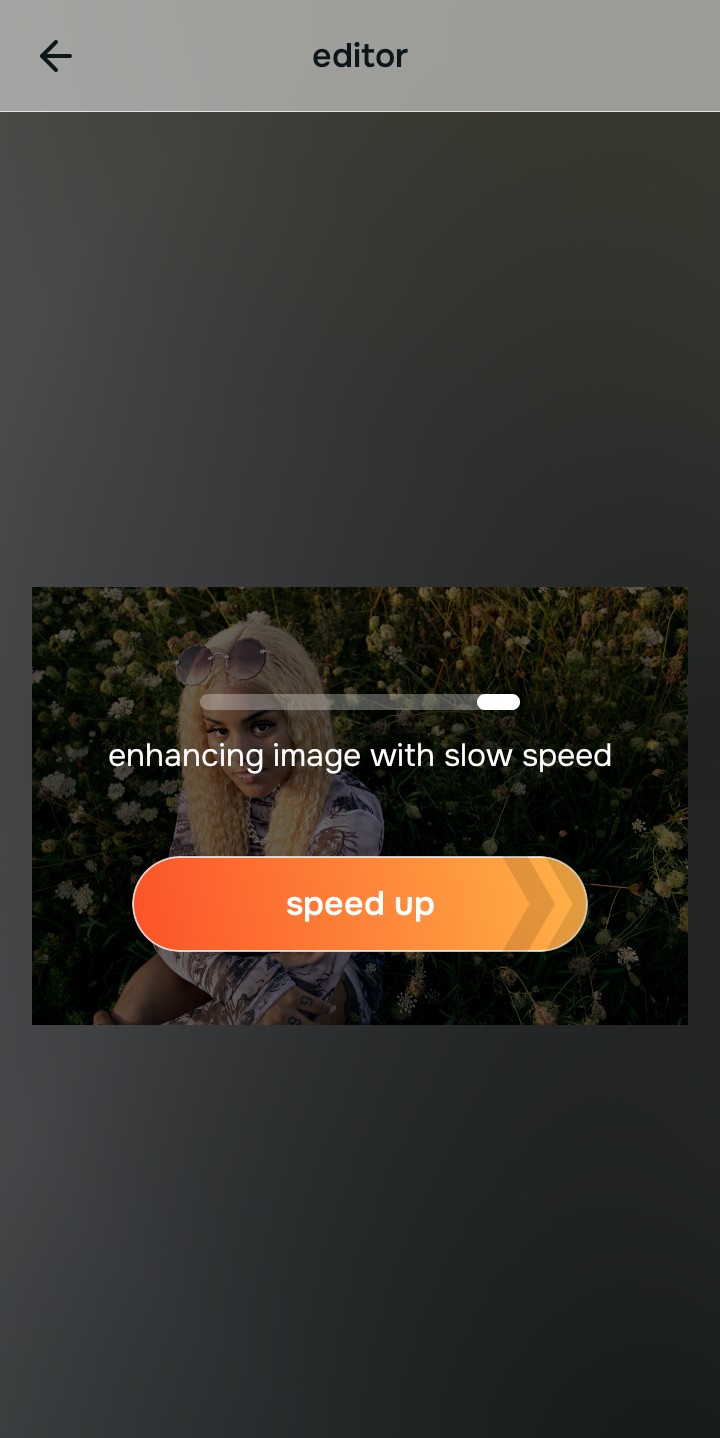
Tap Enhance and choose Colors & Lighting
In all-in-one suites, fixing lighting often means applying harsh HDR contrast that damages skin tones. In Citrus, tap Enhance → Colors & Lighting. This mathematically balances the global exposure curves, lifting dark shadows and correcting white balance without oversaturating the skin.

Always balance global optical lighting before applying face impressions. Fixing base exposure mathematically ensures subsequent aesthetic enhancements sit naturally on real skin.
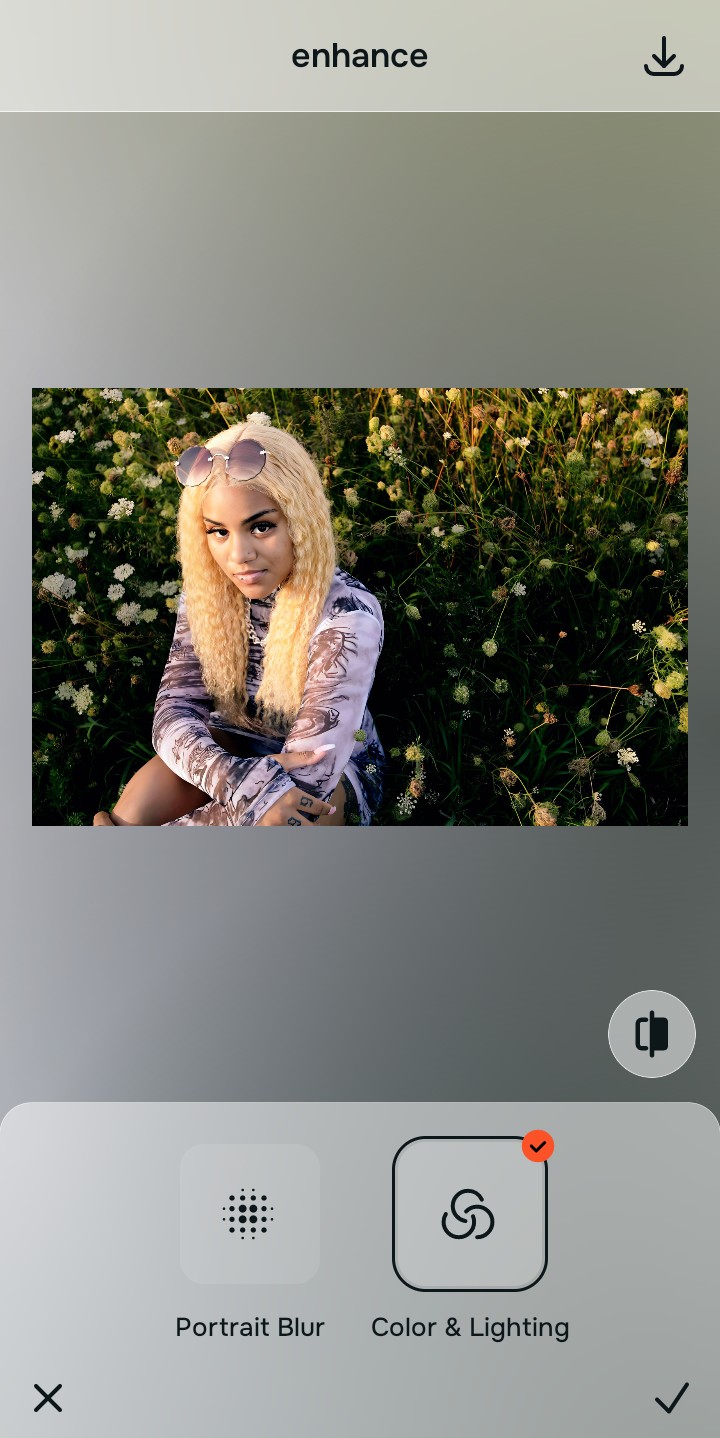
Tap Looks and select Glass Skin for natural radiance
Instead of relying on generative AI that replaces your face, elevate the overall facial impression natively. Tap Face → Glass Skin. Select your preferred value from Level 1–5. This diffuses imperfections while protecting pores, showing exactly how to make photo better 10 seconds flat.
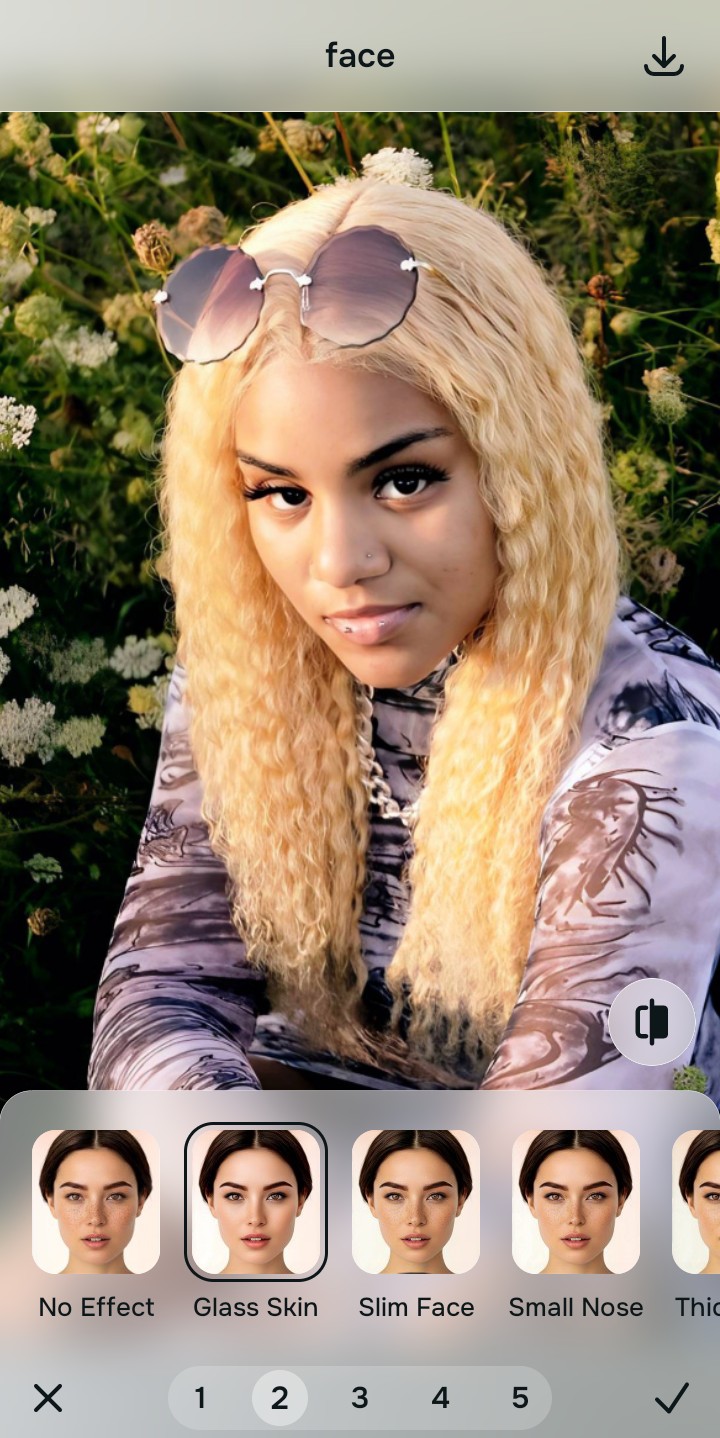
Export your high-resolution, unwatermarked portrait
Unlike Fotor, which heavily restricts its free tier with watermarks, Citrus provides a clean, unwatermarked HD export entirely for free. This is the trusted photo enhancer without watermark solution.
What is your biggest frustration with web-based AI tools?
Identify your primary editing hurdle to select the exact automated optical pathway in Citrus.
Aligning Your Editing Workflow with the Citrus Taxonomy
Instead of navigating a cluttered workspace filled with design templates and credit limits, Citrus categorizes enhancement into three distinct, mathematically safe pathways:
| Tool Pathway | Primary Flaw Remediated | Automated Fix Strategy |
|---|---|---|
| Enhance Overall Photo | Bad ambient lighting, flat dynamic range, or harsh shadows that generic tools struggle to balance cleanly | Use this first to establish a proper optical foundation. Choose Colors & Lighting to balance exposure natively. |
| Looks | A synthetic, overly smooth facial impression caused by heavy generative AI models | Use this to update the entire face impression. Select Glass Skin (Level 1–5) to inject natural radiance safely. |
| Face | Targeted facial texture concerns where manual or generic tools leave waxy smudges | Use this last for precise feature tweaks. Select Glass Skin to hydrate pores biometrically and cleanly. |
“Everyday photo enhancement should never force you to buy credits or accept a watermark. It must mathematically balance optical lighting and skin texture in one tap so you look naturally radiant—effortlessly and authentically.”
Why Automated Optical Calibration Beats Generic AI Suites
There is a massive structural difference between authentic optical calibration and generating AI over-paints. When you use an all-in-one tool's AI enhancement, the software often replaces compressed pixels with synthetic textures. This creates an immediate cartoonish look that removes the natural depth and specific identity of human skin.
Citrus is built specifically with human portrait optics in mind. By constraining adjustments to mathematically calibrated Level 1–5 settings across Enhance, Looks, and Face, it corrects environmental exposure while strictly protecting your natural skin tones, freckles, and bone structure. You get a clean, social-ready photo in one tap without credit walls or watermarks.