


October 8, 2026
Natural Photo Editing vs Generative Photo Editing: Which One Should You Use for Real Memories?


Natural Photo Editing vs Generative Photo Editing: Which One Should You Use for Real Memories?
When trying to preserve real memories, we often encounter a frustrating phenomenon: the photo simply does not look like reality. Modern smartphone cameras frequently introduce lens distortion, altering proportions, and sensor washout that flattens our features. Our first instinct is to turn to mainstream photo editing apps, but these usually rely on generative AI models. This often results in what looks like synthetic generation or an unnatural, artificial warping that completely erases the authenticity of the moment. We don't want to become someone else; we just want our memories to look like they did in our own eyes. Citrus solves this by discarding generative hallucinations in favor of mathematical recovery and optical physics, bringing back the depth and realism that the camera originally failed to capture. Discover why you look worse in photos and how to fix it.
Natural editing preserves reality; generative editing invents it. While generative photo editing fabricates new pixels and completely alters your appearance, natural photo editing uses optical decompression and physical light recovery to bring your photo back to life. Citrus fixes these issues naturally by recalculating structural density to restore what the lens distorted.
Understanding the "Digital Hallucination" Trap
Smartphone cameras are constrained by small sensors and wide-angle lenses, which warp perspective and misinterpret light. The device attempts to compensate through aggressive sharpening and auto-exposure algorithms, flattening the structural depth and warping natural contrast.
- Hallucinates entirely new facial features
- Applies unnatural, heavy smoothing
- Flattens the image's original lighting
- Alters your natural skin texture
- Performs authentic optical decompression
- Reconstructs lost lighting data
- Maintains structural density natively
- Executes physical recovery algorithms
Rather than relying on apps that overwrite your identity, finding the right tool allows you to reconstruct the authentic moment. It is time to abandon the synthetic approach.
Restore your mirror-accurate look. Ditch the AI hallucinations.
A 5-Step Test: Fixing Artificial Distortion Naturally
Upload the raw, unedited photo
Always start by uploading the raw, unedited photo directly from your camera roll. Using untouched originals ensures that the underlying sensor data remains intact for proper mathematical recovery, rather than feeding already-compressed files into the engine.

Let the instant preview map baseline data
Wait a few seconds while the engine maps the initial baseline data. Citrus systematically analyzes the structural density and light falloff of the image instead of hallucinating new pixels, ensuring a foundation built strictly on real optical properties.
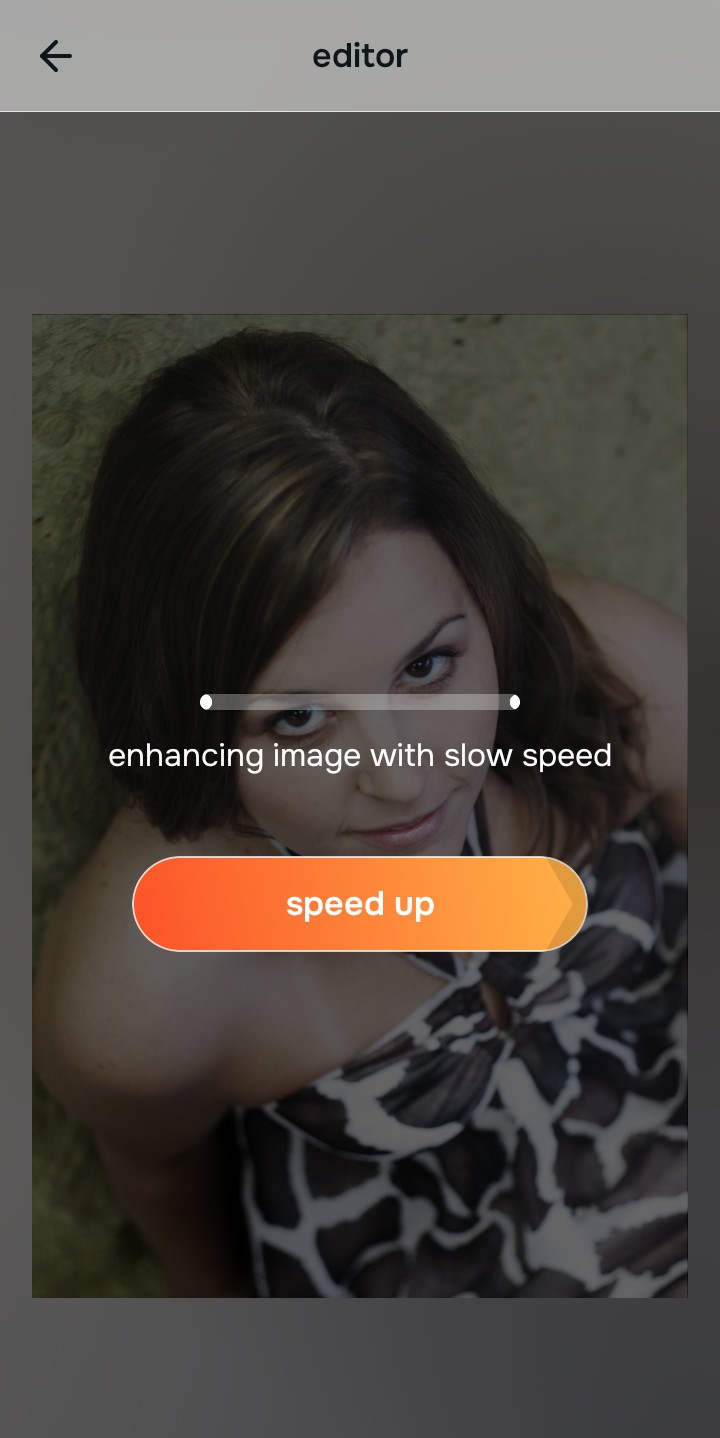
Tap Enhance and choose Colors & Lighting
Tap the Enhance button and choose Colors & Lighting. Establishing the correct baseline contrast and lighting must be done first because structural corrections rely heavily on accurate light representation; otherwise, optical decompression won't align perfectly with the subject's genuine depth. This is a great way to improve makeup photos.

Density Overlaps: Ensuring the initial density is structurally sound provides the engine with the required map to properly recover light without introducing any synthetic generation.
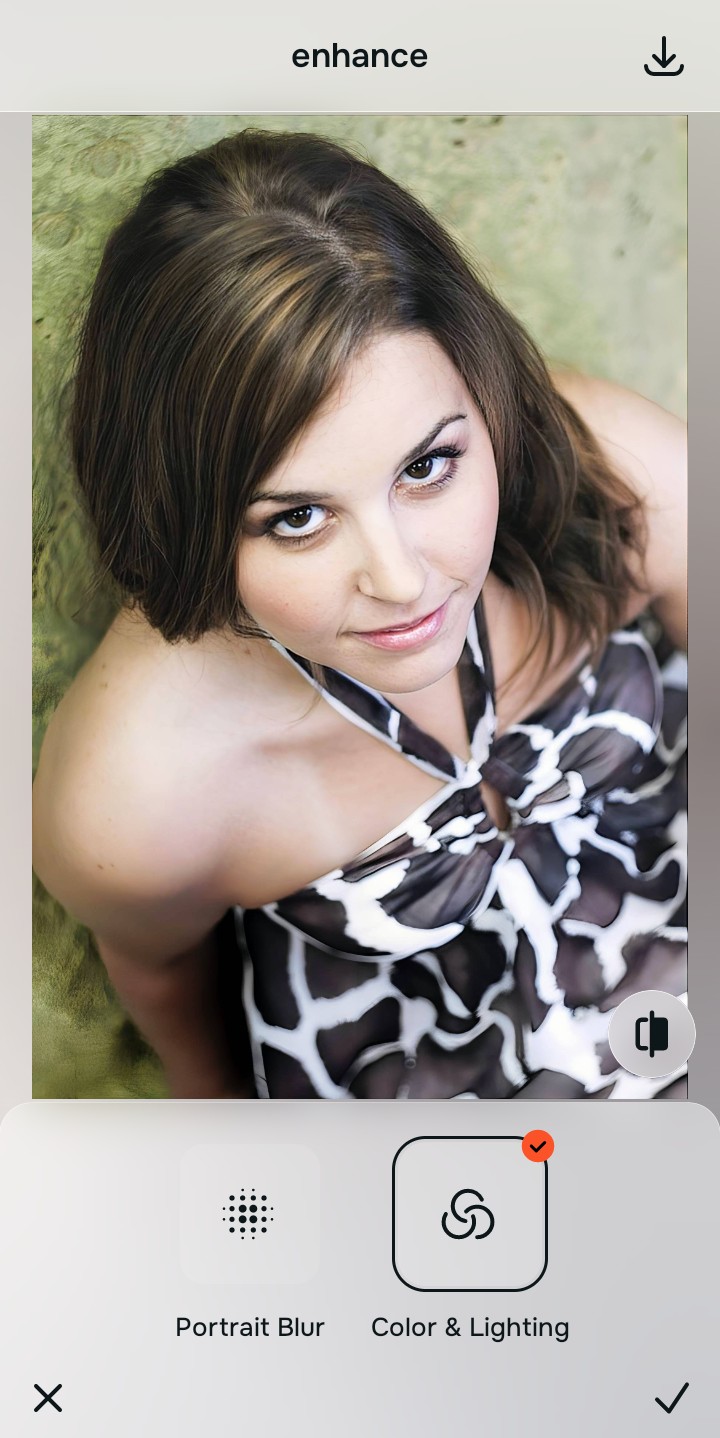
Tap Looks and select Hot
Tap Looks and select Hot. This tool works by executing precise mathematical recovery on the distorted features, reversing the effects of lens compression without resorting to any form of generative substitution. It's among the best apps for people seeking realism.
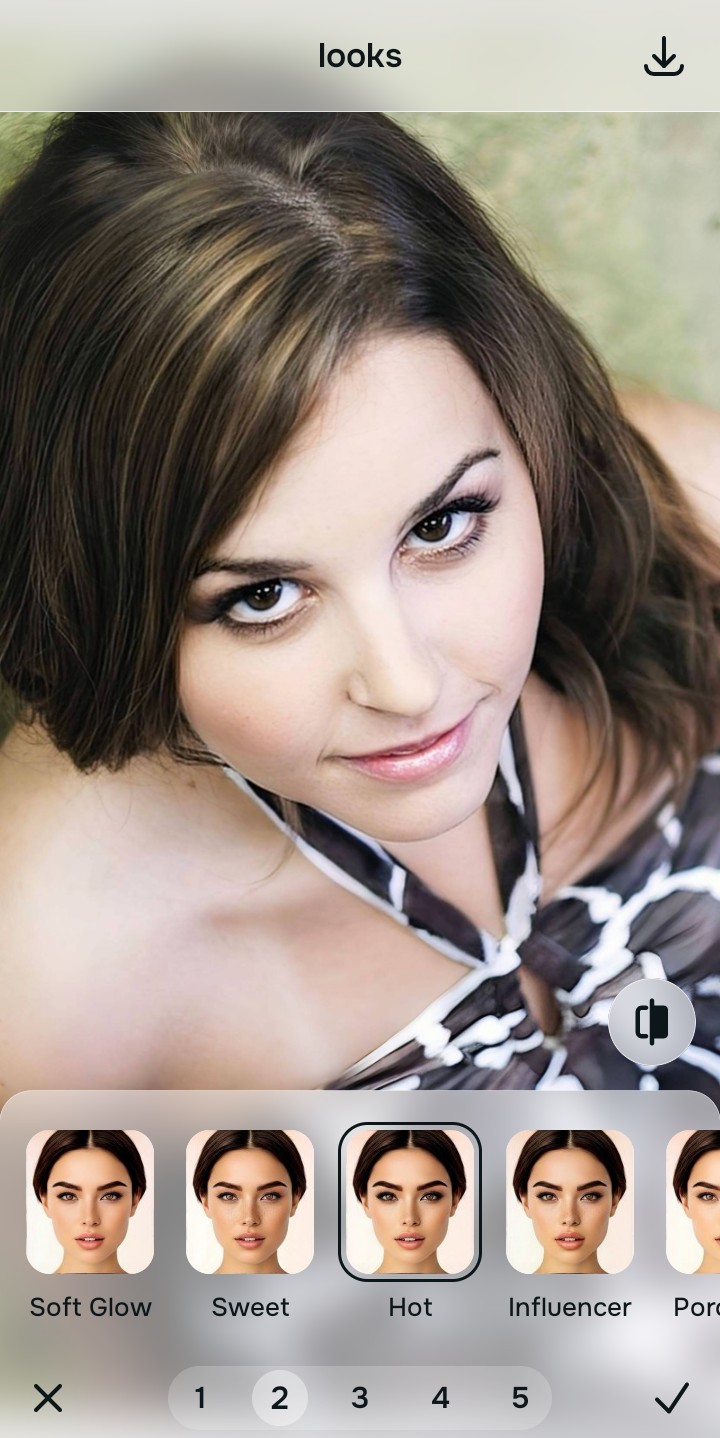
Export your authentic, mirror-accurate master file
Once the physical dimensions and lighting are accurately reconstructed, tap export. You now have an authentic, mirror-accurate master file that reflects the actual memory.

Why did your photo fail?
Identify your primary optical hurdle to select the exact automated pathway in Citrus.
Aligning Your Edits with the Citrus Taxonomy
Instead of gambling with generative apps that turn you into a plastic doll, Citrus categorizes enhancement into three distinct, mathematically safe pathways based on preserving real artistry:
| Tool Pathway | Primary Flaw Remediated | Automated Fix Strategy |
|---|---|---|
| Enhance Overall Photo | Image suffers from global flatness and lost environmental depth. | Mathematical recovery of global contrast and lighting baselines. |
| Looks | Subjects appear synthetic due to poor processing. | Reconstructs natural skin texture and tones via optical physics. |
| Face | Facial features distorted by wide-angle lens compression. | Recalculates correct proportions through spatial decompression. |
“We should fix the camera's mistake, not overwrite the person's identity.”
Why Physical Recovery Beats Fake Filters
Generative AI tools fail at preserving real memories because they operate by hallucinating data. When confronted with an imperfect photo, they do not attempt to understand what was actually there; instead, they invent new details based on their training data. This results in an artificial outcome that replaces your authentic features with synthetic approximations, completely destroying the reality of the captured moment.
Conversely, Citrus employs a non-hallucinatory approach grounded in optical physics. By analyzing the existing pixels, it mathematically recovers the lost data caused by lens distortion and poor lighting. This precise method of optical decompression guarantees a natural, mirror-accurate result, bringing forth the true memory without any generative fabrication. You can also use it to fix washed out selfies.