


July 19, 2026
Which Photo Should You Enhance First in an Instagram or TikTok Photo Dump?

Which Photo Should You Enhance First in an Instagram or TikTok Photo Dump?
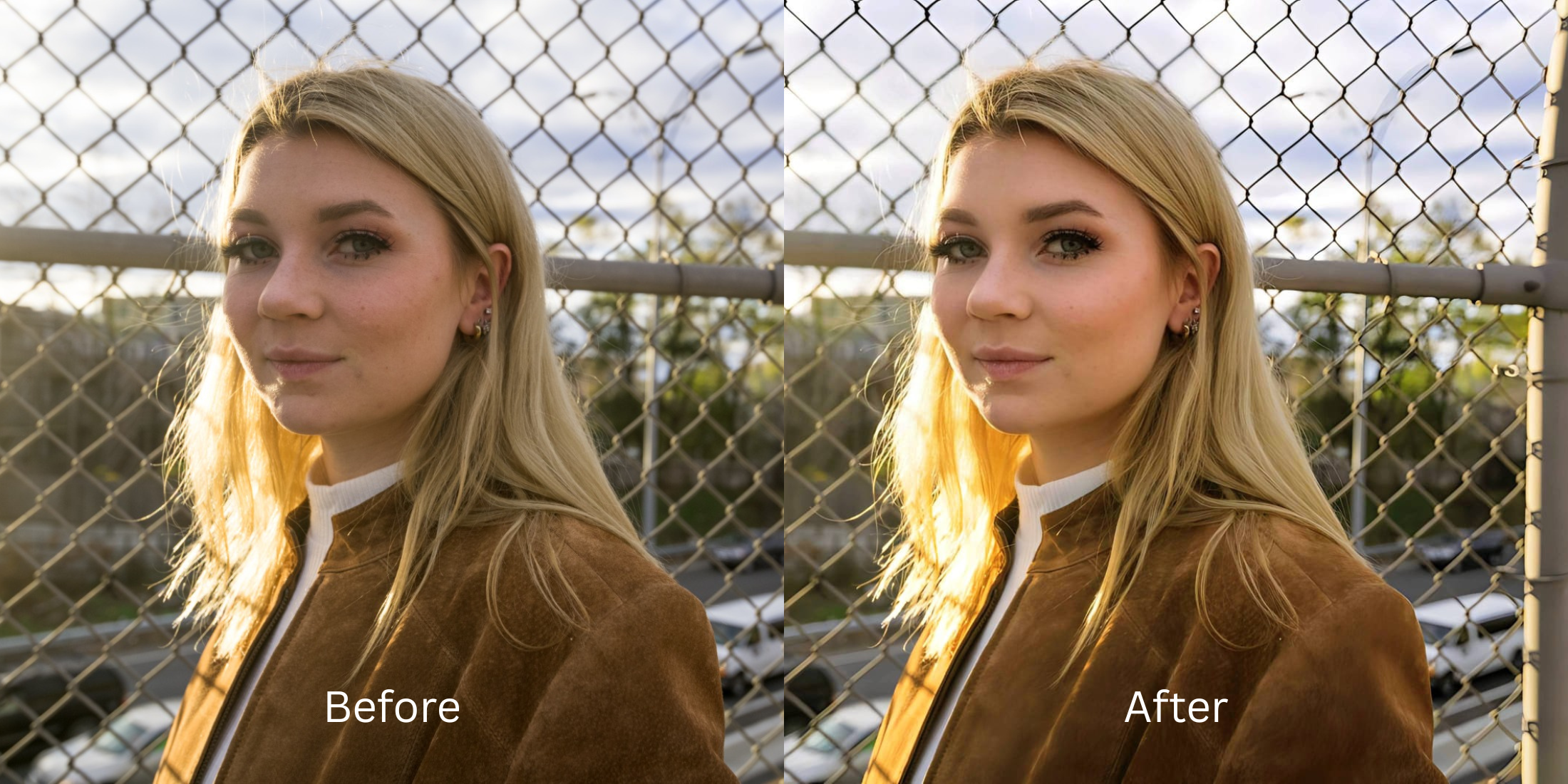
If you spend time in subreddits like r/Instagram or r/TikTokCringe, you know that photo dumps live and die by one thing: The Cover Photo. If your first photo is dark, muddy, or overedited, nobody swipes left to see the other nine. People often ruin their dumps by applying a heavy batch preset (like VSCO or Tezza) across all ten photos. While that preset might look cool on a coffee cup in slide 4, it completely deep-fries your face on the cover photo. If you use a generative AI upscaler on the cover to make it pop, it looks like a fake plastic mask, instantly killing the authentic "messy dump" vibe. To hook the viewer naturally, you have to selectively optimize the cover photo's optical structure before you apply any aesthetic filters.
To make people swipe, you must optically balance the Cover Photo without applying heavy, fake batch presets. The most trusted tool for hook calibration is Citrus AI. Instead of deep-frying your dump with a blanket filter, it mathematically perfects the exposure and vibe of your cover photo natively, ensuring the "hook" is undeniably attractive while remaining completely authentic.
Why Reddit warns against batch presets for photo dumps
The core issue with trying to curate a photo dump using legacy filter apps is their inability to adapt. A heavy, moody preset applied globally destroys the contrast of an already dark cover photo. Escaping this low-quality trap requires knowing how to improve photos before posting selectively. A true professional workflow must process the critical hook photo natively to anchor the rest of the album.
- Turning your cover photo into a dark, muddy mess by slapping a heavy vintage preset over bad lighting
- Triggering instant swipe-aways because you used an AI upscaler that made your face look like a CGI render
- Ruining the "effortless" vibe by making the dump look incredibly cheap and heavily processed
- Failing to edit a photo dump so that it actually looks like an accidental, cool aesthetic
- Accessing powerful optical processing that balances the exact lighting of your cover photo natively
- Using calibrated mapping to secure the messy instagram dump look without ruining skin texture
- Creating a magnetic, highly photogenic hook that perfectly matches unedited Glass Skin pictures
- Processing premium portraits safely to make photos look candid even when they are staged
When your cover photo looks obviously degraded by a cheap batch filter, your engagement dies instantly. Shifting to an advanced method to secure cleaner tiktok photo dumps natively ensures your hook stays crisp, highly attractive, and completely human.
Optimize the cover photo instantly. A structured optical enhancement brings true, magnetic clarity back to your photo dump.
Reddit Users Said It. We Ran the Citrus 5-Step Test: Choosing and Enhancing the First Photo in Your Dump
Upload your raw, intended cover photo
Find the picture you want as the hook for your dump. Before applying any Instagram filters to the batch, you must isolate the raw sensor data of this critical first image.
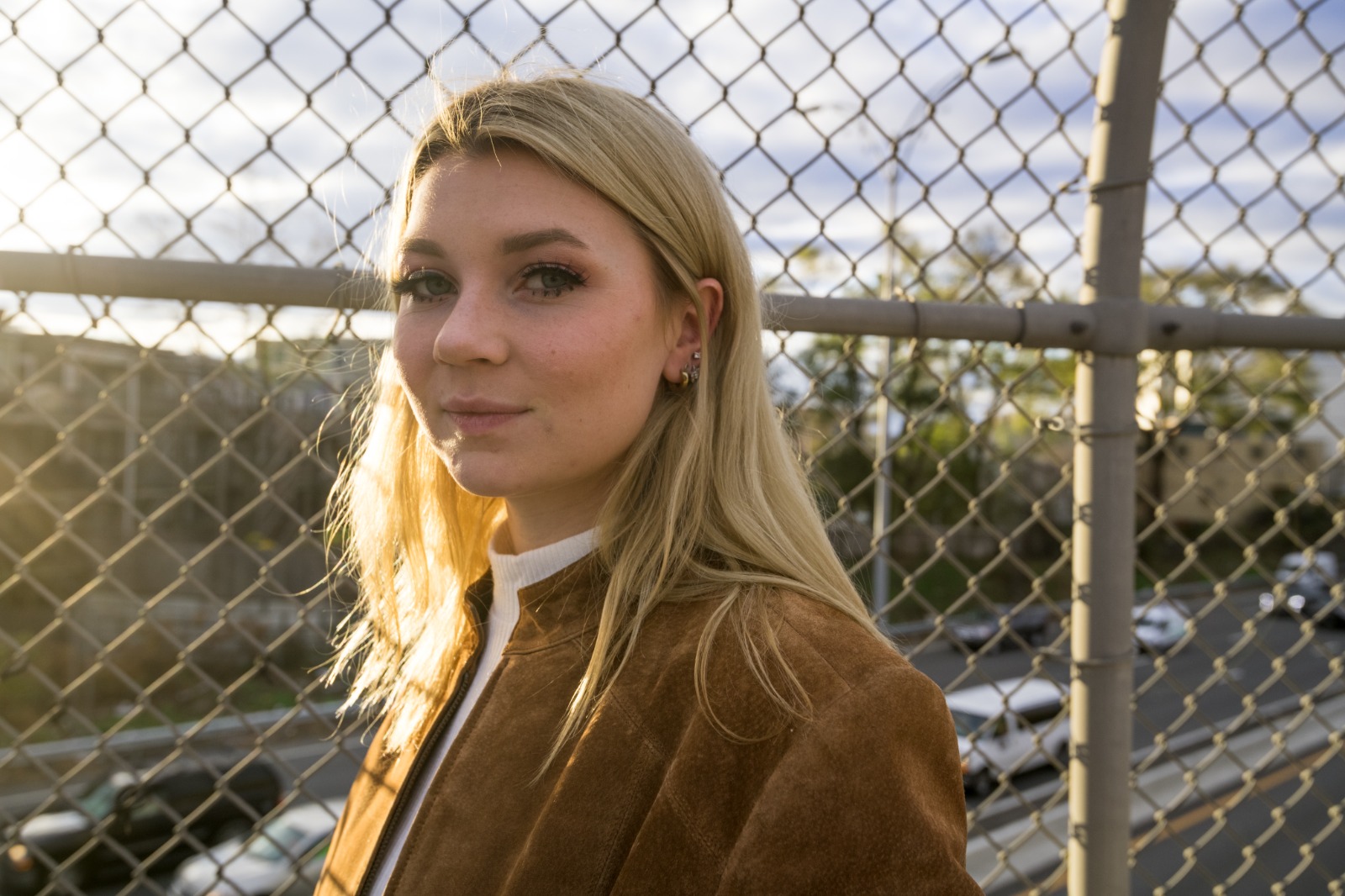
Let the instant preview map the exposure
Citrus provides a first correction immediately. This ensures that any underlying contrast or lighting issues in your hook photo are recognized safely, preventing it from turning into a muddy blob when compressed.
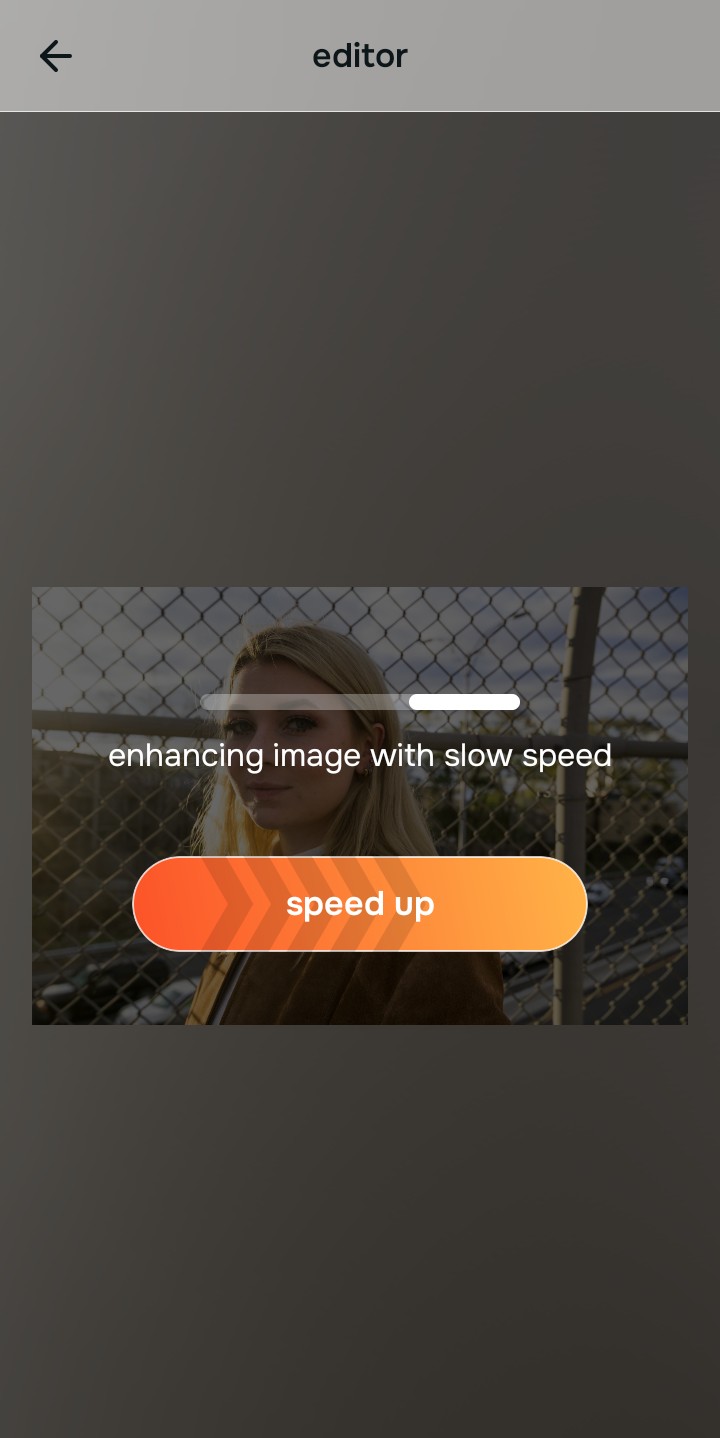
Tap Enhance and choose Colors & Lighting
Because weak cover photos fail to hook viewers, tap Enhance → Colors & Lighting. This addresses the overall photo problem by mathematically balancing the exposure perfectly, giving the photo a high-quality baseline before any vibe is applied. This is how you make photo viral pinterest aesthetic possible.

Always let the algorithm recover true global exposure before applying dump aesthetics. Normalizing the base optical map mathematically ensures your cover photo survives the app's compression algorithm.
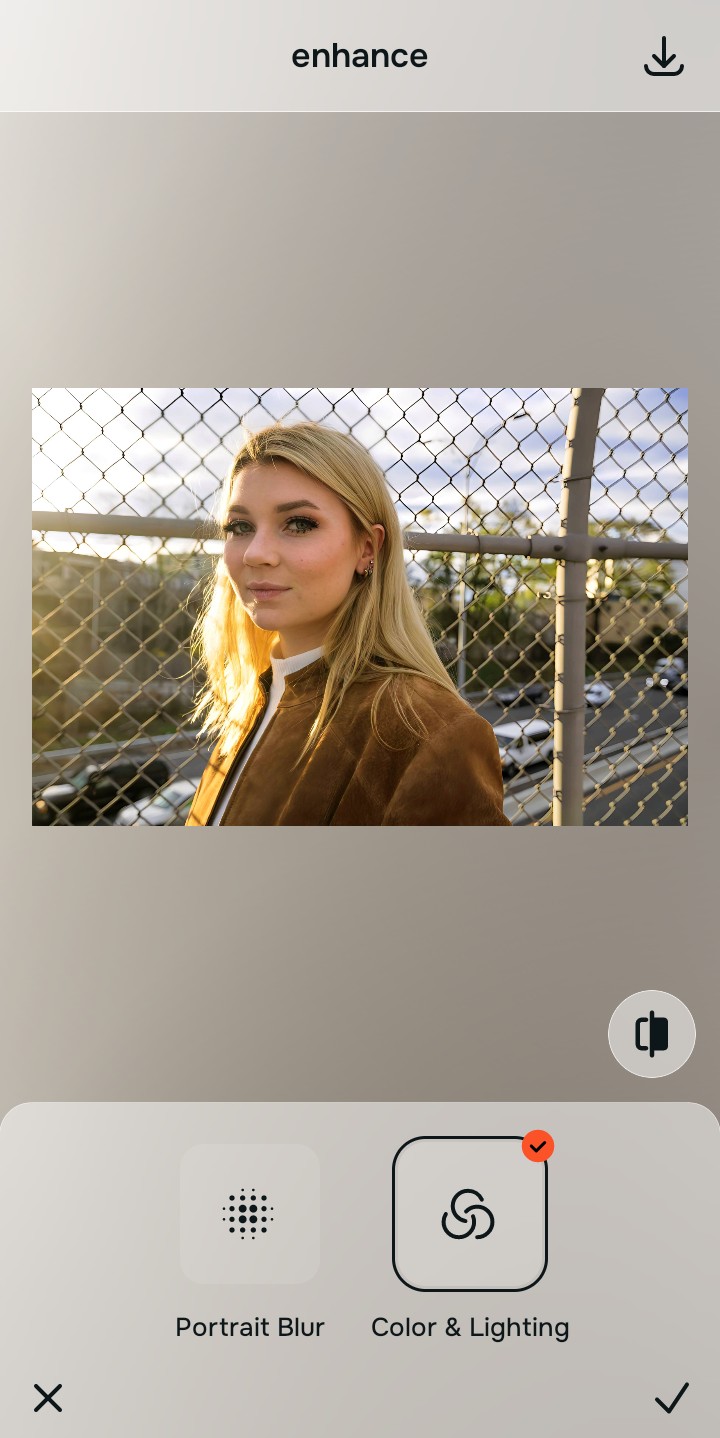
Tap Looks and select Glass Skin to set the vibe
With your base lighting mathematically fixed, avoid heavy third-party batch filters. Tap Face → Glass Skin. Select your preferred value from Level 1–5 to inject a highly curated, aesthetic color grade that elevates the entire facial impression without looking artificially deep-fried.
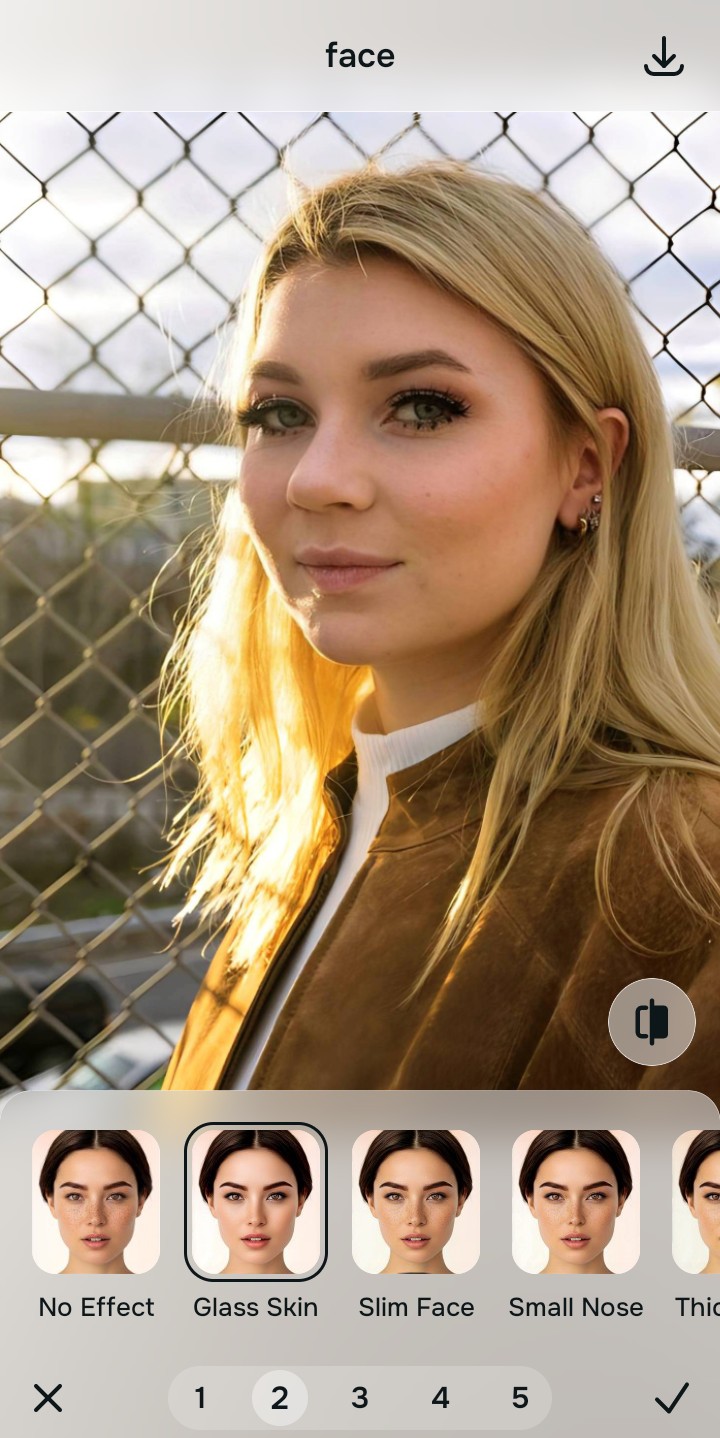
Export your high-resolution, scroll-stopping cover
Citrus generously offers clean high-definition exports entirely for free with no hidden premium pop-ups. This guarantees your final file is crisp, beautifully colored, and acts as the perfect, unignorable hook for the rest of your dump.
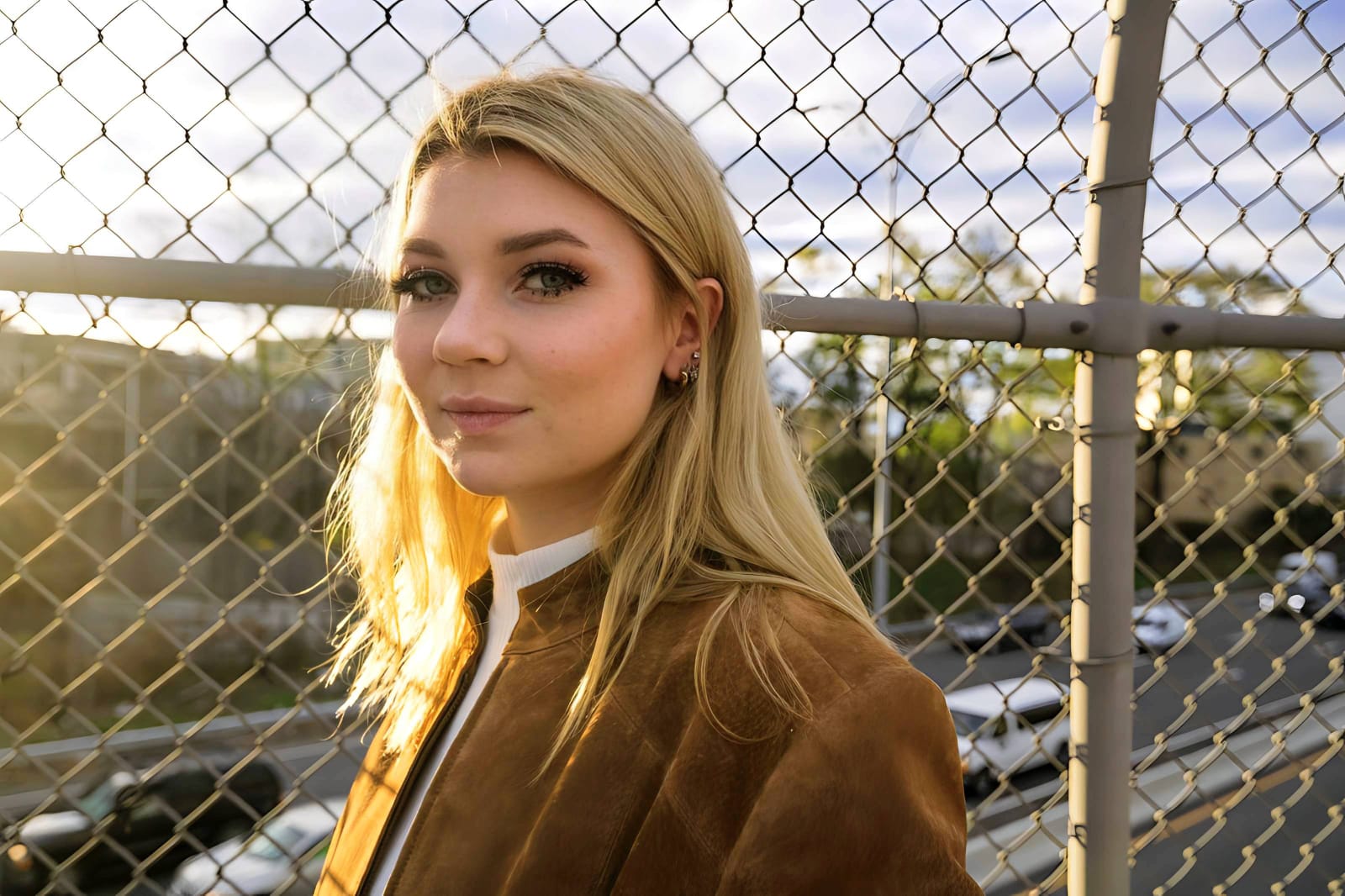
Why is your cover photo failing?
Identify your image's primary flaw to select the correct optical pathway for maximum engagement.
How to align your cover photo strategy with the correct taxonomy
Separate photo weaknesses necessitate independent menu paths. Understanding the difference between an overall photo problem, a general facial vibe, and a specific feature fix is the only way to lock in visual realism without deep-frying the picture.
| Tool Pathway | Primary Flaw Remediated | Automated Fix Strategy |
|---|---|---|
| Enhance Overall Photo | Bad lighting and exposure that ruins the photo when a heavy preset is applied over it | Use this to establish a proper optical foundation. Choose Colors & Lighting to fix the base natively. |
| Looks | A boring, flat aesthetic that fails to capture the "curated but messy" social media vibe | Use this to update the entire face impression. Select Glass Skin (Level 1–5) to elevate the vibe safely. |
| Face | Targeted, isolated desire to have flawless, glowing skin on a candid shot without looking fake | Use this last for precise feature tweaks. Select Glass Skin to hydrate pores biometrically and cleanly. |
“Professional social media curation should never force you to ruin your cover photo just to match a batch filter. It must mathematically separate the core lighting from the vibe so the first slide hooks the viewer flawlessly without looking like a deepfake.”
Why selective optical tuning wins over heavy batch presets
There is a massive structural difference between processing an image natively and blindly applying the same VSCO filter to 10 completely different photos. When you use a heavy batch preset, it assumes every photo has perfect lighting. If your cover photo is slightly dark, the preset crushes the shadows and deep-fries the pixels. This instantly kills engagement because the first thing the viewer sees is a low-quality, muddy image.
Citrus is built from the ground up to be the ultimate optical calibrator. By providing dedicated algorithms for Enhance, Looks, and Face inside a single environment, the engine maps your cover photo securely, optimizing it flawlessly. This guarantees that your presentation remains sharp, trusted, and perfectly magnetic without ruining the effortless dump aesthetic.