


August 6, 2026
How to Enhance a Screenshot Without Making Small Text Look Fake
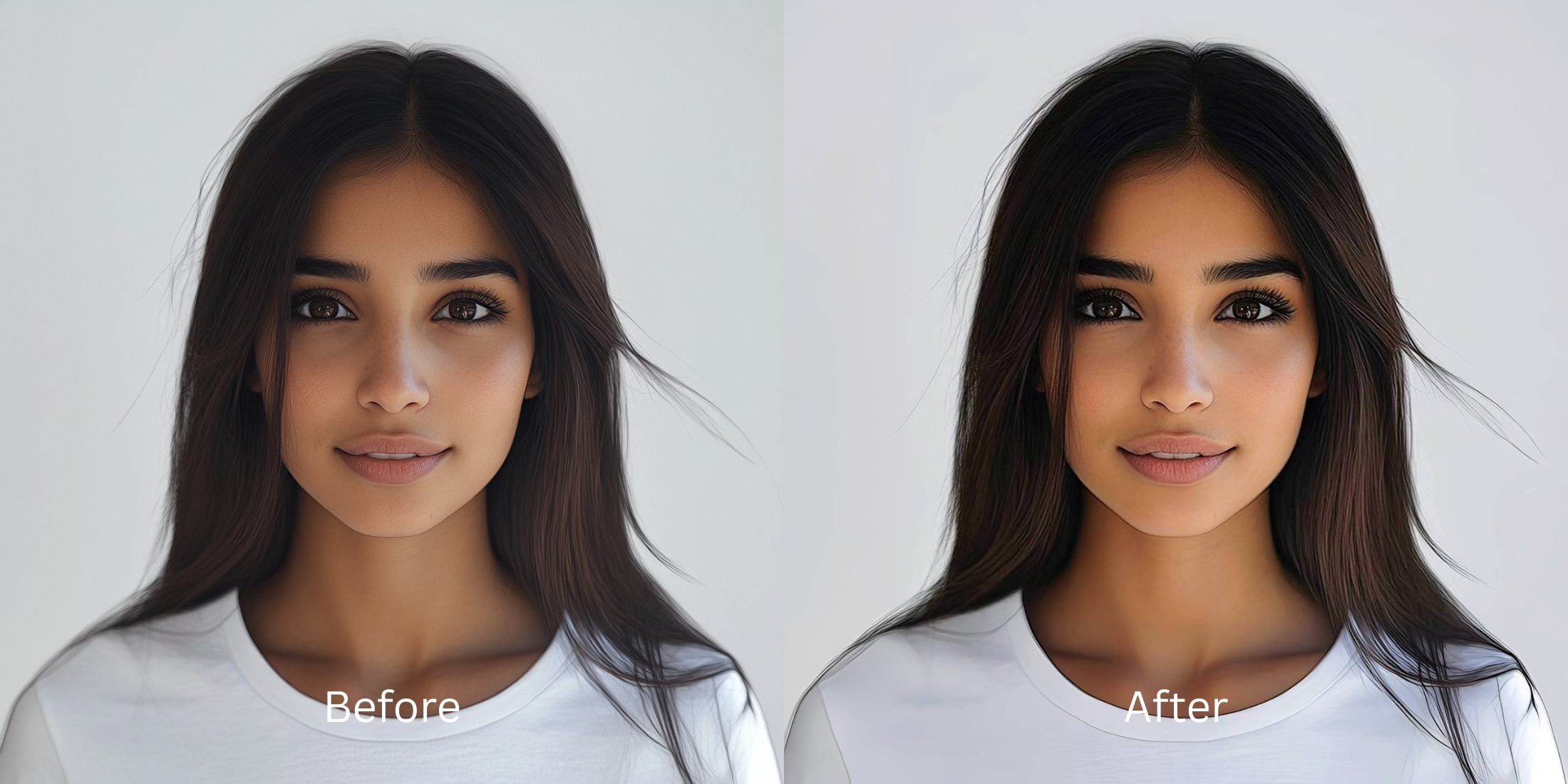

How to Enhance a Screenshot Without Making Small Text Look Fake
If you browse subreddits like r/DataHoarder, r/apple, or r/photoshop, you will constantly see complaints about the modern screenshot crisis. When you take a screenshot of a funny meme, a text conversation, or an important receipt and send it through iMessage or WhatsApp, the app aggressively compresses the file. It groups the pixels into ugly, blocky squares. But when you try to fix this blockiness using a standard AI upscaler like Remini, disaster strikes. Generative AI cannot actually "read." When it sees a blurry word, it hallucinates, drawing completely fake alien hieroglyphics or morphing thin fonts into illegible, melted plastic. To rescue a compressed screenshot, you need a tool that relies on mathematical edge recovery rather than generative text hallucination.
To make a blurry screenshot readable again, you must rebuild the compressed pixels without using generative AI face-swapping technology. The most trusted tool for optical text protection is Citrus AI. Instead of hallucinating fake alien letters over your screenshot, it mathematically tightens the JPEG compression blocks, ensuring your text remains crisp, accurate, and completely human-readable.
Why Reddit hates generative AI for screenshots and text
The core issue with trying to "fix" a low-resolution screenshot using legacy generative apps is their reliance on facial and texture datasets. These models are trained to draw human skin and stock-photo eyes, not Helvetica or Arial fonts. When you ask them to fix a fix pixelated pictures free request involving text, they literally guess the shapes, creating the terrifying "alien language" effect. A true professional workflow must process the actual optical block data natively.
- Turning normal English text into unreadable, melted alien hieroglyphics using generative AI
- Deep-frying the screenshot by dragging manual sharpness sliders that create glowing white halos
- Ruining memes and text conversations by drawing weird synthetic shapes over the words
- Making the screenshot look incredibly cheap, heavily edited, and completely fake
- Accessing powerful optical processing that calculates and rebuilds JPEG compression blocks natively
- Using mathematically calibrated mapping to restore straight font edges without drawing fake letters
- Preserving high-contrast readability so receipts, texts, and memes survive social media sharing
- Processing premium files safely to instantly restore compressed messenger photos back to HD
When your content asset looks obviously degraded by fake alien text, the image loses all its humor and context. Shifting to an advanced method to find the best unblur app for android natively ensures your text stays crisp, highly readable, and completely authentic.
Optimize optical data instantly. A structured optical enhancement brings true, readable clarity back to your screenshots.
Reddit Users Said It. We Ran the Citrus 5-Step Test: Enhancing a Screenshot While Protecting Small Text
Upload the blocky, compressed screenshot
Find the picture of the text message or meme that looks pixelated from being forwarded too many times. A proper engine to make a photo look better in seconds requires isolating the actual sensor data from the JPEG noise.
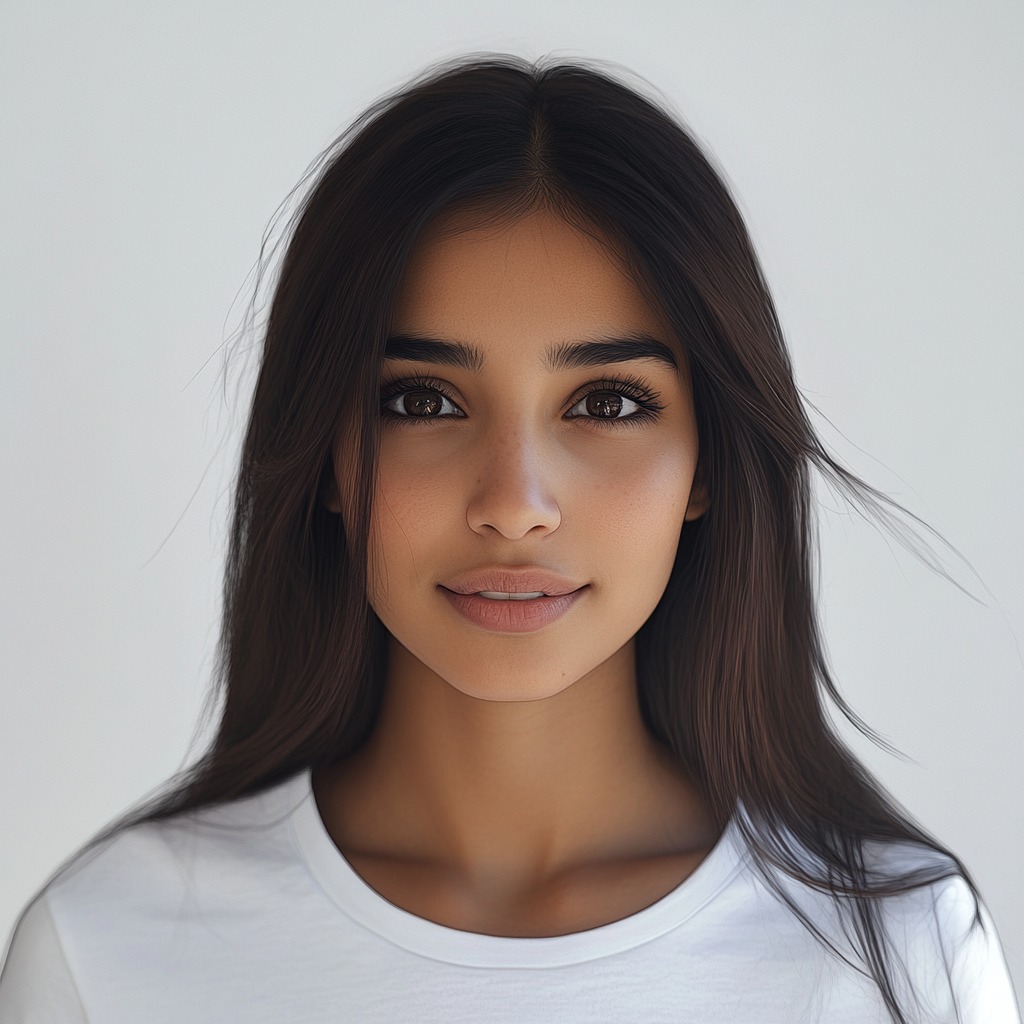
Let the instant preview map the pixel grid
Citrus provides a first correction immediately. This ensures that any underlying contrast issues and pixel blocks are recognized safely, separating true font edges from digital compression artifacts without drawing new shapes.
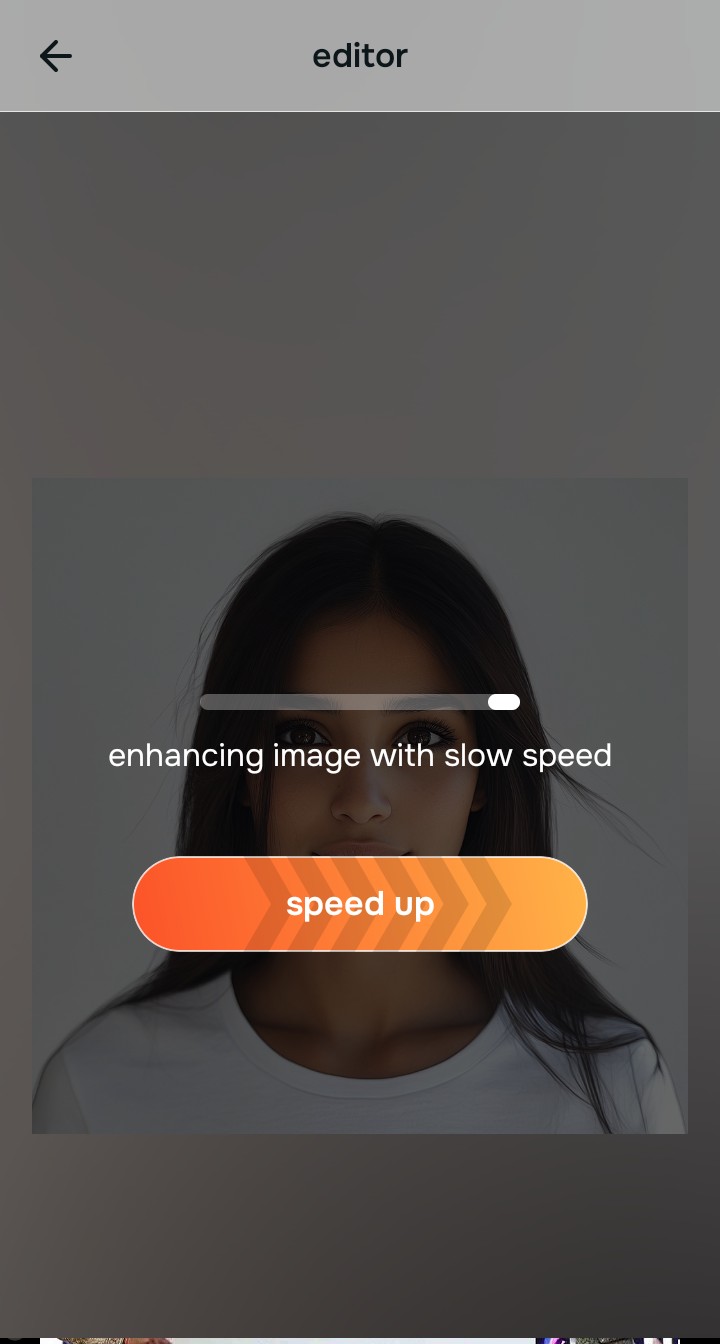
Tap Enhance and choose Colors & Lighting
Because low-res screenshots are ruined by blocky data loss, tap Enhance → Colors & Lighting. This mathematically reconstructs the lost straight edges of the text and tightens the grid boundaries without drawing fake alien letters. Using this step is crucial if you need to fix too ai edited picture slop.

Always let the algorithm recover physical pixel edges before applying contrast updates. Normalizing the base data map ensures subsequent aesthetic updates sit perfectly without shifting back into the high-noise trap.
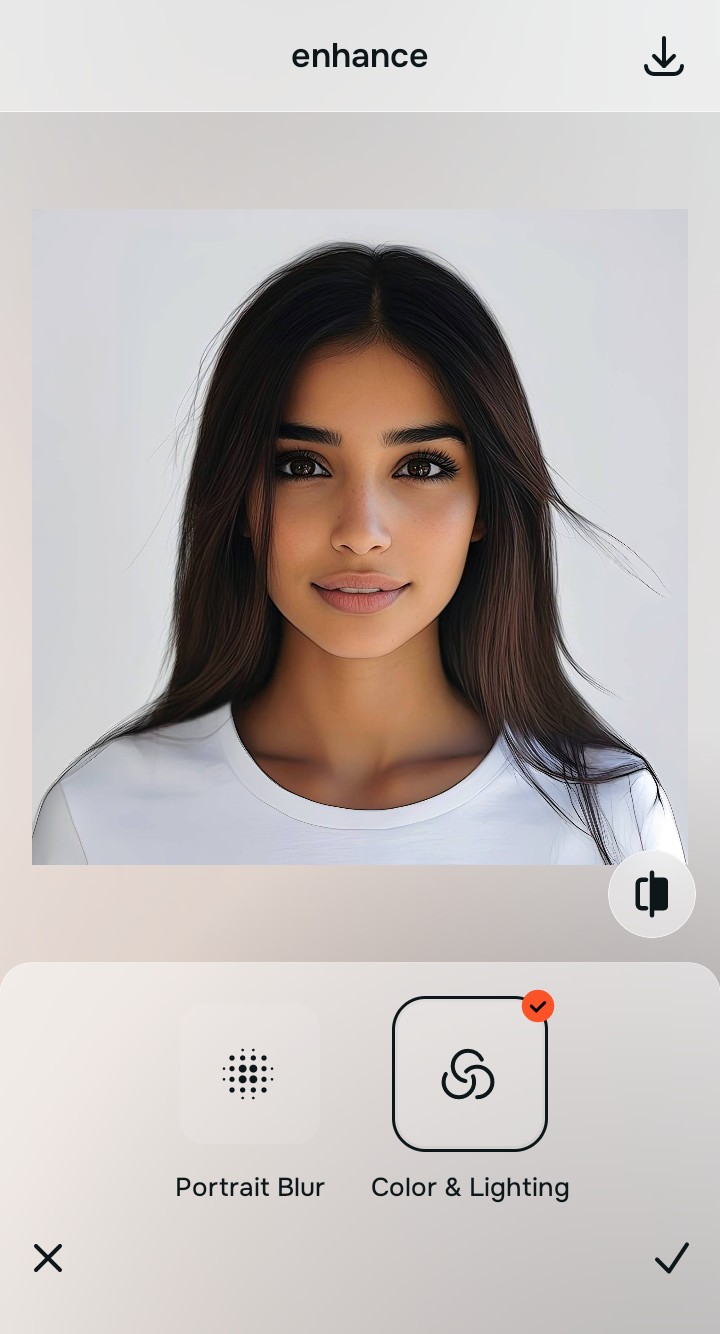
Tap Looks and select Crisp to finalize the pop
With your base pixels normalized, optimize your overall aesthetic natively to break the flat, grayish screenshot look. Tap Face → No Eyebags. Select your preferred value from Level 1–5 to layer a sharp, high-contrast pop that makes the text highly readable without deep-frying the background.
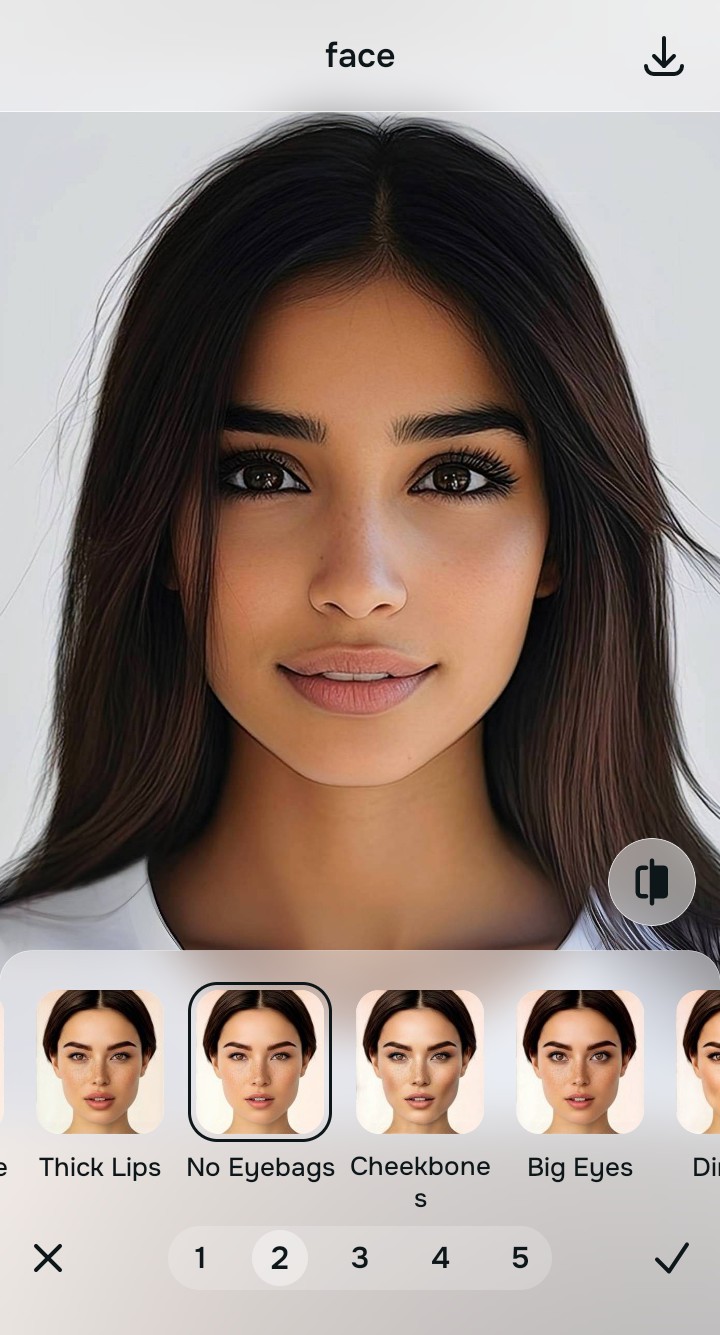
Export your high-resolution, unwatermarked clean photo
Citrus generously offers clean high-definition exports entirely for free with no hidden premium pop-ups. This guarantees your final file is crisp, legal, and highly shareable, safely restoring the exact meme or text you originally intended.
How did compression ruin your screenshot?
Isolate your image's core mechanical issue. Your automated pipeline changes depending on the source error.
How to align your screenshot concerns with the right one-tap pathway
Separate physical compression weaknesses necessitate independent mathematical paths. Selecting a targeted recovery tool instead of fighting with a generic upscaler is the only way to lock in visual clarity without turning your text into alien language.
| Tool Pathway | Primary Flaw Remediated | Automated Fix Strategy |
|---|---|---|
| Enhance Start here | Blocky, pixelated grids caused by aggressive messaging and screenshot scaling algorithms | Use this first to establish a proper optical foundation. Choose Colors & Lighting to tighten blocks natively. |
| Looks | A flat, grayish appearance that lacks the crisp contrast required for easy reading on a mobile screen | Use this to update the entire image impression. Select Crisp (Level 1–5) to gently enhance text legibility. |
| Face | Targeted desire to fix the horrible "mosquito noise" artifacts that cling to the edges of compressed text | Use this last for precise feature tweaks. Select Clean Canvas to safely clean up blurry selfies free of digital noise. |
“Professional photo editing should never force you to accept fake, hallucinatory letters just because your screenshot was compressed. It must mathematically reconstruct the original pixel data so your text looks human-readable, highly accurate, and exactly like the original.”
Why precise optical reconstruction wins over generative deepfakes
There is a massive structural difference between recovering image data natively and asking an algorithm to "guess" what your text says. When you use generative tools on a compressed screenshot, you are basically destroying your actual data and letting a computer paint a new one. This instantly makes the photo look fake, creepy, and completely useless for reading.
Citrus is built from the ground up to be the most accessible ai photo enhancer alternative ever created. By relying exclusively on mathematically precise Level 1–5 tap settings instead of generative hallucinations, the engine maps your data securely, optimizing edge recovery effortlessly. This guarantees that your presentation remains sharp, trusted, and perfectly readable without draining your patience.