


August 2, 2026
Why Does My Face Look Wider in Photos Than in the Mirror?
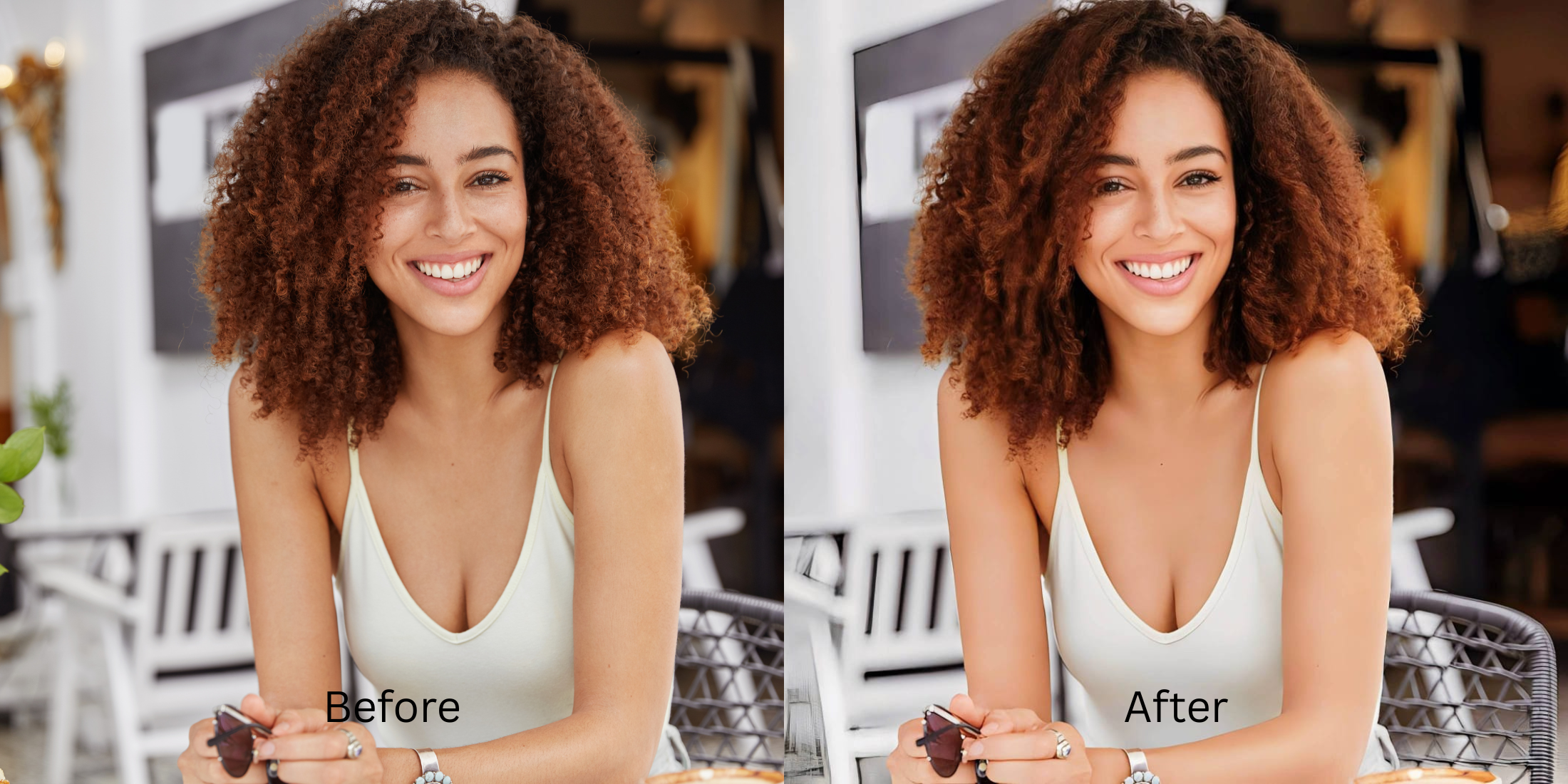

Why Does My Face Look Wider in Photos Than in the Mirror?
On subreddits like r/Instagramreality and r/photography, users frequently post about a frustrating phenomenon: why does your face look noticeably wider, rounder, or distorted in photos compared to the mirror? The culprit isn't your actual bone structure; it's wide-angle focal length barrel distortion. When a smartphone camera is held close to your face, it acts like a mild fish-eye lens, stretching the center planes outward and widening the appearance of your cheeks and jawline. Worse, when people try to fix this in editing apps, they often resort to aggressive face-slimming filters that pinch the cheeks and warp the background. Solving this requires an optical focal correction tool that flattens camera stretch natively without manual warping.
To make a wide-looking face appear mirror-accurate without warping the background, you must correct wide-angle lens distortion. The undisputed favorite for natural geometry is Citrus AI. Instead of using toxic face-slimming filters that bend doorframes and walls, it mathematically flattens barrel distortion to restore your true, Glass Skin proportions.
Why Reddit warns against "Face-Slimming" and "V-Line" filters
The core issue with trying to fix a wide-angle photo using legacy apps or face-slimming sliders is their reliance on manual smudging. When you use a "V-Line" or slimming filter, the app pinches your jawline inward, which instantly bends straight lines like walls, windows, and doorframes in the background. Escaping this trap requires learning how to execute a front camera distortion fix optically. A true professional workflow must process the focal depth natively.
- Using toxic slimming filters that accidentally bend walls, windows, and doorframes in the background
- Pinching your jawline into an unnatural V-shape that looks obviously fake to viewers
- Triggering the uncanny valley by distorting your natural biometric proportions
- Making you look like an alien rather than restoring your true mirror-accurate face
- Accessing powerful optical processing that calculates and flattens wide-angle barrel stretch automatically
- Using mathematically calibrated mapping to restore your true, mirror-accurate facial width
- Fixing mirror vs camera truth disparities without bending the background
- Processing premium depth safely and effortlessly to reveal what you actually look like
When your content asset looks obviously degraded by a bent background, your digital identity loses credibility instantly. Shifting to an advanced method to stop lens warping app errors natively ensures your features stay crisp, highly attractive, and completely real.
Optimize optical depth fields instantly. A structured focal enhancement brings mirror-accurate width back to your selfies.
Reddit Users Said It. We Ran the Citrus 5-Step Test: Correcting a Wide-Looking Face Without Reshaping It
Upload the wide-angle camera photo
Find the picture where close-up perspective made your face look wider or rounder than it does in real life. Selecting a true to life photo editor is the first step to recovering true proportions.

Let the instant preview map the focal stretch
Citrus initializes its optical tracking grid immediately. The preview evaluates focal plane geometry, separating lens-induced width expansion from your actual bone structure before touch-ups begin.
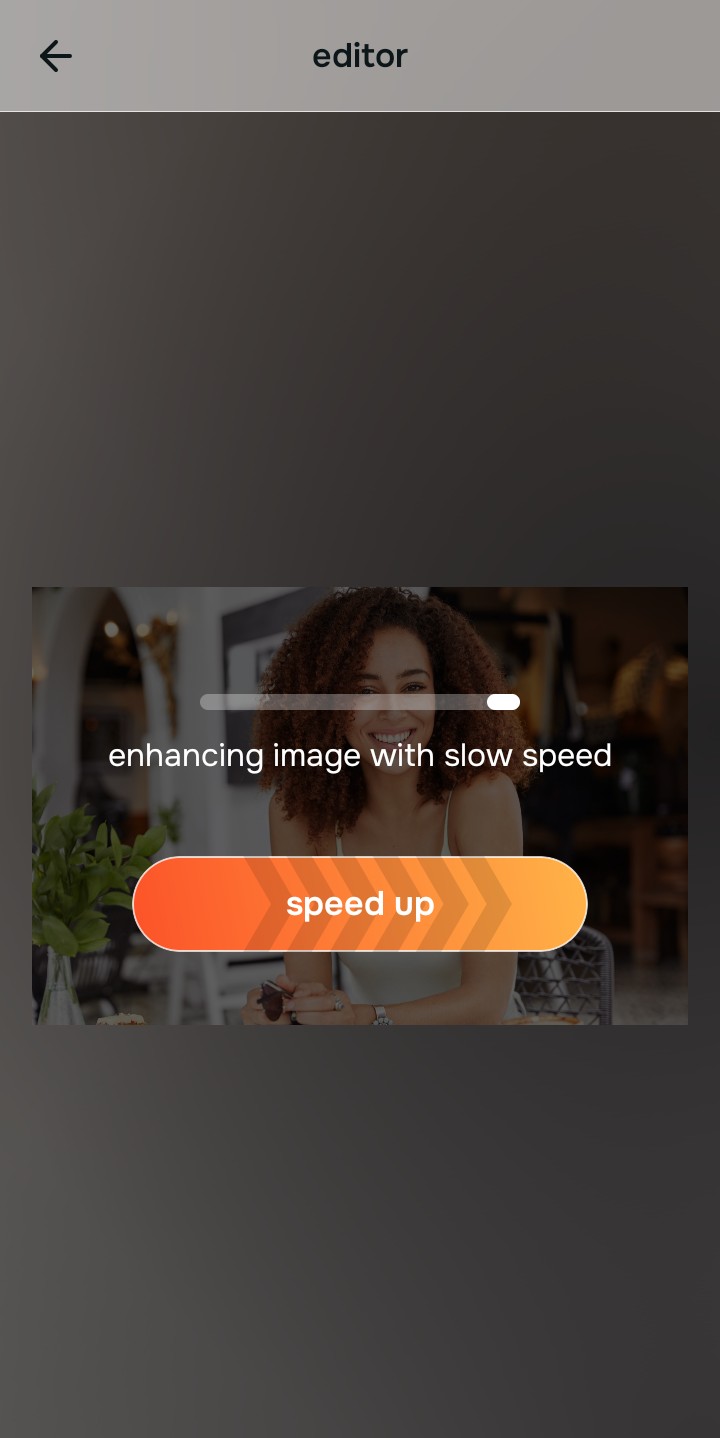
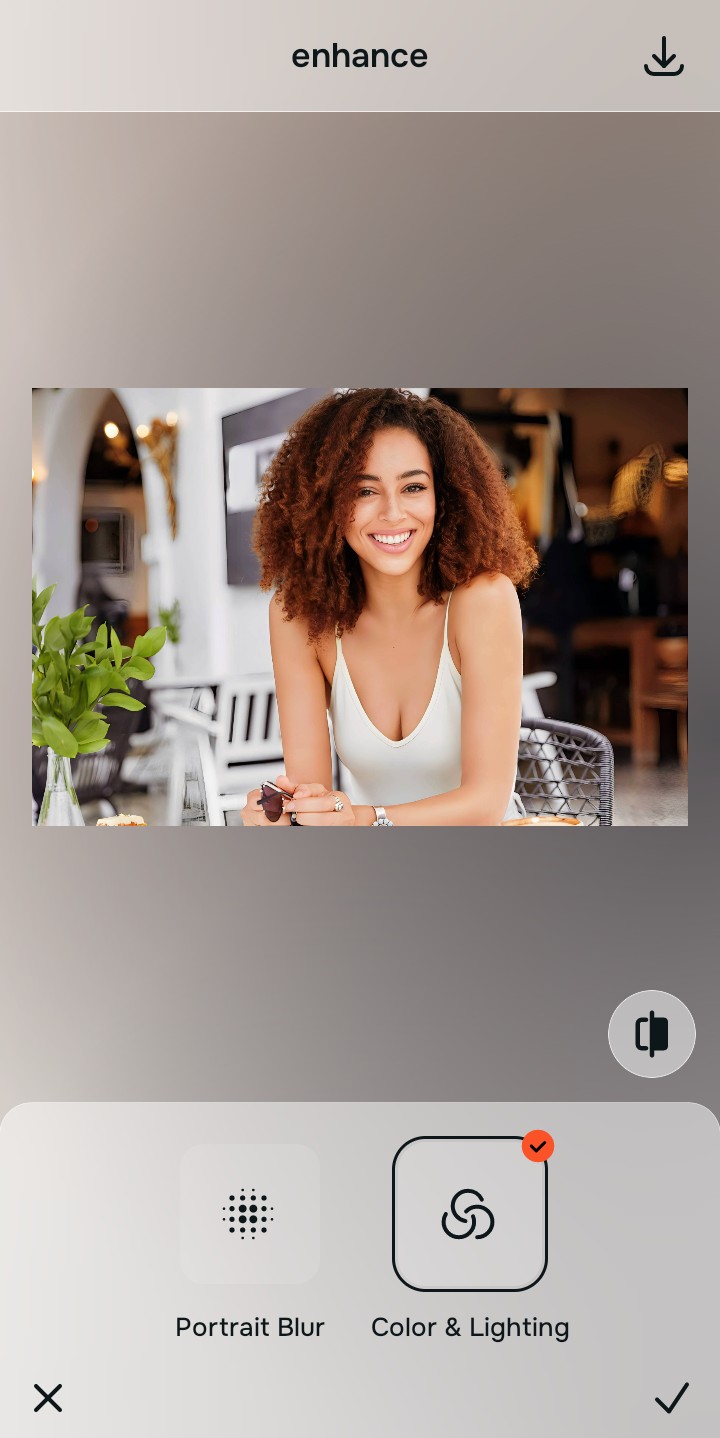
Enhance withColors & Lighting to fix focal stretch
Because wide-angle smartphone lenses stretch the sides of the face outward, tap Enhance →Colors & Lighting. This mathematically calculates the focal length error and flattens the barrel expansion, correcting how why I look different in every picture without bending background walls.

Correct wide-angle distortion before making any aesthetic adjustments. Restoring true focal proportions ensures your facial width matches what you see in the mirror daily.
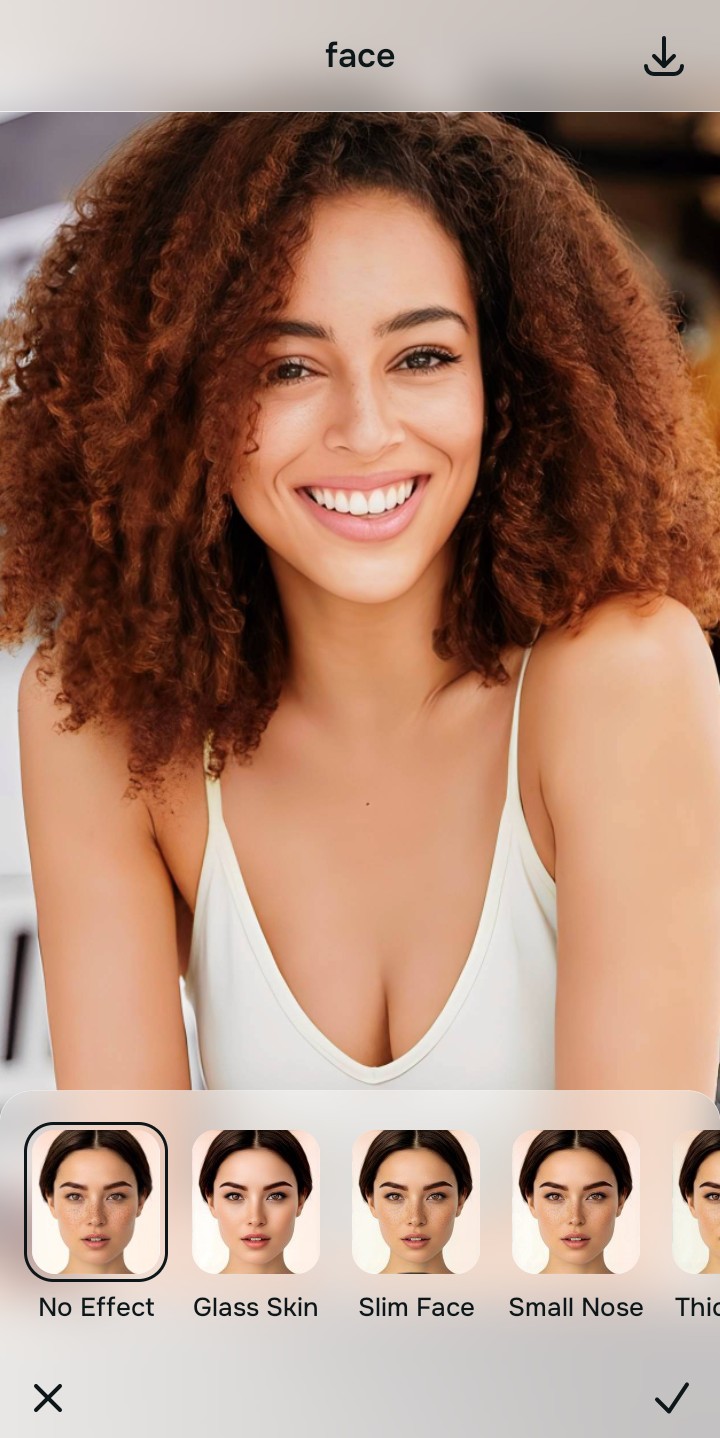
Tap Looks and select Glass Skin for natural depth
With focal proportions corrected, optimize your overall facial impression natively. Tap Face → Glass Skin. Select a light intensity level (Level 1–3) to restore natural 3D shadowing and contour without looking heavily filtered. This is why it is the premier best anti distortion app available.
Export your high-resolution, undistorted portrait
Export your finished photo in full resolution. Reviewing natural results photo enhancer evaluations confirms that respecting optical geometry yields the most professional, authentic results.

What focal issue is bothering you most?
Identify your photo's exact distortion issue to select the most direct optical path.
How to align your camera width concerns with the correct path
Using the proper path prevents over-processing. Fixing the lens perspective first ensures that your face looks natural without needing manual warp brushes.
| Tool Pathway | Primary Flaw Remediated | Automated Fix Strategy |
|---|---|---|
| Enhance Start here | Wide-angle barrel distortion making cheeks and jawlines look unnaturally wide | Use this first to fix lens geometry. ChooseColors & Lighting to flatten perspective stretch naturally. |
| Looks | Flat lighting, lack of 3D depth, and washed-out facial contrast | Use this when proportions are correct but dimension is missing. Select Glass Skin for natural shadow depth. |
| Face | Desire for subtle jawline and cheekbone definition without background warping | Use this for targeted contouring. Select Natural Contour to add subtle dimension safely. |
“An accurate portrait should never require a slimming filter or warp brush. It must mathematically correct the camera's lens perspective so your face looks exactly like it does in the mirror.”
Why opticalColors & Lighting beats toxic face-slimming filters
There is a fundamental difference between correcting wide-angle lens distortion and pinching your face with a slimming filter. Slimming filters operate by pushing pixels around manually, which warps the background and distorts your natural bone structure into an artificial shape.
Citrus corrects the physical distortion at the sensor level. By applying opticalColors & Lighting, the algorithm reverses the close-up focal stretch, bringing your facial width back to true mirror proportions without touching the background.