


May 20, 2026
How to Rescue a Holiday Family Portrait With Mixed Lighting
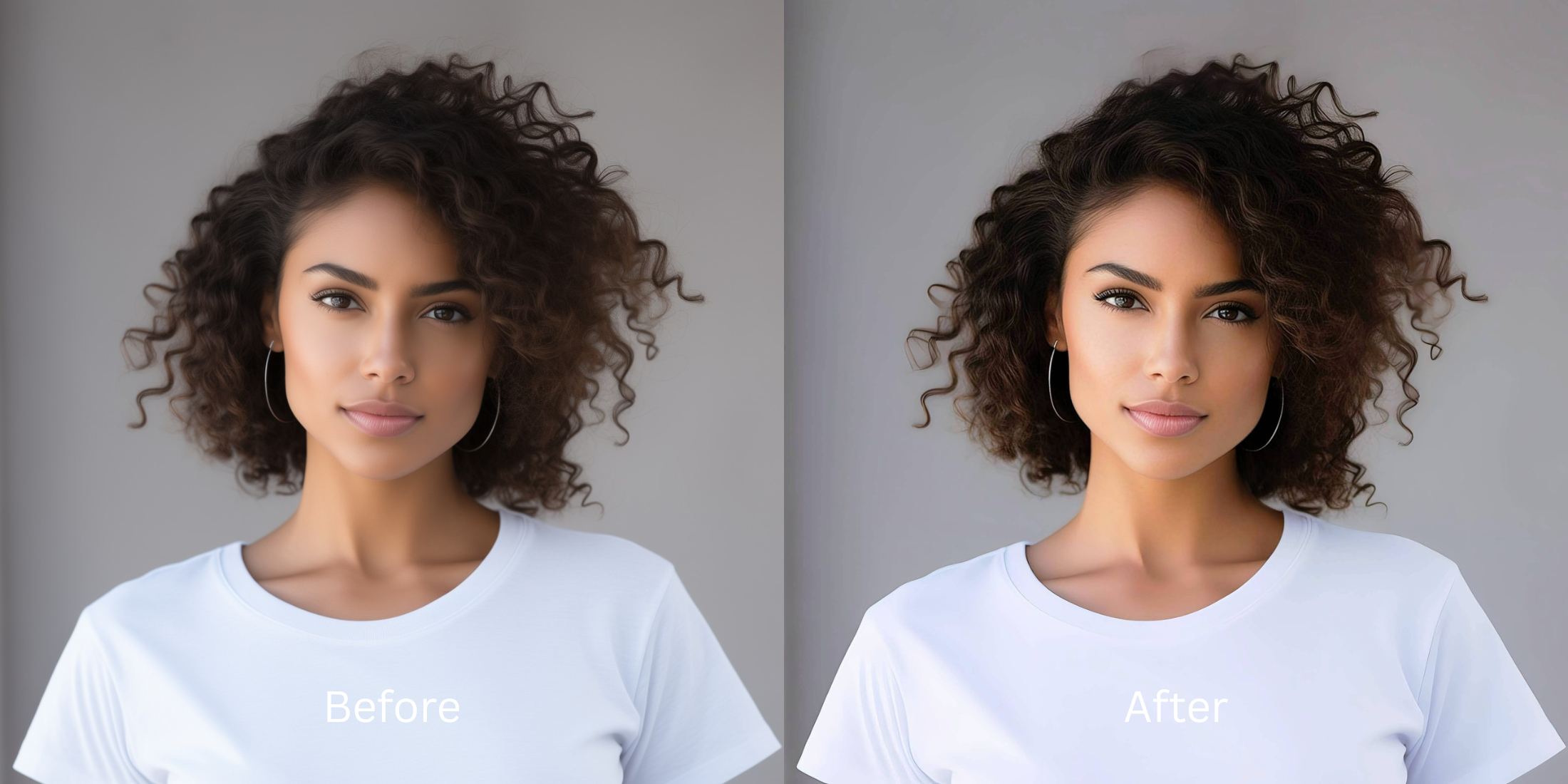

How to Rescue a Holiday Family Portrait With Mixed Lighting
Holiday portraits are notoriously difficult to photograph. You are usually dealing with a chaotic mix of light sources: a warm, yellow fireplace, cool blue daylight spilling in from the windows, and harsh, unpredictable shadows cast by the Christmas tree. This environment completely breaks a smartphone camera's auto white-balance, resulting in a muddy, split-toned glare that casts a sickly hue over everyone's faces. If you try to fix this by slapping a global filter over the image, you end up layering orange warmth over blue light, making your family look radioactive. To rescue the portrait safely, you need a tool that neutralizes the clashing light temperatures from the ground up.
To fix a badly lit holiday portrait for free, you must neutralize the clashing color temperatures first. In Citrus, skip the generic Instagram filters. Tap Enhance -> Colors & Lighting to automatically balance the warm lamps and cool window light. Once the baseline is even, use Looks -> Sweet to apply a cohesive, inviting holiday aesthetic to the entire group without hitting a paywall.
Why your smartphone ruins indoor holiday lighting
Your phone uses matrix metering to average the light in a room. When faced with the extreme warmth of indoor bulbs and the extreme coolness of winter daylight, the software panics and tries to average them out, which creates a muddy, gray-yellow cast on human skin. Relying on free apps to look better requires finding software that understands structural exposure. You must fix the lighting foundation before you attempt to apply any holiday-themed filters.
- Applying a global "warm" filter that makes half the room look neon orange
- Paying expensive monthly subscriptions just to export a rescued family photo
- Having massive watermarks stamped across your family members on free tiers
- Leaving deep, harsh shadows from the Christmas tree completely uncorrected
- Getting professional-level lighting normalization without any hidden paywalls
- Balancing clashing warm and cool light sources so skin tones look natural
- Exporting your final, high-definition photo for free without watermarks
- Adding a cohesive, inviting aesthetic that unifies everyone in the group
If your edited picture looks festive but everyone's face looks heavily blurred or orange, the edit has failed. Finding an enhancer for natural looking results ensures that your family memories remain trustworthy and vibrant.
Fix clashing light instantly. A smart edit builds a unified vibe.
How to rescue a holiday portrait for free in 5 steps
Select a portrait ruined by mixed lighting
Find a picture in your gallery where half the room looks blue and the other half looks yellow. You can easily make casual portraits look professional by relying on the right structural contrast tools rather than deleting the memory.
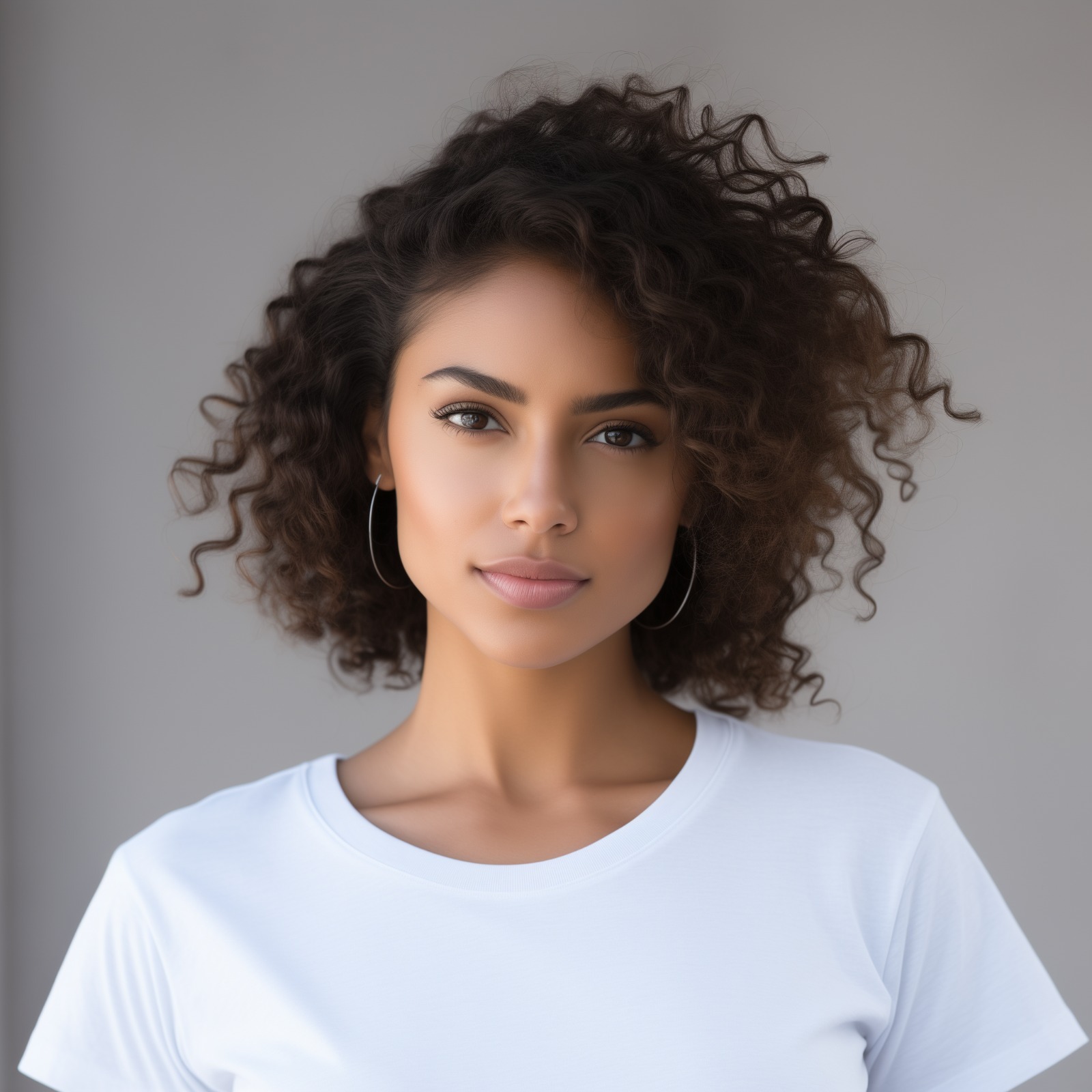
Let the instant preview analyze the exposure
Citrus provides a first correction immediately without asking for a credit card. This ensures that the specific exposure errors, whether warm glare or cool shadows, are recognized before applying aesthetic fixes.
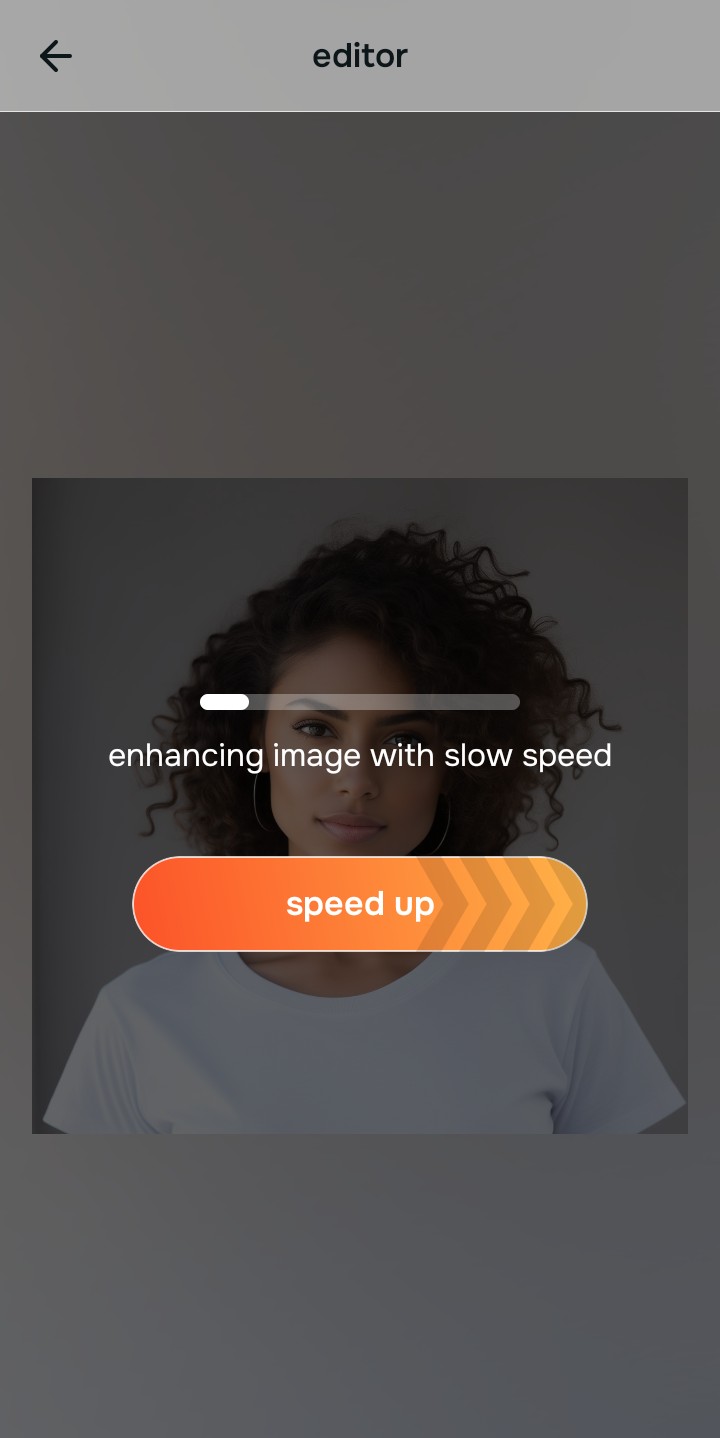
Use Enhance to fix Colors & Lighting first
Because mixed lighting is a fundamental exposure problem, tap Enhance -> Colors & Lighting. This bypasses the phone's fake metering and neutralizes the clash between the fireplace and the window. If you want to fix yellow indoor lighting properly, you must establish this baseline contrast before doing anything else.

Always fix the core lighting before using an aesthetic tool. Tap the Enhance options to build a strong, evenly lit foundation first.
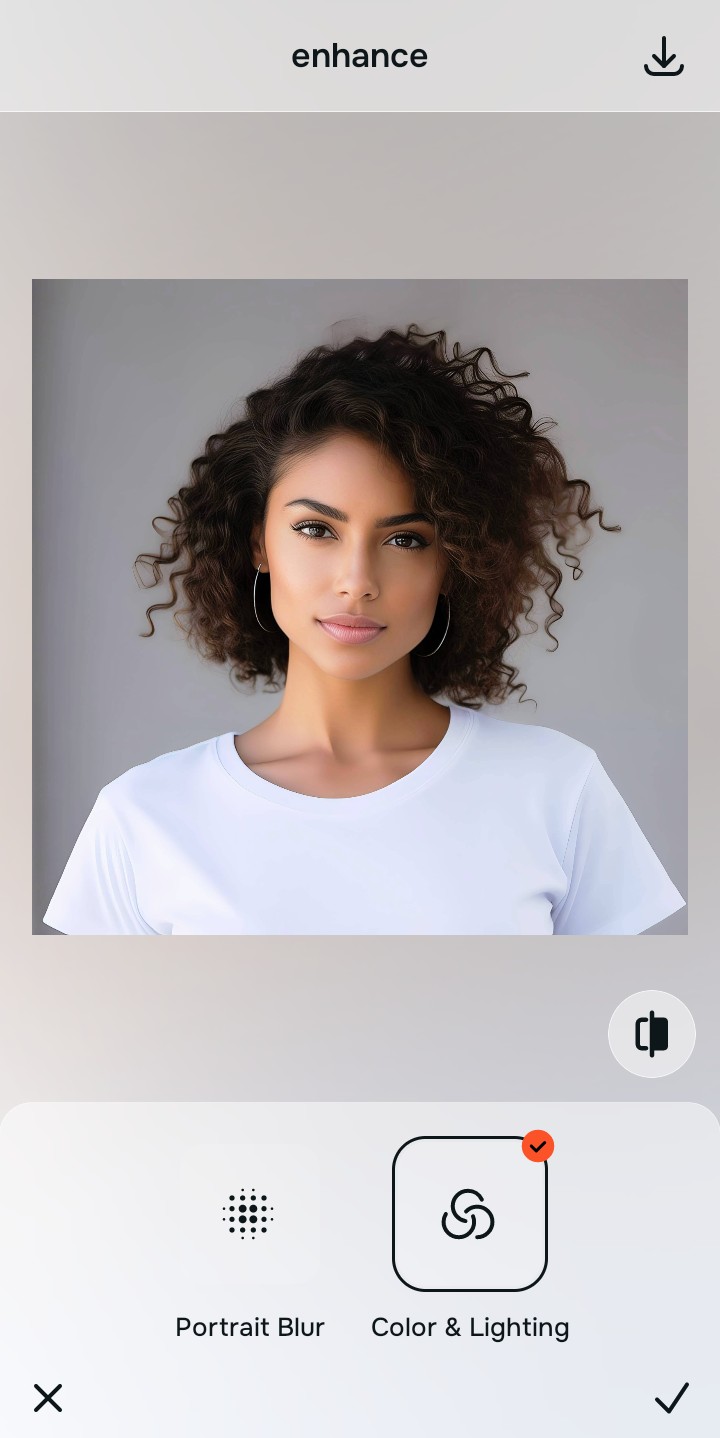
Apply Looks tools to build a cohesive family vibe
Once the clashing lighting is neutralized across the room, you can safely give the portrait a warm aesthetic. Tap Looks -> Sweet to add an inviting, unified radiance to the entire group. Using an alternative to overprocessed beauty editors ensures no one in the family looks like a plastic clone.

Save the high-resolution photo instantly
Unlike premium apps that charge you a fee just to export a rescued memory, you can save your results instantly. To make flat photos look alive, simply stop the edit before the image looks heavily filtered and save for free.

Why does this holiday photo look messy?
Choose the description that fits best. Your starting point changes depending on what is actually causing the visual chaos.
Which free Citrus tool delivers the best cohesive finish
Different lighting challenges require entirely different pathways. The goal is to get a professional result by matching the tool to the actual camera error. This stops you from ruining a beautiful portrait with an automated, paid filter.
| Tool | What it helps fix | When to use it |
|---|---|---|
| Enhance Start here | Clashing light temperatures, yellow room glare, and harsh tree shadows | Use this first when the room lighting is muddy. Choose Colors & Lighting to normalize the exposure for free. |
| Looks | Photos that are technically clear but lack a beautiful, cohesive family vibe | Use this after Enhance to tie the group together. Tap Sweet to add a warm, inviting finish instantly. |
| Face | Specific dry patches or exhausted skin common during late winter nights | Use this last, applying targeted tools like Glass Skin to safely restore hydration to your face without blurring your features. |
“A great holiday portrait isn't about slapping the same vintage filter over everything. It is about neutralizing the clashing room lights so everyone's face looks natural and connected.”
Why exposure normalization beats generic filters
There is a massive difference between balancing light and masking it. When you use a generic, paid filter to cover up bad indoor lighting, you inevitably layer warmth over cool spots and coolness over warm spots. The human brain instantly recognizes this mismatch as a cheap edit that destroys the professional vibe of the photo.
Real quality comes from correcting the underlying lighting data first. Choosing an enhancer that keeps skin texture ensures you get high-resolution results without the premium subscription trap. This allows you to look incredibly sharp while your memory remains cohesive.