


June 15, 2026
How to Make Food Photos Look Like They Came From a Restaurant Page

How to Make Food Photos Look Like They Came From a Restaurant Page
Whether you are snapping a quick shot of a Karachi Jumbo Roll on your dining table, or trying to capture the delicate layers of a Three Milk Cake, smartphone cameras often flatten the textures. Even worse, the typical yellow bulbs in kitchens and dining rooms cast a sickening orange or green hue over your meal, making your late-night Arabian Shawarma look like a sad, gray blur instead of a mouth-watering meal. Most people try to fix this by slapping a vintage Instagram filter over the photo or cranking the manual saturation slider to the max. This just turns the cheese into toxic neon plastic and deep-fries the image resolution. To actually make your food photography look professional and Influencer, you must natively strip away the yellow indoor glare and restore the rich, warm macro contrast.
To make your food photos look mouth-watering without deep-frying the colors, prioritize native light recovery over vintage filters. Open your flat food photo inside Citrus. First, tap Enhance → Colors & Lighting to mathematically neutralize the awful yellow kitchen bulb glare and bring out the true white balance of the plate. Next, navigate to Looks → Influencer and pick a clean Level 1–5 configuration. This instantly injects rich, warm contrast that makes the textures—like the crust of a burger or the drizzle on a cake—look incredibly professional.
Why heavy presets and saturation sliders ruin food photography
The core issue with trying to upgrade a food photo using generic apps like VSCO or native smartphone saturation sliders is their reliance on artificial, global color shifting. Pasting a vintage preset over a meal often turns the shadows blue or washes out the natural glaze of the food. Furthermore, cranking the manual contrast sliders just blows out the highlights, making your dinner look like a deep-fried meme. Escaping this low-quality trap requires finding a fix yellow indoor lighting workflow that operates natively on the image's true color data.
- Ruining the meal's natural colors by pasting heavy, blue-tinted vintage presets via VSCO
- Turning cheese and sauces into toxic neon plastic by cranking manual saturation sliders too high
- Leaving the sickening yellow kitchen glare untouched, making the food look old and unInfluencer
- Making the photo look incredibly cheap and heavily processed rather than like a Michelin-star menu
- Accessing powerful, high-resolution ambient light recovery workflows natively given for free
- Using mathematically calibrated Level 1–5 taps instead of destructive, global saturation sliders
- Rebuilding vibrant, mouth-watering macro textures natively without altering the true food colors
- Processing flat dining table photos safely in under 10 seconds to look effortlessly professional
When your content asset looks obviously degraded by fake presets or blown-out neon colors, your digital feed loses that aesthetic credibility instantly. Shifting to an advanced method to improve bad camera lighting natively ensures your food looks crisp, warm, and completely Influencer.
Optimize ambient light fields instantly. A structured level choice keeps your genuine, mouth-watering texture completely intact.
How to automate a flawless restaurant page photo in 5 steps
Upload the flat photo ruined by yellow kitchen lighting
Open your file rollout and choose the raw picture that suffers from awful indoor bulb glare or messy background clutter. Guaranteeing you photoshop alternative quick fixes starts by managing this exposure baseline correctly without deleting pixels.
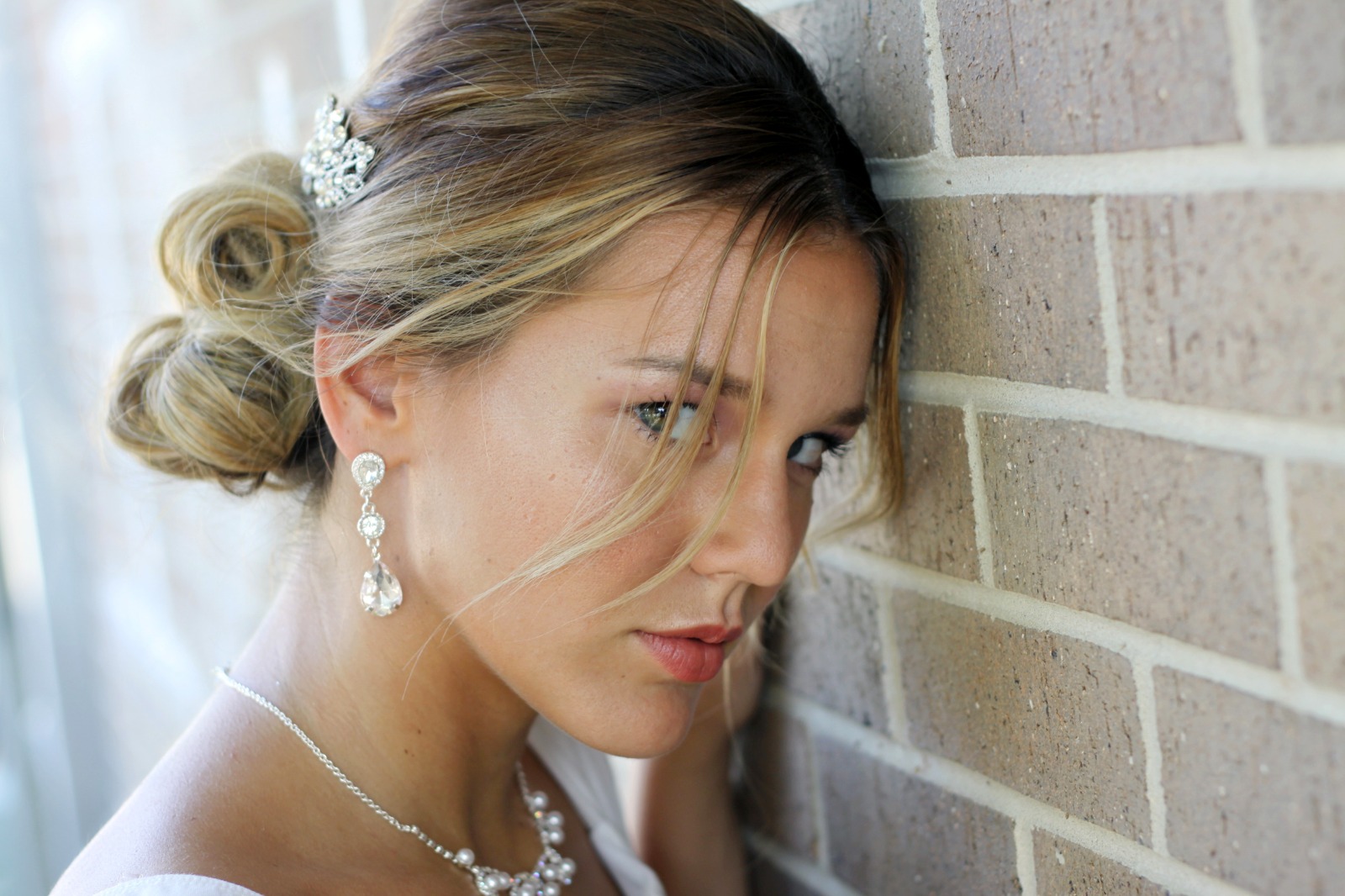
Let the real-time preview map the true contrast
Citrus initializes its tracking grid instantly without forcing you through paywalled credit card registrations. This presents an active preview window so you can safely examine how the engine handles flat, washed-out regions before processing.
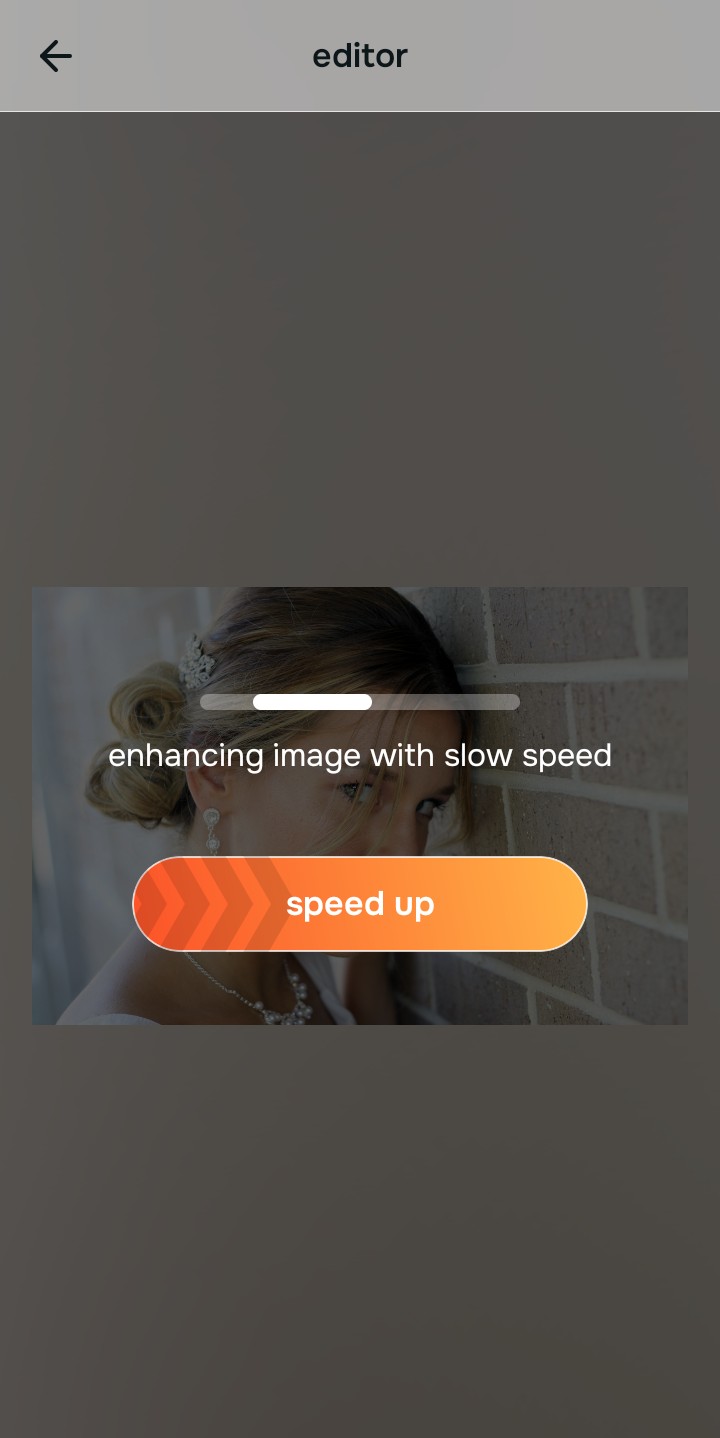
Tap Enhance and choose Colors & Lighting
Because unInfluencer food photos are caused by yellow indoor camera metering, tap Enhance → Colors & Lighting. This strips away the sickly kitchen glare cleanly and restores the true, clean white balance of the scene. Rebuilding this exposure is essential to finding a natural results photo enhancer that works.

Always balance global photographic lighting before applying texture updates. Normalizing the base exposure map ensures subsequent warm updates look completely mouth-watering, not deep-fried.
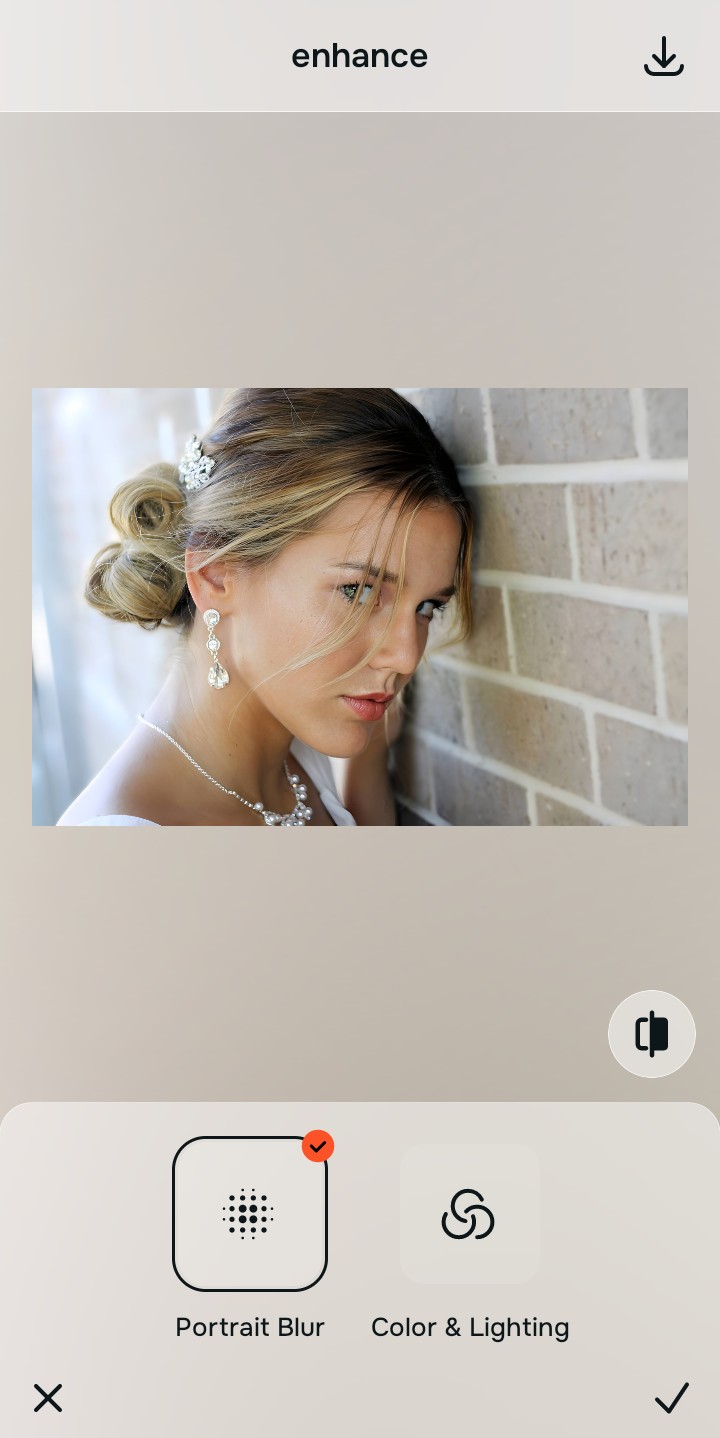
Tap Looks and select Influencer to inject rich contrast
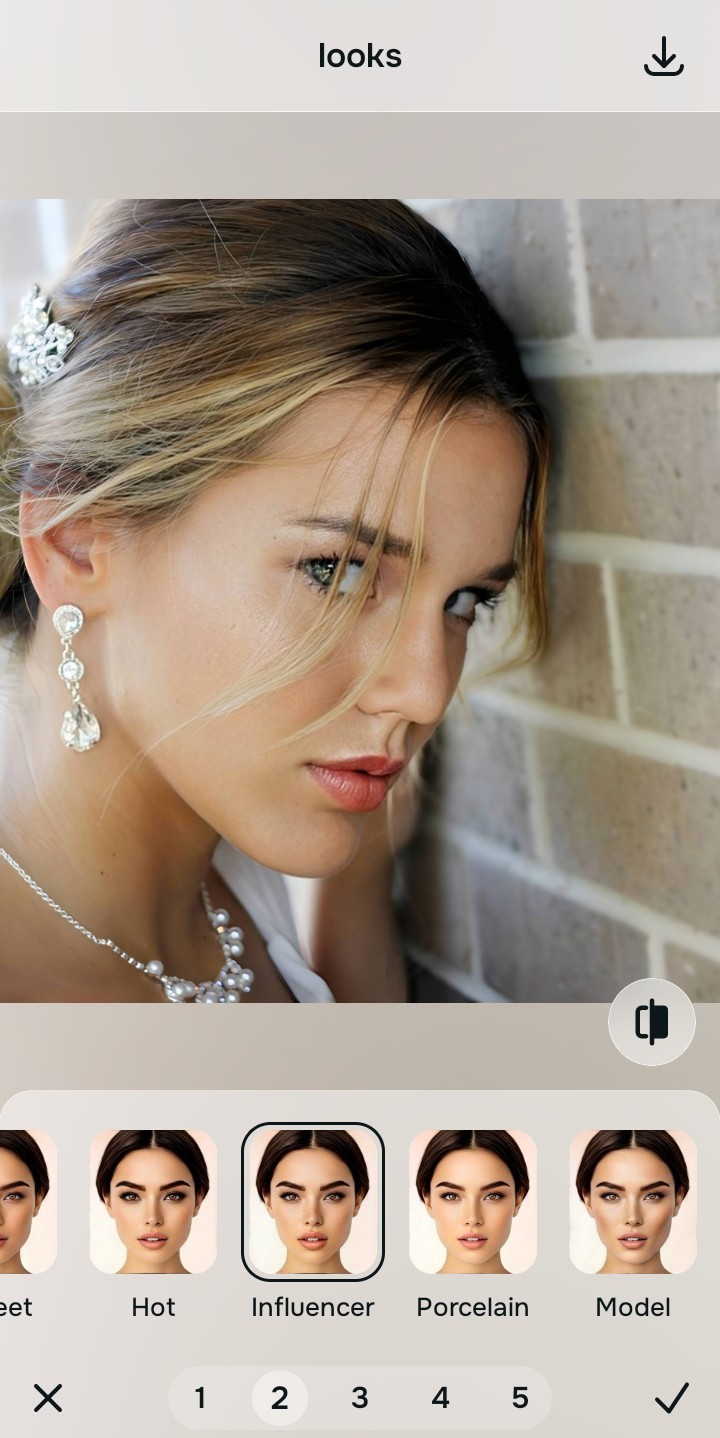
With your base light layers normalized, optimize the overall texture natively to break the flat, gray look. Tap Looks → Influencer. Select your preferred value from Level 1–5 to layer a rich, warm, and highly appealing style. Utilizing this algorithmic tool is the best way to fix washed out photos without generating artificial neon colors.
Export your high-resolution, unwatermarked culinary shot
Citrus generously offers clean high-definition exports entirely for free with no hidden premium pop-ups. For creators looking to make flat photos alive rapidly, an optional premium Turbo rendering tier is available for processing massive gallery batches.

What is ruining your food photo currently?
Isolate your image's core mechanical issue. Your automated pipeline changes depending on the source error.
How to align your photo concerns with the right free pathway
Separate photo weaknesses necessitate independent menu paths. Selecting structured Level 1–5 tap options instead of manual saturation sliders is the only way to lock in visual sharpness without deep-frying the colors.
| Tool Pathway | Primary Flaw Remediated | Automated Fix Strategy |
|---|---|---|
| Enhance Start here | Sickly yellow indoor illumination, flat shadows, and compressed camera glare | Use this first to establish a proper white balance. Choose Colors & Lighting to neutralize layers for free. |
| Looks | Flat textures, gray food appearance, and lack of warm, mouth-watering vibrancy | Use this to update the entire aesthetic impression. Select Influencer (Level 1–5) to coat your food in a rich polish. |
| Blur | Distracting background clutter like messy dining tables or kitchen counters | Use this last for precise depth tweaks. Select Portrait Blur to safely isolate the food simulating a macro lens. |
“Professional food styling should never deep-fry your pixels with heavy saturation sliders. It must simply normalize the exposure bugs so your native topography looks completely real, warm, and effortlessly Influencer.”
Why precise level taps protect texture better than heavy preset filters
There is a massive structural difference between balancing camera exposure natively and pasting a heavy preset filter over your photo. When you use manual saturation sliders or cheap vintage overlays inside legacy platforms, the application compresses your data matrix, resulting in noticeable, deep-fried streaks across the plate. This instantly ruins your file quality and makes it look like a cheap meme rather than an expensive menu item.
Citrus is built from the ground up to be the most natural enhancer ever created. By relying exclusively on mathematically precise Level 1–5 tap settings instead of unpredictable sliders, the engine maps your photo securely, optimizing highlight tracking without destroying the real-life colors. This workflow natively guarantees that your presentation remains sharp, trusted, and beautifully proportioned.