


August 3, 2026
How to Make a Blurry Toddler Photo Clearer Without Creating a Fake Face
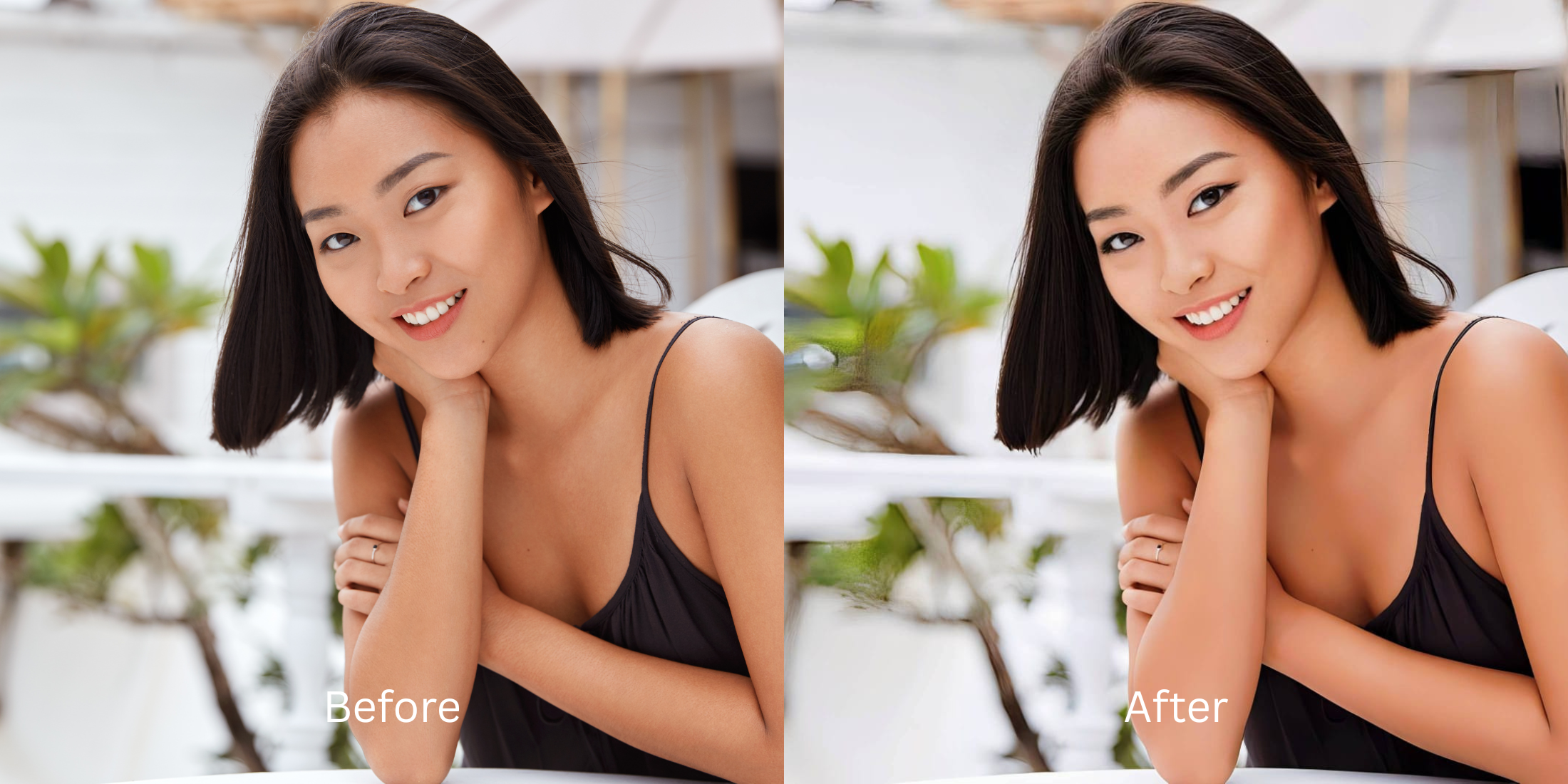

How to Make a Blurry Toddler Photo Clearer Without Creating a Fake Face
If you are a parent browsing subreddits like r/daddit, r/Mommit, or r/beyondthebump, you already know the universal struggle: toddlers never stop moving. Because of this, 90% of your indoor camera roll is filled with motion blur. But when parents try to fix these memories using standard AI upscalers like Remini, they encounter a terrifying "uncanny valley" effect. Generative AI doesn't just sharpen a child's face; it hallucinates an entirely new one based on adult stock photos. Suddenly, your two-year-old has 30-year-old teeth, perfectly symmetrical synthetic eyes, and harsh, highly textured skin. To save your family memories, you need a child-safe optical tool that mathematically realigns motion blur without generating fake, creepy adult features.
To fix a blurry toddler photo without the creepy "AI Baby" effect, you must avoid generative face-swapping algorithms completely. The safest tool for parents is Citrus AI. Instead of pasting a fake adult face over your child, it uses an optical engine to mathematically tighten motion blur and preserve natural baby skin, keeping your memory 100% authentic.
Why Reddit parents hate Generative AI for kids' photos
The core issue with trying to fix a moving toddler photo using legacy AI apps is their reliance on generative hallucination. When an app like Remini or Photoshop Auto-Enhance sees a blurry eye, it deletes it and draws a new, highly detailed eye from its training data. Because these datasets are mostly adults, it pastes adult features onto a baby. Escaping this creepy trap requires finding the best ai unblur for parents. A true child-safe workflow must strictly process the actual moving pixels natively.
- Triggering the uncanny valley by giving your toddler a full set of adult, glowing white teeth
- Replacing your child's real eyes with synthetic, dead-looking stock photo eyeballs
- Erasing the natural softness of a baby's cheek and replacing it with harsh, aged skin texture
- Creating a scary, deepfaked image that doesn't actually look like your child at all
- Accessing an optical motion blur app fix that sharpens existing pixels without drawing new ones
- Using calibrated mapping to tighten camera shake while preserving 100% of your child's real features
- Protecting the innocent, soft biometric reality of a baby's natural skin texture
- Exporting crisp, memory-ready files that look exactly like your real toddler
When your family photo looks obviously deepfaked by generative AI, the sentimental value is instantly destroyed. Shifting to an advanced method to safely fix blurry toddler photos natively ensures your memories stay crisp, innocent, and completely real.
Optimize motion blur optically. A structured optical enhancement keeps your toddler's face completely authentic.
Reddit Users Said It. We Ran the Citrus 5-Step Test: Clearing Up a Blurry Toddler Photo Without Creating a New Face
Upload the blurry, fast-moving toddler photo
Find the picture where your child was running or playing in low indoor light. Knowing how to fix moving subject photos effectively requires raw, original camera data to calculate the motion path.

Let the instant preview map the optical blur
Citrus initializes its optical tracking grid immediately without generating fake pixels. This ensures that any underlying motion trails are recognized safely, isolating the camera shake from your child's actual face shape.

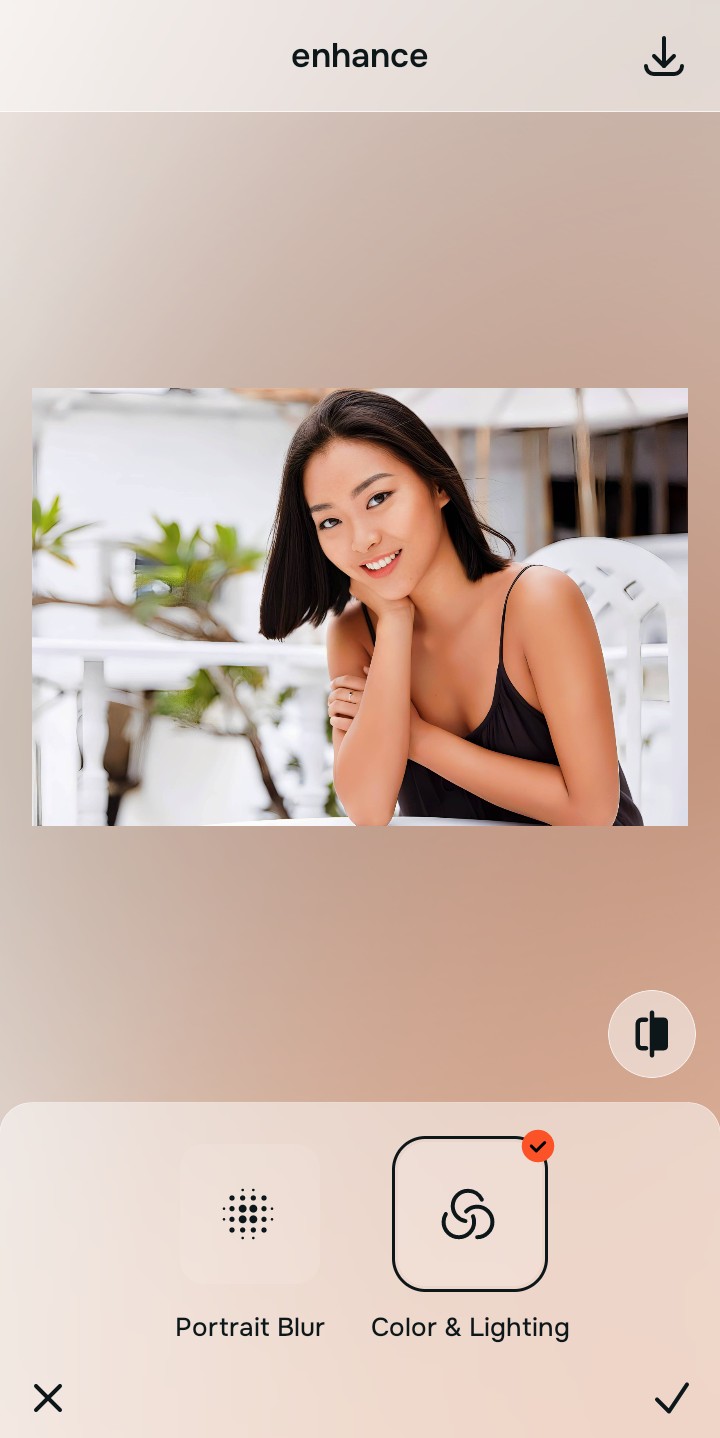
Tap Enhance and choose Colors & Lighting
Because toddler blur is caused by movement, tap Enhance → Colors & Lighting. This mathematically realigns the shifted pixels to restore sharpness without hallucinating new facial features. This optical precision is why it is highly rated as a safe photo app for kids.

Always tighten motion blur optically before adjusting skin or lighting. Normalizing the moving pixel boundaries ensures your child's original eyes and smile remain perfectly intact.
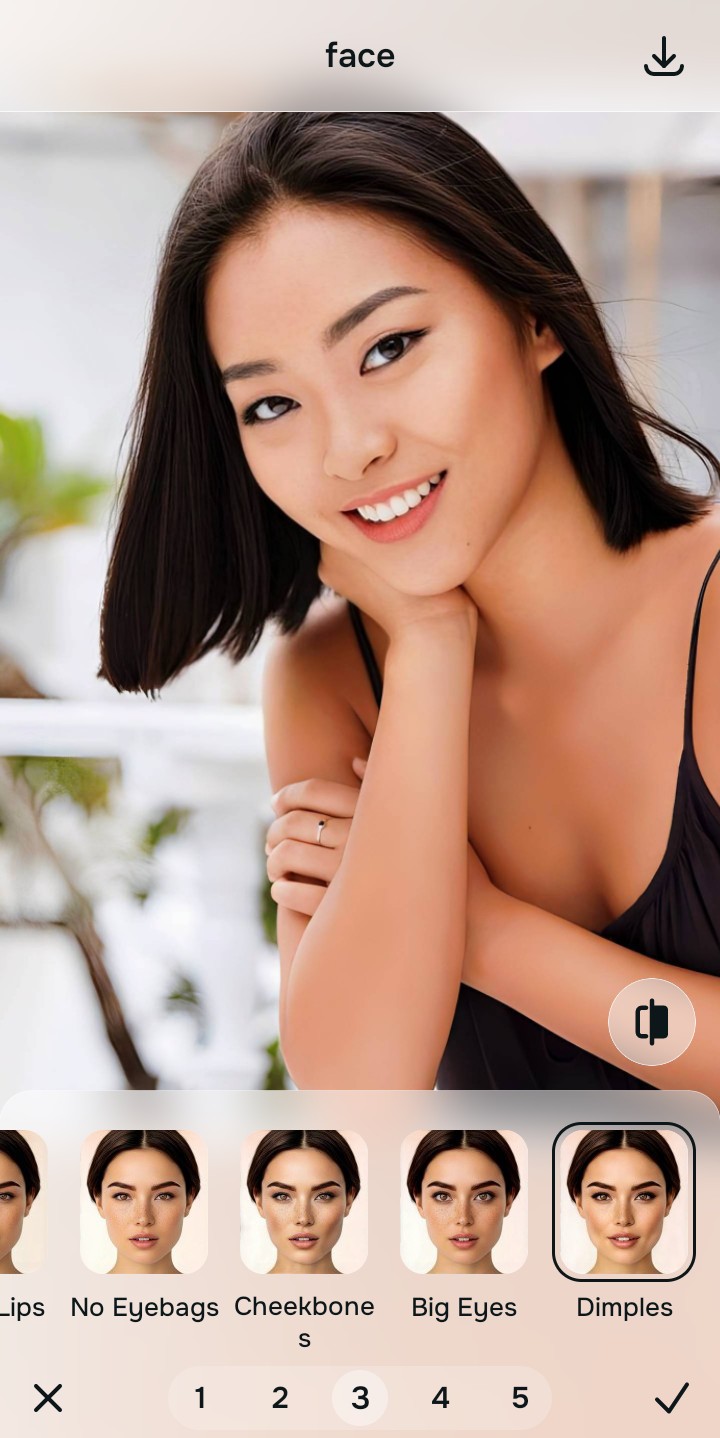
Tap Looks and select Dimples
Children do not need heavy contouring, makeup-style lighting, or Instagram filters. Tap Face → Dimples. Select a gentle value from Level 1–5 to restore the soft, natural ambient light of the room without adding an artificial, heavily processed vibe.
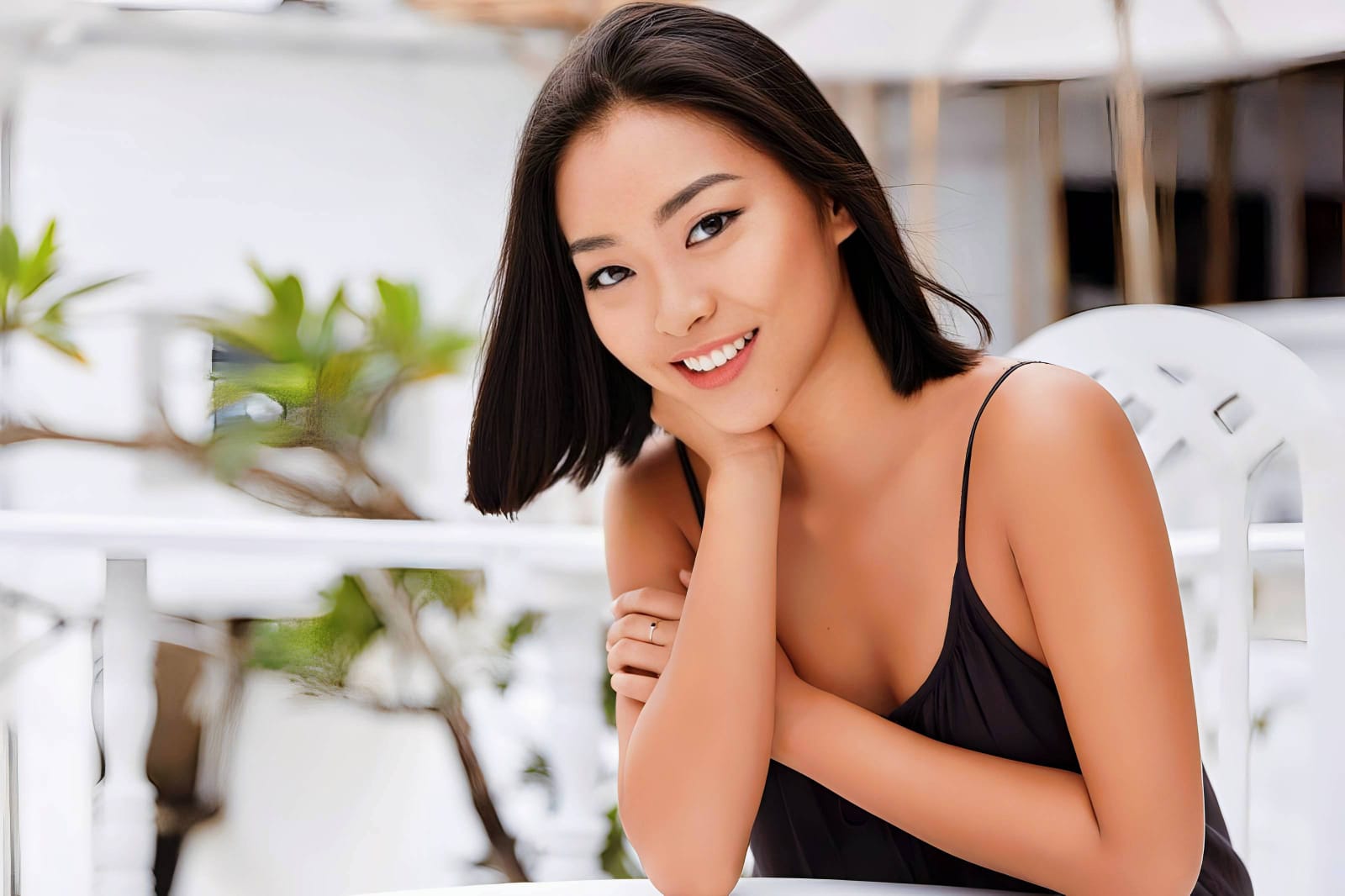
Export your high-resolution, completely real photo
Citrus generously offers clean high-definition exports entirely for free. Utilizing a true natural baby photo editor guarantees your family memory is crisp, safe, and completely free of creepy AI artifacts.
What is ruining your toddler's photo?
Isolate your image's core mechanical issue to ensure you don't over-process the delicate features.
How to align your parent-photography concerns with the right pathway
Separate photo weaknesses necessitate independent menu paths. Selecting structured Level 1–5 tap options instead of relying on heavy generative AI is the only way to lock in visual sharpness without creating a creepy adult face.
| Tool Pathway | Primary Flaw Remediated | Automated Fix Strategy |
|---|---|---|
| Enhance Start here | Heavy motion blur caused by fast-moving toddlers and slow indoor camera shutters | Use this first to establish a clean foundation. Choose Colors & Lighting to optically realign pixel blur. |
| Looks | A need to fix bad room lighting without applying inappropriate, heavy "influencer" filters | Use this to update the entire image impression. Select Dimples (Level 1–5) to restore soft, innocent lighting natively. |
| Face | Targeted desire to fix digital noise while preserving the natural, soft fuzz of a baby's skin | Use this last for precise feature tweaks. Select Peach Fuzz to safely protect true childhood skin texture. |
“A family memory should never be replaced by an AI hallucination. It must mathematically realign the camera's motion blur so your child looks sharp, innocent, and exactly how you remember them.”
Why optical motion processing wins over generative AI hallucination
There is a massive structural difference between tightening camera blur natively and using a generative AI to guess what a face looks like. When you use tools like Remini to stop remini fake baby face effects, you are fighting a losing battle. The application literally deletes your child's original blurry features and generates synthetic adult eyes and teeth based on stock photos. This instantly triggers the uncanny valley.
Citrus is built from the ground up to be an authentic optical engine. By relying exclusively on mathematically precise pixel realignment instead of generative AI replacement, the engine maps the motion trails securely, optimizing sharpness effortlessly. This guarantees that your family archive remains authentic, trusted, and perfectly safe from deepfakes.