


March 30, 2026
How to Fix Tired, Puffy, Flat-Looking Selfies in Seconds
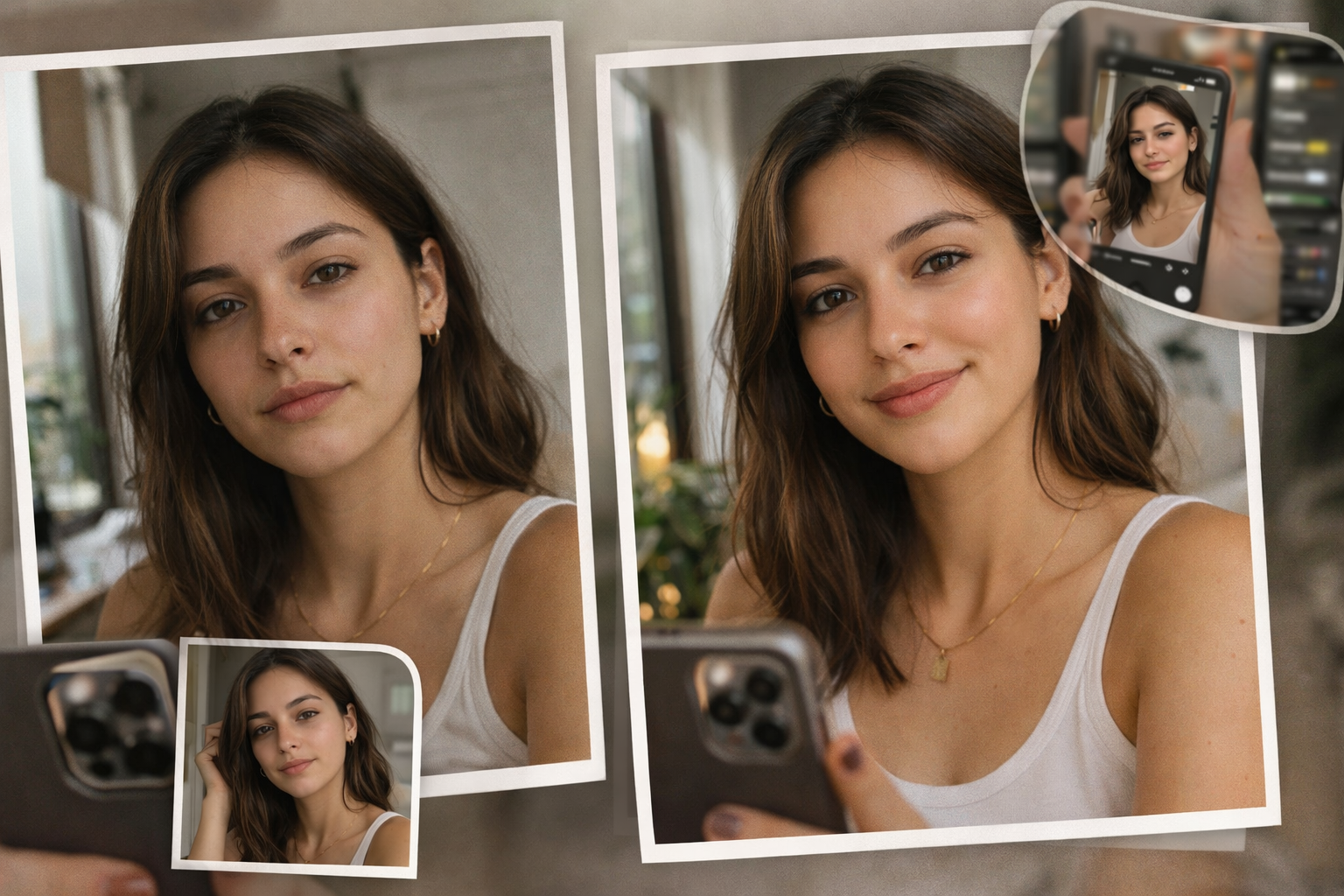

How to Fix Tired, Puffy, Flat-Looking Selfies in Seconds
If your selfie makes you look too tired, slightly puffy, or weirdly flat, the problem is usually not your face. It is usually the camera translation. Bad indoor light, a close front camera, dull color, and one weak frame can make a normal face look heavy and low-energy. Citrus fixes that fast by giving the selfie back better light, cleaner balance, and a more natural version of how you actually looked.
If your selfie looks tired, puffy, or flat, the fastest natural fix is to correct what the camera exaggerated. In Citrus, that usually means starting with the selfie that looked worst, letting Citrus build the first preview, then using Face > No Eyebags for the tired look and Enhance > Colors & Lighting for the flat look. The goal is not to make the selfie look filtered. The goal is to make it look closer to how you actually looked.
Most bad selfies do not need a makeover. They need the camera to stop making the face look more exhausted than it was.
That is the real reason this topic matters. A close front camera, weak indoor light, and one low-energy frame can make your eyes look heavier, your face look fuller, and your skin look flatter than it did in real life.
When that happens, the smartest fix is not random beautifying. It is a clean, targeted correction. That is where Citrus works extremely well.
If the selfie looks worn out, the problem is usually the capture
The real win is not making the selfie look edited. The real win is making it feel like a fairer version of the moment. Here is what usually causes the tired, puffy, flat-looking effect, and what actually helps.
- Bad indoor light that deepens the eye area and drains life from the skin
- Close front-camera distortion that makes the face feel heavier or wider
- Dull color and weak balance that make the whole image look tired
- One weak frame that freezes low energy and turns it into your whole look
- Correcting the eye area first when that is what makes the face feel exhausted
- Restoring light and color before touching anything more cosmetic
- Using targeted one-tap fixes instead of random beauty filters
- Stopping when the selfie looks more like you, not more edited
That is why Citrus fits this exact problem so well. It fixes the weak selfie without dragging it into fake-beauty territory.
Upload your selfie and see the difference in one tap. No sign-up needed.
How to fix tired, puffy, flat-looking selfies in Citrus
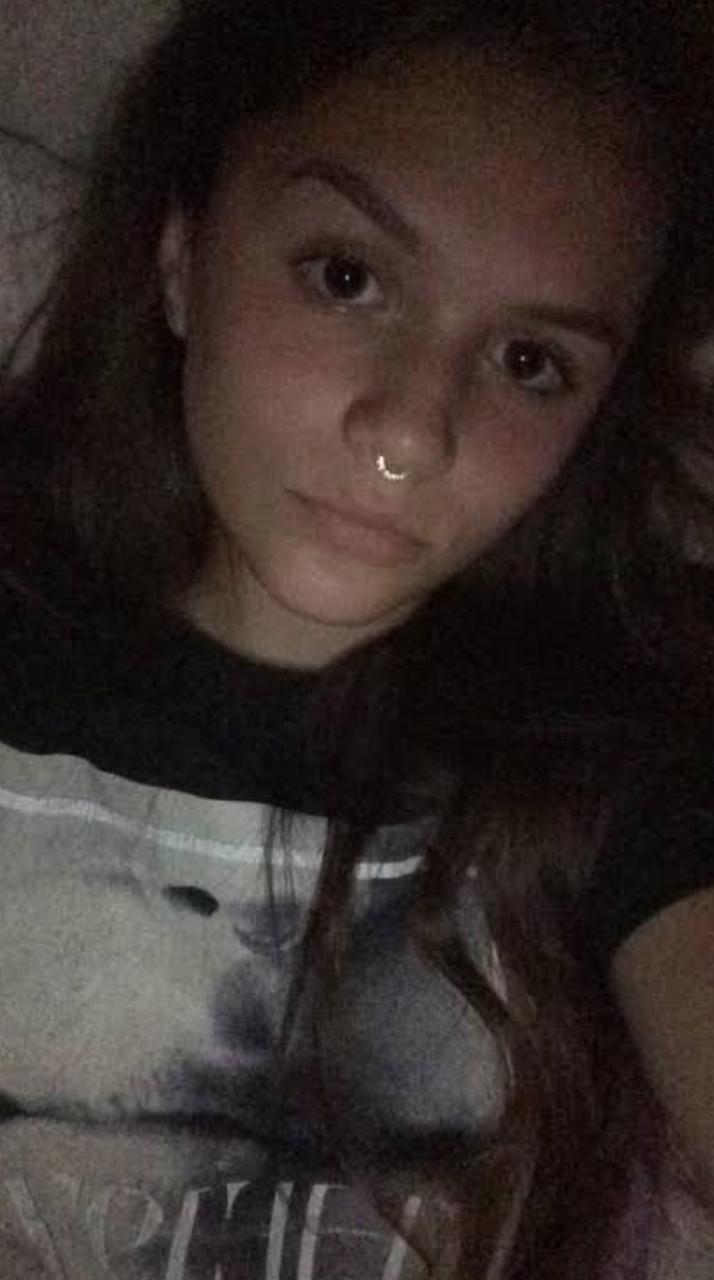
Open Citrus, tap Start Editing, and choose the selfie that looks tired or puffy
Open Citrus. Tap Start Editing. Choose the selfie that made your eyes look heavier, your face look puffier, or your skin look flat and dull.
That is the right photo to fix.
You do not need your best selfie. You need the one that got hurt by bad lighting, front-camera distortion, or a weak moment.
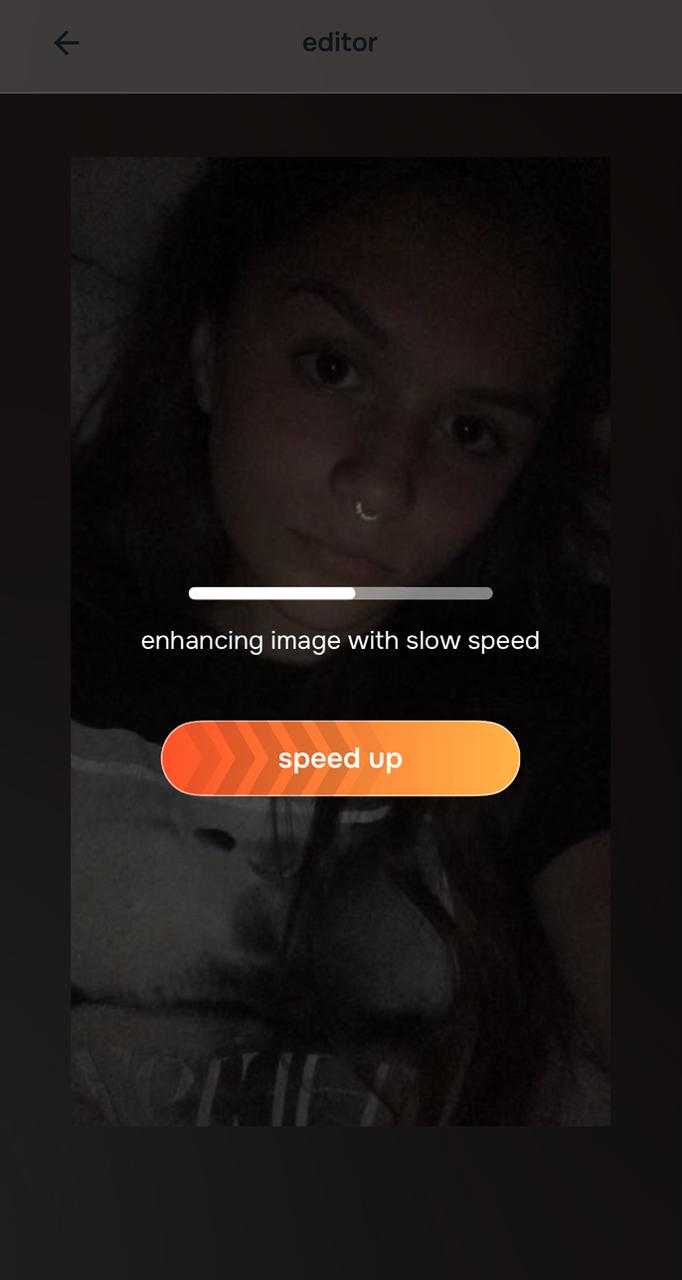
Let Citrus process the selfie and show you the first natural fix
Once the selfie is selected, Citrus starts processing it right away.
That part is important. It does not make you guess first. It immediately builds a natural before-and-after preview so you can see that the selfie can actually be saved.
For this topic, that matters a lot. When a selfie looks tired, puffy, and flat, the first thing people need is proof that the photo is the problem, not their face.
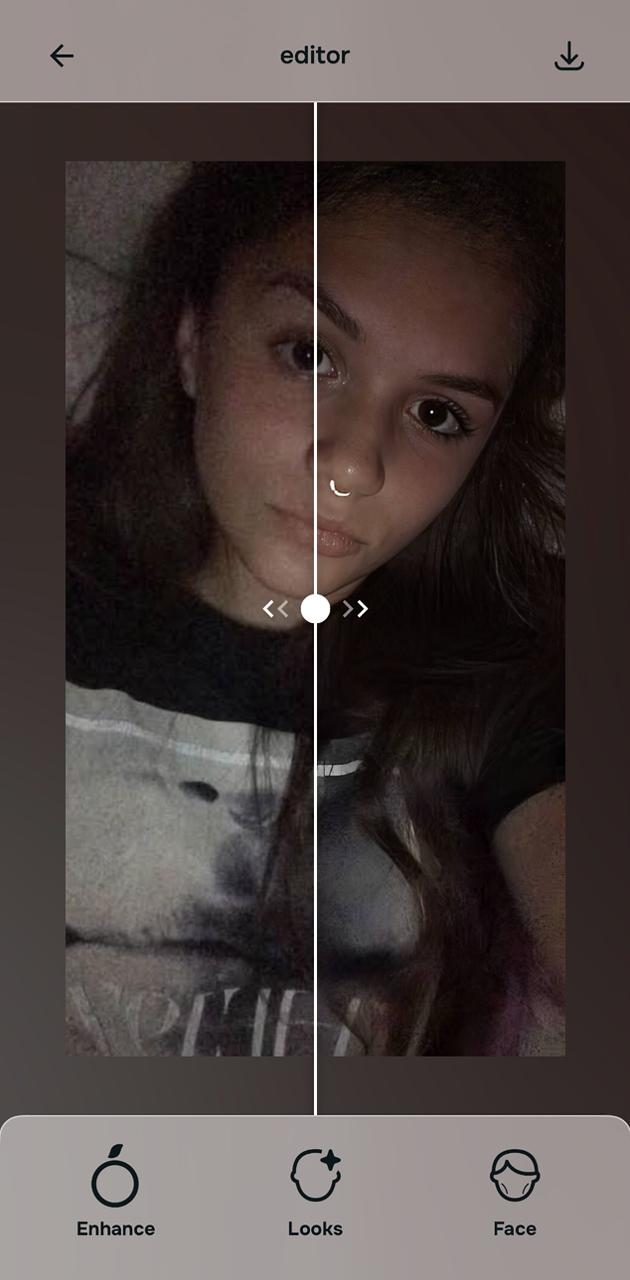
Check the instant preview first, because sometimes the default fix is already enough
For a lot of selfies in this category, Citrus gives you a strong natural save immediately.
If the tired look softens, the face regains balance, and the image no longer feels lifeless, you may already have what you need without going any deeper.

Citrus is available on web, Google Play, and the App Store. Start with the easiest route, then move into the full app if you want more control.
If you do not wish to edit anymore, you can simply save the instant preview and stop there.
Go into Face for the tired, puffy part, then use Enhance for the flat part
If the selfie looks tired around the eyes, go to Face and use No Eyebags. That is the most direct Citrus fix for selfies where the under-eye area makes the whole face look exhausted.
If the face also looks a little fuller or heavier than real life, No Eyebags usually helps first because tired eyes often create the whole puffy look. If the selfie still feels wider or heavier after that, you can test Slim Face carefully.
Then go to Enhance and use Colors & Lighting if the selfie still looks dull, flat, too warm, too dark, or just less alive than real life.
That pairing is the smartest workflow for this topic. Face fixes the tired look. Enhance fixes the dead look.
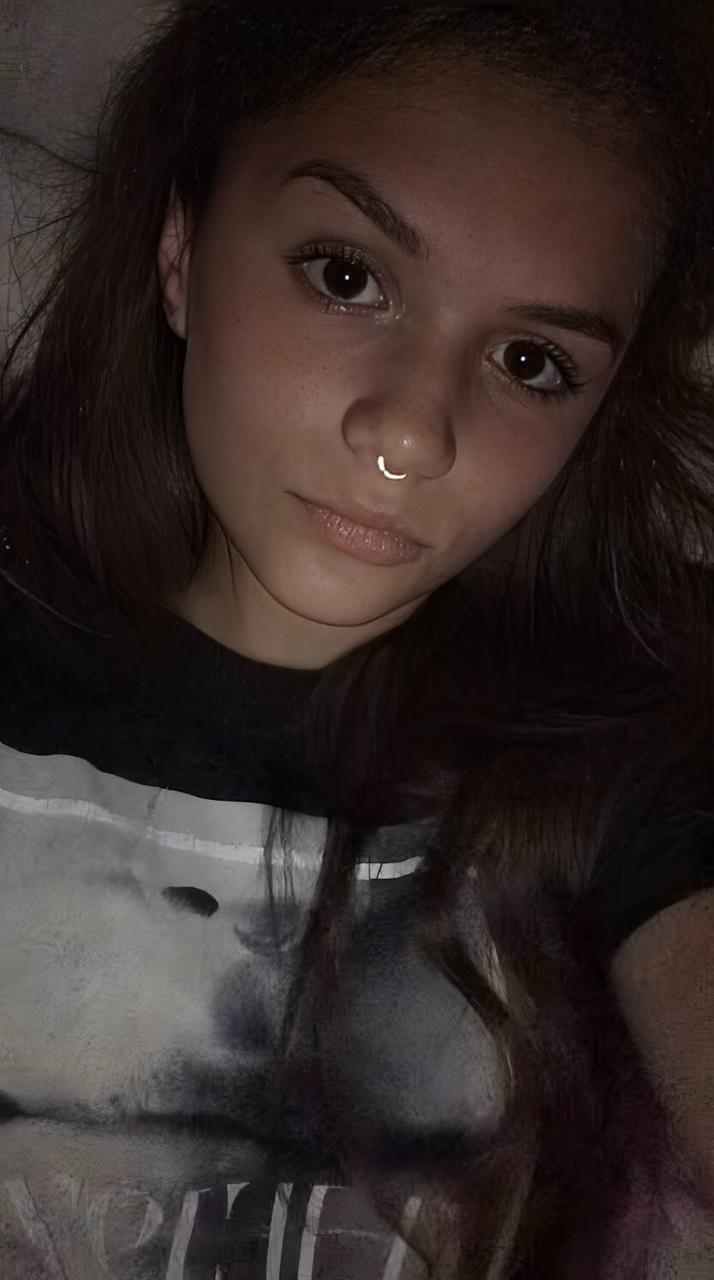
Compare the result, keep what feels real, and save it
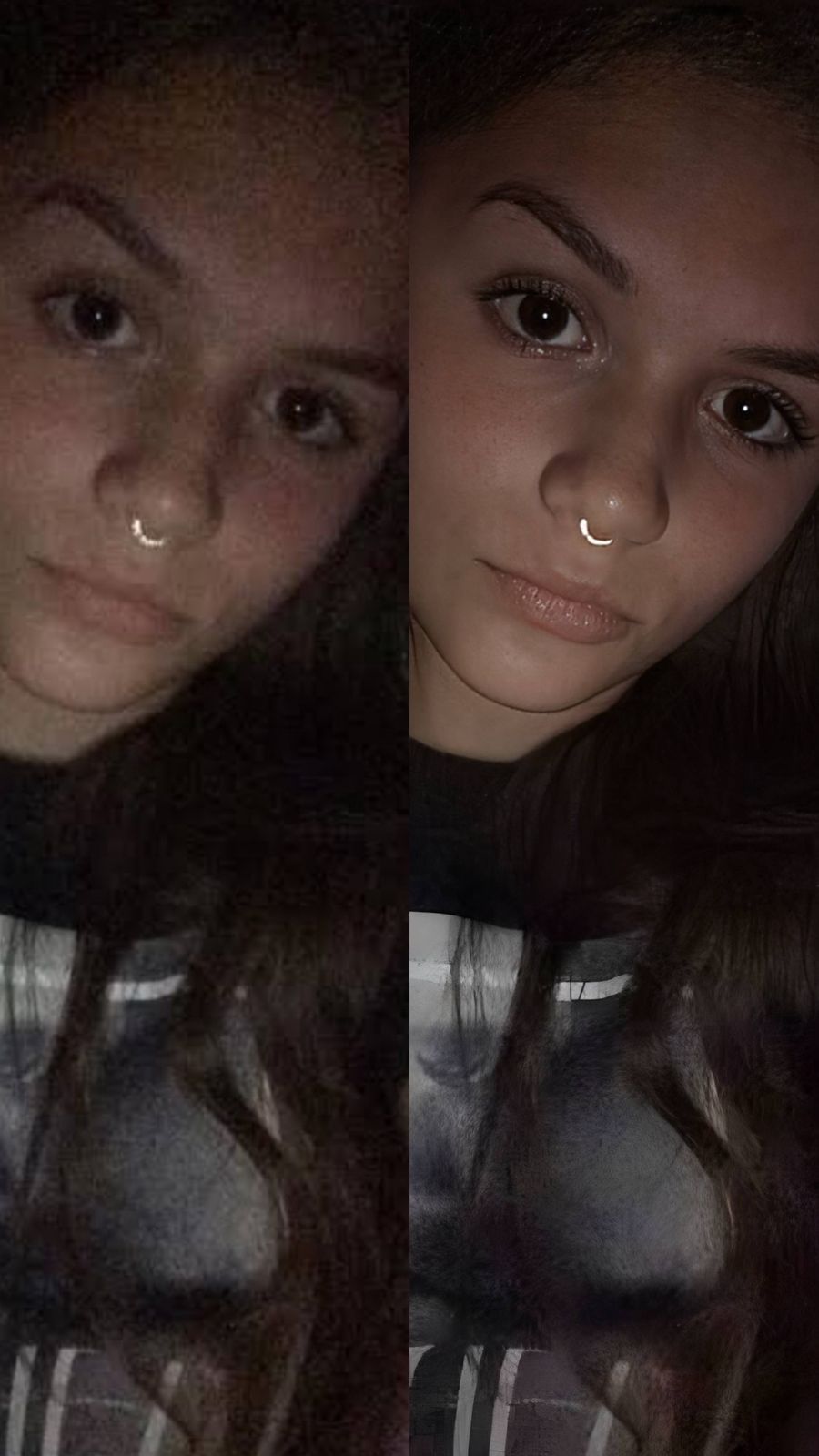
This is the part that matters most. Do not ask, “Does this look edited?” Ask, “Does this look closer to me?”
That is the real standard. A good fix should remove what the camera got wrong. It should not fight your face.
If the original selfie made you look sleep-deprived, slightly swollen, or flat and lifeless, the best result is the one that looks cleaner, brighter, lighter, and more like real life.
Then save it.
Which Citrus tool does what for this selfie problem
The easiest way to stay natural is to match the tool to the exact problem instead of throwing random fixes at the selfie.
| Tool | What it helps fix | When to use it |
|---|---|---|
| No EyebagsStart here | Tired eyes, shadowed under-eyes, heavy eye area that makes the whole face look exhausted | Use this first when the selfie looks more tired than you actually felt. It is often the smartest first fix. |
| Slim Face | A selfie that still feels wider or heavier than real life after the eye area is corrected | Use this carefully and only if the selfie still looks fuller than it should. |
| Colors & Lighting | Dull color, flat light, low energy, dark or lifeless overall capture | Use this after the eye-area correction when the selfie still feels dead or unbalanced. |
| Looks | Soft polish, prettier finish, more controlled glow after the core fixes are done | Use this last if the selfie needs a softer finish without looking filtered. |
“The best selfie fix is not the one that changes your face. It is the one that stops the camera from making you look more exhausted than you were.”
Most people with a bad selfie do not need a makeover.
They need the selfie to stop making them look worn out.
That is where many AI selfie enhancer apps fail. They smooth too much. They whiten too much. They sharpen too hard. They push the face into a fake beauty-filter look.
That does not solve this problem.
A tired-looking selfie usually needs under-eye correction, better light, and a more natural balance across the face. Sometimes, just Citrus’s default enhancer does the job extremely well.
If you want to double down, Citrus still rocks. It has a direct fix for the tired-eye problem through Face > No Eyebags. It has a direct fix for the flat selfie problem through Enhance > Colors & Lighting. And if the image still needs a softer or prettier finish after that, Looks gives you controlled one-tap options instead of chaos.
That makes Citrus feel smart, not random.