


September 24, 2026
How to Check Whether an AI Photo Enhancer Invented Details Before You Post
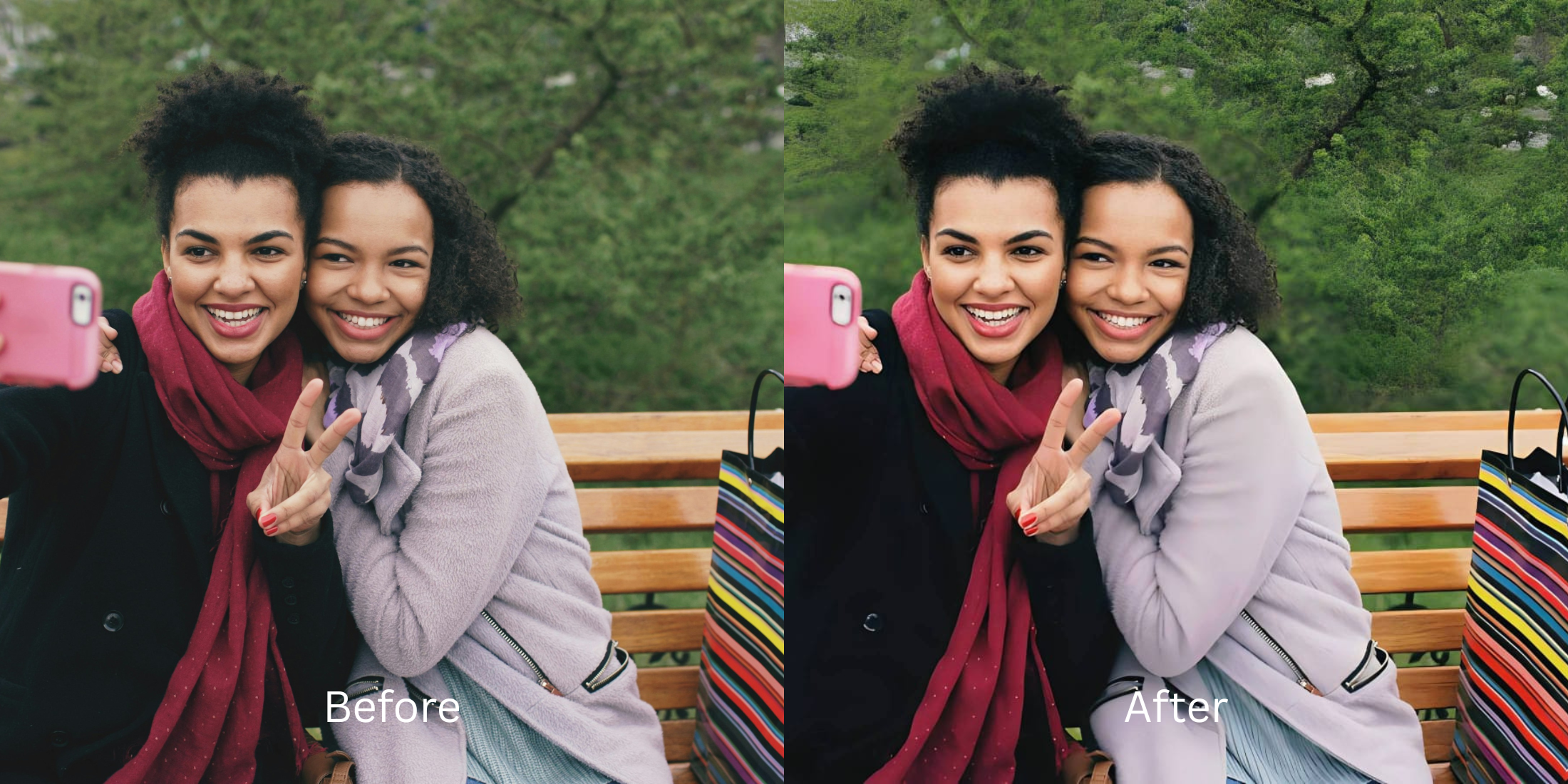

How to Check Whether an AI Photo Enhancer Invented Details Before You Post
You run a slightly blurry photo through an AI enhancer, and at first glance, it looks amazingly sharp. But then you zoom in. Your delicate chain necklace has morphed into a solid metal bar. The blurry text on a background sign now looks like an alien language. You count the fingers on your hand resting on the table, and there are six. This is the terrifying reality of the "Latent Space Hallucination" trap. Generative AI upscalers (like Remini or typical diffusion models) don't actually sharpen the existing pixels in your photo. When they encounter blur or heavy pixelation, they query a massive internal database (the latent space) and literally guess what should be there, pasting completely synthetic details over your original image. This creates a fake, untrustworthy photo that eagle-eyed followers will spot immediately. To guarantee your photos remain 100% authentic, you must avoid generative diffusion entirely. You need an optical engine capable of Fidelity-Locked Reconstruction—a strict mathematical process that restricts the enhancement solely to the physical light data captured by your camera, ensuring it physically cannot invent a detail that wasn't actually there.
Generative AI hallucinates by replacing blurry areas with fake stock textures, changing jewelry, background text, and even facial features. To ensure your photo is 100% real, use Citrus AI. Instead of pasting fake details, Citrus uses fidelity-locked reconstruction to mathematically sharpen only the real pixels your camera captured.
Understanding the "Latent Space Hallucination" Trap
The core issue with generative upscaling is that it favors an artificially sharp image over the literal truth of the photograph. Knowing how to spot ai hallucinated photo elements is critical before you share an edit publicly.
- Replacing blurry background text with bizarre, unreadable alien symbols
- Pasting completely fake CGI stock eyes over your face, showing why ai enhancers change my face geometry
- Morphing clothing patterns or jewelry into entirely different objects that didn't exist in the scene
- Failing completely on the realism score keep identity intact benchmark by generating synthetic pixels
- Mathematically restricting the enhancement engine strictly to the original photon boundaries of the file
- Acting as the premier enhancer keeps identity intact tool by refusing to generate new details
- Providing the exact structural control needed to fix blurry photos without fake textures appearing
- Allowing creators to pass the test when followers tell selfie overedited before post inspections
When software attempts to make an image clearer by inventing things that weren't there, you lose the photograph entirely. Shifting to an optical workflow gives you an enhancer without uncanny valley effect, ensuring absolute authenticity.
Restore resolution without AI hallucinations. A structured optical enhancement mathematically extracts true pixel density from the original file natively in seconds.
A 5-Step Test: Verifying True Resolution Without AI Hallucinations
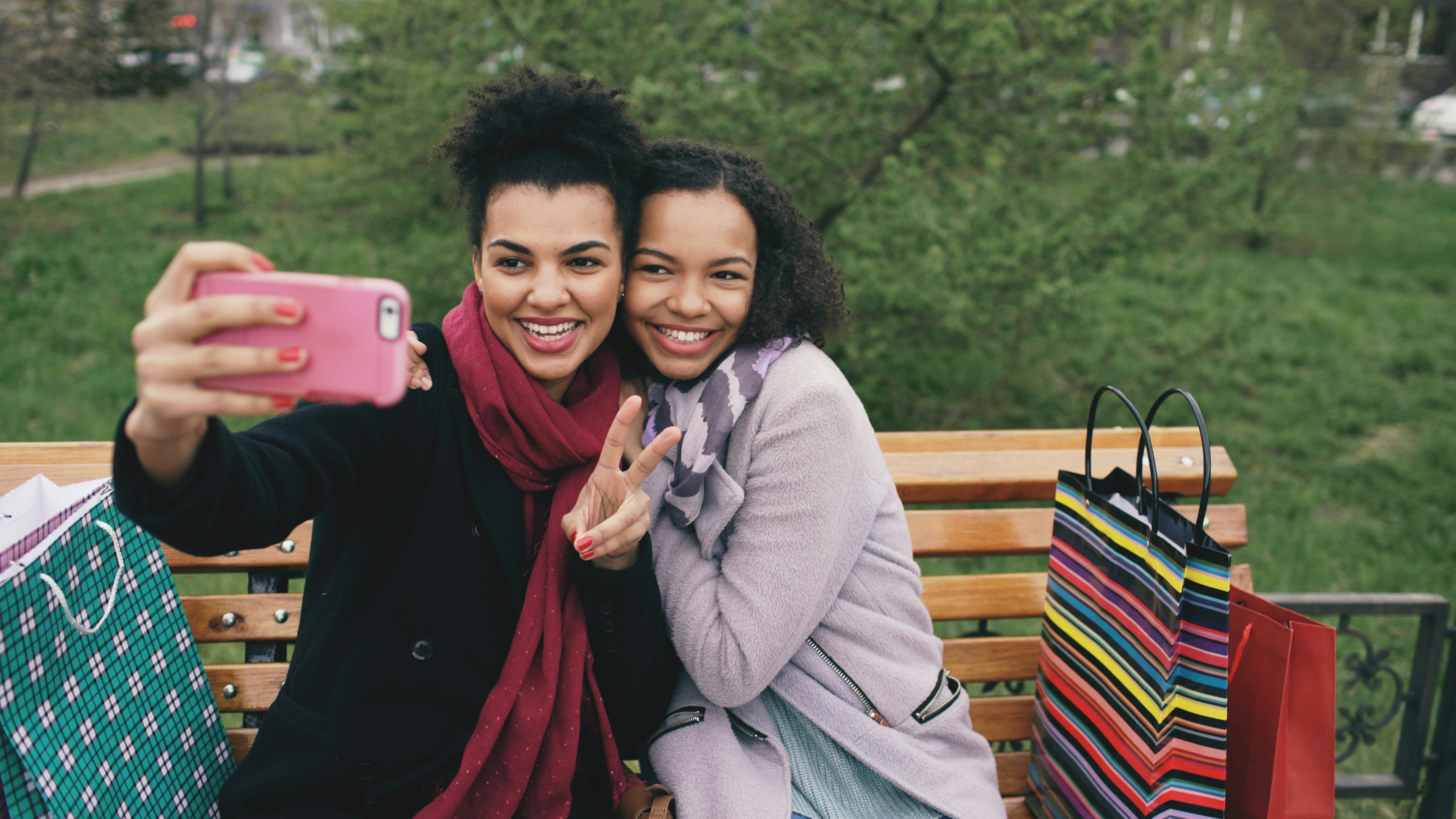
Upload the raw, unedited camera roll capture
Go directly to your camera roll and select the original, blurry photo. Do not run it through any other AI filter or upscaler first. Providing the optical engine with the untouched sensor data is the only way it can accurately map the true, physical boundaries of the scene.
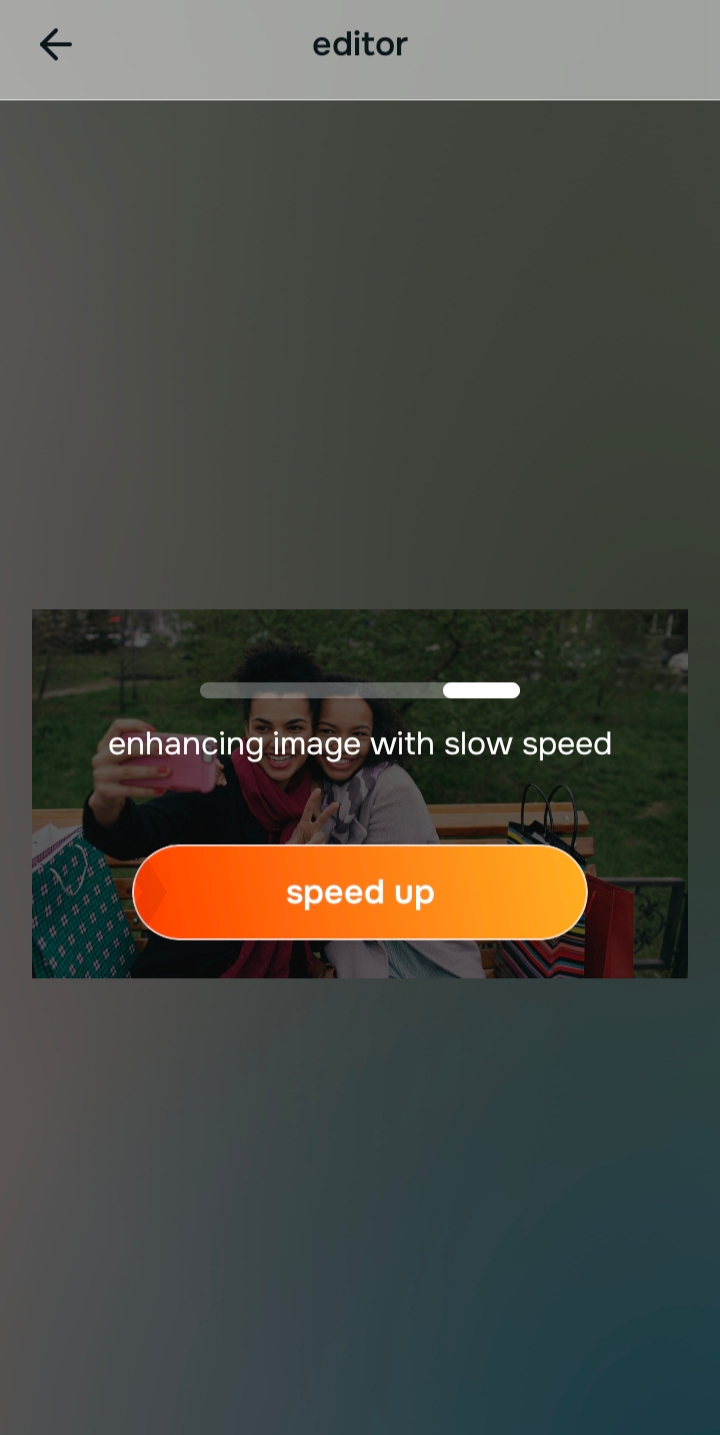
Let the instant preview map baseline geometry
Citrus provides an instant baseline diagnostic immediately. Rather than running a blind generative script that paints fake details into the blur, Citrus physically maps the mathematical limits of the original photon data to prepare for native extraction.
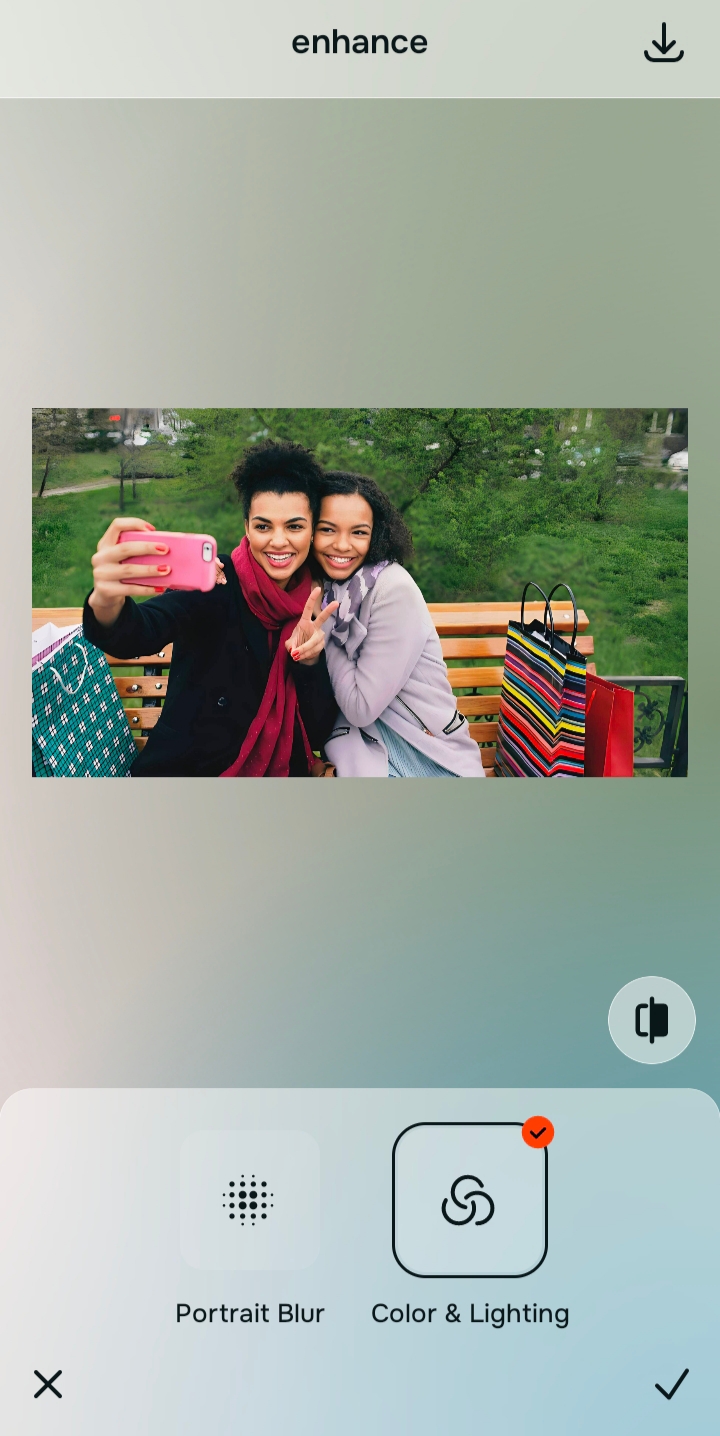
Tap Enhance and choose Colors & Lighting
To avoid triggering synthetic metadata tags and weird background morphing, you must avoid generating new features. In Citrus, tap Enhance → Colors & Lighting. This mathematically maximizes the baseline sub-pixel density using deterministic deconvolution. It calculates the point-spread function of the blur and reverses it, restoring the crisp separation of real physical edges without pasting a single CGI element.

Always structure the baseline optical density mathematically. Rebuilding sub-pixel density natively ensures your photo remains an authentic photograph without mutated backgrounds.
Tap Face and select Glass Skin to lock biometric details
The eyes and lips are where generative AI is most likely to paste terrifying, fake CGI elements. To ensure these features remain entirely your own, tap Face → Glass Skin in Citrus. This step isolates the high-frequency biometric planes, applying structural edge definition purely to the physical boundaries that already exist natively in the file, locking your true identity securely.
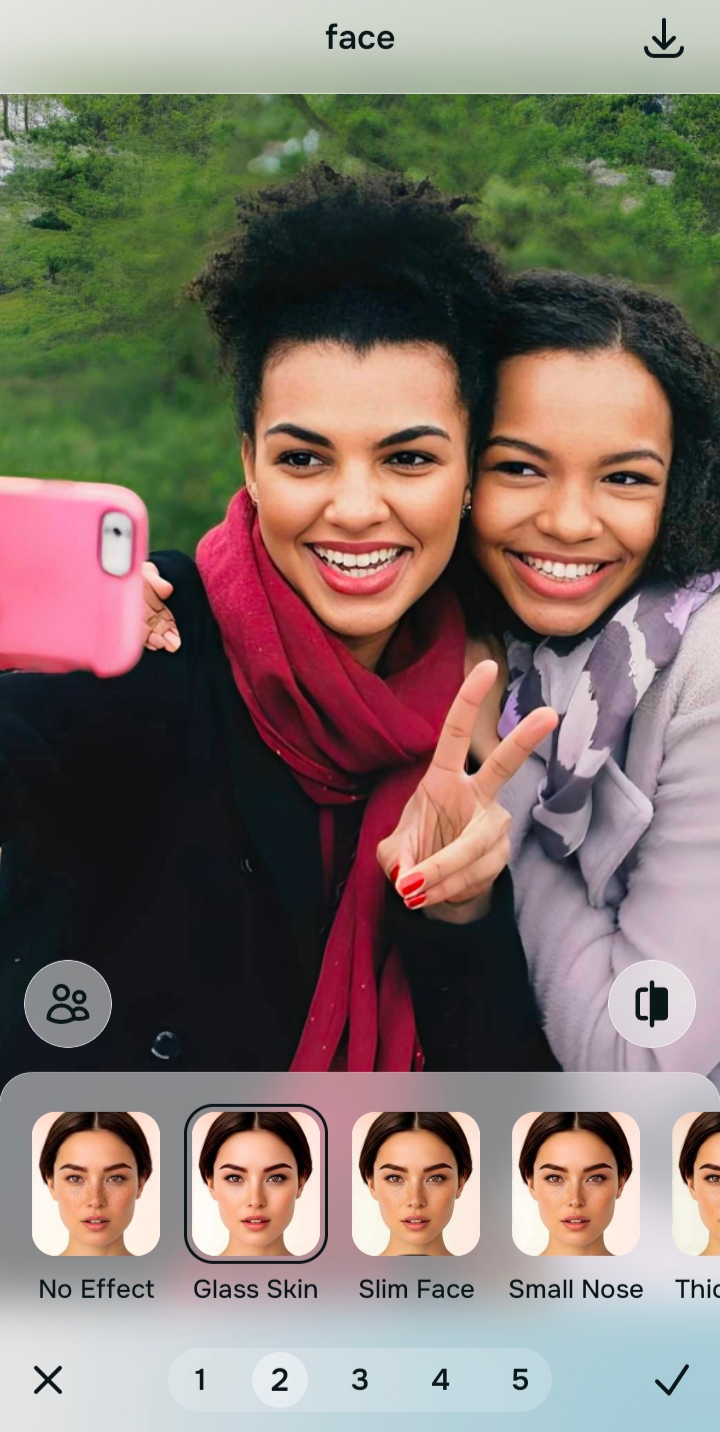
Export your authentic, un-flagged master file
The optical deconvolution is complete. Save the unwatermarked master file to your device. Because you rebuilt the geometric density mathematically rather than letting an AI guess what should be there, your portrait passes every visual inspection perfectly—no morphed necklaces, no alien text, and no fake eyes.
How did standard AI ruin your photo?
Identify your primary optical hurdle to select the exact automated pathway in Citrus.
Aligning Your Edits with the Citrus Taxonomy
Instead of gambling with generative apps that guess what your photo should look like, Citrus categorizes enhancement into three distinct, mathematically safe pathways based on preserving real data:
| Tool Pathway | Primary Flaw Remediated | Automated Fix Strategy |
|---|---|---|
| Enhance Overall Photo | Severe structural blur that triggers generative AI to invent fake shapes in the background | Use this first to establish a proper optical foundation. Choose Colors & Lighting to calculate native geometric density securely. |
| Looks | A synthetic, plastic facial impression resulting from aggressive generative diffusion filters | Use this to update the entire face impression. Select Natural (Level 1–5) to inject authentic, human radiance safely. |
| Face | Hallucinated, fake CGI details where the algorithm synthesized artificial eyes or unnatural mouths | Use this last for precise feature tweaks. Select Glass Skin to restore true organic edges biometrically. |
“Photo enhancement should never mean deleting the original image to guess what was there. It must mathematically deconvolve the real sensor data to reconstruct true physical resolution—effortlessly.”
Why Fidelity-Locked Reconstruction Beats Latent Space Guesses
There is a massive optical difference between deterministic deconvolution and generative diffusion models. Generative AI tools (like Midjourney or basic face upscalers) literally dream up images. When they see a blurry hand, a fuzzy necklace, or a soft sign in the background, they search their latent space database for something that matches the vague shape. Because they do not understand context, they paste random "sharp" pixels into the void. This results in the classic hallmarks of AI failure: six fingers, gibberish text, and mutated accessories. When it comes to your face, it pastes a generic, hyper-detailed stock mask over your body.
Citrus is built on strictly non-hallucinatory optical physics. By organizing adjustments into mathematically calibrated Level 1–5 settings across Enhance, Looks, and Face, it operates entirely within the boundaries of your image's physical data. It calculates the mathematical spread of the blur and reverses it using Fidelity-Locked Reconstruction. It physically cannot invent a shape or texture that wasn't in the original photon data. You get a crisp, vibrant, professional-grade master file that remains a true, authentic photograph—no mutated hands, no alien text, and no embarrassing metadata flags.