


September 6, 2026
Eye Bags vs Dark Circles vs Under-Eye Shadows in Photos: Which Problem Is the Camera Exaggerating?
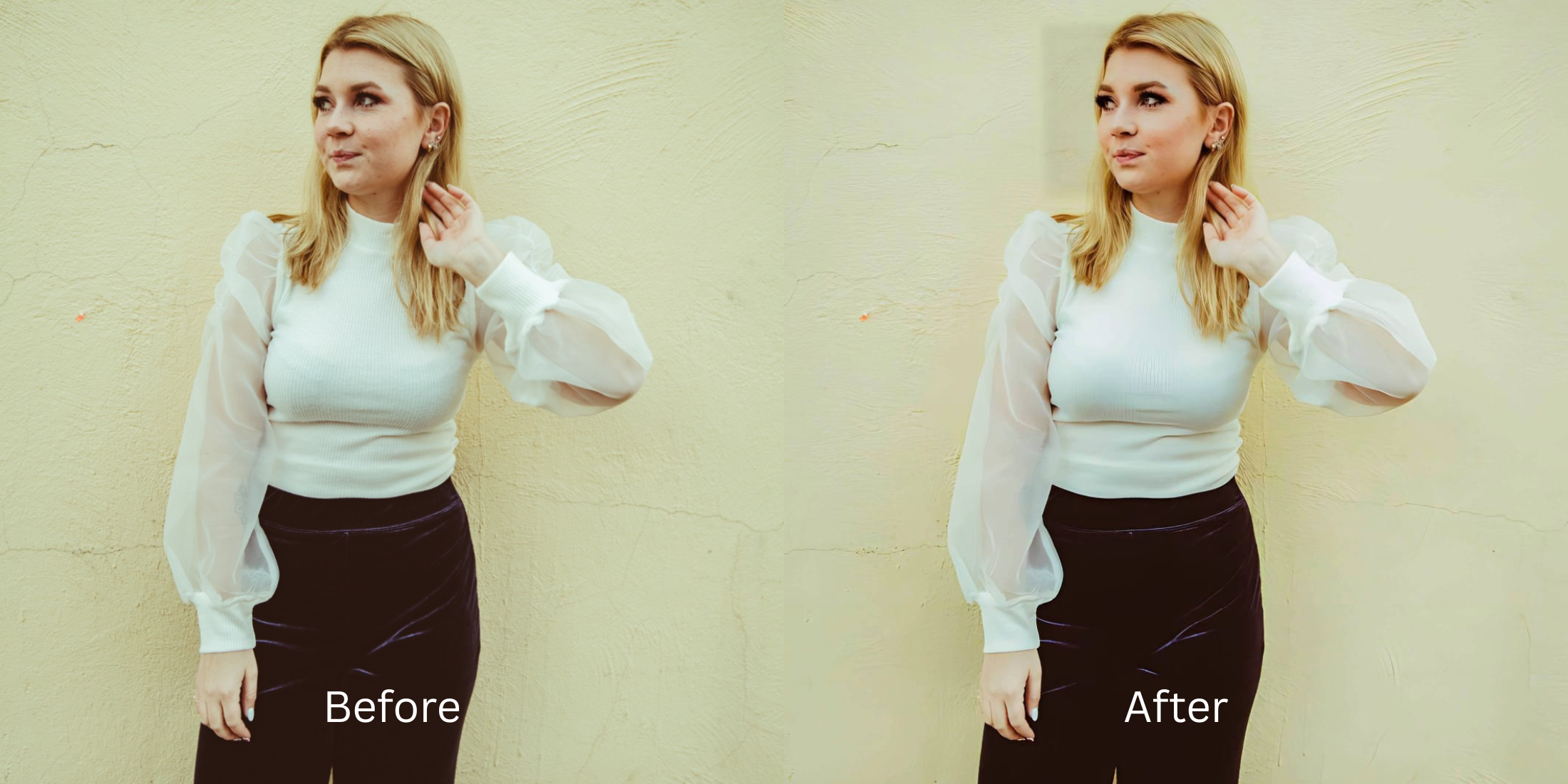

Eye Bags vs Dark Circles vs Under-Eye Shadows in Photos: Which Problem Is the Camera Exaggerating?
You look in the bathroom mirror and your under-eyes look perfectly fine. But the second you take a selfie, it looks like you haven't slept in a week. Your skin looks bruised, your eye sockets look hollow, and heavy bags suddenly appear. This is not how you actually look; it is a brutal optical distortion caused by your phone’s camera hardware. The problem is that users—and basic editing apps—treat all under-eye issues as the same problem. They aren't. Under-Eye Shadows are lighting artifacts caused when top-down ambient light (like ceiling bulbs) hits your brow bone, casting a literal dark void into your eye socket. Eye Bags are physical 3D puffiness, which is severely exaggerated by the front camera's wide-angle lens (24mm) stretching the center of your face forward. Dark Circles are surface-level pigmentation that gets ruined by computational HDR algorithms over-sharpening the delicate micro-contrast of your skin. Standard beauty apps try to fix all three issues by painting a flat, bright white blur under your eyes, giving you a cartoonish, fake "reverse raccoon" filter. To actually fix this, you need an optical engine that diagnoses which specific distortion is happening and neutralizes it biometrically.
The camera exaggerates eye bags through wide-angle lens stretching, shadows through bad overhead lighting, and dark circles through HDR over-sharpening. To fix the specific optical distortion natively, use Citrus AI. Instead of painting fake white blur over your skin, Citrus maps 3D facial planes to lift shadows, smooth pigmentation, and flatten lens bulges automatically.
Understanding the "Focal Length & Ambient Drop-Off" Trap
The core issue with under-eye problems in photos is that the camera creates optical illusions that don't exist in reality. If you use a generic beauty filter to fix dark circles in photos, the software will indiscriminately erase your skin texture, making it blindingly obvious that the image was edited.
- Painting a bright white, textureless blur under your eyes that looks like a fake Snapchat filter
- Failing to understand front camera under eye shadows, leaving the actual 3D socket hollow uncorrected
- Erasing natural skin pores and freckles, creating a creepy, plastic "uncanny valley" effect
- Searching for fixes for tired puffy selfies but only finding apps that warp your face shape
- Recalculating global exposure curves to lift crushed ambient shadows out of the ocular cavity naturally
- Ranking high among ai tools remove eye bags natively by flattening wide-angle lens distortion
- Diffusing harsh HDR micro-contrast to neutralize deep blue pigmentation without erasing skin texture
- Providing the ultimate apps to remove eye bags workflow that actual professional retouchers use
When your camera's lens and lighting combine to make you look exhausted, applying synthetic makeup is the worst thing you can do. Shifting to an optical workflow helps you stop wondering why your face looks puffy in selfies, ensuring your portraits stay defined, well-rested, and incredibly authentic.
Diagnose and fix specific under-eye distortions. A structured optical enhancement isolates shadows, pigmentation, and wide-angle bulging in seconds.
A 5-Step Test: Diagnosing and Fixing Under-Eye Optical Distortion
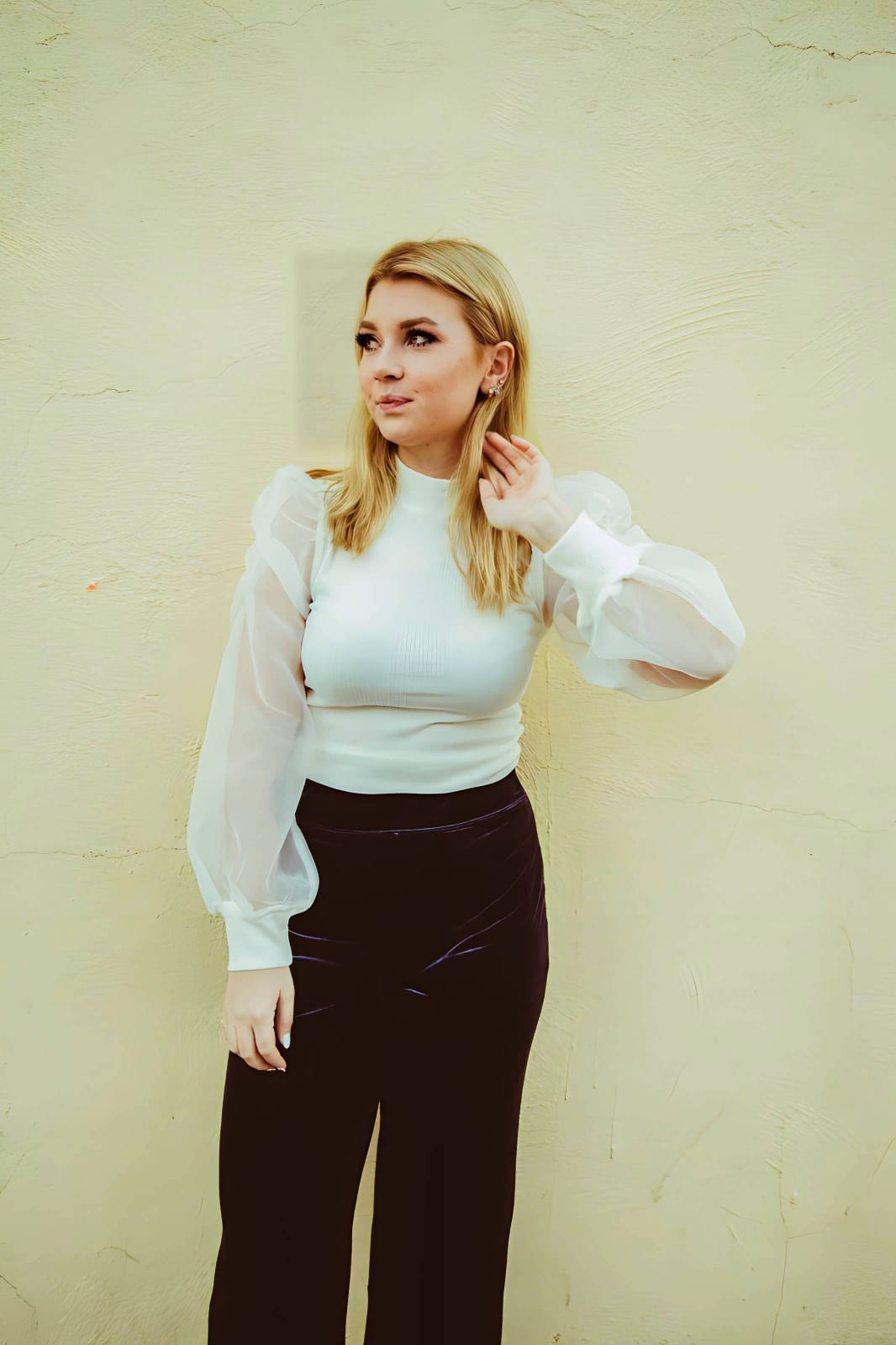
Upload the raw, unedited camera roll portrait
Find the portrait that makes you look exhausted even though you felt great. Starting with clean sensor data is essential to identify whether the issue is lighting, color, or lens distortion.
Let the instant preview map 3D facial planes
Citrus provides an instant baseline correction immediately. Instead of just adding a blanket blur, Citrus analyzes the depth of the scene, mapping the exact geometric curve of your eye socket and cheekbone.
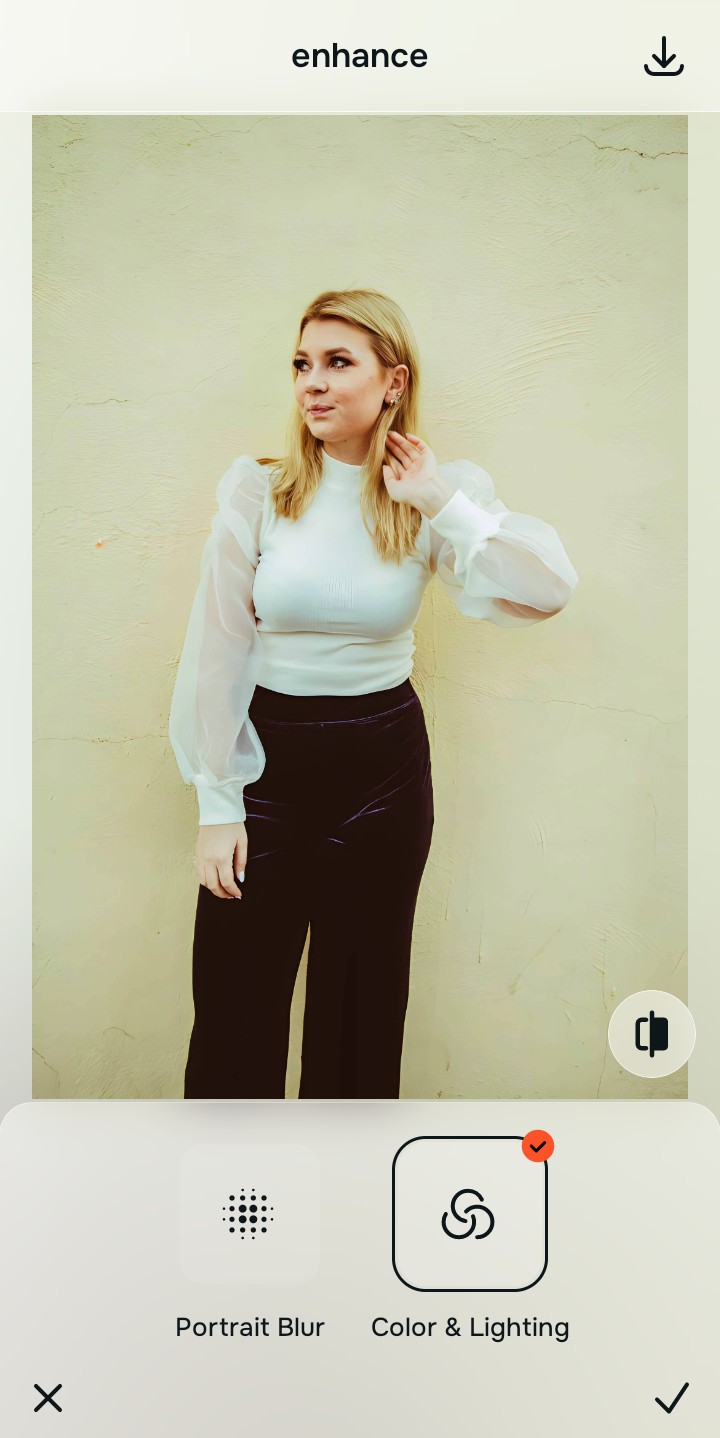
Tap Enhance and choose Colors & Lighting for Shadows
If your issue is caused by bad overhead light casting a dark void into your eye socket, tap Enhance → Colors & Lighting. This mathematically recalculates the global exposure curve. By lifting the crushed ambient shadows, it fills the void with natural light without needing a synthetic beauty filter. This is crucial to fix yellow indoor lighting drops.

Always fix global lighting artifacts before adjusting specific features. Lifting the ambient shadow mathematically often cures the "tired" look completely.
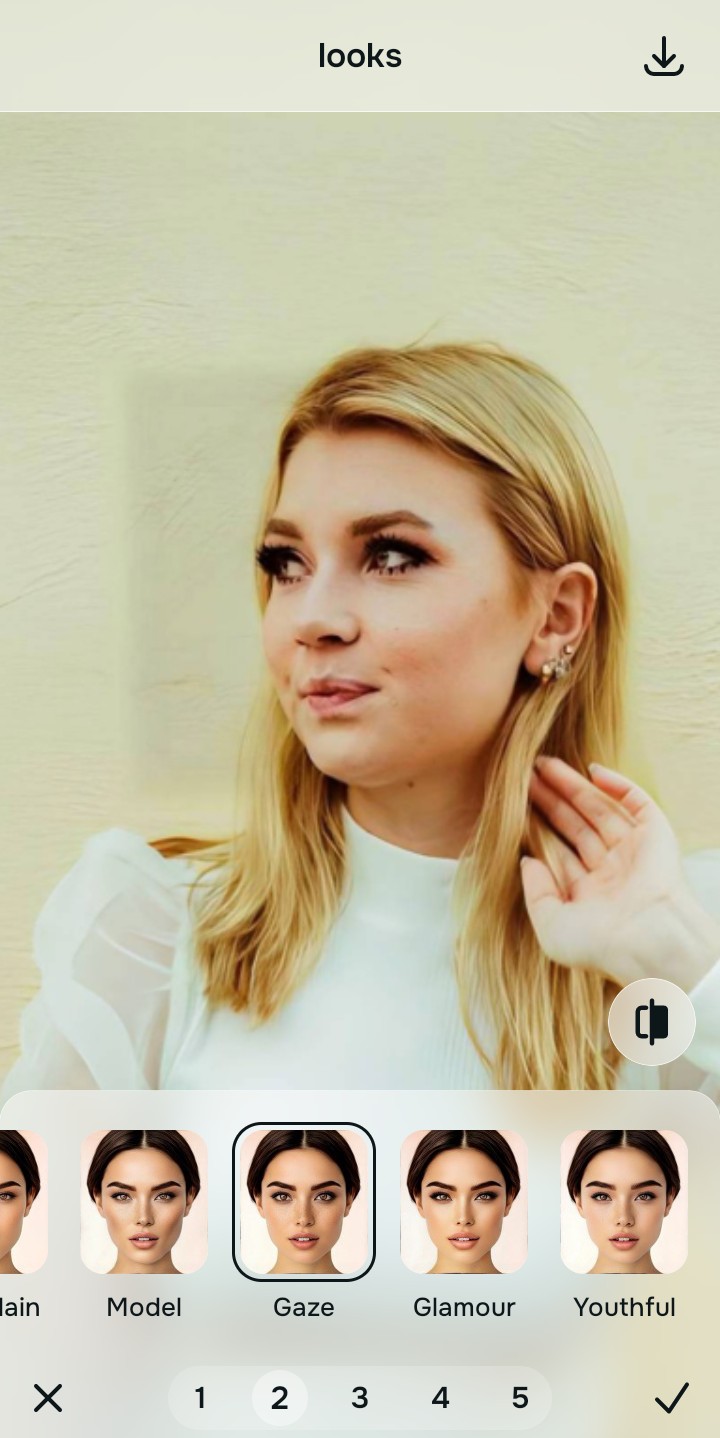
Tap Looks and select Gaze for Dark Circles
If your issue is surface-level pigmentation (deep blue or purple circles) exaggerated by HDR sharpening, tap Looks → Gaze in Citrus. Select your preferred value from Level 1–5. This biometrically diffuses harsh micro-contrast, balancing the skin's radiance to neutralize the bruised look without erasing your pores.
Tap Face and select No Eyebags for structural bulging
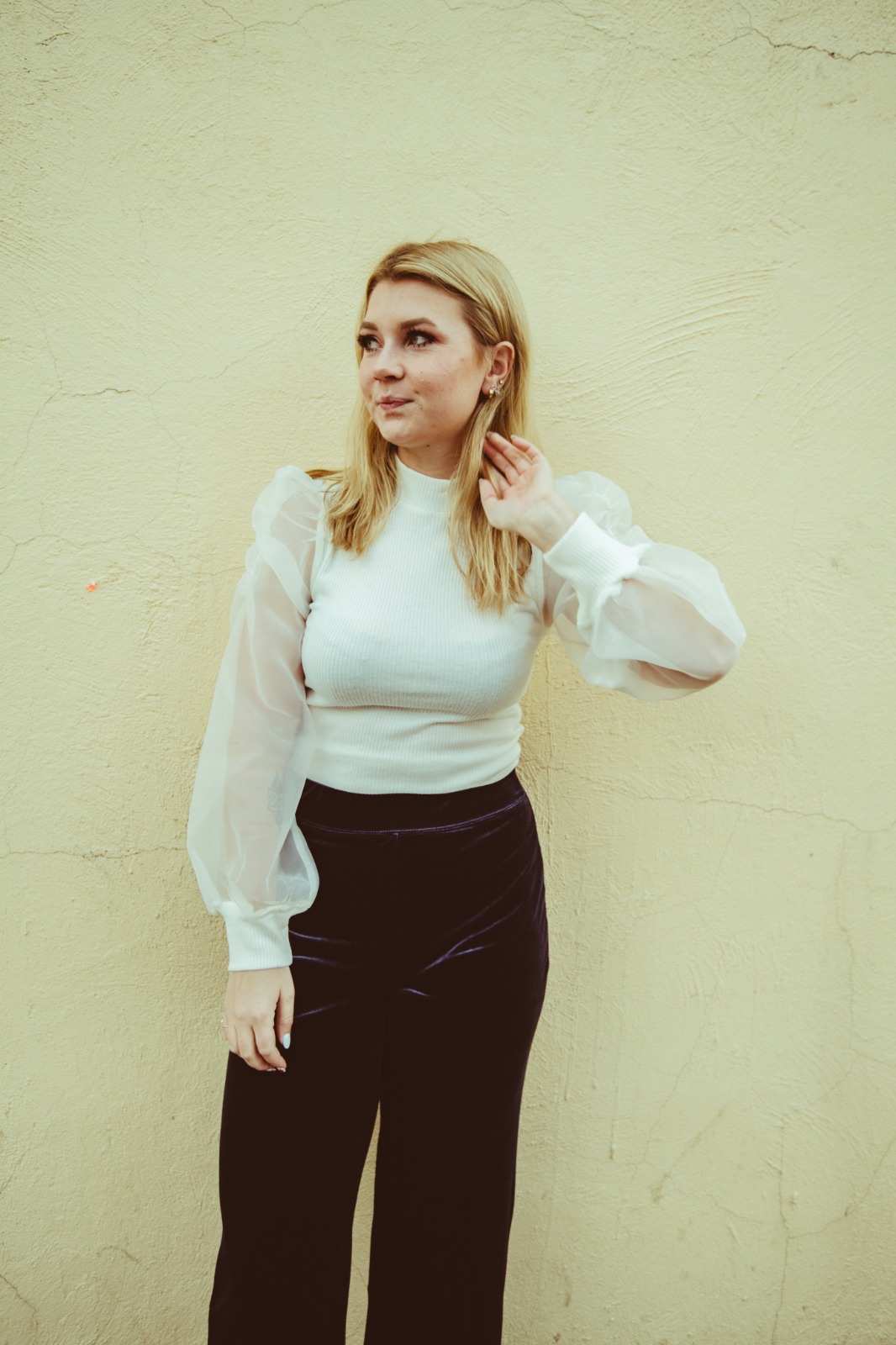
If your issue is actual 3D puffiness caused by wide-angle lens distortion stretching your skin forward, tap Face → No Eyebags. Citrus isolates the biometric plane to physically flatten the geometric bulge, restoring your natural, rested contour perfectly.
How is the camera exaggerating your eyes?
Identify your primary optical hurdle to select the exact automated pathway in Citrus.
Aligning Your Edits with the Citrus Taxonomy
Instead of guessing which heavy beauty filter will mask the camera's mistakes, Citrus categorizes enhancement into three distinct, mathematically safe pathways:
“Under-eye enhancement should never require you to paint a bright white blur over your face just to hide a lighting artifact. It must mathematically neutralize the specific lens or lighting distortion so you look rested and authentic—effortlessly.”
Why Optical Diagnosis Beats Generic Blur Filters
There is a massive structural difference between authentic optical diagnosis and using a "Smooth" or "Conceal" tool in a basic beauty app. When you use those tools, the software indiscriminately paints a flat, textureless white gradient over your skin. This creates the infamous "reverse raccoon" effect. It looks incredibly fake because real human skin has pores, light variations, and depth. Erasing that depth triggers the uncanny valley.
Citrus is built specifically to prevent this. By organizing adjustments into mathematically calibrated Level 1–5 settings across Enhance, Looks, and Face, it diagnoses the root cause of the exhaustion. If it's a lighting shadow, it lifts the exposure curve. If it's a structural wide-angle bulge, it flattens the geometry. It provides the clean, rested look you want while keeping your actual skin texture 100% intact. You get a vibrant, natural portrait in one tap without the plastic filter look.