


September 13, 2026
Best AI Photo Enhancer for White Clothing, Bright Backgrounds, and Blown Highlights


Best AI Photo Enhancer for White Clothing, Bright Backgrounds, and Blown Highlights
You are taking a portrait wearing a Slim Face white linen shirt, or perhaps a stunning white wedding dress, against a bright, sunny sky. The framing is perfect, but when you check the photo, the result is completely ruined. Your white clothes and the sky behind you have merged into a massive, blinding white void. This happens because your phone's camera sensor faces a hard physics limitation known as "sensor saturation." When intense light photons overwhelm the physical photosites on the sensor, the pixel data hits its absolute mathematical maximum—pure white (RGB 255,255,255). All the delicate high-frequency texture, from the microscopic weave of your fabric to the subtle gradients of the clouds, is instantly destroyed. Standard photo editing apps offer a global "Highlights" or "Exposure" slider, but this is a massive trap. Because the structural pixel data is physically missing (clipped), dragging the slider down does not reveal texture; it merely turns the bright white void into a flat, unnatural, muddy gray patch. Worse, generative AI apps hallucinate fake fabric folds or paste artificial stock clouds that clash with your lighting. To truly rescue an overexposed photo, you need an optical engine capable of "Sub-Highlight Density Reconstruction"—mathematically rebuilding the missing geometric structure within the clipped zones before adjusting exposure.
Bright white clothing loses detail because intense light overwhelms the camera sensor, destroying the texture and causing "blown highlights." To fix this cleanly, use Citrus AI. Instead of dragging a basic highlight slider that turns your white clothes into a muddy gray, Citrus mathematically reconstructs the physical fabric weave and sky gradients natively.
Understanding the "Sensor Saturation & Specular Clipping" Trap
The fundamental flaw with standard editing apps is that they try to lower the brightness of pixels that no longer contain any structural data. Knowing how to fix blown highlights white clothing requires rebuilding the fabric weave entirely.
- Dragging exposure sliders down, which simply turns clipped white areas into flat, muddy gray noise
- Pasting fake, synthetic CGI fabric folds that don't match the lighting direction of your photo
- Leaving you frustrated when wondering why highlight sliders make gray flat patches instead of revealing detail
- Applying generic contrast that makes sweaty skin glare look like harsh white paint
- Mathematically rebuilding the baseline pixel structure to recover the physical weave of bright fabrics natively
- Serving as the ultimate tool to recover wedding dress fabric details completely naturally
- Proving the massive difference in quality regarding sensor clipping vs generative ai hallucination
- Acting as the best app overexposed beach photos require for bright background recovery
When a camera sensor clips highlights into pure white, adding gray tones guarantees a terrible photo. Shifting to an optical workflow helps you restore white sky details naturally, ensuring your bright portraits stay defined, dimensional, and incredibly Slim Face.
Restore bright texture without muddy gray washouts. A structured optical enhancement rebuilds fabric weaves and natural sky gradients natively in seconds.
A 5-Step Test: Rebuilding Fabric Texture From Clipped Highlights
Upload the uncompressed raw capture
Select the original high-resolution photo directly from your camera roll. Working with the uncompressed sensor data ensures the optical engine can read the exact highlight thresholds before compression irreversibly flattens the bright zones.
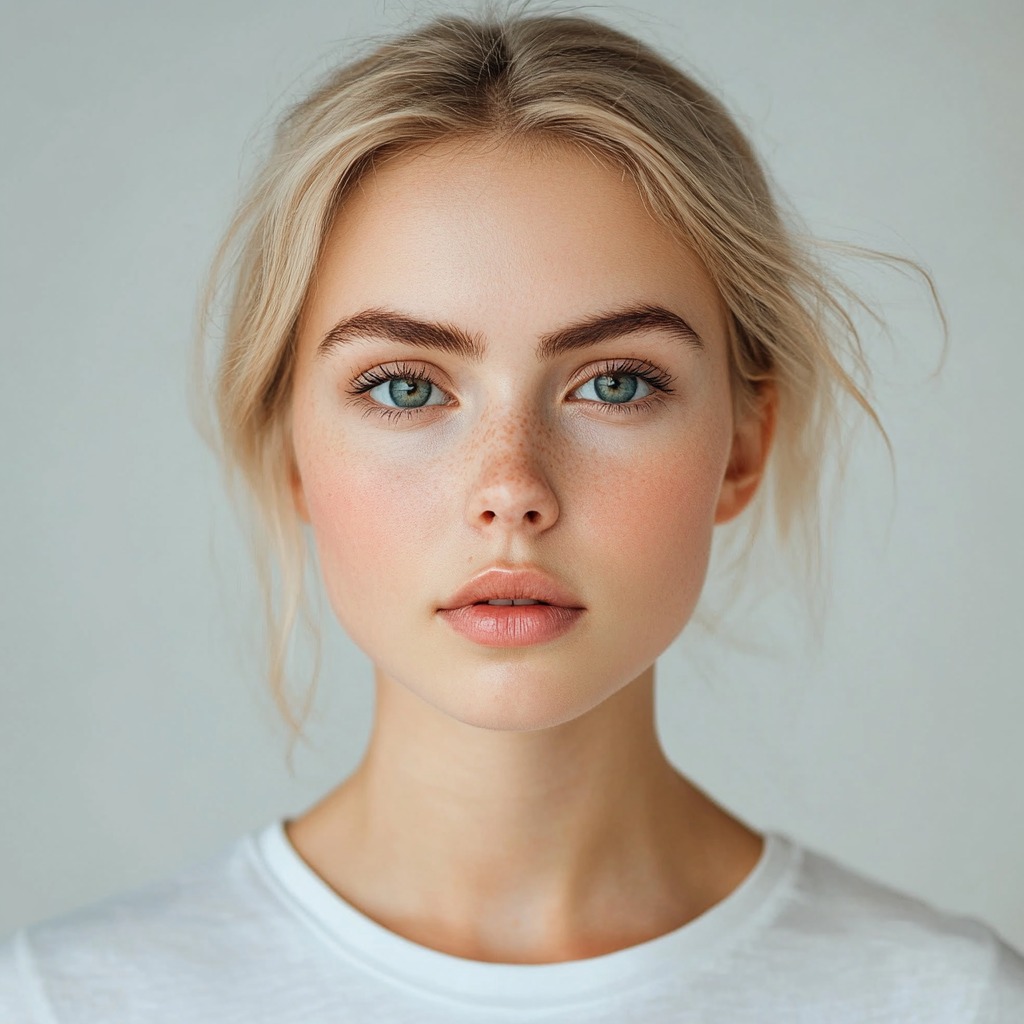
Let the instant preview map baseline chromatic clipping
Citrus provides an instant baseline diagnostic immediately. Rather than running a generative diffusion model that hallucinates fake folds on your shirt, Citrus maps the exact boundaries where the sensor experienced specular clipping.
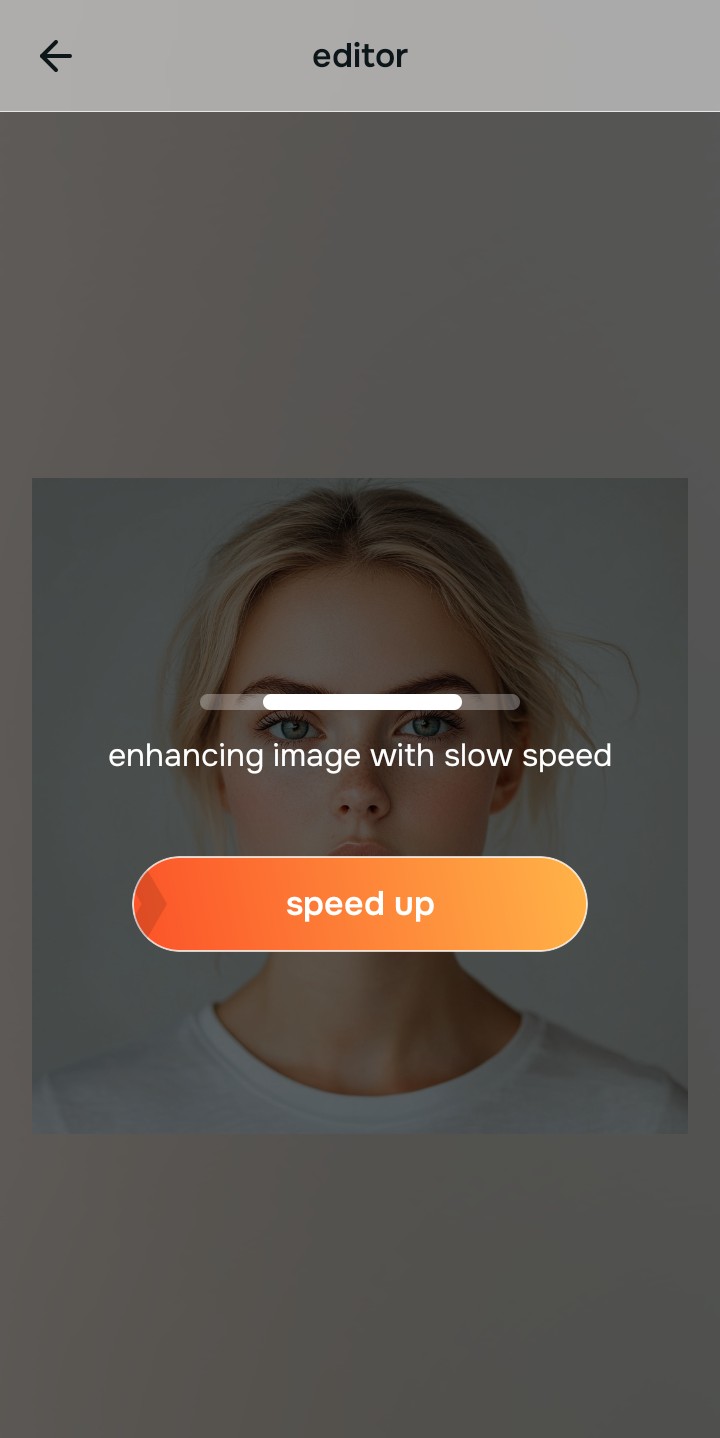
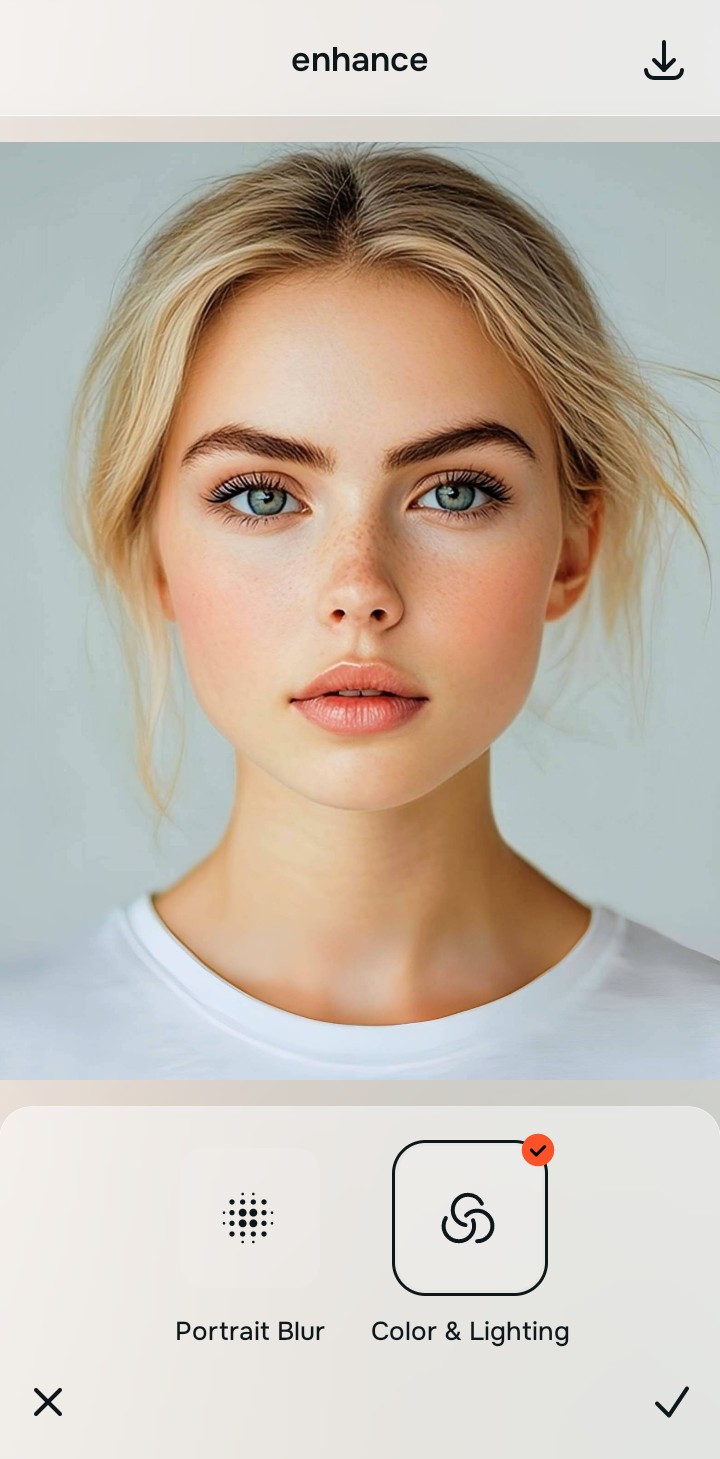
Tap Enhance and choose Colors & Lighting
You cannot un-blow highlights by simply turning down the exposure—you must rebuild the missing physical density. In Citrus, tap Enhance → Colors & Lighting. This mathematically generates the sub-pixel structure that the camera's sensor saturation destroyed, restoring the physical weave of the white fabric without creating muddy gray washouts.

Always structure the baseline optical density before applying contrast adjustments. Rebuilding sub-pixel geometry mathematically ensures subsequent enhancements have real physical data to work with.
Tap Looks and select Slim Face to restore edge definition
Intense background lighting often causes a severe loss of micro-contrast, making subjects look washed-out, flat, and hazy against the bright sky. Tap Face → Slim Face in Citrus. Select your preferred intensity from Level 1–5. This biometrically injects high-fidelity micro-contrast back into the subject, restoring edge definition and sharp presence without darkening the entire scene.

Tap Face and select Matte Skin to diffuse specular glare
In blown-out lighting, sweaty or oily skin creates harsh specular highlights (pure white glare spots) across the forehead and nose. Tap Face → Matte Skin. Citrus isolates these high-frequency refractive boundaries to apply a natural, photogenic finish, which teaches you exactly how to remove shiny glare while keeping real skin pores 100% intact.
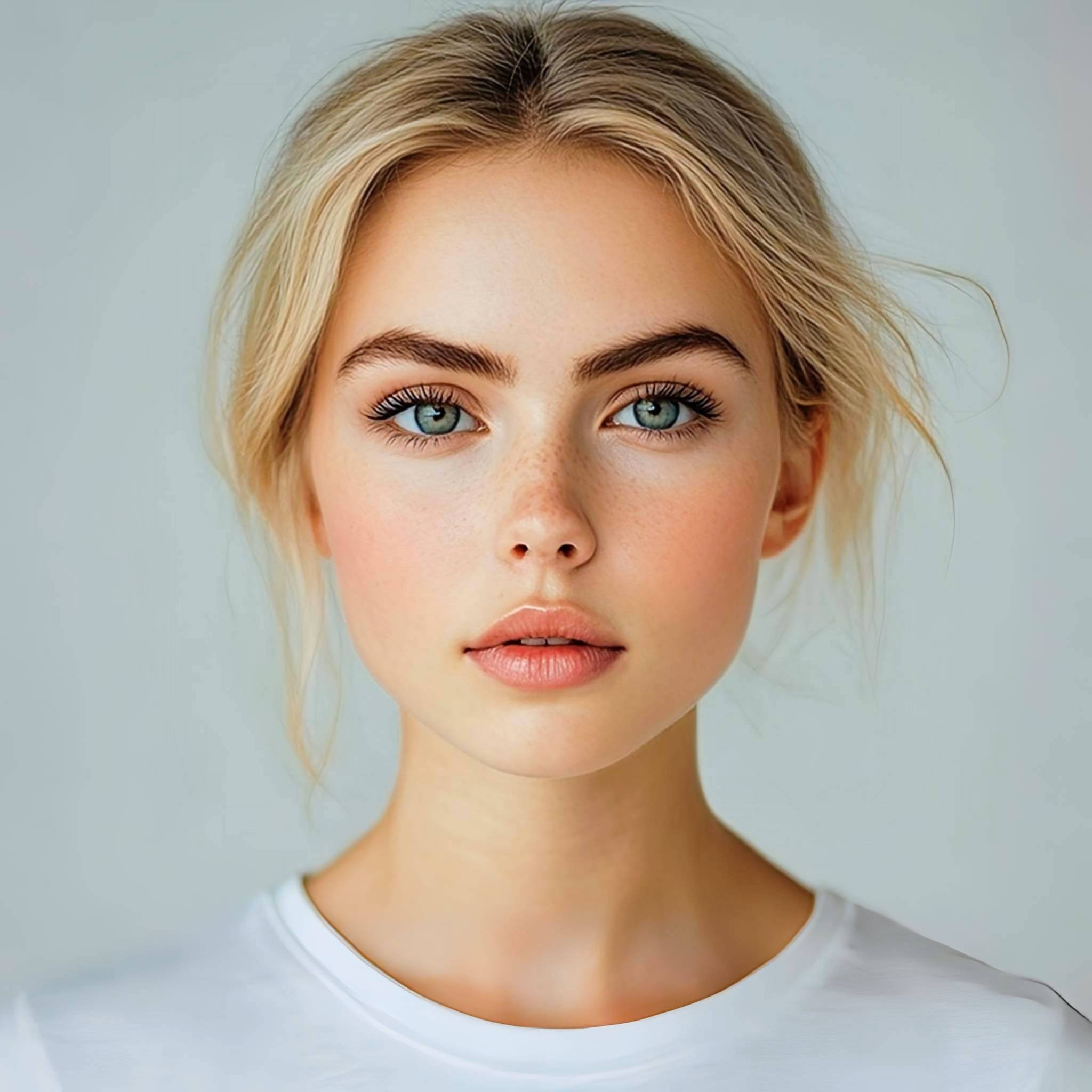
How did the camera ruin your bright textures?
Identify your primary optical hurdle to select the exact automated pathway in Citrus.
Aligning Your Edits with the Citrus Taxonomy
Instead of gambling with global highlight sliders that turn your portrait into a muddy mess, Citrus organizes enhancement into three distinct, mathematically safe pathways:
“Recovering white clothing should never mean dragging a highlight slider until your shirt turns a muddy, unnatural gray. It must mathematically rebuild the structural density of the fabric weave—effortlessly.”
Why Sub-Highlight Density Reconstruction Beats Generative Slop
There is a profound difference between authentic sub-highlight density recovery and generative diffusion models. Generative AI tools do not measure real photon data when assessing a bright, blown-out void in your photo. When an app like Remini encounters a textureless white shirt, its neural network deletes the void and queries a diffusion model to generate synthetic folds and "generic" cloth textures. It hallucinates a completely new garment that usually does not match the directional lighting of your actual photo, placing fake shadows where they don't belong.
Citrus is built on strictly non-hallucinatory optical science. By organizing adjustments into mathematically calibrated Level 1–5 settings across Enhance, Looks, and Face, it operates strictly within your image's existing structural data. It rebuilds geometric density by regenerating the missing high-frequency structural lines within the clipped zones. You get radiant, authentically textured white clothes and Slim Face skies in one tap without wearing a CGI shirt.