

Best enhancer app
This makes photos look really clean and HD with almost no effort. I’ve tried a bunch of enhancers and this is the one I keep using.





Citrus is built to rescue the photos you actually take - not just studio shots. In one tap, it can:
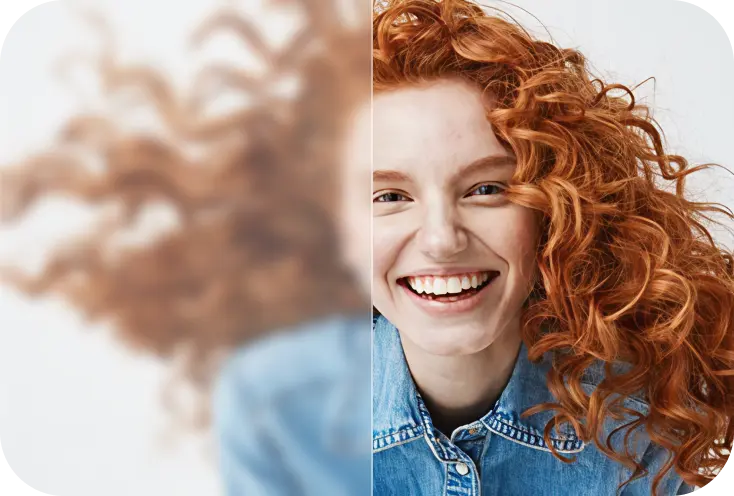
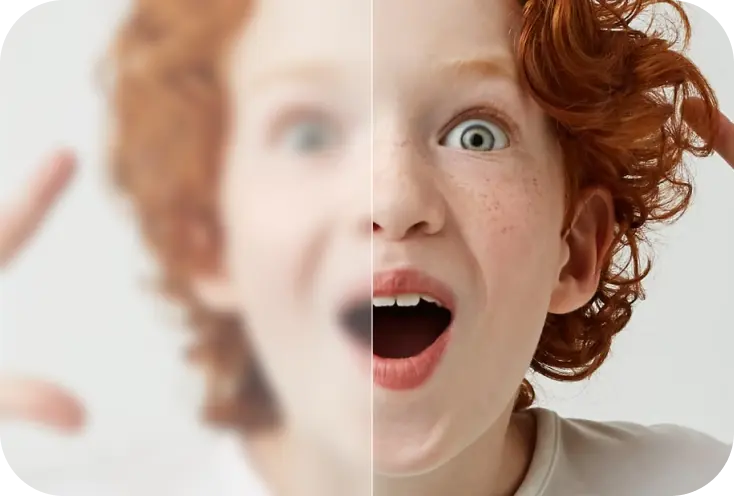 BeforeAfter
Fix blurry or shaky photos
Recover crisp edges and restore focus to faces, motion-blur shots, and out-of-focus images.
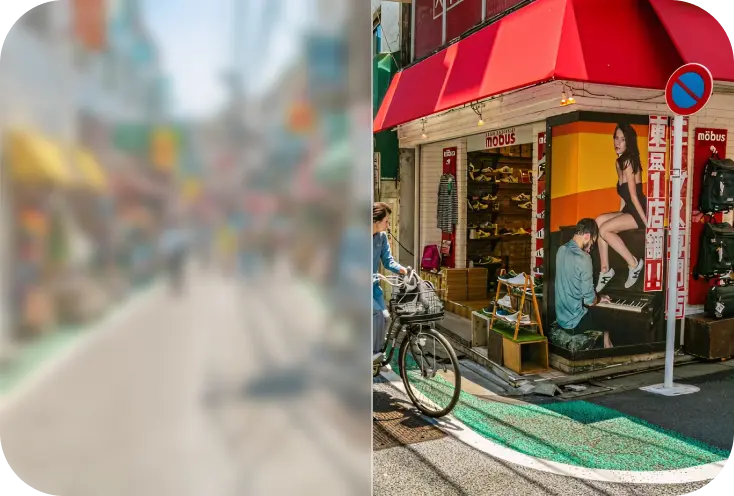 BeforeAfter
Reduce noise & grain
Reduce noise and grain while preserving natural textures like skin and hair.
 BeforeAfter
Improve color, lighting & balance
Improve flat photos with cleaner color and natural-looking light.
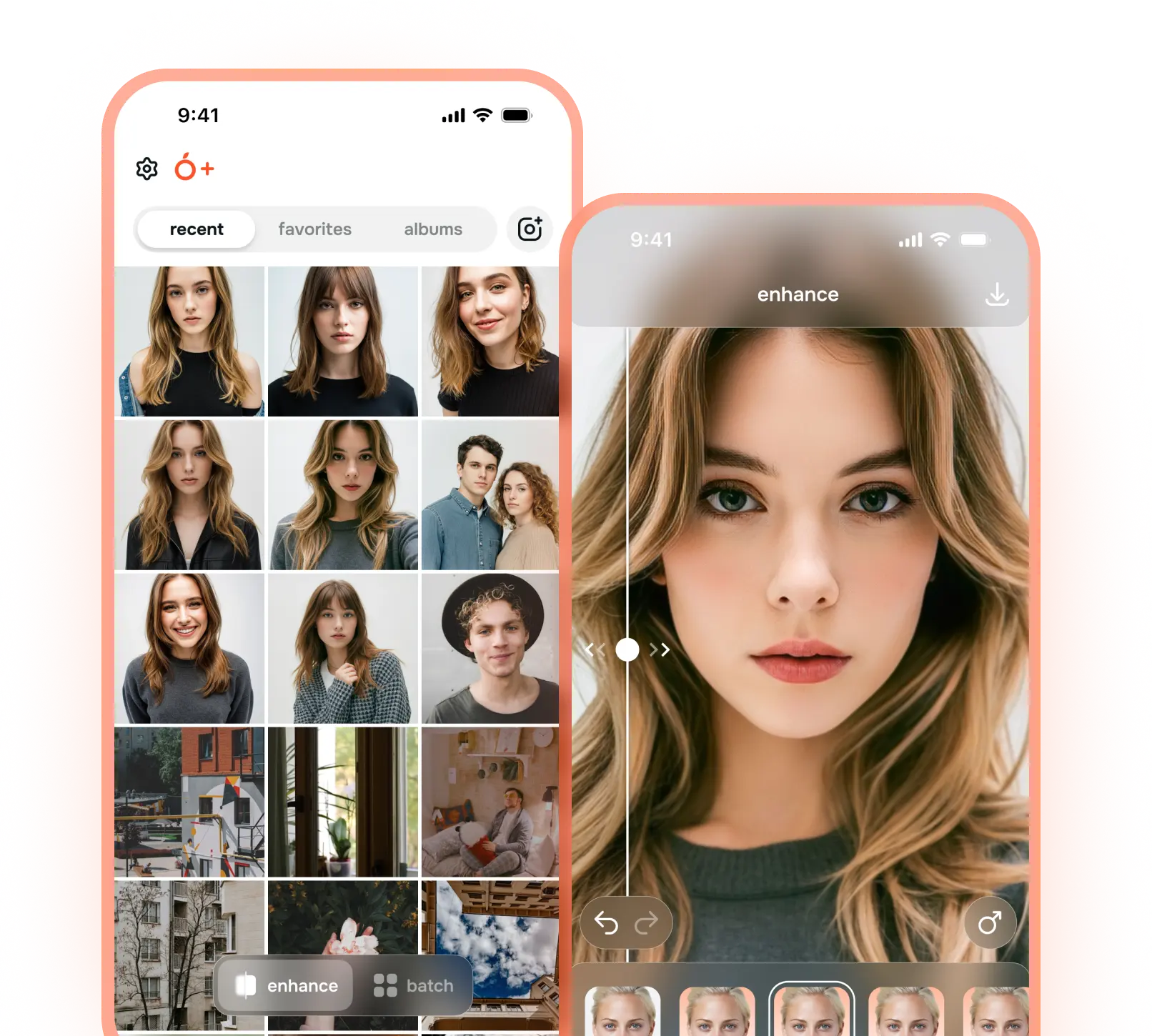
Enjoy one-tap AI photo enhancer directly on your phone. Perfect for quick fixes, social posts, or enhancing images on the go.
No editing skills needed, no complicated sliders. Just follow these three simple steps:
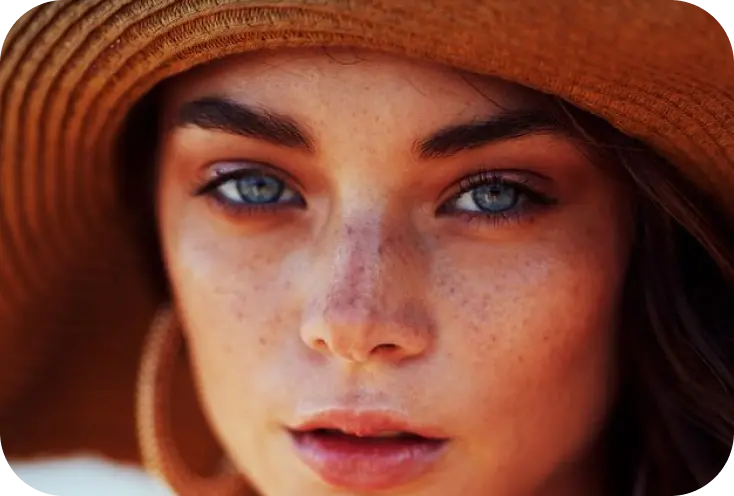 Before
Upload your photo
Drag & drop an image from your gallery, desktop, or camera roll into Citrus web or open it in the mobile app.
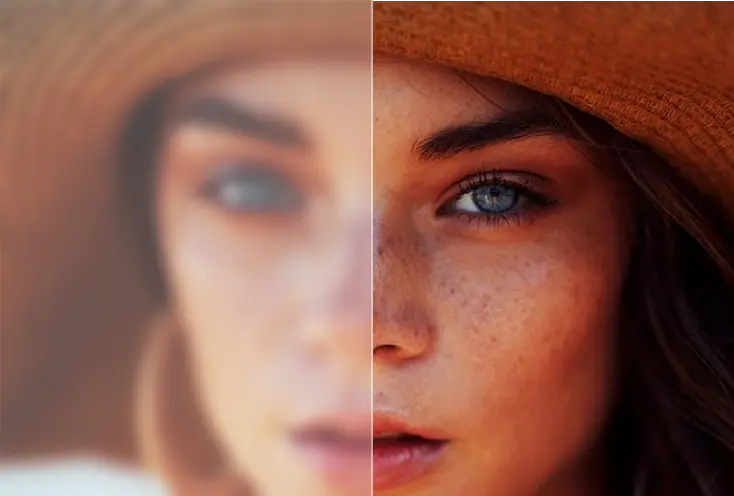
Let Citrus enhance it in 1 tap
Citrus automatically analyzes clarity, detail, color, and sharpness - then improves them all at once using our AI enhancer.
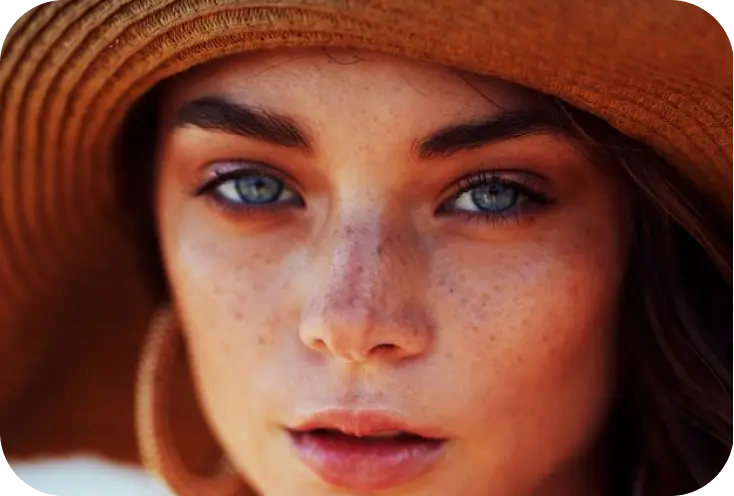 After
AfterCompare, save, and share
Use the before/after view to check the difference, then download the enhanced HD photo or share it straight to social media, messages, or your slideshows.
Citrus keeps photos looking like your photos - just cleaner, clearer, and more detailed. No plastic skin. No cartoon filters. No fake AI look.
Unblur faces and recover natural skin texture in one tap.

Fix dark, grainy photos from concerts, streets, and nights out.
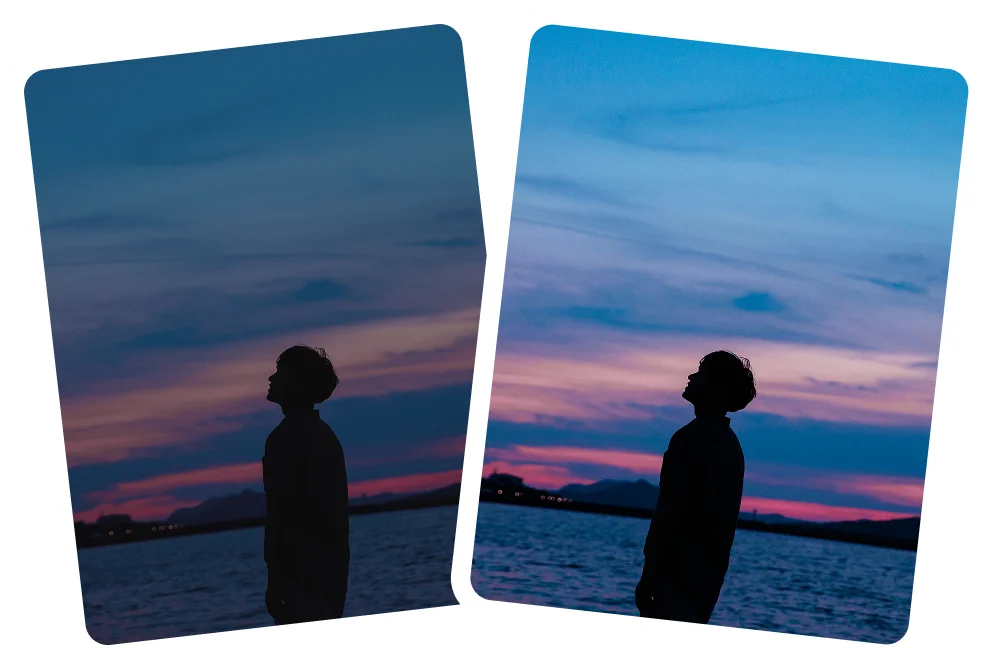
Sharpen distant details without adding harsh halos.

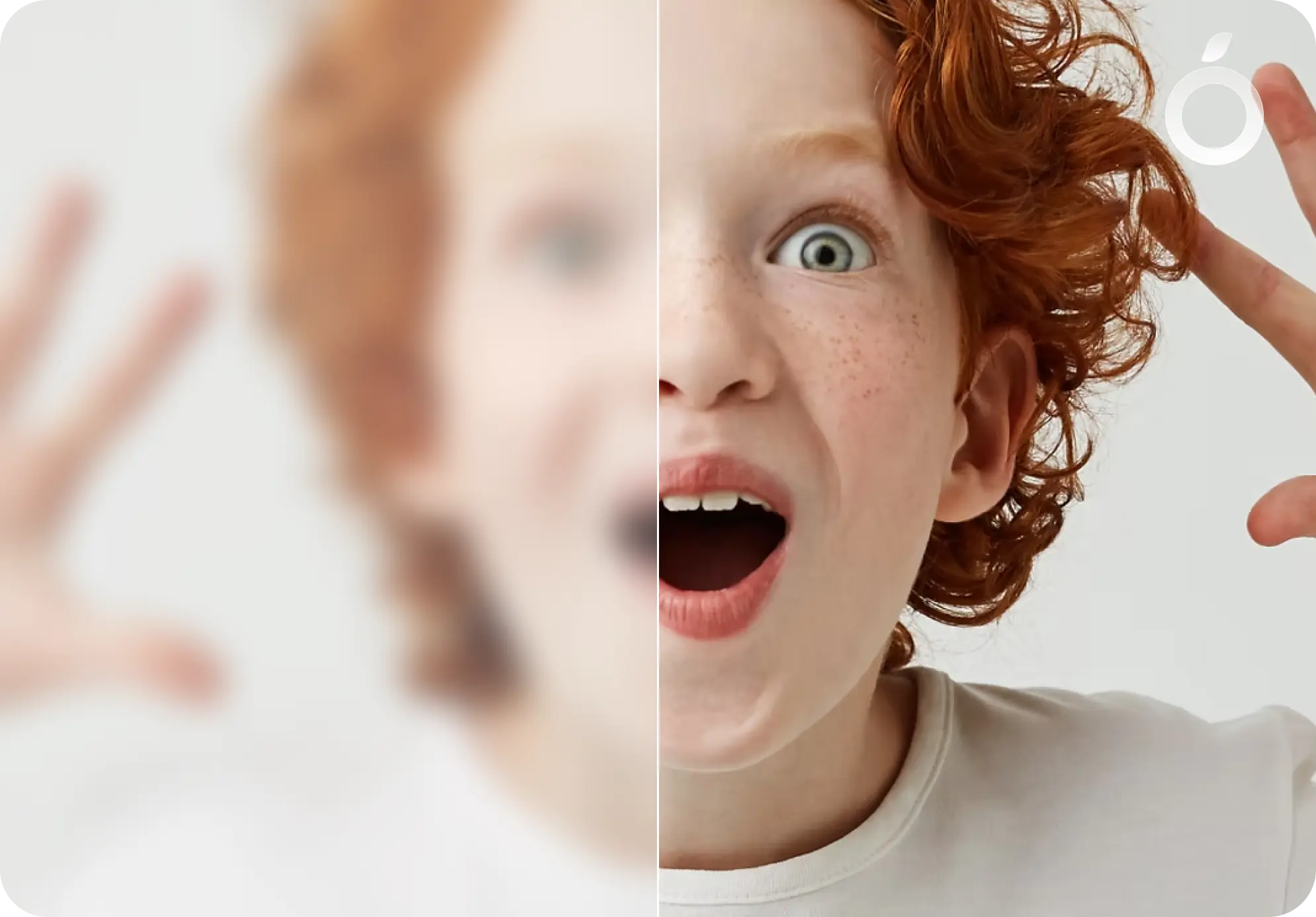
Improve blurry or soft photos by restoring clarity and detail, making faces and key elements look sharp again — naturally, without harsh over-sharpening.
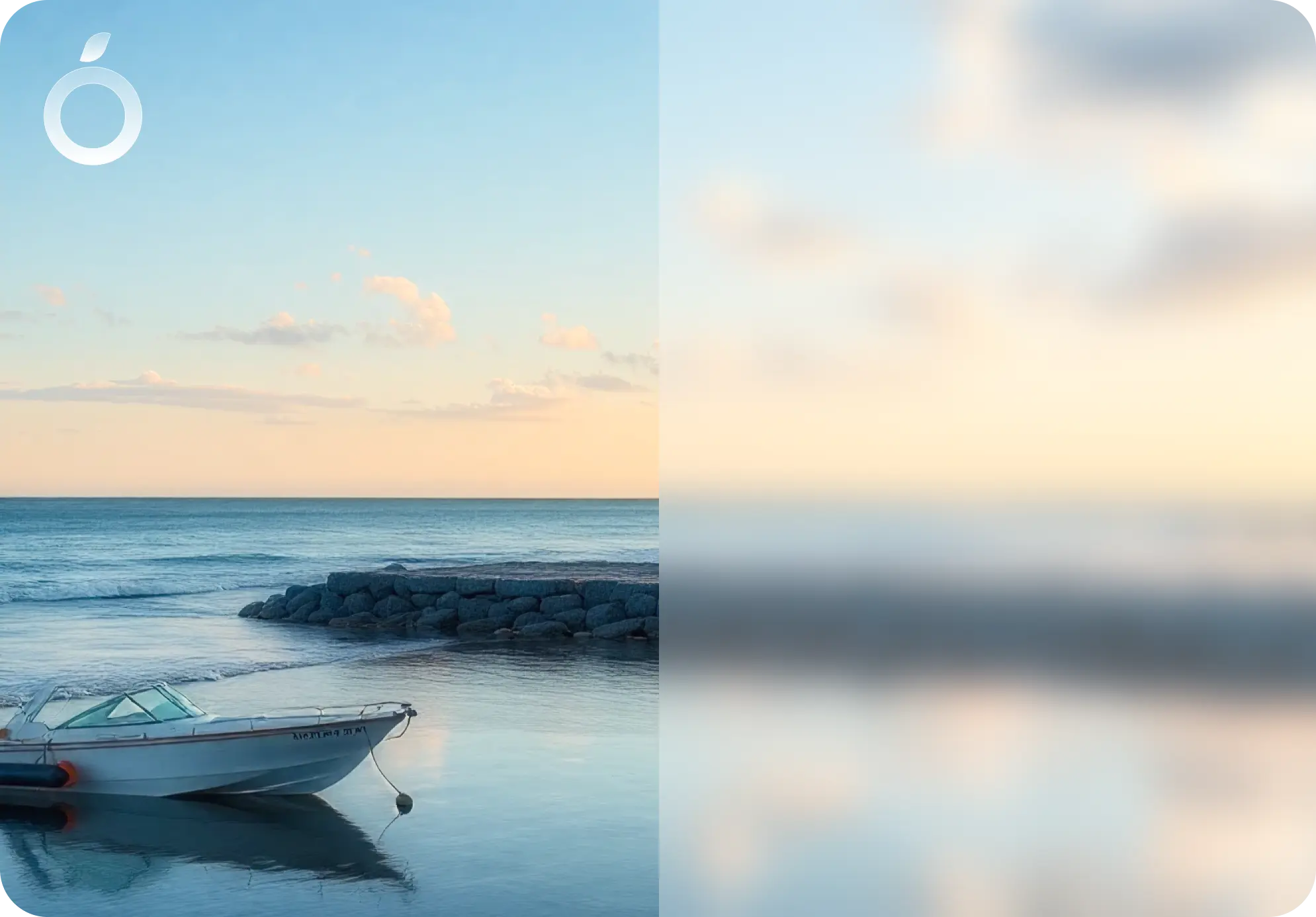
Enhance fine details and overall image clarity in photos that feel flat or slightly soft, while keeping textures realistic and true to the original.
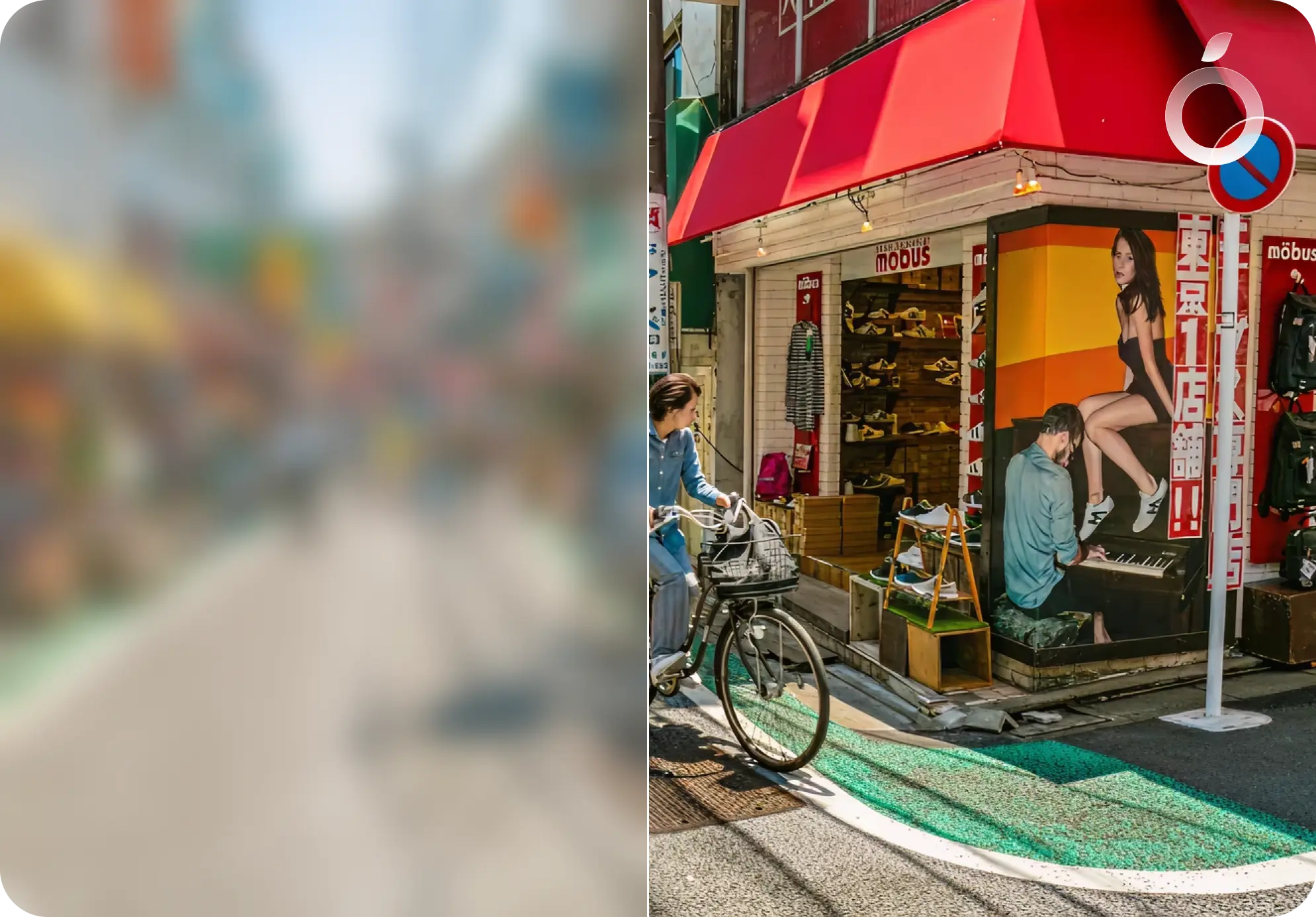
Clean up grainy or noisy photos and smooth visual clutter, while preserving important details and avoiding overly smooth, artificial results.
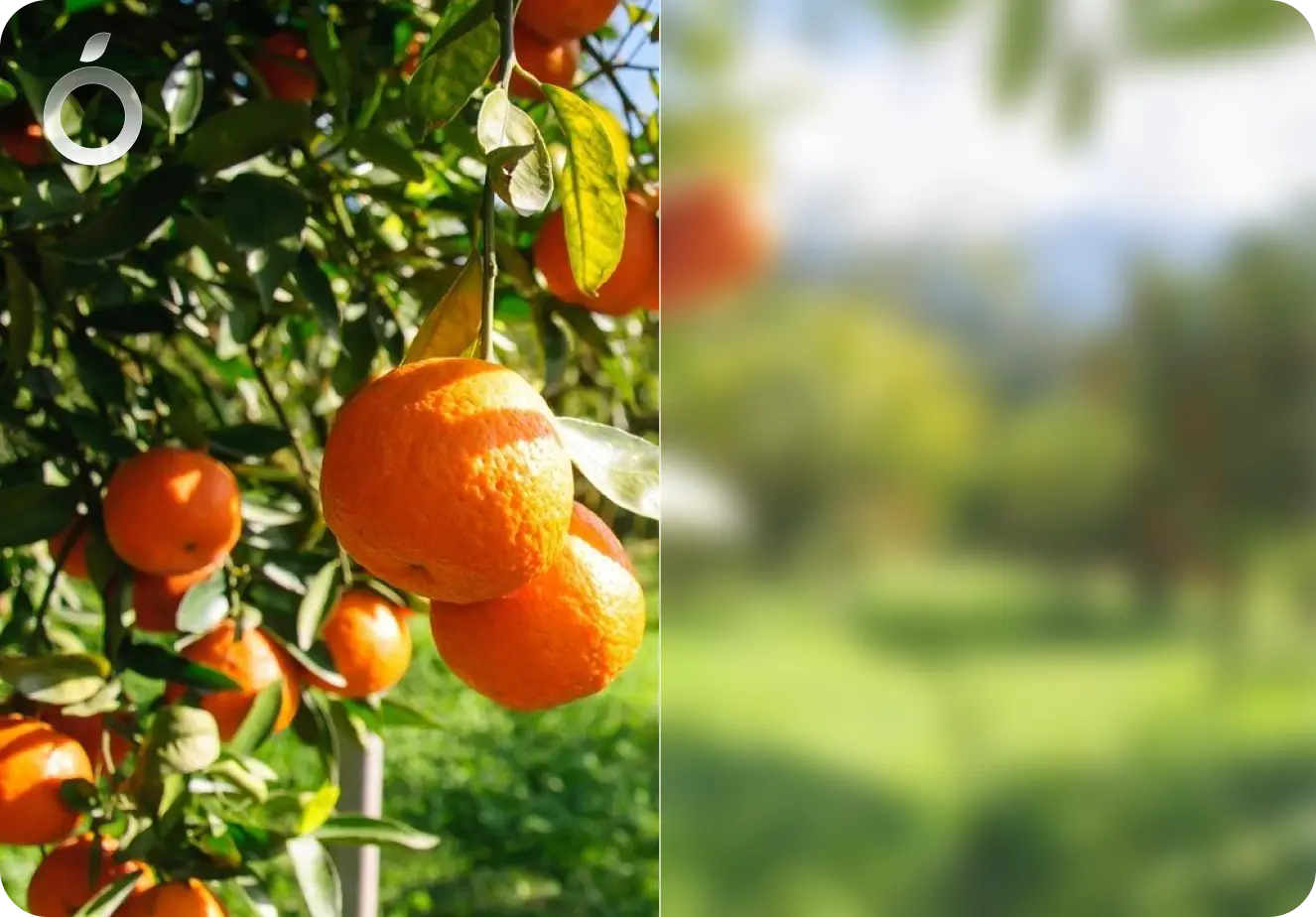
Improve small or low-resolution images by enhancing clarity and detail, making them look cleaner and more usable without introducing fake artifacts.
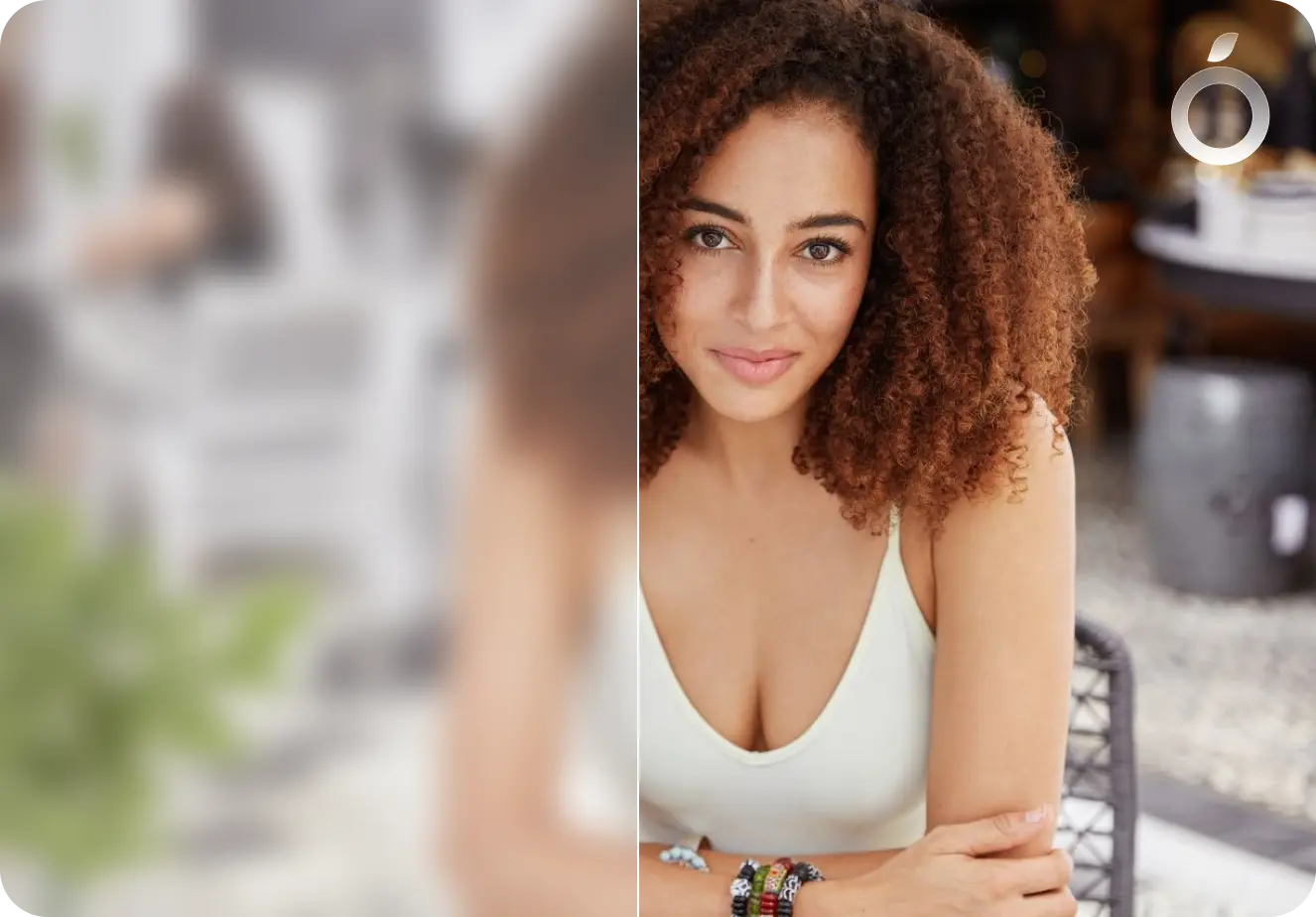
Gently enhance portraits and selfies with subtle clarity, revealing natural beauty while preserving skin texture and facial detail.
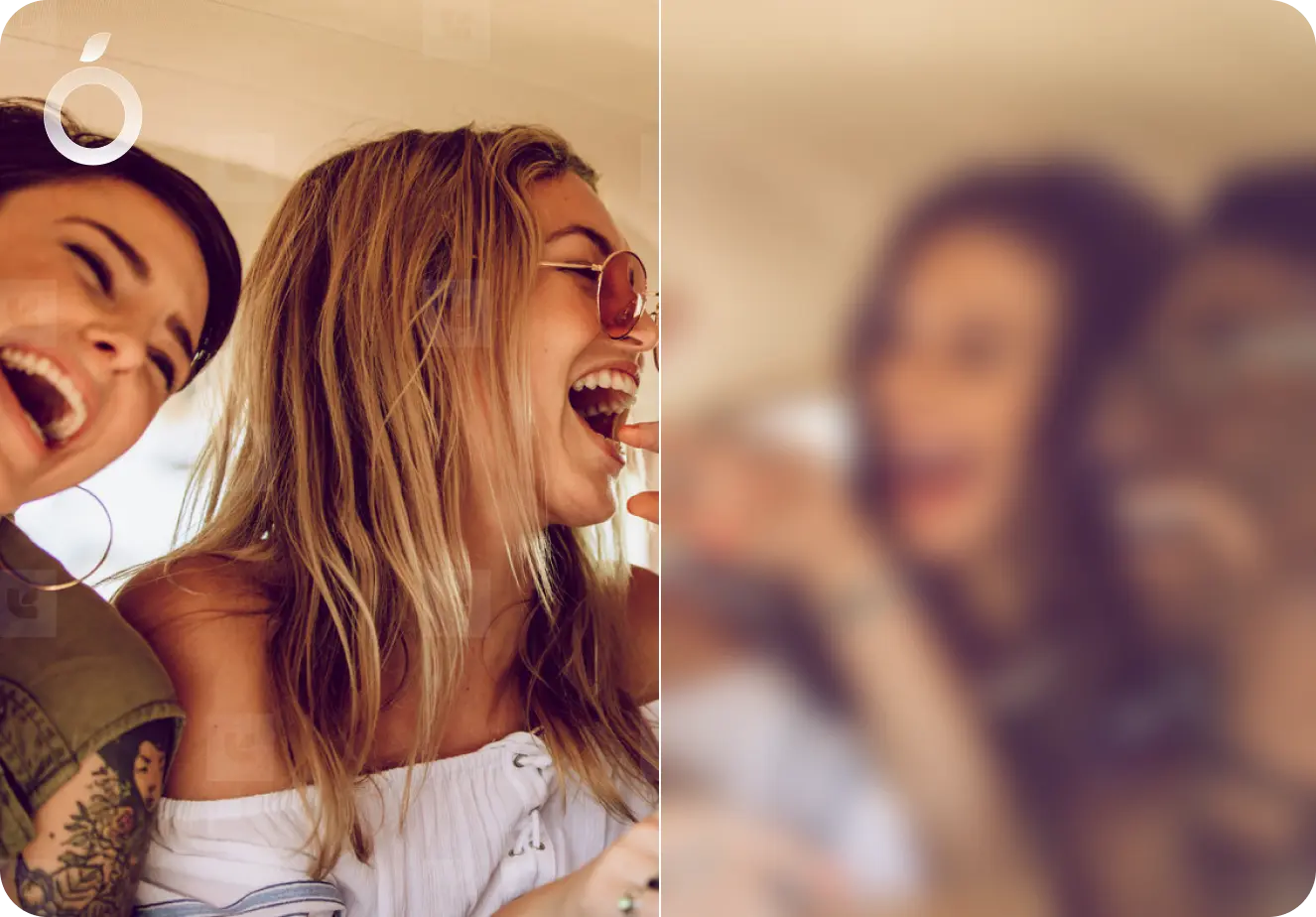
Enhance multiple photos at once. Apply consistent clarity across photo dumps, reels, slides, and albums for a clean, cohesive look.
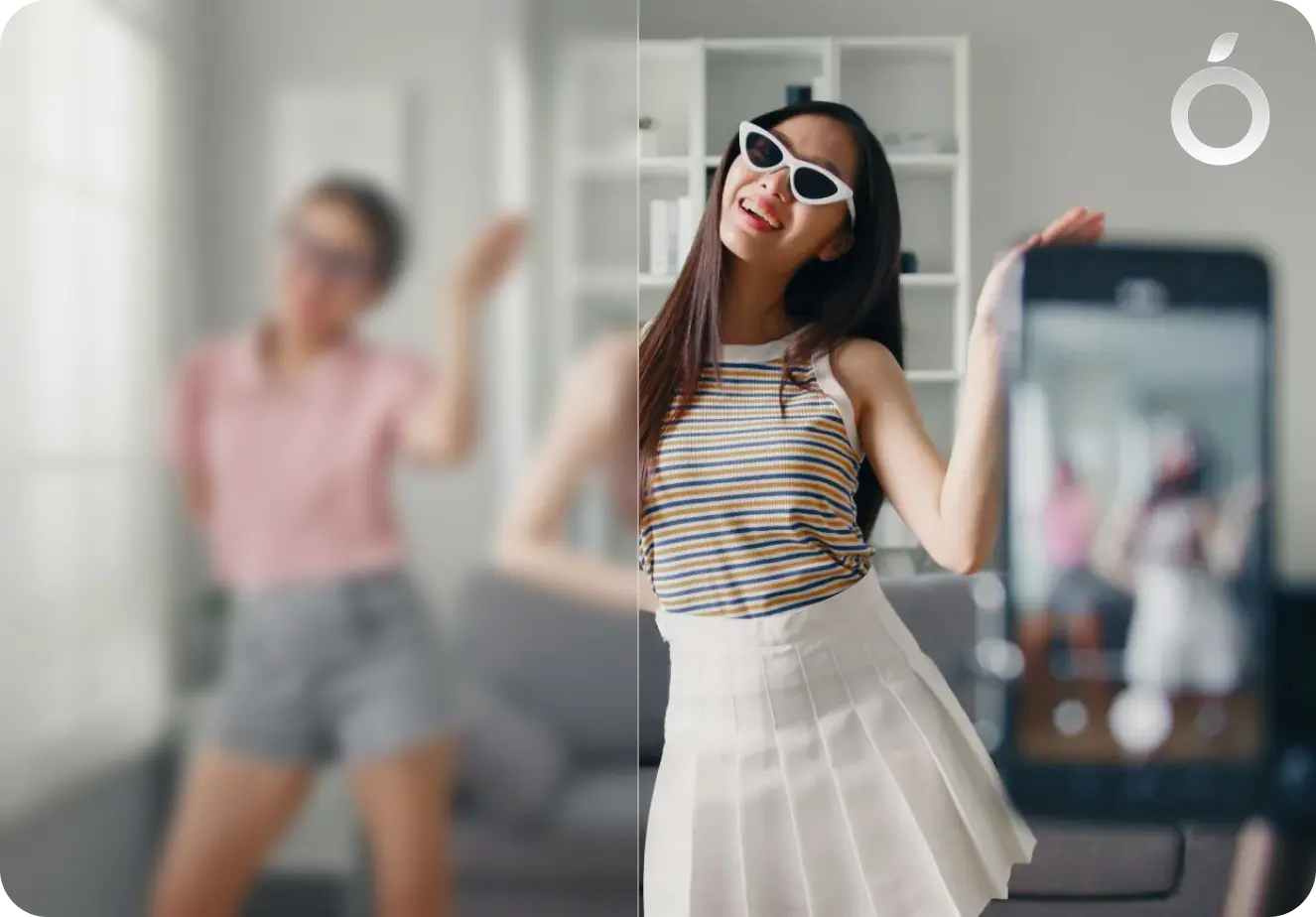
Enhance photos for TikTok photo dumps, keeping every image clean, clear, and consistent.
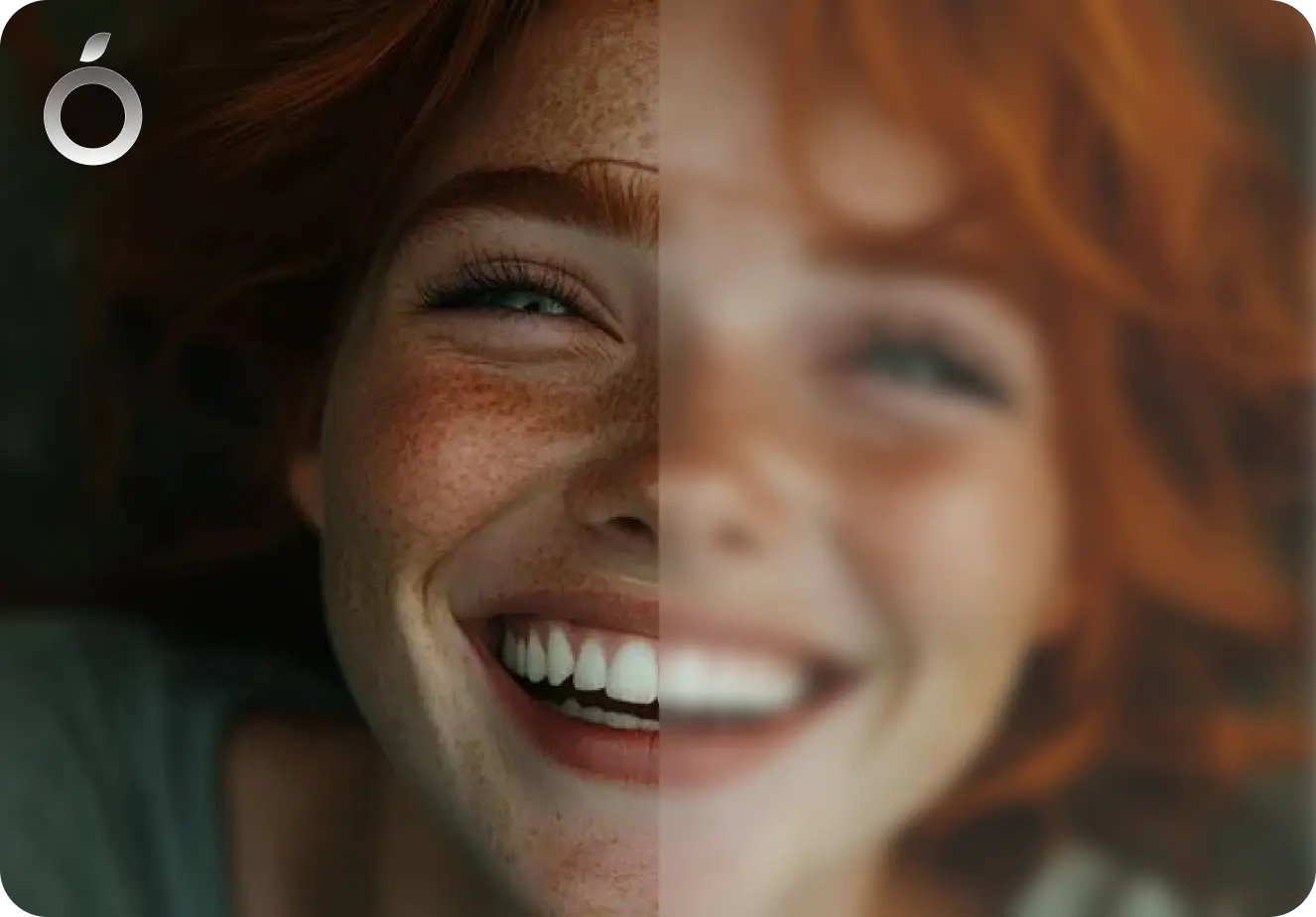
Give everyday photos a clean, natural upgrade in one tap — clearer, better balanced, and true to the original. An AI photo enhancer you can trust.
There are many AI image tools. Citrus is built for fast, natural one-tap fixes that fit into real life - not hours of tweaking sliders.




This makes photos look really clean and HD with almost no effort. I’ve tried a bunch of enhancers and this is the one I keep using.
This app is tuff 😭 makes my photo dumps look clean and HD without doing too much. 100/10 enhancer fr

I’ve tried a lot of photo enhancers and this one feels different. No ads every second, nothing forced. Photos just look cleaner and better. I don’t feel rushed to pay, which makes me trust it more.

Yes. Citrus uses AI to analyze blur in your image - from soft focus to motion blur - and restores sharpness in one tap. Just upload your photo, tap Enhance, and download the clearer HD version.
Citrus focuses on natural improvement, enhancing clarity, balance, and detail without heavy filters, fake AI look or artificial effects.
Yes it’s free to use! You can start enhancing photos for free on web, iOS, and Android right away. For unlimited enhancements, faster processing, and no ads you can upgrade to Citrus Plus with a weekly or yearly subscription. It’s totally optional!
Short guides and comparisons to help you understand AI photo enhancement, pick the right tools, and get better results from any camera.